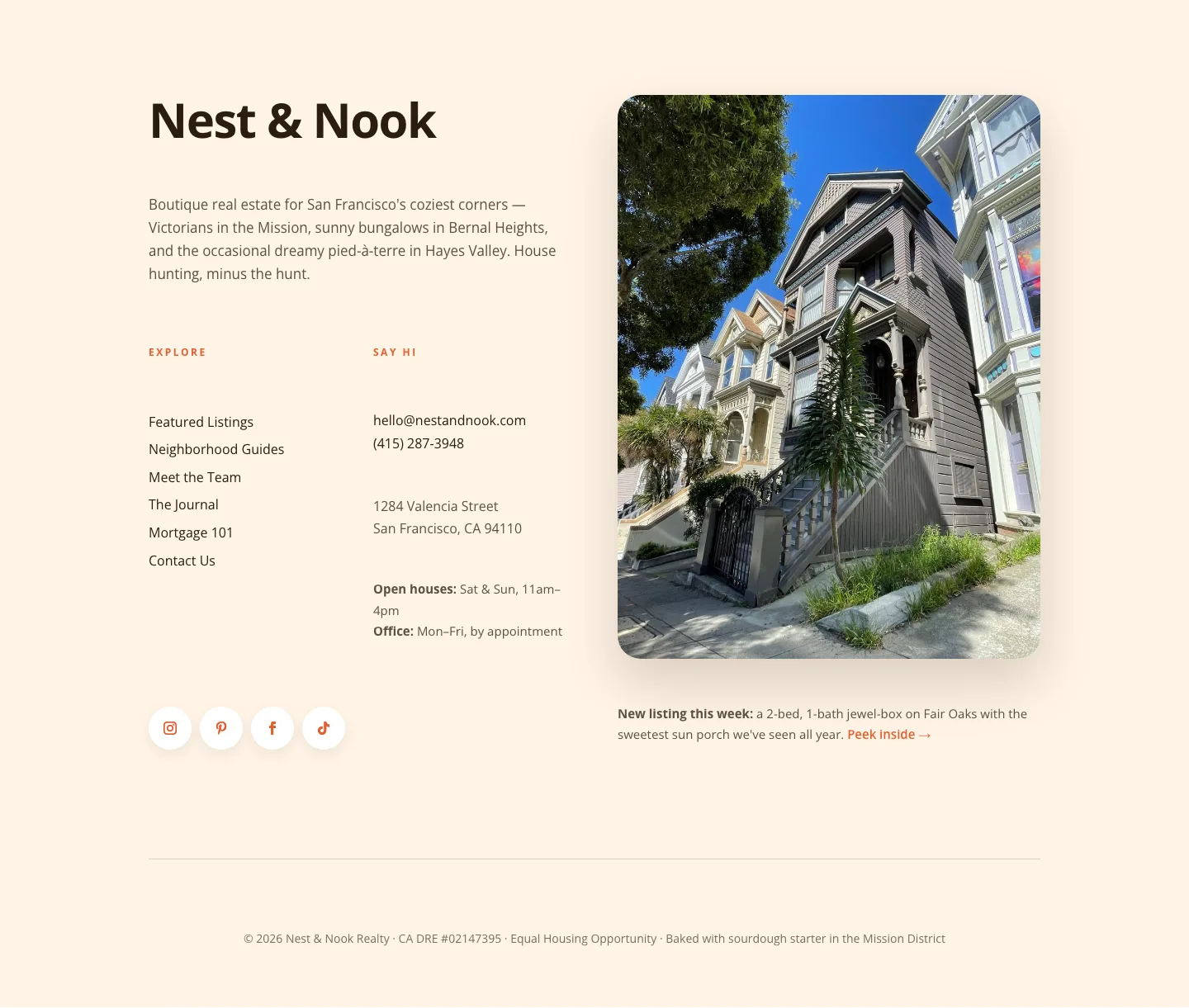
Playful Pastel Coaching Footer: Free Divi 5 Layout
Warm, playful pastel footer for coaching websites built in Divi 5. Newsletter signup card, link columns, and rounded buttons. Free download, fully editable.
Rate this element
Download this section, free
- Divi 5 JSON, imports in seconds
- Commercial license included
- No account needed
Click to view the full page
Overview
This footer runs on a warm cream backdrop (#FFF0E5) with generous 80px top / 40px bottom padding and 5vw horizontal breathing room, so it sits at the end of a page like a soft landing rather than a slammed-shut door. The main row is a four-column grid (an equal 1_4, 1_4, 1_4, 1_4 split with a 40px column gap and 40px row gap) and every column top-aligns so the eye reads across the labels cleanly. Column one carries the identity: a rounded 20px Pexels image, a 28px Outfit heading in dusky plum (#5D4E6D), and a short brand blurb in a muted #6B5B7A.
Columns two and three are the sitemap. Their Coaching and Explore headings are set as tiny 13px uppercase Outfit labels with 2px letter-spacing (the classic footer label treatment) and each link list uses a comfortable 2em line-height so touch targets stay generous even at 15px. Link hovers shift from the muted plum to the coral accent #E58A8A, tying the whole footer to the button downstream. Column four is the moment of colour: a rounded 24px pink card (#FCE4EC, 32px padding) housing the newsletter signup with a pill-shaped Sign Me Up button (100px radius, coral fill, cream label).
A second single-column row sits 40px below, holding the centered copyright line at 13px in #8C7F99 with Privacy and Terms links inline. On phones the row switches to flexDirection: column, every column expands to full-width (24_24), and the four blocks stack in reading order (brand → services → explore → newsletter card → copyright) so the pink card never gets stranded off-screen on a small device.
What’s inside
- Four-column footer grid (`1_4` × 4) with 40px column and row gaps on desktop, stacking to single-column on phone
- Native Divi 5 Image module with 20px rounded corners for the brand mark, sitting above the heading and blurb
- Two link-list columns using Heading + Text modules, 13px uppercase Outfit labels over 15px body links with a coral hover state
- Highlighted newsletter card column with its own pink background (`#FCE4EC`), 24px radius, 32px inner padding
- Pill-shaped Divi Button (100px radius, `#E58A8A` fill) with cream label for the newsletter opt-in
- Second row for a centered copyright line with inline Privacy / Terms links in muted plum
- Cohesive Outfit type system: 28px brand heading, 22px card heading, 13px uppercase labels, 15px links, 13px legal line
- Playful pastel palette wired through decoration tokens: `#FFF0E5` section, `#FCE4EC` accent card, `#E58A8A` interactive coral
Who it’s for
Coaches, therapists, wellness practitioners, and small course creators who want a footer that feels friendly rather than corporate. The tone of the sample copy (Sunday newsletter, discovery call, journal prompts) is aimed at life and career coaches, but the structure works cleanly for yoga teachers, nutritionists, art therapists, tarot readers, kids' educators, illustrators, and any independent brand whose visual language is warm and human. The pastel palette also suits Etsy-style makers, family photographers, and boutique wedding planners. If your site already leans neutral or dark-tech, this footer will feel out of place. It's built for brands that lead with softness, personality, and a first-name relationship with their audience.
Customization tips
Swap the whole mood with two decoration edits: change the section background #FFF0E5 and the newsletter card #FCE4EC to any pastel pair, then update the coral #E58A8A on the button fill and link hover so the accent still ties everything together. Keep the brand heading around 3–4 words (28px Outfit fits Sunbeam Coaching comfortably; anything longer than about 20 characters will wrap on tablet). Link labels read best at 2–4 words each, the 15px / 2em line-height is calibrated for that. The newsletter blurb has room for roughly 30–45 words before the card grows taller than the link columns and breaks the flush top edge. Replace the Pexels image via the Image module; a square 1:1 crop around 400×400 keeps the 20px radius reading as intended. On mobile the newsletter card stretches full-width, so avoid inserting a second button. The current single pill CTA is what keeps that moment focused.
How to install this layout
- Download the layout JSON file from this page.
- Open the target page in the Divi 5 builder.
- Open the portability panel (up/down arrows icon) and choose the Import tab.
- Upload the JSON. Tick “replace existing content” only for full-page imports.
- Check the page at desktop and mobile widths, then swap in your copy and images.
Full walkthrough with troubleshooting: How to Import a Divi 5 Layout.
Questions about Playful Pastel Coaching Footer: Free Divi 5 Layout
How does this footer behave on mobile?
The four columns stack vertically via a phone-level `flexDirection: column` override, each expanding to full width (`flexType: 24_24`). Order is preserved: brand block, Coaching links, Explore links, newsletter card, then the centered copyright row underneath.
Which Divi 5 modules does it use?
Only native ones: Section, Row, Column, Image, Heading, Text, and Button. There are no third-party modules, custom code, or child-theme dependencies, so it drops into any Divi 5 install cleanly.
Is the newsletter button connected to a real form?
No, the `Sign Me Up` button is a Divi Button module pointing at `#newsletter`. Repoint it to your ConvertKit, MailerLite, Mailchimp, or Bloom opt-in page, or drop an Email Optin module into the pink card in place of the paragraph + button.
Where should I make my first edits?
Replace the Pexels headshot in column one, rewrite the brand blurb, then update the two link-list columns (`Coaching` and `Explore`) with your real page URLs. After that, tweak the newsletter card copy and the copyright line at the bottom.
Can I change the pastel palette to match my brand?
Yes. The whole footer is driven by five hex values: section bg `#FFF0E5`, card bg `#FCE4EC`, heading `#5D4E6D`, body `#6B5B7A`, and accent `#E58A8A`. Swap them in the module decoration panels and the hover state on the links will follow the accent automatically.
What if I only need three link columns instead of the newsletter card?
Delete column four and change the row's column structure from `1_4, 1_4, 1_4, 1_4` to `1_3, 1_3, 1_3`. The 40px gap and top-alignment carry over, and the brand block will still lead the row on the left.
Which Divi version does this layout need?
Divi 5. The layout is generated natively for Divi 5 and validated against its real module structure before publication, so it imports clean into the current builder.
Can I use this layout on client websites?
Yes. Every download includes a commercial license covering unlimited sites you own or build for clients. Only reselling or redistributing the layout file itself is prohibited.