
Features Divi 5 Layouts
Features sections are where prospects stop skimming and start deciding. A good one turns a list of capabilities into a clear picture of what the product actually does for someone: visually paced, quickly scannable, and specific. Every layout in this category is validated against Divi 5 structure before publication so you can drop it into a real project without cleanup.
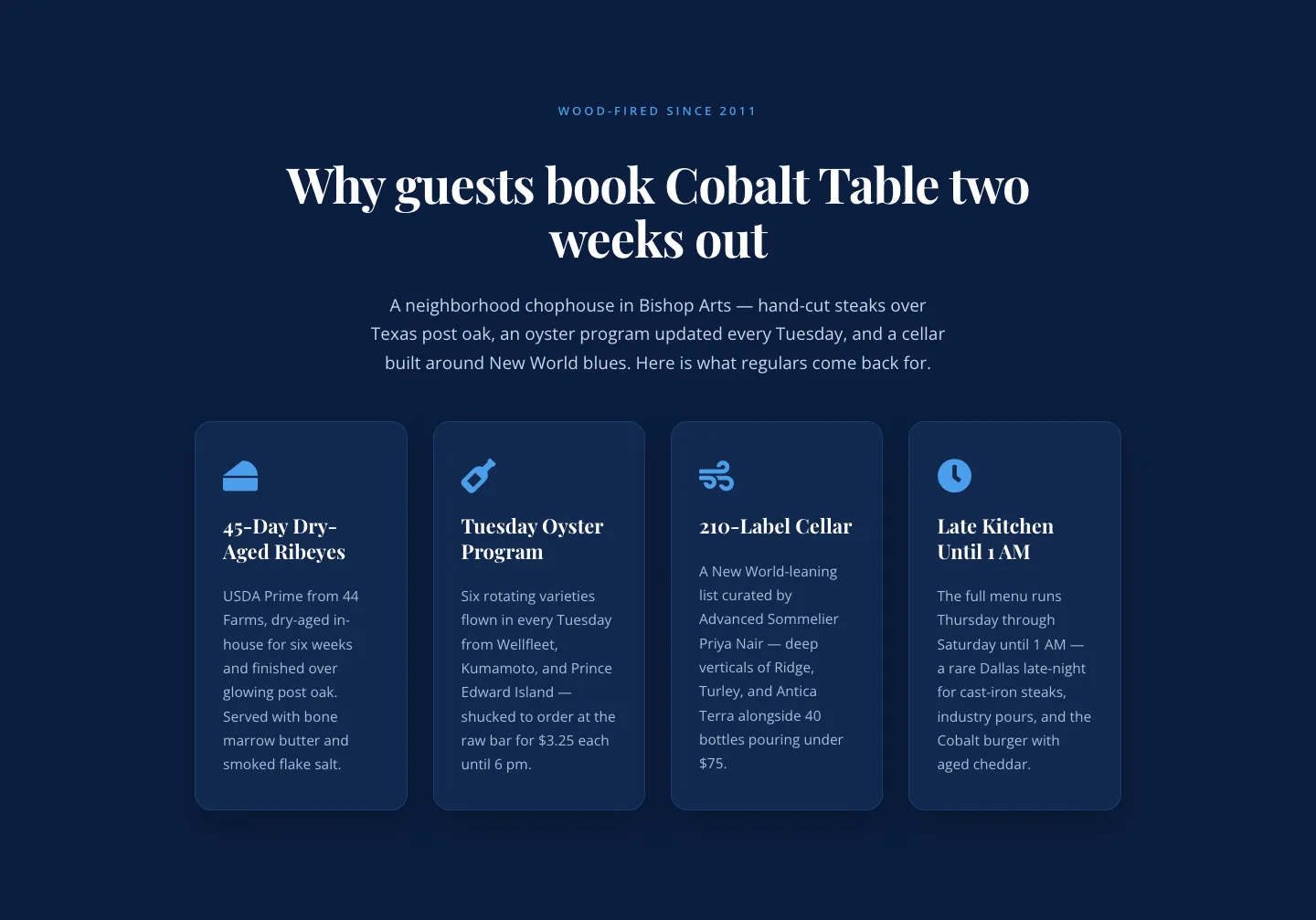
Bold Blue Restaurant Features Section: 4 Icon Columns | Divi 5
features · restaurant · bold
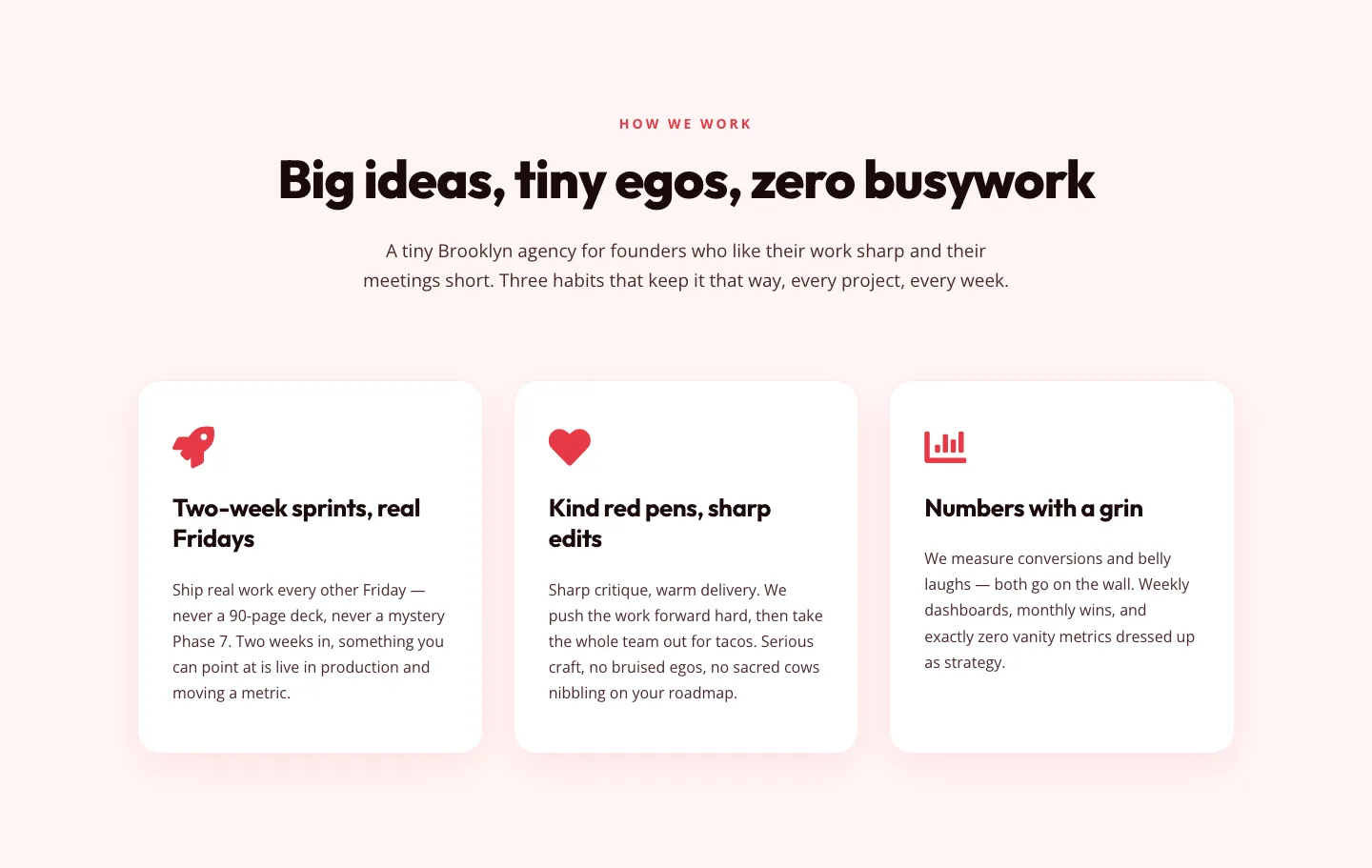
Playful Agency Features Section: Divi 5 Layout
features · agency · playful
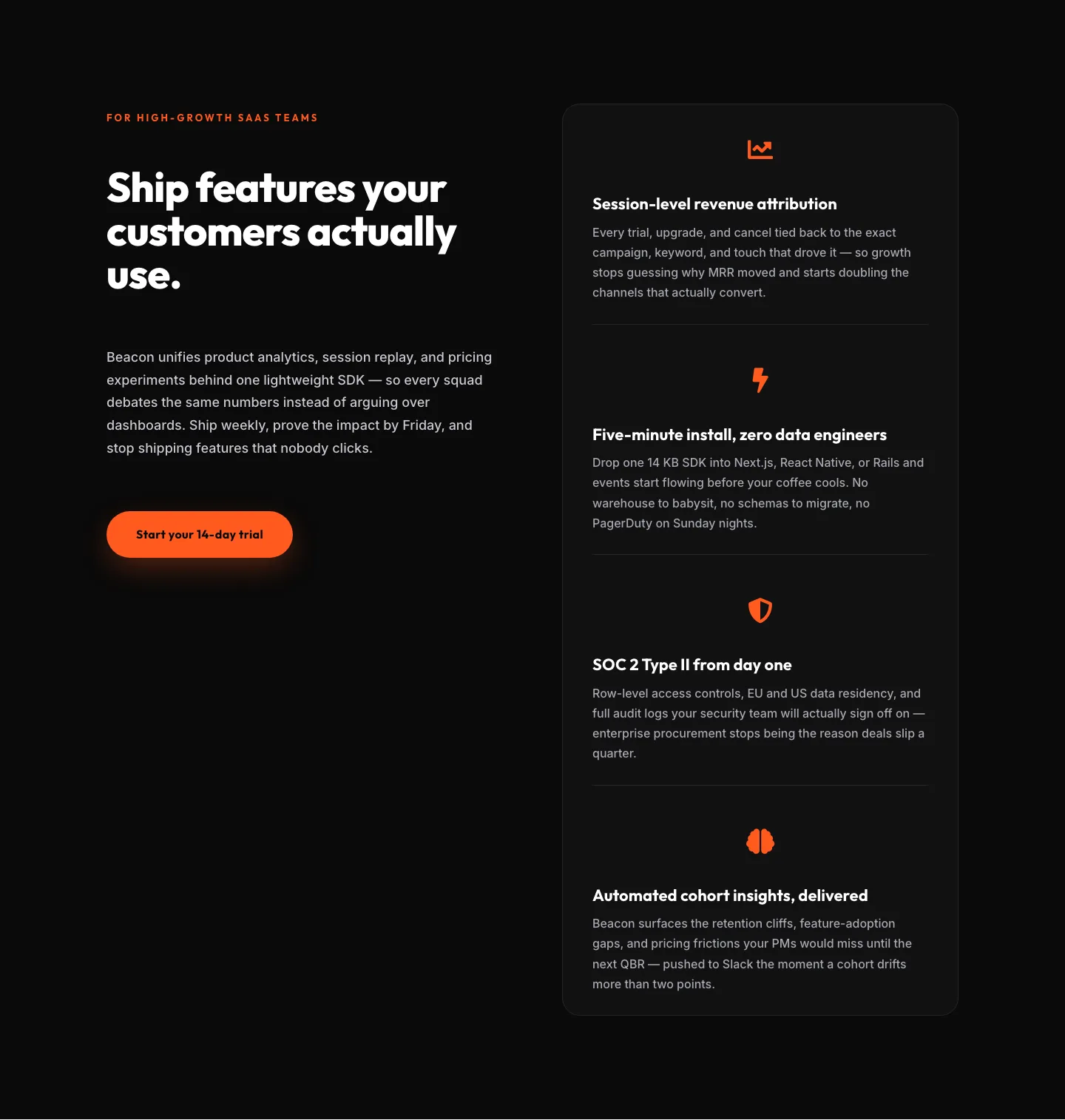
SaaS Features Section: Ship Features Customers Actually Use | Divi 5 Bold Layout
features · saas · bold
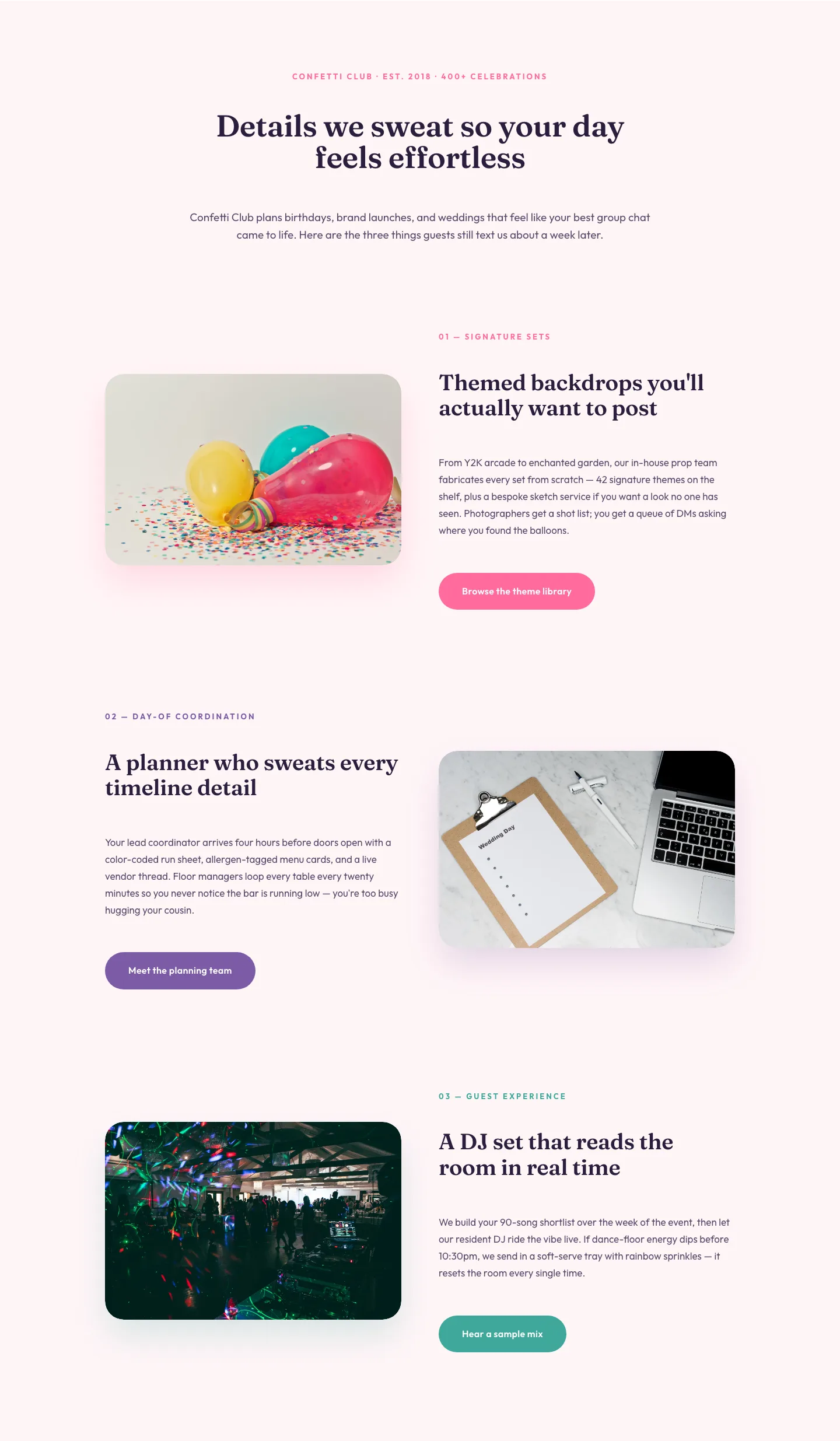
Playful Events Features Section: Alternating Rows Divi 5 Layout
features · events · playful
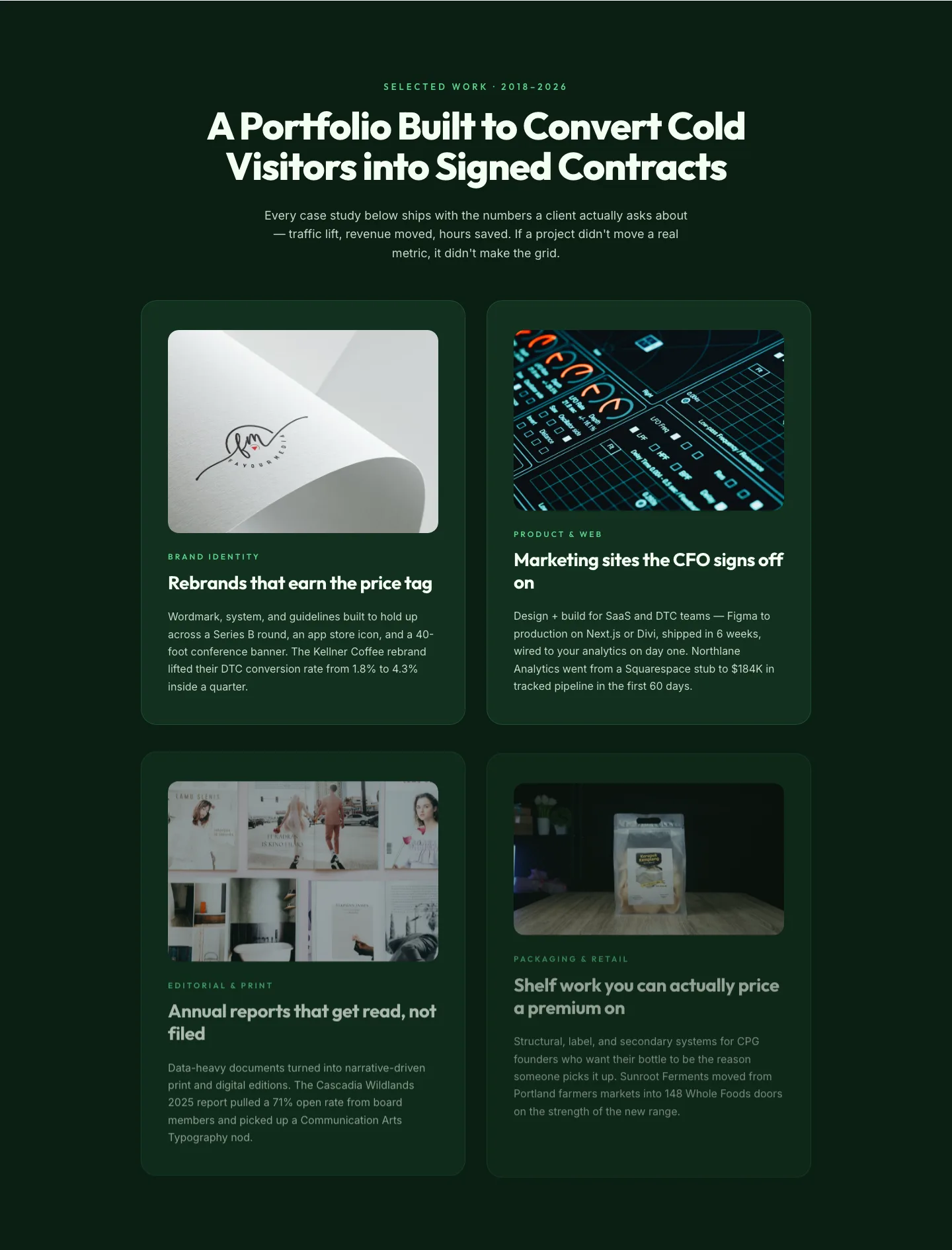
Bold Portfolio Features Grid: Divi 5 Case Study Layout
features · portfolio · bold
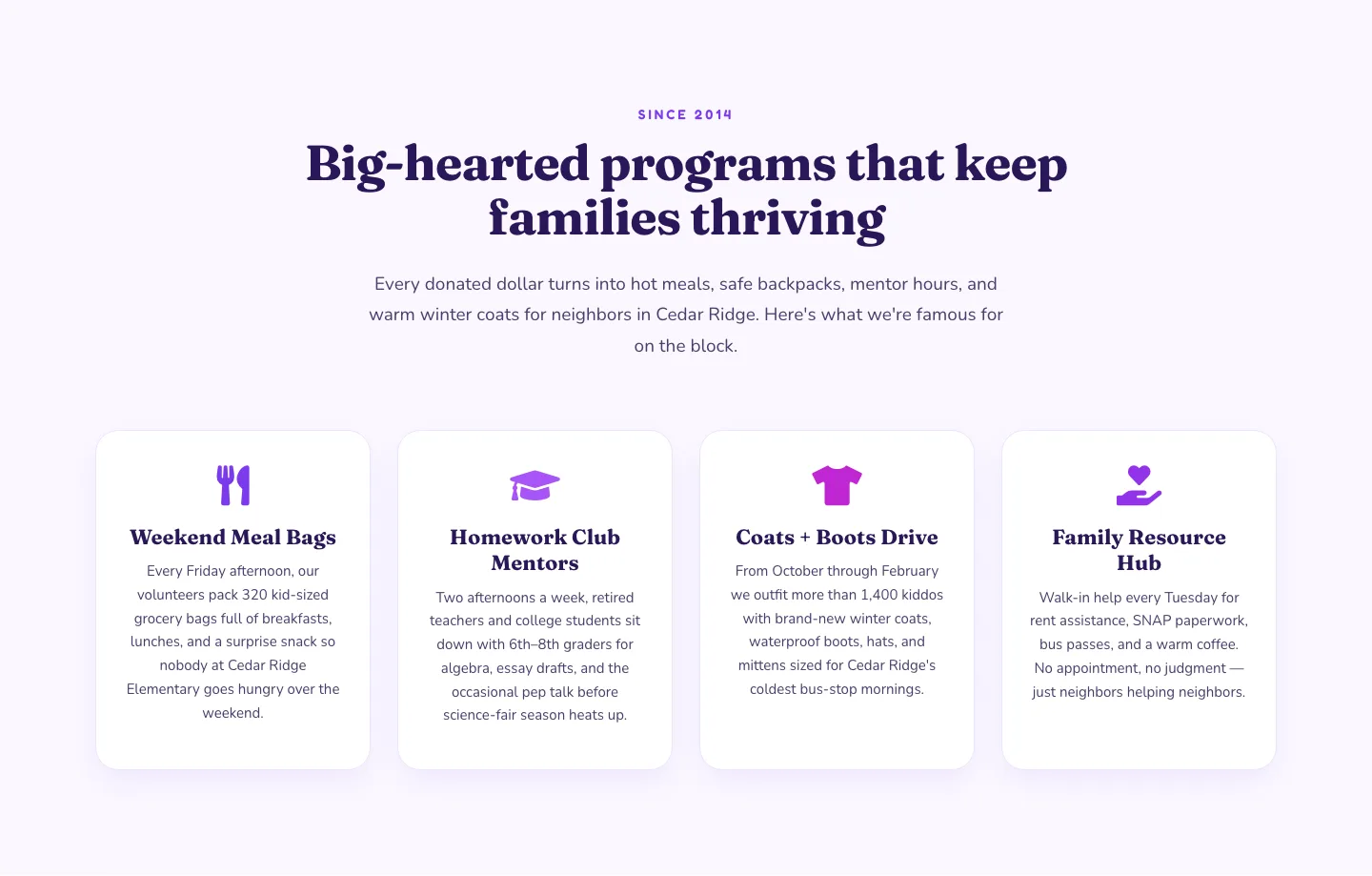
Playful Nonprofit Features Section: Four-Column Icon Cards for Divi 5
features · nonprofit · playful
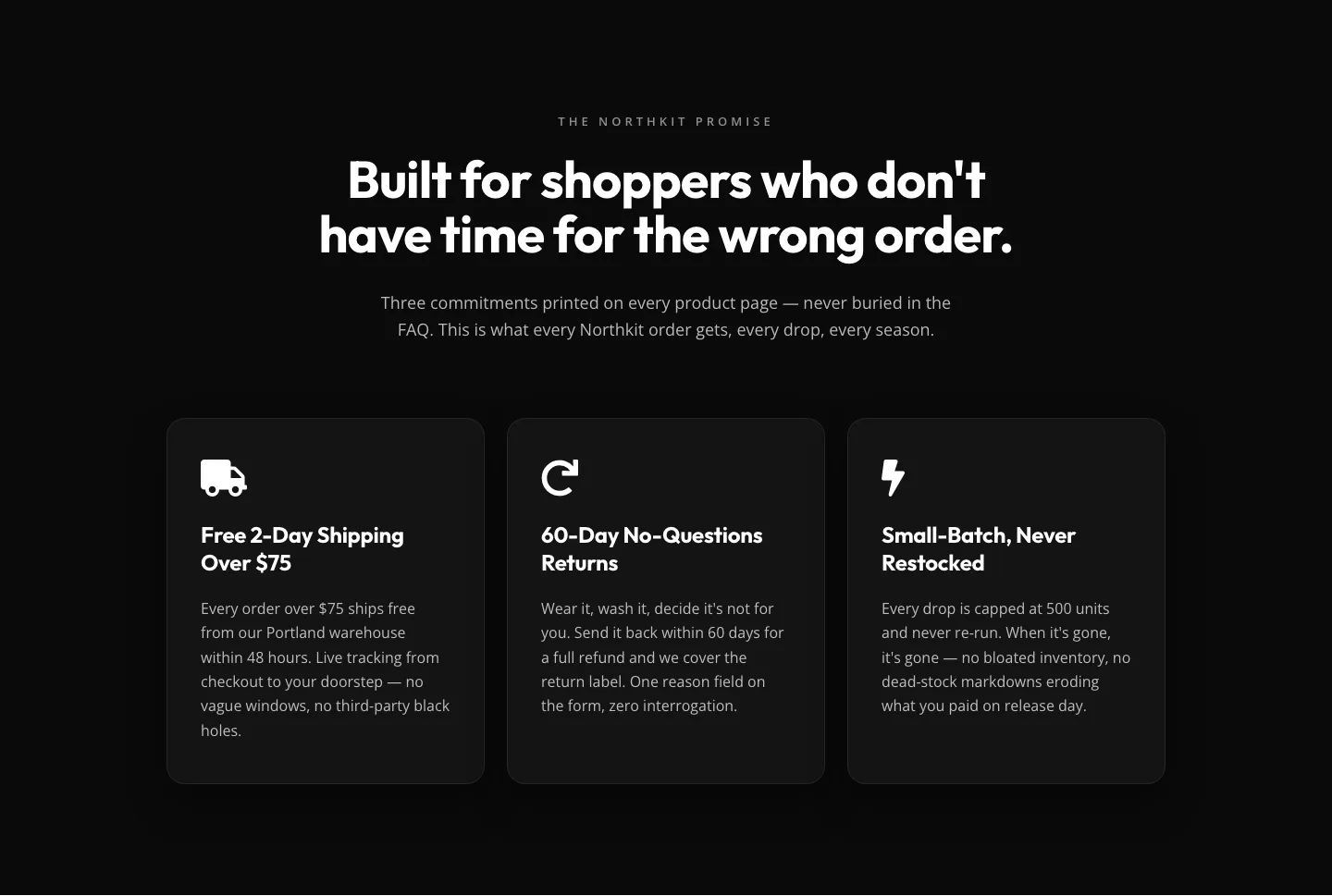
Bold Monochrome Ecommerce Features Section: Northkit Promise | Divi 5
features · ecommerce · bold
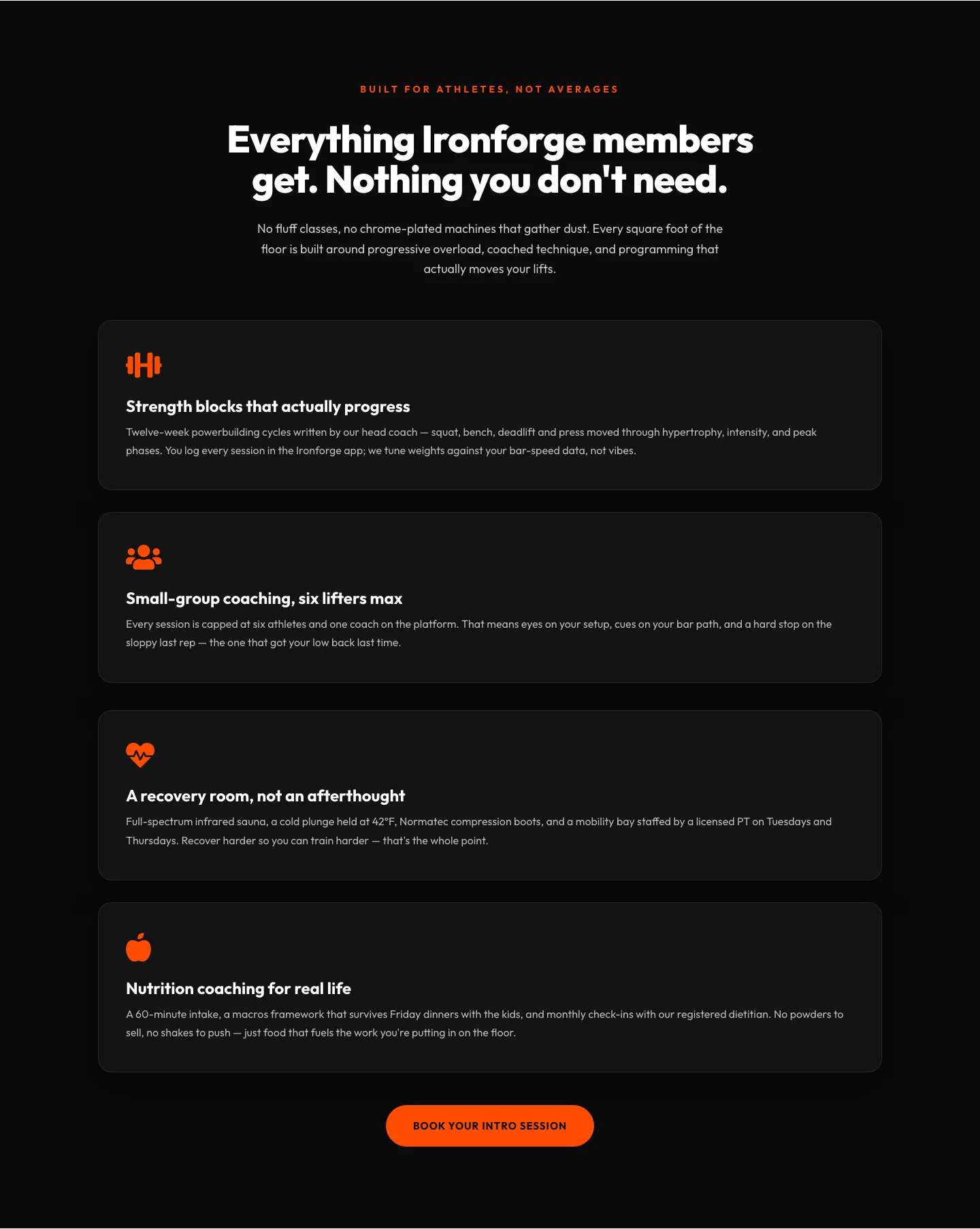
Ironforge Athletics Features Section: Bold Fitness Divi 5 Layout
features · fitness · bold
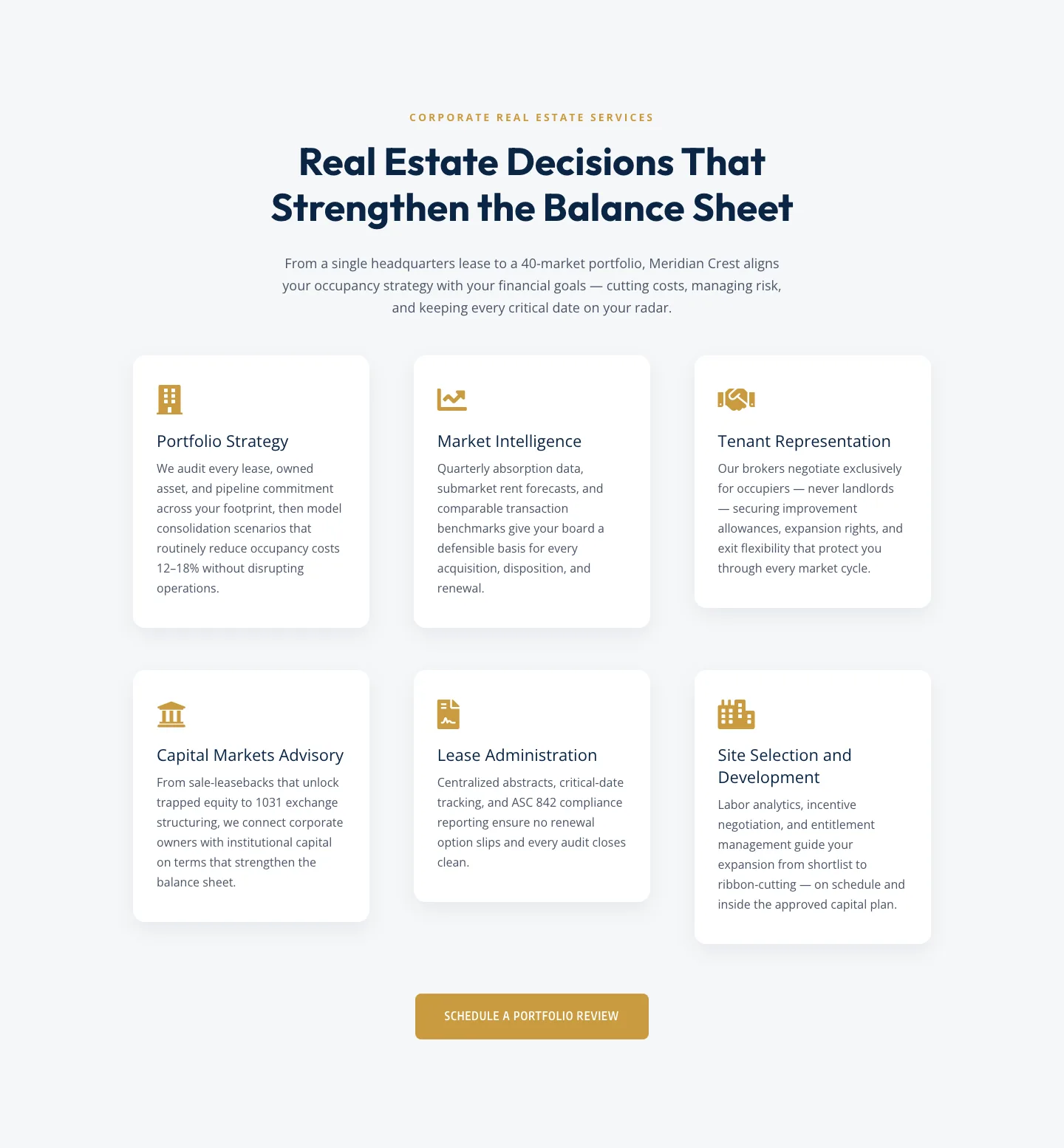
Corporate Real Estate Features Section: Six-Pillar Service Grid for Divi 5
features · real_estate · corporate
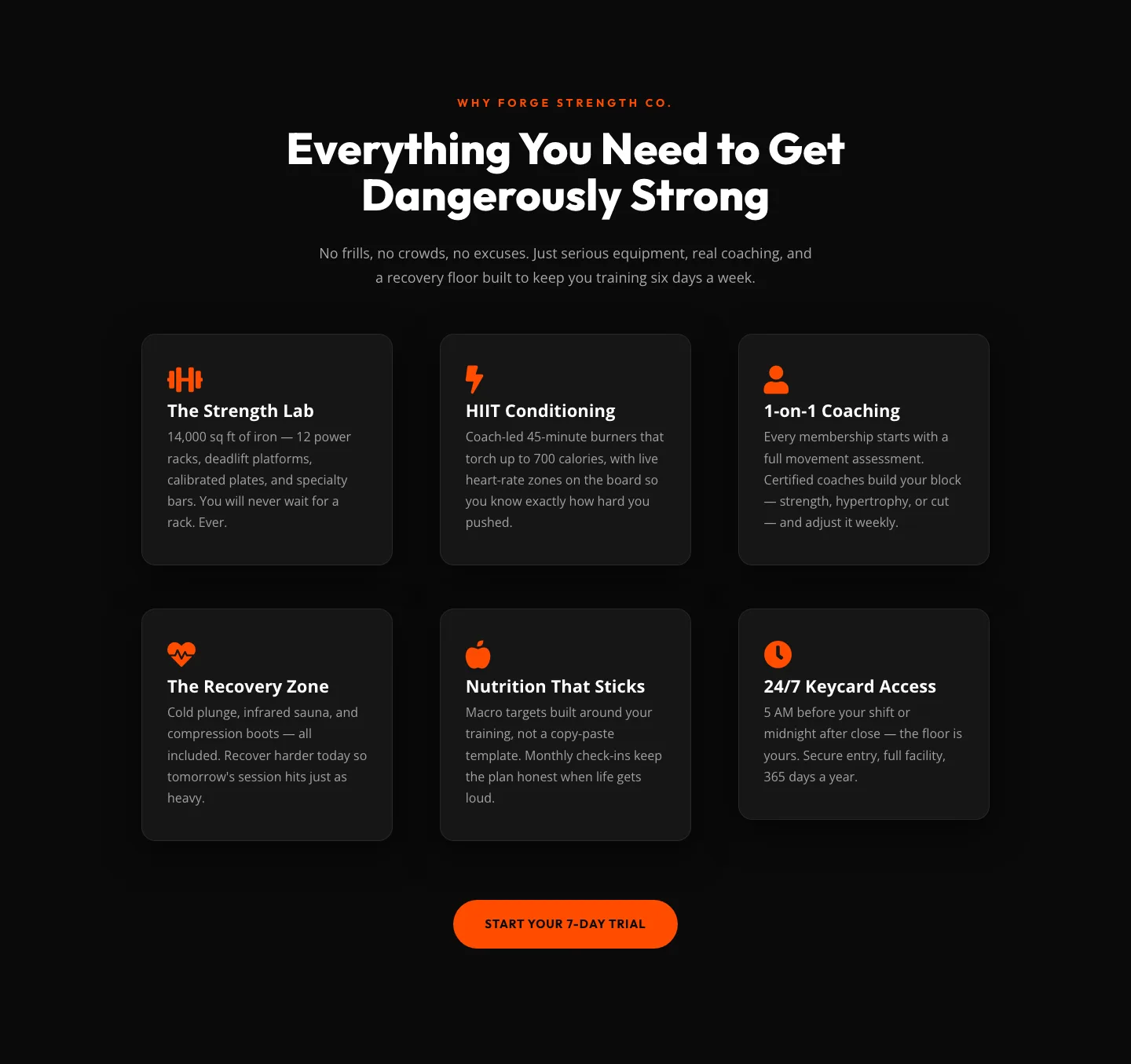
Bold Fitness Features Section: Dark Gym Layout for Divi 5
features · fitness · bold
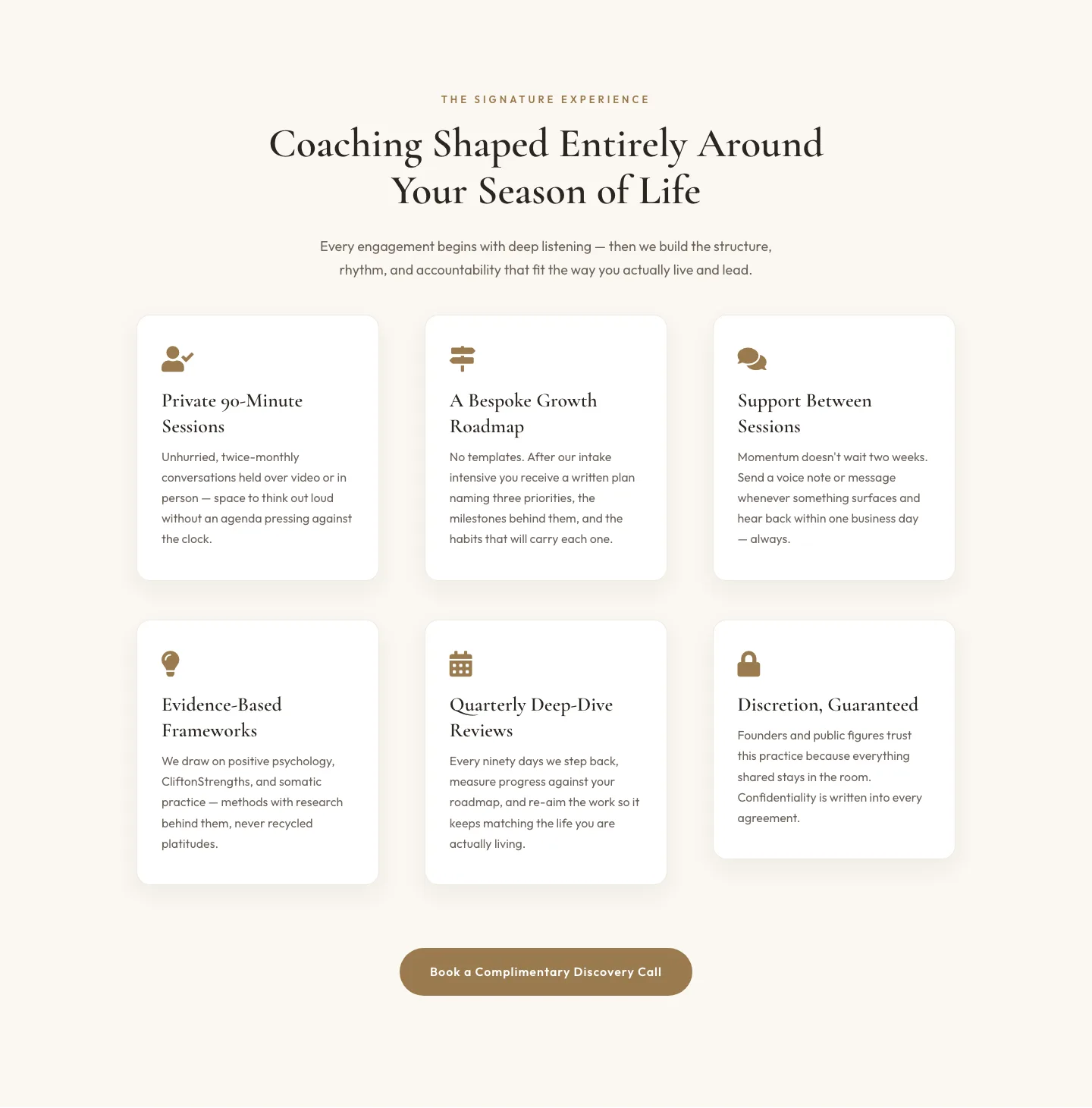
Elegant Coaching Features Section: Signature Experience Cards for Divi 5
features · coaching · elegant
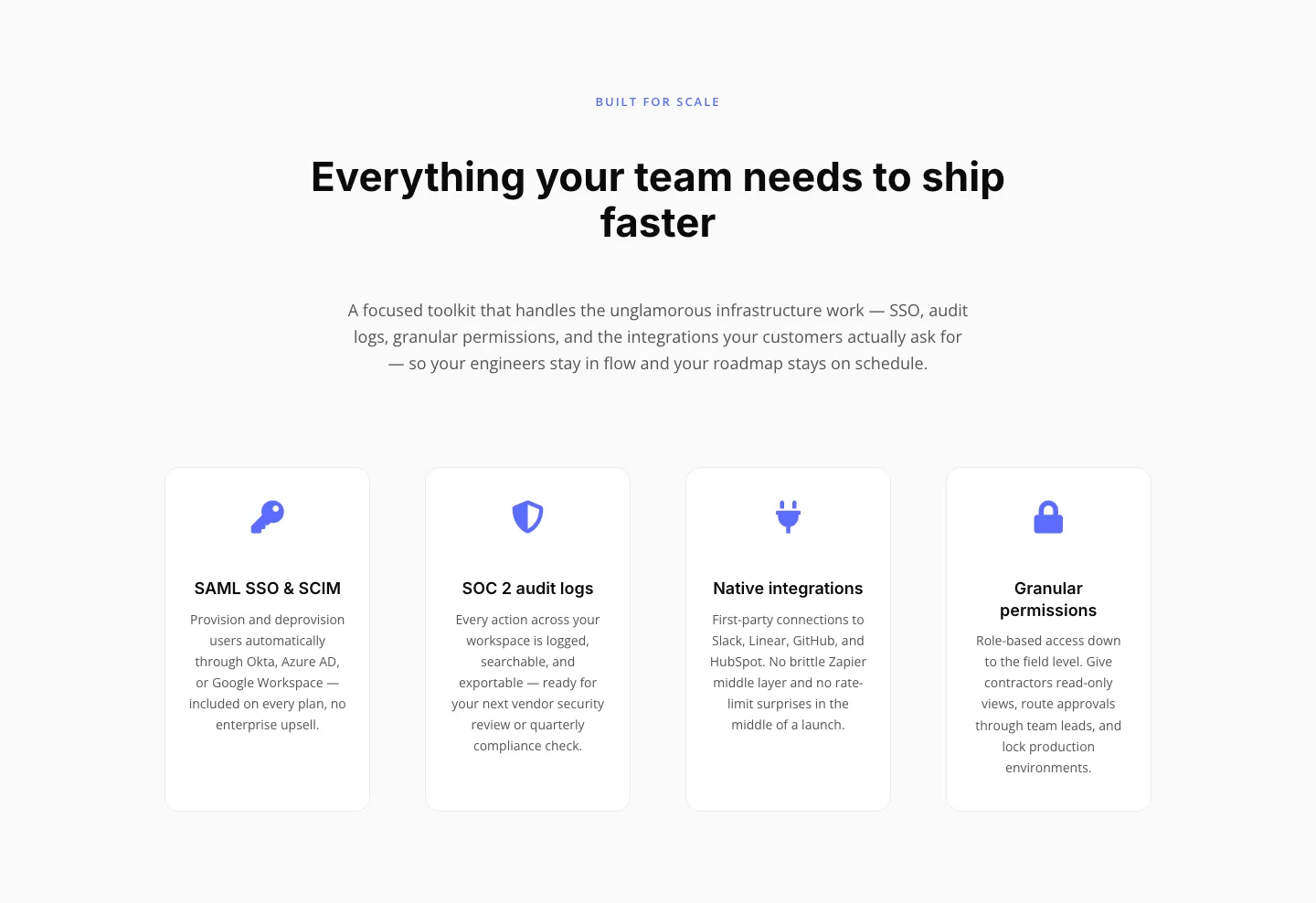
Minimal SaaS Features Section: 4-Column Icon Grid for Divi 5
features · saas · minimal
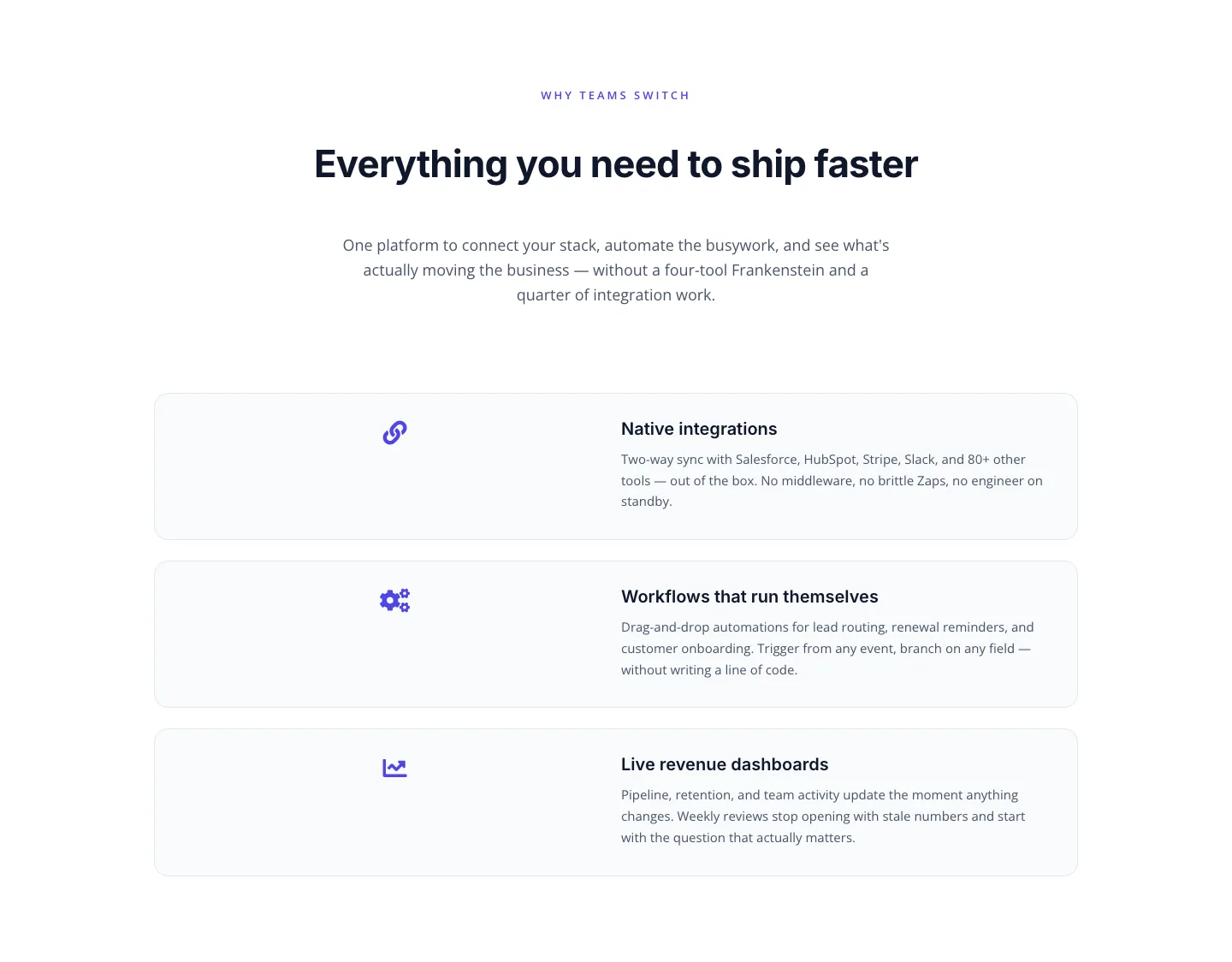
SaaS Features Section: Integrations, Automation & Live Dashboards
features · saas · minimal
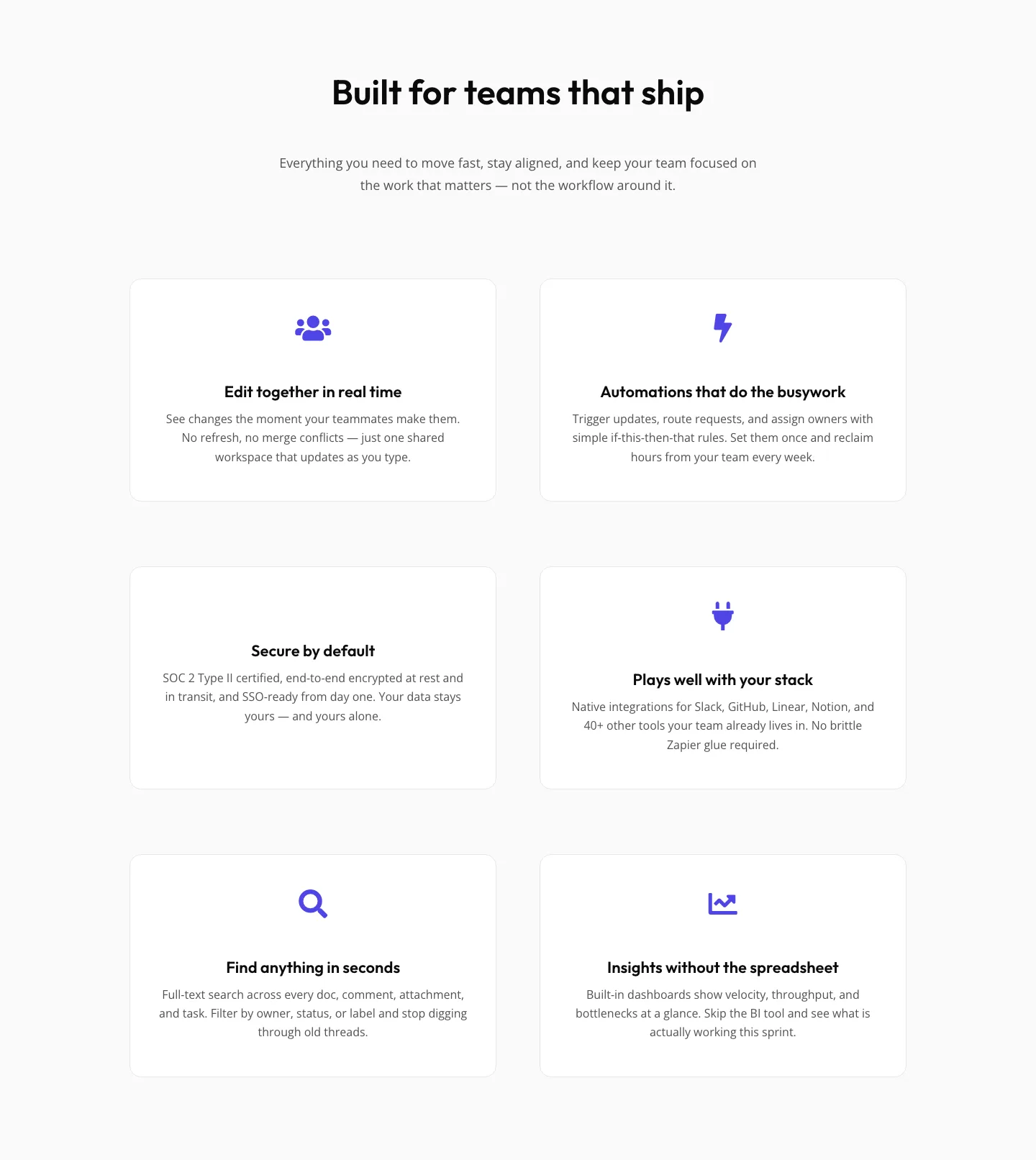
SaaS Features Section: Minimal Divi 5 Layout for Product Teams
features · saas · minimal
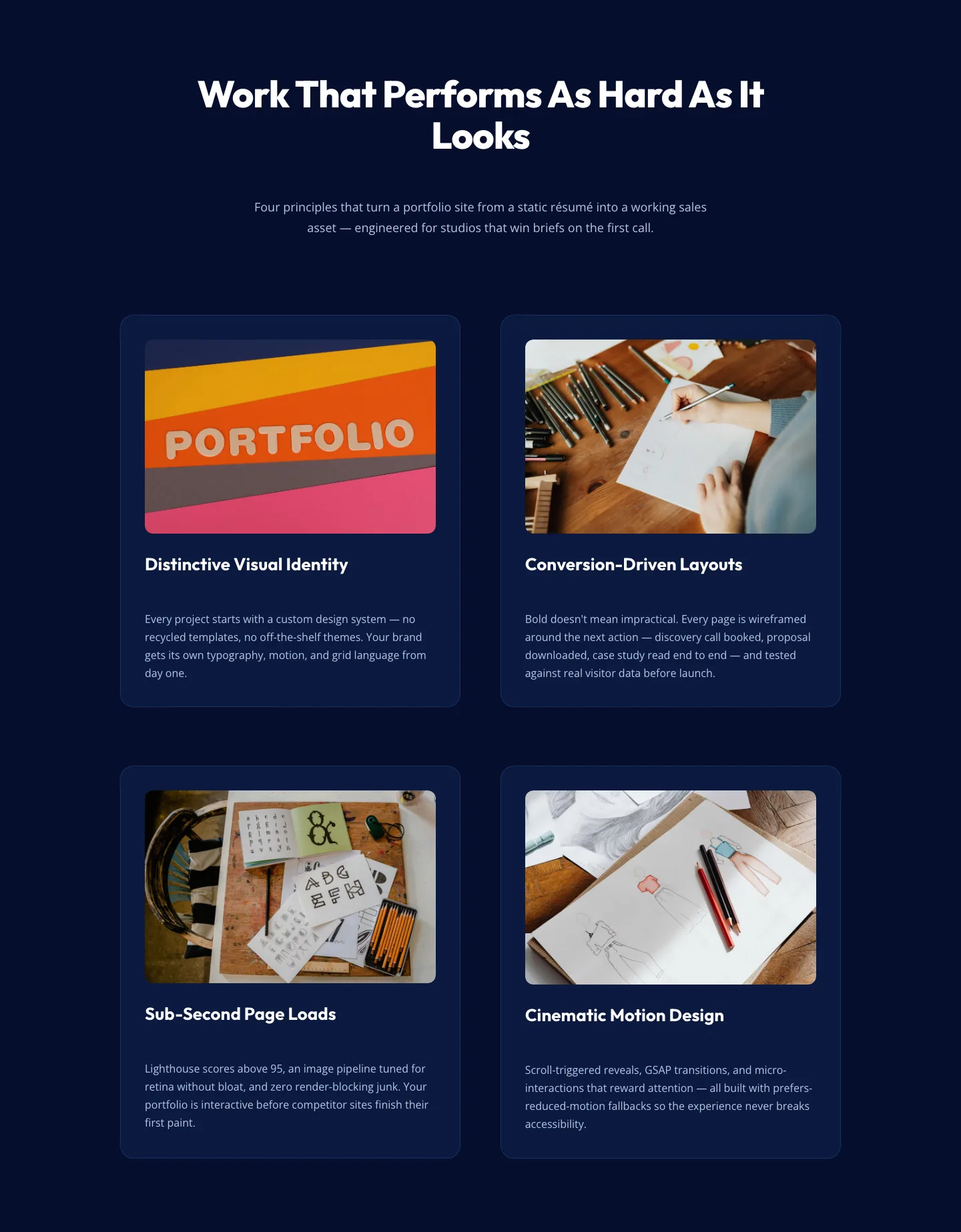
Bold Portfolio Features Section: 2×2 Grid for Divi 5
features · portfolio · bold
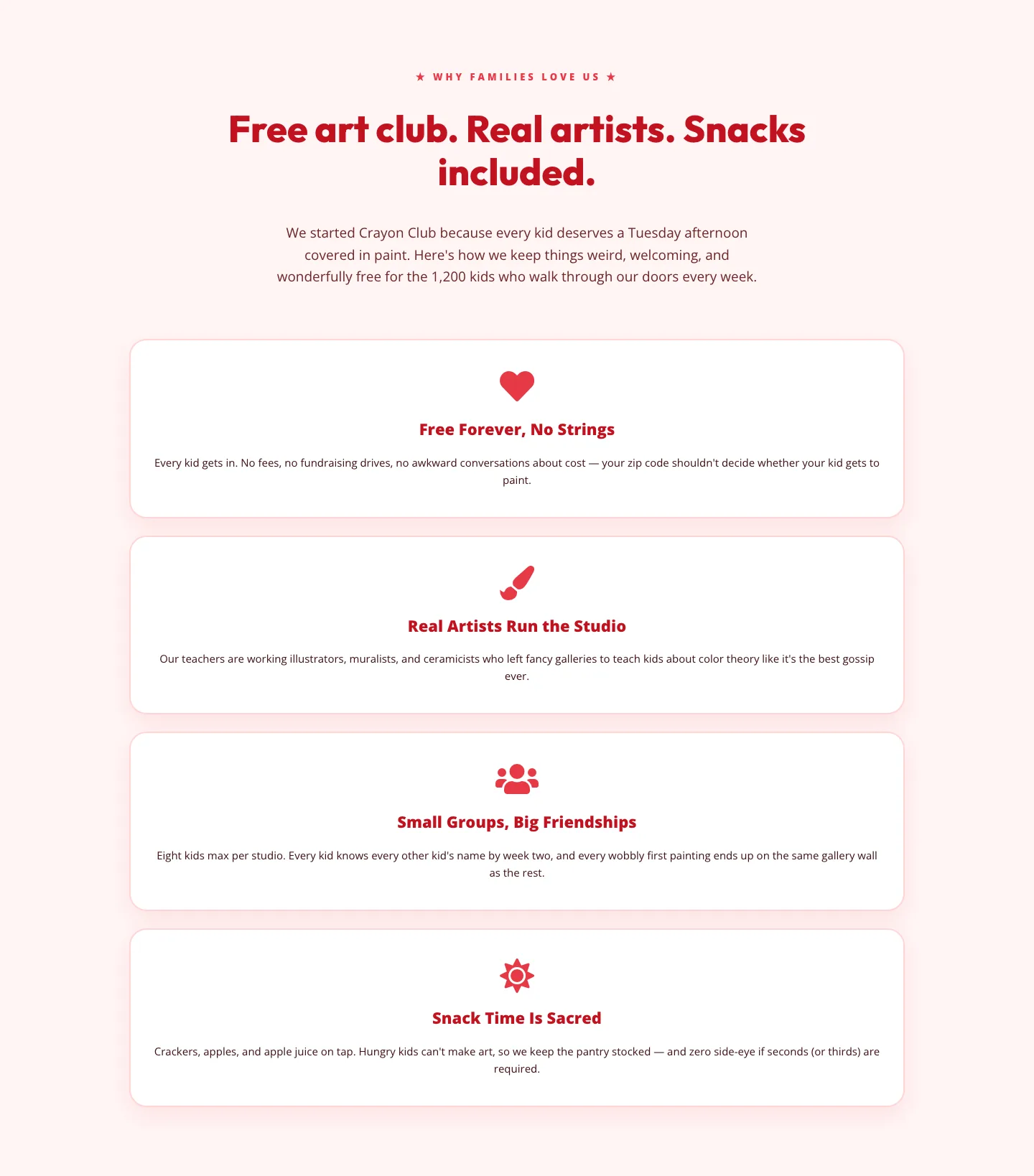
Playful Nonprofit Features Section: 4-Column Crayon Club Layout
features · nonprofit · playful
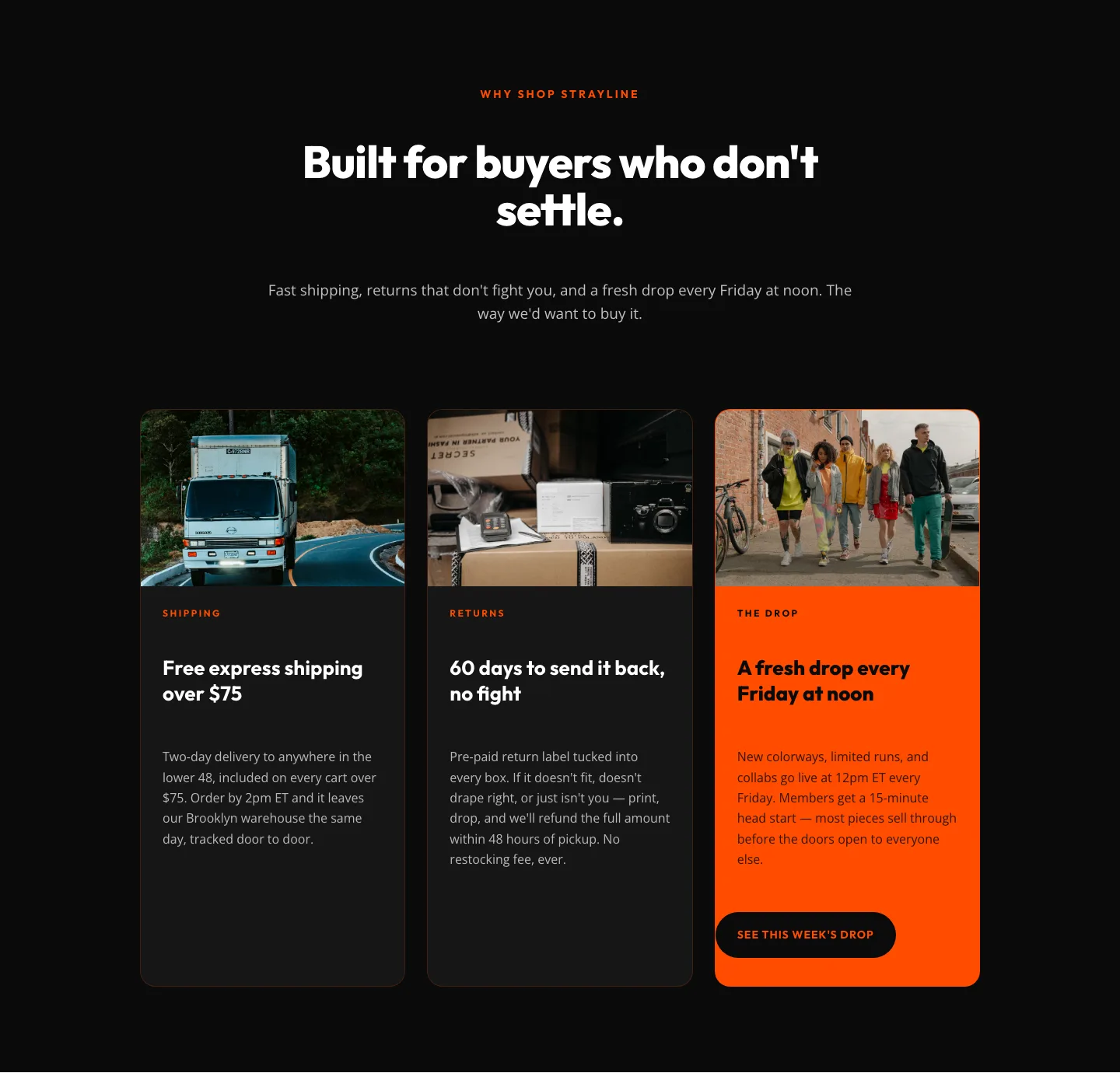
Bold Ecommerce Features Section: Free Shipping, Returns & Weekly Drops
features · ecommerce · bold
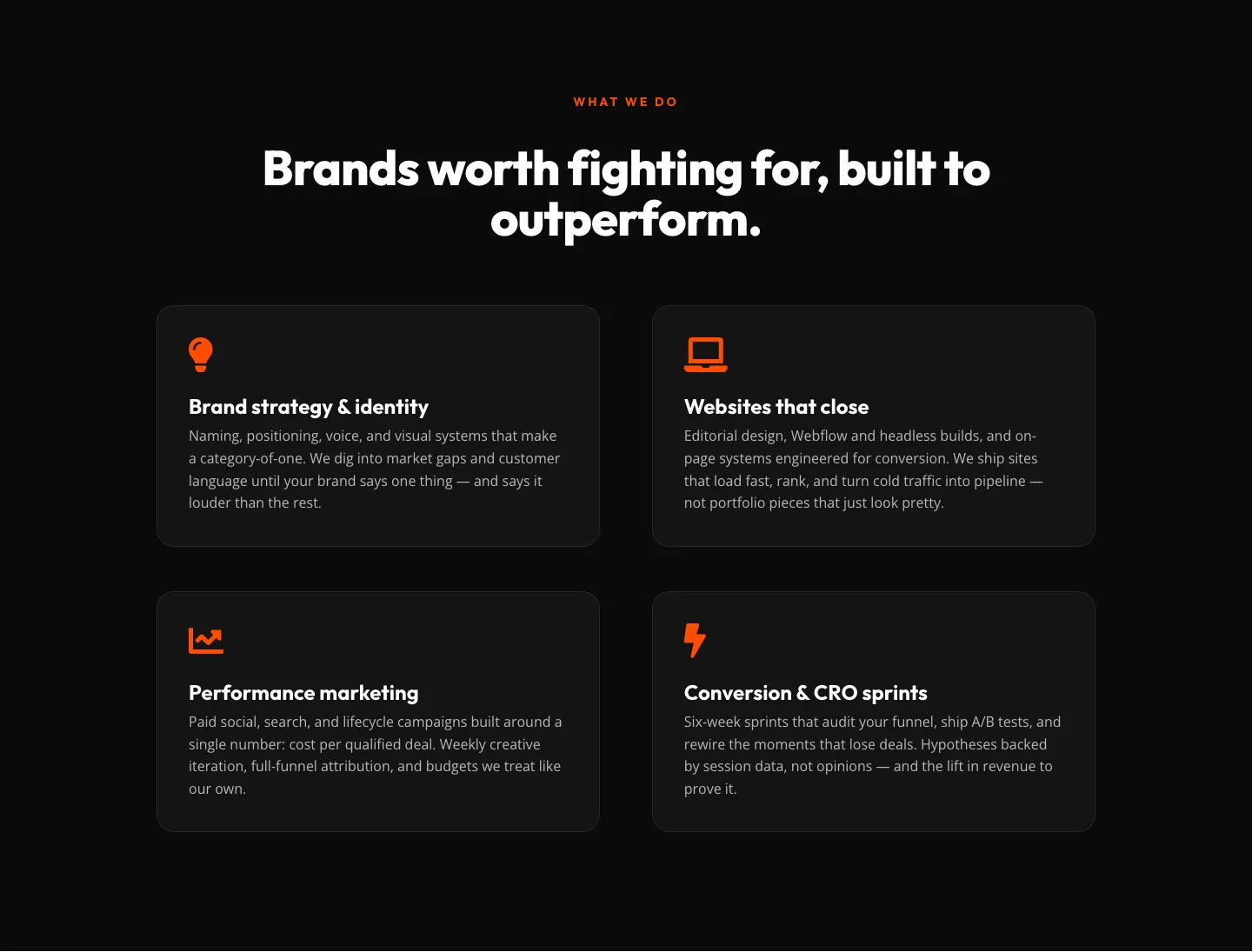
Bold Agency Features Section: Divi 5 Services Grid Layout
features · agency · bold
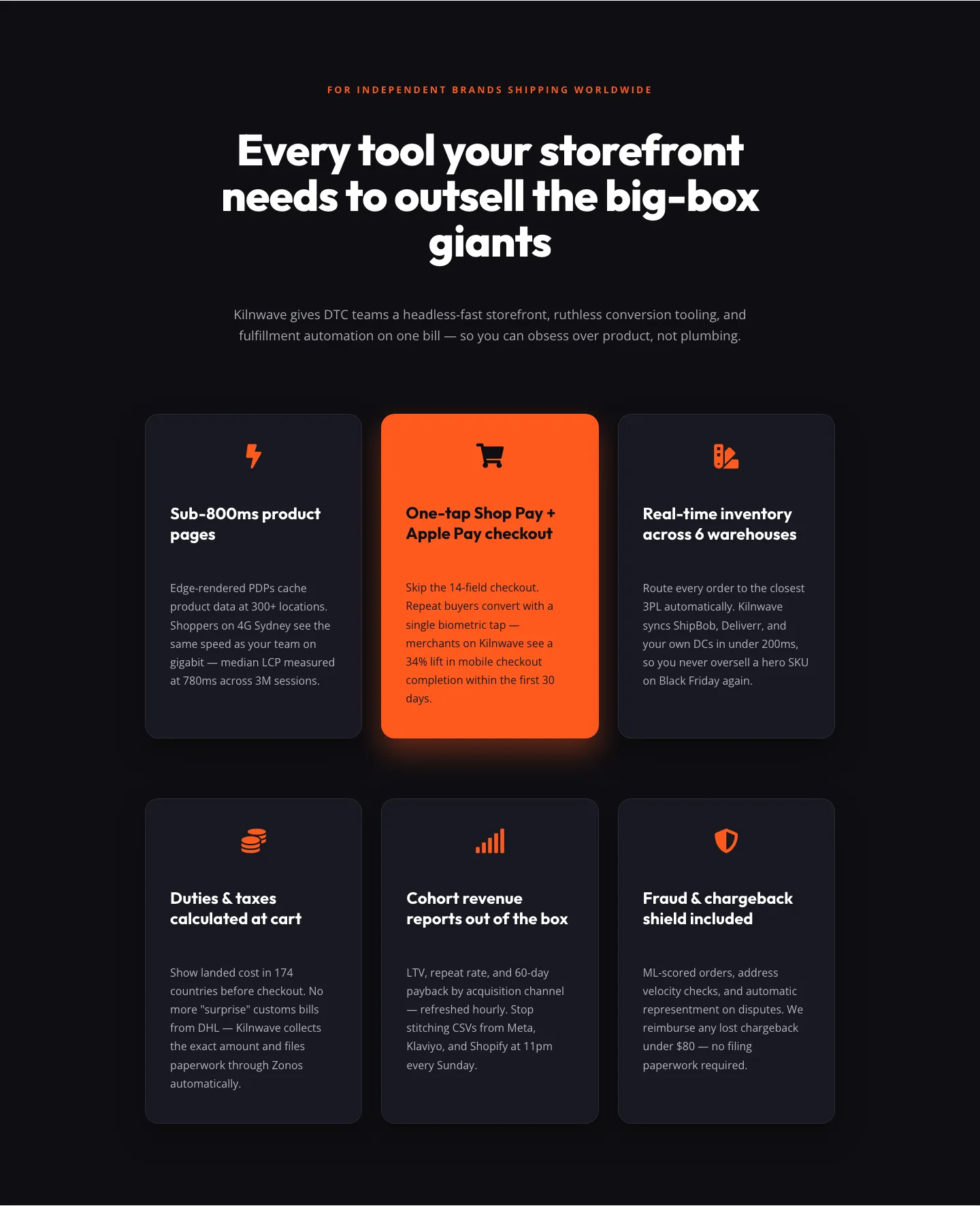
Bold Ecommerce Features Section for DTC Storefronts
features · ecommerce · bold
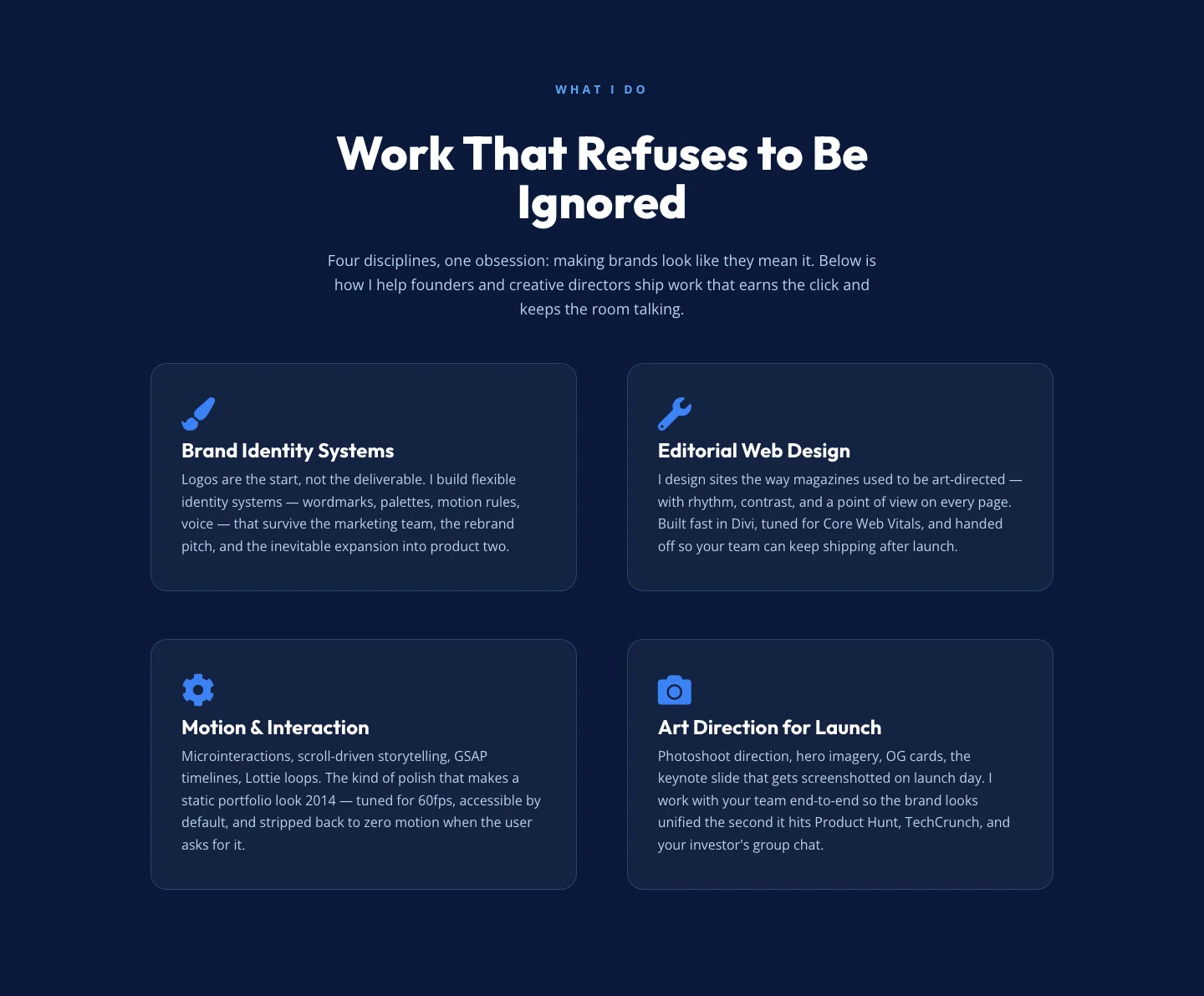
Bold Portfolio Features Section: 2x2 Discipline Grid for Divi 5
features · portfolio · bold
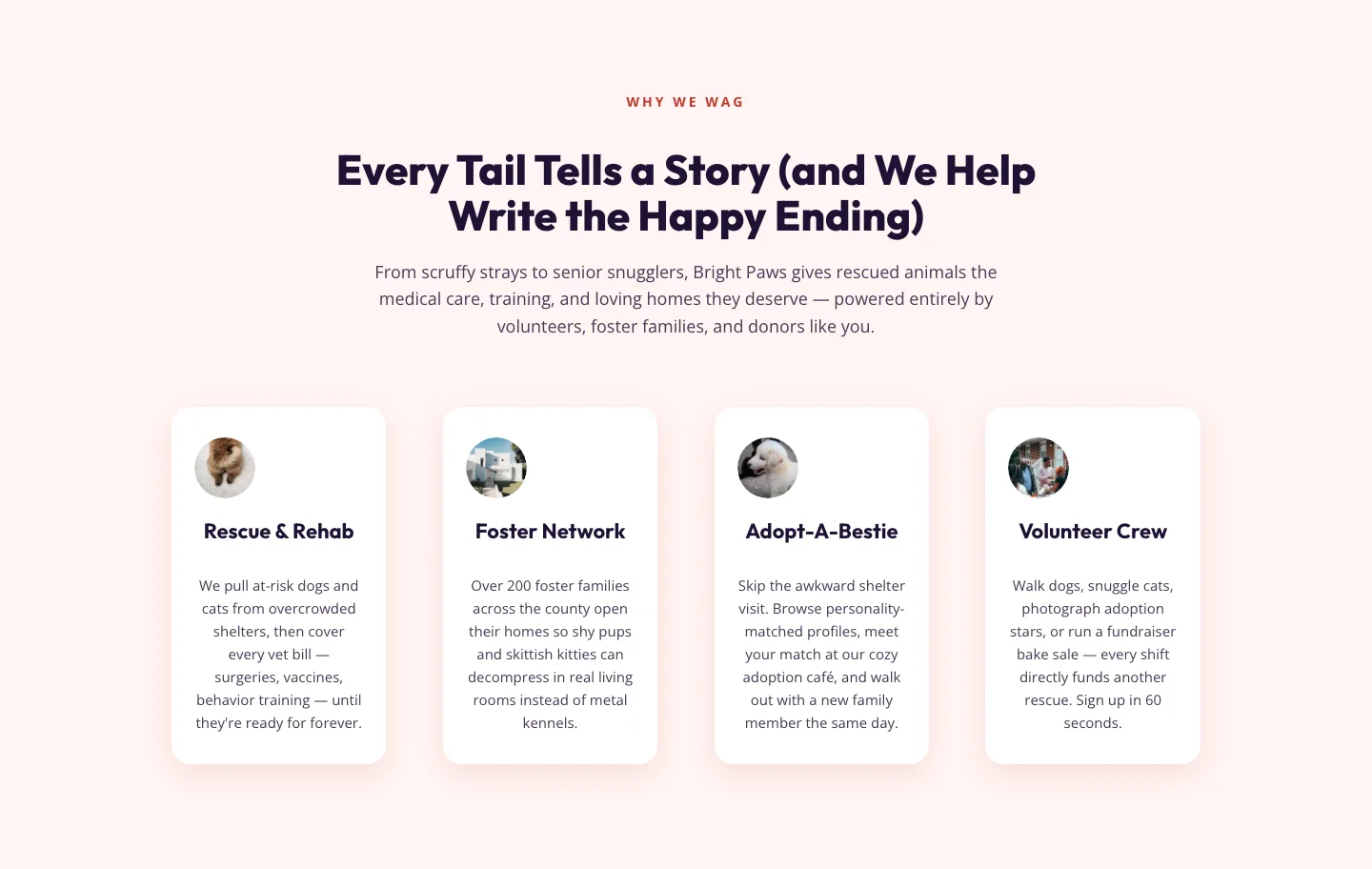
Playful Nonprofit Features Section for Divi 5: Animal Rescue Layout
features · nonprofit · playful
What makes a features section work
The strongest features sections resist the temptation to dump everything. They pick three to six real benefits, group them by what the visitor actually cares about, and give each one enough room to breathe: usually an icon or small illustration, a short headline written as an outcome, and one or two lines of supporting copy. Grids are the workhorse layout (three or four columns on desktop, stacking cleanly on mobile), but alternating image-and-text rows work better when a single feature deserves its own moment, and tabbed or accordion patterns pay off when the product is dense enough that showing everything at once would overwhelm.
Rhythm matters. Icons should share a visual family, headlines should follow the same grammatical shape (all verbs, all nouns: pick one), and the copy underneath each item should sit within a few words of the same length. Small consistencies are what make a features grid feel designed rather than assembled.
Who reaches for these layouts
SaaS marketers building product pages, agencies pitching capabilities to a client, course creators outlining what's inside a program, and consultants explaining services all live in this section type. It's also the block that gets edited most often after launch (as the product evolves, the features do too) so the layouts here are built to be easy to reorder, duplicate, and rewrite without breaking the grid.
Customizing one in Divi 5
Start with the palette. Every download opens in Divi 5's Visual Builder with presets already applied, so swapping the accent color propagates through icons, dividers, and hover states in one move. Rewrite the headlines first (that's where most of the conversion lift comes from) then trim the body copy until each card reads in under six seconds. If you need a different column count, Divi 5's row settings let you shift from four-up to three-up without rebuilding the modules; the presets keep spacing consistent as things reflow.
For icons, replace the placeholders with either Divi's built-in library or your own SVGs: either way the module preset keeps sizing, color, and alignment locked. Screenshots on this page show real desktop and mobile renders straight from the Visual Builder, so what you see is what imports. Free layouts are email-gated and ship with a commercial license, so you can use them on client sites without a second thought.