
Brutalist Clothing Ecommerce Comparison Features Layout for Divi 5: Two Panels
Bold brutalist features layout for clothing ecommerce sites. Two-panel fast fashion vs slow clothes comparison with icon checklists, Archivo typography, and a high-contrast black-and-white design. Built for Divi 5.
Rate this element
Download this section, free
- Divi 5 JSON, imports in seconds
- Commercial license included
- No account needed
Click to view the full page
Overview
This section is built around a deliberate two-act structure. The first row spans the full column width and opens with a Space Mono eyebrow label at 14px — uppercase, 2px letter-spaced, in #4a4a4a — before a 44px Archivo headline set at weight 900 with -1px tracking. That tight negative letter-spacing is doing real work: it makes the all-caps text read as a single graphic block rather than a string of letters. A constrained 720px max-width group keeps the headline from stretching into illegibility on wide viewports, and a 640px group wraps the 18px Public Sans subtext underneath. The section background is #e8e4da — a warm parchment that is neutral enough to let both panels breathe without disappearing into white.
The second row is where the argument happens. Two equal half-columns sit side by side with a 24px gap and alignItems: stretch, so their heights always lock regardless of which side runs longer. The left panel is white (#ffffff) with a 4px solid black border and zero border-radius — every corner sharp, no softening. The right panel flips to solid black (#000000) with the same 4-pixel border treatment, creating a physical frame that reads as a contained object rather than a floating card. Both panels carry identical internal padding (44px desktop, stepping down to 32px/28px at tablet and 28px/24px at phone) so the two sides feel like they were cast from the same mould.
Inside each panel the icon-text rows use a flex row with a fixed 14px column gap and 10px vertical padding per item. The icons are Font Awesome glyphs pulled inline: an X mark (f00d) for the left panel and a checkmark (f00c) for the right. Both sit at 16px — small enough to read as a bullet, large enough to register as a verdict. The right panel adds a CTA button in its own group with a 20px top margin: parchment background, black uppercase text, and a hover state that inverts to a transparent fill with a parchment border — a clean ghost effect that requires no custom CSS.
On mobile the two columns wrap to flexDirection: column, stacking the white panel above the black. Heading sizes step down from 44/28px to 30/22px across the three breakpoints, and section padding compresses from 64px to 32px top and bottom. Because the layout contains no images — only text, icons, and solid-colour fills — it loads instantly at every breakpoint and never depends on external assets to convey its message.
What’s inside
- Two-row section: a full-width intro header (eyebrow H4, H2 headline, body paragraph) above the side-by-side comparison panels
- Left 'Fast Fashion' panel: white background, 4px solid black border, four FA X-icon rows calling out negative traits
- Right 'Slow Clothes' panel: solid black background, four FA checkmark rows in inverted parchment text, plus a ghost CTA button with hover inversion
- Three-typeface system: Space Mono for eyebrow labels, Archivo (weight 900) for headlines, Public Sans for body and feature text
- Section-level parchment background (`#e8e4da`) that ties both panels together and doubles as the button fill on the dark side
- Fully responsive: columns stack vertically on mobile, heading sizes scale across three breakpoints, and padding reduces progressively from 64px to 32px
- No images required — every element is typographic or icon-based, so the layout renders instantly with zero asset dependencies
Who it’s for
The layout is a direct fit for sustainable and slow-fashion clothing brands that sell against disposable retail: organic labels, secondhand platforms, made-to-order ateliers, and ethical DTC stores that lead with longevity over trend cycles. The structure also transfers cleanly to any ecommerce niche built on a clear before/after contrast — supplement brands positioning clean versus synthetic, food companies making the conventional versus organic case, or software products running a standard competitor comparison. If your value proposition requires the visitor to understand what they are leaving behind before they buy, this two-panel format makes that argument in a single scroll.
Customization tips
The quickest way to re-skin the layout is to swap the right panel's black background for your brand's primary colour — every text element inside it inherits #e8e4da (parchment), so the contrast holds as long as your brand colour is dark enough. The section background and the button fill share that same parchment hex, so updating it in both the section module and the button decoration keeps the palette consistent in two edits. Sharp corners are baked into all borders via explicit 0px radius values; if your brand uses rounded cards, you will need to update the border.radius on both panel groups. Keep each feature row to roughly four to eight words — the rows rely on a fixed 10px vertical padding rather than a min-height, so very long lines will push the two panels out of sync on intermediate screen widths. The CTA button's hover behaviour (transparent fill, parchment border) is set directly on the button module's hover decoration, not in a stylesheet, so you can edit it without any custom CSS.
How to install this layout
- Download the layout JSON file from this page.
- Open the target page in the Divi 5 builder.
- Open the portability panel (up/down arrows icon) and choose the Import tab.
- Upload the JSON. Tick “replace existing content” only for full-page imports.
- Check the page at desktop and mobile widths, then swap in your copy and images.
Full walkthrough with troubleshooting: How to Import a Divi 5 Layout.
Questions about Brutalist Clothing Ecommerce Comparison Features Layout for Divi 5: Two Panels
The CTA button only appears on the right panel — is that intentional?
Yes. The button lives inside the right panel's group, positioned after the four checkmark rows with a 20px top margin. The left panel is purely informational. If you want a second button on the left side, duplicate the button group from the right panel and swap the colours.
Can I add more feature rows to one panel without breaking the layout?
You can, but keep both panels at the same row count if possible. The columns use `alignItems: stretch` so their heights lock together, but a significant mismatch — say four items on one side and eight on the other — will create an obvious visual imbalance. Four to six rows per panel is the practical range.
Are there any images in this layout?
None. The entire layout is built from heading, text, icon, and button modules on solid-colour backgrounds. That is a deliberate brutalist constraint — it also means zero image-loading overhead and no dependency on placeholder photography.
How do the two columns behave on a phone?
The row switches to `flexWrap: wrap` and `flexDirection: column`, so the white panel stacks directly above the black one, each taking the full viewport width. Internal padding scales to 28px top/bottom and 24px left/right on phone, and headings drop to 30px (H2) and 22px (H3).
Can I reverse the layout so the 'positive' panel is on the left?
Yes — swap the column order in the row. You will also want to swap the icon unicodes (`f00c` checkmark versus `f00d` X) and the background colours between the two panel groups.
What fonts does the layout use and do I need to load them separately?
The layout uses Space Mono, Archivo, and Public Sans, all specified in the module decoration. Divi 5 loads Google Fonts automatically when a family is set in a module's font settings, so no manual enqueue is required.
Which Divi version does this layout need?
Divi 5. The layout is generated natively for Divi 5 and validated against its real module structure before publication, so it imports clean into the current builder.
Can I use this layout on client websites?
Yes. Every download includes a commercial license covering unlimited sites you own or build for clients. Only reselling or redistributing the layout file itself is prohibited.
More feature grids
Browse all feature grids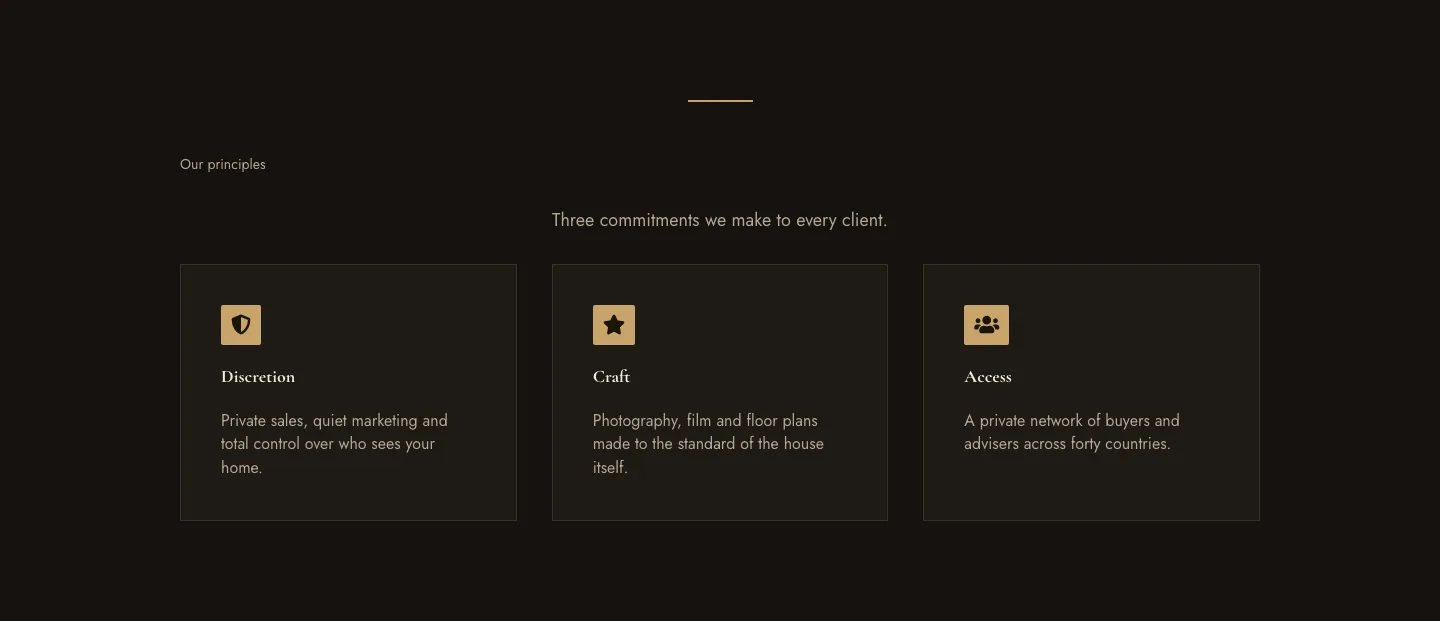
Luxe Private Estates Principles Features Layout for Divi 5: Three Icon Values
features · real_estate · elegant
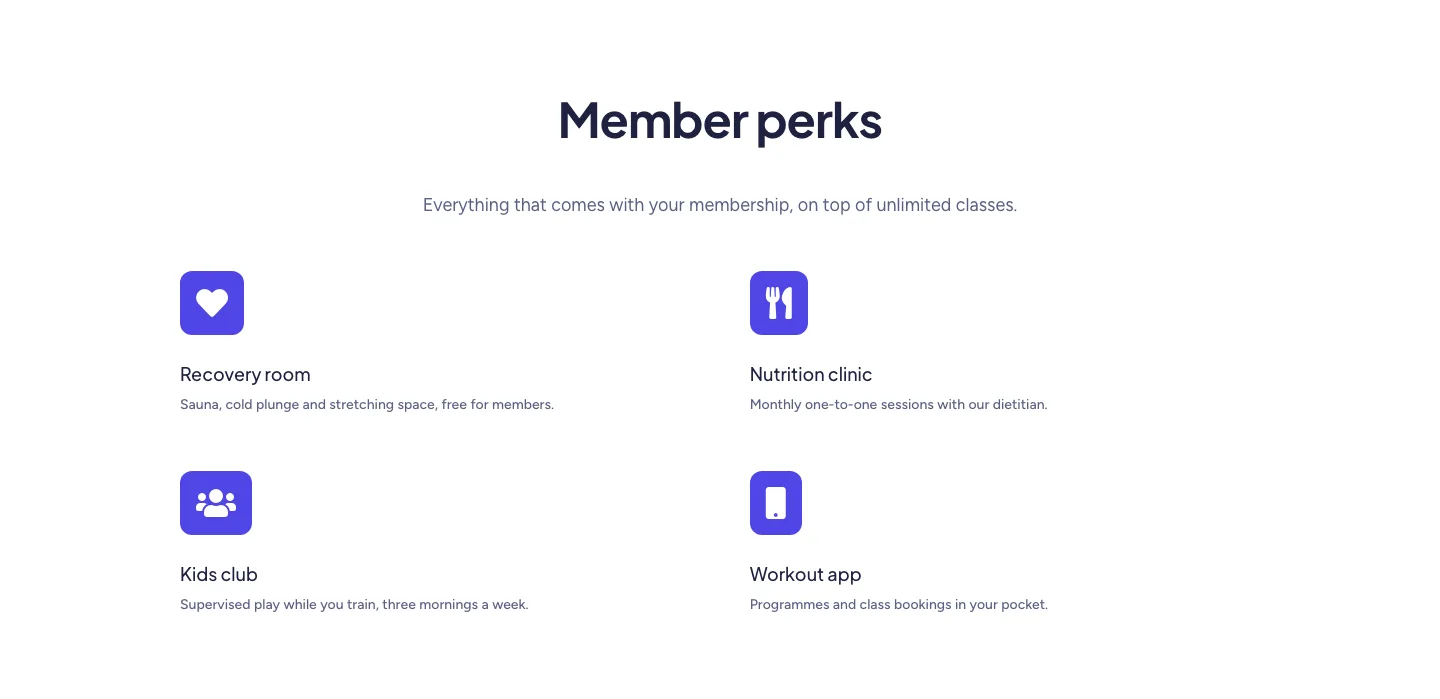
Soft Fitness Member Perks Features Layout for Divi 5: Four Icon Blurbs
features · fitness · minimal
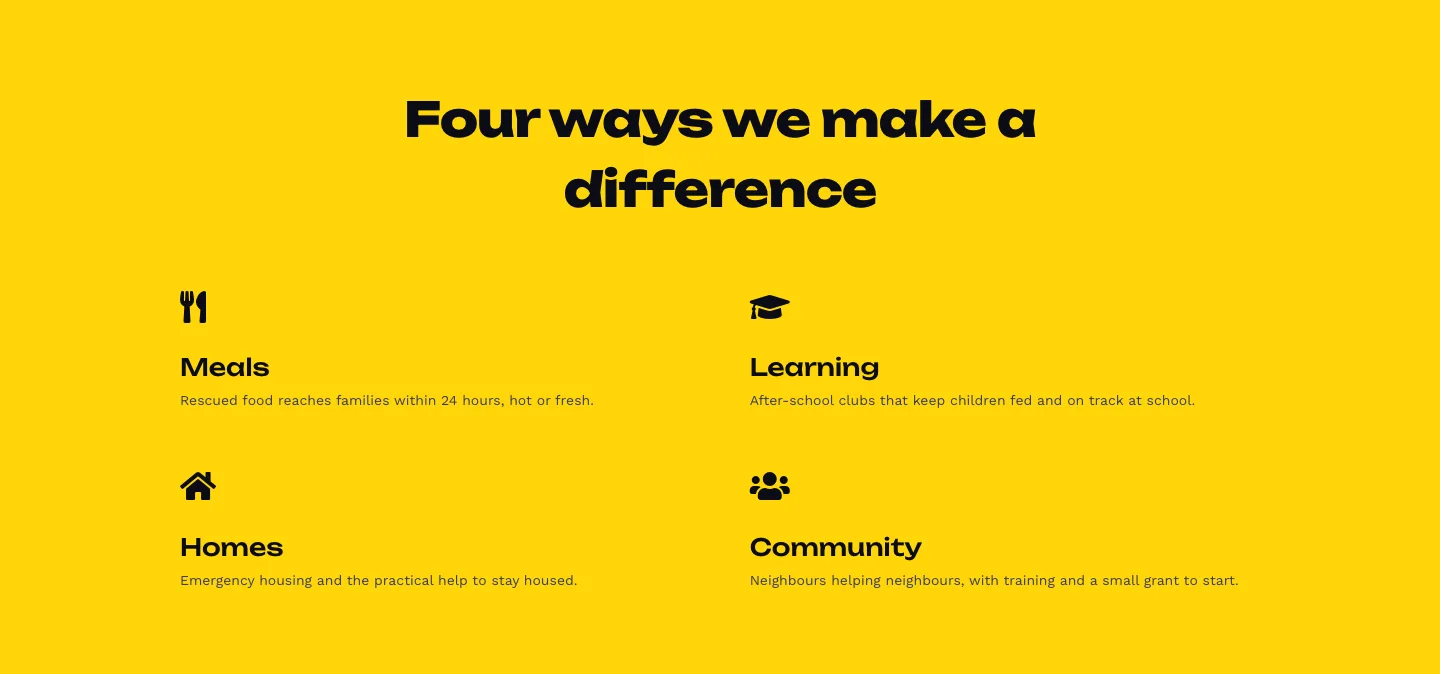
Bold Nonprofit Impact Features Layout for Divi 5: Four Icon Features
features · nonprofit · bold
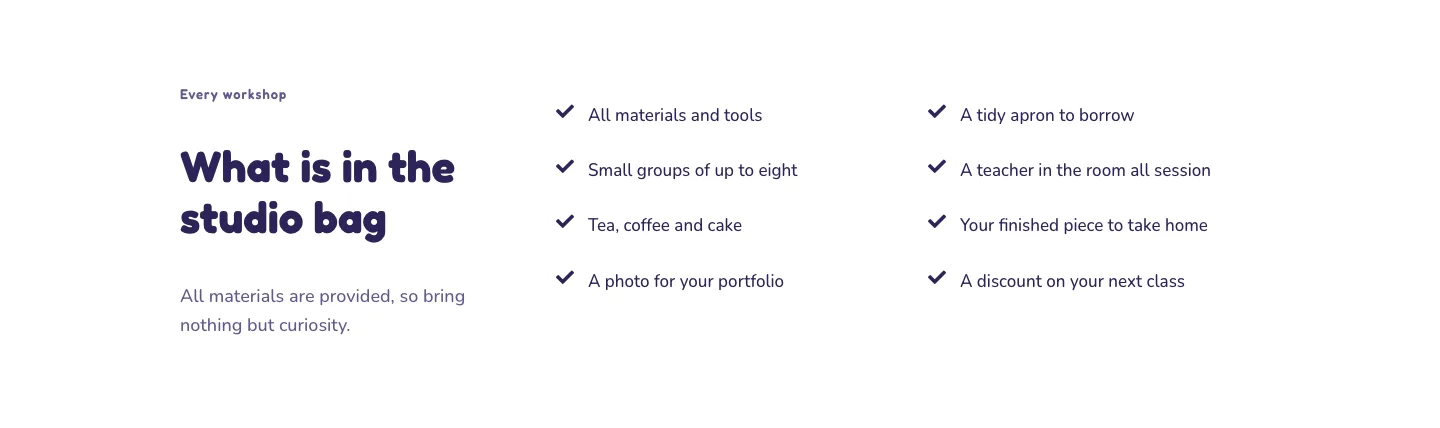
Playful Craft Workshop Features Layout for Divi 5: Two-Column Checklist
features · portfolio · playful
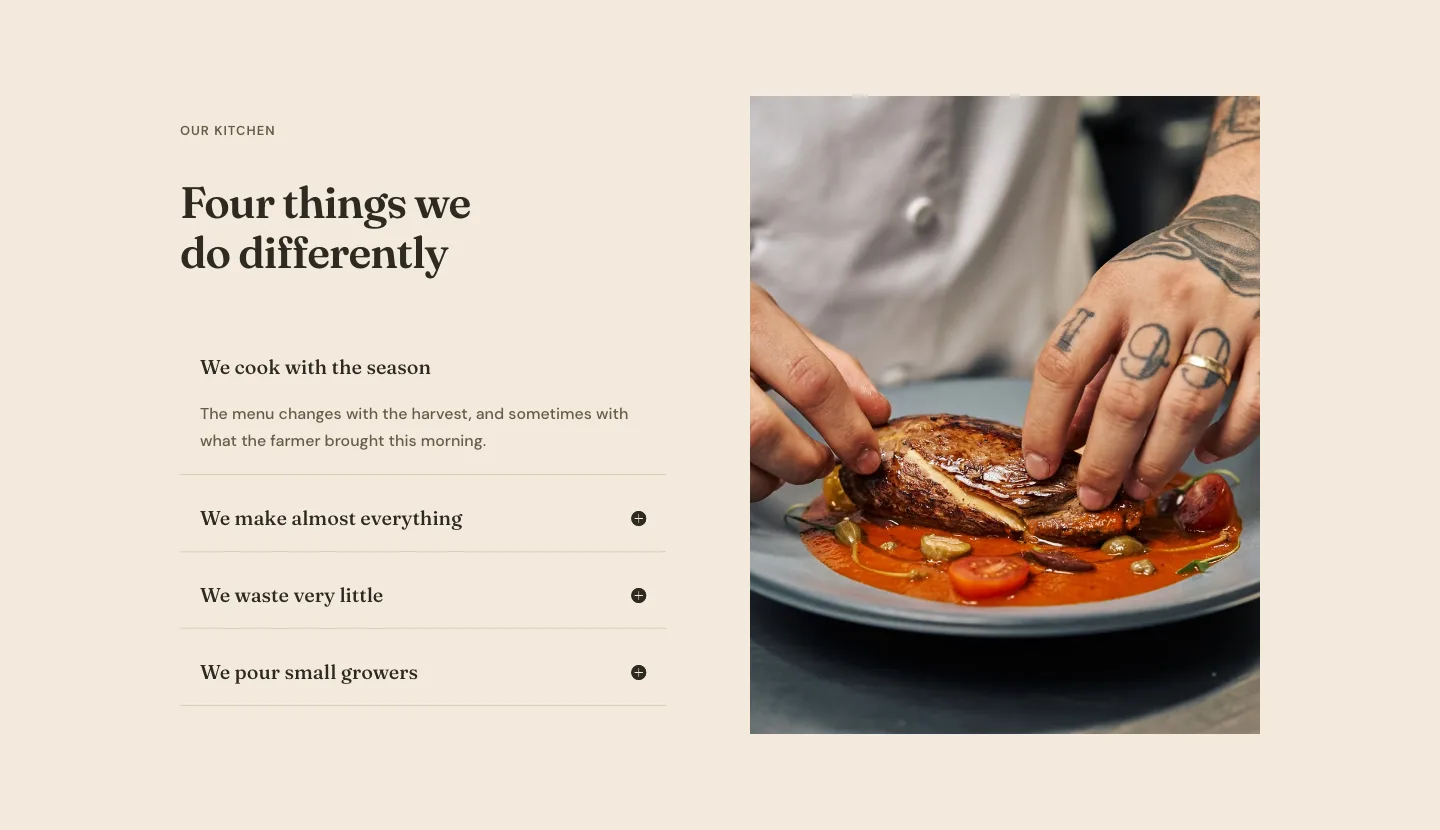
Organic Restaurant Kitchen Values Features Layout for Divi 5: Accordion with Image
features · restaurant · elegant
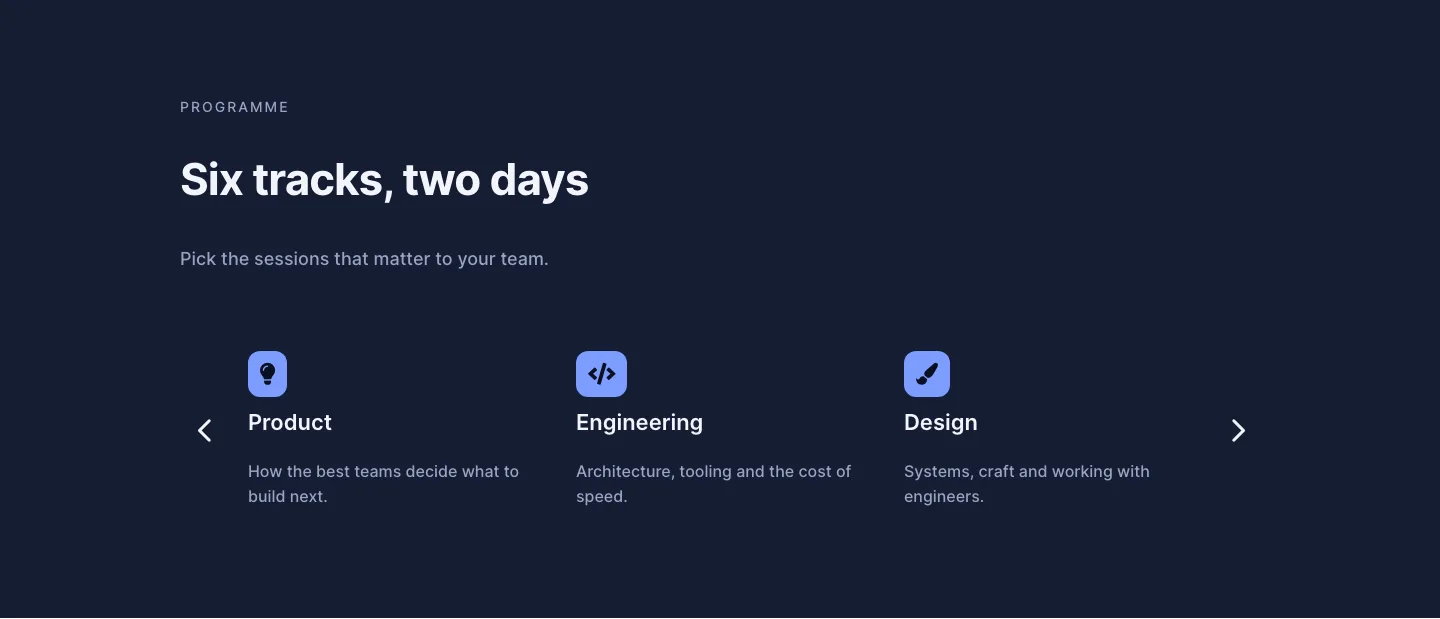
Dark Conference Tracks Features Layout for Divi 5: Carousel Cards
features · events · dark