
Restaurant Divi 5 Layouts
Restaurant sites live or die on appetite. These Divi 5 restaurant layouts pair mouth-watering hero imagery with the practical bits guests actually need: menus, hours, reservations, directions. Every section ships as validated Divi 5 JSON, so it drops into your site clean.
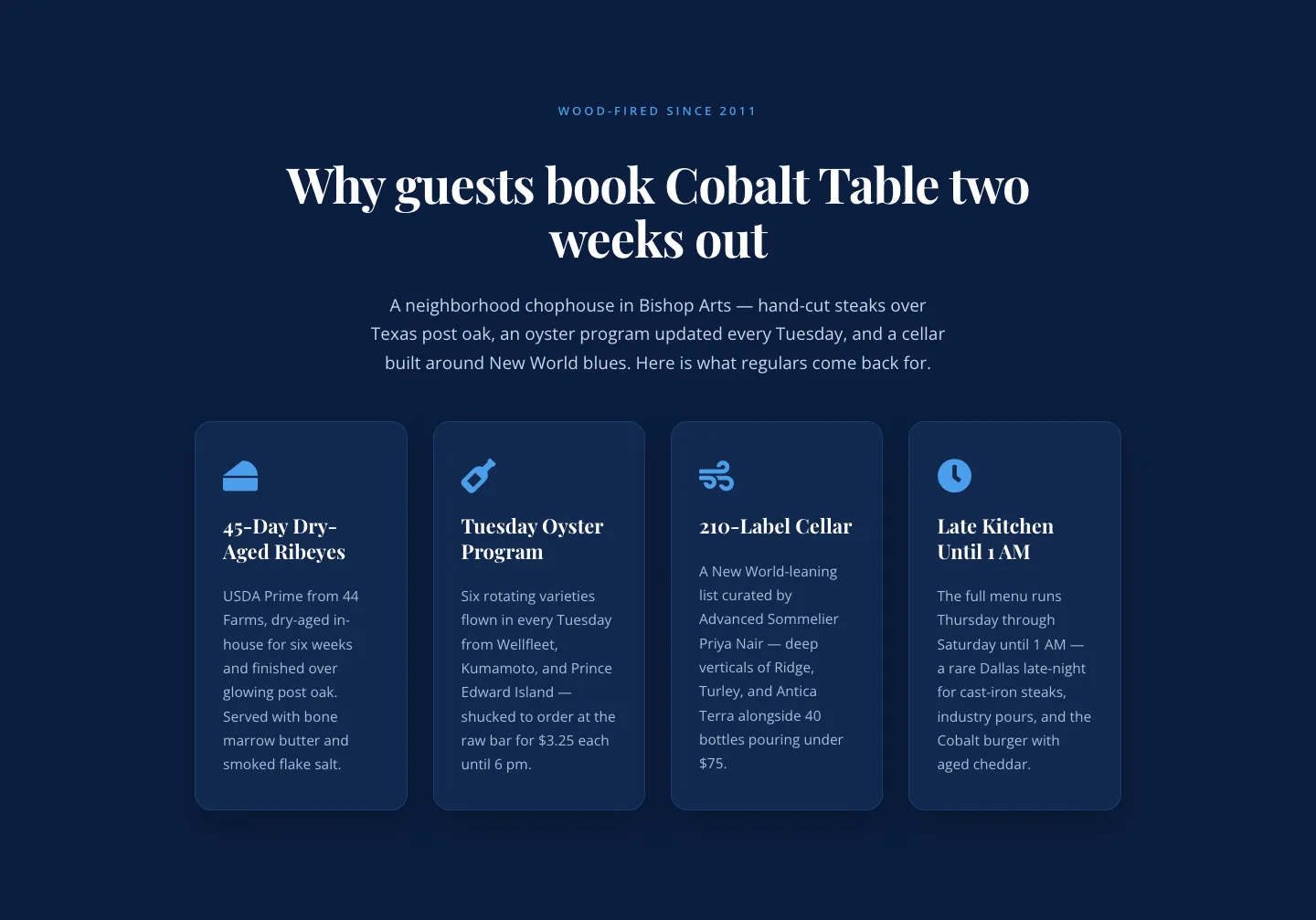
Bold Blue Restaurant Features Section: 4 Icon Columns | Divi 5
features · restaurant · bold
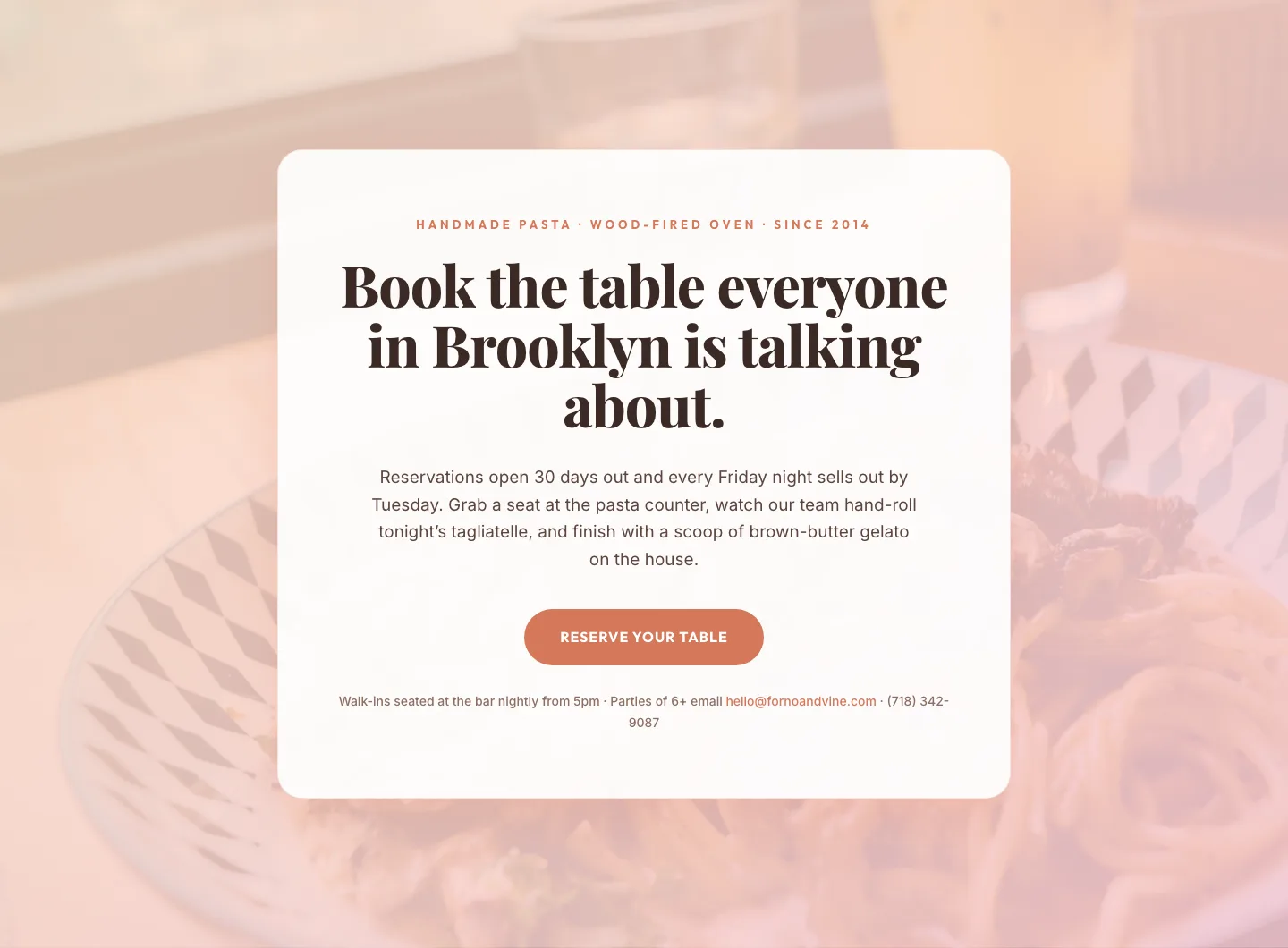
Bold Restaurant Reservation CTA: Divi 5 Layout
cta · restaurant · bold
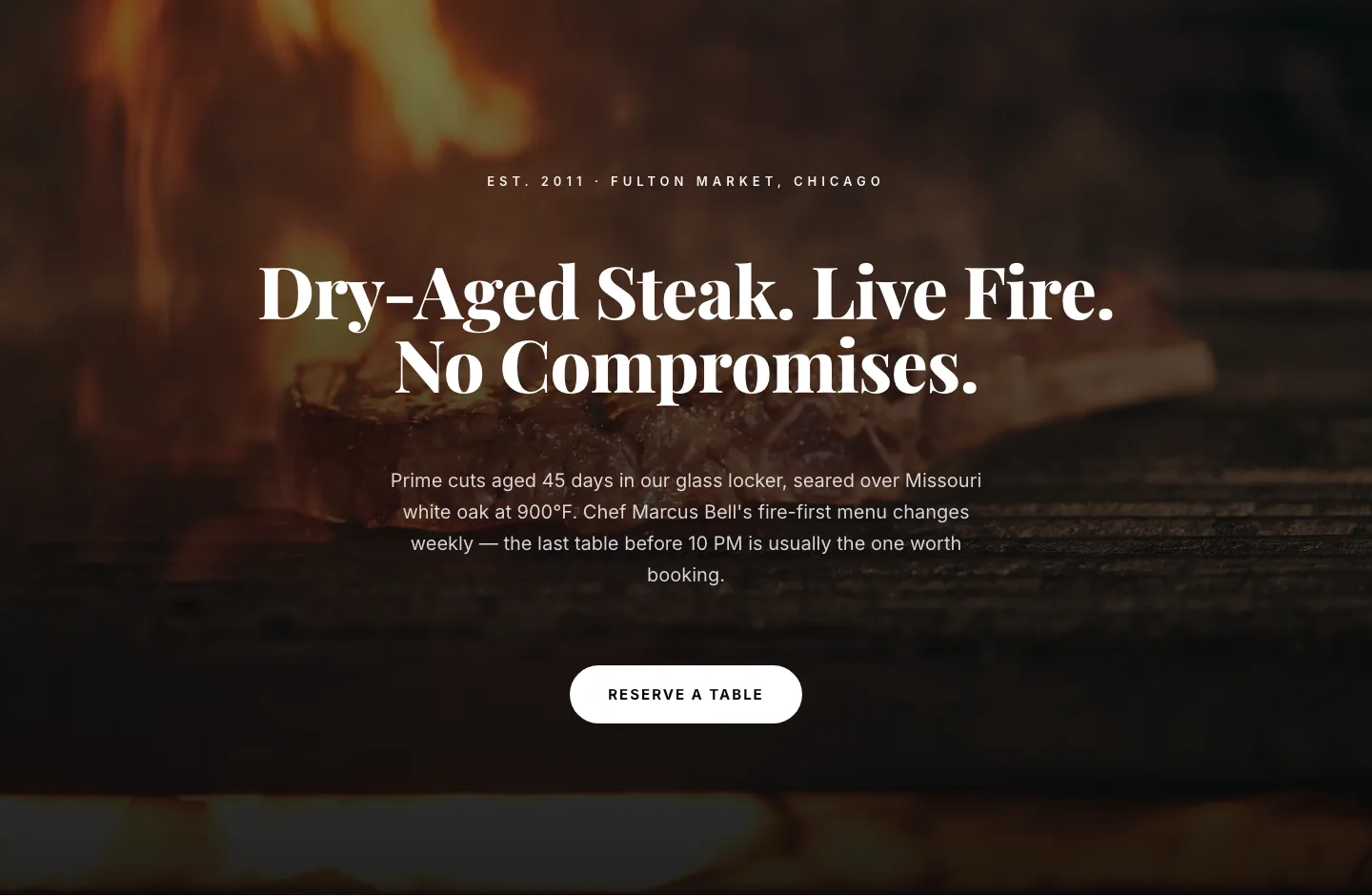
Bold Steakhouse Hero Layout for Divi 5: Fire & Dry-Aged
hero · restaurant · bold
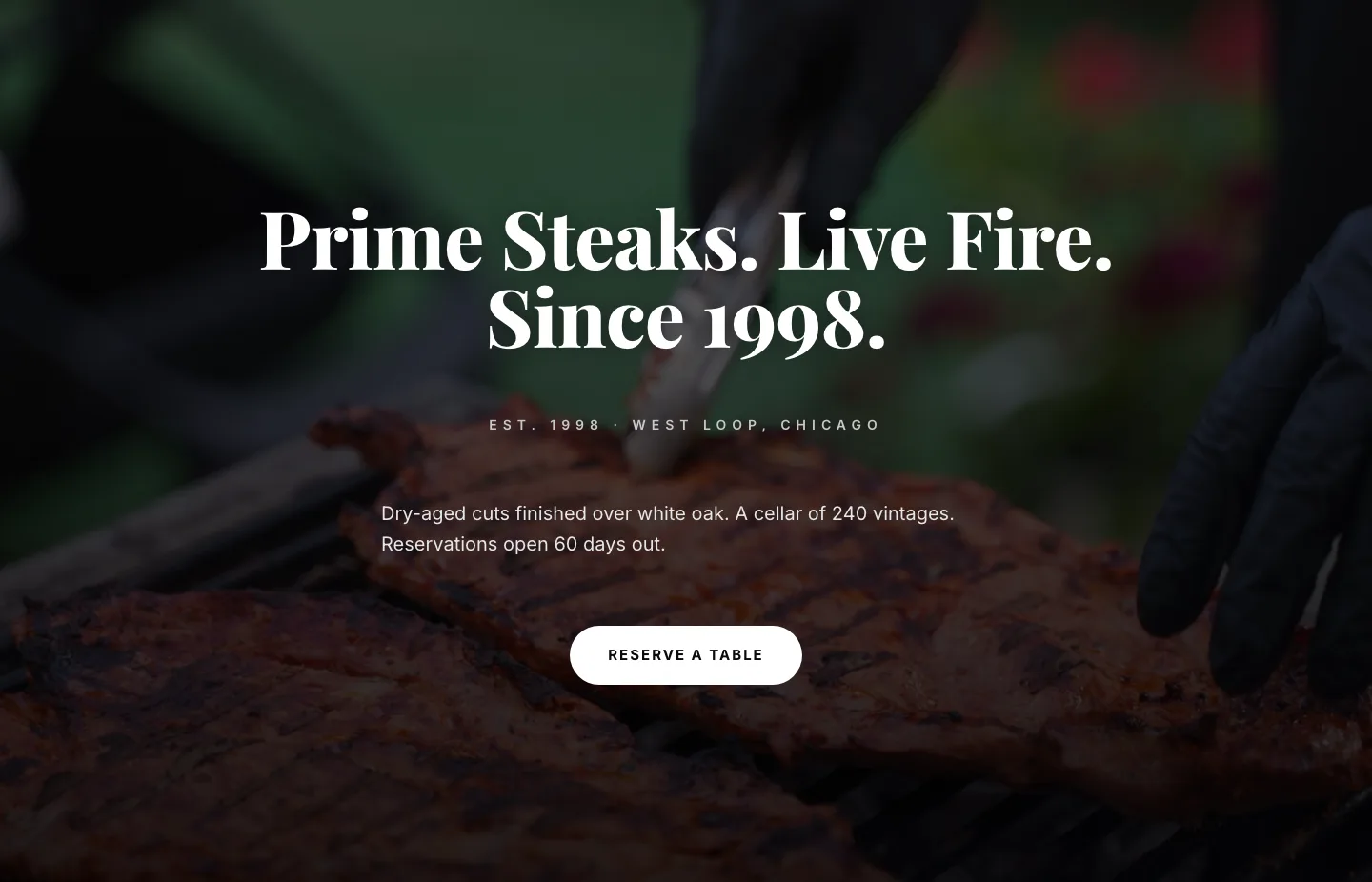
Prime Steaks Hero Section: Bold Monochrome Restaurant Layout for Divi 5
hero · restaurant · bold
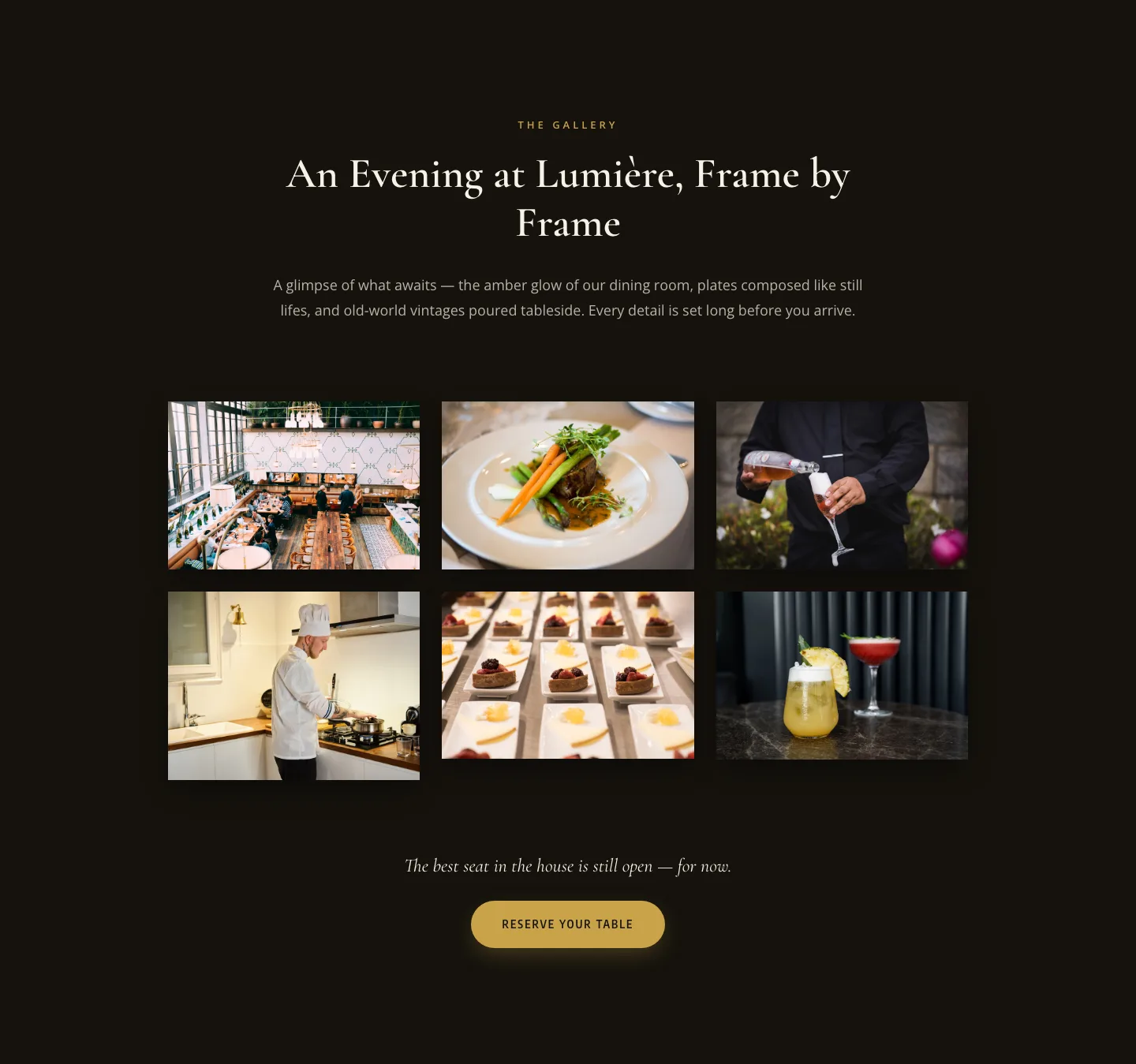
Elegant Restaurant Gallery Divi 5 Layout: Dark & Gold Photo Grid
gallery · restaurant · elegant
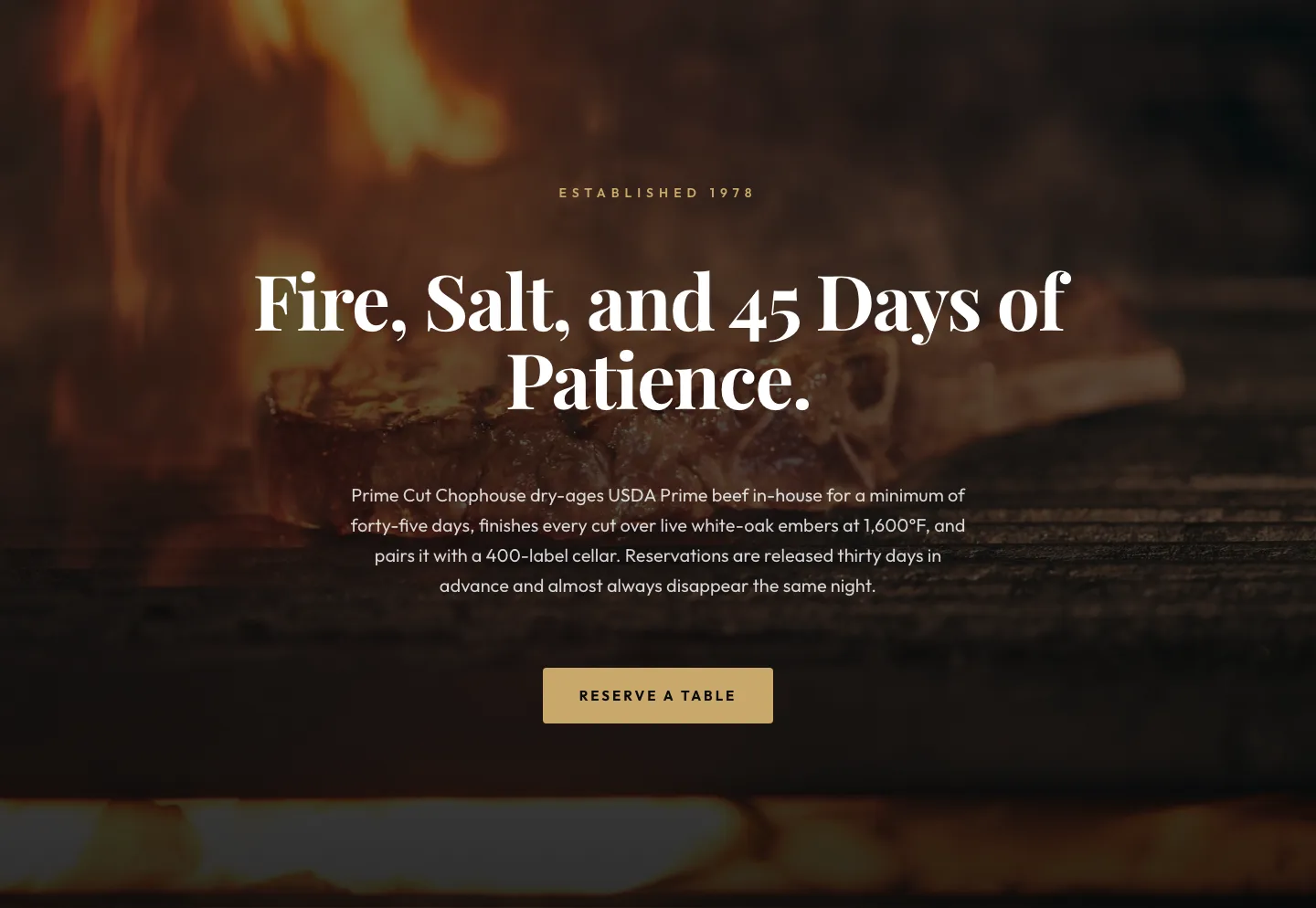
Prime Cut Chophouse Hero: Dry-Aged Steakhouse Divi 5 Layout
hero · restaurant · bold
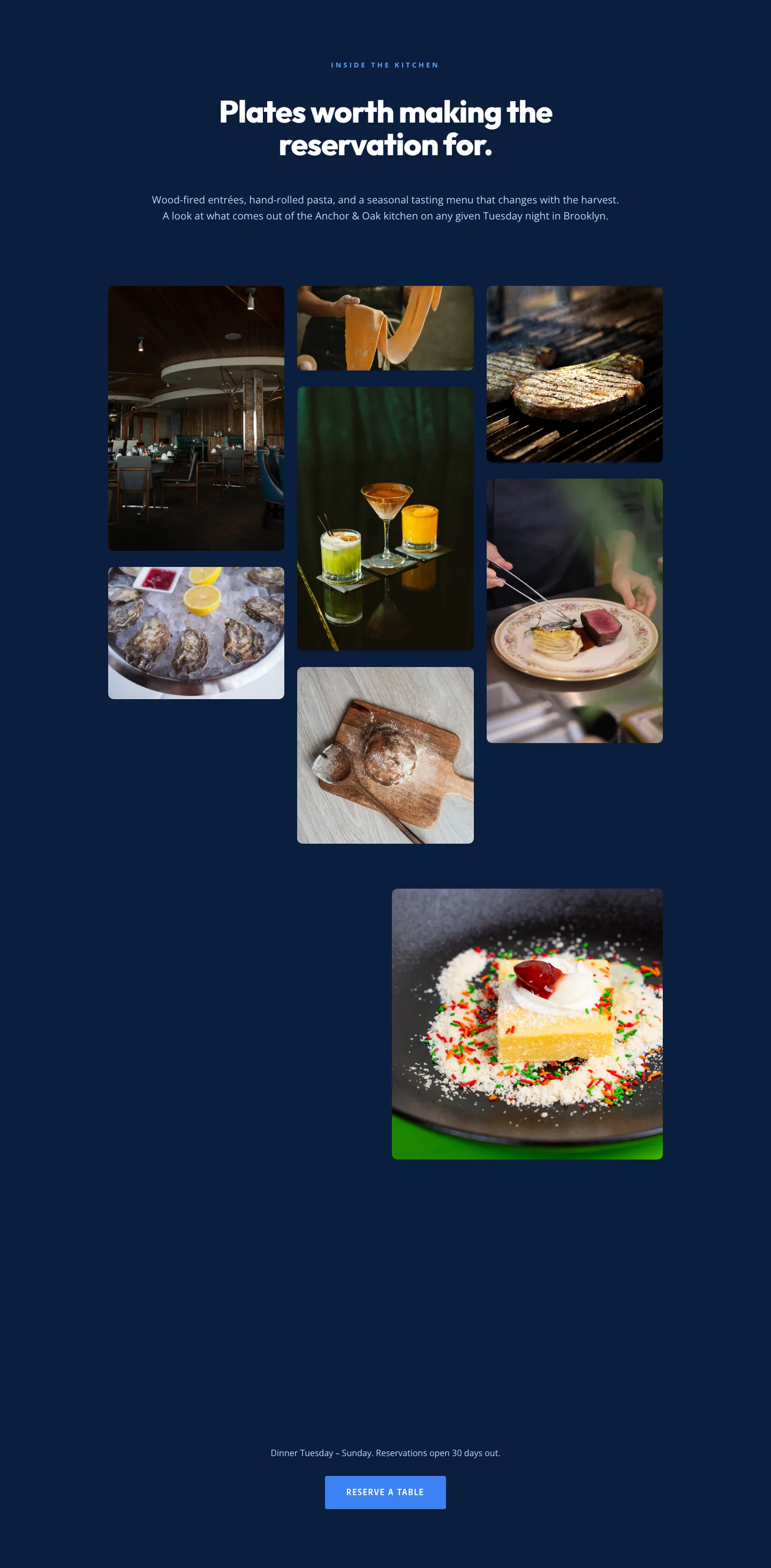
Restaurant Gallery: Bold Blue (Anchor & Oak) | Divi 5 Layout
gallery · restaurant · bold
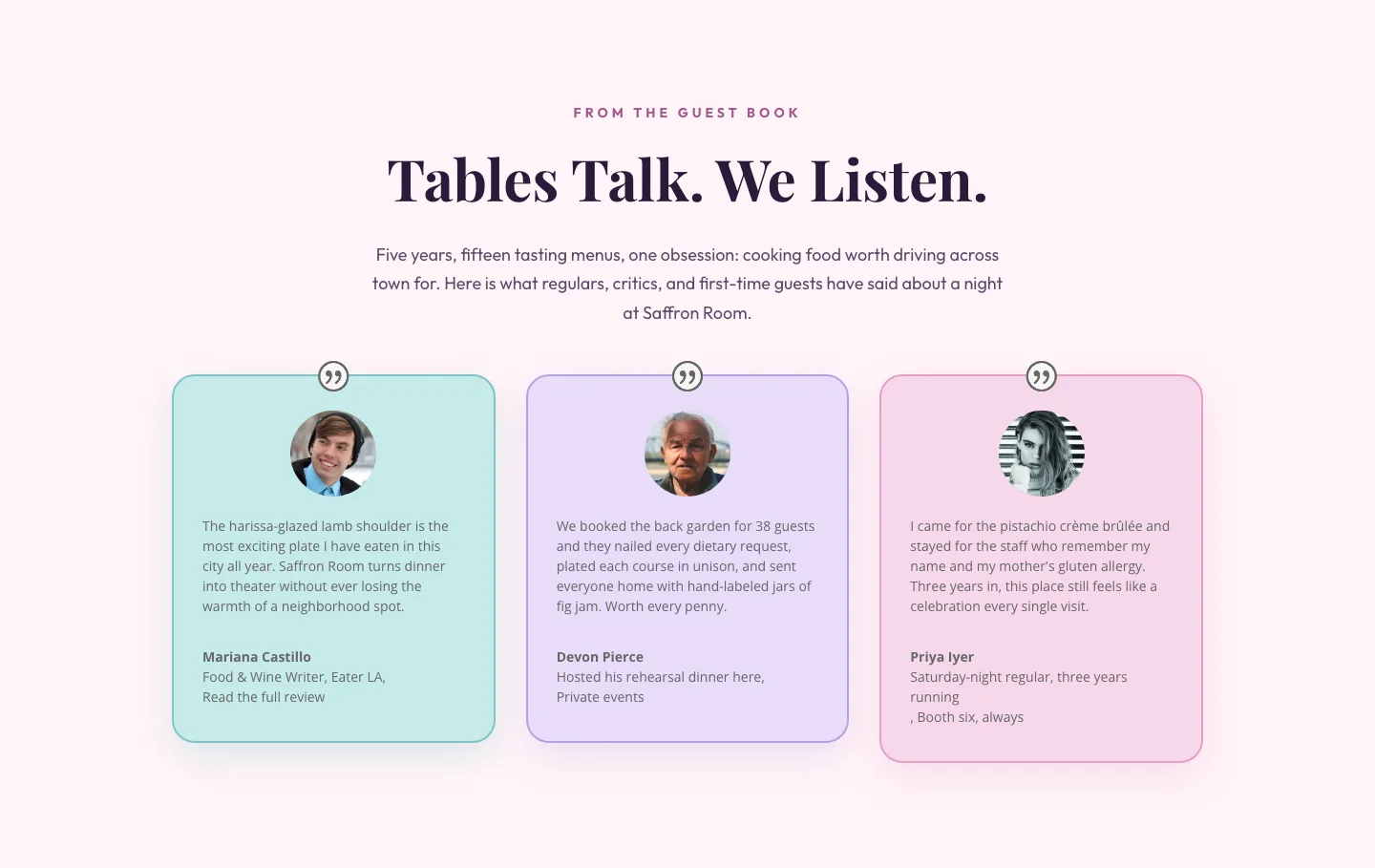
Tables Talk. We Listen.: Bold Restaurant Testimonials Layout for Divi 5
testimonials · restaurant · bold
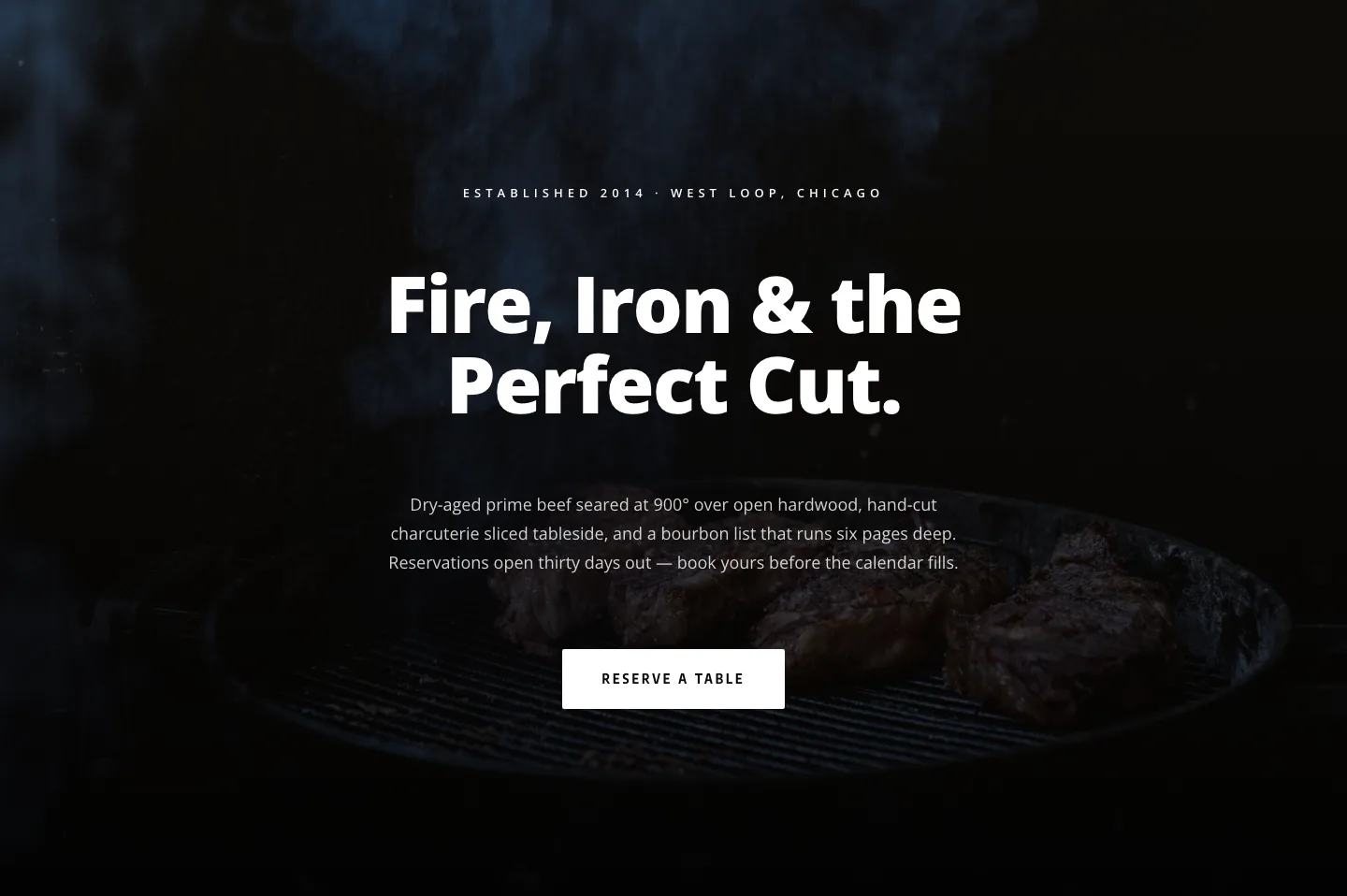
Blackline Chophouse Hero: Bold Steakhouse Divi 5 Layout
hero · restaurant · bold
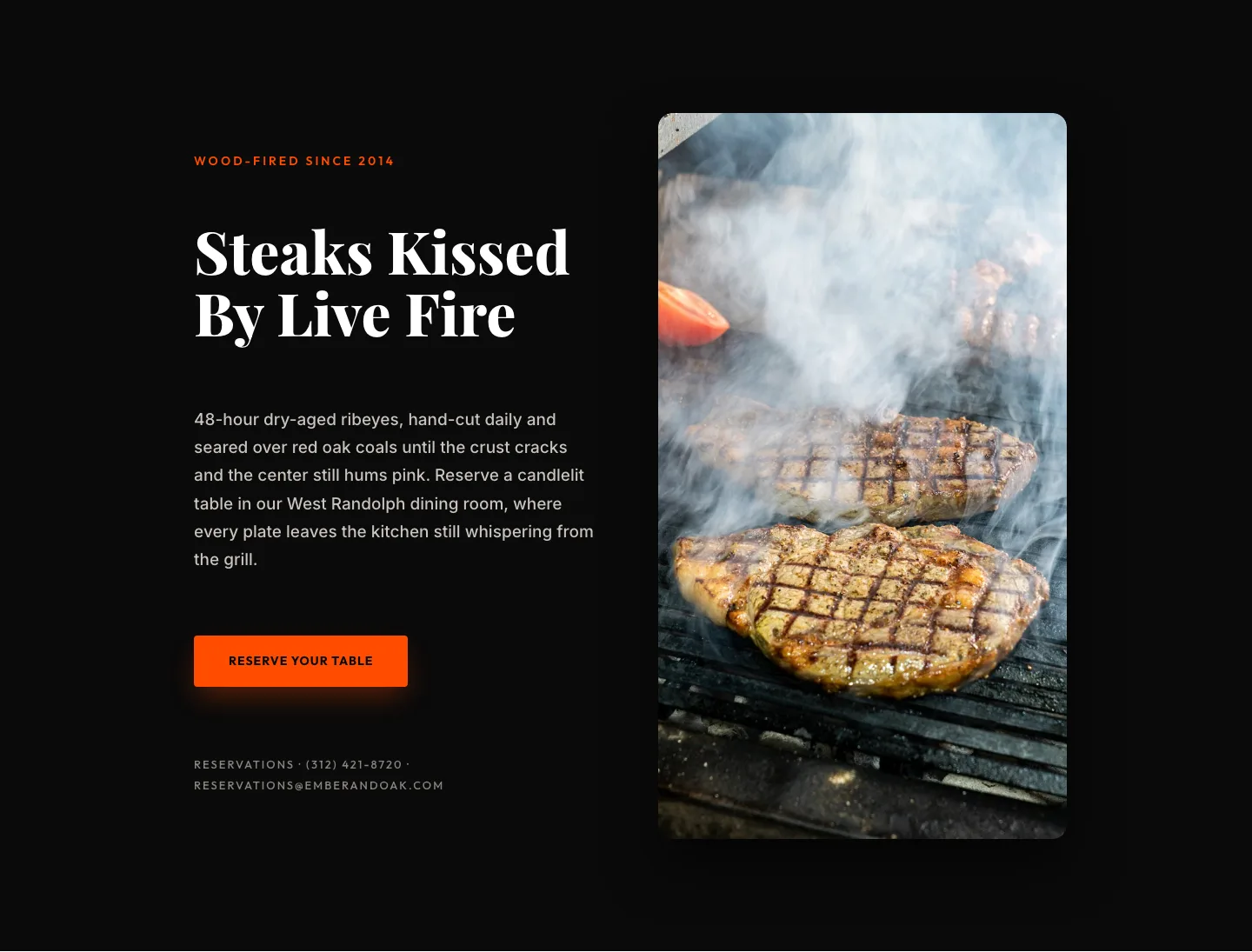
Wood-Fired Steakhouse Hero Layout for Divi 5: Bold Restaurant Template
hero · restaurant · bold
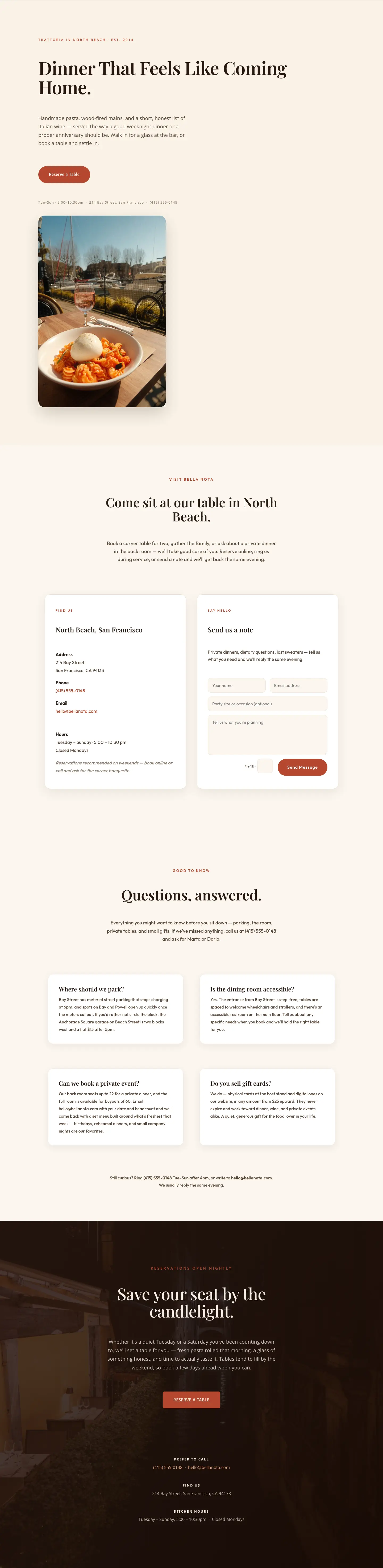
Bella Nota: Elegant Restaurant Contact Page for Divi 5
full_landing · restaurant · elegant
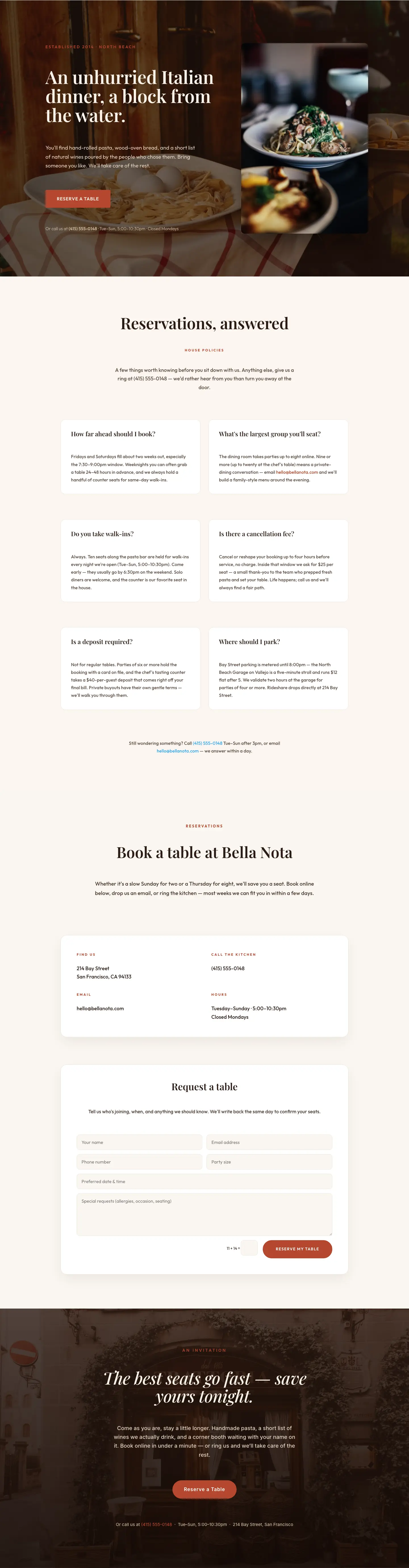
Bella Nota: Elegant Restaurant Reservations Page for Divi 5
full_landing · restaurant · elegant
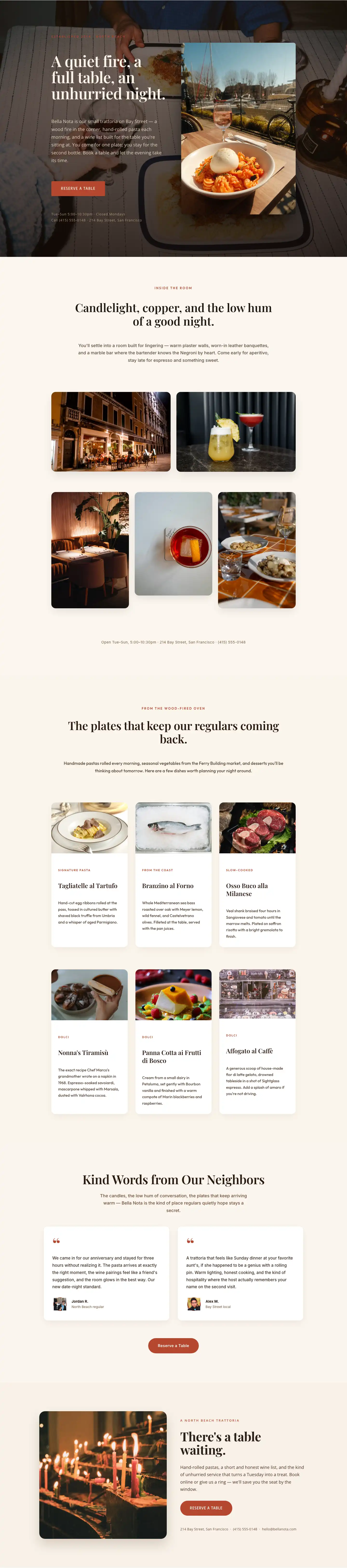
Bella Nota: Elegant Restaurant Gallery Page for Divi 5
full_landing · restaurant · elegant
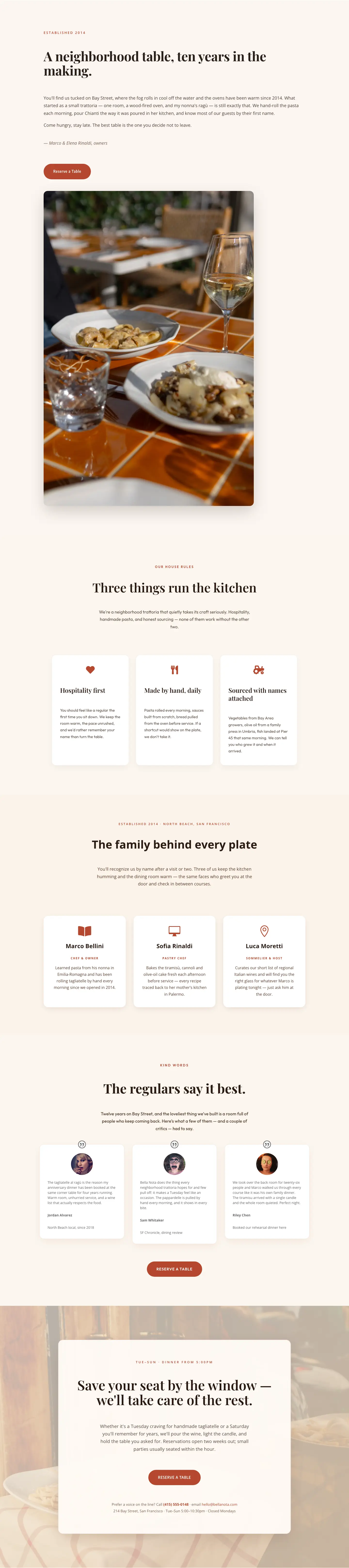
Bella Nota: Elegant Restaurant About Page for Divi 5
full_landing · restaurant · elegant

Bella Nota: Elegant Restaurant Menu Page for Divi 5
full_landing · restaurant · elegant

Bella Nota: Elegant Restaurant Home Page for Divi 5
full_landing · restaurant · elegant
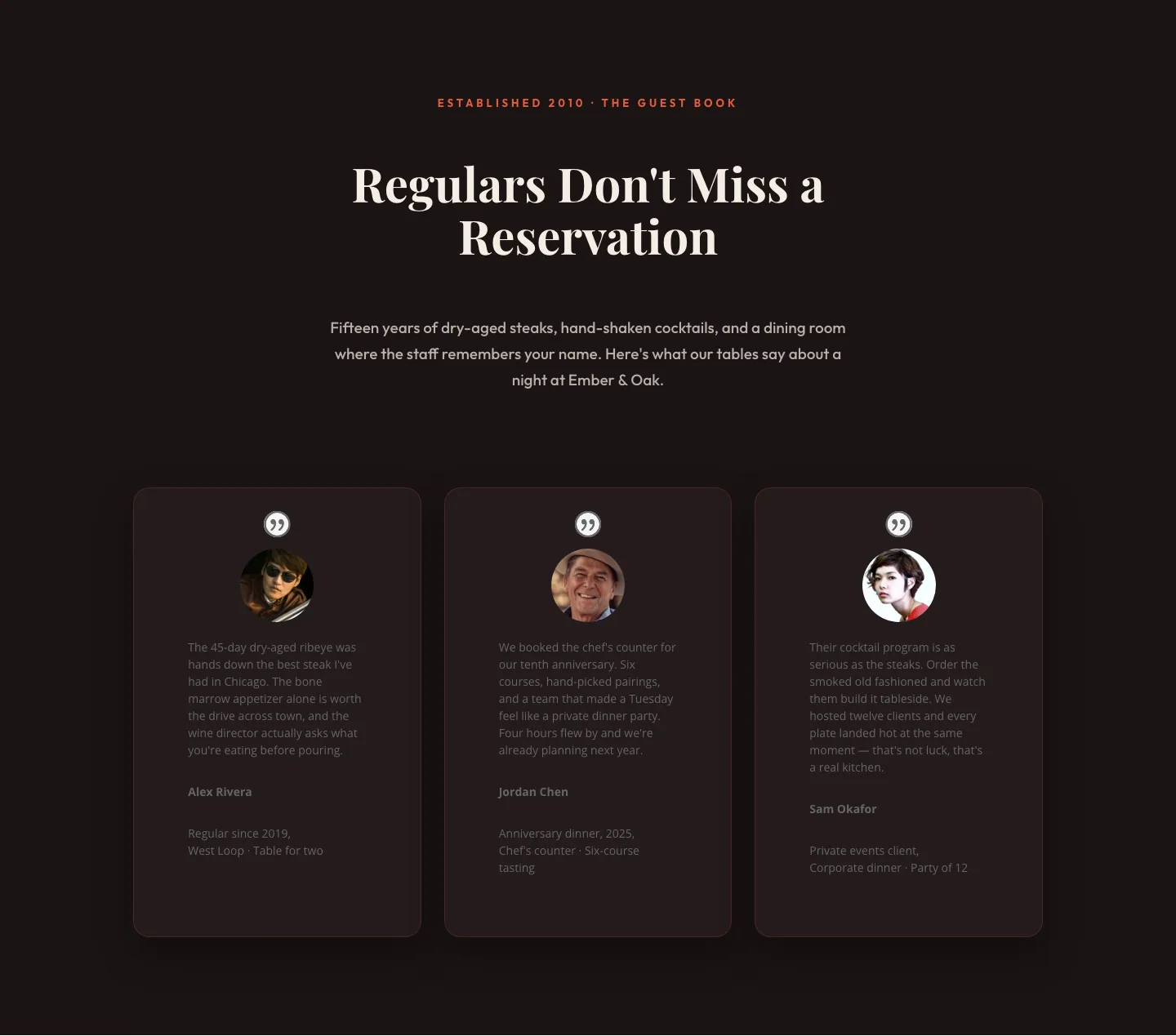
Bold Restaurant Testimonials Layout: Divi 5 Steakhouse Guest Book
testimonials · restaurant · bold
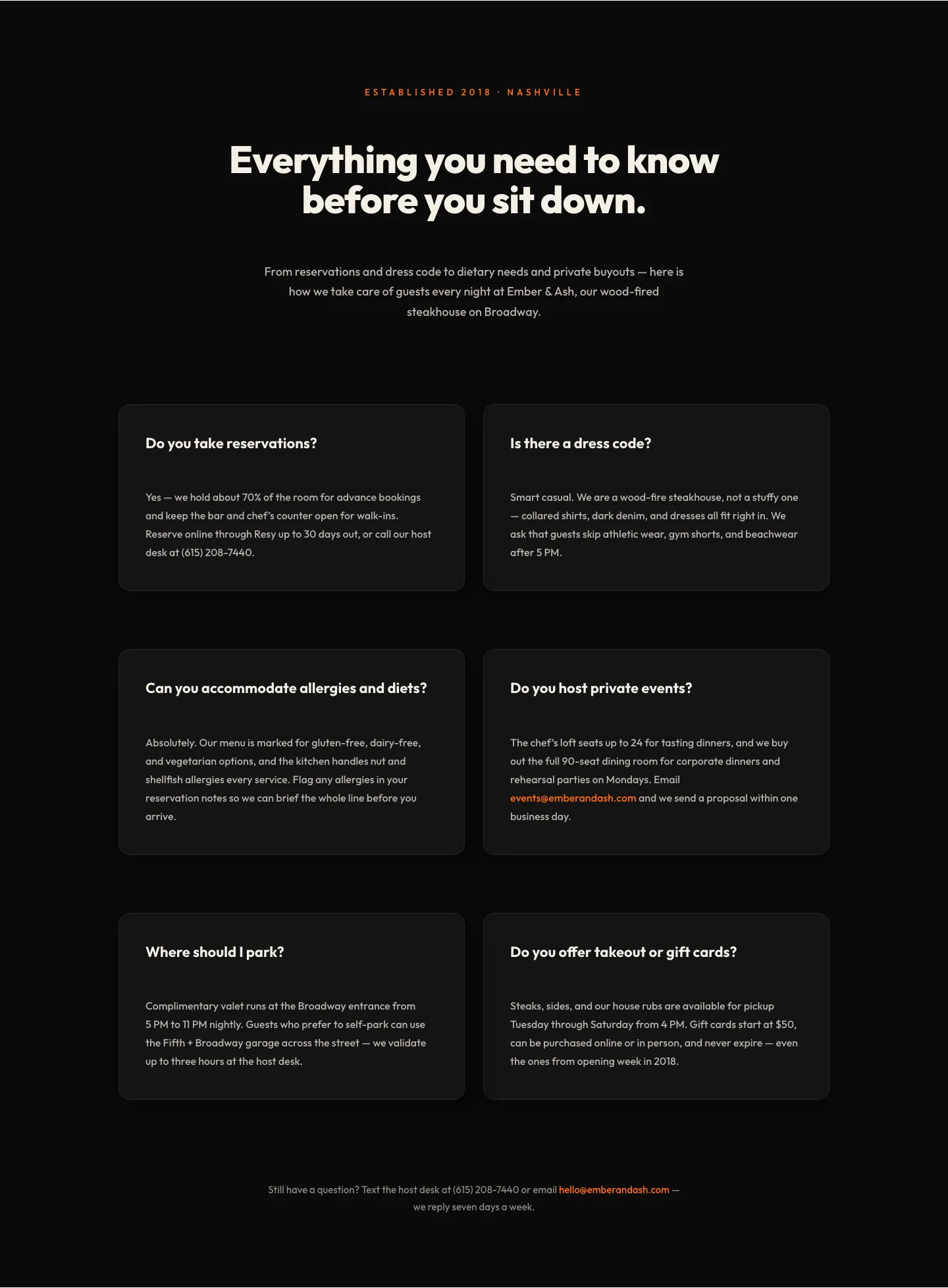
Bold Restaurant FAQ Layout: Wood-Fired Steakhouse Guest Questions | Divi 5
faq · restaurant · bold
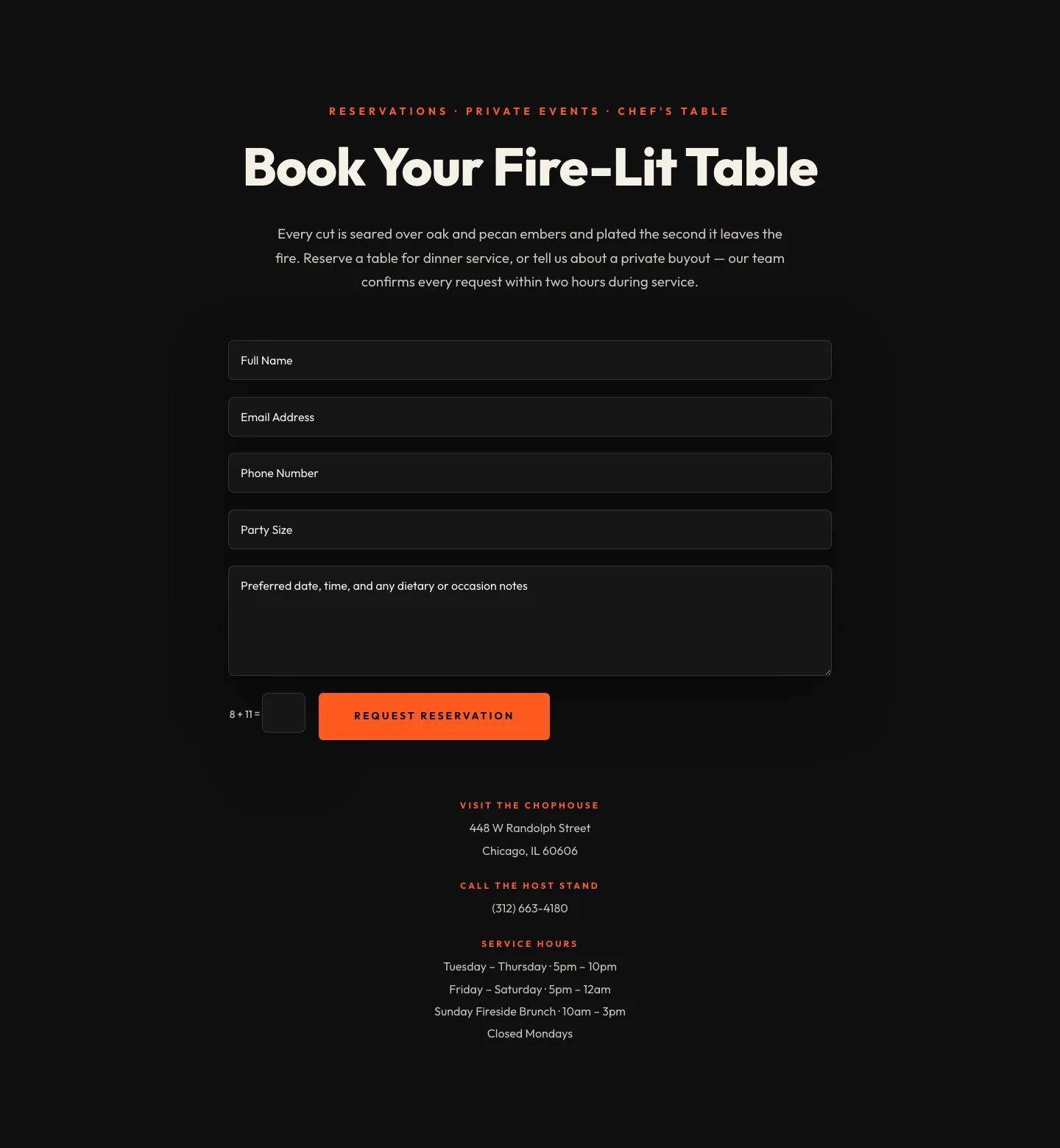
Bold Restaurant Reservation Contact Layout for Divi 5
contact · restaurant · bold
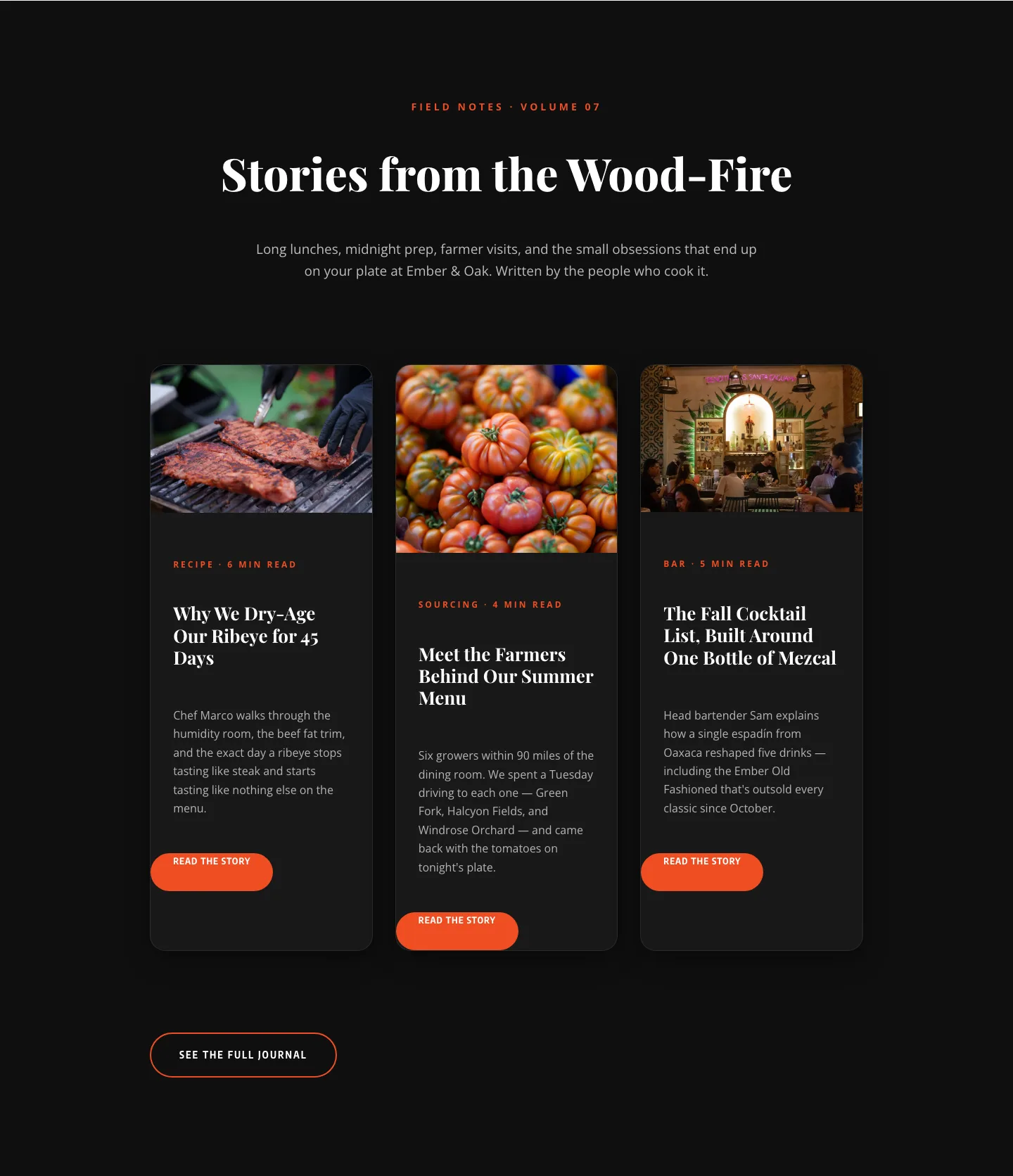
Bold Restaurant Blog Layout for Divi 5: Wood-Fire Journal
blog · restaurant · bold
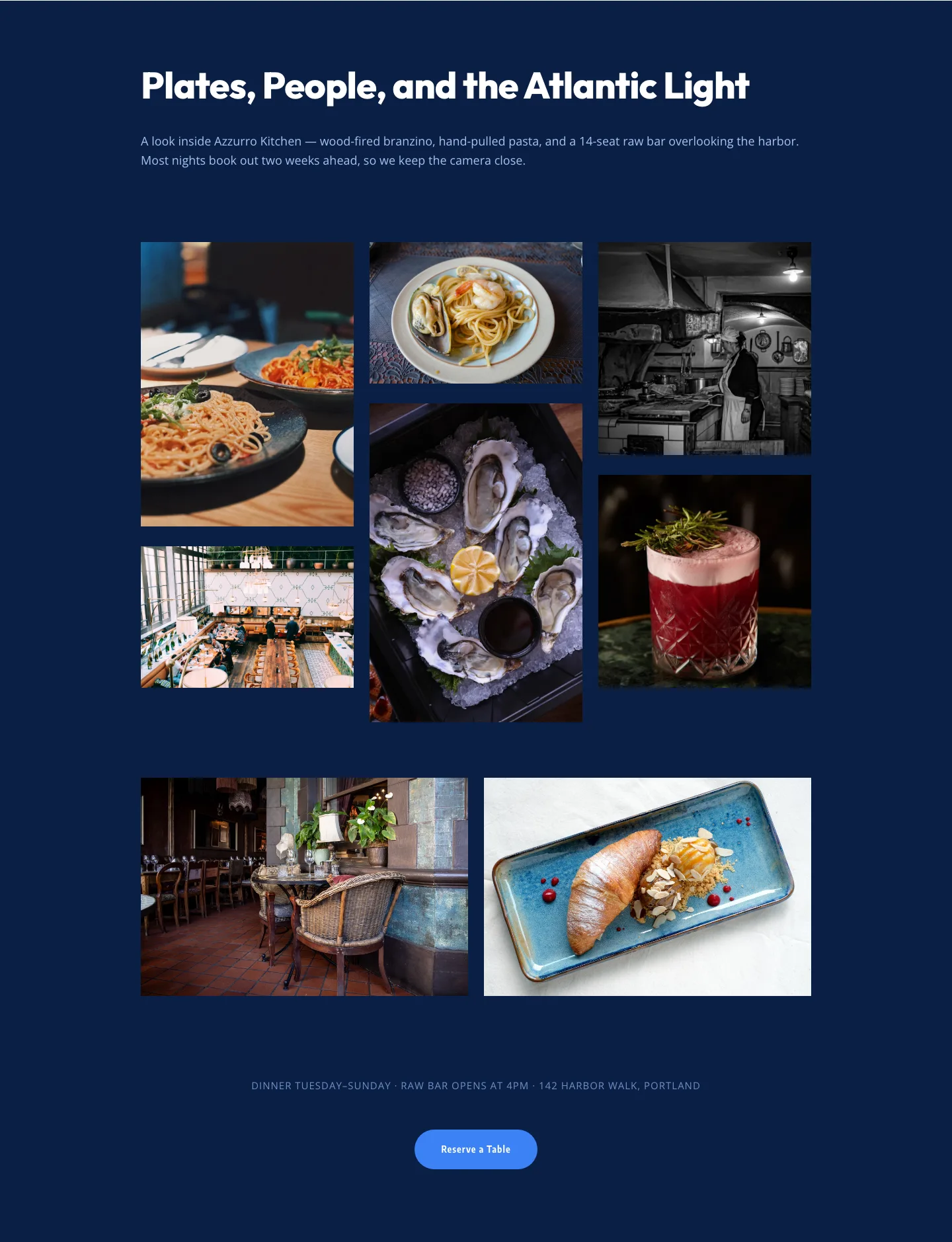
Bold Restaurant Gallery Layout for Divi 5: Coastal Dining Showcase
gallery · restaurant · bold
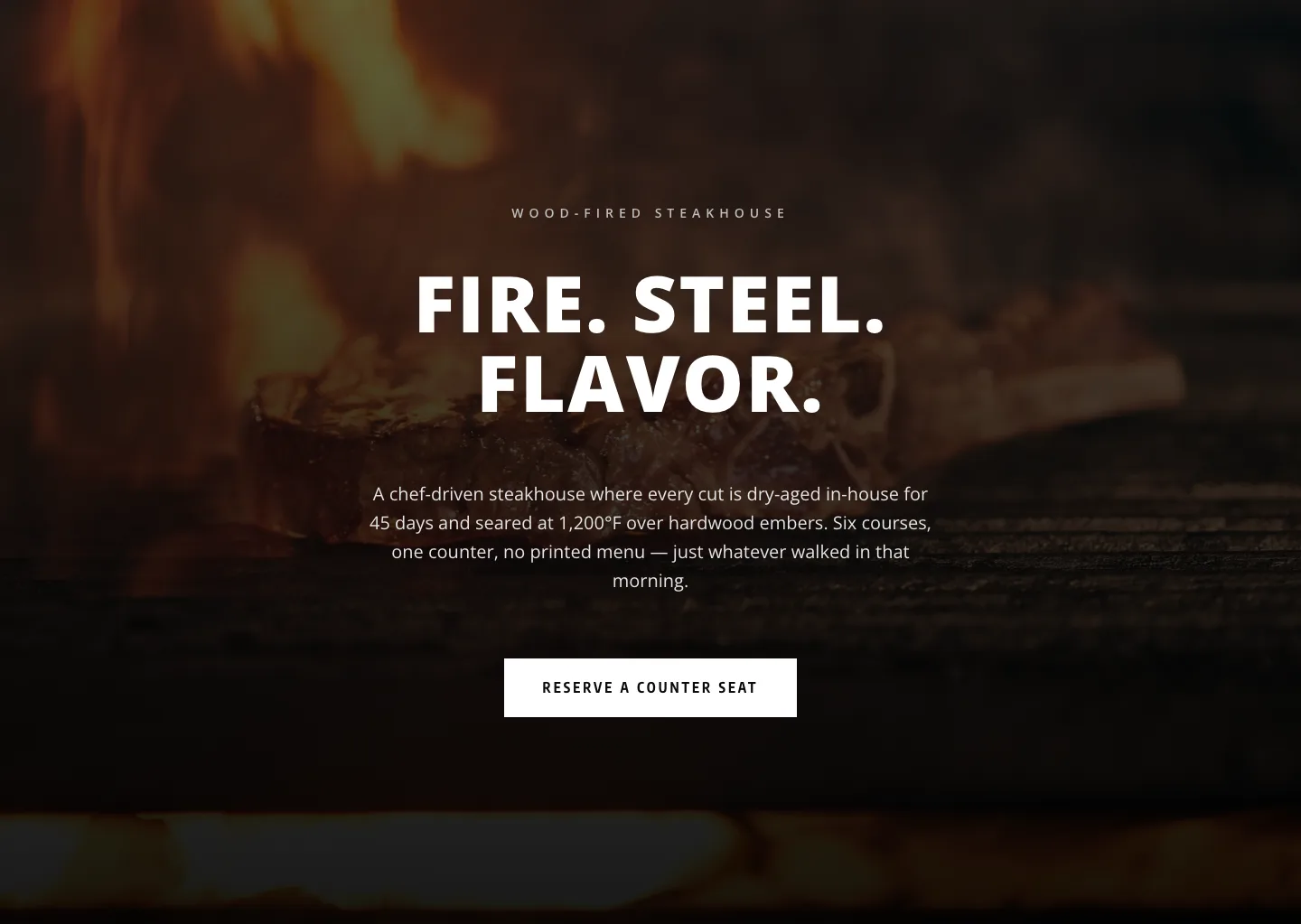
Bold Steakhouse Hero Section for Divi 5: Dark Monochrome Restaurant Layout
hero · restaurant · bold
What makes a restaurant layout work
Restaurant layouts have two jobs. On desktop they sell the mood: a full-bleed hero of the room, the plate, or the chef, with typography that whispers the concept before a single menu item loads. On mobile they handle intent: someone on the sidewalk deciding whether to walk in, or a partner in the passenger seat pulling up tonight's reservation. Both have to hold up, which is why every screenshot in this catalog shows the real desktop and mobile render side by side.
The sections that carry the most weight for a restaurant page:
- Hero + booking CTA: the reservation button (OpenTable, Resy, Tock, or a form) belongs above the fold, not buried three scrolls down.
- Menu previews: not the full PDF, but signature dishes with a photo and a price, enough to close the "is this my kind of place" question.
- Hours, location, and directions: a map block with a real address, prominent enough to read one-handed.
- Story and chef, the about section that justifies the price and the wait.
- Gallery: the room, the plates, the guests. Restaurants sell atmosphere before they sell dinner.
- Reviews or press, trust for a first-time diner scrolling from an Instagram tag.
Who these are for
Independent restaurants and bistros rebuilding a WordPress site themselves. Divi-focused agencies serving hospitality clients who don't want to design a fifth modern-Italian hero from scratch. Cafés and bakeries. Food trucks launching a first site. Ghost kitchens presenting a brand. Anyone who needs a Divi 5 restaurant page live this week, not next month.
Customizing in Divi 5
Every layout is a real Divi 5 export: no third-party child theme, no builder plugin. Import the JSON, then:
- Swap the palette. Divi 5's global colors update every module at once. Pick two neutrals and one accent that matches the dining room (warm brass, cast-iron black, olive, terracotta) and let it propagate.
- Apply your presets. Heading and Button presets you've already built for the client push straight onto the imported sections; the layout adopts your typography and shape language in seconds.
- Rewrite copy in the concept's voice. Keep the structure (hero headline, subhead, CTA) and rewrite for a Neapolitan pizzeria, a natural-wine bar, a corner diner. The rhythm stays balanced.
- Point the reservation button at your booking provider and drop real menu photography into the gallery blocks.
Downloads are free, email-gated, and come with a commercial license: use them on your own restaurant, on client builds, no per-site fees.