
Candlelit Restaurant Hero Section for Divi 5: Farm-to-Table Dinner
An elegant Divi 5 hero section for farm-to-table restaurants. Warm cream tones, serif headline typography, and a reservation CTA — ready to import.
Rate this element
Download this section, free
- Divi 5 JSON, imports in seconds
- Commercial license included
- No account needed
Click to view the full page
Overview
The layout builds its mood through layering rather than decoration. At the section level, a warm parchment tone (#f3eadc) sits behind a full-bleed Pexels photograph, establishing an immediate sense of candlelit atmosphere before a single word is read. A single full-width column floats above that scene at z-index 10, its slightly brighter cream background (#fbf6ee) creating a soft material separation. The content sits in what reads as a slip of warm linen placed over the tablecloth, pulling focus without competing with the photography behind it.
The typographic hierarchy moves in three deliberate steps. A small H4 in DM Sans (16px, uppercase, 1px letter-spacing, warm taupe #675b49) carries the restaurant or brand name as an eyebrow, quiet enough to anchor the reader but confident enough to orient them. Below it, an H1 in Fraunces (56px, tight -1px letter-spacing, near-black warm #2e2a22) delivers the headline with the weight that optical serif deserves at that size. The contrast between the geometric DM Sans label and the ink-trap-influenced Fraunces headline is doing real typographic work, pairing utility with personality in a way that reads premium without shouting.
The CTA button carries its own visual logic. Pill-shaped (999px border radius), forest green (#41603a), with a warm-toned box shadow (rgba(34,26,16,0.18), 8px vertical, 24px blur), it reads as a physical object rather than a flat web element. The shadow grounds it against the cream panel and keeps the eye moving from headline to action without hesitation.
On mobile, the column padding cascades from 60px at desktop to 30px at tablet and 20px at phone, maintaining generous breathing room at every size. The H1 scales from 56px to 44px to 34px, preserving the headline's presence without overflowing narrow viewports. The row switches to a vertical flex column direction on phones, keeping the stacked layout clean and scroll-friendly across all screen sizes.
What’s inside
- Divi 5 Section with dual-layer background: warm parchment (#f3eadc) base color plus a full-bleed background image, both swappable from the section's Design tab
- Single full-width column card with a distinct warm cream (#fbf6ee) fill and z-index 10 layering that lifts the content panel visually off the photography
- H4 eyebrow Heading module (DM Sans, 16px, uppercase, 1px letter-spacing) for a restaurant name, studio name, or brief descriptor
- H1 headline Heading module (Fraunces serif, 56px/44px/34px across desktop, tablet, and phone) with -1px letter-spacing for an editorial, print-inspired feel
- Pill CTA Button module (DM Sans, forest green #41603a, 999px border radius, warm box shadow) pre-wired for a reservation or booking URL
- Responsive padding cascade on the content column: 60px desktop, 30px tablet, 20px phone, with no manual CSS required
- Row flex direction switches to vertical stack on phones automatically, keeping all three modules readable and cleanly ordered on narrow viewports
Who it’s for
This hero is a natural fit for farm-to-table restaurants, bistros, wine bars, and fine-dining venues that want a warm, editorial tone rather than a loud promotional feel. It also suits catering companies, private dining experiences, and supper-club-style pop-ups where the implied intimacy of candlelight and considered typography does the selling. Food photographers, hospitality brand designers, and agencies building sites for restaurant clients will find it a strong starting canvas that imports cleanly and customizes quickly.
Customization tips
The palette lives in three independent places: the section background color (#f3eadc), the column background (#fbf6ee), and the button fill (#41603a). Swapping all three to a cooler palette (deep navy, off-white, brushed gold) shifts the mood from rustic warmth to modern fine dining with minimal effort. The background image replaces inside the section's Design > Background > Image settings and works best with a horizontally centered subject at roughly 16:9 or wider, since the column card occupies the foreground. The H4 eyebrow is set to uppercase in the module, so the text you type will auto-capitalize. Keep the H1 to two lines or fewer at desktop: at 56px, a third line starts to crowd the column's 60px padding. The CTA label should stay under five words to keep the pill button proportional.
How to install this layout
- Download the layout JSON file from this page.
- Open the target page in the Divi 5 builder.
- Open the portability panel (up/down arrows icon) and choose the Import tab.
- Upload the JSON. Tick “replace existing content” only for full-page imports.
- Check the page at desktop and mobile widths, then swap in your copy and images.
Full walkthrough with troubleshooting: How to Import a Divi 5 Layout.
Questions about Candlelit Restaurant Hero Section for Divi 5: Farm-to-Table Dinner
Does this layout include a background image, or do I need to supply one?
The JSON includes a Pexels photo URL as the starting section background image. You can replace it in the section's Design > Background > Image settings with any photo you own or license. A horizontal landscape orientation (16:9 or wider) works best, since the section uses full-bleed display with no built-in crop mask.
Which Divi 5 modules are inside this layout?
Three native Divi 5 modules: a Heading module (H4 eyebrow), a Heading module (H1 headline), and a Button module. No third-party plugins or add-ons are required.
How does the layout behave on mobile devices?
The content column's padding reduces from 60px at desktop to 20px on phones. The H1 headline scales from 56px down to 34px across breakpoints. The row's flex direction switches to a vertical column on phones, so all three modules stack in order without any overflow or overlap.
What should I update first after importing?
Start with the H4 text (your restaurant or brand name), then rewrite the H1 headline to match your own voice. After that, point the button to your reservation URL (OpenTable, Resy, a contact page, or an inline form). Swap the section background image last, once the copy is final, so you can judge the photo against your actual words.
Is a navigation bar or header menu included?
No. This is a standalone hero section designed to sit below your existing theme header or a separate Divi header module. It ships without navigation so it drops cleanly into any page structure without conflicting with your site-wide header.
Can I change the button color independently without touching the rest of the palette?
Yes. The button background (#41603a) is set directly on the Button module and has no connection to the section or column background colors. Update both the default and hover color fields on the button (hover is also set to the same green) if you want a different interaction state.
Which Divi version does this layout need?
Divi 5. The layout is generated natively for Divi 5 and validated against its real module structure before publication, so it imports clean into the current builder.
Can I use this layout on client websites?
Yes. Every download includes a commercial license covering unlimited sites you own or build for clients. Only reselling or redistributing the layout file itself is prohibited.
More hero sections
Browse all hero sections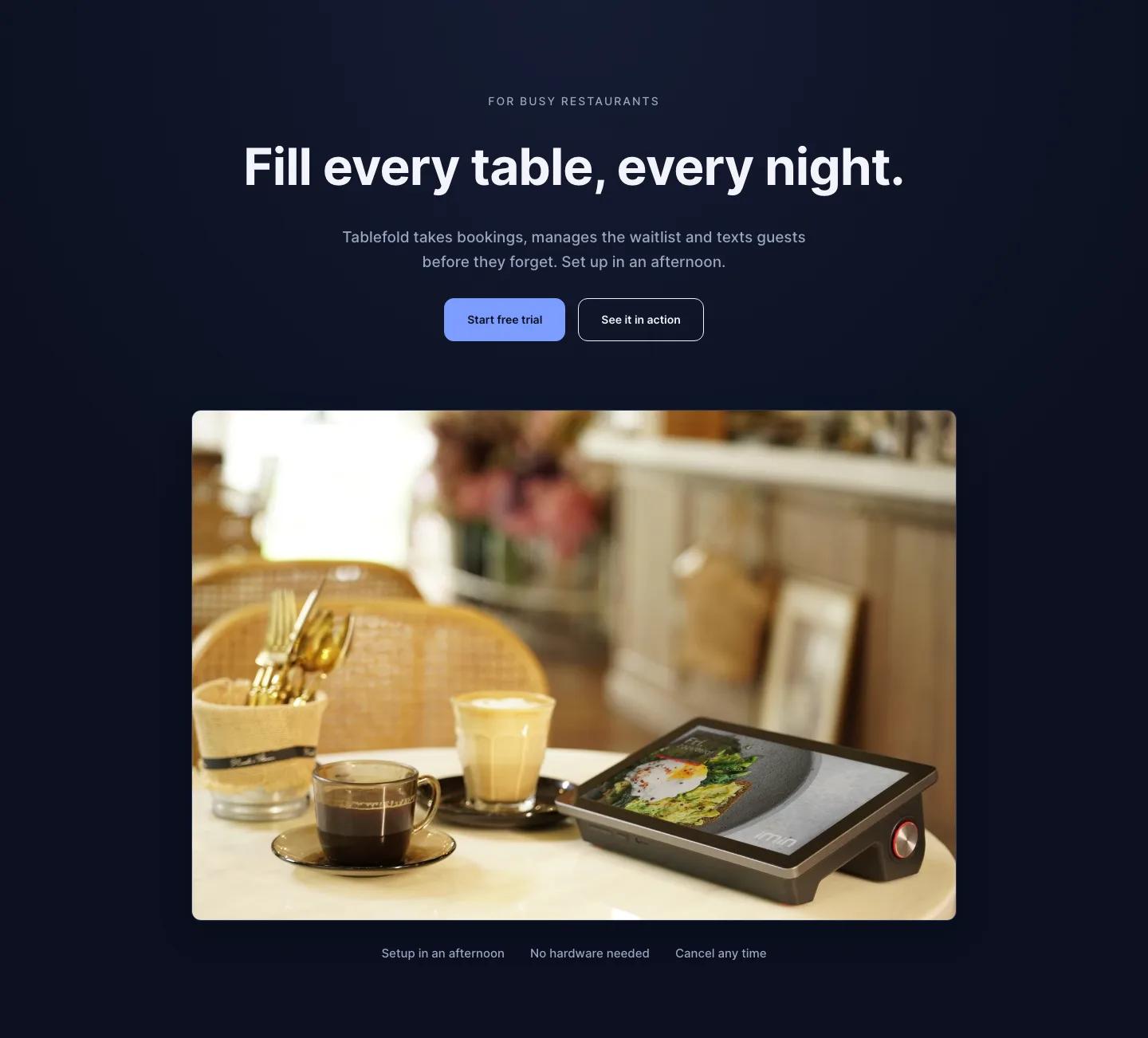
Dark Restaurant Booking Software Hero Section for Divi 5: Product Glow Layout
hero · restaurant · dark
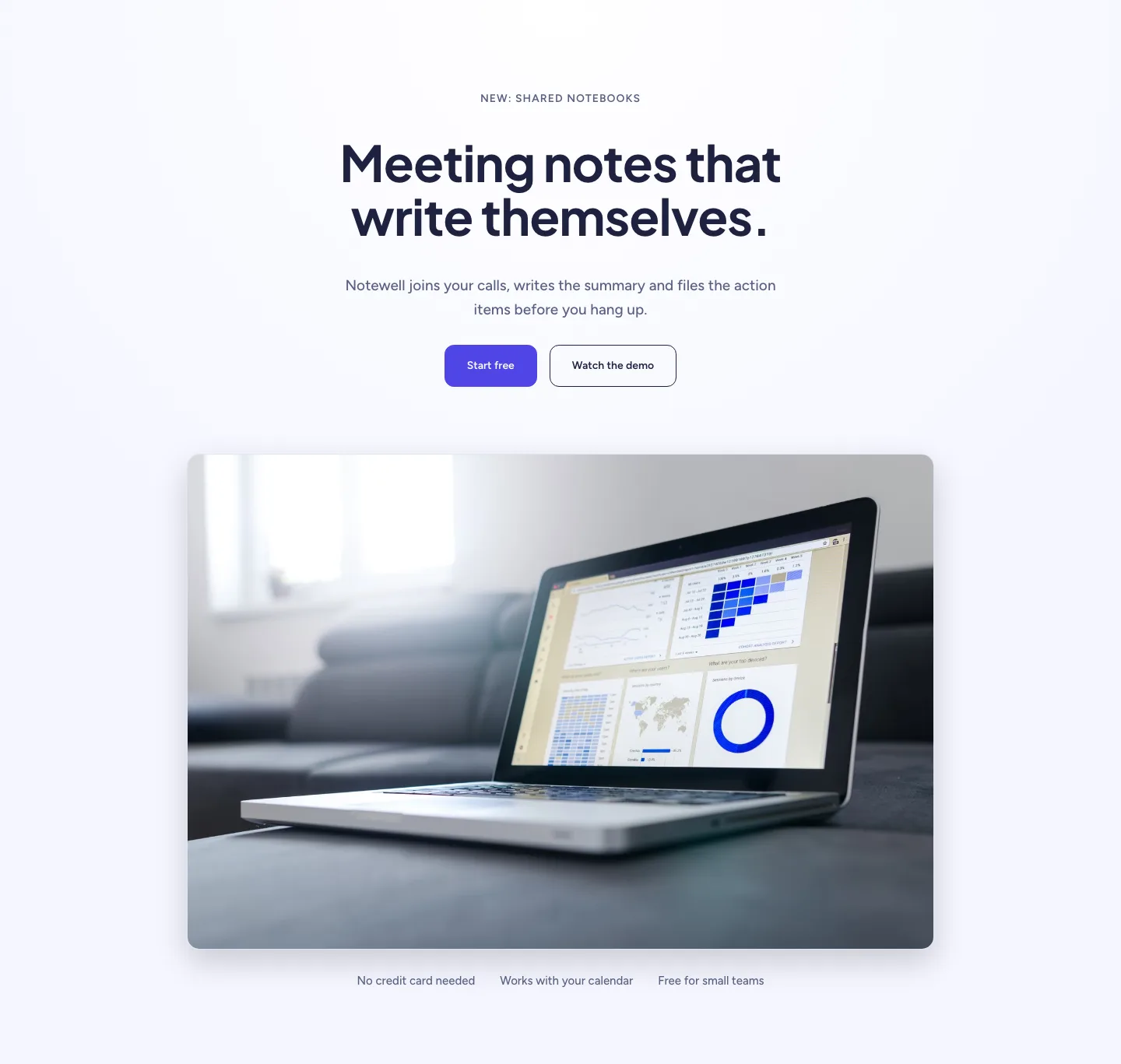
Soft SaaS Meeting Notes Hero Section for Divi 5: Product Glow Layout
hero · saas · minimal
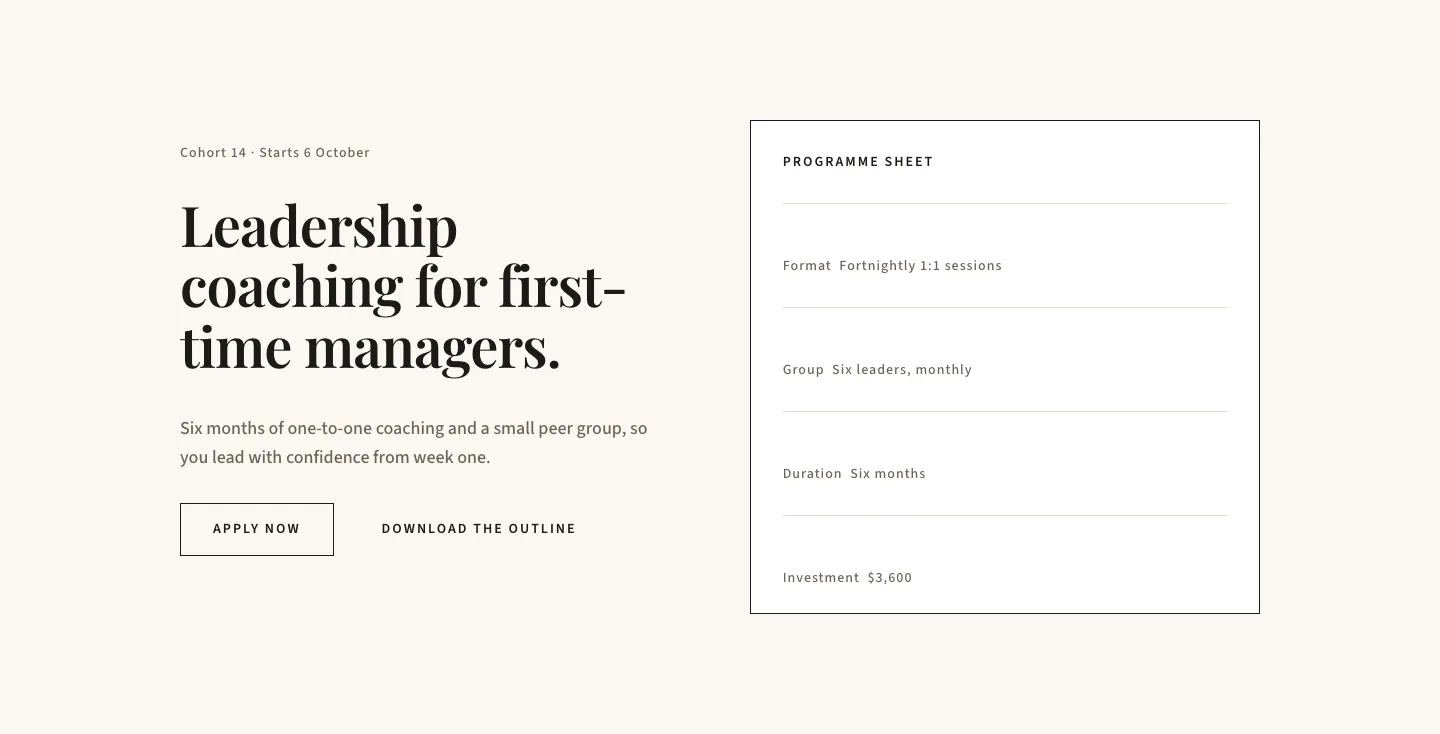
Editorial Executive Coaching Hero Section for Divi 5: Programme Sheet
hero · coaching · minimal
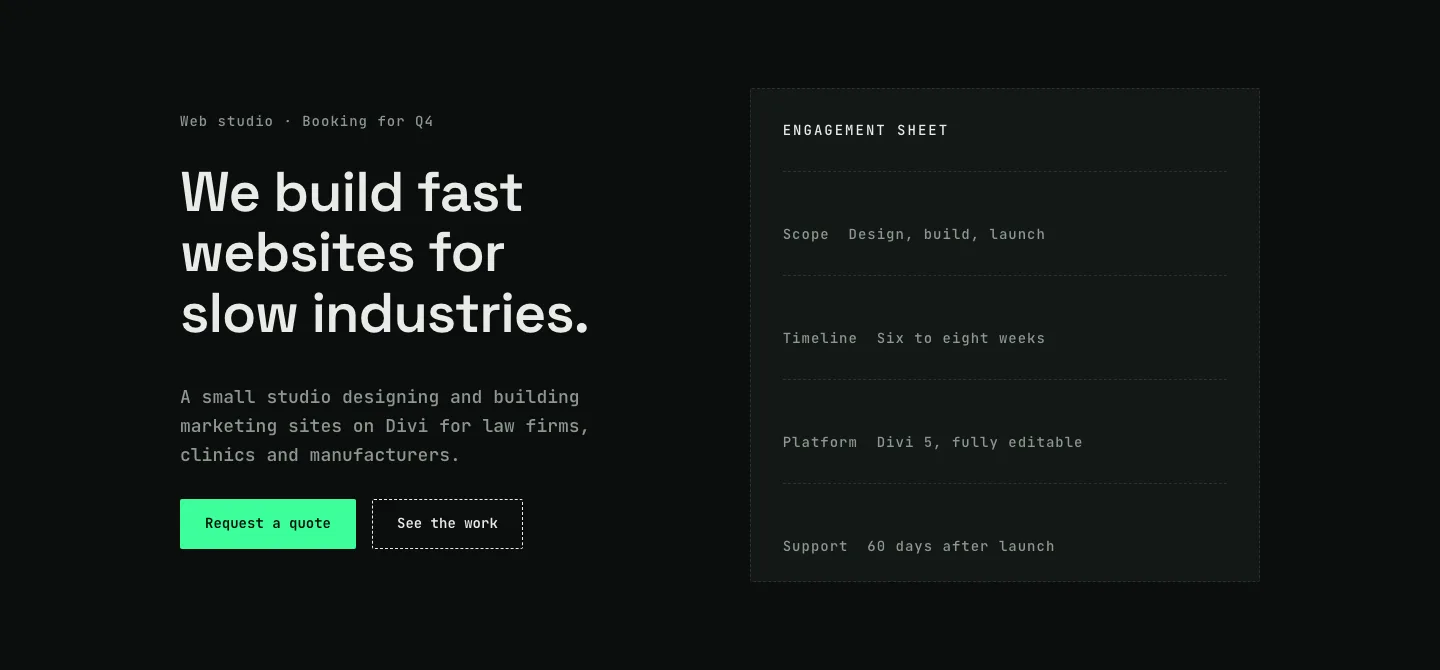
Dark Web Studio Agency Hero Section for Divi 5: Spec Card Layout
hero · agency · dark
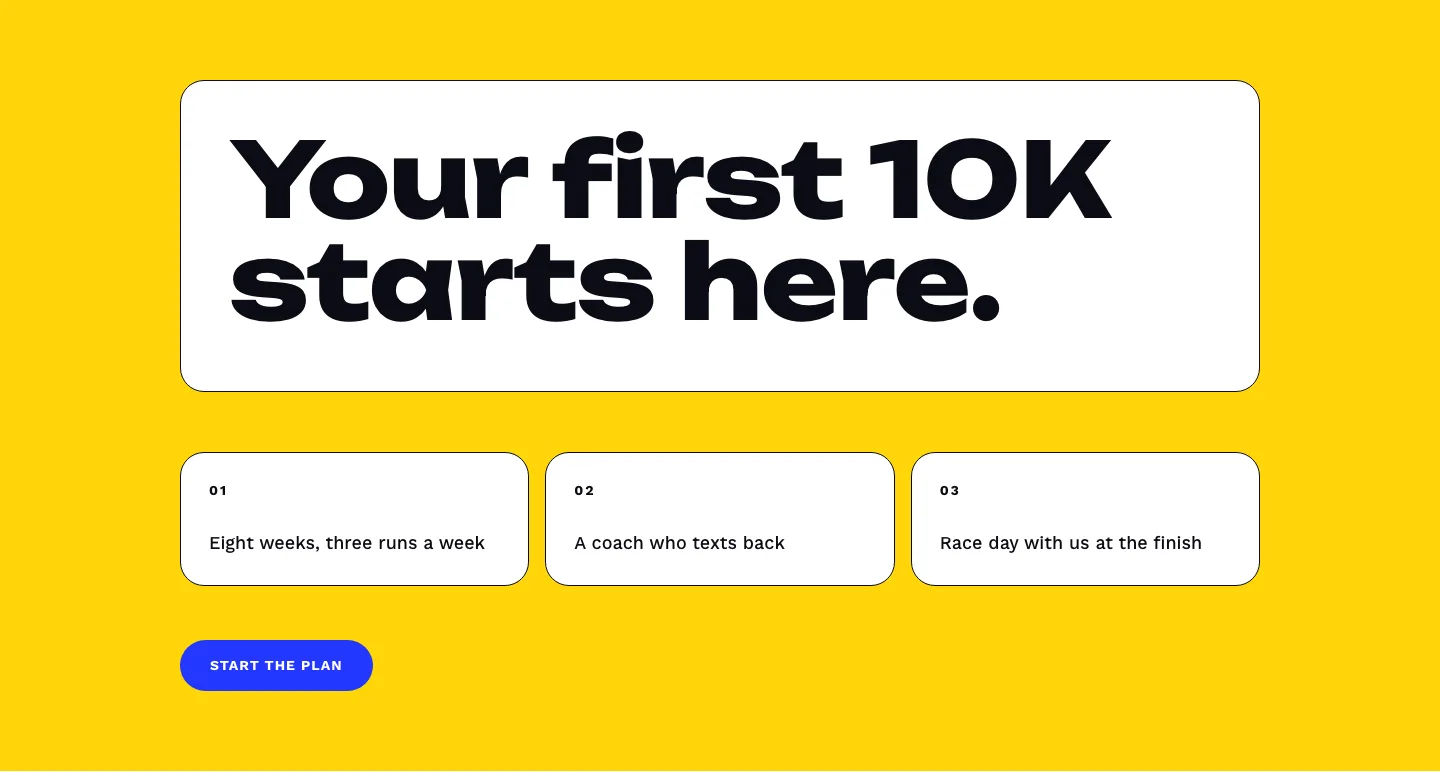
Bold First 10K Running Coach Hero Section for Divi 5: Fitness Bordered Cells
hero · fitness · bold
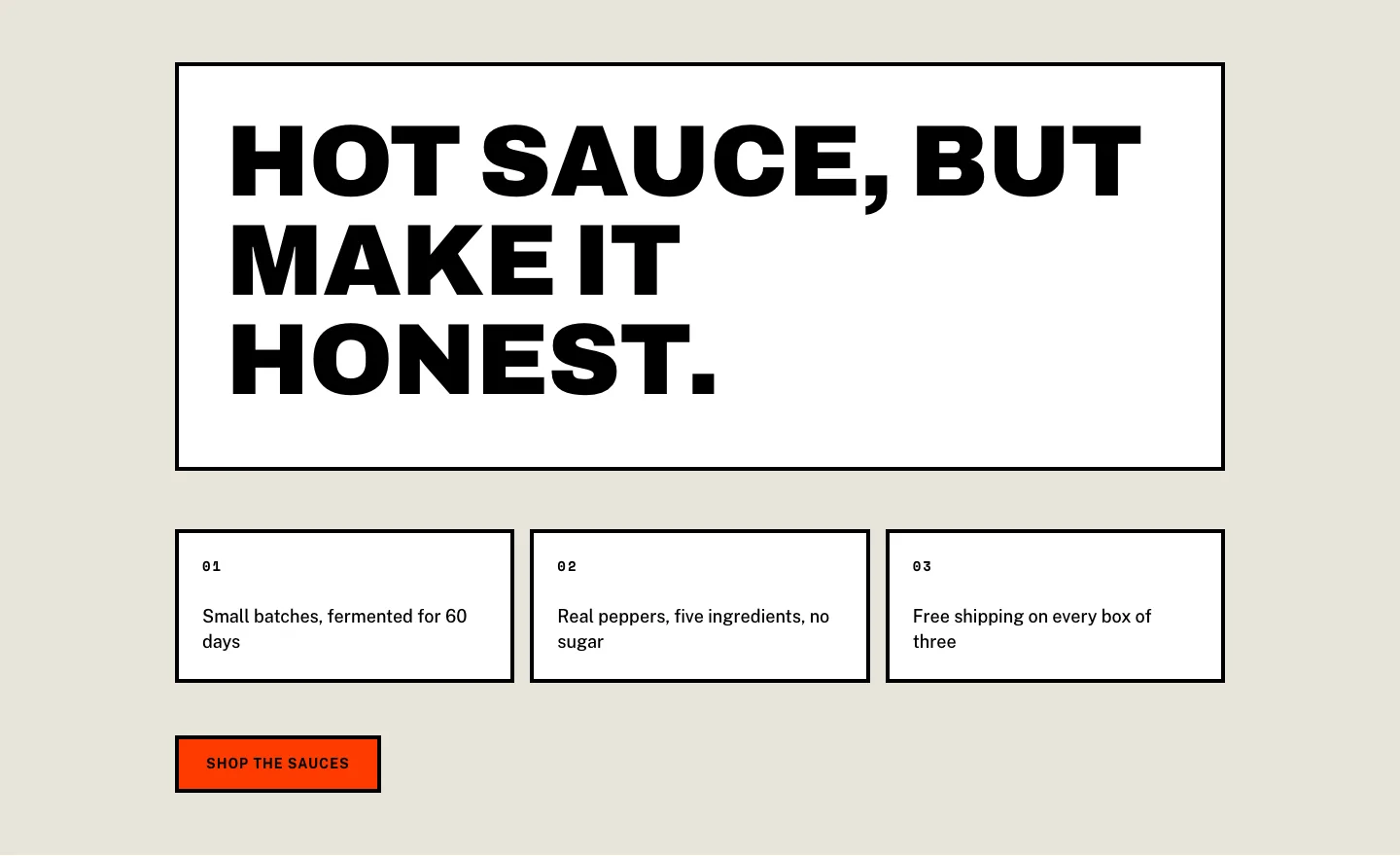
Brutalist Hot Sauce Ecommerce Hero Section for Divi 5: Bordered Cells
hero · ecommerce · bold