
Brutalist Hot Sauce Ecommerce Hero Section for Divi 5: Bordered Cells
Bold brutalist Divi 5 hero section for hot sauce and artisan food brands. Black bordered cells, oversized Archivo headline, and a high-contrast orange CTA built for ecommerce conversion.
Rate this element
Download this section, free
- Divi 5 JSON, imports in seconds
- Commercial license included
- No account needed
Click to view the full page
Overview
The layout opens with a full-width bordered cell containing a single H1 in Archivo Black at 104px. The headline sits at 0.98em line height with −1px letter spacing, pressed into its white box by 48px of interior padding on all sides. A 4px solid black stroke traces every edge of that cell against the warm #e8e4da section background, establishing the layout's visual grammar before any secondary content appears. There are no rounded corners anywhere in the layout; every group, cell, and button holds a 0px border radius, which is what gives the design its deliberately industrial, print-influenced character.
Below the headline, a CSS grid of three equal cells spans the full column width at 16px column and row gaps. Each cell carries the same 4px black border, white fill, and 24px of interior padding. A Space Mono index label (01, 02, 03 at 14px, 700 weight, 2px letter spacing, all caps) stacks above a Public Sans body line at 18px and 1.45em line height. The numbered-cell format turns three product facts into something closer to a specification sheet than a marketing blurb, which suits a brand positioning built around transparency and craft.
The CTA button sits below the grid with #ff3b00 fill, 4px black border, zero radius, and an inversion hover state that swaps the fill to black and the label to the same red-orange. The 14px vertical and 28px horizontal padding keeps the button proportional to the cell system without disrupting the grid rhythm. The accent color appears only here and in the hover state, which focuses attention and reserves the red-orange for a single action.
On mobile, both the full-width row structure and the three-cell grid resolve to single-column stacks. The H1 steps from 104px down to 68px on tablet and 40px on phone, preserving the oversized headline impact without viewport overflow. Section padding compresses from 64px to 48px to 32px top and bottom as the viewport narrows, keeping the layout proportionate at every breakpoint without any content being hidden or truncated.
What’s inside
- Full-width bordered headline cell: Divi Group module with white fill, 4px solid black border, zero border radius, and 48px interior padding on all sides
- Archivo Black H1 at 104px, 900 weight, uppercase, 0.98em line height, −1px letter spacing, scaling to 68px on tablet and 40px on phone
- Three-column CSS grid of bordered feature cells (16px column and row gaps) built as nested Divi Group modules, collapsing to a single column on phone
- Space Mono numbered index labels (01/02/03) at 14px, 700 weight, 2px letter spacing, uppercase, paired with Public Sans body copy at 18px per cell
- Divi Button module with #ff3b00 fill, 4px black border, zero radius, and a full inversion hover state (black fill, red-orange label)
- Warm #e8e4da cream section background that separates the layout from pure black-and-white starkness while staying neutral behind the bordered cells
- Responsive section padding: 64px desktop, 48px tablet, 32px phone, with no horizontal scroll at any breakpoint
Who it’s for
This hero fits food and beverage brands that lead with craft credentials: hot sauce, fermented condiments, small-batch hot honey, artisan sauces, and specialty preserves. It works equally well for any direct-to-consumer product brand that wants to foreground process and values over lifestyle photography -- natural skincare, specialty coffee, artisan spirits, or health supplements. The numbered-cell structure also suits product launches, limited-edition drops, or any store where the brand tone is deliberately anti-corporate and the copy can do the selling.
Customization tips
The three main colors each have one source in the layout: swap #e8e4da (section background) for any warm neutral or for #000000 to get a dark-mode variant; replace #ff3b00 on the button fill and its hover target to adopt your brand accent in a single pass; the border color is #000000 across all cells and the headline box, so changing it cascades consistently.
The H1 copy length is the tightest constraint. Archivo Black at 104px comfortably holds 4 to 5 words per line before wrapping unexpectedly; keep headlines under 7 words total. Each numbered cell is designed for one short claim, roughly 6 to 8 words in the body line. Longer copy will push individual cell heights uneven inside the fixed grid. The button label is uppercase Public Sans; 4 to 5 words sit cleanly before the button stretches noticeably. No images are used in this layout, so there are no aspect ratio or crop considerations.
How to install this layout
- Download the layout JSON file from this page.
- Open the target page in the Divi 5 builder.
- Open the portability panel (up/down arrows icon) and choose the Import tab.
- Upload the JSON. Tick “replace existing content” only for full-page imports.
- Check the page at desktop and mobile widths, then swap in your copy and images.
Full walkthrough with troubleshooting: How to Import a Divi 5 Layout.
Questions about Brutalist Hot Sauce Ecommerce Hero Section for Divi 5: Bordered Cells
Does the three-cell grid stay in one row on all screen sizes?
On desktop and tablet the grid runs three columns at 16px gaps. On phone it collapses to a single-column stack via the gridColumnCount:1 phone override, so all three cells display vertically in full, with no content hidden or truncated.
What fonts does this layout use, and do I need to install them?
Three Google Fonts: Archivo (headline), Space Mono (index numbers), and Public Sans (cell body copy and button label). All three load through Divi's built-in Google Fonts integration, so no manual installation or external stylesheet is required.
Can I add a product image or video to this hero?
The layout contains no image or video module by design. The visual weight comes entirely from typography, borders, and the grid structure. You can insert a Divi Image module inside the headline group or in a new row below the grid, but doing so changes the brutalist character of the section significantly.
What exactly does the button hover state do?
On hover the button background swaps from #ff3b00 to #000000 and the label color swaps from black to #ff3b00. Both transitions are wired in the button module's hover decoration settings and require no custom CSS.
Is the headline in a separate column from the feature cells, or is it full width?
Both rows use a single 4_4 full-width column. The visual separation between the headline cell and the feature grid comes from the border treatment and the row gap, not from a multi-column structure. This means both sections stretch edge to edge inside the section.
Which Divi version does this layout need?
Divi 5. The layout is generated natively for Divi 5 and validated against its real module structure before publication, so it imports clean into the current builder.
Can I use this layout on client websites?
Yes. Every download includes a commercial license covering unlimited sites you own or build for clients. Only reselling or redistributing the layout file itself is prohibited.
More hero sections
Browse all hero sections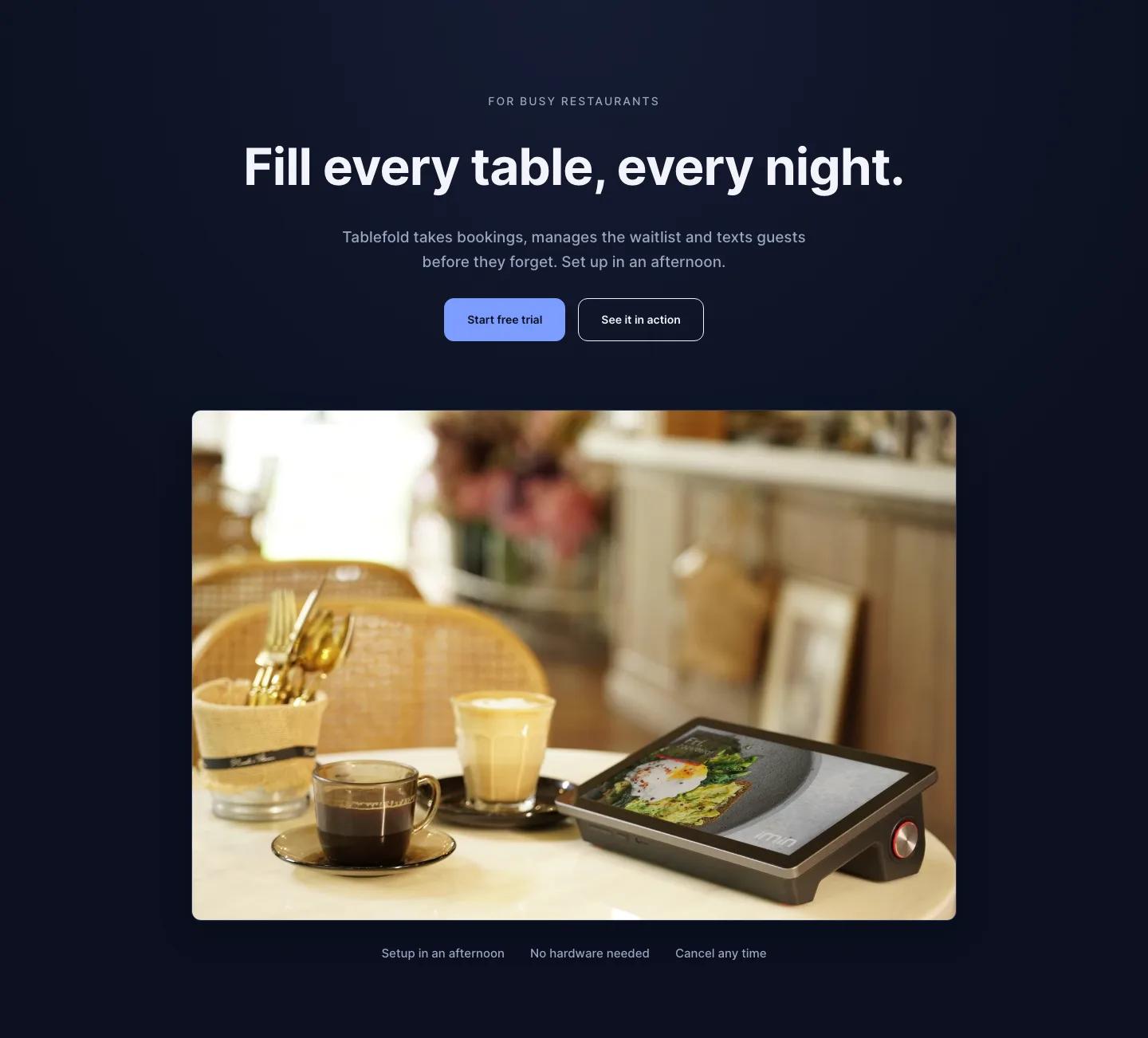
Dark Restaurant Booking Software Hero Section for Divi 5: Product Glow Layout
hero · restaurant · dark
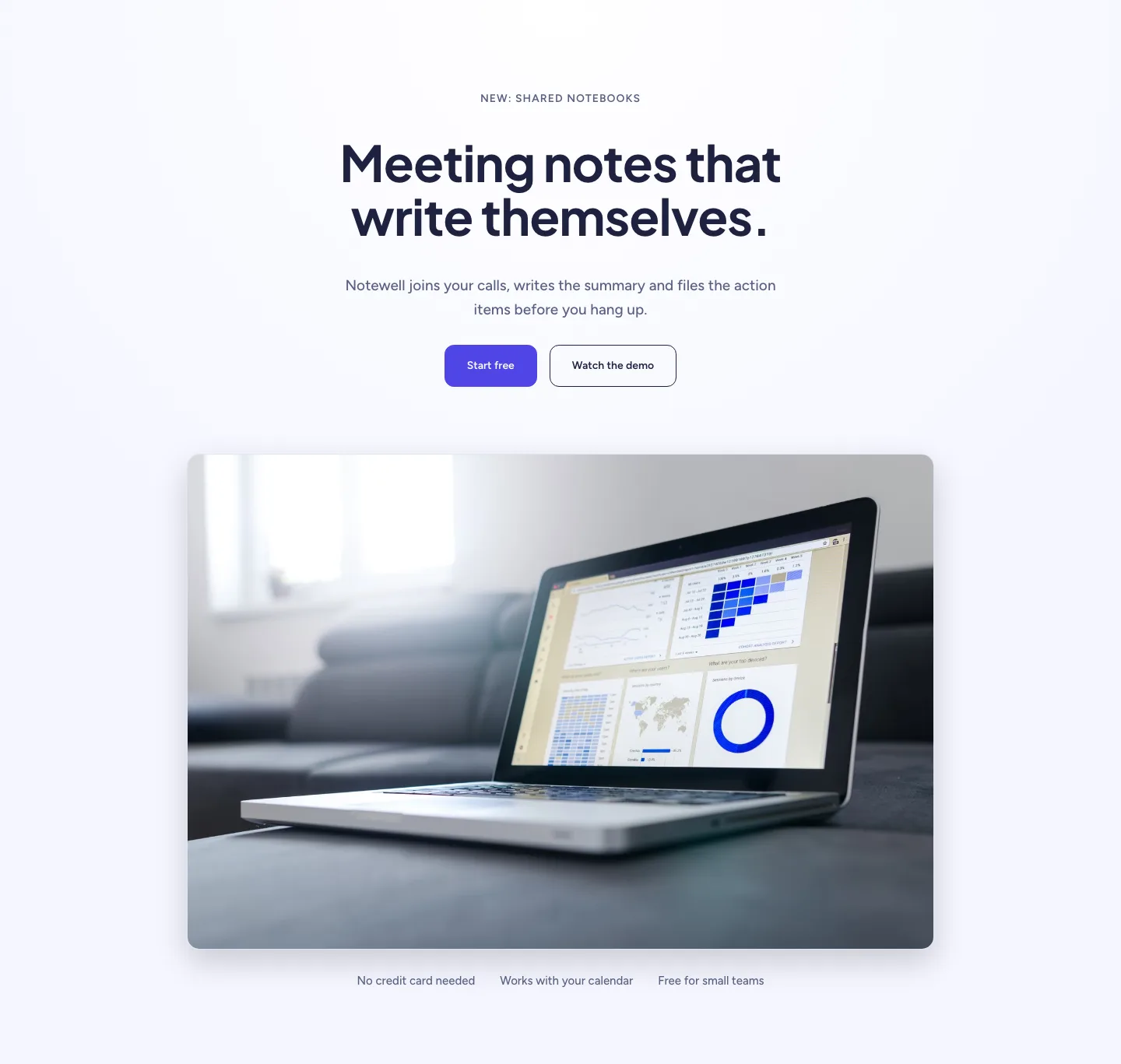
Soft SaaS Meeting Notes Hero Section for Divi 5: Product Glow Layout
hero · saas · minimal
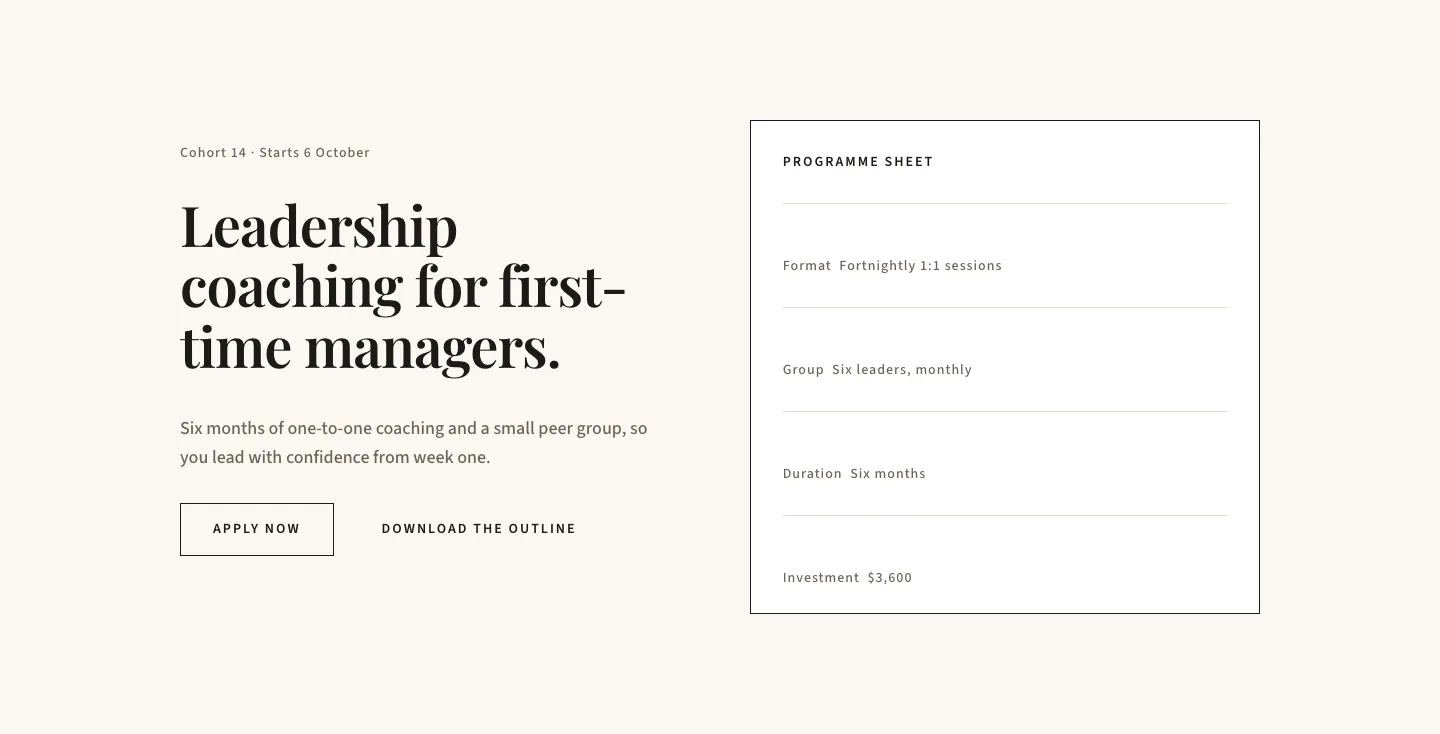
Editorial Executive Coaching Hero Section for Divi 5: Programme Sheet
hero · coaching · minimal
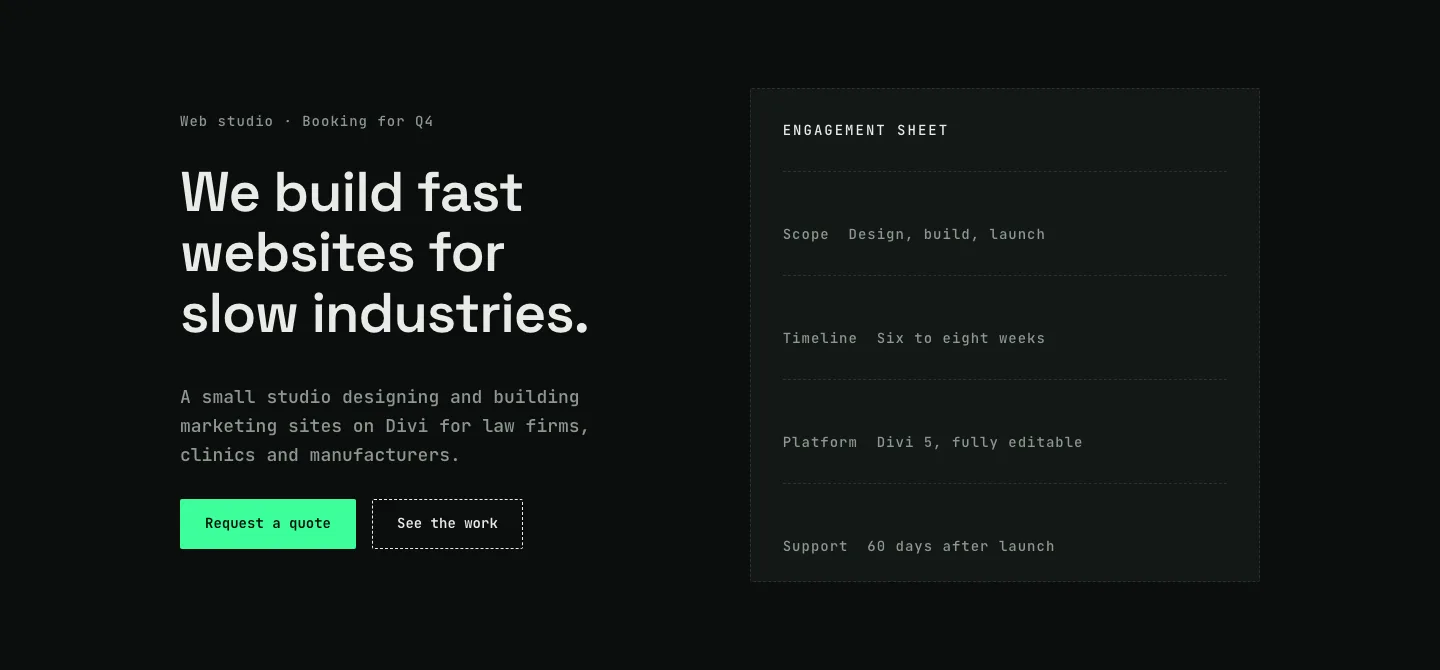
Dark Web Studio Agency Hero Section for Divi 5: Spec Card Layout
hero · agency · dark
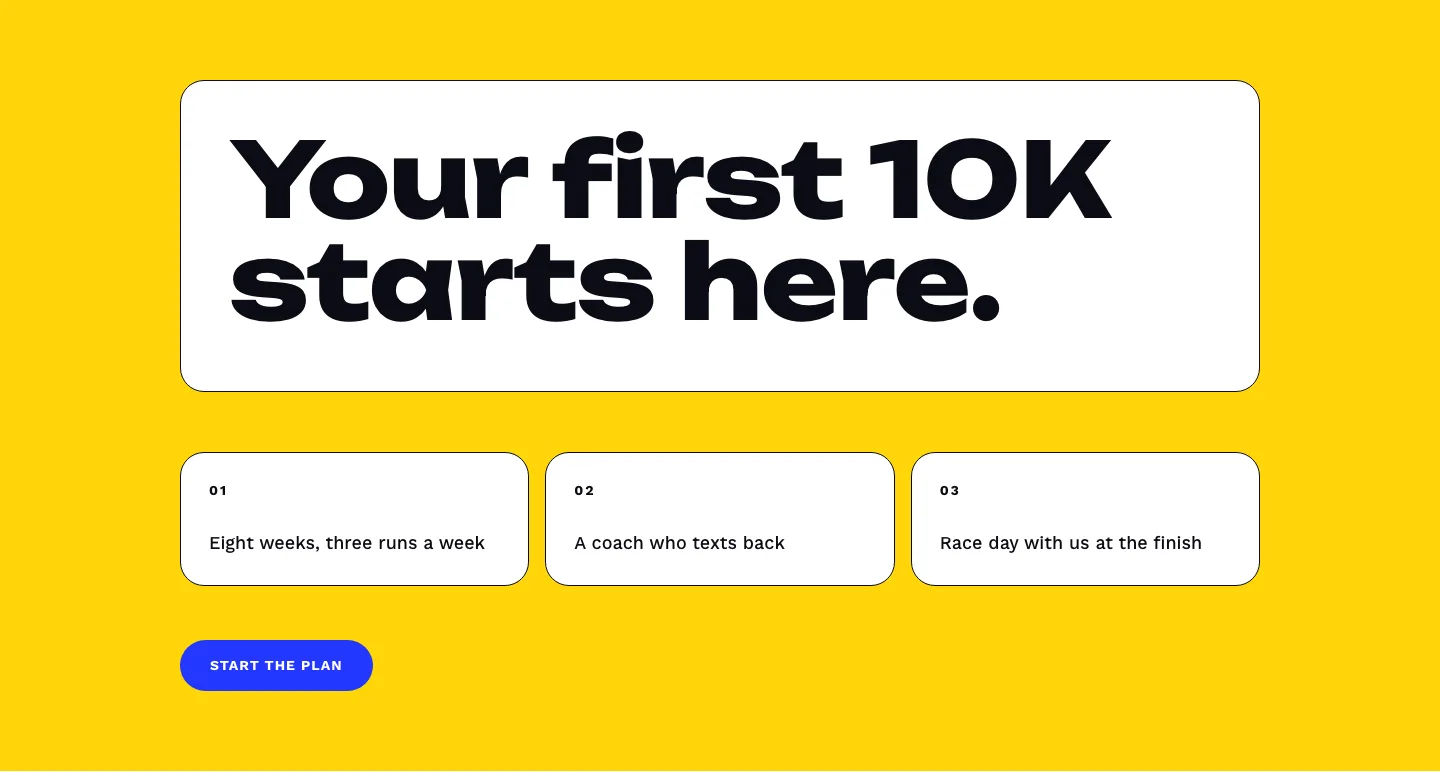
Bold First 10K Running Coach Hero Section for Divi 5: Fitness Bordered Cells
hero · fitness · bold
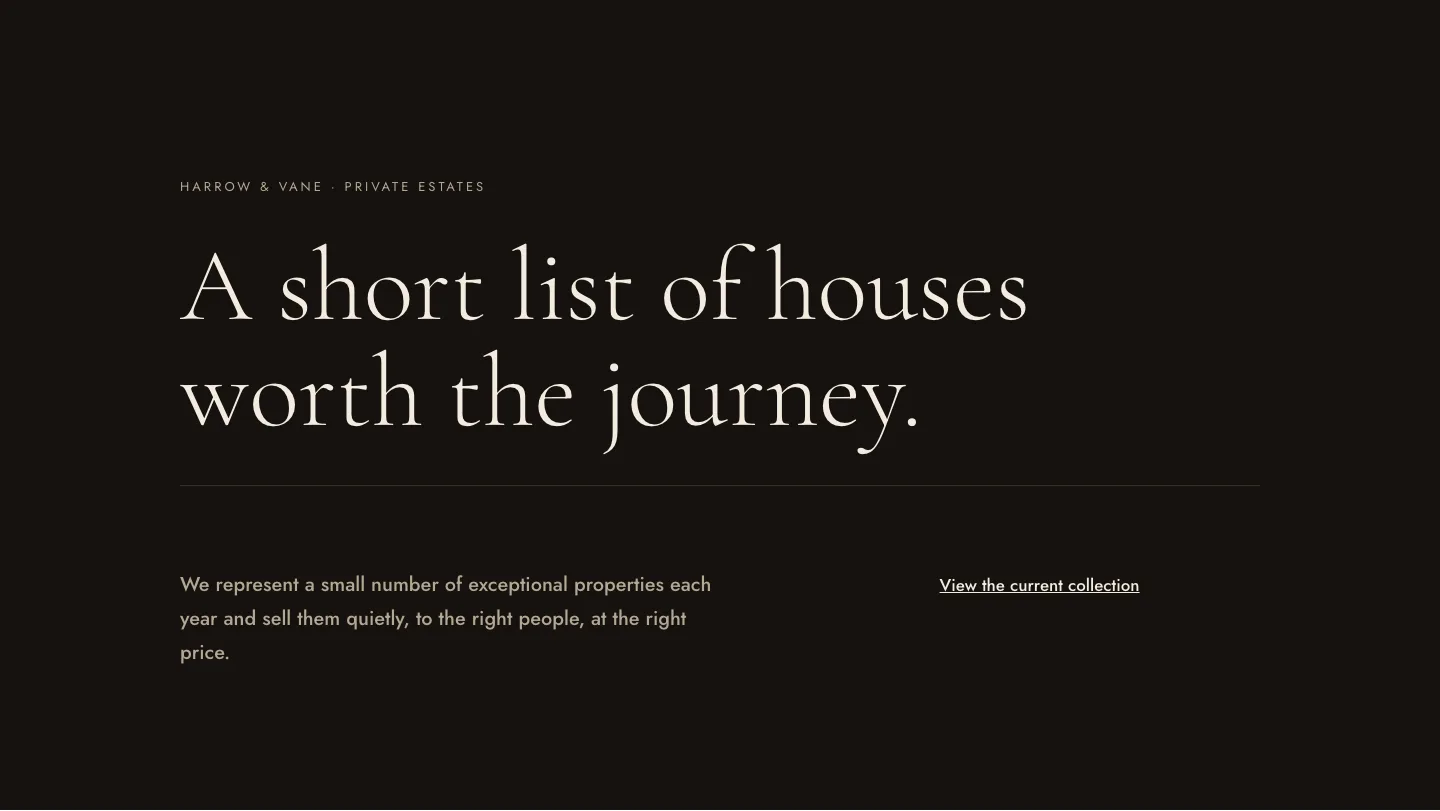
Luxe Private Estates Real Estate Hero for Divi 5: Editorial Minimal
hero · real_estate · elegant