
Dark Restaurant Booking Software Hero Section for Divi 5: Product Glow Layout
A dark-themed Divi 5 hero section for restaurant booking software. Features a bold headline, dual CTA buttons, product screenshot, and trust indicators on a deep navy background.
Rate this element
Download this section, free
- Divi 5 JSON, imports in seconds
- Commercial license included
- No account needed
Click to view the full page
Overview
This hero section is built around a single centered column inside a full-width Divi 5 section, with a #0b1020 base and a circular radial gradient that brightens to #151c33 at the top-center — giving the impression of a soft overhead light source rather than a flat dark canvas. The vertical stack is deliberate: eyebrow label, headline, body copy, dual CTAs, product screenshot, trust signals. Each layer has only one job, and the tight center-alignment keeps the eye moving straight down without lateral drift.
Typography does the heavy lifting. The H4 eyebrow renders at 14px Inter with 2px letter-spacing and full uppercase, set in the muted slate #9aa4c0 so it registers as a label rather than competing with the headline. The H1 — "Fill every table, every night." — is 64px/700 weight with a -1px letter-spacing correction that tightens optically at large sizes; textWrap: balance prevents awkward single-word orphans on narrow containers. Body copy maxes out at 600px and sits at 19px/1.6em, readable without crowding the layout.
The "Product Glow" name comes directly from the screenshot treatment: the image sits in a group capped at 960px with a 12px border-radius, a 1px #2a3558 border, and a preset1 box shadow at 40px blur and 16px vertical offset. That combination lifts the screenshot off the background and creates the signature product-page glow used in modern SaaS marketing — the dark border anchors the edge while the shadow bleeds into the void beneath it.
At tablet the H1 drops to 48px and section padding compresses from 120px/96px to 88px/72px; at phone the headline lands at 36px and padding pulls in further to 56px/48px. The button row is flex-wrapped with 16px column gap and 12px row gap, so the two CTAs reflow to a stacked pair on narrow screens without the layout breaking.
What’s inside
- H4 eyebrow + H1 headline pair — Inter, three-breakpoint font scaling (64 / 48 / 36px), with `textWrap: balance` and -1px tracking correction
- Constrained body text group — max-width 600px, auto-centered, 19px / 1.6em line-height for comfortable reading at a glance
- Dual CTA button row — filled primary (`#7c9cff` periwinkle, dark text) and ghost secondary (transparent bg, light border) with full hover-inversion on both
- Product screenshot module — max-width 960px, 12px radius, `#2a3558` 1px border, and a 40px-blur box shadow that creates the signature glow lift
- Three inline trust-signal text badges — "Setup in an afternoon", "No hardware needed", "Cancel any time" — flex-row with 32px gap, auto-wrapping on narrow viewports
- Deep navy circular radial gradient background — `#151c33` at the top center fading to flat `#0b1020` — no image dependency, pure CSS
- Three-breakpoint spacing system on section padding — 120px / 88px / 56px top, 96px / 72px / 48px bottom
Who it’s for
This layout is a direct fit for restaurant booking and table-management SaaS products, reservation platforms, and hospitality tech startups. It also works for any software product sold to food-and-beverage operators: waitlist apps, POS systems, staff scheduling tools, or ghost-kitchen management platforms. The dark palette and product-screenshot treatment translate well beyond restaurants to any B2B SaaS with a dashboard or mobile app to showcase, particularly where the buyer skews tech-savvy and the brand wants to signal that it takes product design seriously.
Customization tips
The accent color #7c9cff appears in three places: the primary button background, both button borders, and the primary button hover text. Swap all three to your brand color for an instant palette shift — the background and ghost-button white stay neutral and need no change. Body copy and the three trust badges are Inter; switching to your brand font requires updating family on each text and heading module individually.
The body paragraph reads well at 20-40 words; beyond 50 words the group starts to feel heavy against the large H1. The product screenshot is displayed at up to 960px wide — a landscape image at 16:9 or 3:2 works best; avoid portrait-oriented screenshots, which will appear too tall relative to the contained width. The three trust-signal texts are plain Divi text modules — swap the copy directly; keep each badge under 5 words to hold the inline row on mid-size screens.
How to install this layout
- Download the layout JSON file from this page.
- Open the target page in the Divi 5 builder.
- Open the portability panel (up/down arrows icon) and choose the Import tab.
- Upload the JSON. Tick “replace existing content” only for full-page imports.
- Check the page at desktop and mobile widths, then swap in your copy and images.
Full walkthrough with troubleshooting: How to Import a Divi 5 Layout.
Questions about Dark Restaurant Booking Software Hero Section for Divi 5: Product Glow Layout
What creates the 'glow' under the product screenshot?
A Divi 5 box shadow on the image module — preset1 style, `rgba(0,0,0,0.18)` color, 40px blur, 16px vertical offset. It requires no plugin or custom CSS; it is a native Divi 5 decoration setting you can adjust or remove in the module's Design tab.
How does the layout scale on mobile?
The H1 steps down from 64px to 48px on tablet and 36px on phone. Section padding compresses from 120px top / 96px bottom on desktop to 56px / 48px on phone. The button row flex-wraps so both CTAs stack vertically when the screen is too narrow to fit them side by side.
Which image dimensions should I use for the screenshot?
The image container maxes out at 960px wide and scales to 100% of its parent below that. A landscape screenshot at 1600px wide and a 16:9 or 3:2 ratio fills the space cleanly. Very tall or portrait images will render noticeably taller than the original preview.
What is the first thing I should edit after importing?
Replace the body paragraph — it currently names a placeholder product ("Tablefold"). Update that text and the H1 headline for your product, then swap the screenshot image. The button labels and trust-signal badges are quick wins after that.
Can I change the background without touching gradient settings?
Yes — the background color and gradient are both set on the section module's Background tab in Divi 5's visual builder. You can disable the gradient entirely and use a flat color, or keep the gradient and only change the two stop colors (`#151c33` and `#0b1020`) to match a different dark palette.
Which Divi version does this layout need?
Divi 5. The layout is generated natively for Divi 5 and validated against its real module structure before publication, so it imports clean into the current builder.
Can I use this layout on client websites?
Yes. Every download includes a commercial license covering unlimited sites you own or build for clients. Only reselling or redistributing the layout file itself is prohibited.
More hero sections
Browse all hero sections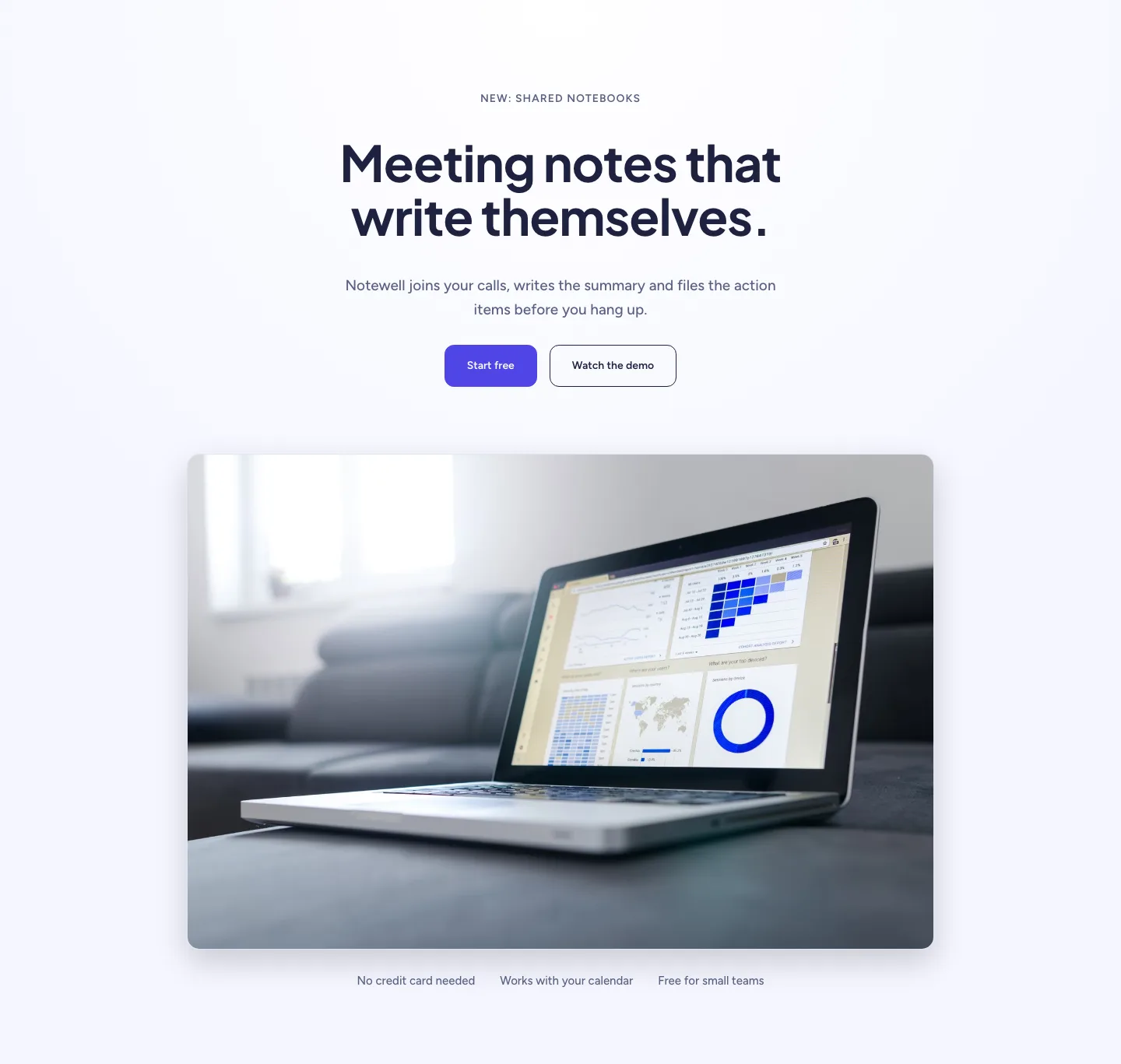
Soft SaaS Meeting Notes Hero Section for Divi 5: Product Glow Layout
hero · saas · minimal
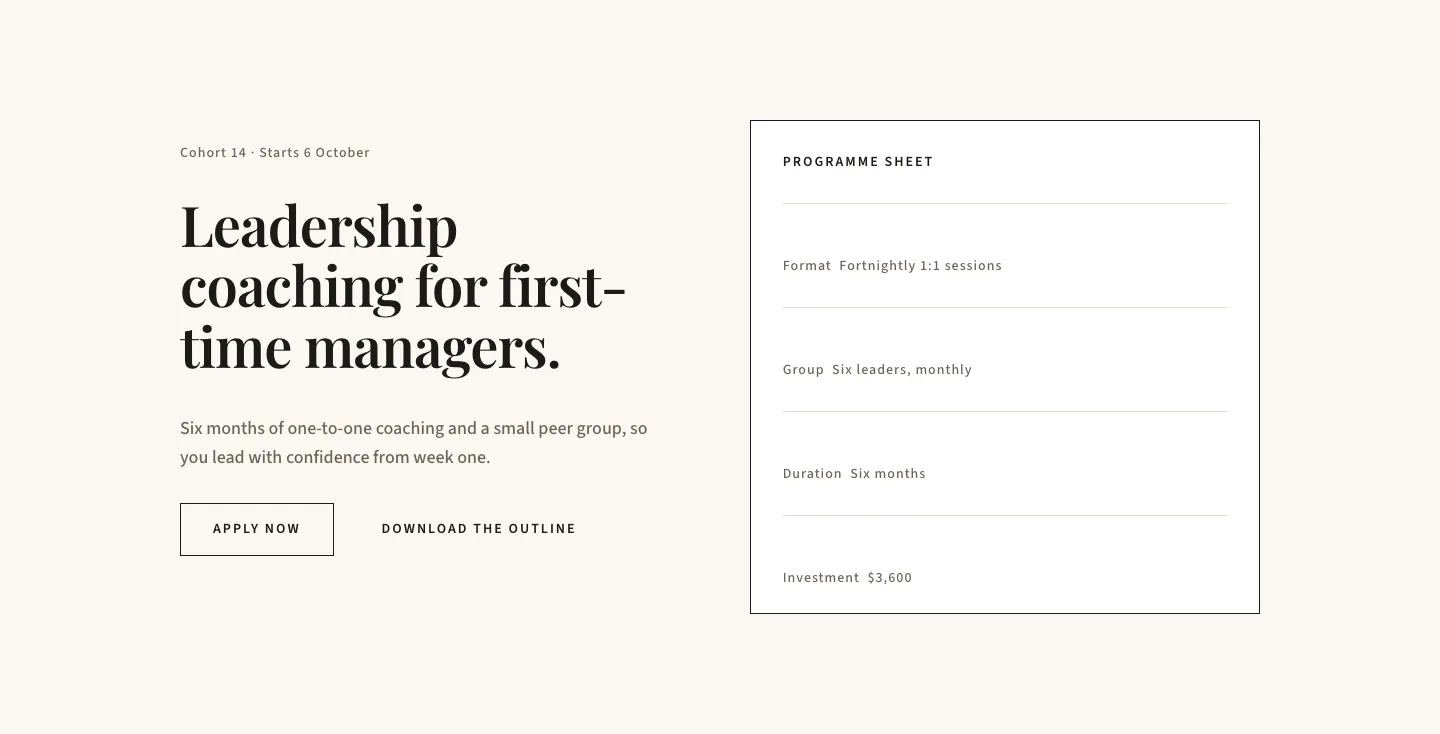
Editorial Executive Coaching Hero Section for Divi 5: Programme Sheet
hero · coaching · minimal
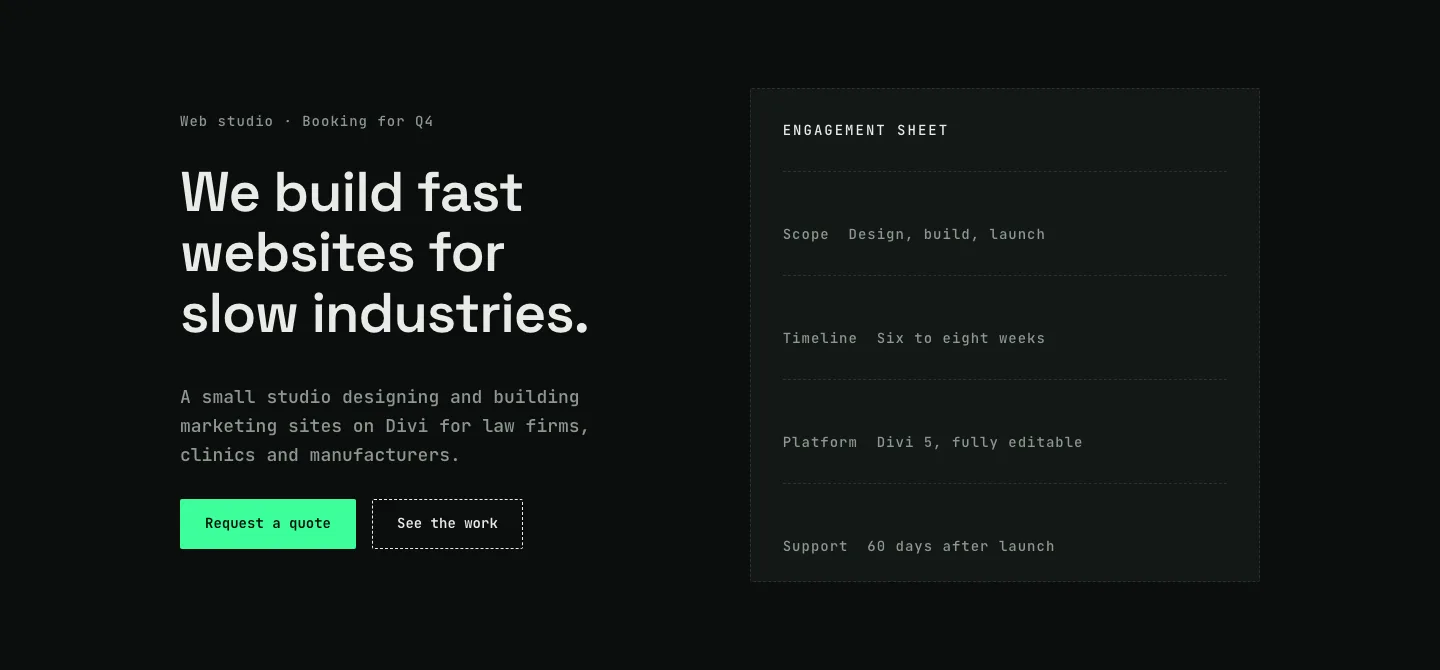
Dark Web Studio Agency Hero Section for Divi 5: Spec Card Layout
hero · agency · dark
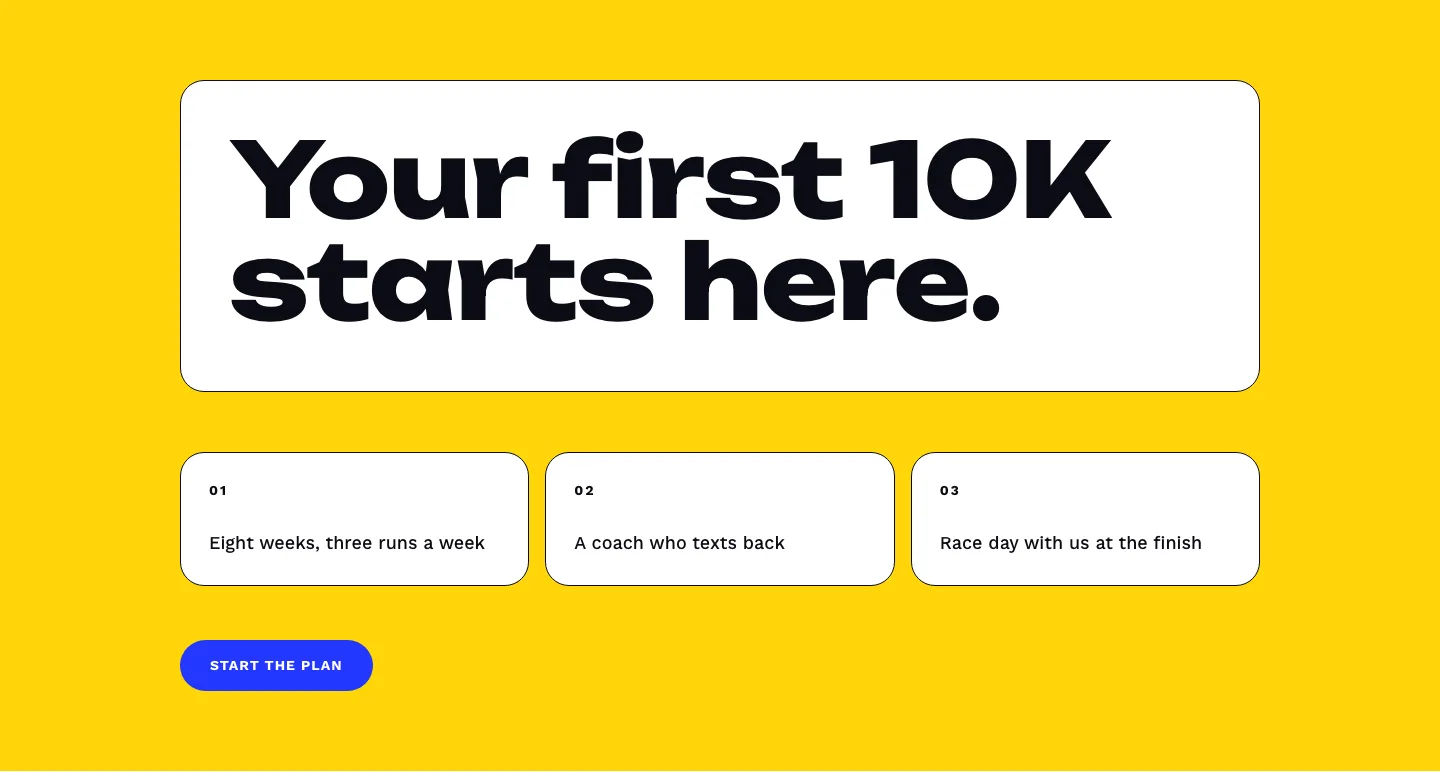
Bold First 10K Running Coach Hero Section for Divi 5: Fitness Bordered Cells
hero · fitness · bold
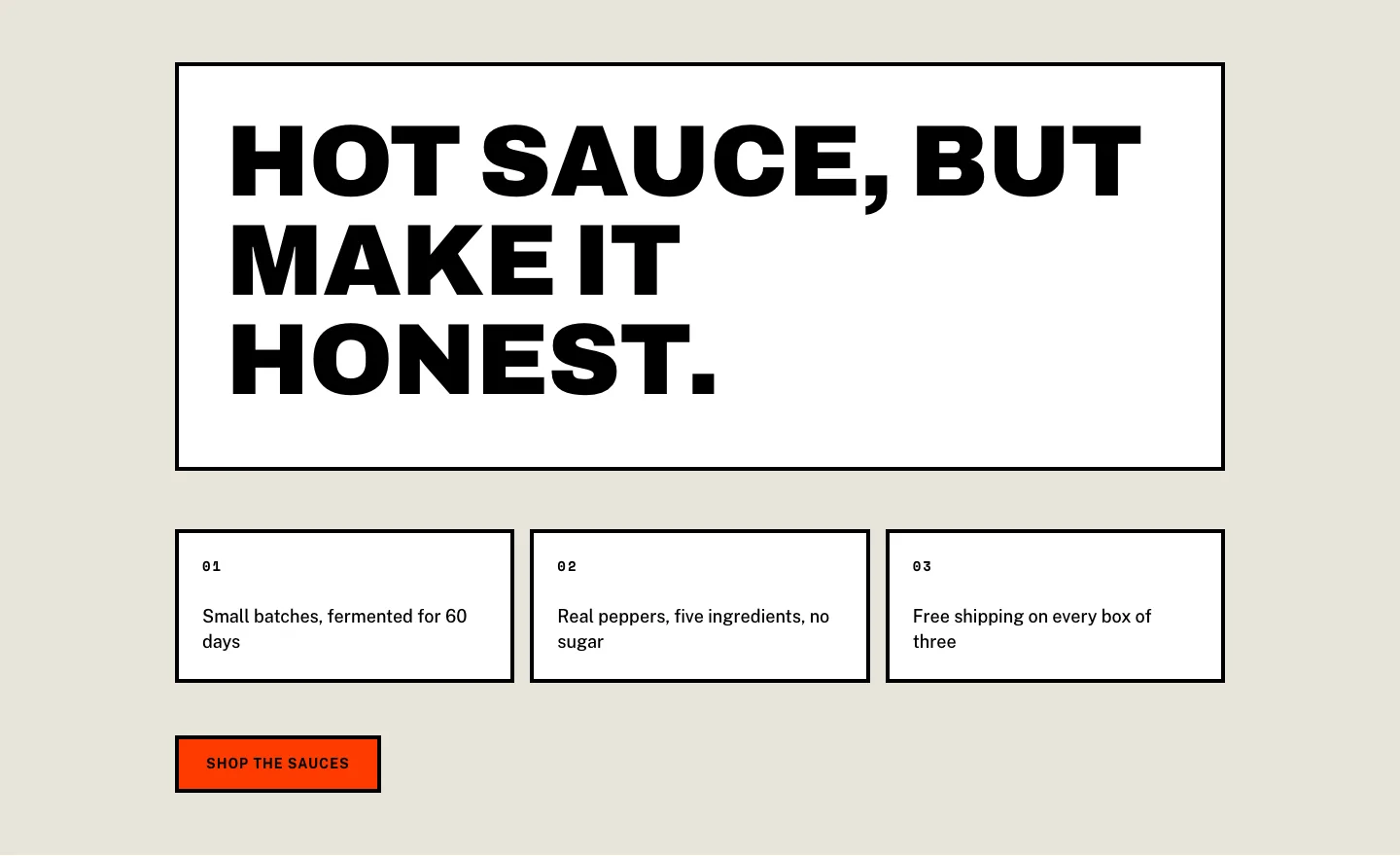
Brutalist Hot Sauce Ecommerce Hero Section for Divi 5: Bordered Cells
hero · ecommerce · bold
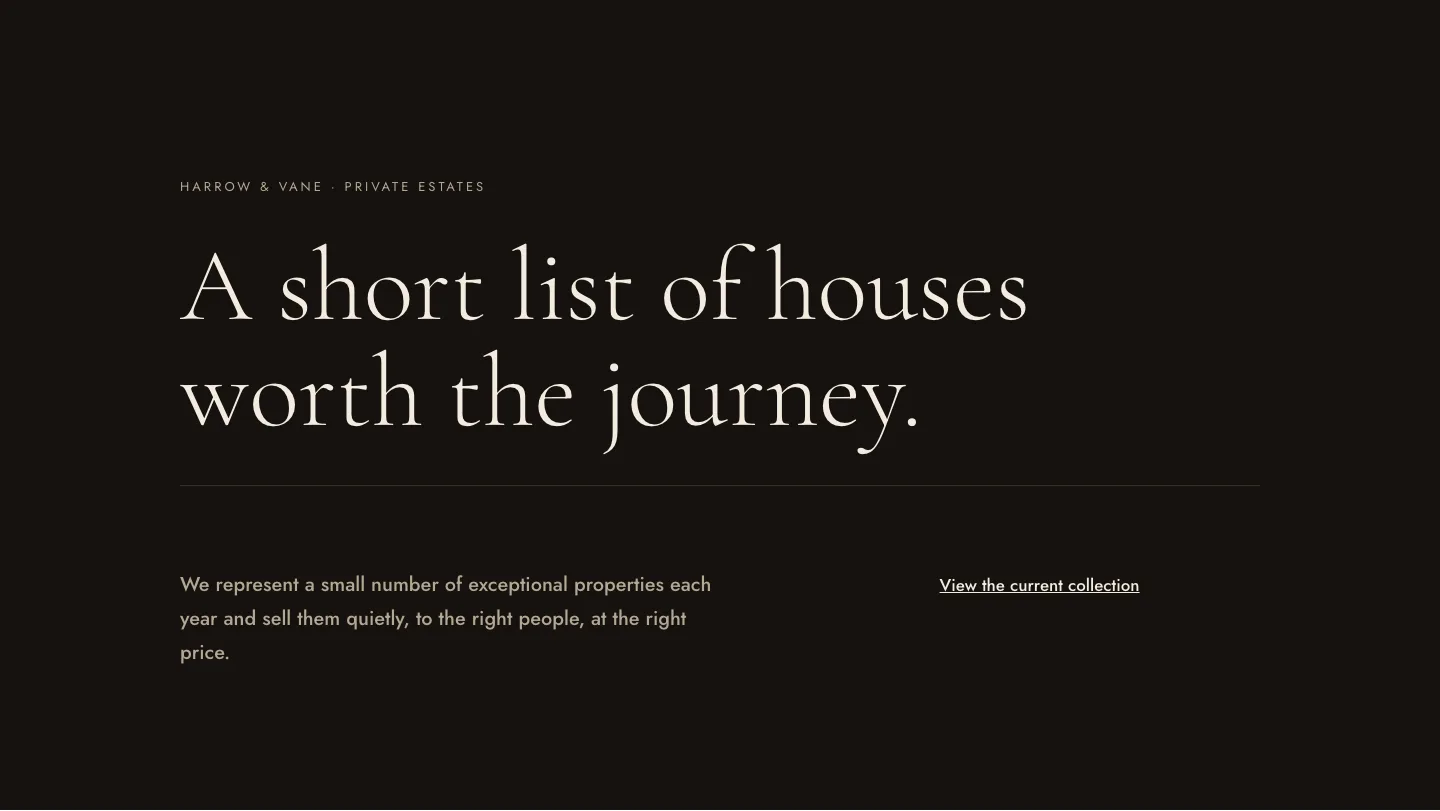
Luxe Private Estates Real Estate Hero for Divi 5: Editorial Minimal
hero · real_estate · elegant