
Soft SaaS Meeting Notes Hero Section for Divi 5: Product Glow Layout
Clean, minimal Divi 5 hero section for a SaaS meeting notes product. Features centered headline, dual CTA buttons, product screenshot, and soft indigo gradient background.
Rate this element
Download this section, free
- Divi 5 JSON, imports in seconds
- Commercial license included
- No account needed
Click to view the full page
Overview
The Product Glow Layout opens with a centered, single-column hero built on a radial gradient that bleeds from pure white at the center outward to a cool periwinkle (#f5f6ff) at the edges. That gradient does two things at once: it creates the impression of light emanating from behind the content, and it keeps the background from competing with the dark headline text above it. Section padding is generous at 120px top and 96px bottom on desktop, compressing in two defined stages down to 56px/48px on phones, so the section never feels cramped at any viewport.
The typographic hierarchy is unusually deliberate for a single hero section. The h4 eyebrow ("New: shared notebooks") uses Figtree at 14px, uppercase, with 1px letter-spacing and a slate color (#596083), signaling a product announcement without breaking the calm register of the section. The h1 below uses Plus Jakarta Sans at 64px with a tight -1px letter-spacing and a 1.08em line height that keeps multi-word headlines optically compact. The textWrap: balance property is set directly on the h1, so a two-line headline breaks symmetrically rather than leaving an orphan word on the final line. Body copy sits inside a constrained Group module capped at 600px wide, preventing line lengths from stretching uncomfortably on ultrawide monitors.
The CTA row pairs a filled indigo (#4f46e5) primary button with a ghost secondary button carrying a dark-navy (#1e2140) 1px outline. Both share an identical 12px corner radius, 14px top/bottom and 28px left/right padding, and Figtree 600 weight, so they read as a matched pair rather than two unrelated elements. Below the CTA row, a product screenshot sits inside a Group capped at 960px wide, with 16px rounded corners, a 1px #e0e3f5 perimeter border, and a soft drop shadow (40px blur, 16px vertical offset) that lifts the UI preview cleanly off the gradient field. Three micro-copy items below the image ("No credit card needed", "Works with your calendar", "Free for small teams") complete the conversion frame in a flex-wrap row without adding visual weight.
All three breakpoints are wired directly in the layout JSON. The h1 steps from 64px to 48px (tablet) to 36px (phone), section padding compresses in two defined stages, and the row switches from horizontal to a stacked column on phones. Nothing requires manual mobile adjustment once the section is imported.
What’s inside
- Radial circular gradient section background, white at center bleeding into #f5f6ff periwinkle at the edges, producing a soft product-glow effect with no image dependency
- Two-level heading stack: h4 eyebrow (Figtree, 14px, uppercase, 1px letter-spacing, #596083) over an h1 display headline (Plus Jakarta Sans, 64px, -1px letter-spacing, textWrap balance, #1e2140)
- Constrained body text Group (max-width 600px, centered alignment, Figtree 19px/1.6em line height) that prevents overlong lines on widescreen displays
- Dual-button CTA Group in a flex-wrap row: filled indigo primary ('Start free') and ghost dark-outline secondary ('Watch the demo'), both 12px radius with matching padding and weight
- Full-width product screenshot module inside a 960px-capped Group, with 16px border-radius, 1px #e0e3f5 perimeter border, and a 40px/16px drop shadow for a floating UI card effect
- Three reassurance micro-copy Text modules below the screenshot in a flex-wrap row (32px column gap, 12px row gap), individually editable or removable
- Three-breakpoint responsive cascade pre-set in JSON: h1 scales 64px/48px/36px, section padding compresses 120+96/88+72/56+48px, column stacks vertically on phones
Who it’s for
This hero section fits any B2B SaaS product that leads with a clean UI screenshot rather than abstract claims: meeting note tools, AI assistants, calendar and scheduling apps, project management platforms, team productivity software, or early-stage startups that want a polished, conversion-oriented above-the-fold without a complex multi-column build. The restrained palette and calm vertical rhythm also translate well to no-code tools, browser extensions, and any productivity-focused product where clarity is the selling point.
Customization tips
Swap the indigo (#4f46e5) in the primary button's background and border properties to your brand color; that single change repaints the entire CTA pair without touching anything else. The h4 eyebrow is sized for short announcement copy (2 to 5 words); longer text will need a font-size reduction to stay on one line at desktop. The h1 works best at 5 to 9 words with textWrap: balance active. Replace the Pexels placeholder with your own product screenshot at a minimum width of 1600px; a landscape ratio (16:9 or wider) fills the 960px container cleanly and avoids awkward cropping at the 16px rounded corners. The three micro-copy items below the image are separate Text modules inside a Group, so you can delete, reorder, or relabel them without affecting the layout structure. Both typefaces (Plus Jakarta Sans and Figtree) are available in Divi's built-in Google Fonts picker.
How to install this layout
- Download the layout JSON file from this page.
- Open the target page in the Divi 5 builder.
- Open the portability panel (up/down arrows icon) and choose the Import tab.
- Upload the JSON. Tick “replace existing content” only for full-page imports.
- Check the page at desktop and mobile widths, then swap in your copy and images.
Full walkthrough with troubleshooting: How to Import a Divi 5 Layout.
Questions about Soft SaaS Meeting Notes Hero Section for Divi 5: Product Glow Layout
Does the heading actually scale on mobile, or do I need to set the sizes manually after importing?
All three breakpoints are pre-set in the JSON. The h1 moves from 64px (desktop) to 48px (tablet) to 36px (phone), section padding compresses in two defined stages, and the row stacks into a single column on phones. No manual mobile adjustments are needed after import.
What image dimensions should I use for the product screenshot?
The image container is capped at 960px wide with 16px border-radius on all four corners. A landscape image at least 1600px wide in a roughly 16:9 aspect ratio fills the container cleanly. Portrait or square images will work but will show additional vertical space above and below the screenshot inside the rounded container.
Can I add a third button to the CTA row?
Yes. The CTA Group uses a flex-wrap row layout with a 16px column gap and 12px row gap, so a third Divi Button module added inside that Group will wrap onto a second line on narrower viewports without breaking the alignment of the rest of the section.
What exact Divi modules does this section use?
Two Heading modules (h4 eyebrow and h1 display), one Text module inside a Group for body copy, two Button modules inside a Group for the CTA row, one Image module inside a Group for the product screenshot, and three Text modules inside a Group for the micro-copy row. All are native Divi 5 modules with no third-party plugins or custom code required.
Will the radial gradient background render correctly in the Divi visual builder?
Yes. The gradient is defined entirely within the section's native background settings using Divi 5's built-in gradient system (type: circular, direction: top, three color stops at 0%, 55%, and 100%). No custom CSS is involved, so it renders accurately in both the visual builder canvas and on the front end.
Which Divi version does this layout need?
Divi 5. The layout is generated natively for Divi 5 and validated against its real module structure before publication, so it imports clean into the current builder.
Can I use this layout on client websites?
Yes. Every download includes a commercial license covering unlimited sites you own or build for clients. Only reselling or redistributing the layout file itself is prohibited.
More hero sections
Browse all hero sections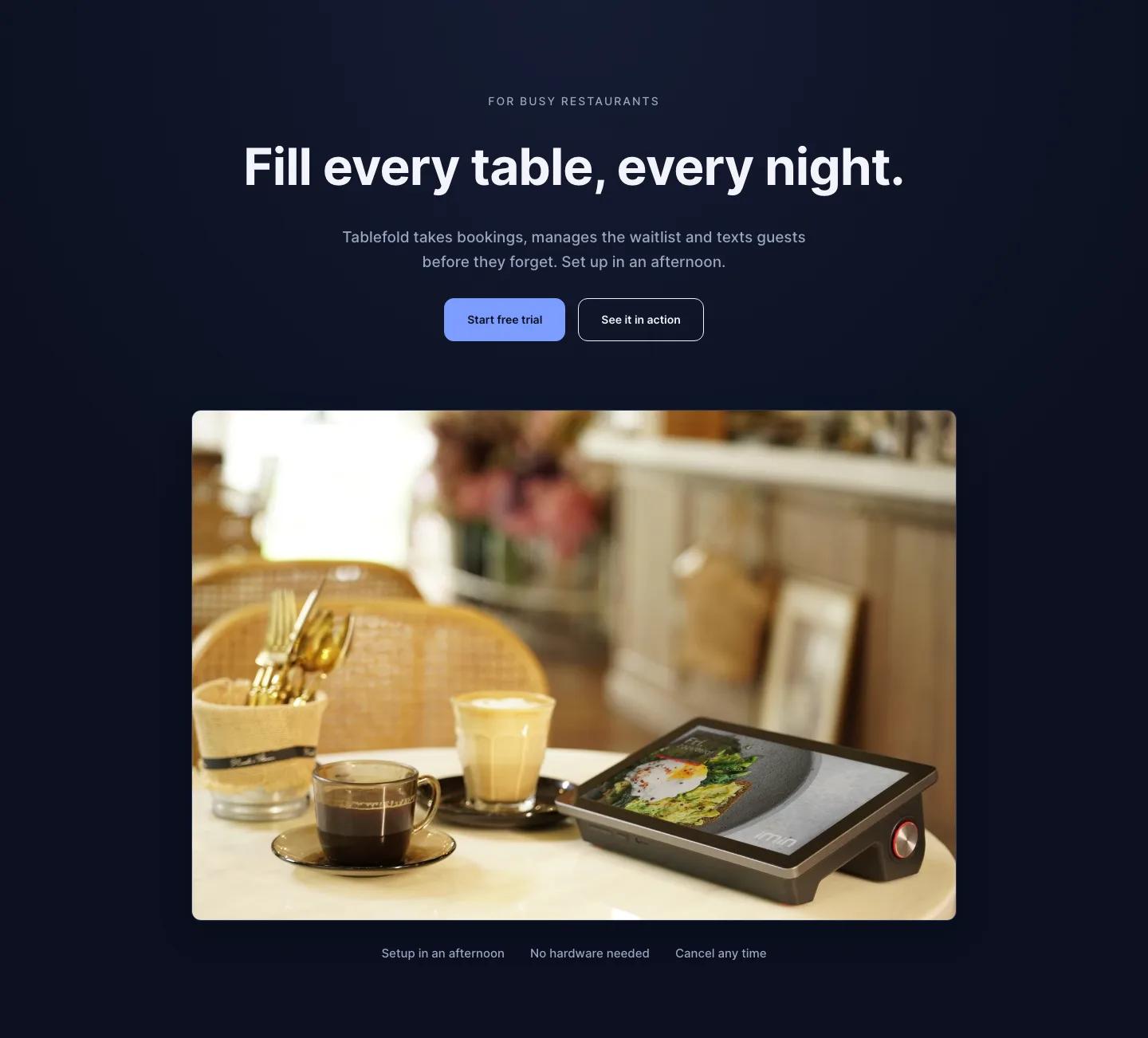
Dark Restaurant Booking Software Hero Section for Divi 5: Product Glow Layout
hero · restaurant · dark
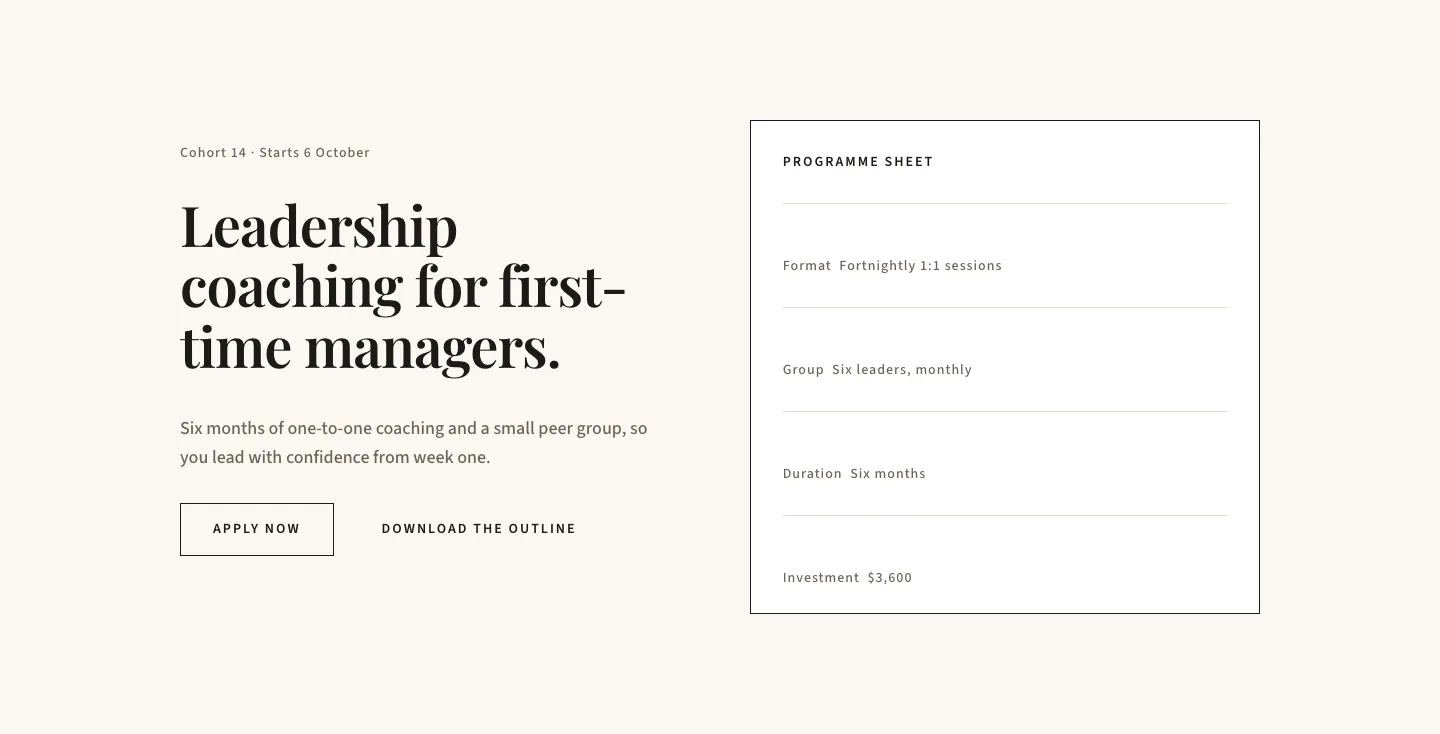
Editorial Executive Coaching Hero Section for Divi 5: Programme Sheet
hero · coaching · minimal
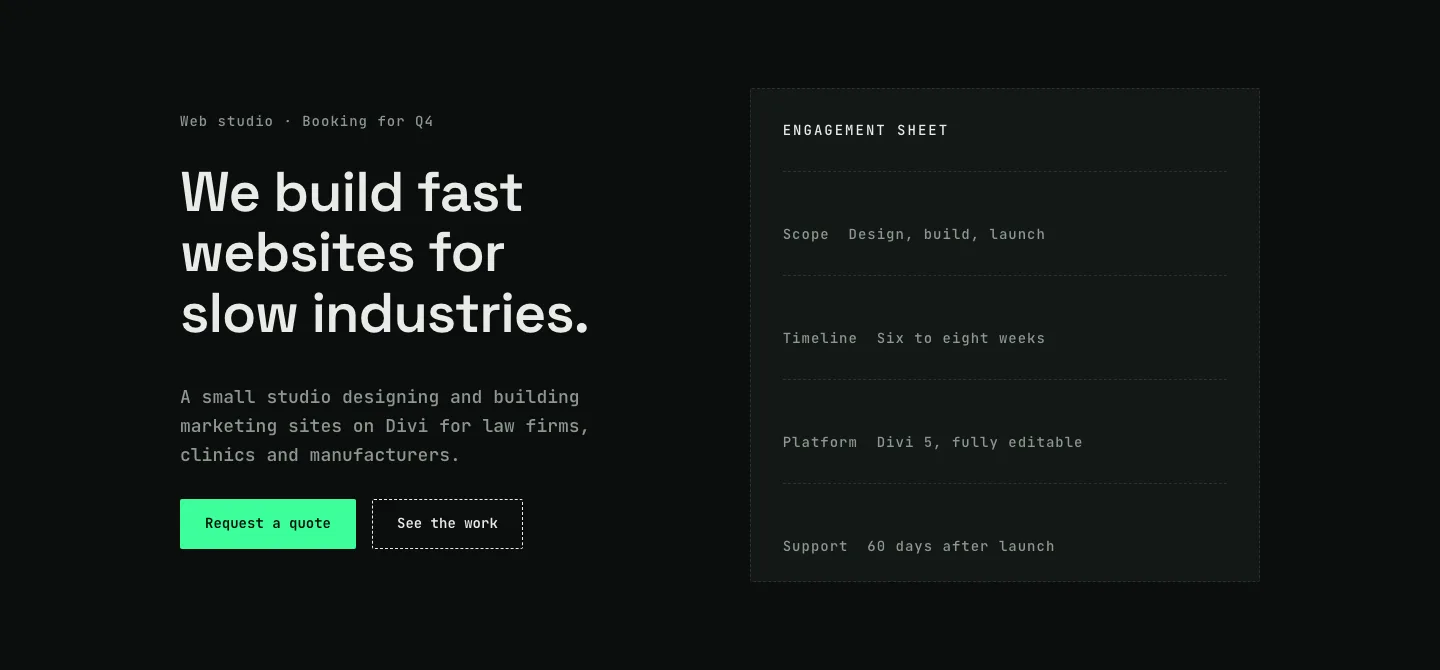
Dark Web Studio Agency Hero Section for Divi 5: Spec Card Layout
hero · agency · dark
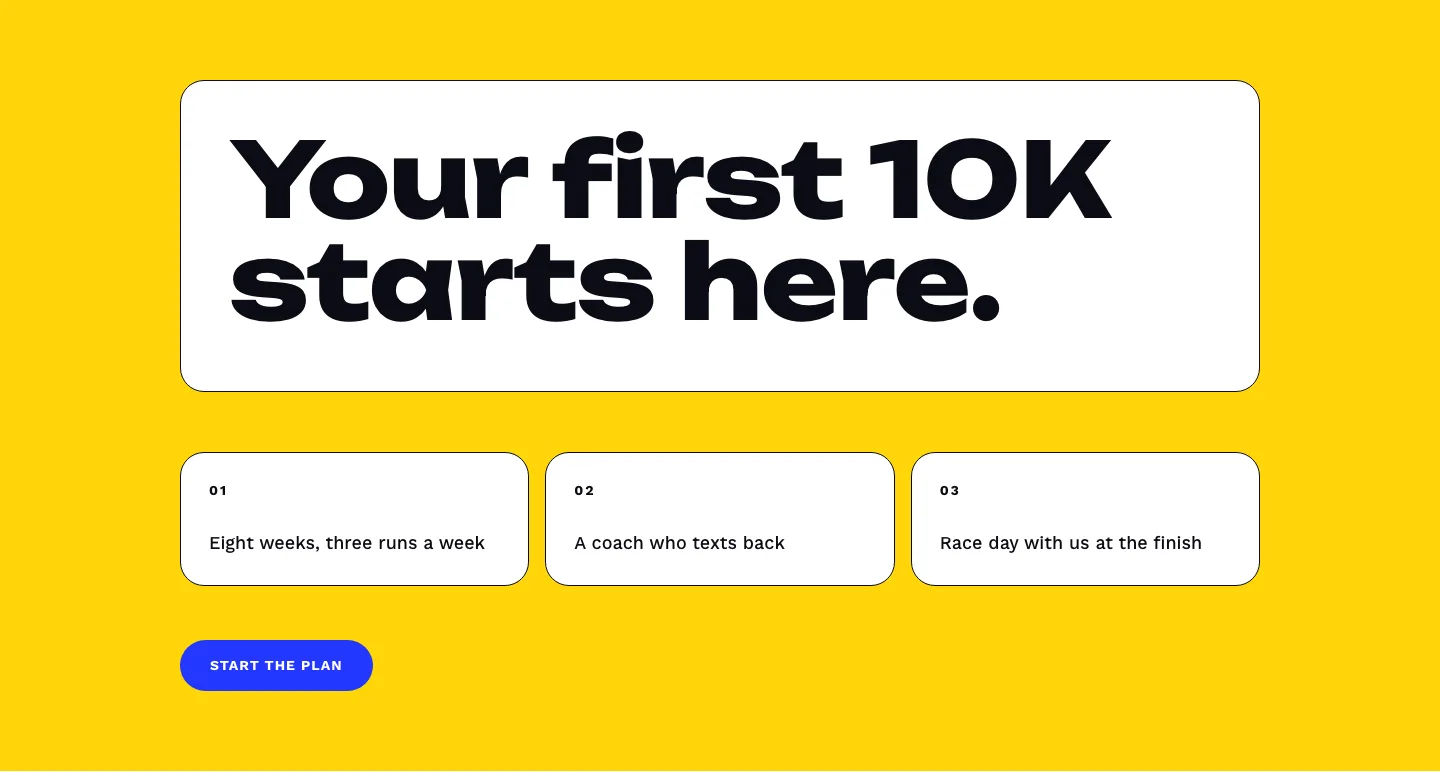
Bold First 10K Running Coach Hero Section for Divi 5: Fitness Bordered Cells
hero · fitness · bold
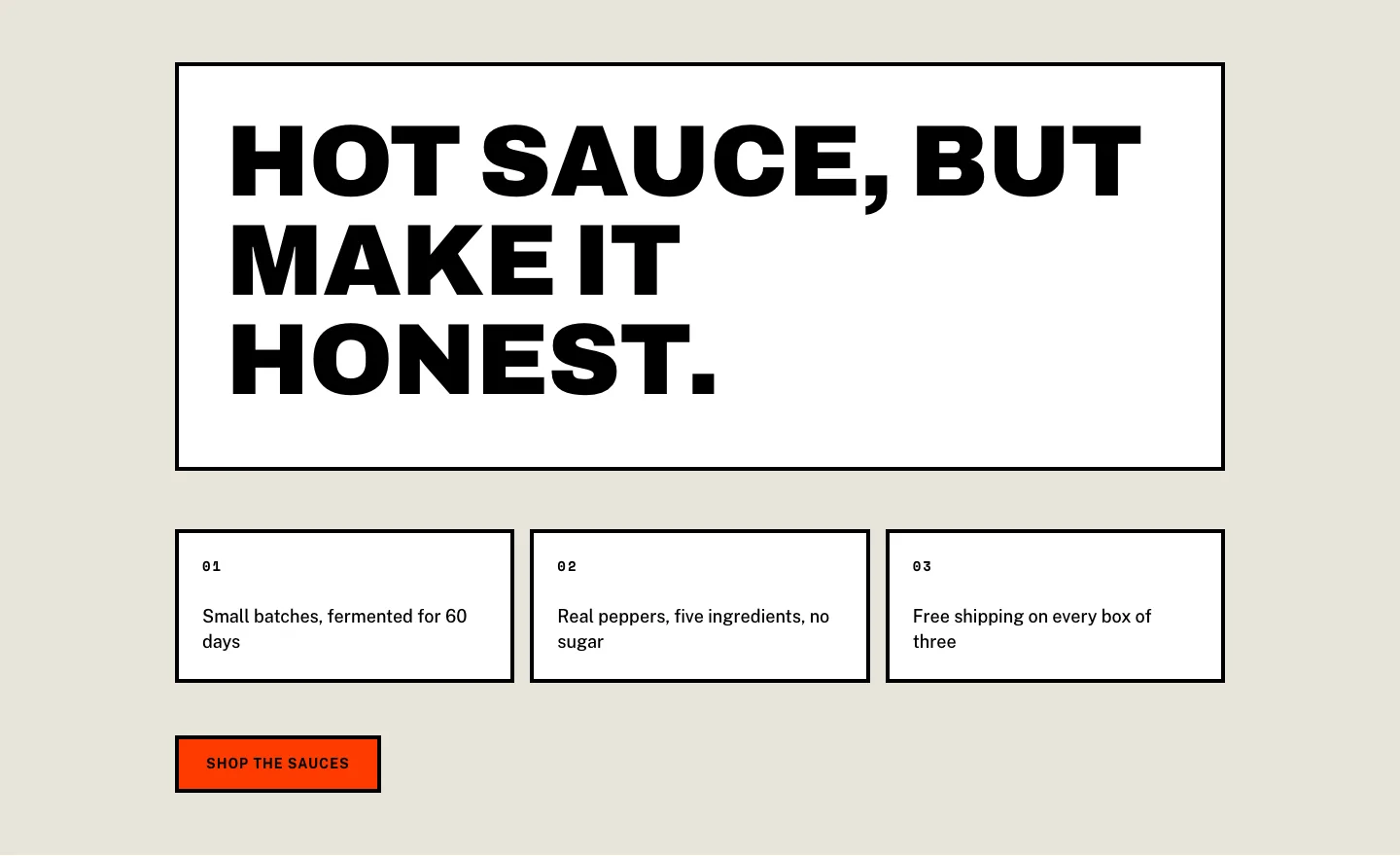
Brutalist Hot Sauce Ecommerce Hero Section for Divi 5: Bordered Cells
hero · ecommerce · bold
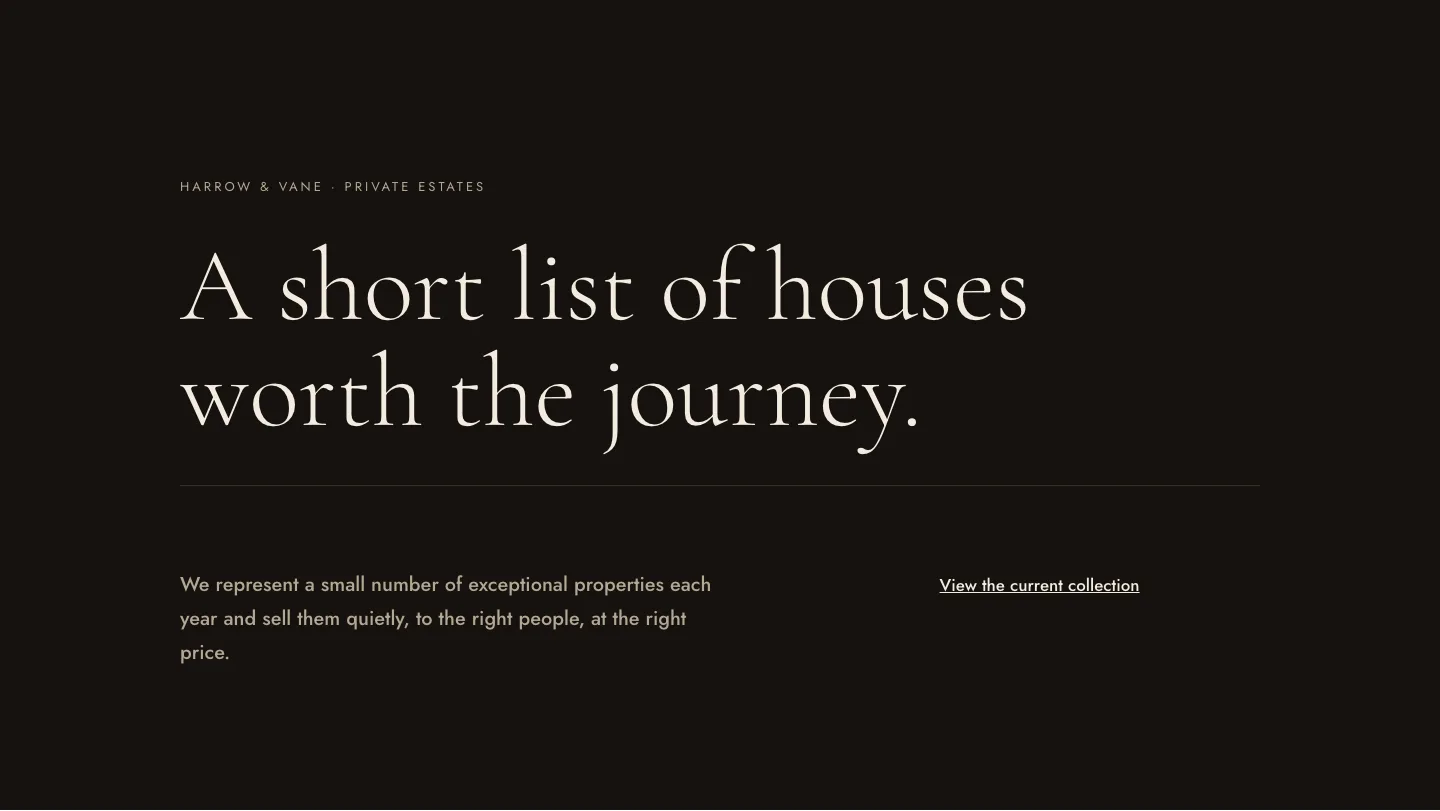
Luxe Private Estates Real Estate Hero for Divi 5: Editorial Minimal
hero · real_estate · elegant