
Hero Divi 5 Layouts
A hero section is the first thing a visitor sees, and often the only thing they judge. These Divi 5 hero layouts pair a clear headline hierarchy with real, functional buttons and imagery, so you can drop one at the top of any page and start converting from the first scroll. Every section below is a free download, validated against Divi 5 structure before publication.
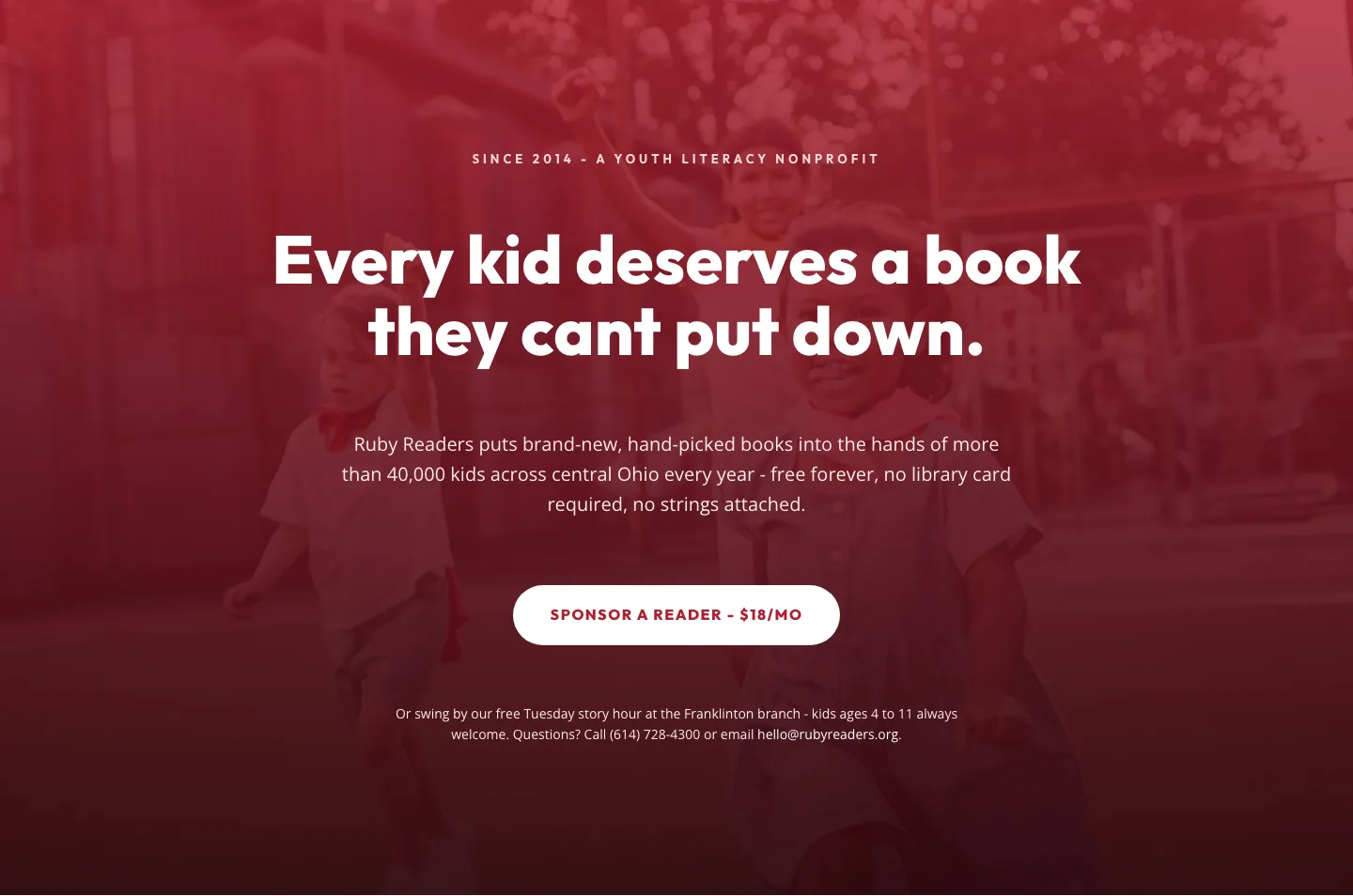
Ruby Readers Nonprofit Hero: Playful Divi 5 Layout
hero · nonprofit · playful
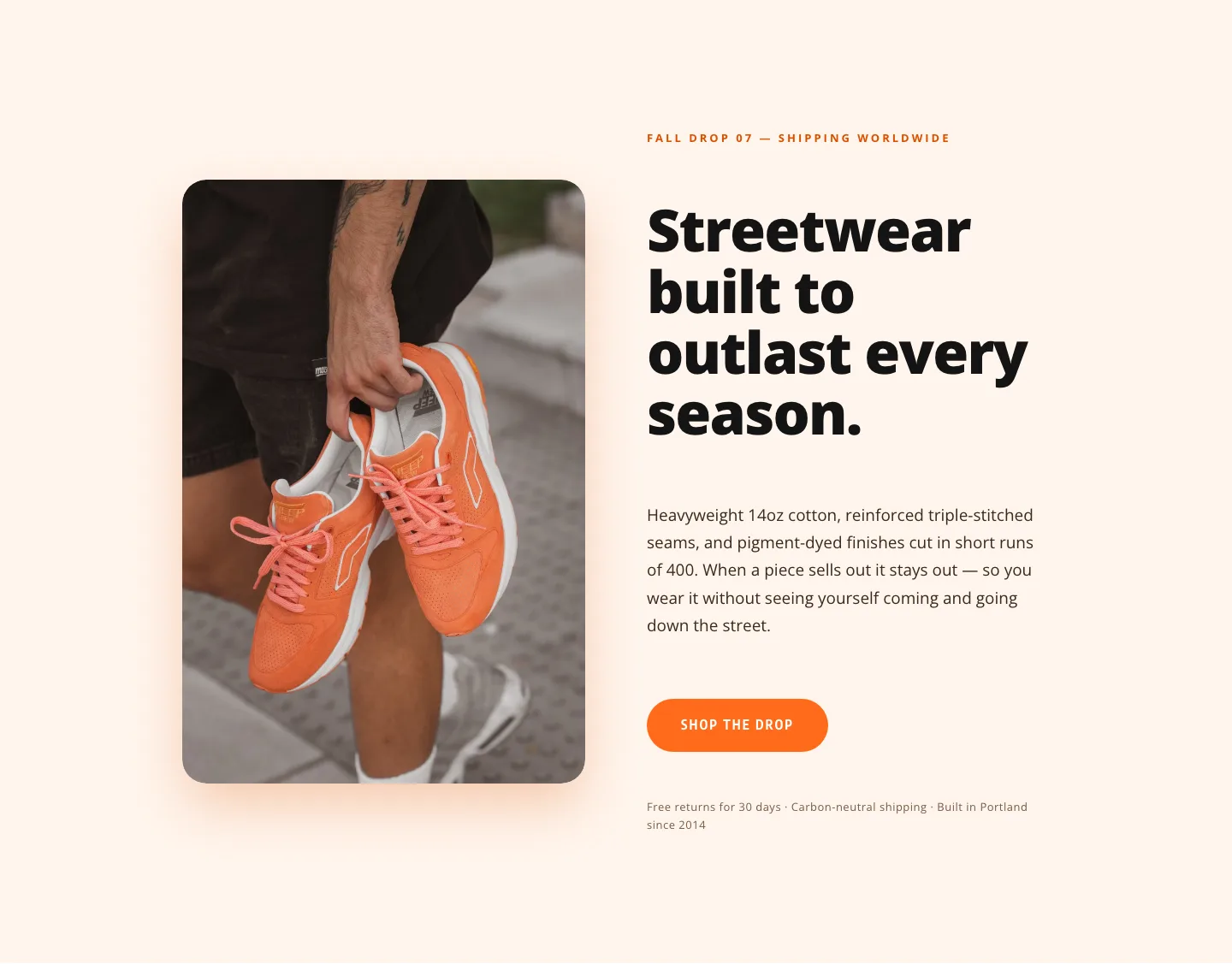
Amberwave Supply Fall Drop 07 Hero: Bold Streetwear Divi 5 Layout
hero · ecommerce · bold
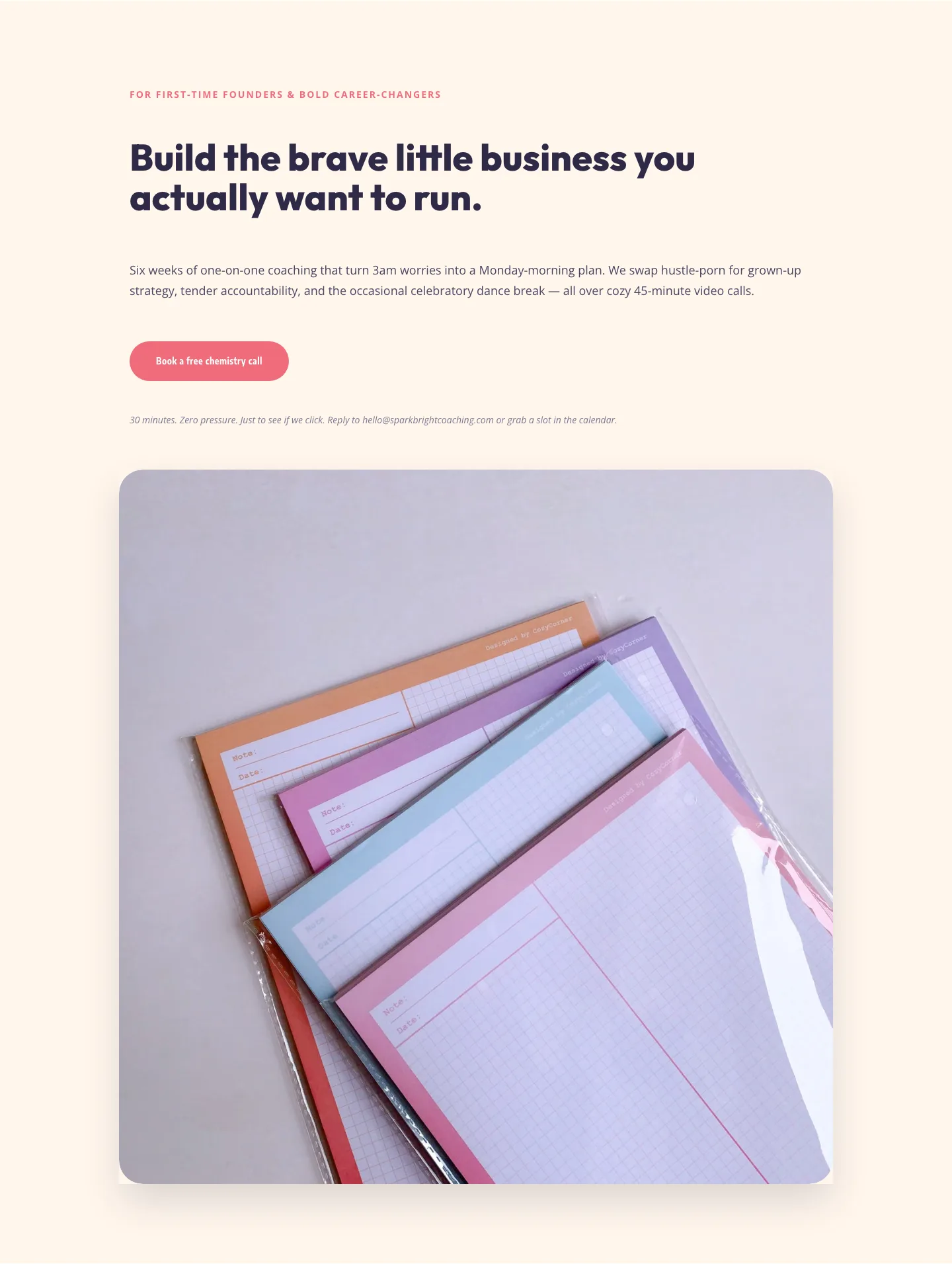
Playful Coaching Hero Section for Divi 5: Sparkbright
hero · coaching · playful
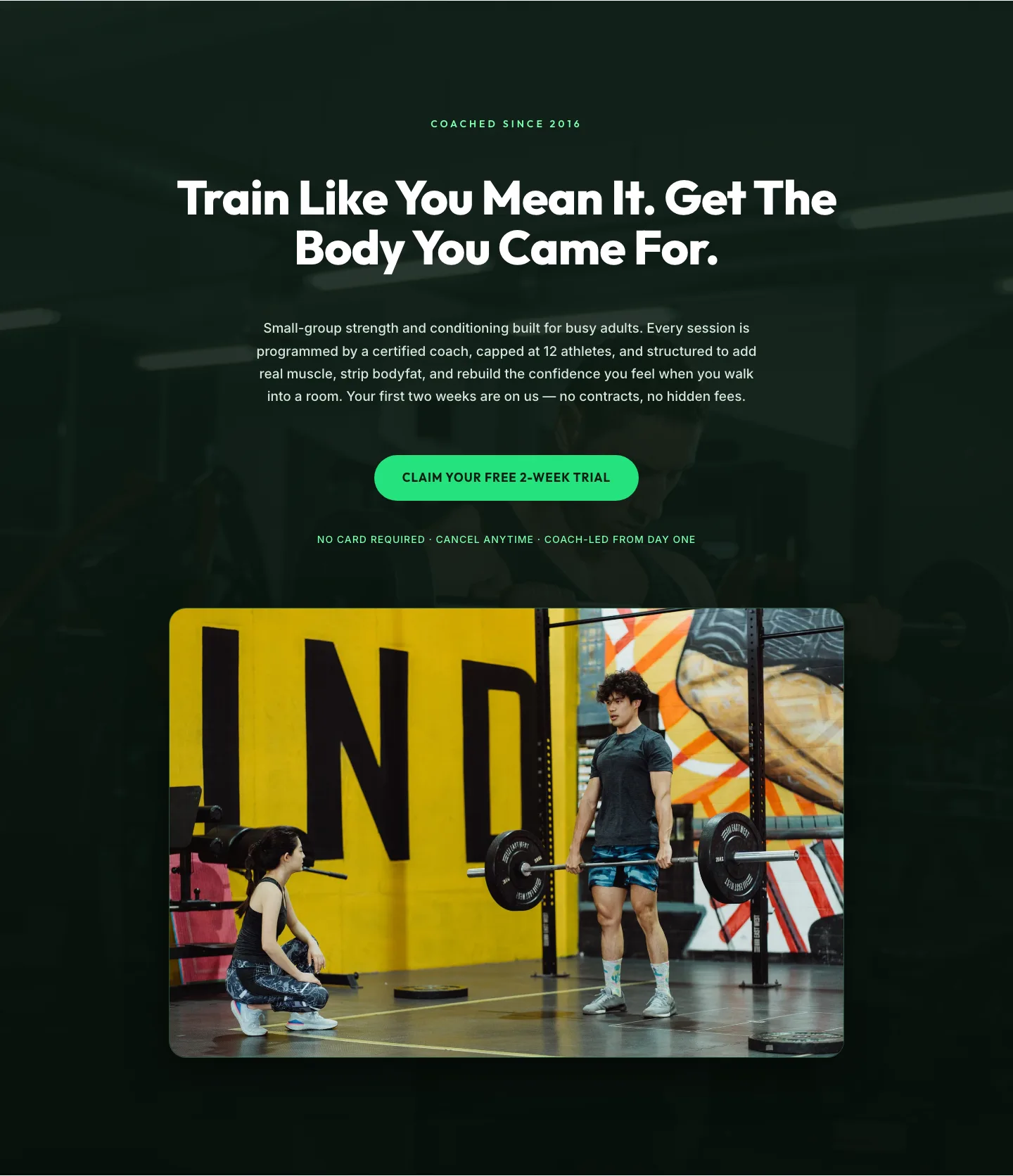
Bold Fitness Hero Section for Divi 5: Free Trial CTA
hero · fitness · bold
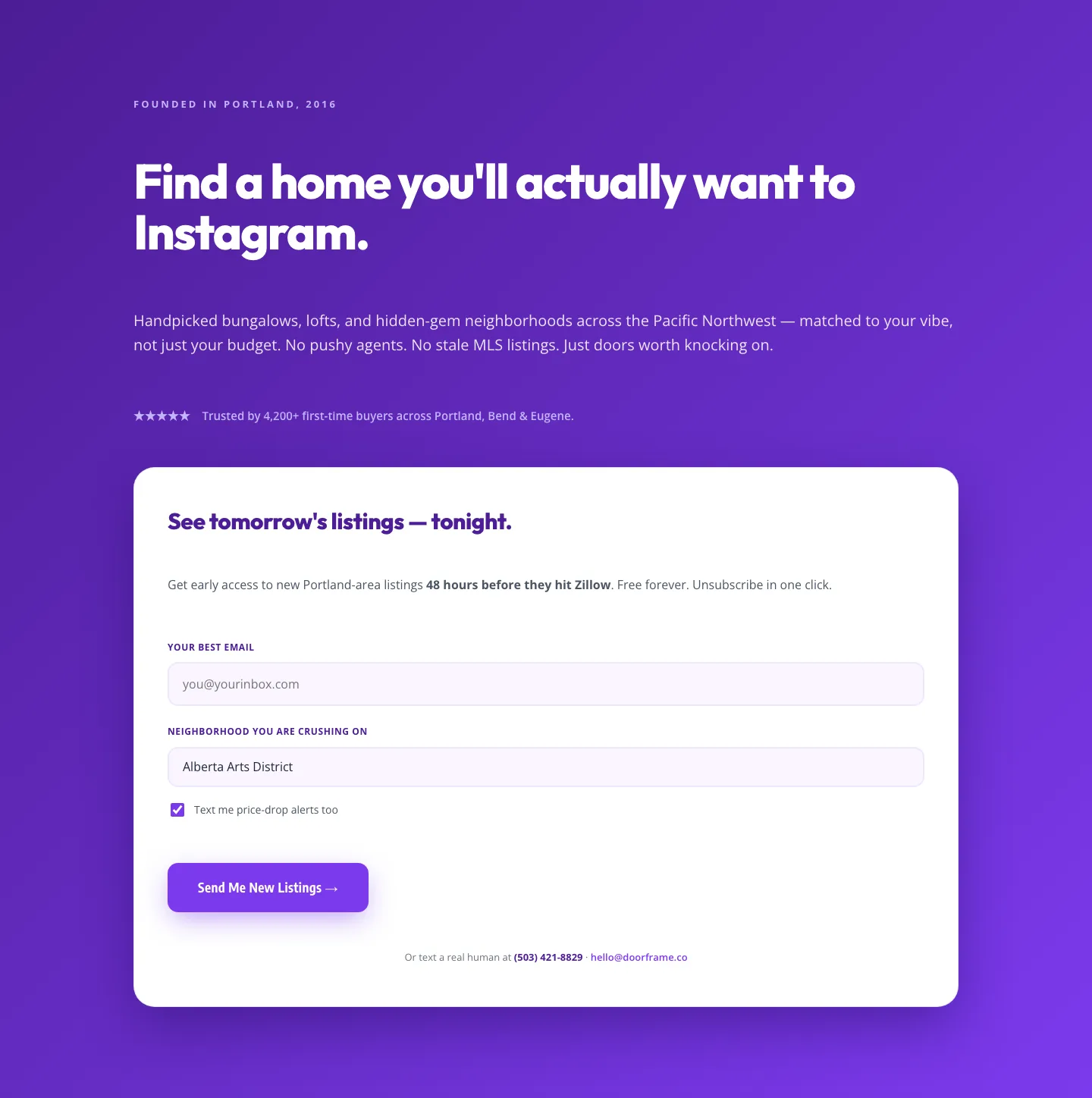
Playful Purple Real Estate Hero with Signup Form: Divi 5 Layout
hero · real_estate · playful
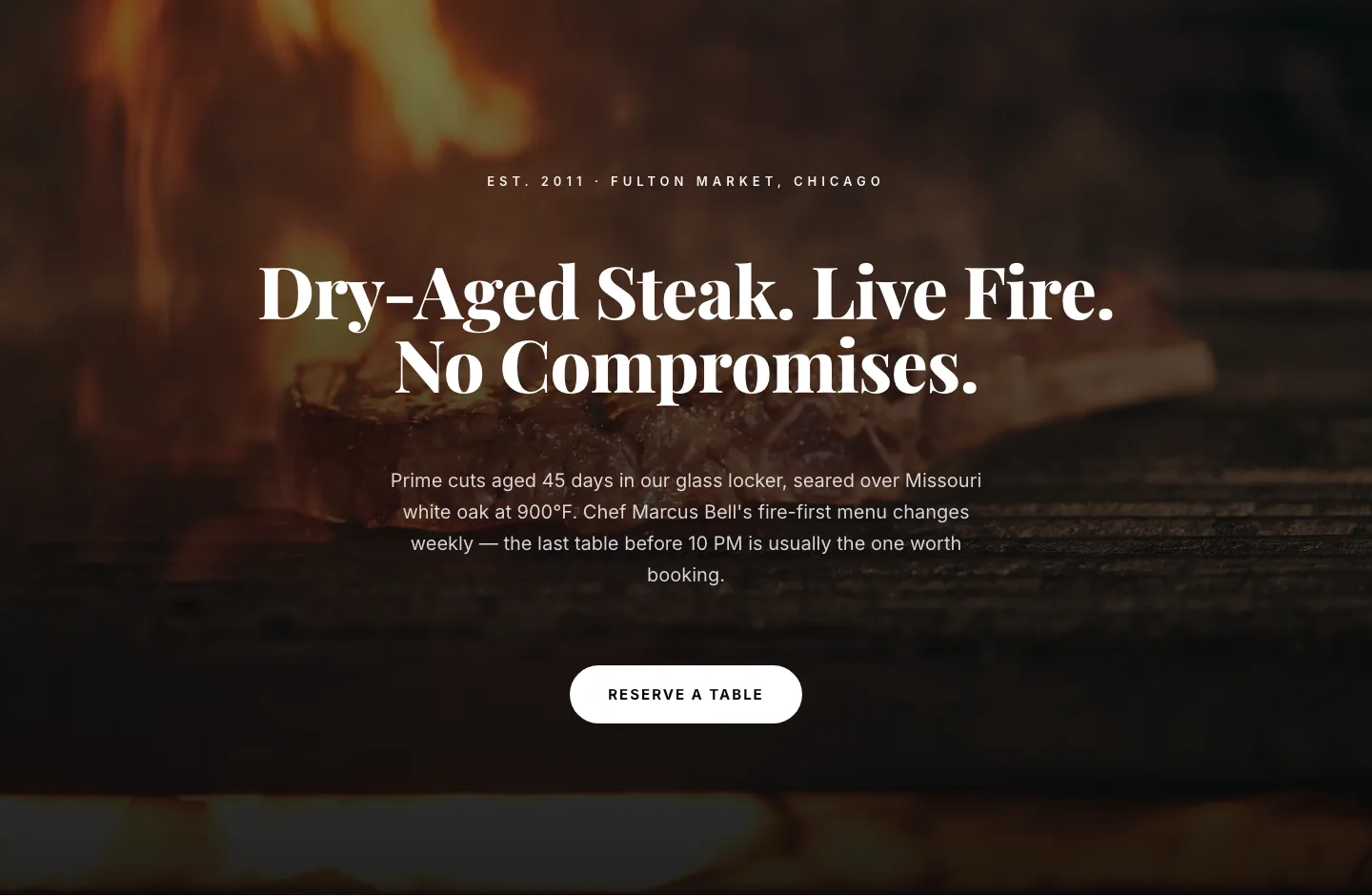
Bold Steakhouse Hero Layout for Divi 5: Fire & Dry-Aged
hero · restaurant · bold
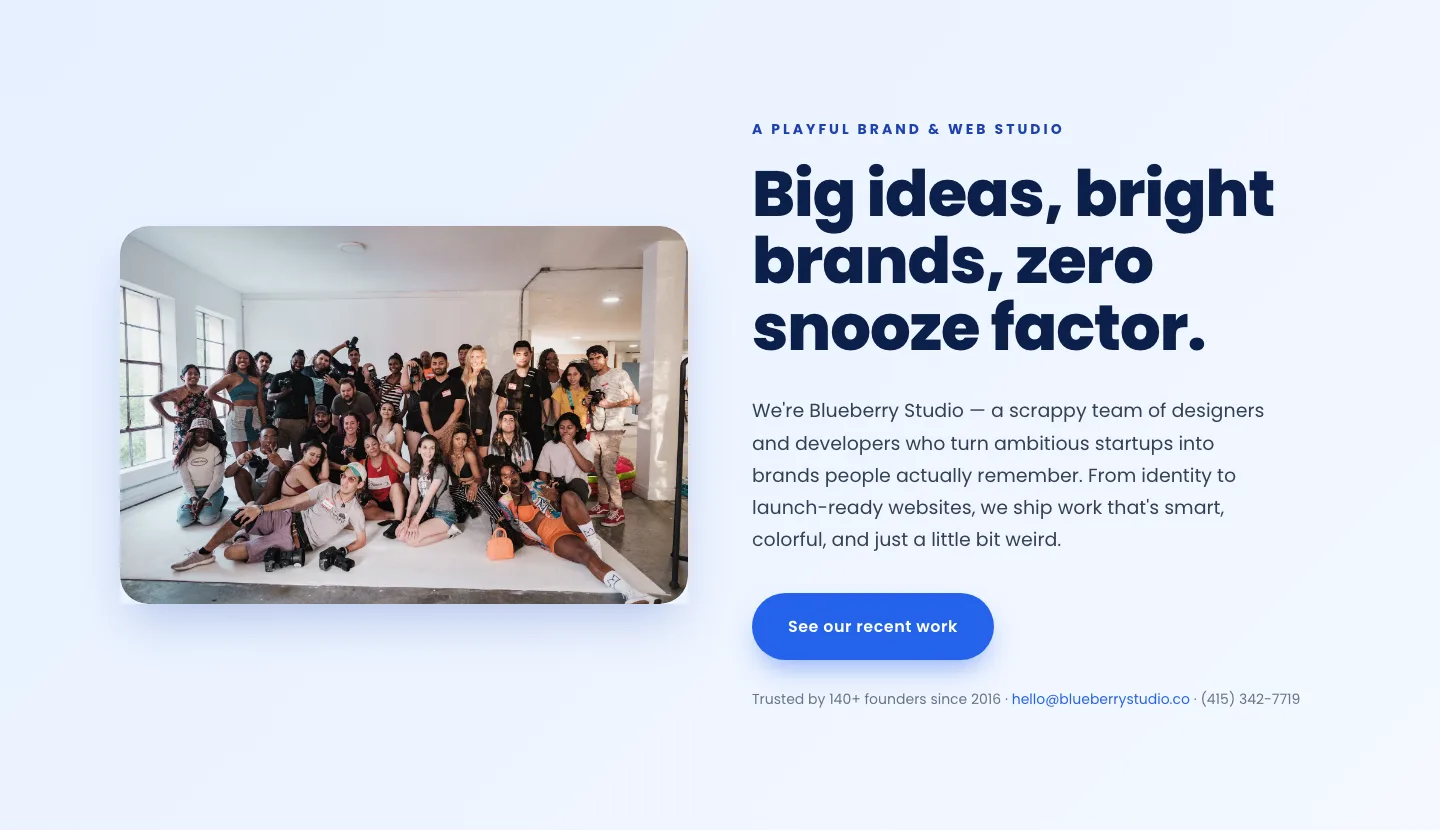
Playful Agency Hero Section: Bright Image-Left Divi 5 Layout
hero · agency · playful
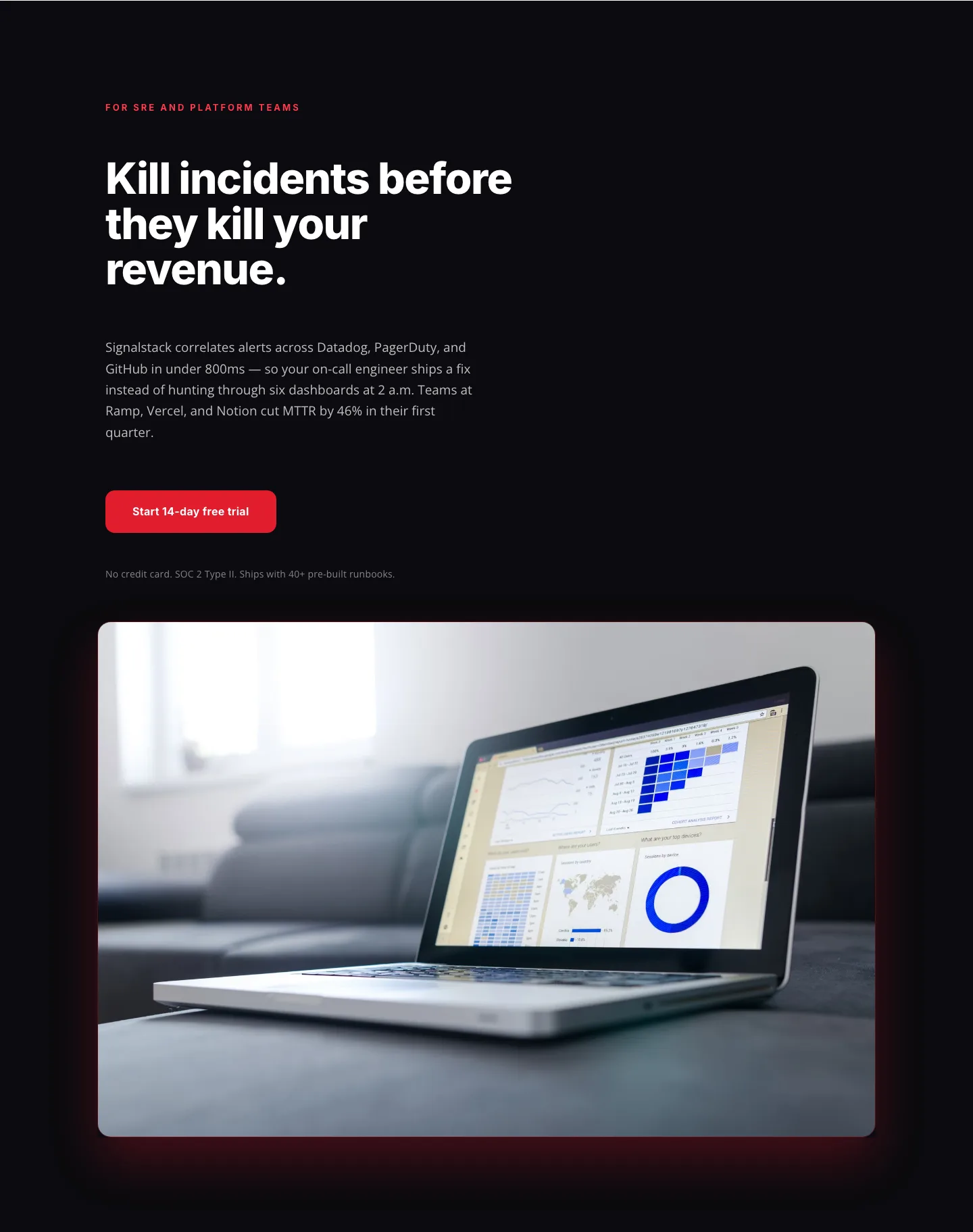
Signalstack SaaS Hero Section: Bold Red Split-Image Divi 5 Layout
hero · saas · bold
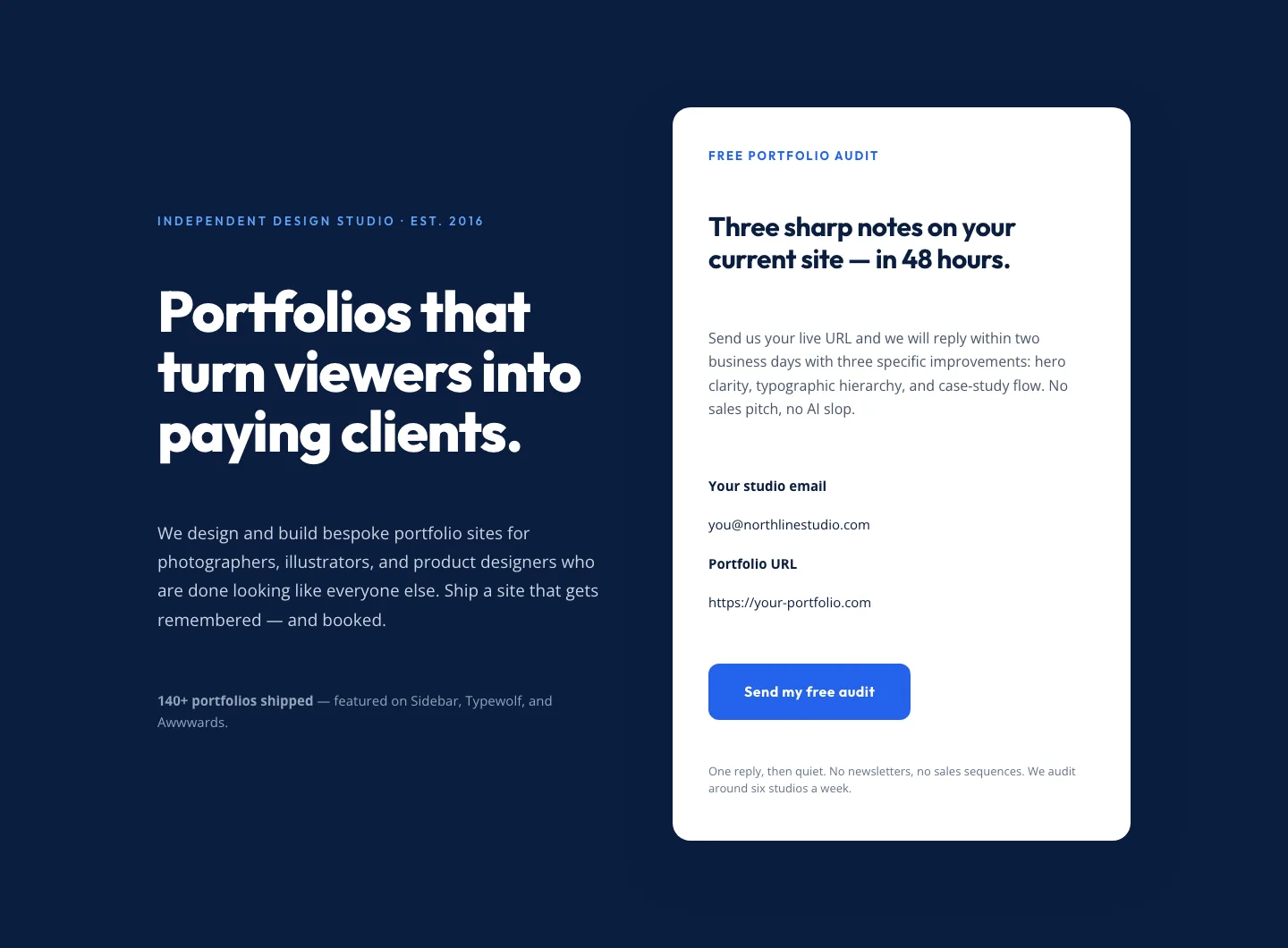
Bold Portfolio Hero with Free Audit Sign-up: Divi 5 Layout
hero · portfolio · bold
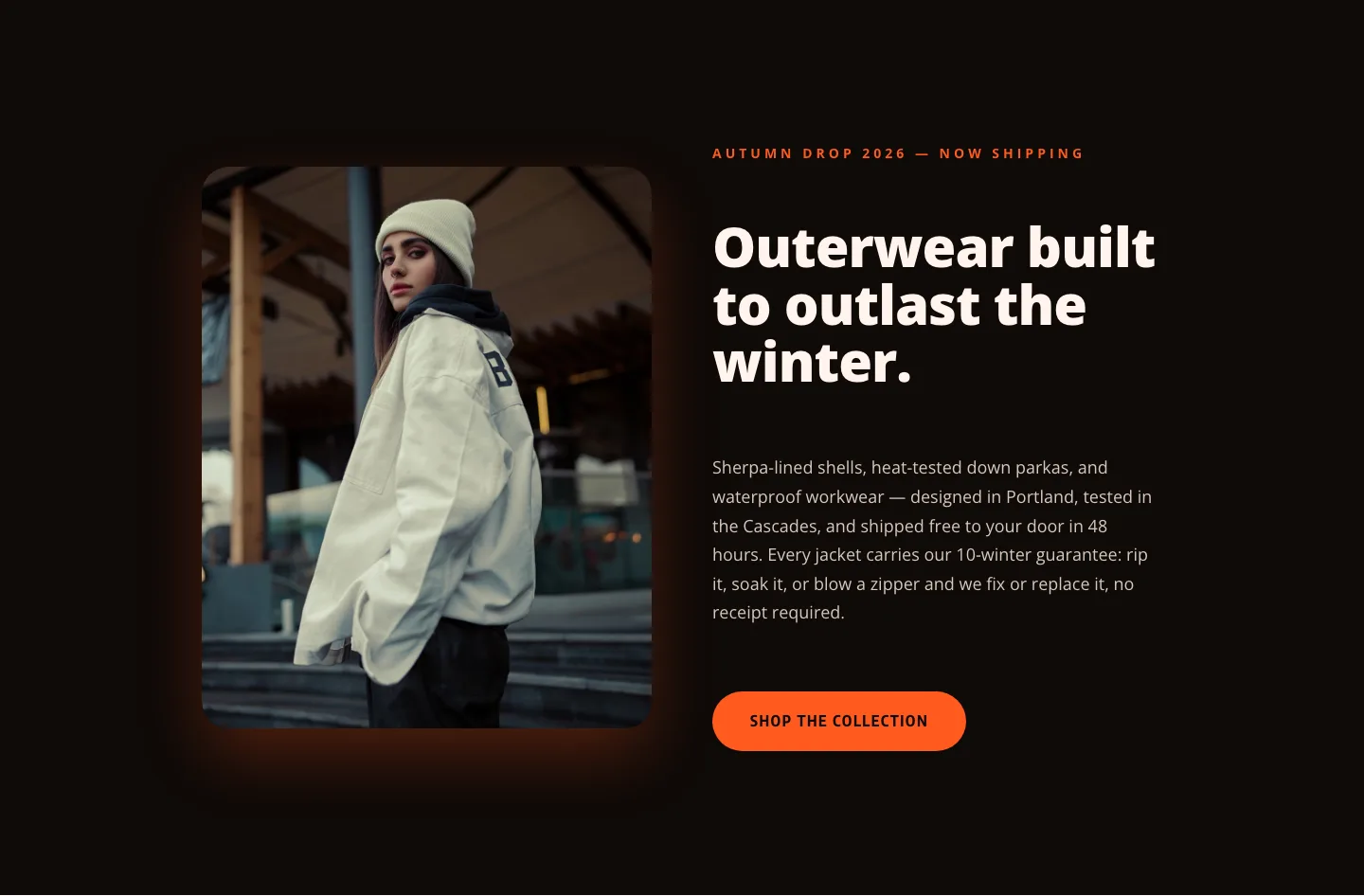
Blazefront Outerwear Hero: Bold Ecommerce Divi 5 Layout
hero · ecommerce · bold
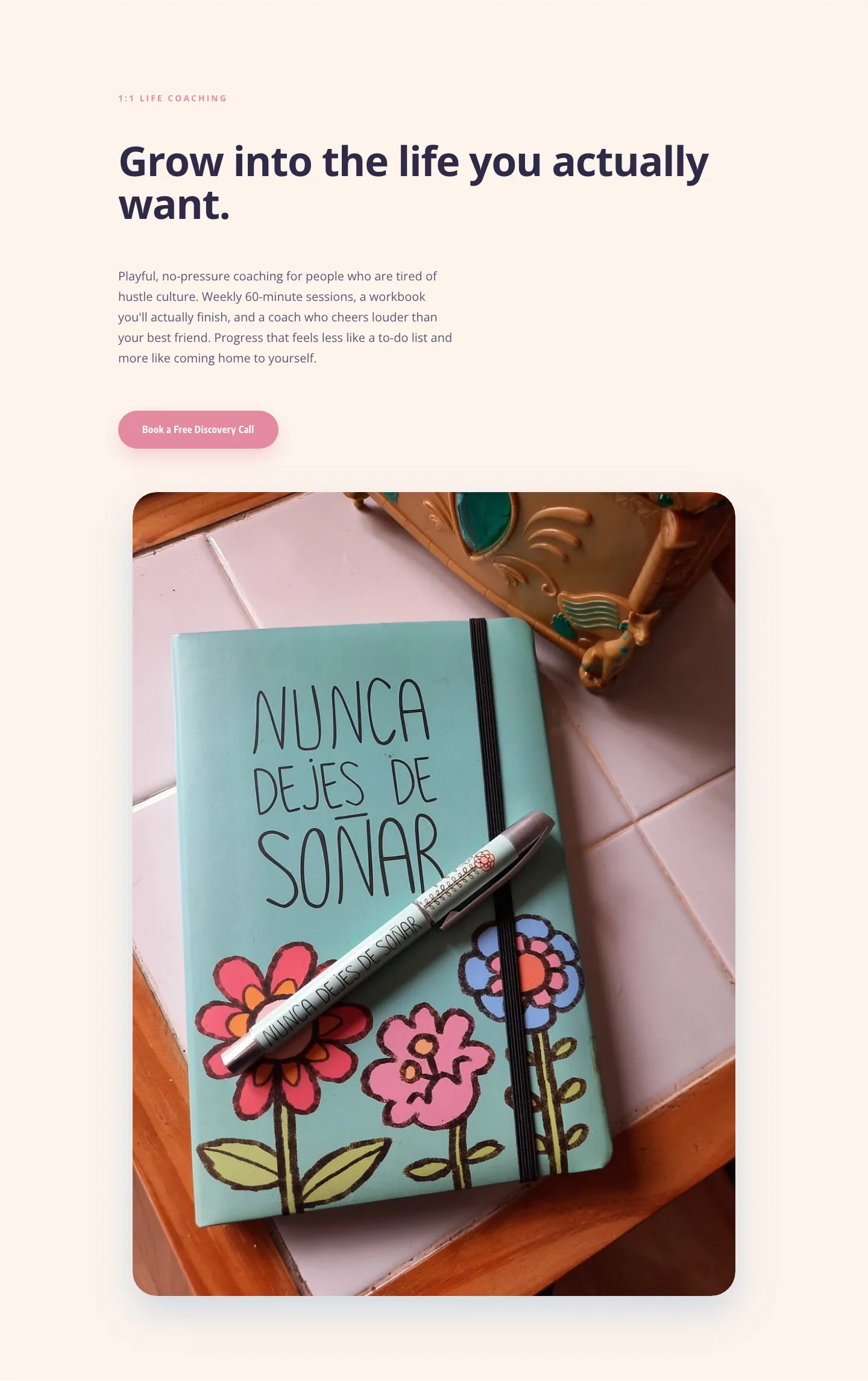
Playful Coaching Hero: Bloom Coaching | Divi 5 Layout
hero · coaching · playful
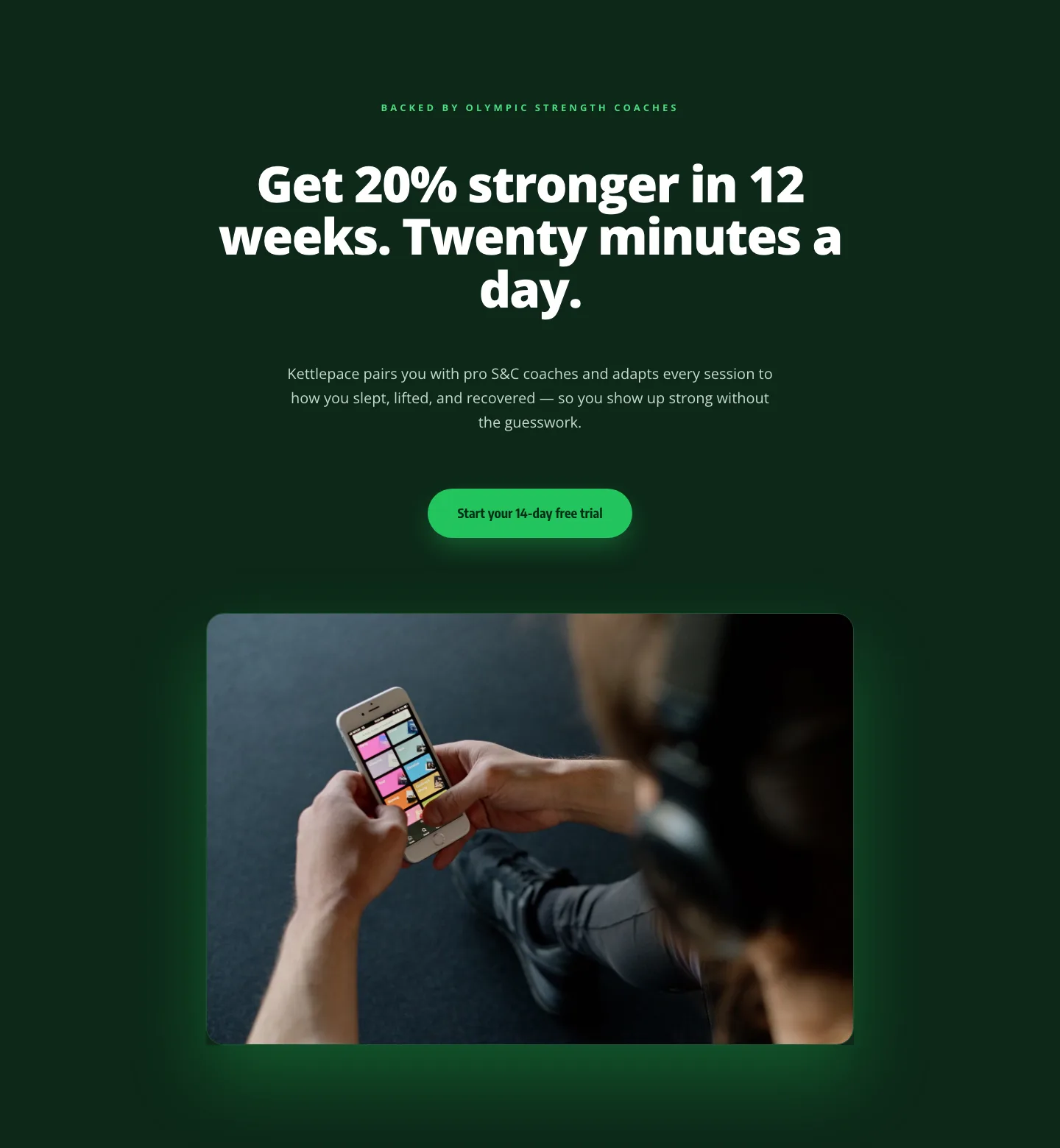
Kettlepace Hero: Bold Fitness App Landing Section for Divi 5
hero · fitness · bold
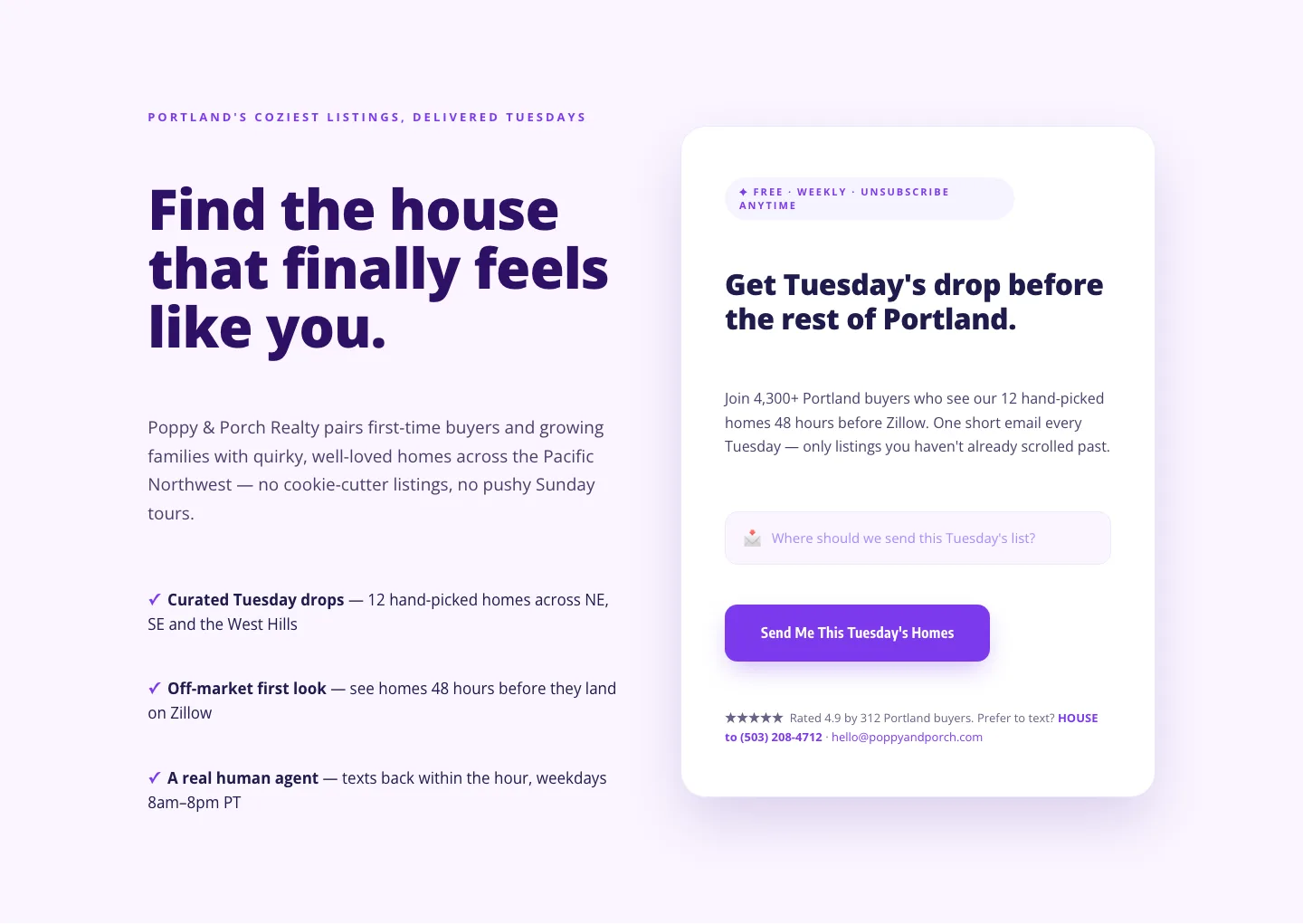
Playful Real Estate Hero: Weekly Listing Drop Signup | Divi 5
hero · real_estate · playful
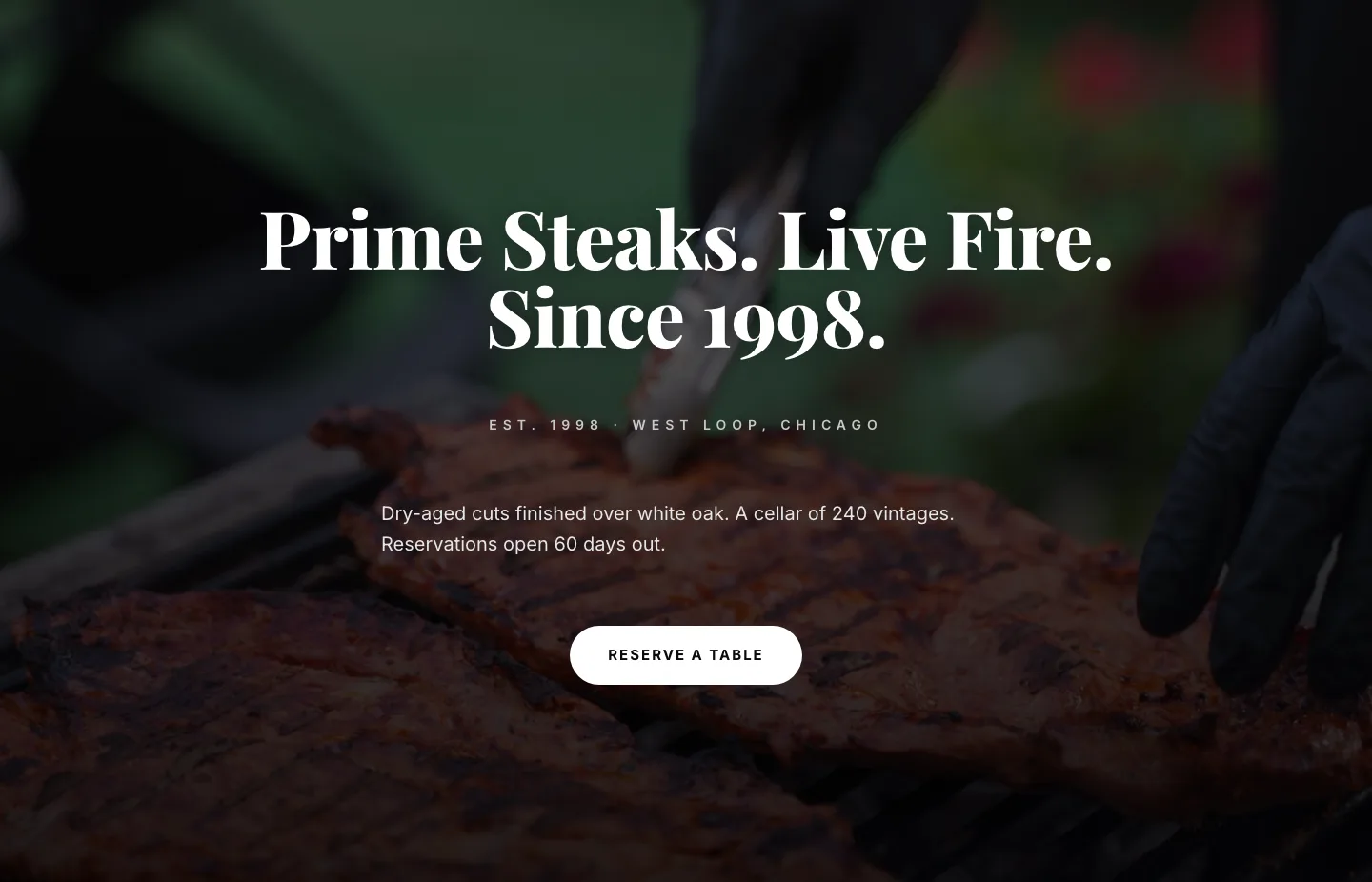
Prime Steaks Hero Section: Bold Monochrome Restaurant Layout for Divi 5
hero · restaurant · bold
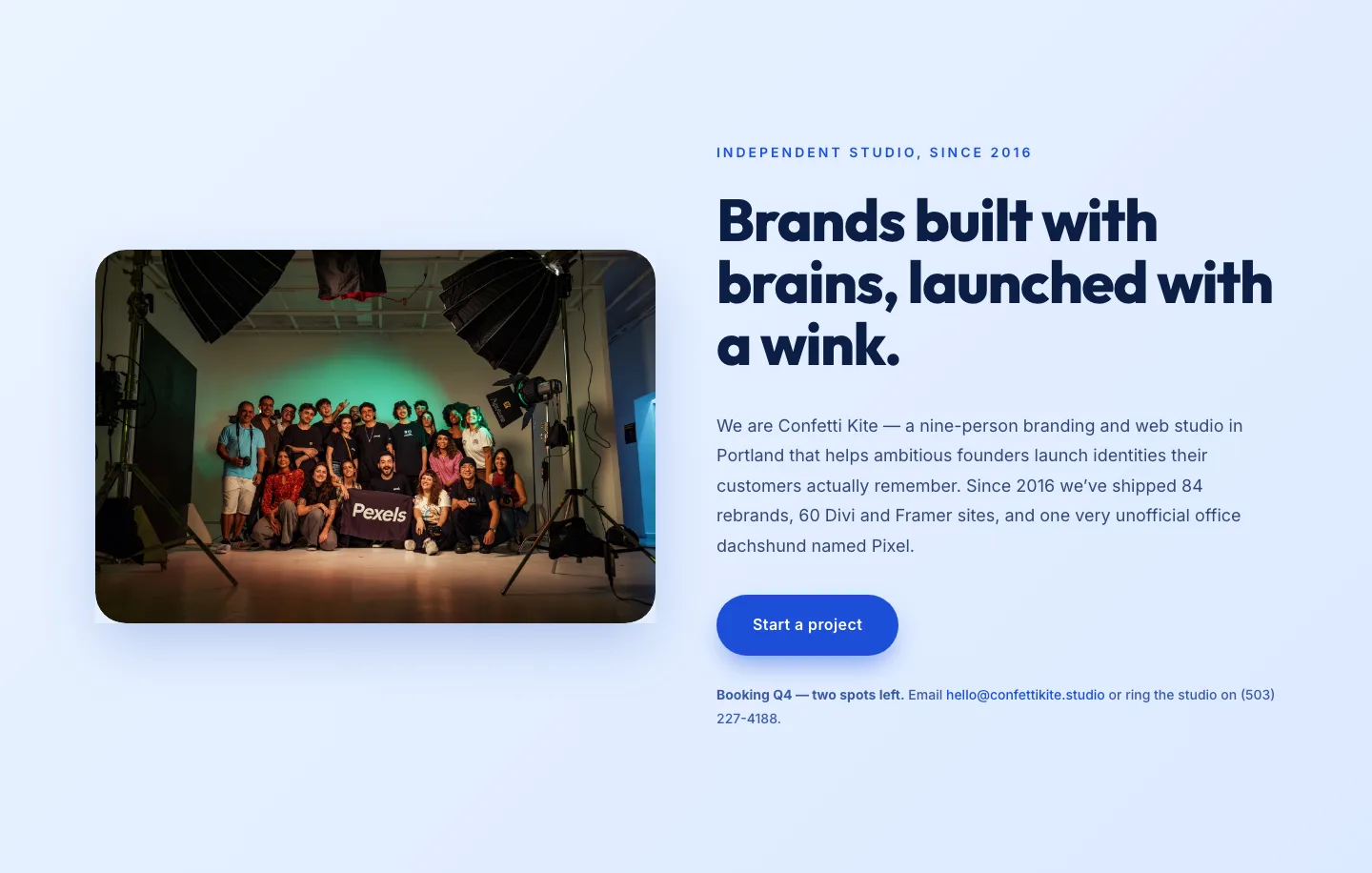
Playful Agency Hero Section for Divi 5: Ideas With A Wink
hero · agency · playful
Bold SaaS Revenue Forecasting Hero: Divi 5 Layout
hero · saas · bold
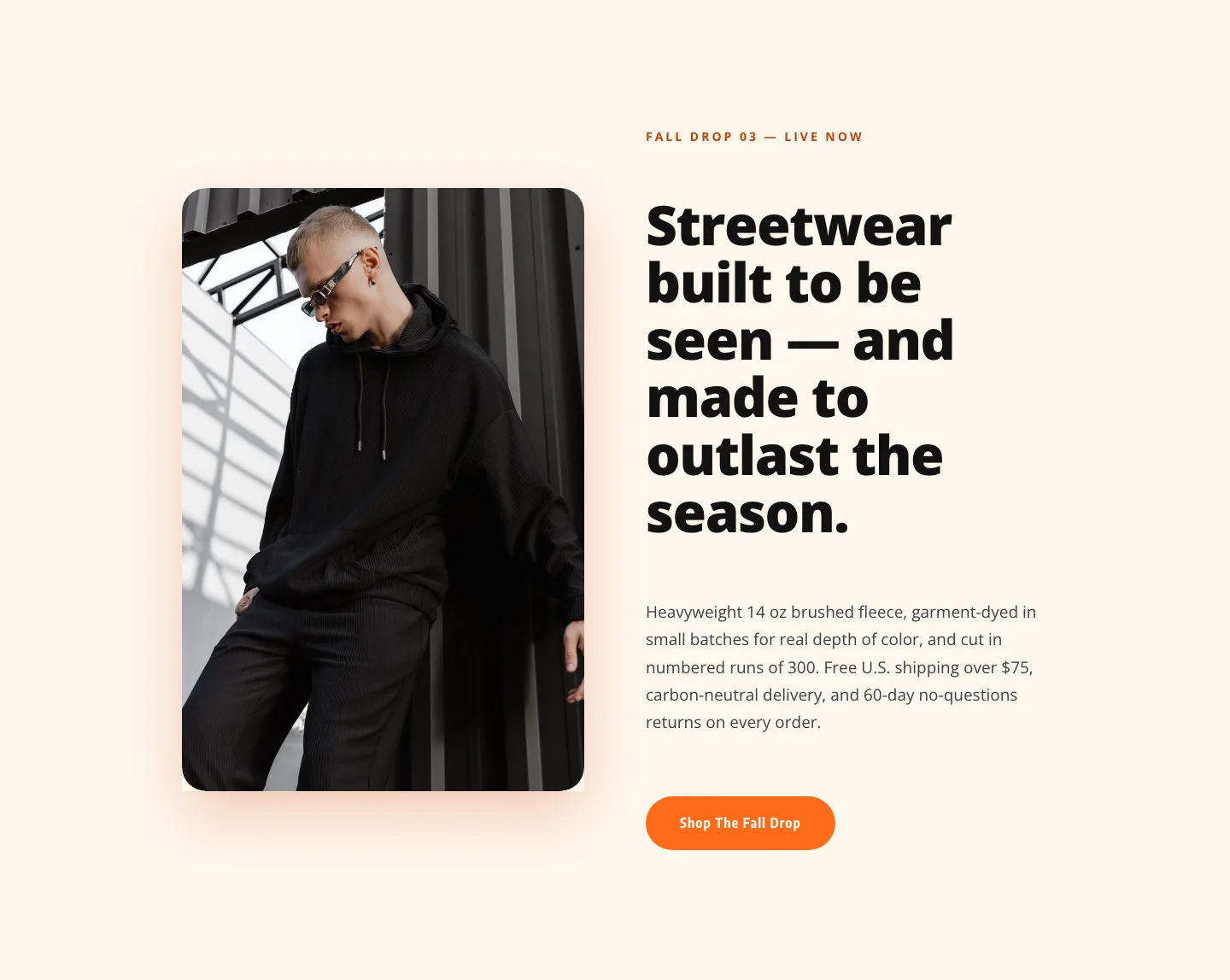
Ember & Oak Fall Drop Hero: Bold Ecommerce Divi 5 Layout
hero · ecommerce · bold
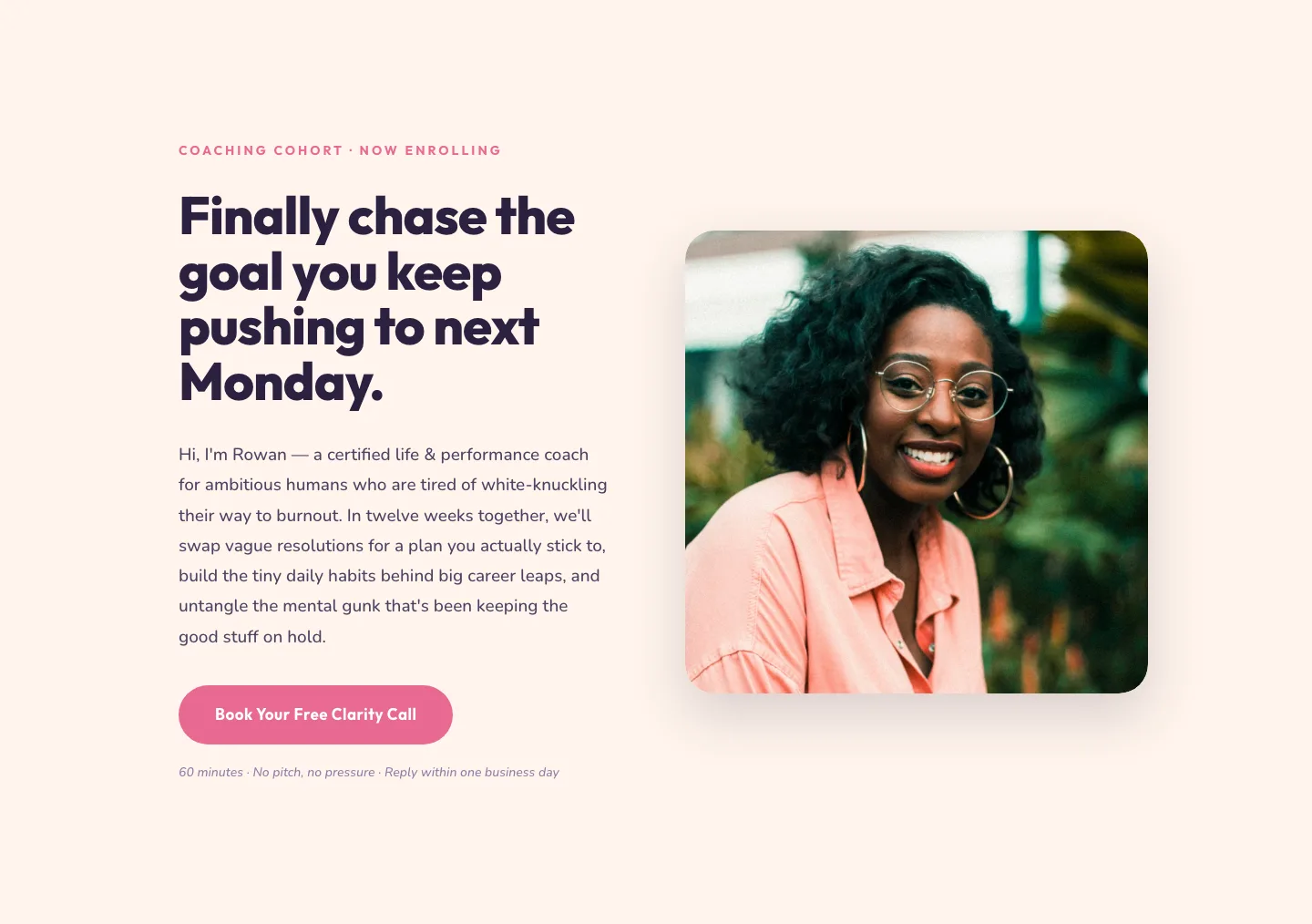
Playful Coaching Hero Section for Divi 5: Image Right Layout
hero · coaching · playful

Bold Green Fitness Hero Section for Divi 5: Strength Coaching Landing
hero · fitness · bold
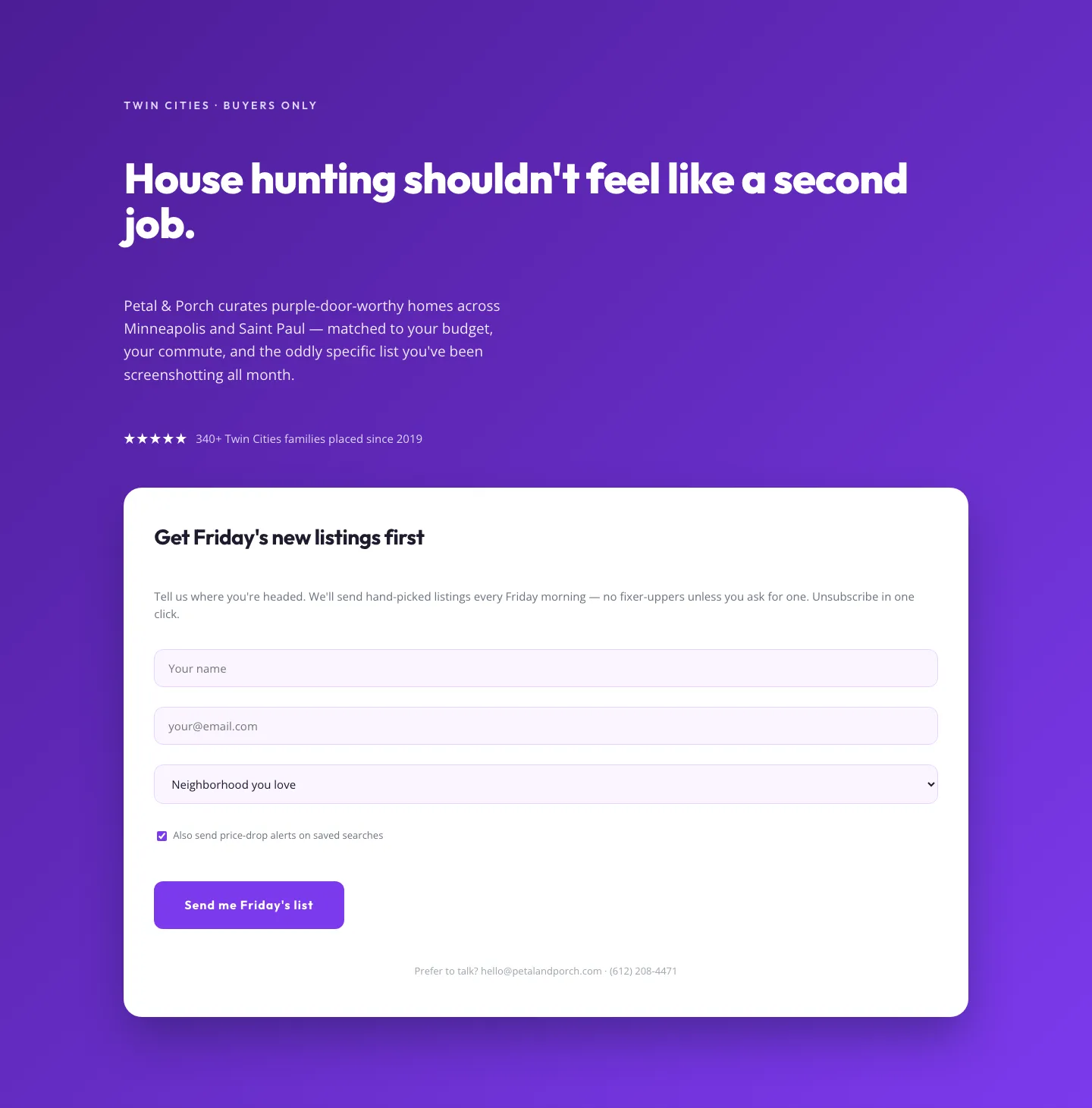
Playful Real Estate Hero with Weekly Listings Signup: Divi 5 Layout
hero · real_estate · playful

Bold Fitness Hero Section: Divi 5 Layout | Divi5Lab
hero · fitness · bold
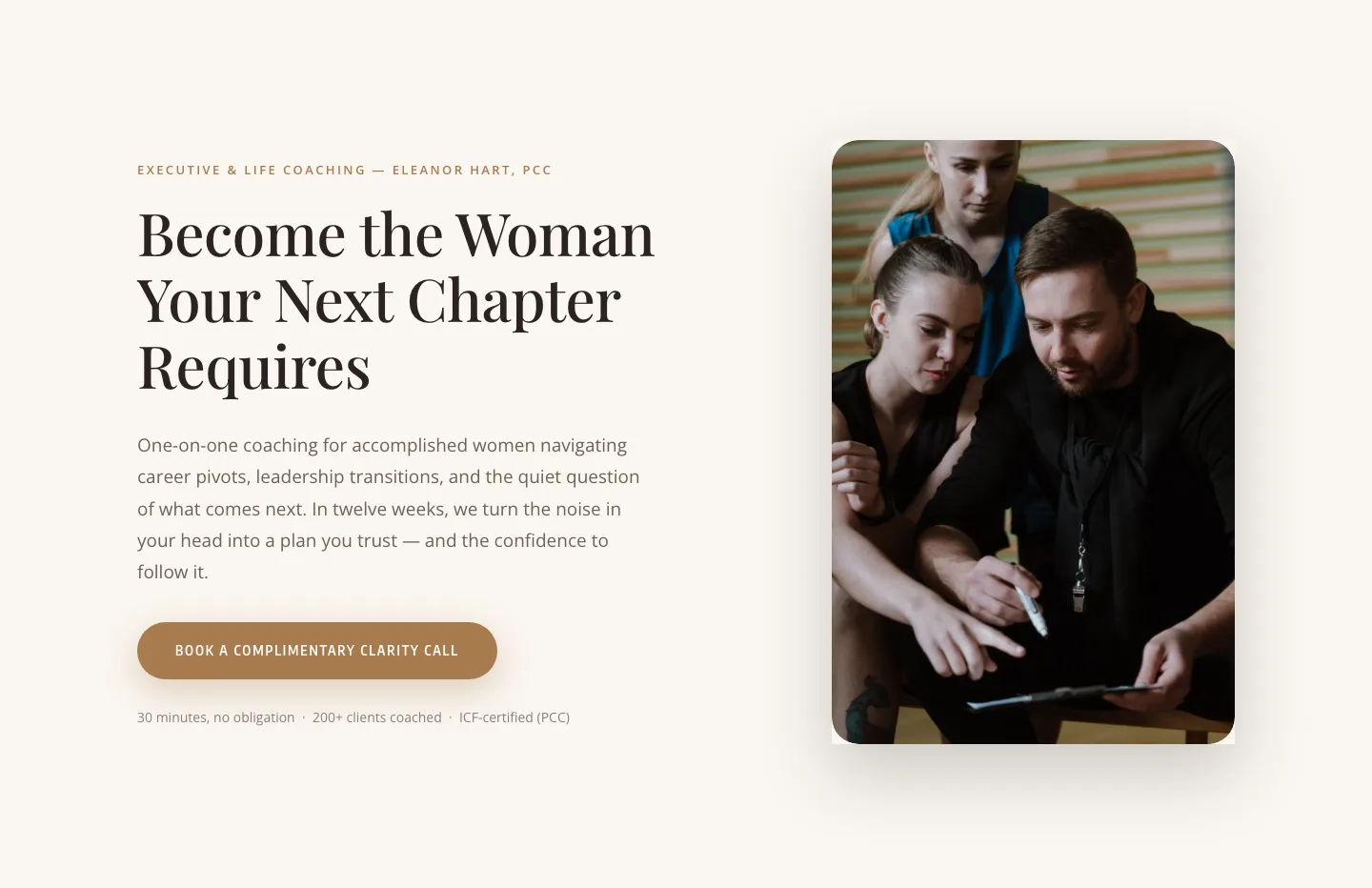
Elegant Coaching Hero Section: Divi 5 Layout with Clarity Call CTA
hero · coaching · elegant

Prime Cut Chophouse Hero: Dry-Aged Steakhouse Divi 5 Layout
hero · restaurant · bold

Playful Nonprofit Hero Layout: Kindred Paws Rescue | Divi 5
hero · nonprofit · playful
What makes a good hero section
A hero has one job: tell people where they are and what to do next, in under three seconds. The strongest layouts in this collection share a few traits. The headline carries the message on its own, no reading the paragraph required. There's a single dominant call to action, visually heavier than everything around it. And the composition holds up at every width: what reads as a confident two-column split on desktop should stack into a clean, thumb-friendly column on a phone. The screenshots on each layout show real desktop and mobile renders, so you can check that before you download.
Spacing does more work in a hero than anywhere else on the page. Generous padding above and below the headline signals confidence; cramped heroes read as templates. Look for layouts where the negative space is deliberate. It's usually the difference between a section that feels designed and one that feels assembled.
Who these are for
Agencies and freelancers building client sites are the obvious fit, a validated hero shaves an hour off every project kickoff. But they work just as well for SaaS founders shipping a landing page before the product is done, coaches and consultants who need a credible front door, and in-house marketers spinning up campaign pages without pulling a designer. Because every layout ships under a commercial license, client work is explicitly covered: use them on unlimited sites you own or build for others.
Customizing a hero in Divi 5
Start with Design Presets. Instead of restyling the heading, button, and image modules one by one, edit the preset once and every instance follows. Which matters the moment you reuse the hero across pages. Next, swap in your Global Color Palette: heroes lean hard on one accent color for the CTA, so changing the palette variables recolors the section coherently in seconds rather than hunting through individual modules.
Then rewrite the copy with the layout's proportions in mind. These heroes are composed around a headline of a certain visual weight: if your replacement headline is twice as long, tighten it rather than shrinking the font. Keep the CTA label to two or three words, verb first. Finally, replace the imagery with something that matches your subject, re-check the mobile render in the Visual Builder's responsive preview, and publish.
Every hero here passed deterministic Divi 5 structure validation before it was listed, so imports are clean: no broken modules, no mystery markup. Download one, wire it to your brand, and ship the page.