
Dark Developer SaaS Hero Section for Divi 5: Logs and Tracing Landing
A dark-mode Divi 5 hero section for SaaS observability tools. Features a bold headline, monospace body copy, and a high-contrast green CTA. Ready to import.
Rate this element
Download this section, free
- Divi 5 JSON, imports in seconds
- Commercial license included
- No account needed
Click to view the full page
Overview
This hero section opens on a near-black background (#0b0d0c) overlaid with a subtle squares pattern in deep forest green (#2a312d). The pattern adds texture without competing with the content — it reads as noise at a glance but grounds the section in a terminal-or-dashboard aesthetic that developer-tool brands rely on. The section padding is deliberately generous: 112 px top and bottom on desktop, stepping down to 80 px on tablet and 48 px on mobile, which keeps the hero from feeling cramped as the viewport shrinks.
The layout is a single centered column — no split, no sidebar distraction. Everything stacks on a vertical axis: a massive h1 at 96 px in Space Grotesk 600 with -1 px letter-spacing and a tight 1.05 em line-height, followed by a constrained text block (max-width 600 px) set in JetBrains Mono at 20 px / 1.6 em in #8d9892 — a muted sage that reads as a comment line in any code editor. The typographic pairing is intentional: a display font for impact, a monospace font for credibility with a technical audience. The heading uses text-wrap: balance so multi-line breaks feel designed rather than accidental.
The call-to-action button carries the section's signature color: a neon green (#3dff9a) fill against almost-black #04130b text, edged with a 1 px dashed border in the same neon. The 2 px border-radius keeps the button sharp and utilitarian rather than rounded and consumer-friendly — a deliberate signal to the SaaS-developer audience. The button is centered, with 12 px vertical and 24 px horizontal padding.
On mobile the column reflows via flexDirection: column and the headline drops from 96 px to 42 px, maintaining hierarchy without overflow. The padding reduction to 48 px on phone means the section still breathes on smaller screens without consuming excessive scroll depth. The overall effect is a terminal-inspired landing that communicates speed, precision, and technical trust before a single word is read.
What’s inside
- Full-width Divi 5 Section module with `#0b0d0c` background and a squares pattern overlay in `#2a312d`
- Single centered column layout — one Row module with a 4/4 full-width Column, stacked vertically on mobile
- H1 Heading module in Space Grotesk 600 at 96 px (desktop) / 64 px (tablet) / 42 px (mobile) with `-1 px` letter-spacing and `text-wrap: balance`
- Group module constraining the subheadline to 600 px max-width for controlled line length
- Text module in JetBrains Mono 20 px / 1.6 em in muted sage `#8d9892` for a developer-console aesthetic
- Button module with neon-green `#3dff9a` fill, near-black text, 1 px dashed border, and 2 px border-radius — no hover color shift
- Three-breakpoint padding scale: 112 px → 80 px → 48 px vertical, built into the section's spacing presets
Who it’s for
This section fits developer-tool and infrastructure SaaS products — observability platforms, log aggregators, APM tools, tracing systems, CI/CD dashboards, and anything that sells to on-call engineers. It also works for DevOps-adjacent products: feature-flag services, error-tracking tools, API monitoring, and database-as-a-service landing pages. The monospace typography and terminal palette signal technical credibility instantly, making it a strong fit for any product where the buyer is an engineer, not a marketing manager.
Customization tips
The neon-green accent (#3dff9a) is used in exactly one place — the button fill and its dashed border — so swapping it to your brand color (orange, cyan, violet) is a single change that recolors the entire CTA. The background #0b0d0c and pattern color #2a312d are independent; darken or desaturate the pattern to reduce texture, or disable the squares pattern entirely in the Section's background settings for a flat black.
The subheadline sits inside a Group module capped at 600 px. If your copy runs longer than two lines at that width, raise the max-width to 680–720 px — beyond that the line length gets uncomfortable on desktop. The H1 uses text-wrap: balance, which works best for one to three lines; headlines beyond four lines should drop to 80–88 px to avoid excess height. Keep the button label to two or three words — JetBrains Mono at this weight starts to feel cramped past ~14 characters.
How to install this layout
- Download the layout JSON file from this page.
- Open the target page in the Divi 5 builder.
- Open the portability panel (up/down arrows icon) and choose the Import tab.
- Upload the JSON. Tick “replace existing content” only for full-page imports.
- Check the page at desktop and mobile widths, then swap in your copy and images.
Full walkthrough with troubleshooting: How to Import a Divi 5 Layout.
Questions about Dark Developer SaaS Hero Section for Divi 5: Logs and Tracing Landing
What fonts does this layout use, and do I need to install them?
The heading is set in Space Grotesk and the body and button text in JetBrains Mono. Both are Google Fonts. Divi 5 loads Google Fonts automatically when you choose them in the font picker, so no manual installation is needed — they render as soon as the layout is imported.
How does the heading size scale on smaller screens?
The H1 steps down in three tiers set directly on the Heading module: 96 px on desktop, 64 px on tablet, and 42 px on mobile. These are editable per-breakpoint values inside the module's typography settings, so you can fine-tune each tier to match your headline length without touching any custom CSS.
What is the squares background pattern and can I remove it?
The squares pattern is Divi 5's native background pattern feature, set to the `squares` style in `#2a312d` on top of the solid `#0b0d0c` fill. You can disable it entirely in the Section's Background tab by toggling the pattern off, or change the style to dots, diagonal lines, or any other native Divi 5 pattern option.
The button says 'Start free' — what should I change if my CTA is different?
Open the Button module and update the text in the Content tab. The button has no icon configured, so the label is the only content element. If your CTA is longer than three words, check the button width at mobile breakpoints — the current padding (12 px / 24 px) works well up to about 14 characters in JetBrains Mono at this size.
Is this a full page or just the hero section?
This is a single hero section only — one Section module containing one Row and one Column. It is designed to be placed at the top of a page and followed by your features, pricing, or social-proof sections. It does not include navigation or a footer.
Can I swap the dark background for a light or brand-colored one without breaking the layout?
Yes, but you will need to update the text colors manually. The H1 is `#e8ece9` (near-white) and the subheadline is `#8d9892` (muted sage) — both chosen for contrast against the dark background. On a light background, replace those with dark equivalents. The button's neon-green works on dark or saturated backgrounds but loses contrast on white; changing the fill to a darker brand color will keep the button legible.
Which Divi version does this layout need?
Divi 5. The layout is generated natively for Divi 5 and validated against its real module structure before publication, so it imports clean into the current builder.
Can I use this layout on client websites?
Yes. Every download includes a commercial license covering unlimited sites you own or build for clients. Only reselling or redistributing the layout file itself is prohibited.
More hero sections
Browse all hero sections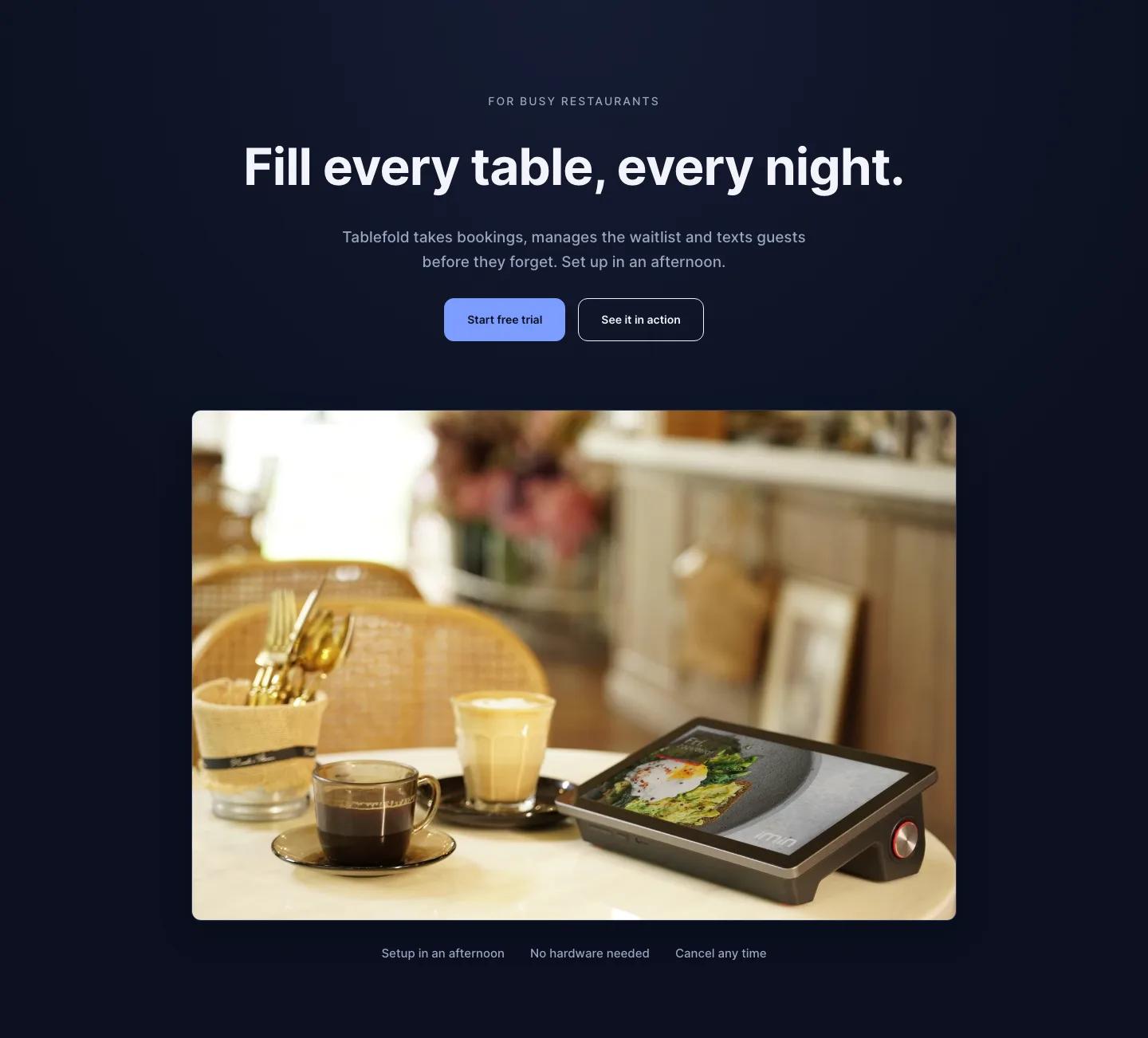
Dark Restaurant Booking Software Hero Section for Divi 5: Product Glow Layout
hero · restaurant · dark
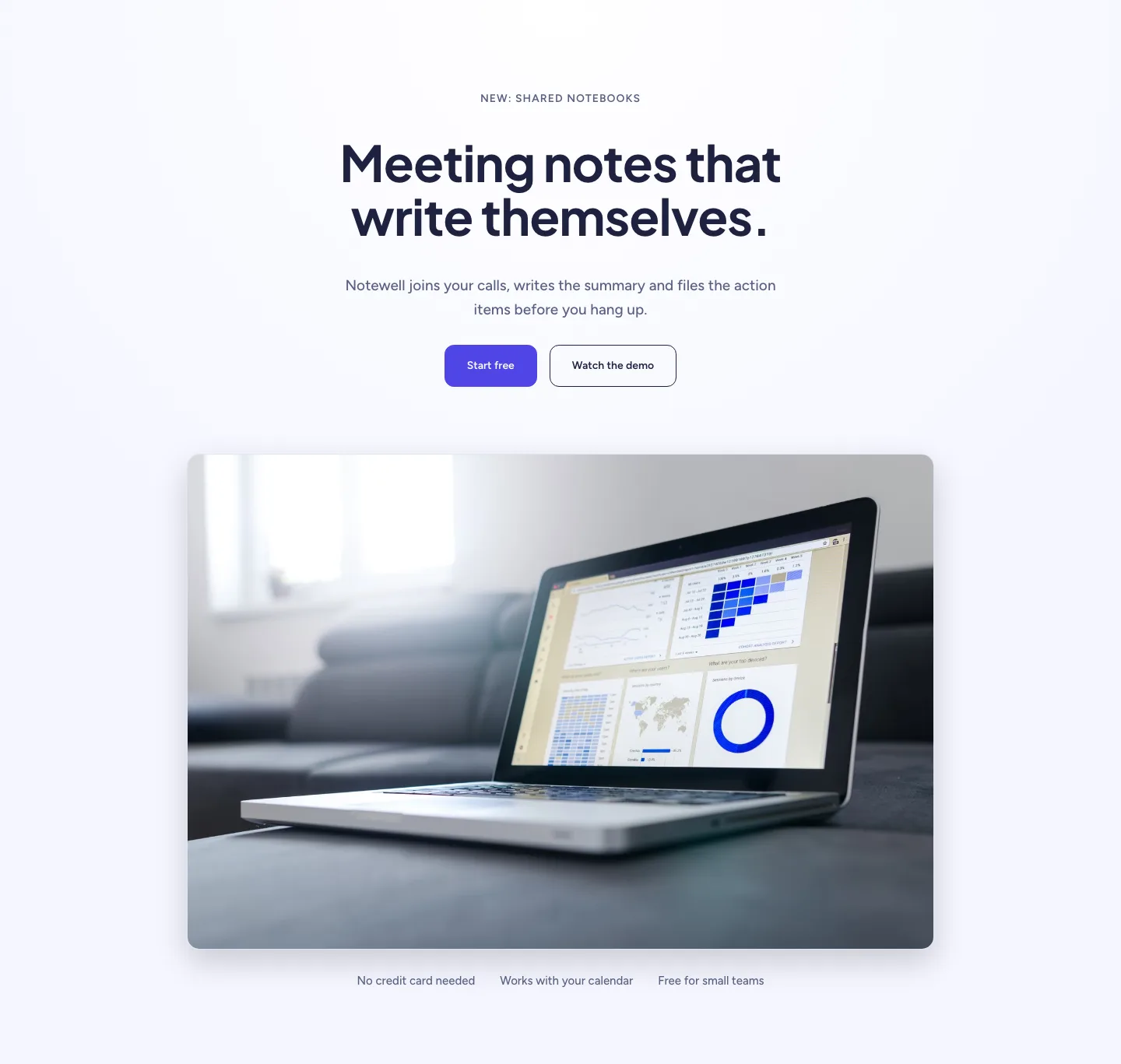
Soft SaaS Meeting Notes Hero Section for Divi 5: Product Glow Layout
hero · saas · minimal
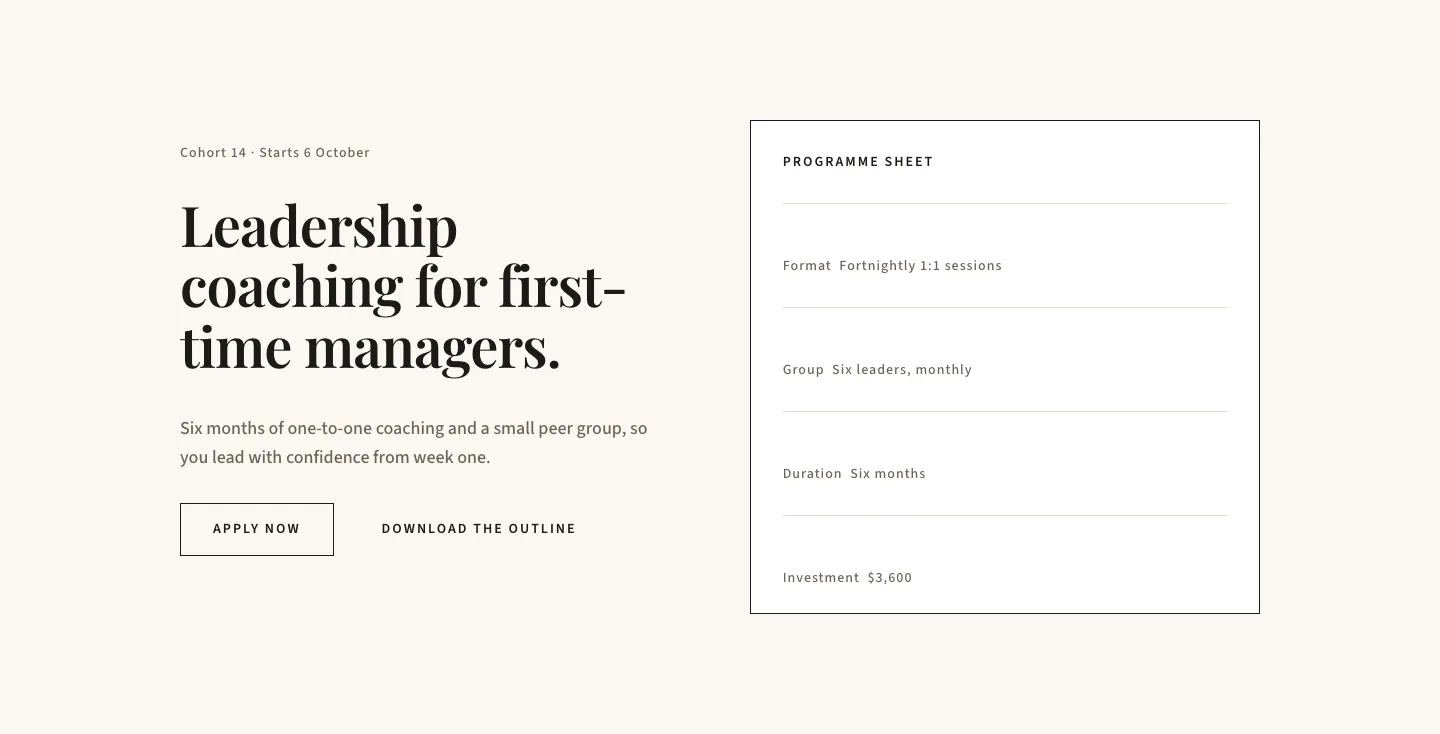
Editorial Executive Coaching Hero Section for Divi 5: Programme Sheet
hero · coaching · minimal
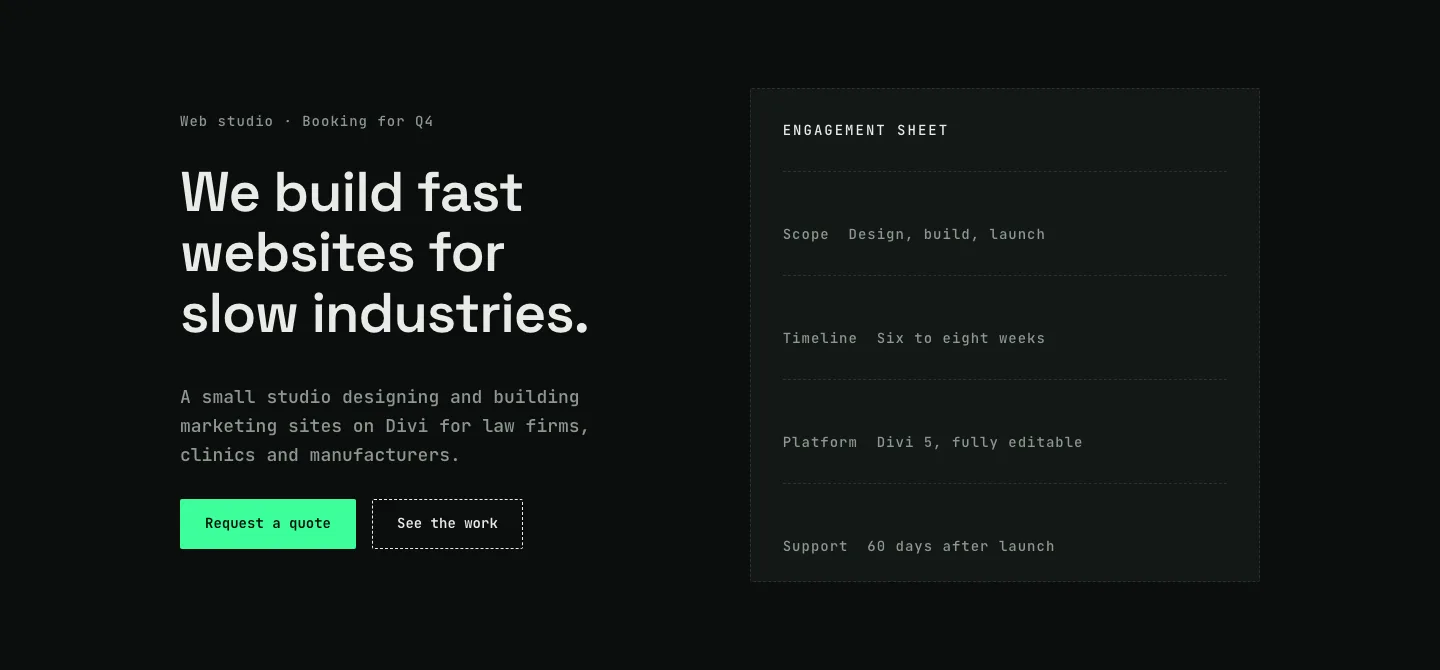
Dark Web Studio Agency Hero Section for Divi 5: Spec Card Layout
hero · agency · dark
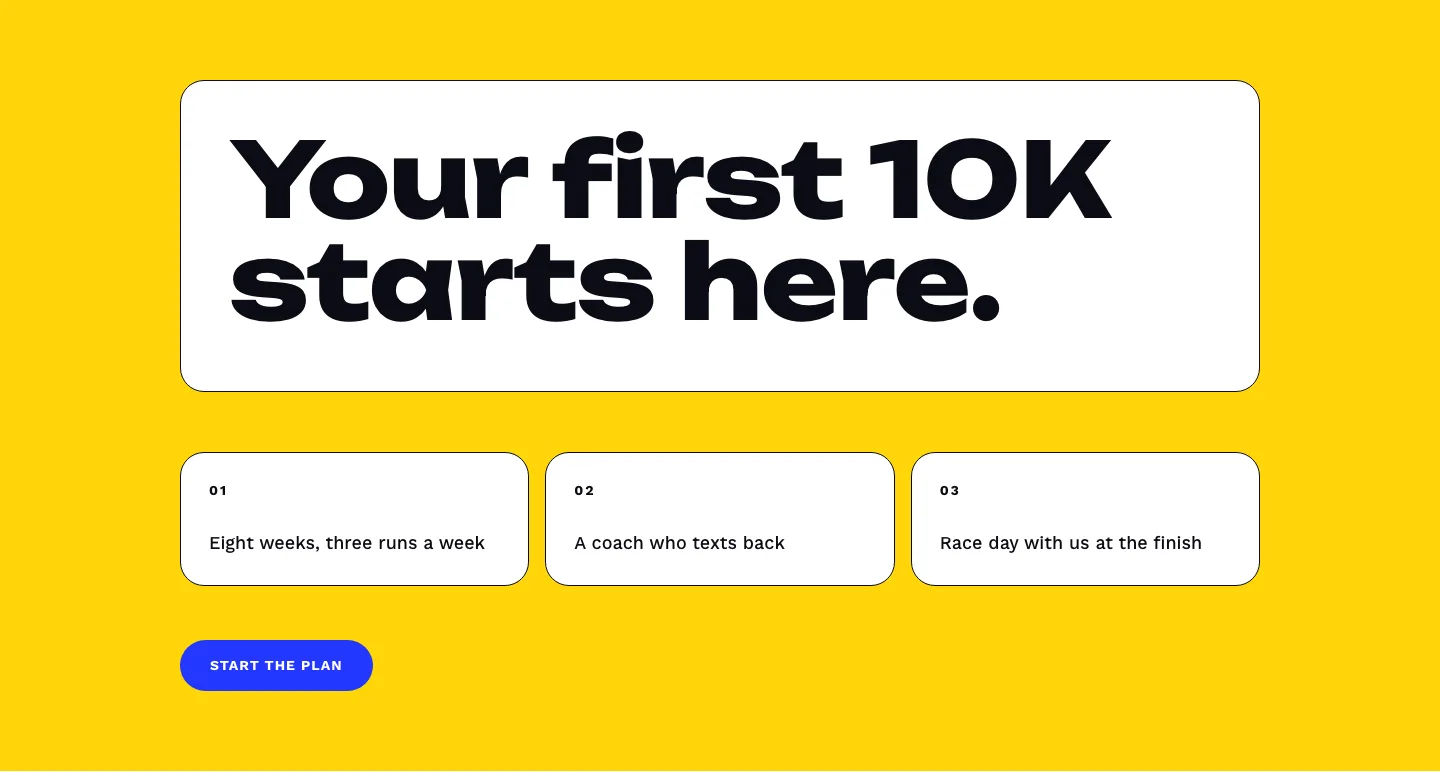
Bold First 10K Running Coach Hero Section for Divi 5: Fitness Bordered Cells
hero · fitness · bold
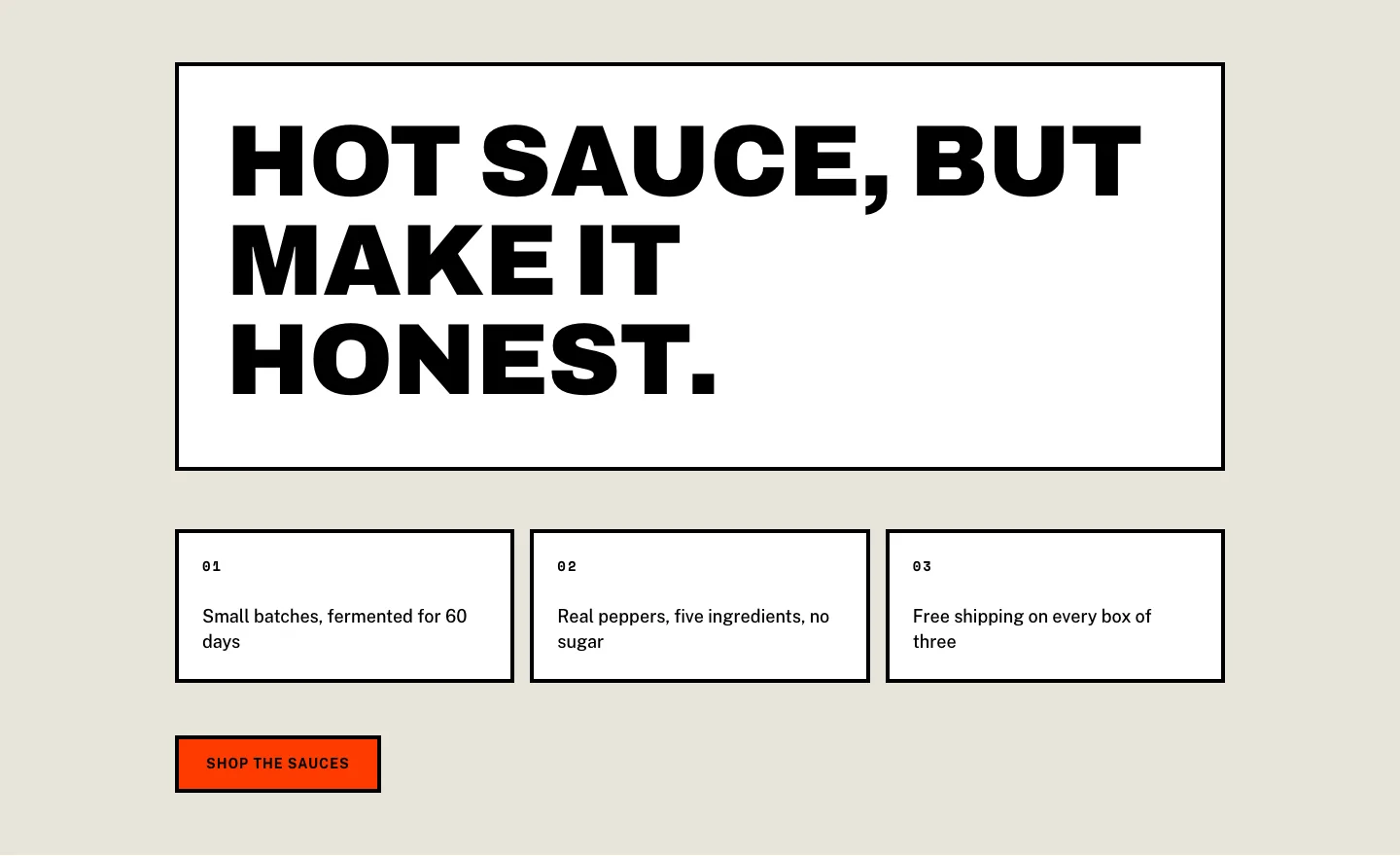
Brutalist Hot Sauce Ecommerce Hero Section for Divi 5: Bordered Cells
hero · ecommerce · bold