
Testimonials Divi 5 Layouts
Social proof sells, but only when it looks credible. These Divi 5 testimonial sections are designed to make real customer voices feel trustworthy at a glance: clear attribution, honest typography, and layouts that guide the eye from quote to conversion. Every section is validated against Divi 5's structure before publication, and the screenshots show real desktop and mobile renders, so what you preview is what you import.

Bold Agency Testimonials Section: Dark Divi 5 Layout with Client Proof Cards
testimonials · agency · bold
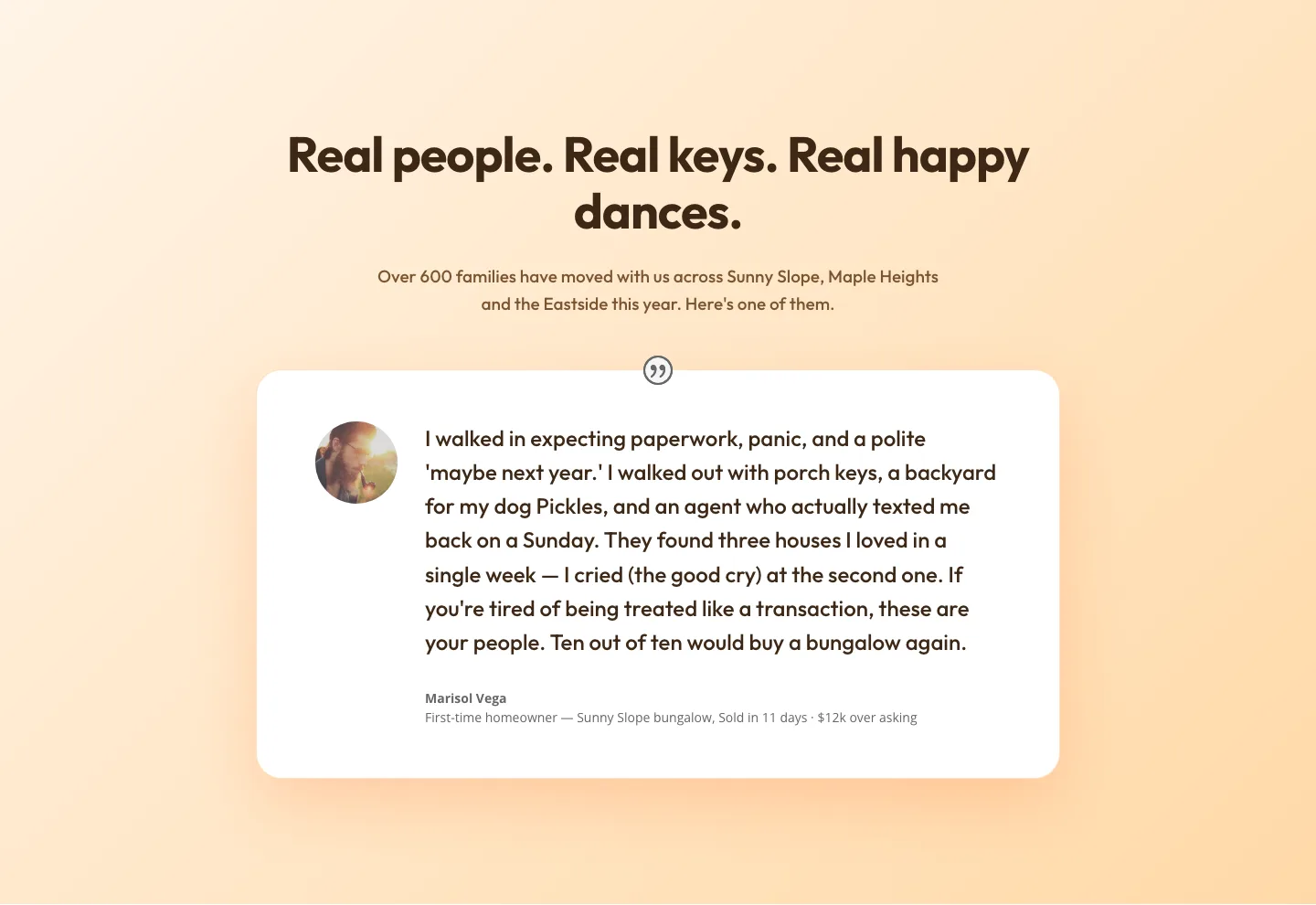
Playful Real Estate Testimonials Section: Warm Client Story Block | Divi 5 Layout
testimonials · real_estate · playful
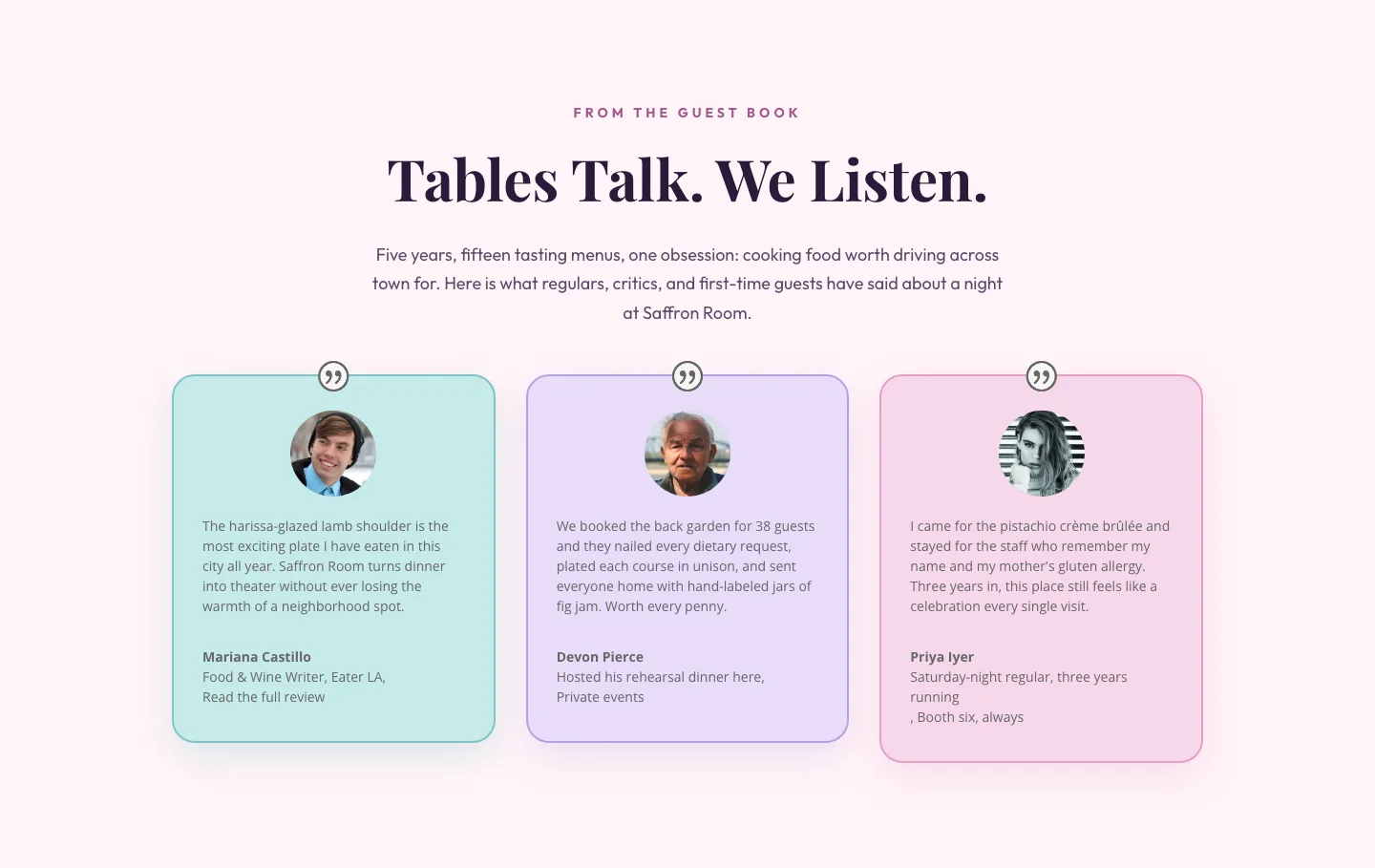
Tables Talk. We Listen.: Bold Restaurant Testimonials Layout for Divi 5
testimonials · restaurant · bold
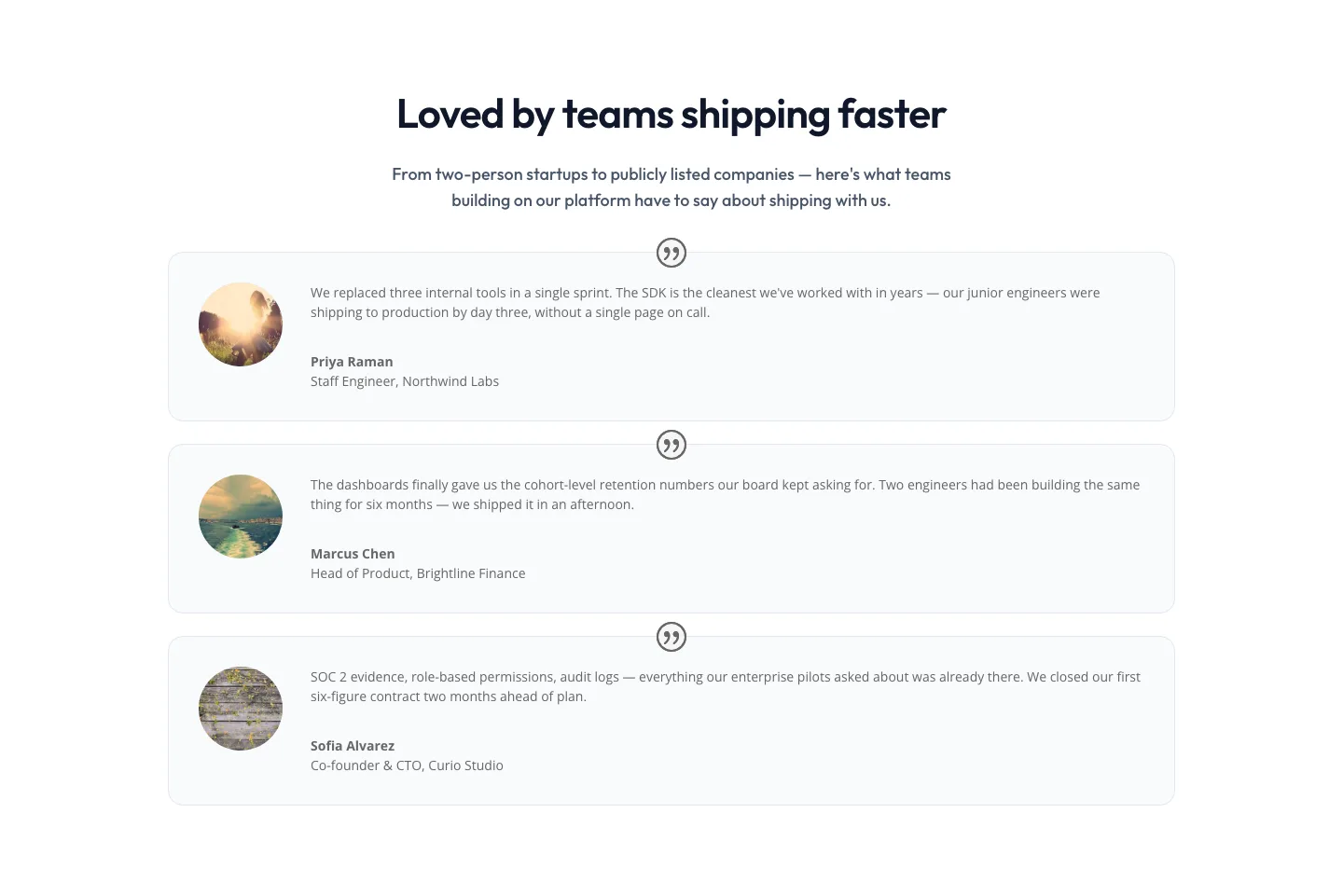
Minimal SaaS Testimonials Section: Three-Column Customer Quotes
testimonials · saas · minimal
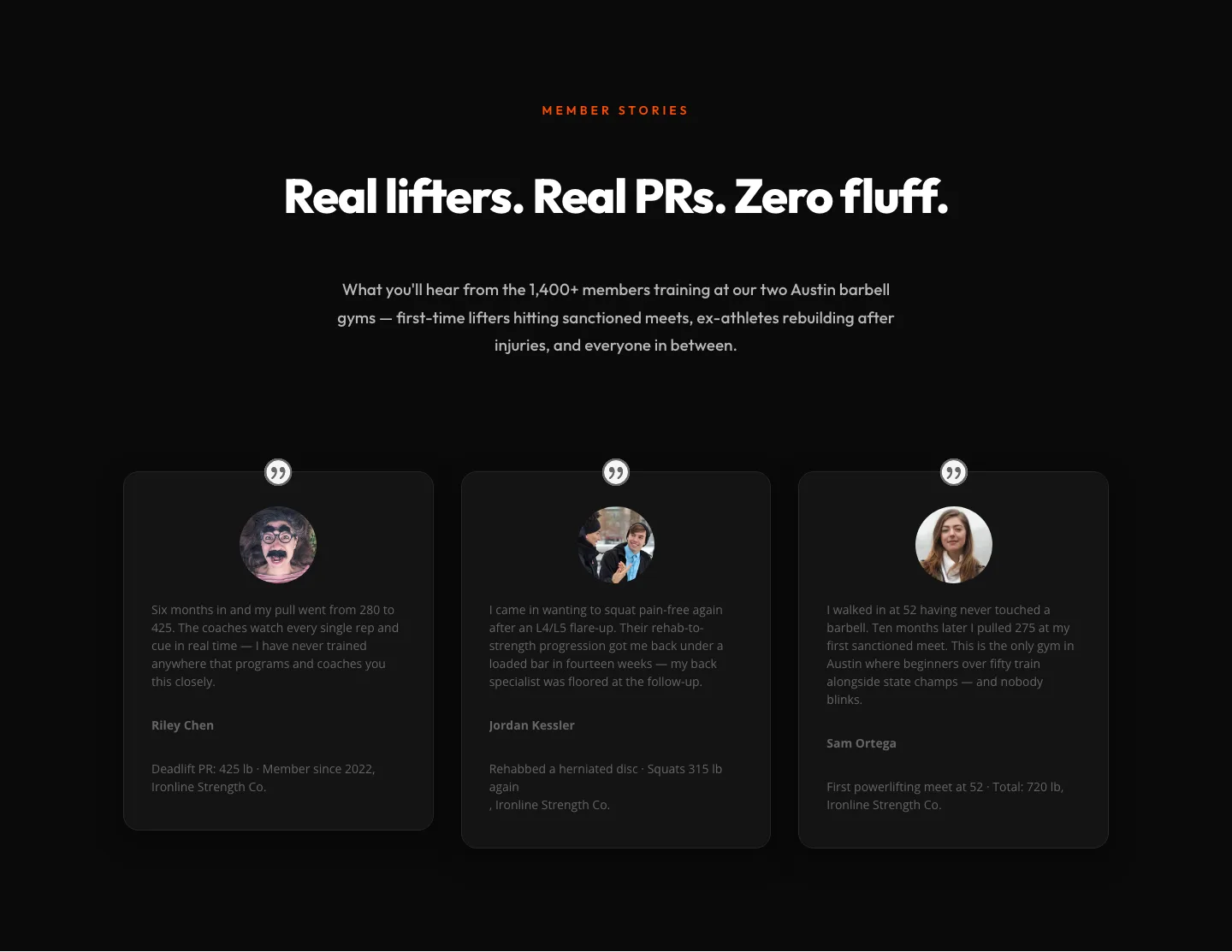
Bold Fitness Testimonials Section for Divi 5: Gym & Barbell Club
testimonials · fitness · bold
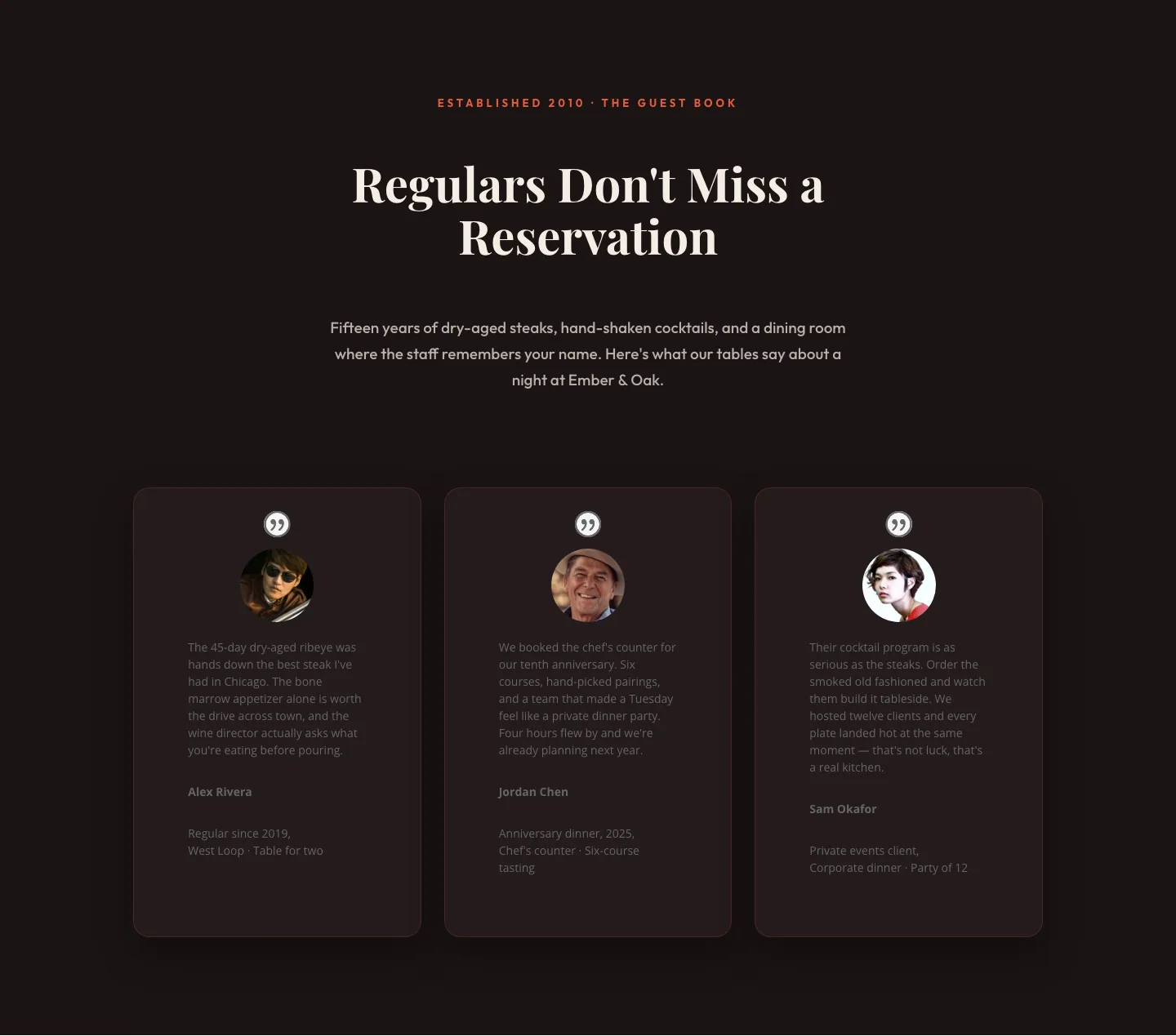
Bold Restaurant Testimonials Layout: Divi 5 Steakhouse Guest Book
testimonials · restaurant · bold
Bold Fitness Testimonials Section: Divi 5 Gym Member Stories Layout
testimonials · fitness · bold
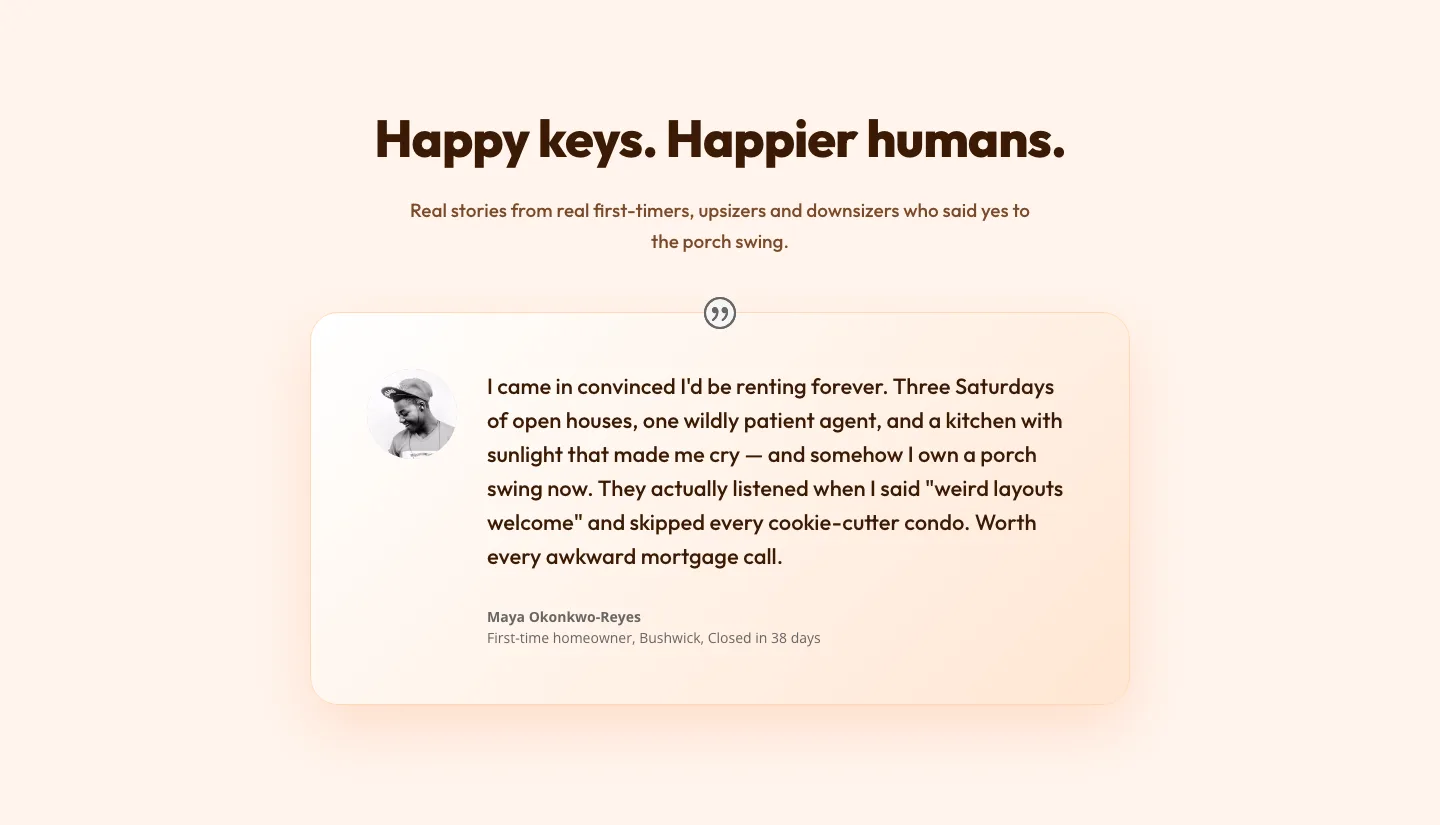
Playful Real Estate Testimonial Section for Divi 5
testimonials · real_estate · playful
What makes a testimonial section actually work
A good testimonial layout does one job: it makes a stranger's praise believable. That comes down to a few design decisions. Attribution needs weight (a name, a role, a face) because anonymous quotes read as filler. Quote length needs discipline; a wall of text buries the one sentence that matters, so strong layouts give each quote room to breathe with generous spacing and a clear typographic hierarchy between the pull-quote and the supporting detail. And the section needs rhythm: a three-card grid, an alternating single-quote spotlight, or a carousel each set a different pace, and the right choice depends on how many voices you have and how much you want each one to carry.
The layouts in this collection cover that range: compact grids for volume, spotlight singles for a flagship customer story, and star-rated cards for product pages where scannability beats depth.
Who reaches for these
Agencies drop testimonial sections into client sites where the client supplies three quotes and expects them to look like thirty. SaaS teams pair them with pricing pages, where a well-placed customer voice answers the objection the pricing table just raised. Coaches, consultants, and local service businesses lean on them hardest of all, because in trust-driven niches the testimonial is the product page.
Customizing in Divi 5
Every section here is a free download (email-gated) with a commercial license, and each one imports as clean, validated Divi 5 JSON: no orphaned modules, no broken structure.
Once imported, customization moves fast:
- Presets. Divi 5's element presets let you restyle every quote card at once. Adjust the card preset (border radius, shadow, padding) and the whole grid follows. No per-module clicking.
- Palette. These layouts are built on global color variables. Swap the accent and surface colors in your site's palette and the section adopts your brand without hunting through individual settings.
- Copy. Replace the quotes with real ones, and resist the urge to polish them. Slightly imperfect, specific language ("cut our onboarding time from two weeks to three days") outperforms smooth marketing prose every time. Swap the avatar images, keep names and roles honest, and trim each quote to its strongest sentence.
Check the mobile render before you publish: every screenshot in this collection shows both desktop and mobile, because a testimonial grid that collapses into an endless single column on a phone quietly kills the section's impact. The layouts here are built to stack gracefully, but your quote lengths will be different, so preview with your actual copy in place.