
Divi Templates for Every Section and Page
A Divi template should save you time twice: once when you skip designing from a blank canvas, and again when you don't have to repair what you imported. Most template marketplaces only deliver the first half. Ours are different by construction: every template in this catalog is validated against Divi 5's real module structure before publication, so the file you import behaves like something a careful designer built directly in your builder.
Templates here span single sections (heroes, pricing tables, testimonial walls, feature grids, FAQ accordions, contact blocks, footers) and full pages composed from those sections with a consistent palette, typography scale, and spacing rhythm. Each template is tagged by industry (SaaS, agency, restaurant, real estate, fitness, coaching, e-commerce, nonprofit and more) and by visual style, from minimal and corporate to bold and dark. That taxonomy is browsable, so "elegant real-estate landing" or "playful pricing section" is a two-click search rather than twenty minutes of scrolling.
Downloading is deliberately boring: pick a template, look at the real desktop and mobile screenshots, download the JSON, import it through Divi's portability panel, and start swapping in your content. Sections and multi-page packs are both free with an email address: the whole library, no subscription wall in front of any of it.
Everything ships with the same commercial license: build for yourself or for clients on as many sites as you like. And because the pipeline keeps generating and validating new designs weekly, the template you need next month will probably be here before you go looking for it.
Newest layouts

Brightwell Family Dental: Minimal Medical Landing Page for Divi 5
full_landing · medical · minimal

Aurelia Smile Studio: Bold Medical Landing Page for Divi 5
full_landing · medical · bold
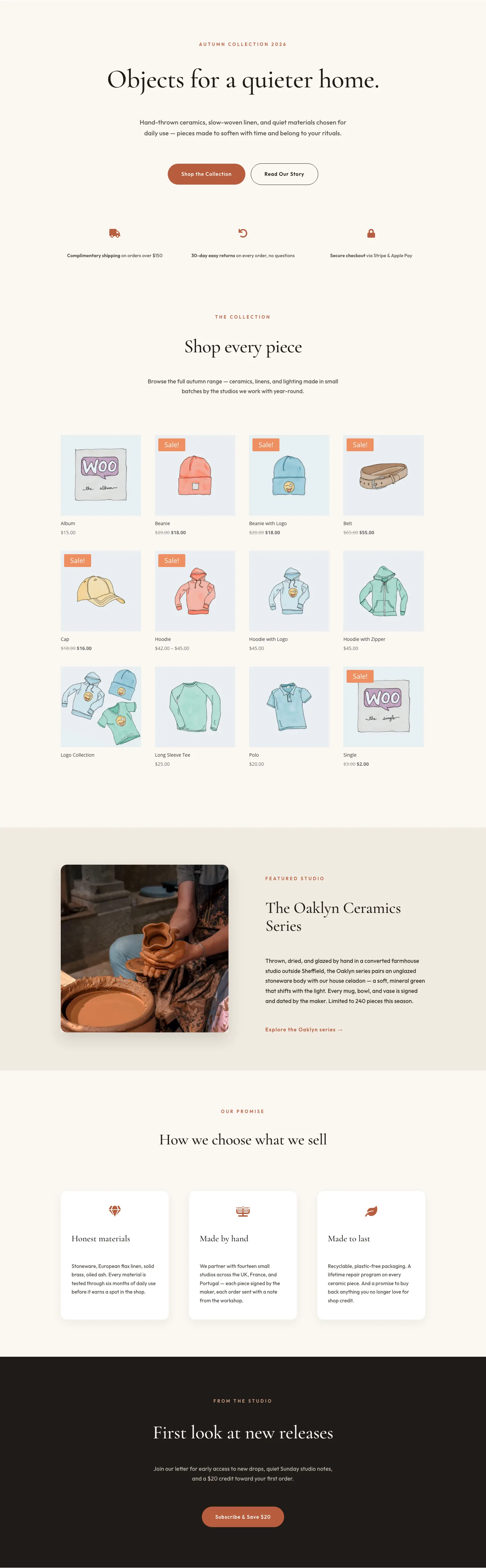
Halcyon Atelier: Elegant Ecommerce Shop Layout for Divi 5
shop · ecommerce · elegant
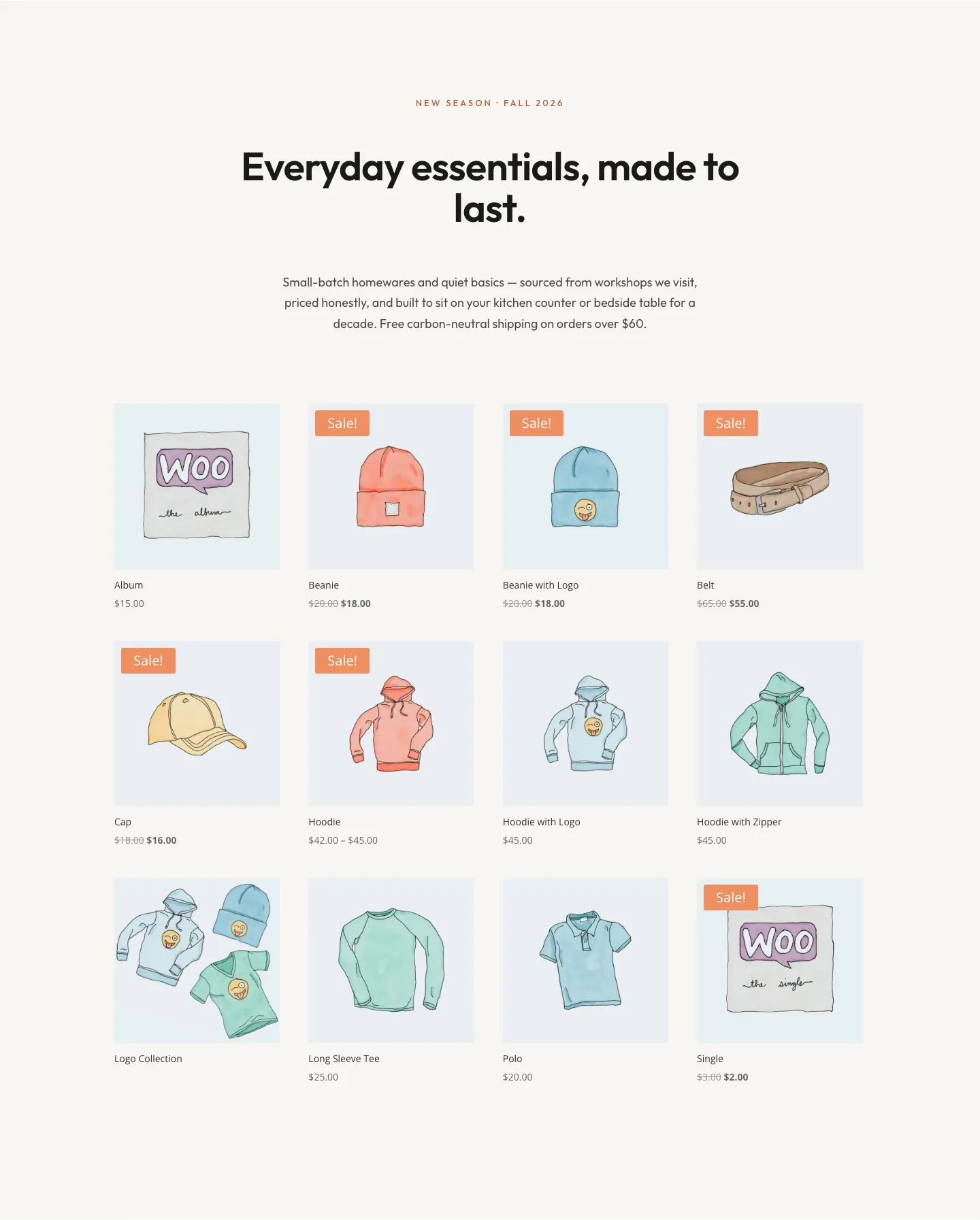
Minimal Ecommerce Shop Grid Layout for Divi 5: North Field Essentials
shop · ecommerce · minimal

Caldwell & Pierce: Corporate Legal Landing Page for Divi 5
full_landing · legal · corporate
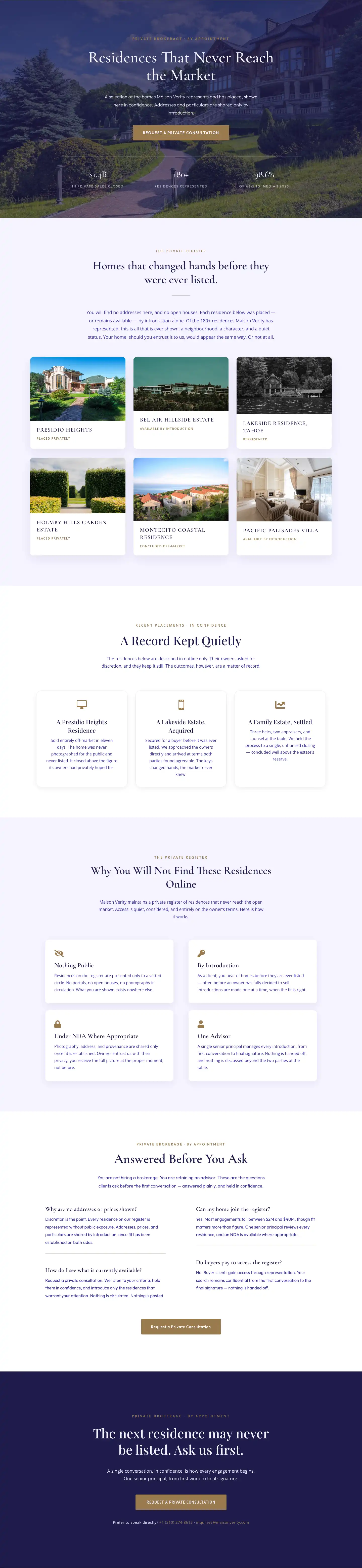
Maison Verity: Elegant Real Estate Residences Page for Divi 5
full_landing · real_estate · elegant
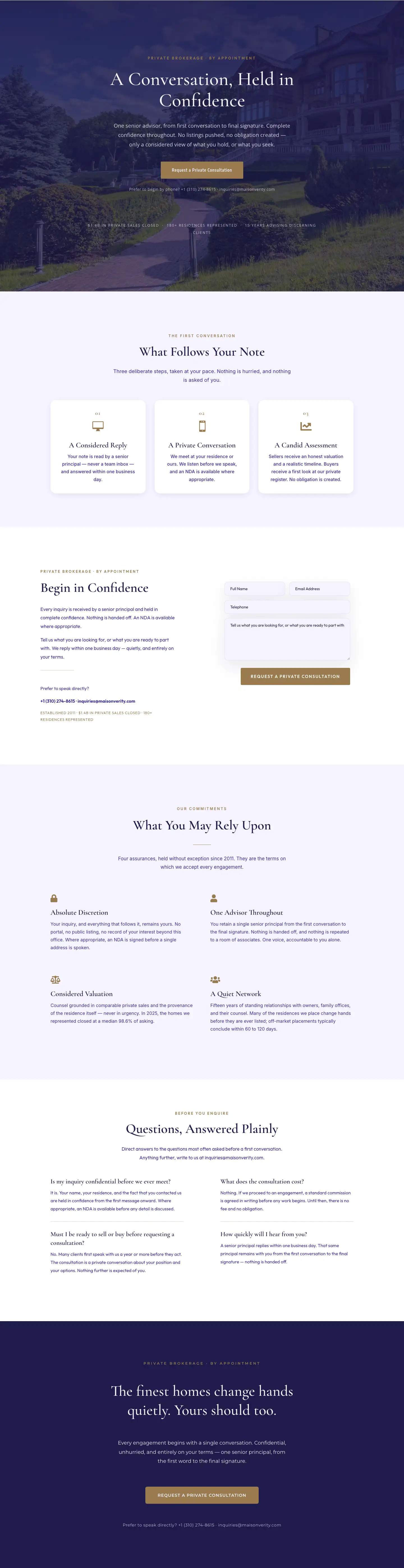
Maison Verity: Elegant Real Estate Private Consultation Page for Divi 5
full_landing · real_estate · elegant
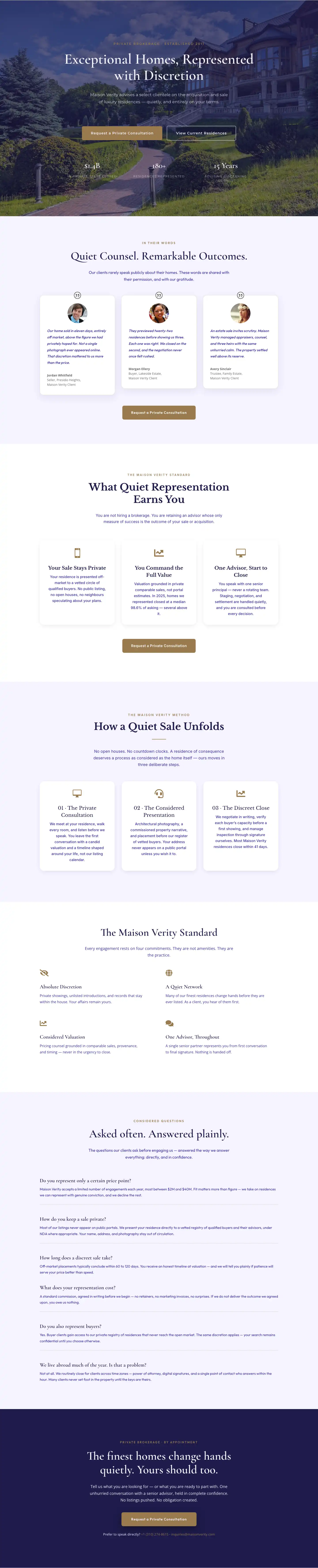
Elegant Luxury Real Estate Landing Page: Divi 5 Layout
full_landing · real_estate · elegant

Meridian Imaging: Minimal Medical Landing Page for Divi 5
full_landing · medical · minimal
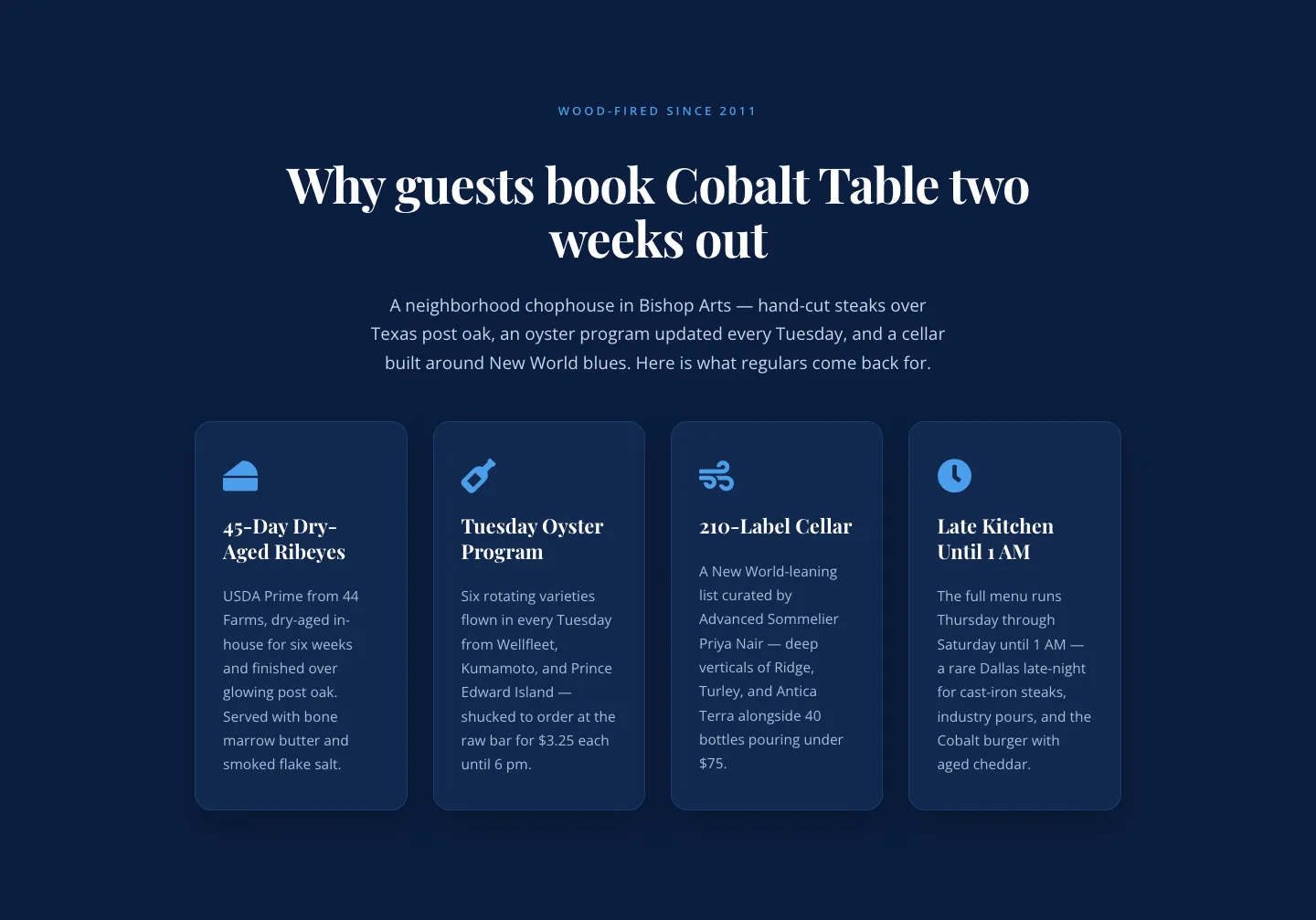
Bold Blue Restaurant Features Section: 4 Icon Columns | Divi 5
features · restaurant · bold
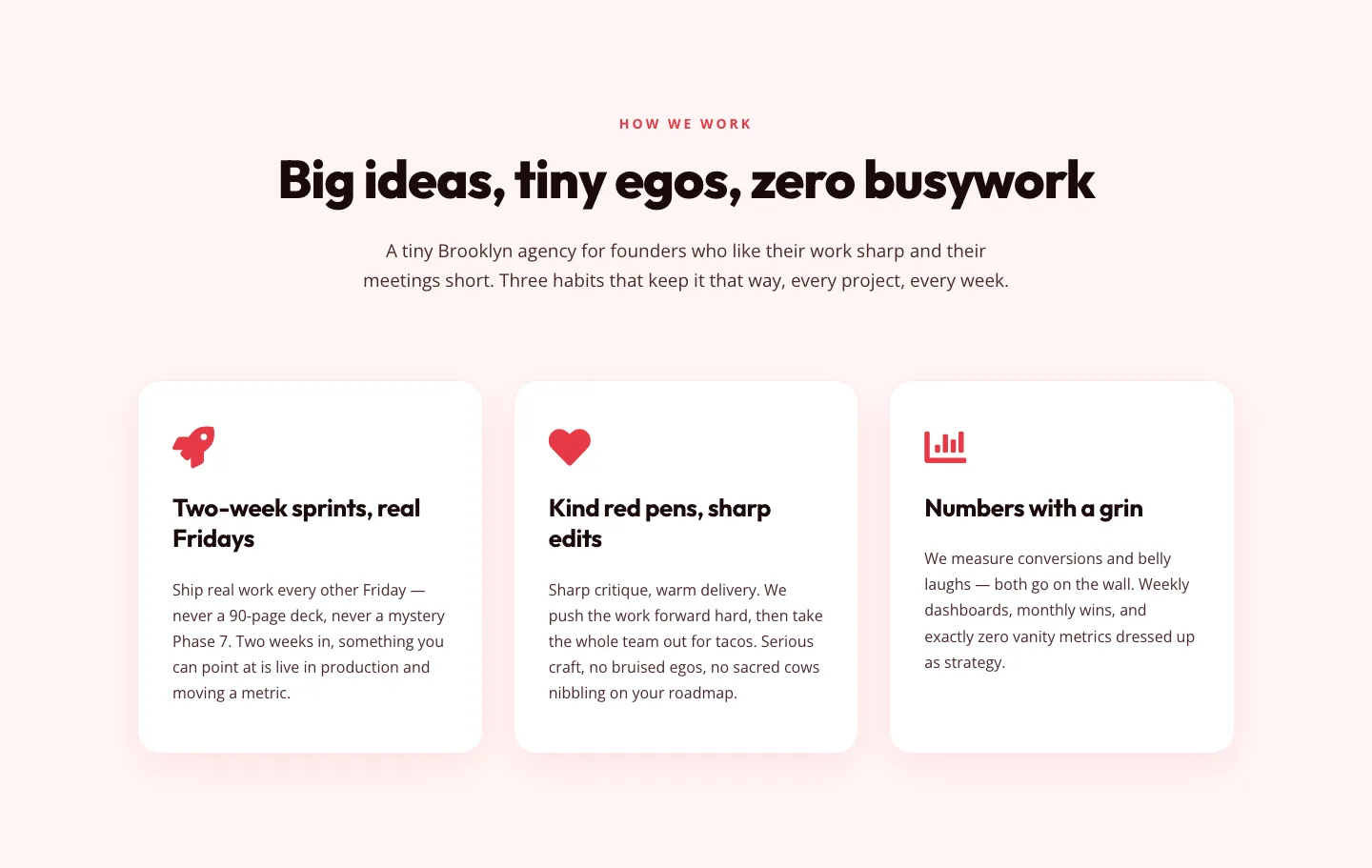
Playful Agency Features Section: Divi 5 Layout
features · agency · playful
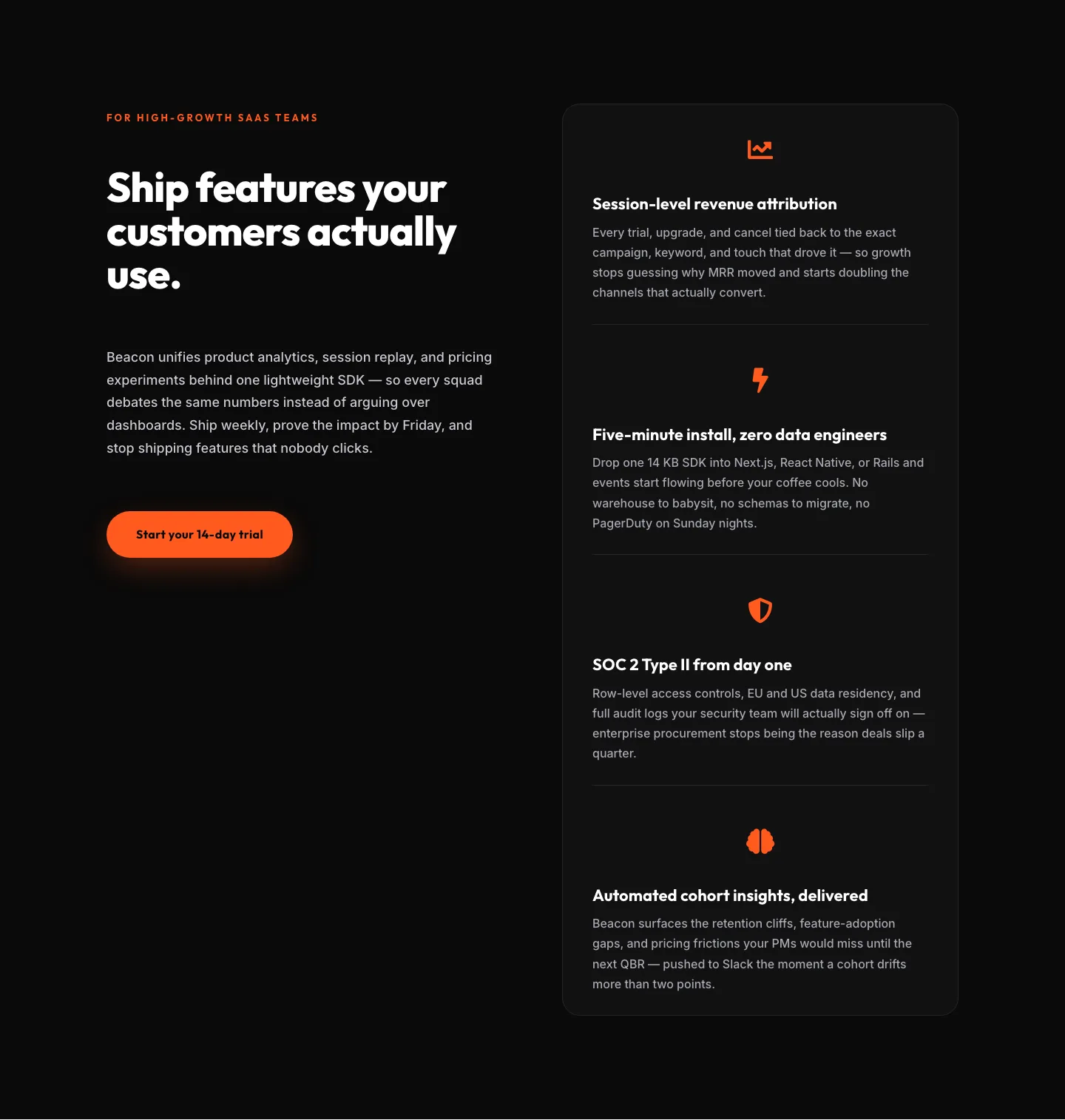
SaaS Features Section: Ship Features Customers Actually Use | Divi 5 Bold Layout
features · saas · bold
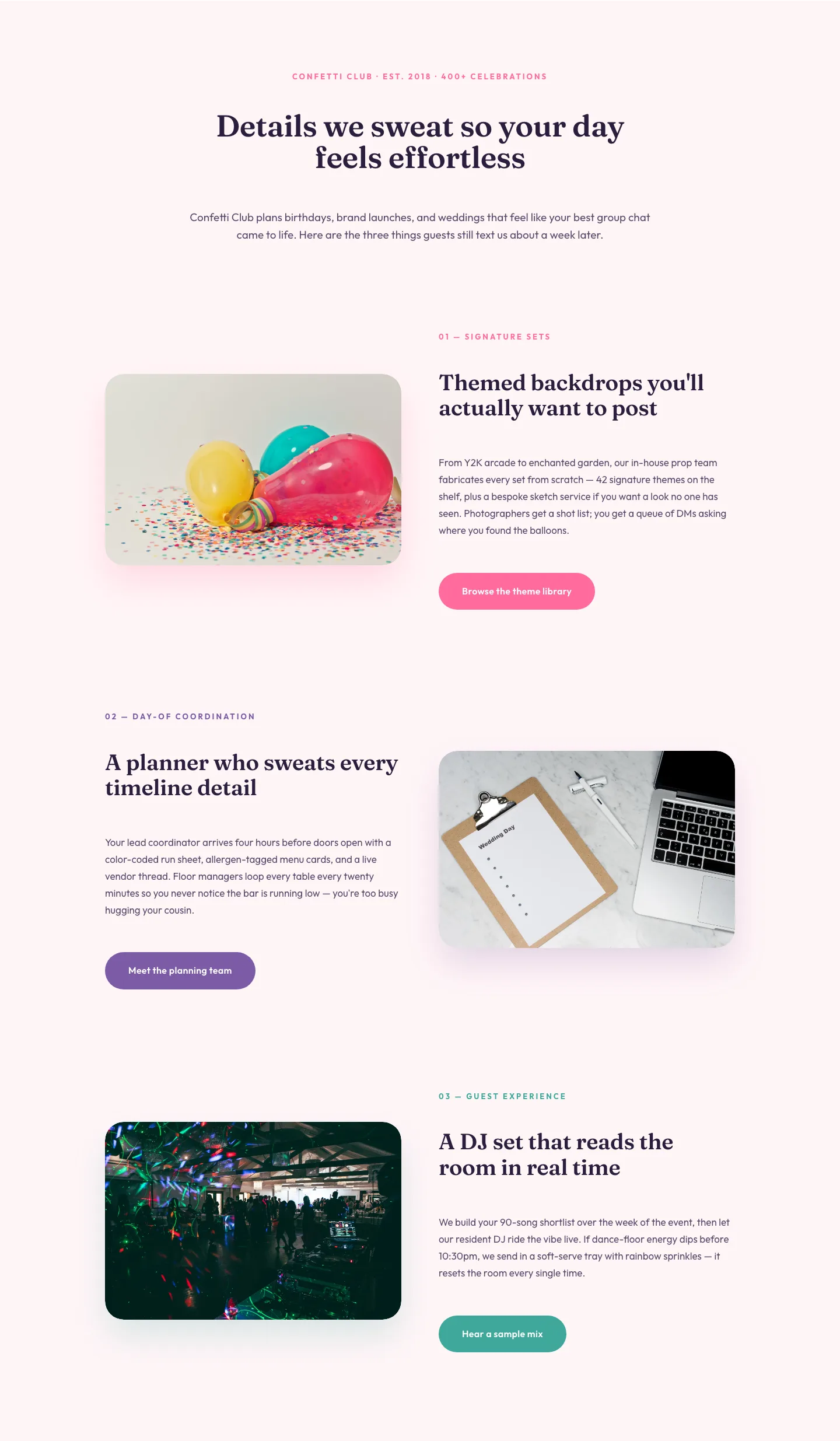
Playful Events Features Section: Alternating Rows Divi 5 Layout
features · events · playful
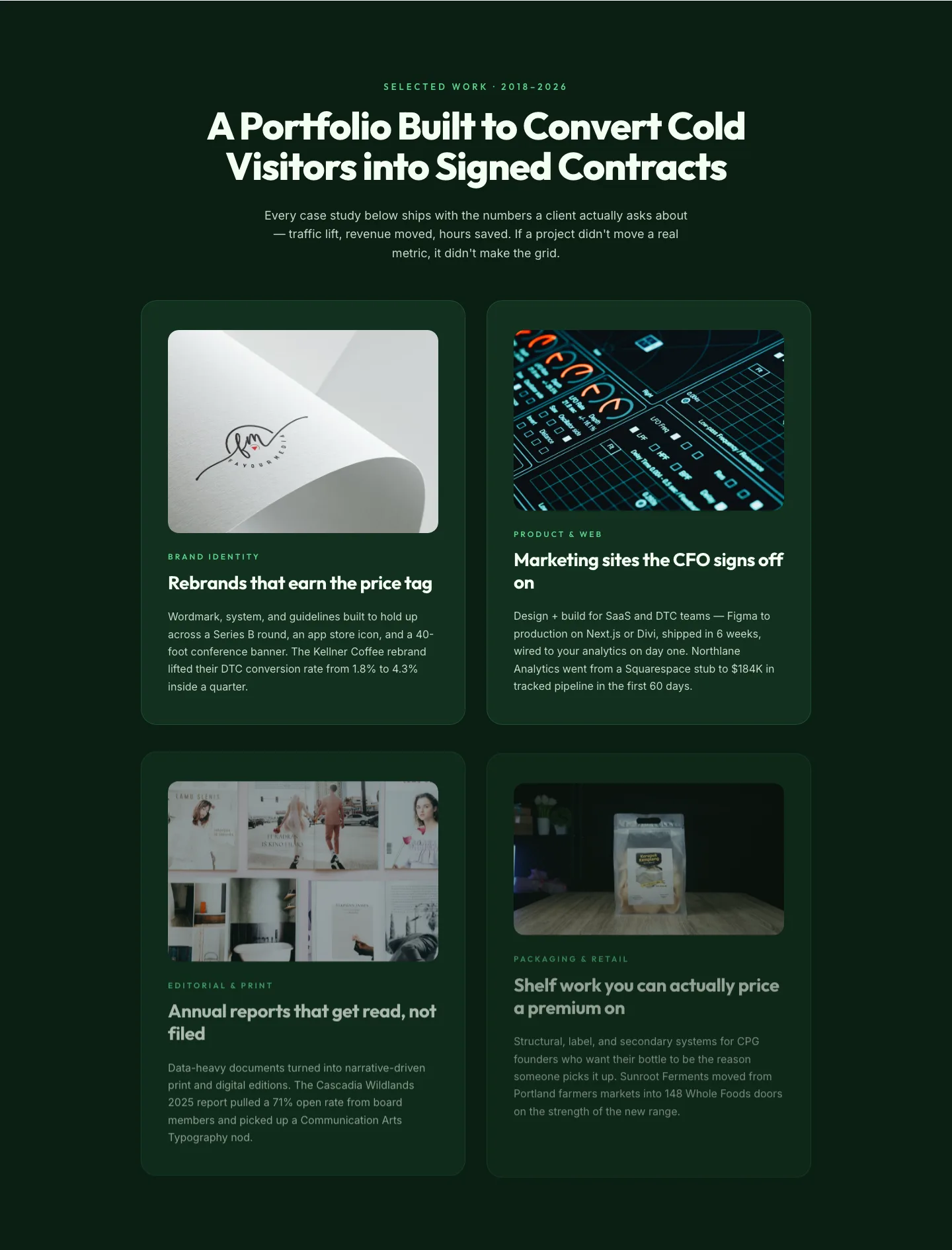
Bold Portfolio Features Grid: Divi 5 Case Study Layout
features · portfolio · bold
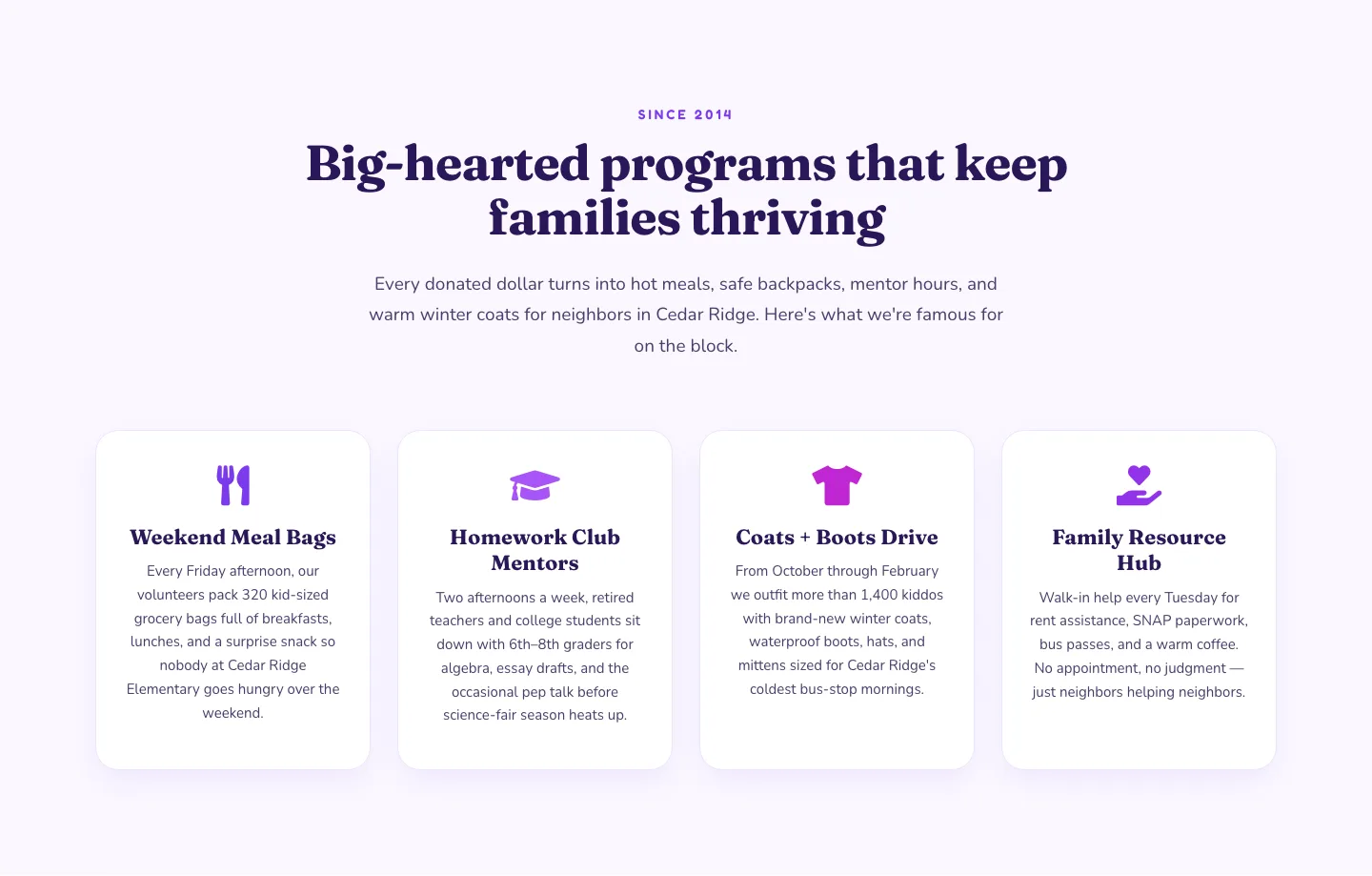
Playful Nonprofit Features Section: Four-Column Icon Cards for Divi 5
features · nonprofit · playful
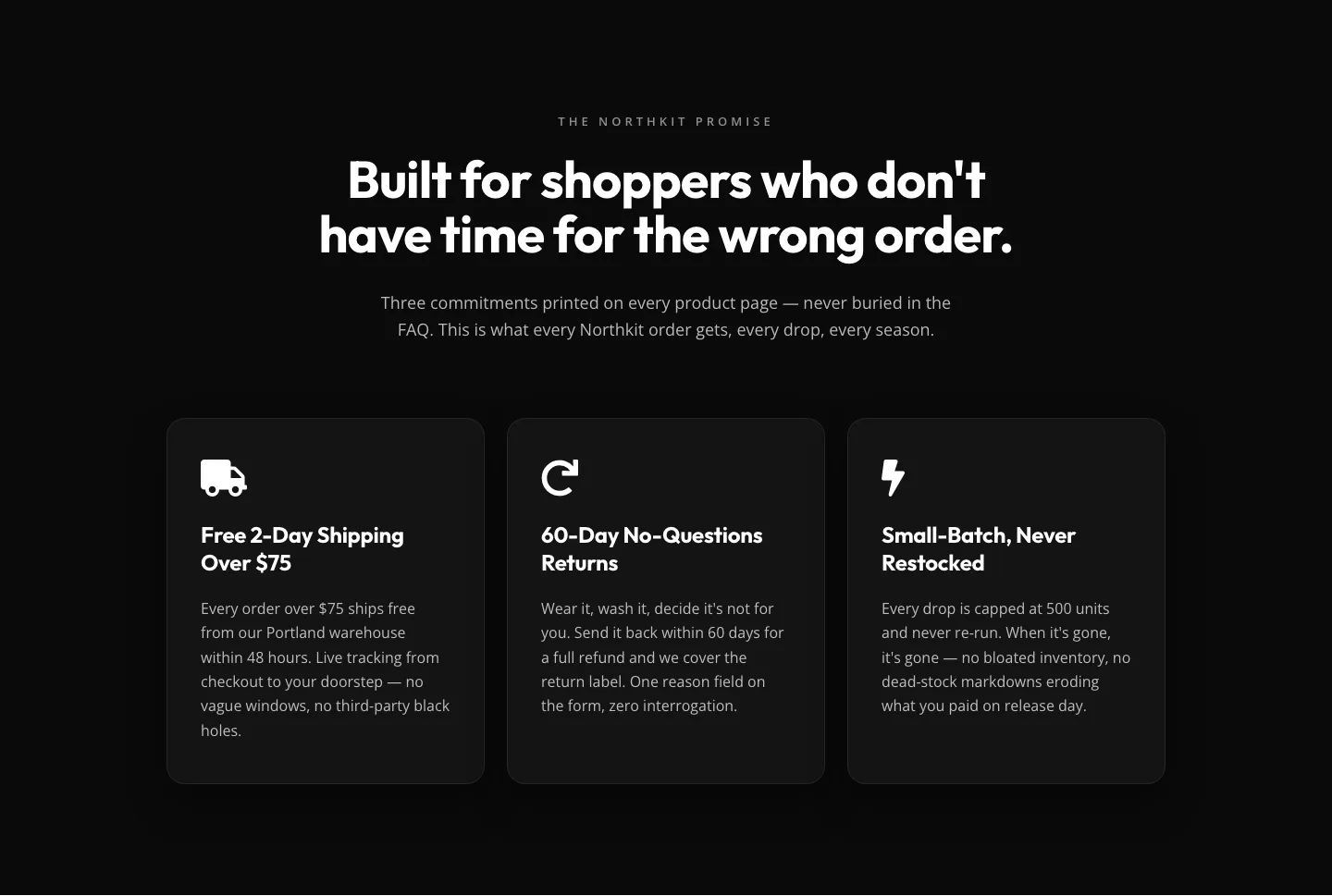
Bold Monochrome Ecommerce Features Section: Northkit Promise | Divi 5
features · ecommerce · bold
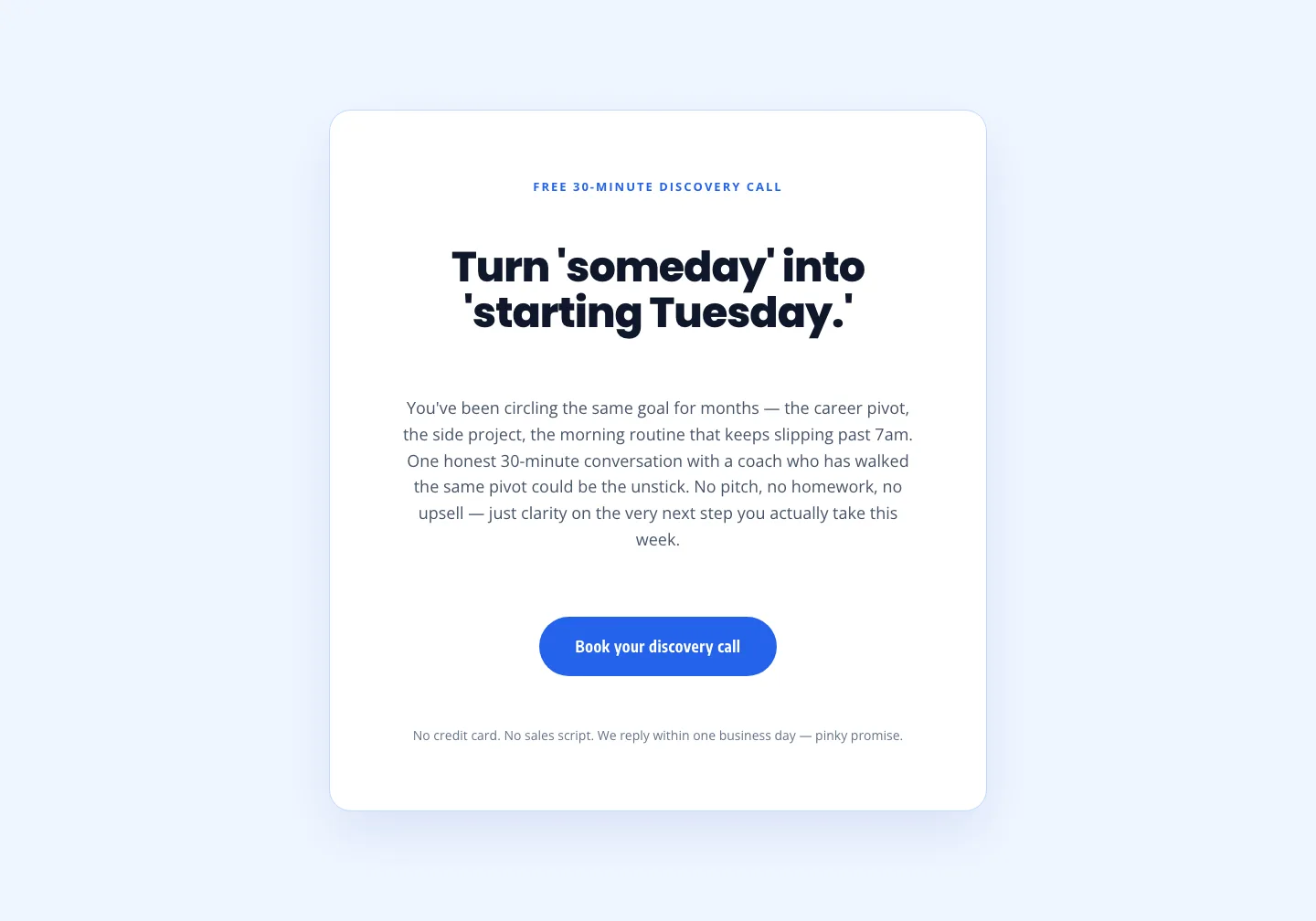
Coaching Discovery Call CTA: Playful Divi 5 Layout
cta · coaching · playful
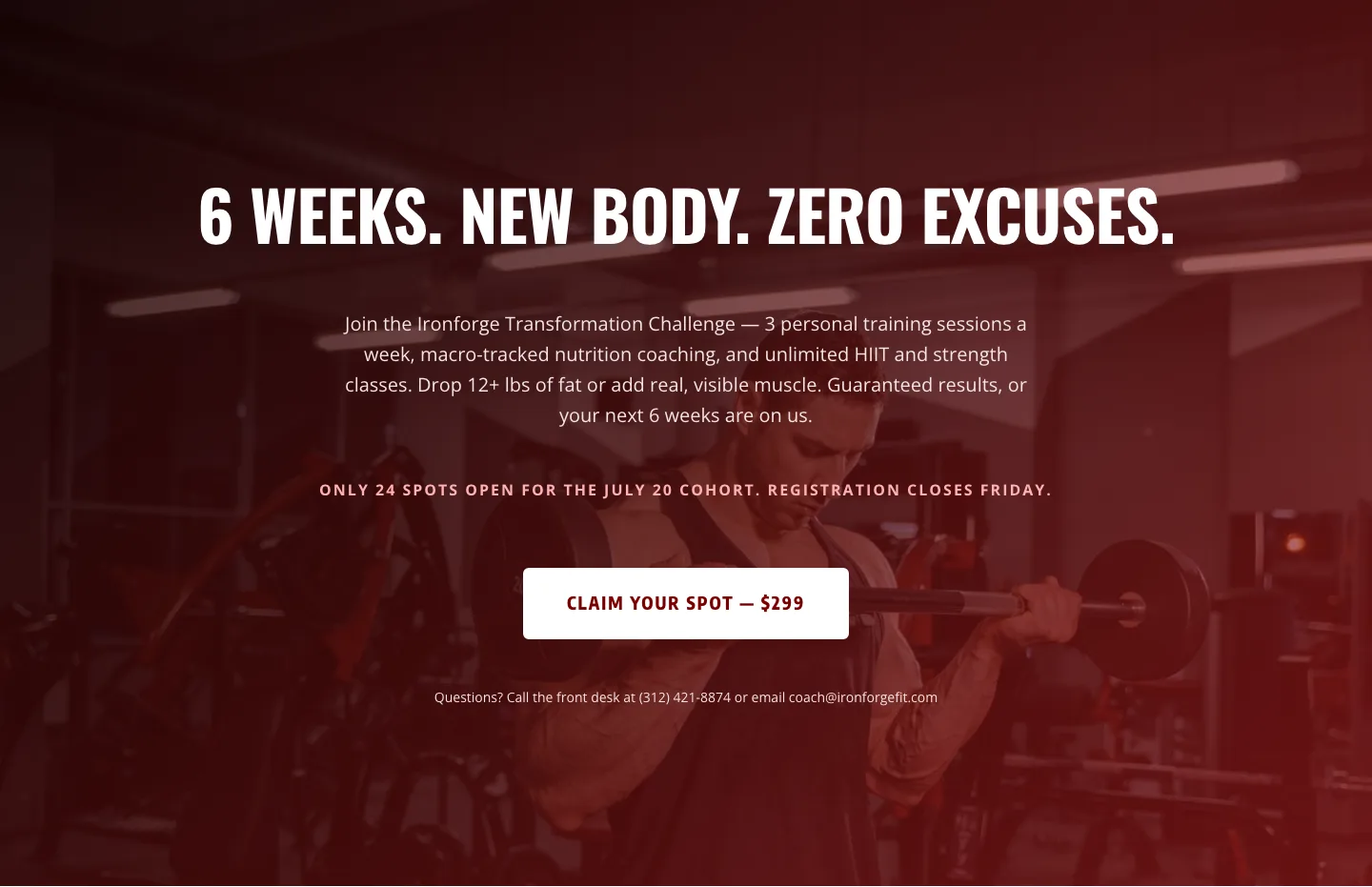
Bold Fitness CTA: Full-Bleed Banner
cta · fitness · bold
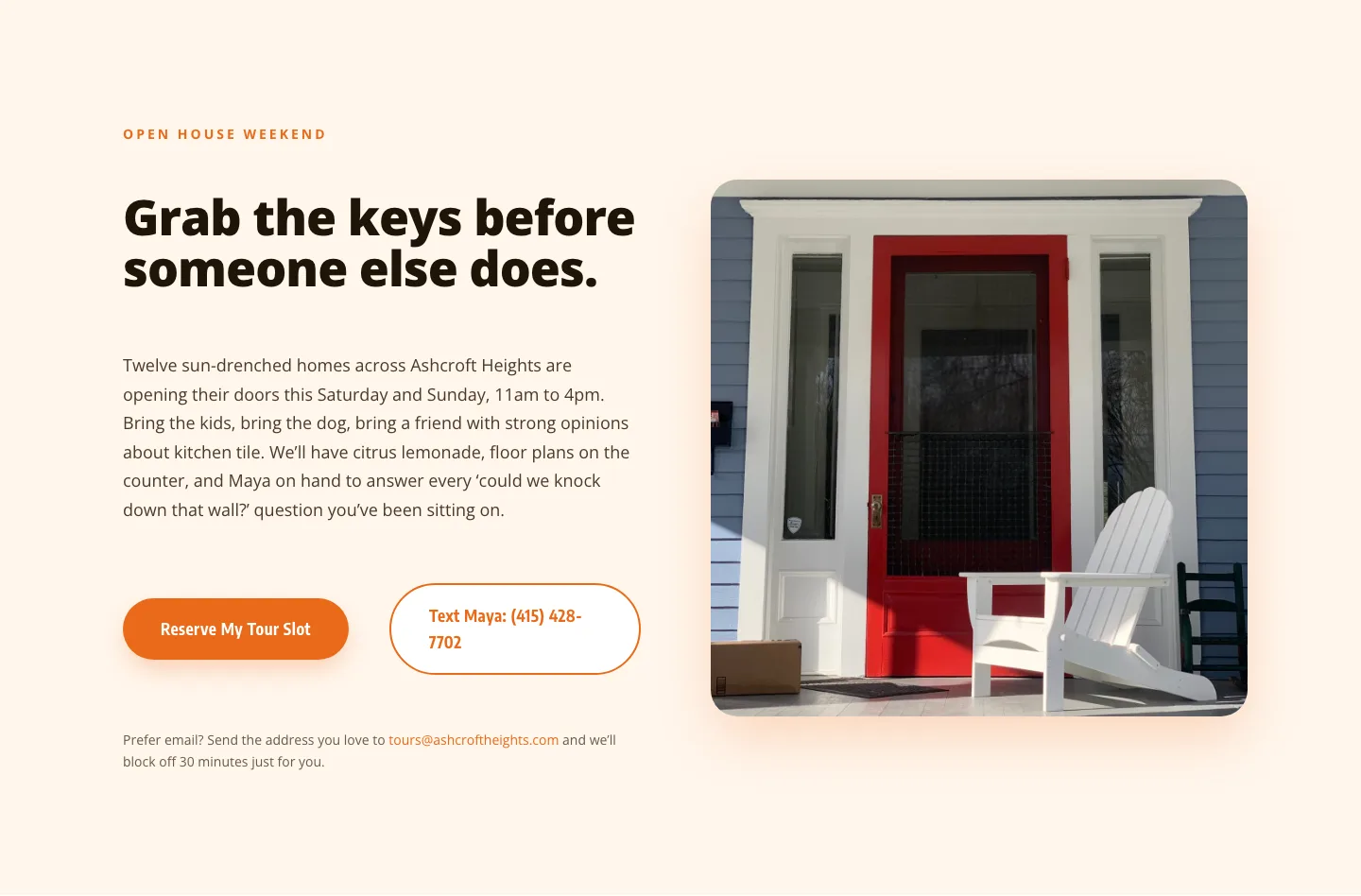
Playful Real Estate CTA: Open House Weekend Tour Booking
cta · real_estate · playful
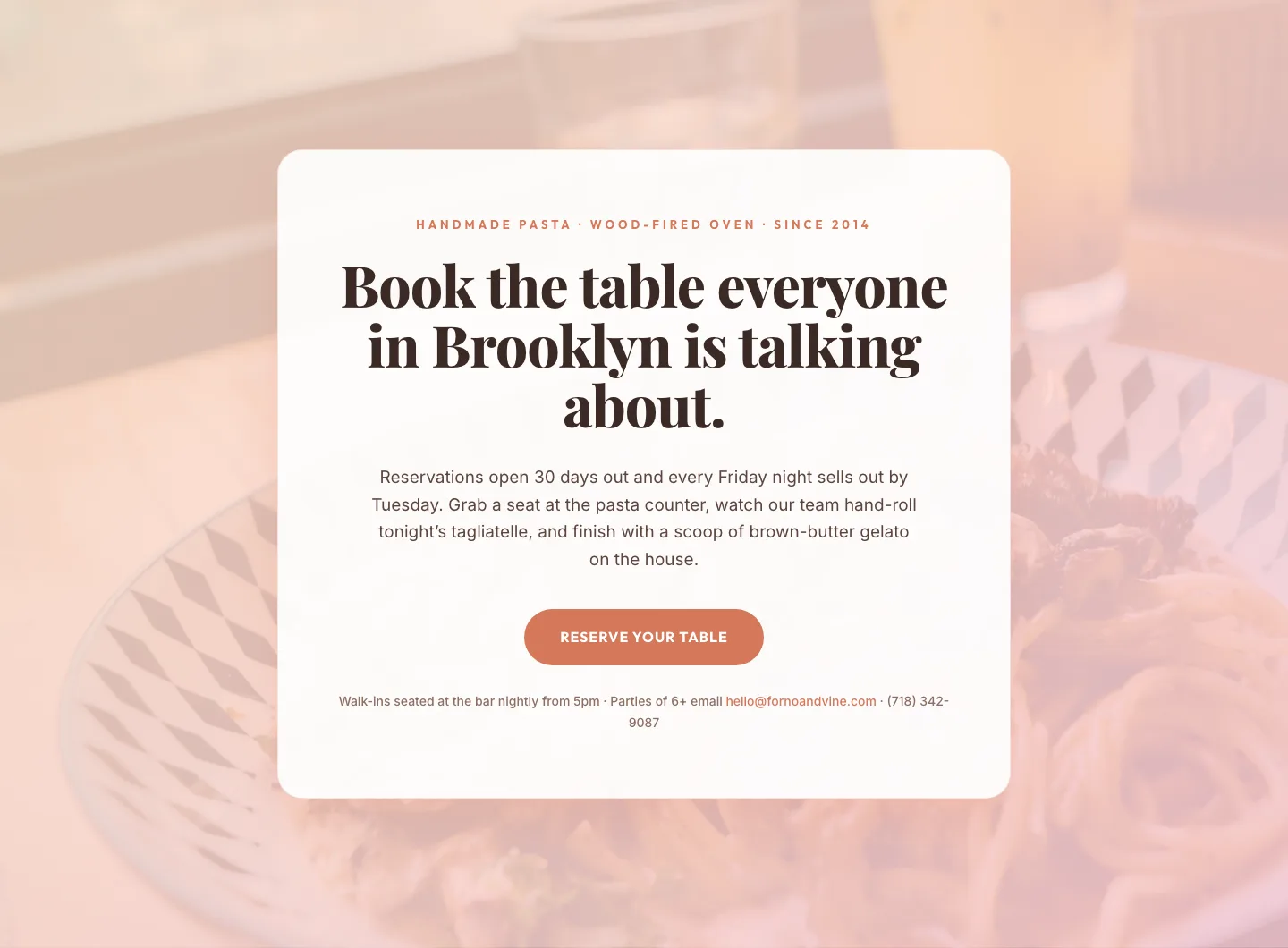
Bold Restaurant Reservation CTA: Divi 5 Layout
cta · restaurant · bold
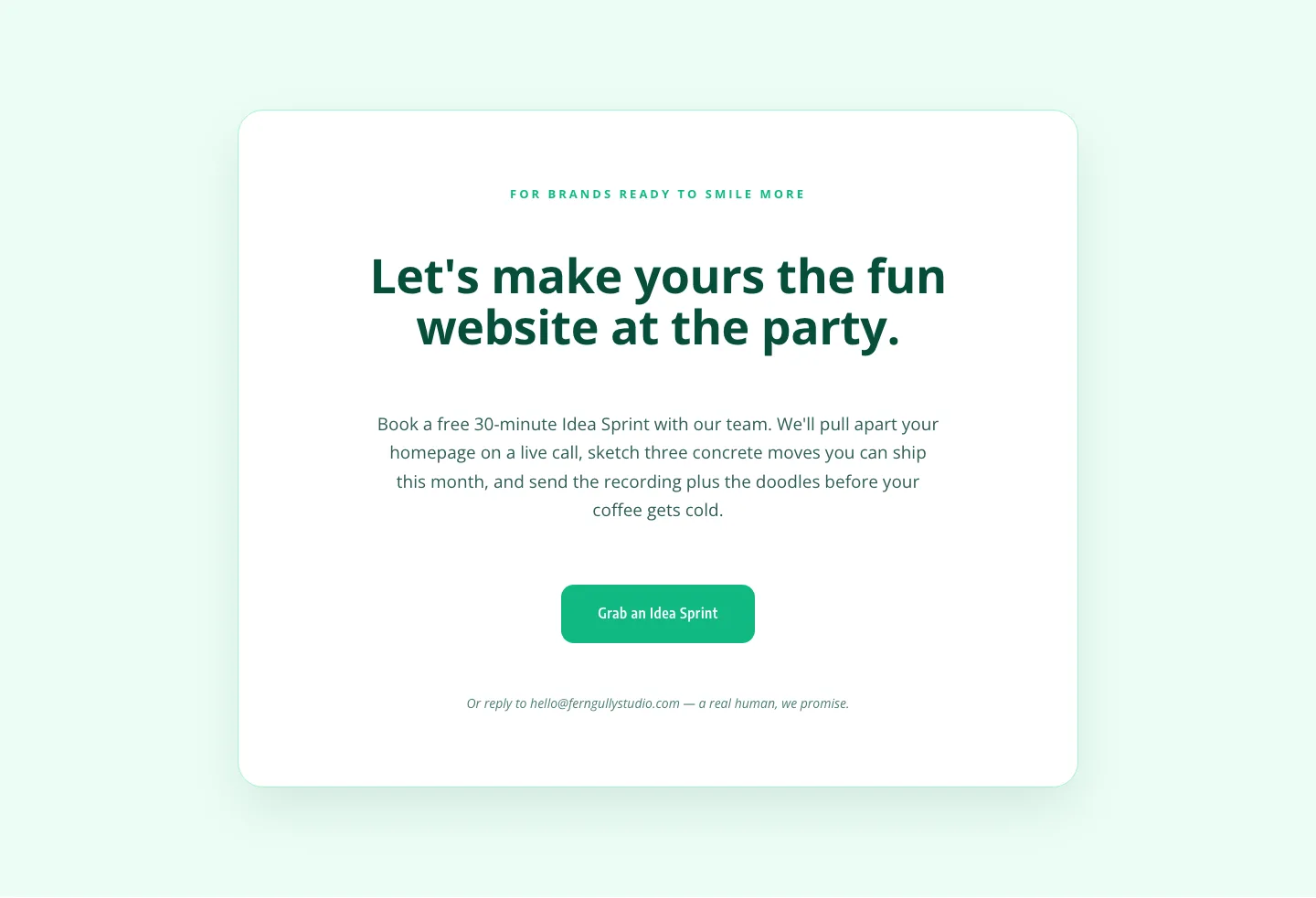
Playful Agency CTA: Idea Sprint Booking Card
cta · agency · playful

Bold Purple SaaS CTA Banner: Full-Bleed Divi 5 Layout
cta · saas · bold
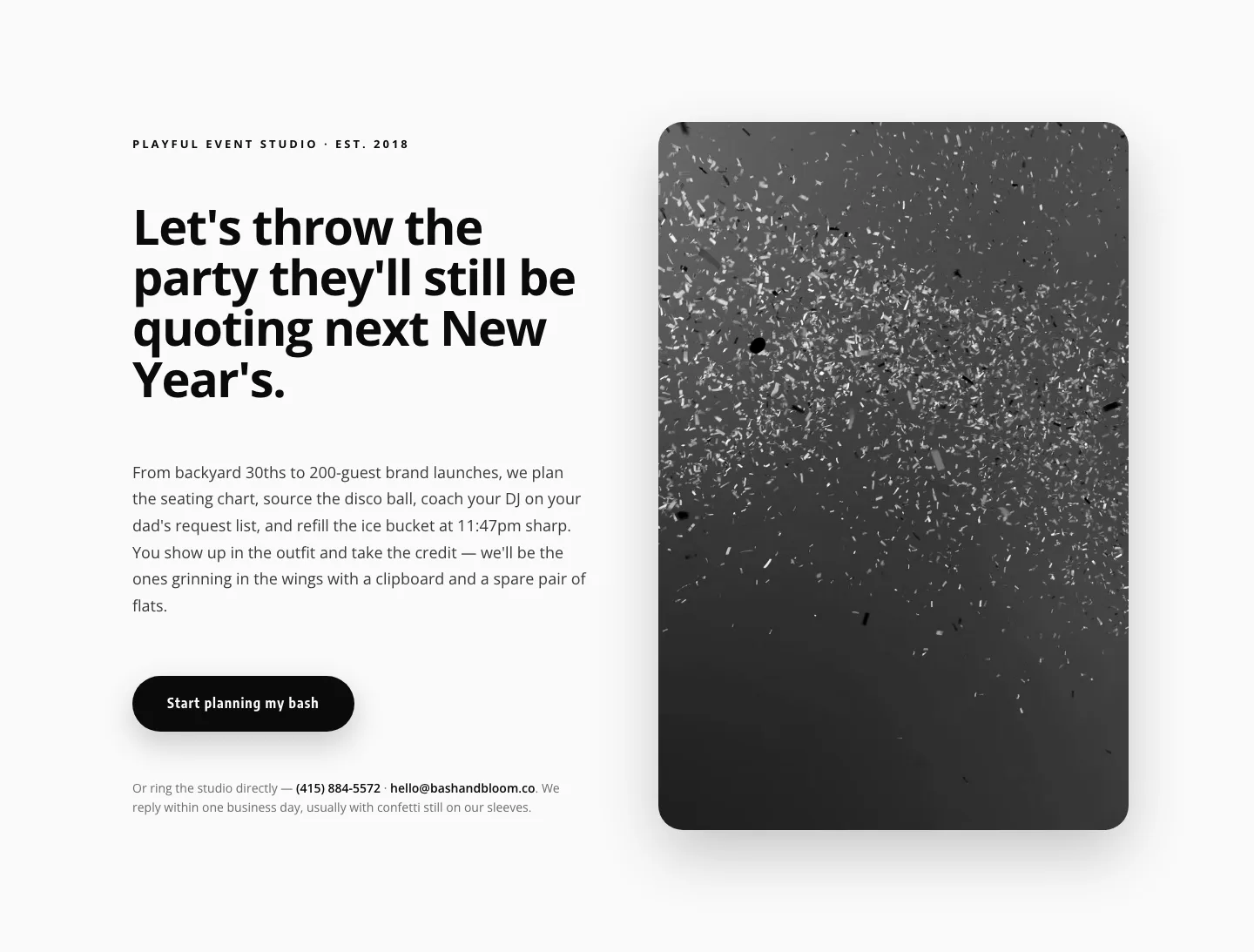
Playful Events CTA Layout for Divi 5: Bash & Bloom
cta · events · playful

Ruby Readers Nonprofit Hero: Playful Divi 5 Layout
hero · nonprofit · playful
Frequently asked questions
What makes these different from other Divi template shops?
Every template is checked by a deterministic validator against Divi 5’s actual module schema before it can be published. If the JSON structure is not exactly right, it never reaches the catalog, so imports don’t produce broken modules or missing settings.
How do I import a layout into Divi?
Download the JSON file, open your page in the Divi 5 builder, use the portability (import/export) option, and upload the file. The sections appear in the builder immediately. No plugin, no shortcodes, no cleanup.
Can I use these layouts on client sites?
Yes. Every download ships with a commercial license that covers unlimited sites you own or build for clients. The only thing you cannot do is resell or redistribute the layout files themselves.
Do these work with Divi 4?
They are built and validated for Divi 5. Divi 5 imports its own JSON format, so we recommend upgrading. Elegant Themes ships Divi 5 as the current builder, and every layout here is tested against its real module structure.