
Gallery Divi 5 Layouts
A gallery section earns its keep by letting the work speak first. These Divi 5 gallery layouts are built for that job: tight grids, breathing room, and image hierarchies that guide the eye instead of overwhelming it. Every layout is validated against Divi 5 structure before it goes live, so you drop it in and start swapping images. Not fighting the builder.
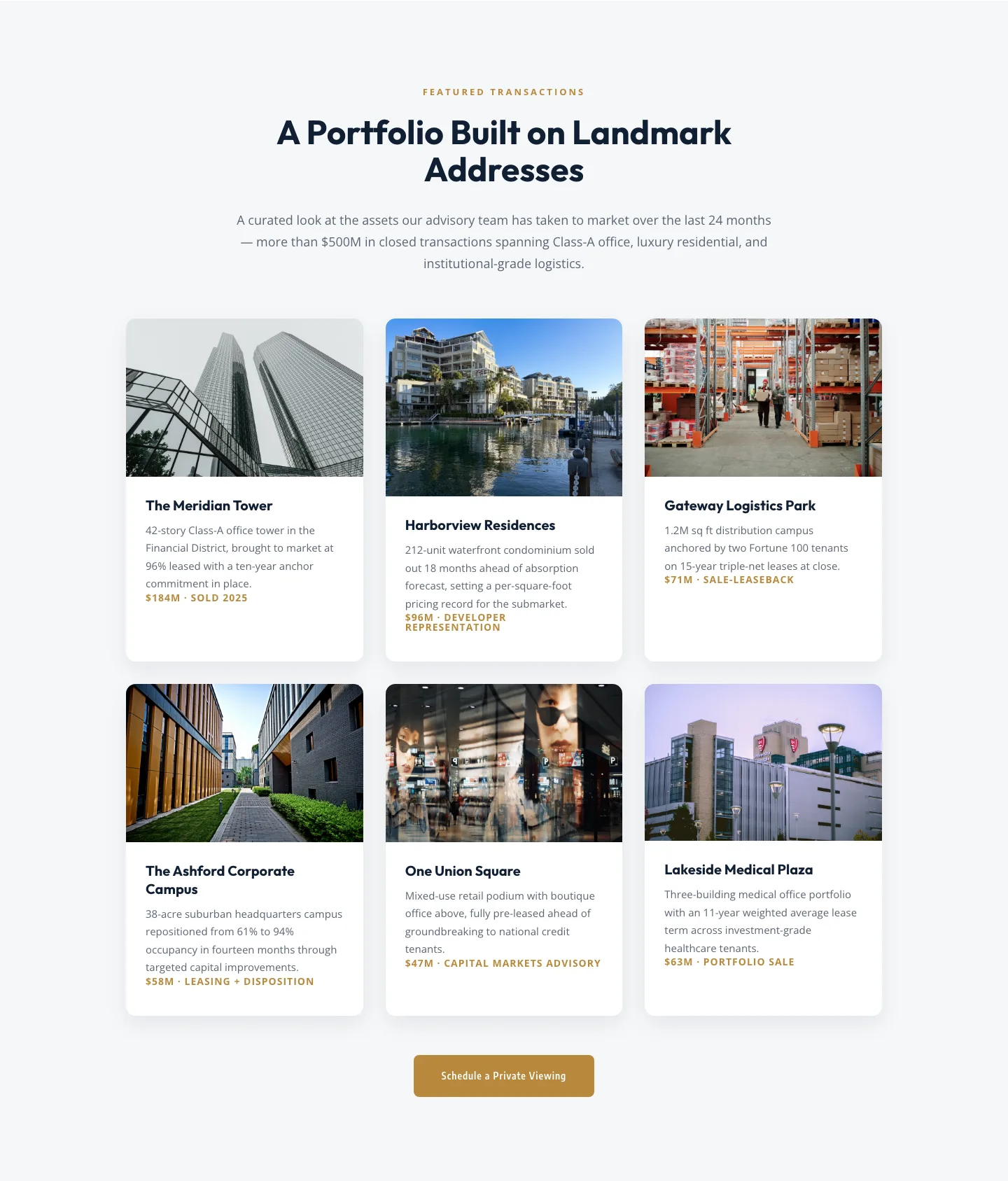
Corporate Real Estate Featured Listings Gallery: Divi 5 Layout
gallery · real_estate · corporate
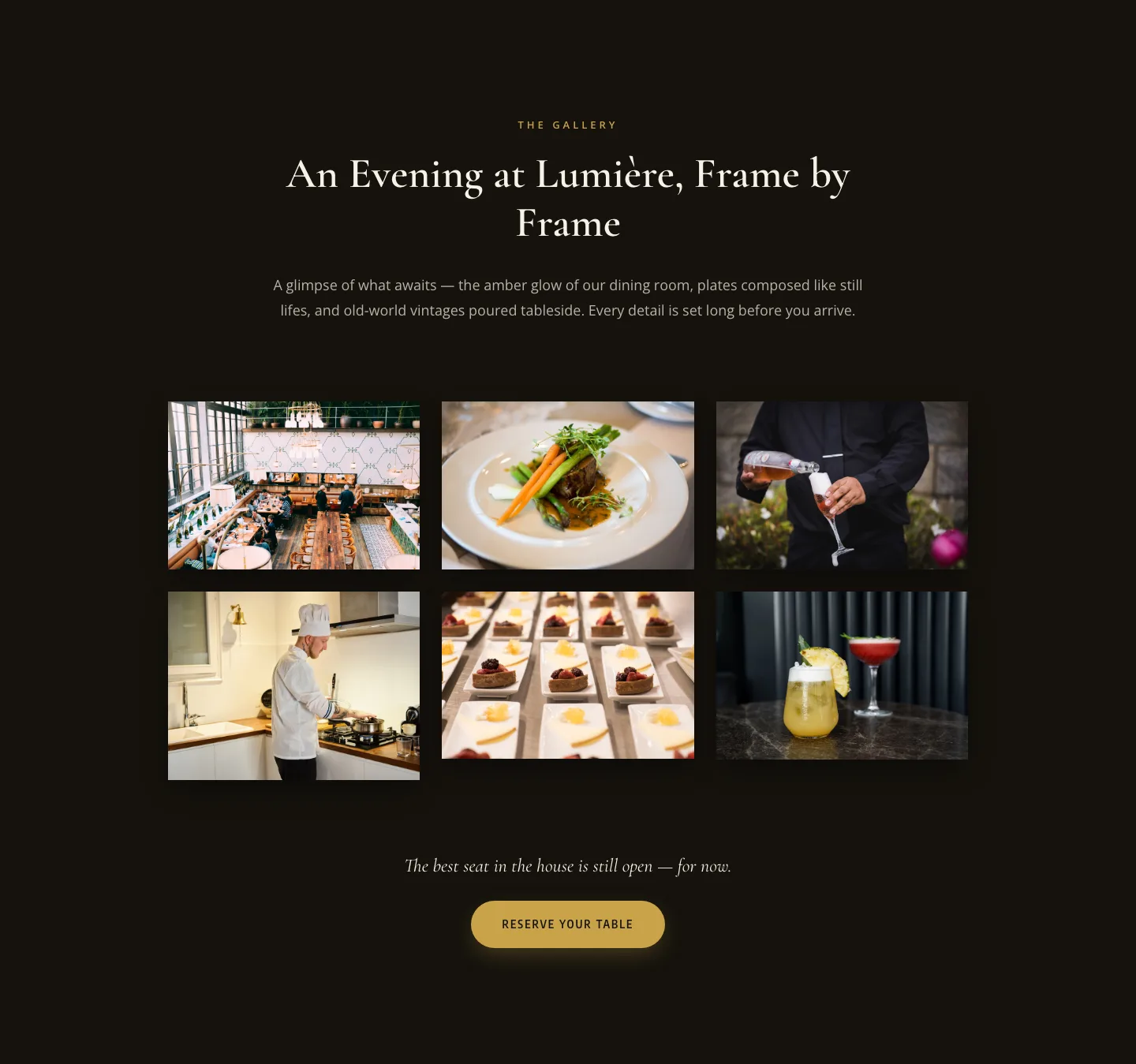
Elegant Restaurant Gallery Divi 5 Layout: Dark & Gold Photo Grid
gallery · restaurant · elegant
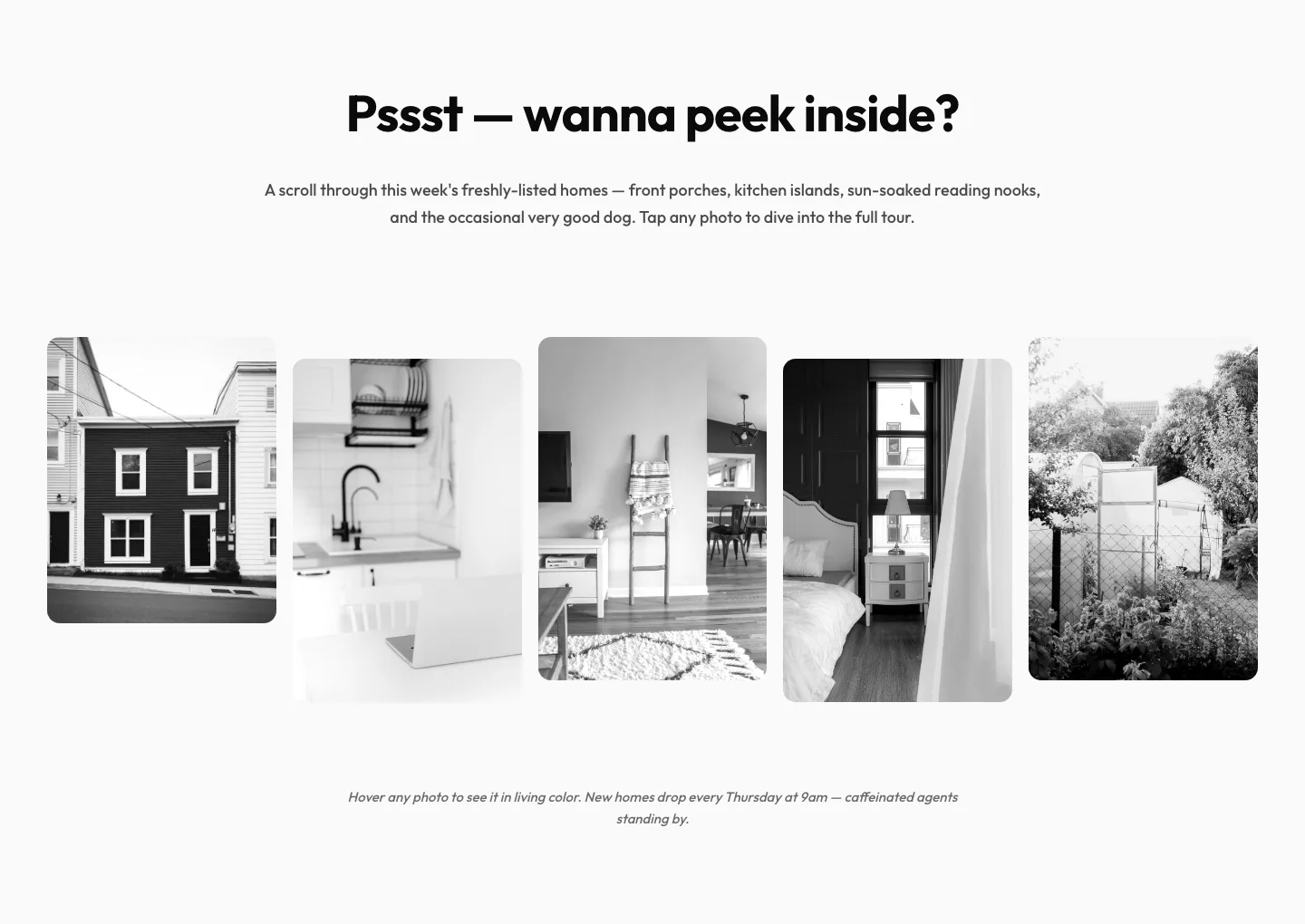
Playful Real Estate Listings Gallery: Divi 5 Layout
gallery · real_estate · playful
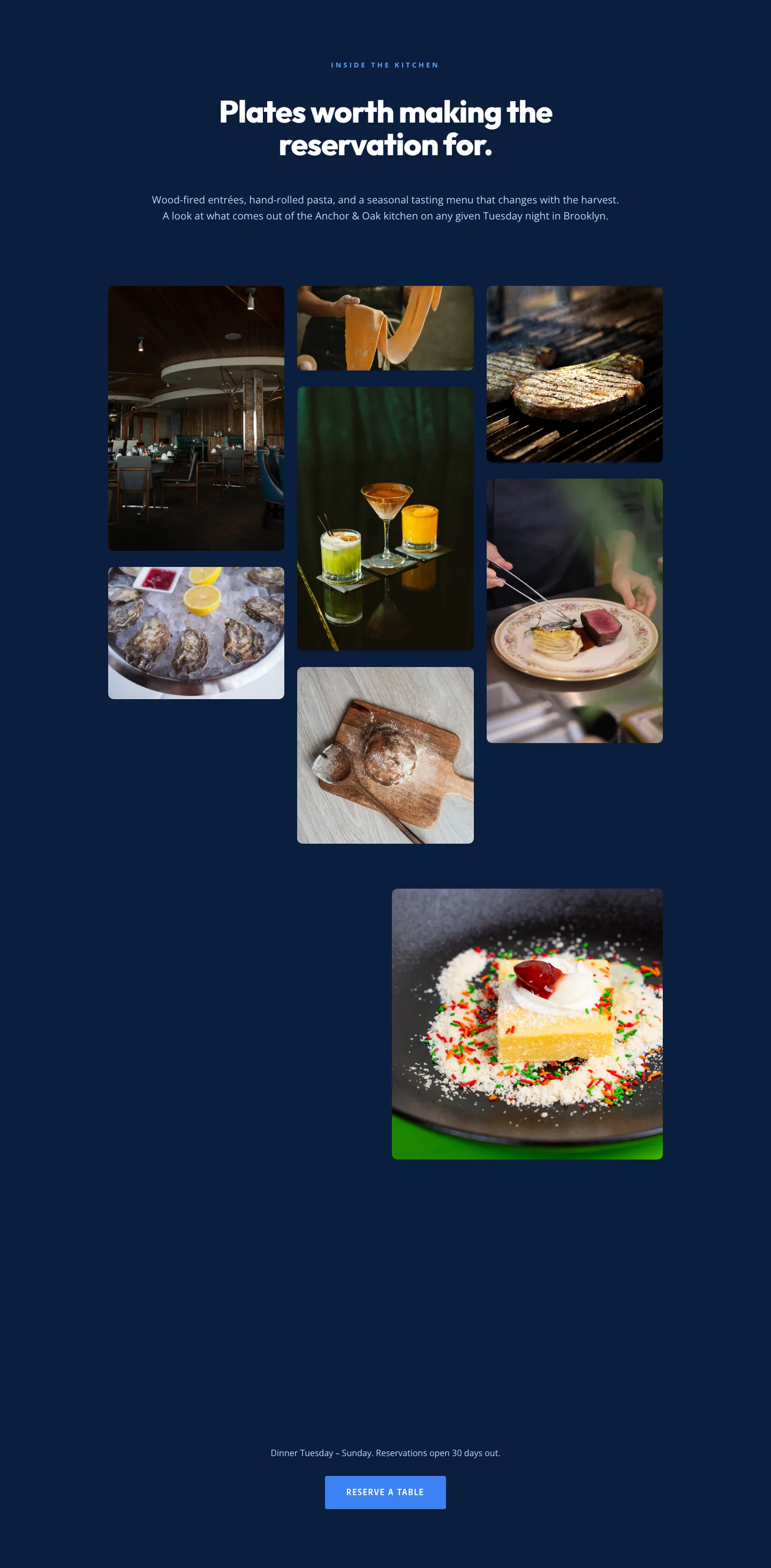
Restaurant Gallery: Bold Blue (Anchor & Oak) | Divi 5 Layout
gallery · restaurant · bold
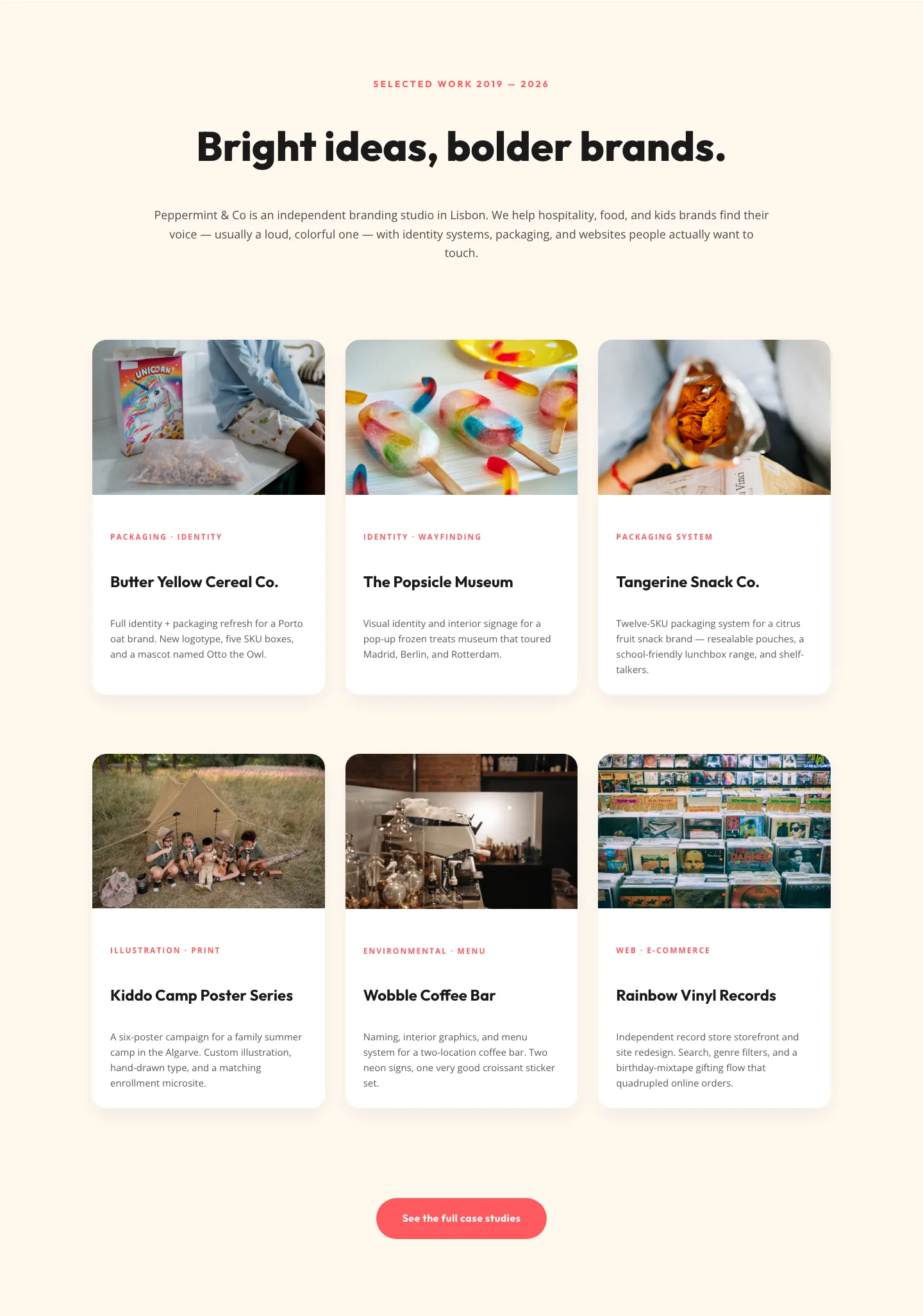
Playful Agency Portfolio Gallery: Divi 5 Case Study Grid
gallery · agency · playful
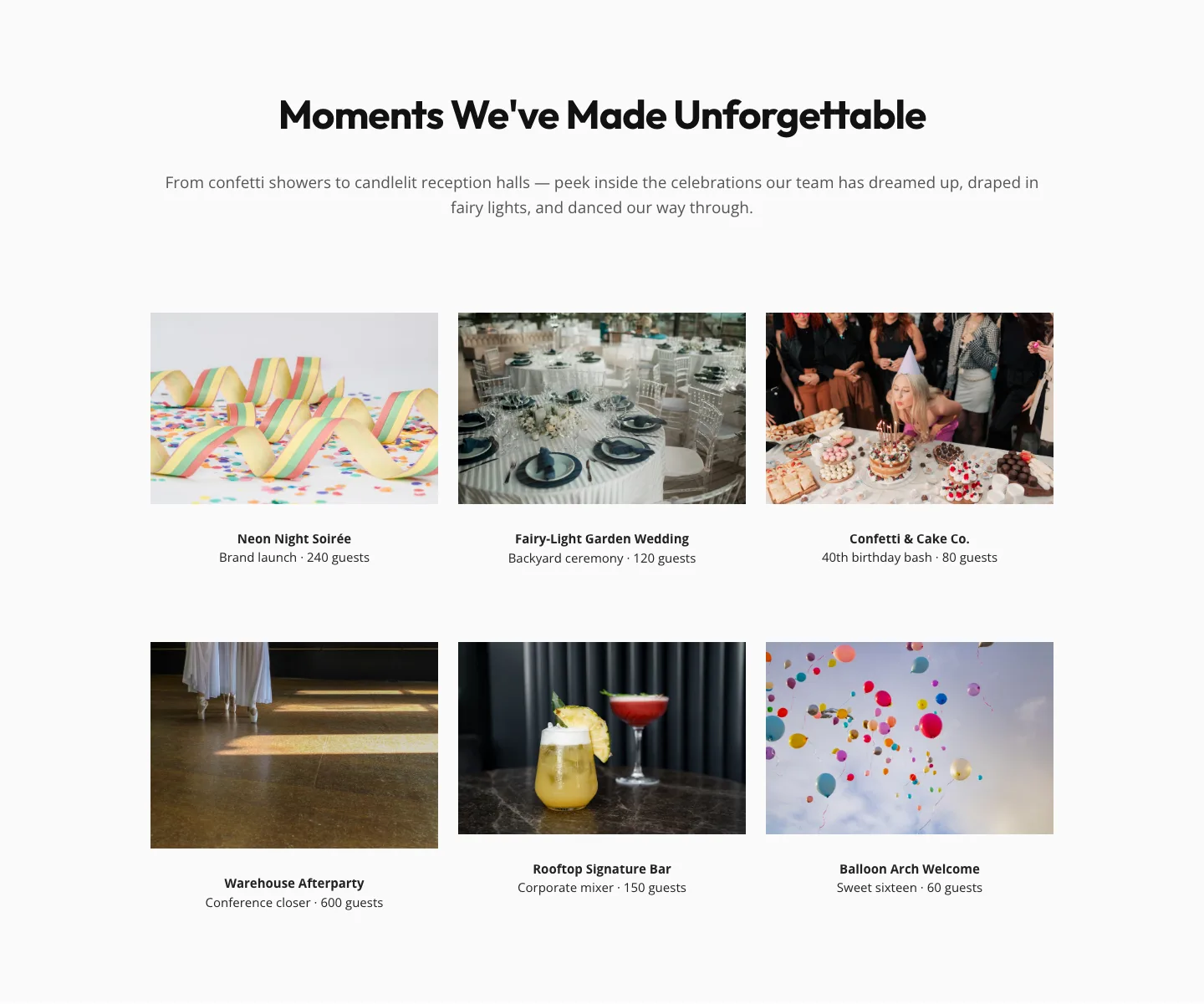
Playful Events Gallery Layout for Divi 5: Free Download
gallery · events · playful
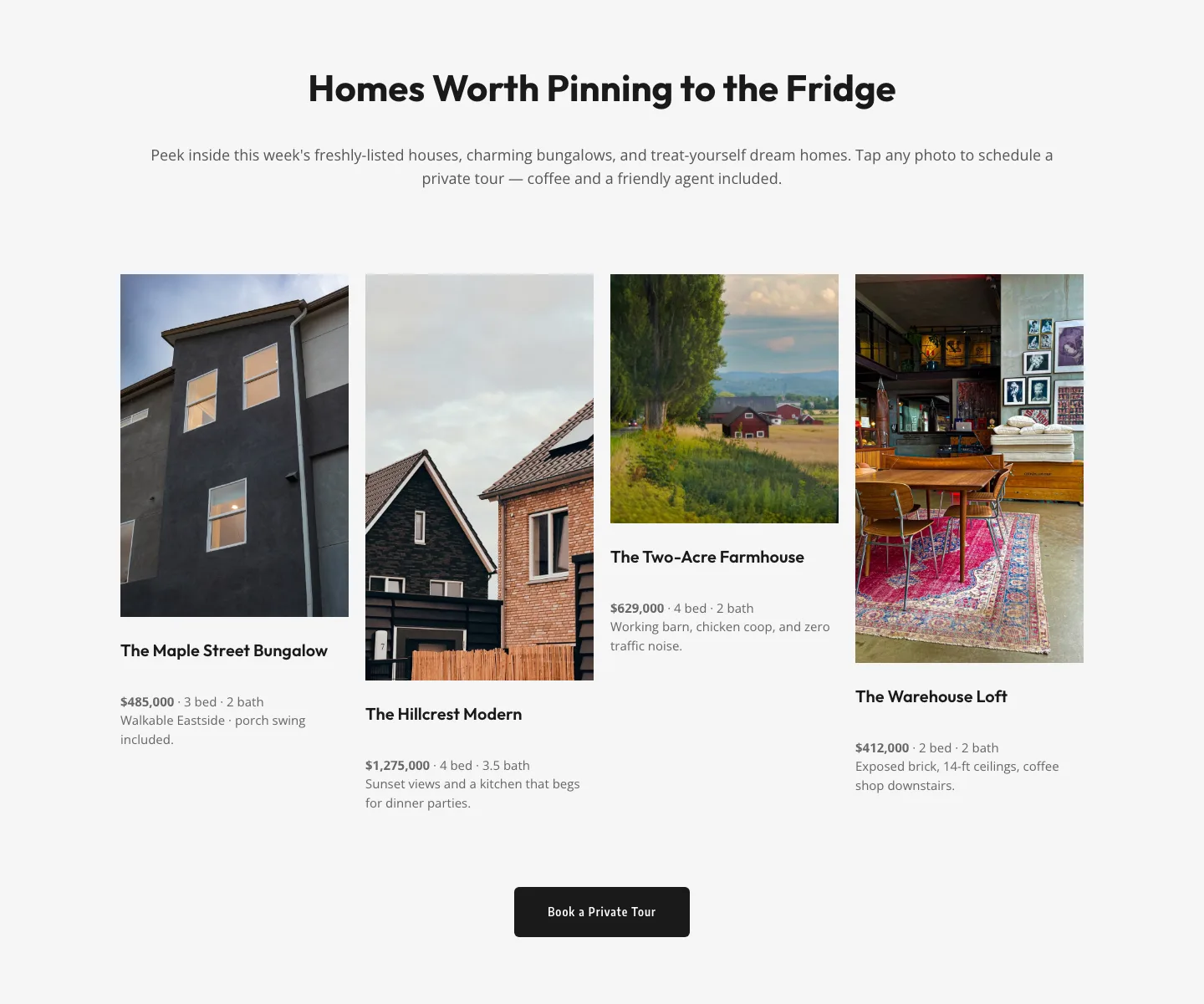
Playful Real Estate Listings Gallery: Free Divi 5 Layout
gallery · real_estate · playful
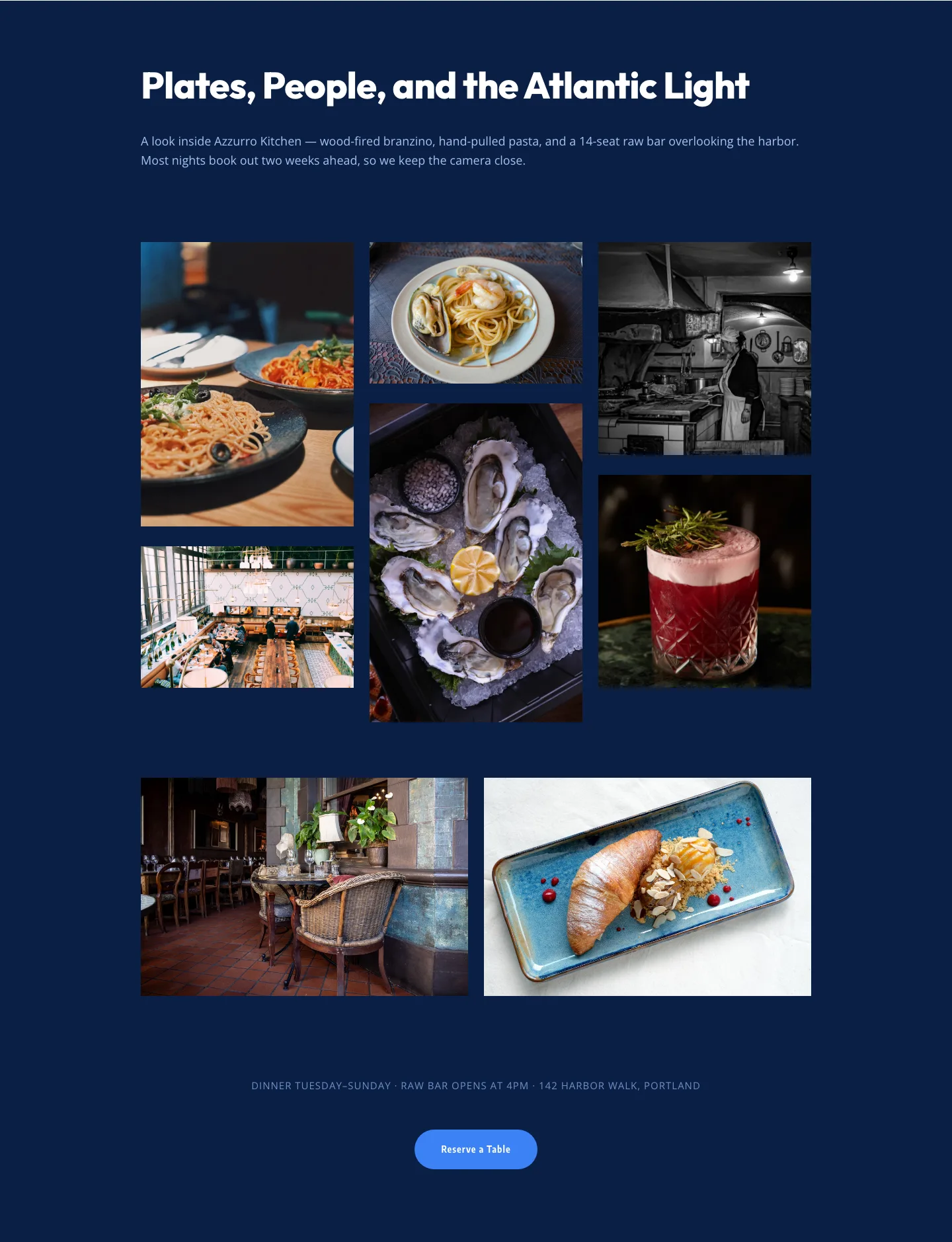
Bold Restaurant Gallery Layout for Divi 5: Coastal Dining Showcase
gallery · restaurant · bold
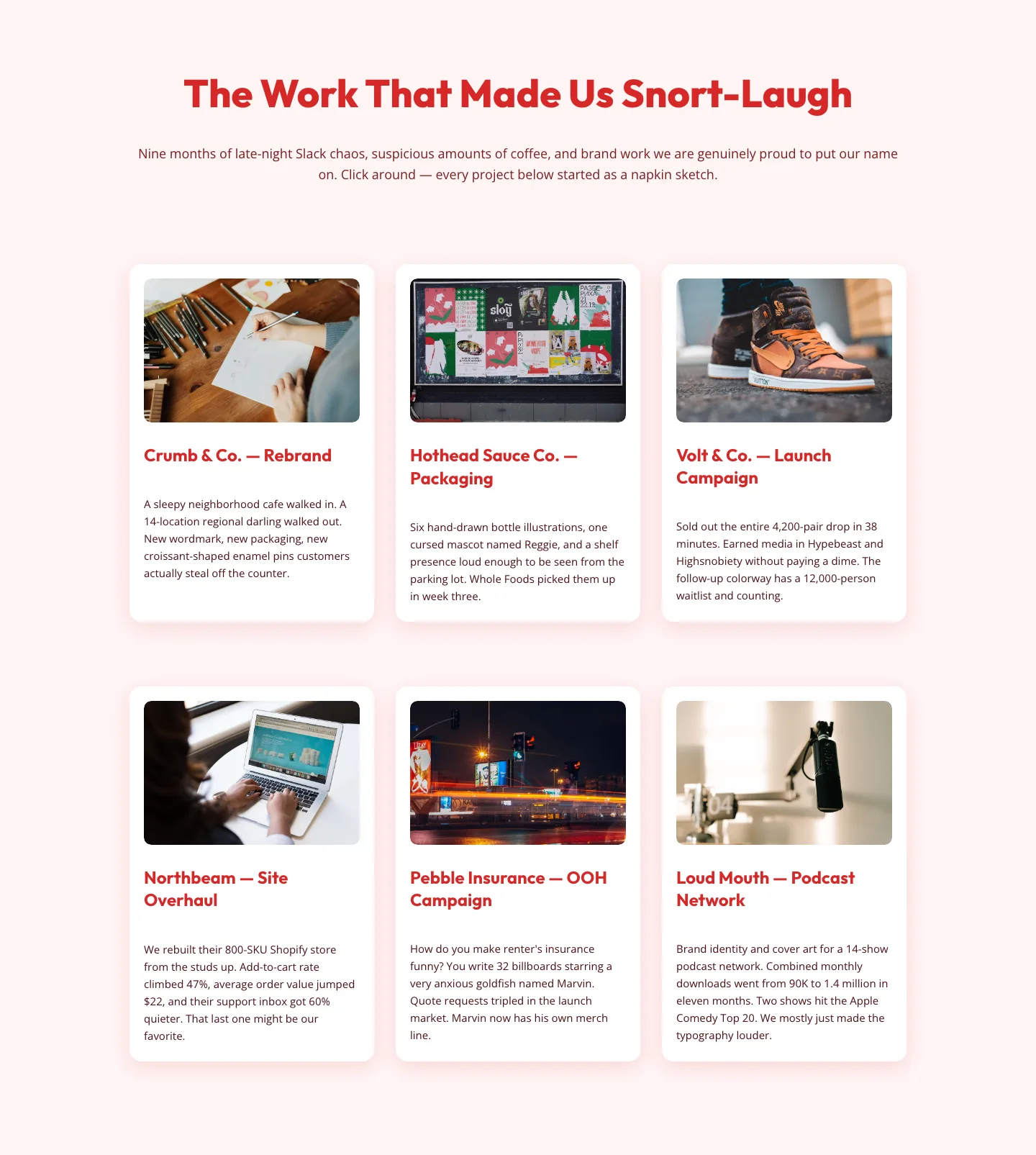
Playful Agency Portfolio Gallery: Free Divi 5 Layout
gallery · agency · playful
What makes a gallery layout worth using
The best gallery sections aren't just image dumps in a grid. They have a point of view. A strong one uses scale to create a focal image, keeps captions optional (and quiet when present), and gives the viewer enough negative space to actually look. Weaker galleries treat every image as equal, which flattens the whole composition and buries the work you most want people to notice.
Watch for three things when you pick a layout:
- Rhythm. Uniform grids feel calm and archival. Masonry and asymmetric layouts feel editorial and alive. Match the rhythm to the content.
- Aspect ratio discipline. A gallery mixing squares, landscapes, and portraits without a plan looks accidental. The layouts here commit to a system.
- Mobile behavior. Every screenshot on this page shows both desktop and mobile renders, because a gallery that collapses badly on a phone is worse than no gallery at all.
Who this category is for
Photographers assembling a portfolio, agencies showing case-study visuals, interior designers and architects presenting projects, e-commerce brands building lookbooks, event organizers publishing recaps, and product teams doing before/after storytelling. If your value proposition is visual, a gallery section is often the most persuasive block on the page.
Customizing a gallery in Divi 5
Divi 5's preset system is where a gallery goes from generic to yours in about ten minutes:
- Swap the palette first. Open the layout's global styles and update two or three colors: usually background, accent, and text. The image treatment (borders, hover states, caption color) inherits automatically because the layout uses presets, not one-off overrides.
- Replace images in one pass. Use Divi 5's bulk image replacement rather than editing each module. Keep your aspect ratios consistent with what the layout is designed for; if you swap a landscape into a square slot, crop it first. Don't let the browser do it.
- Tune the caption preset once. Adjust font, size, and color on the caption module preset, and every caption in the gallery updates. Resist the urge to override individual modules; you'll lose the coherence that makes the layout work.
- Rewrite copy for the room, not the SEO bot. A gallery intro line ('Selected work, 2024–2026') beats a keyword-stuffed paragraph. Let the images do the pitching.
Downloads are free and email-gated, ship with a commercial license, and the JSON imports cleanly into any Divi 5 site: no reconstruction, no missing modules.