
Playful Real Estate Listings Gallery: Free Divi 5 Layout
Free Divi 5 real estate gallery layout with a playful, friendly vibe. Showcase open house listings in a 4-up photo grid with prices, beds, baths & tour CTA.
Rate this element
Download this section, free
- Divi 5 JSON, imports in seconds
- Commercial license included
- No account needed
Click to view the full page
Overview
This gallery section opens with a centered intro block (a 44px Outfit headline ("Homes Worth Pinning to the Fridge") over an 18px body line) sitting on a soft #f5f5f5 stage with a generous 80px top/bottom padding. The friendly copy sets the tone before you ever see a listing, so the section reads as an invitation rather than a database dump.
Below the intro, four equal 1/4 columns form the listings row inside a 1280px max-width container, spaced by a clean 20px column gap and stretched to equal heights so the cards align even when copy lengths differ. Each card is the same tight stack: a 12px-rounded photo, a 20px semibold property name, and a 15px grey micro-caption carrying price, beds/baths, and a one-line character detail. That predictable rhythm is what lets the playful headline breathe without the grid feeling chaotic.
The palette is deliberately restrained so the imagery pops: near-black #1a1a1a for headings and the CTA, medium grey #555/#666 for supporting text, and the light grey stage color. A final centered row adds a solid dark "Book a Private Tour" button with 6px radius, giving the whole section a single, obvious next step.
On phone the row flips to a single column (flexDirection: column on the row and 24/24 flex on each card column), so the four listings stack vertically at full width with the intro and CTA reading naturally above and below.
What’s inside
- Centered intro row with a 44px Outfit headline and 18px supporting paragraph
- Four-up equal-column listings grid (1/4 + 1/4 + 1/4 + 1/4) inside a 1280px max-width row
- Per-card stack: 12px-rounded image, 20px property name heading, 15px price/beds/baths caption
- Consistent 20px column gap with stretch alignment so unequal captions still align at the top
- Restrained palette: #1a1a1a headings/CTA, #555–#666 body text, #f5f5f5 section stage
- Solid dark "Book a Private Tour" button in its own centered row with a 6px radius
- Mobile behavior wired in: the listings row switches to a single-column stack on phone
- Four real listing slots pre-filled with price, bed/bath, neighborhood, and a personality line
Who it’s for
Built for real estate agents, brokerages, and small teams who want a warm, approachable "this week's homes" section instead of an IDX iframe. It works well for boutique residential brokers, buyer's agents, relocation specialists, and new-development sales pages that need to feature a handful of hero listings above the fold of a longer landing page. Property managers can repurpose it as a "featured rentals" strip, and Airbnb or short-term rental hosts can swap the price/beds line for nightly rates and sleeping capacity. It's a poor fit if you need a live, filterable MLS feed: this is a curated, hand-picked showcase, not a search results page.
Customization tips
Start by rewriting the four card headings, price lines, and the one-line personality detail. Keep each caption to two short lines so the cards stay the same height on desktop. Swap the four Pexels photos for your own listing shots in a 940×650 (roughly 3:2) landscape crop; the 12px border radius will apply automatically. To rebrand the palette, change the section background from #f5f5f5, retint the #1a1a1a headings and button, and adjust the #555/#666 body greys. That's four color swaps and you have a new theme. For more or fewer listings, duplicate a 1/4 column (or switch the row to 1/3s for three larger cards); the phone stack will keep working because each column is already set to 24/24 flex on mobile. Finally, point the "Book a Private Tour" button URL at your booking form or Calendly link.
How to install this layout
- Download the layout JSON file from this page.
- Open the target page in the Divi 5 builder.
- Open the portability panel (up/down arrows icon) and choose the Import tab.
- Upload the JSON. Tick “replace existing content” only for full-page imports.
- Check the page at desktop and mobile widths, then swap in your copy and images.
Full walkthrough with troubleshooting: How to Import a Divi 5 Layout.
Questions about Playful Real Estate Listings Gallery: Free Divi 5 Layout
How does the four-card grid behave on mobile?
The listings row is set to flexDirection: column on phone and each 1/4 column is overridden to 24/24 flex, so the four cards stack vertically at full width. The intro headline and the centered CTA button stack naturally above and below.
What Divi 5 modules does this section actually use?
Only four core modules: Section, Row, Column, plus Heading, Text, Image, and Button. No third-party plugins, no code modules, no dynamic content. Everything is native Divi 5 and edits inline in the visual builder.
What image size and shape should I use for the listing photos?
The Pexels source images are 940×650 (roughly 3:2 landscape). Use crops in that ratio so all four cards keep the same height. The 12px rounded corners are applied via the Image module's border radius, so you don't need to pre-round the files.
Can I add more than four listings?
Yes, duplicate one of the 1/4 columns to get a fifth card (the row will wrap) or restructure the row to 1/3 + 1/3 + 1/3 for three larger cards. Because the phone override is per-column, added columns will keep stacking correctly on mobile.
What should I edit first before publishing?
Replace the four card images with your real listings, rewrite the price/bed/bath captions, update the intro headline and paragraph, and repoint the "Book a Private Tour" button (currently linked to #tour) to your booking form or contact anchor.
Which Divi version does this layout need?
Divi 5. The layout is generated natively for Divi 5 and validated against its real module structure before publication, so it imports clean into the current builder.
Can I use this layout on client websites?
Yes. Every download includes a commercial license covering unlimited sites you own or build for clients. Only reselling or redistributing the layout file itself is prohibited.
More galleries
Browse all galleries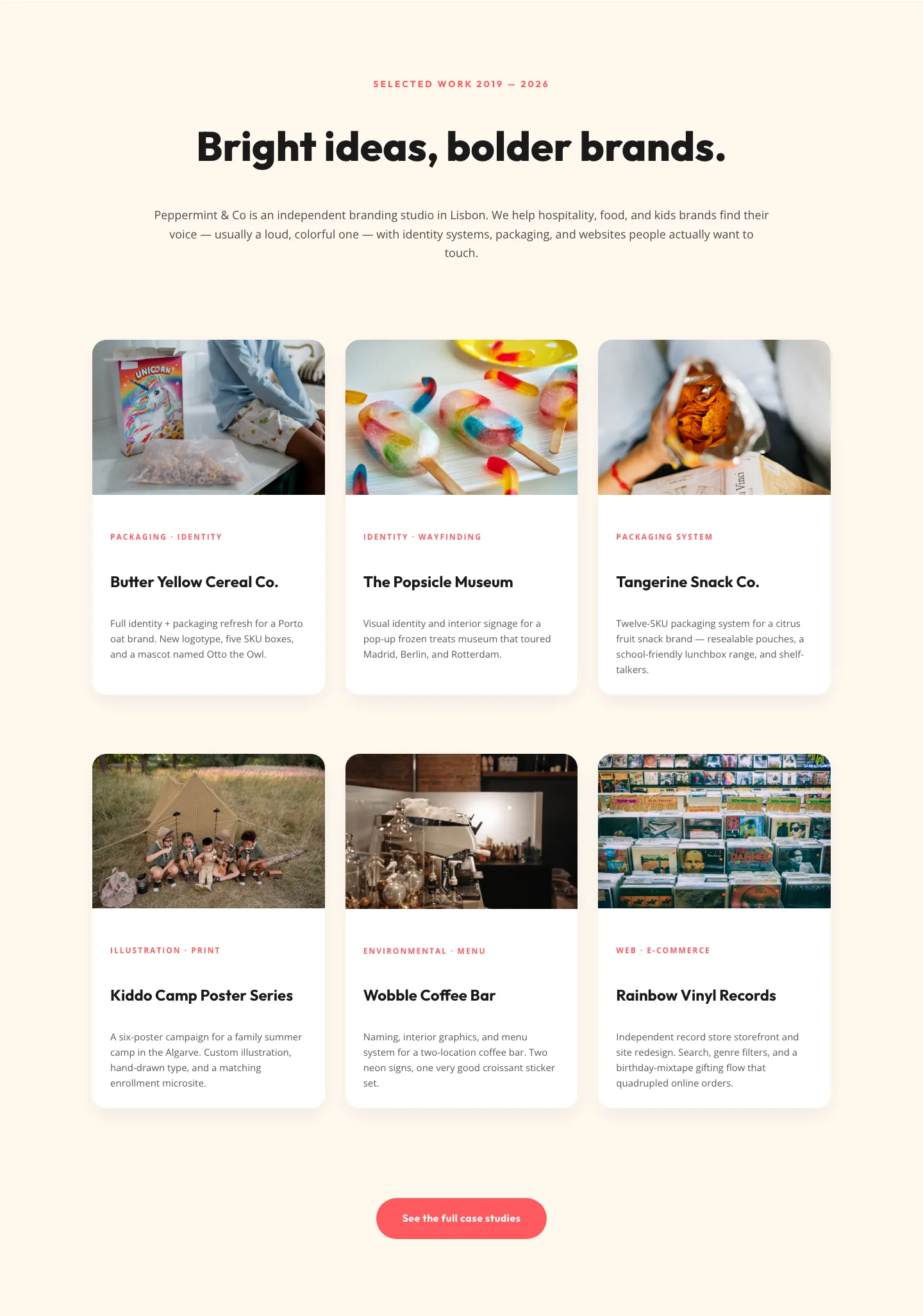
Playful Agency Portfolio Gallery: Divi 5 Case Study Grid
gallery · agency · playful
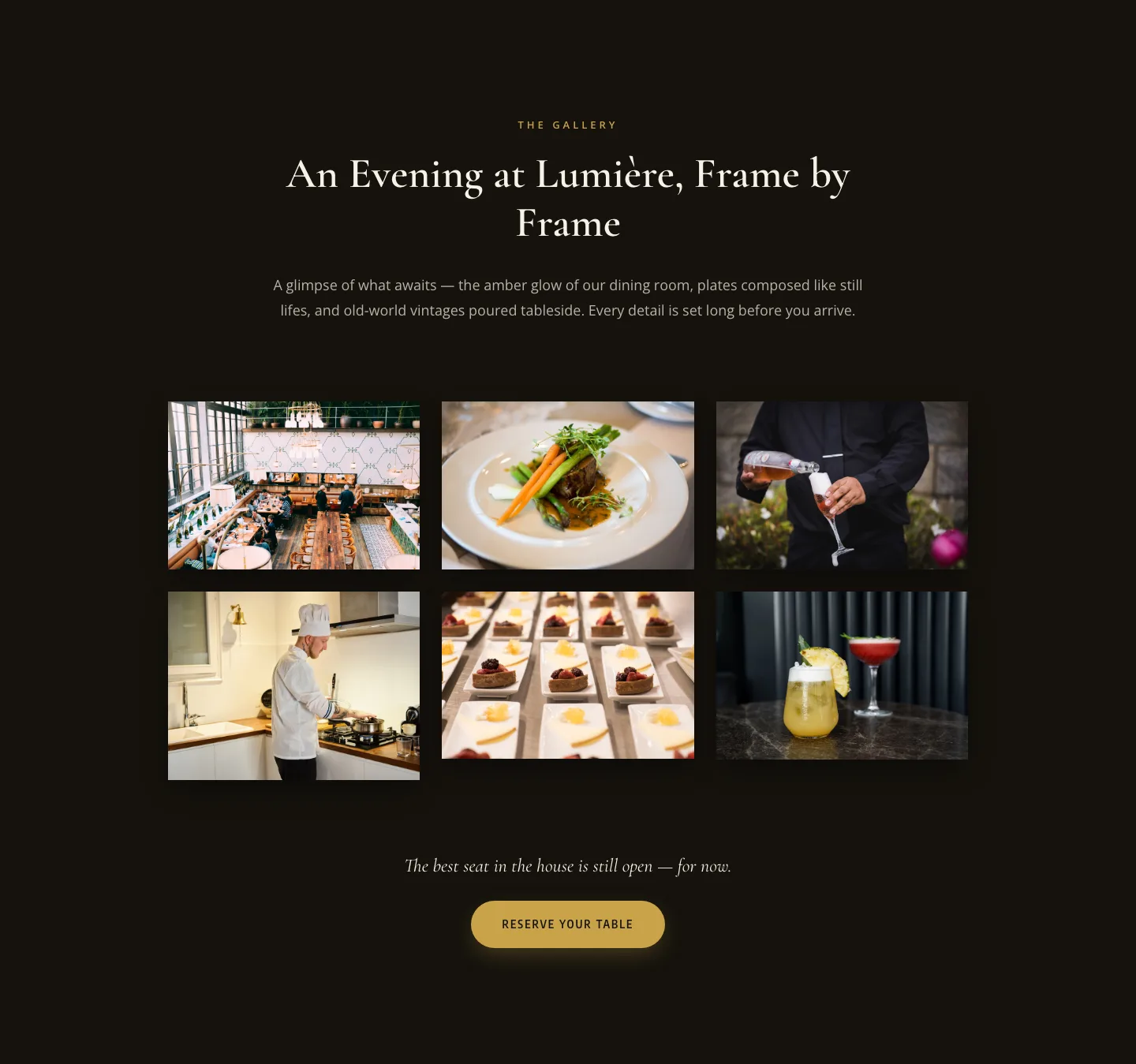
Elegant Restaurant Gallery Divi 5 Layout: Dark & Gold Photo Grid
gallery · restaurant · elegant
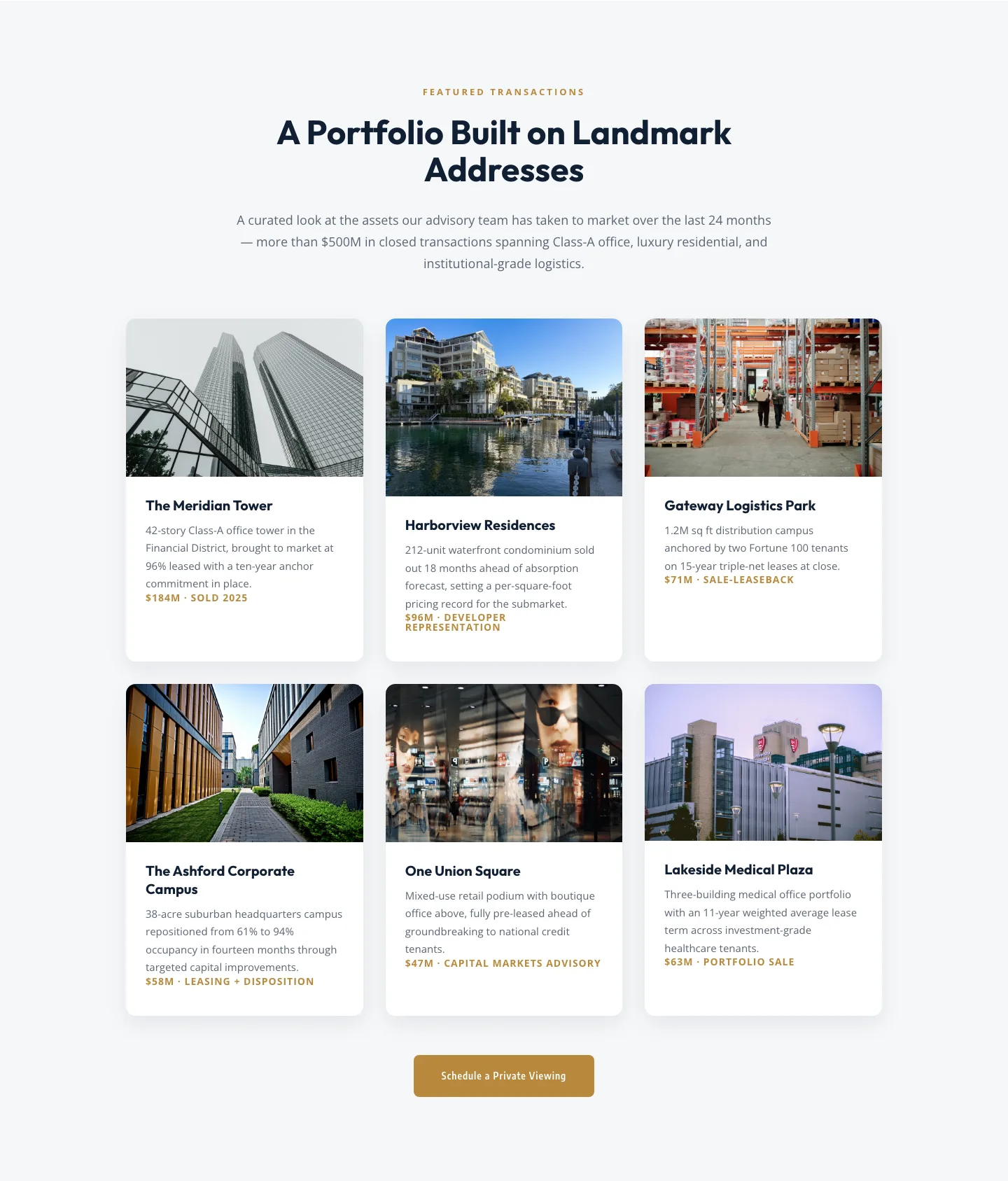
Corporate Real Estate Featured Listings Gallery: Divi 5 Layout
gallery · real_estate · corporate
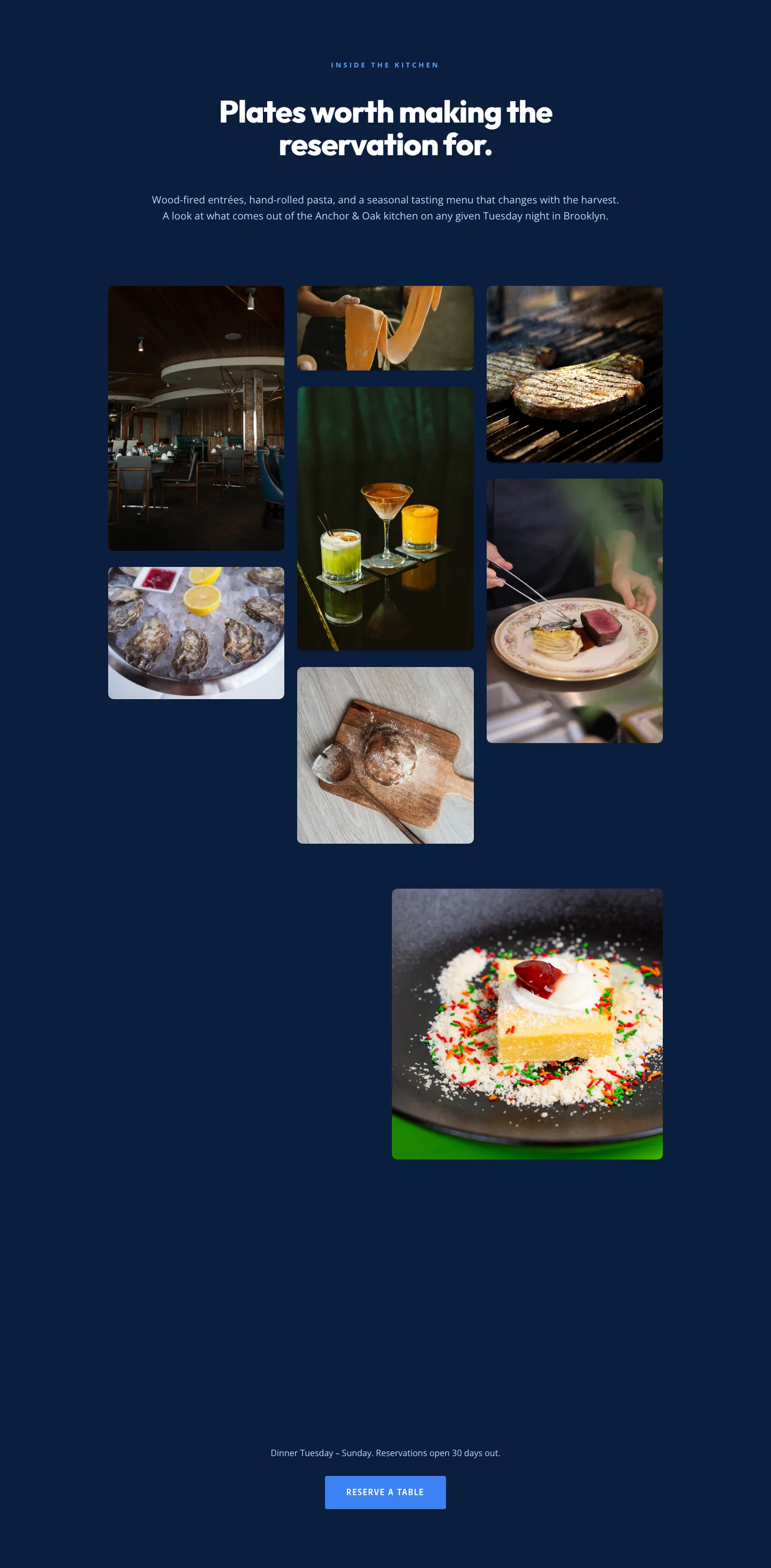
Restaurant Gallery: Bold Blue (Anchor & Oak) | Divi 5 Layout
gallery · restaurant · bold
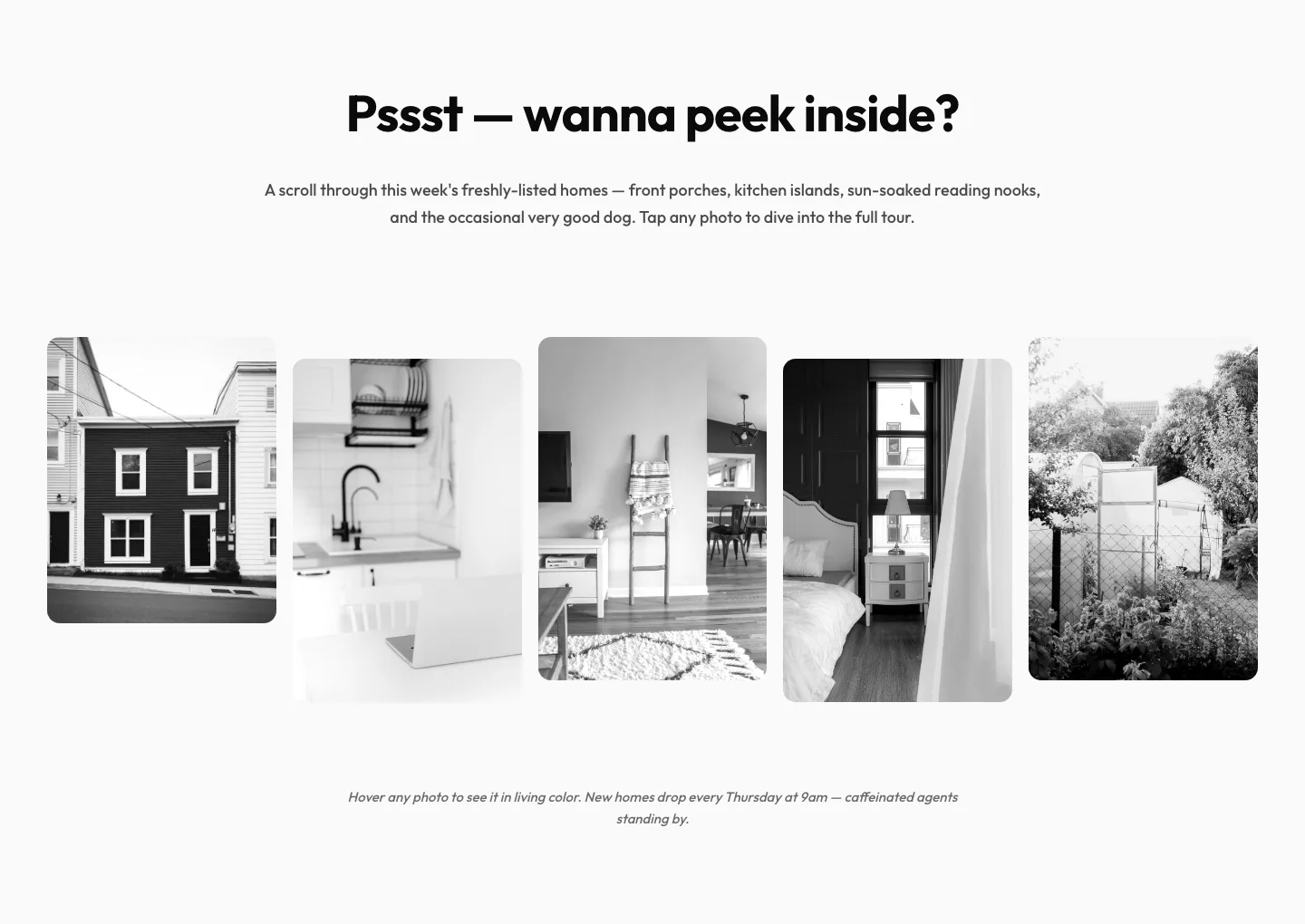
Playful Real Estate Listings Gallery: Divi 5 Layout
gallery · real_estate · playful
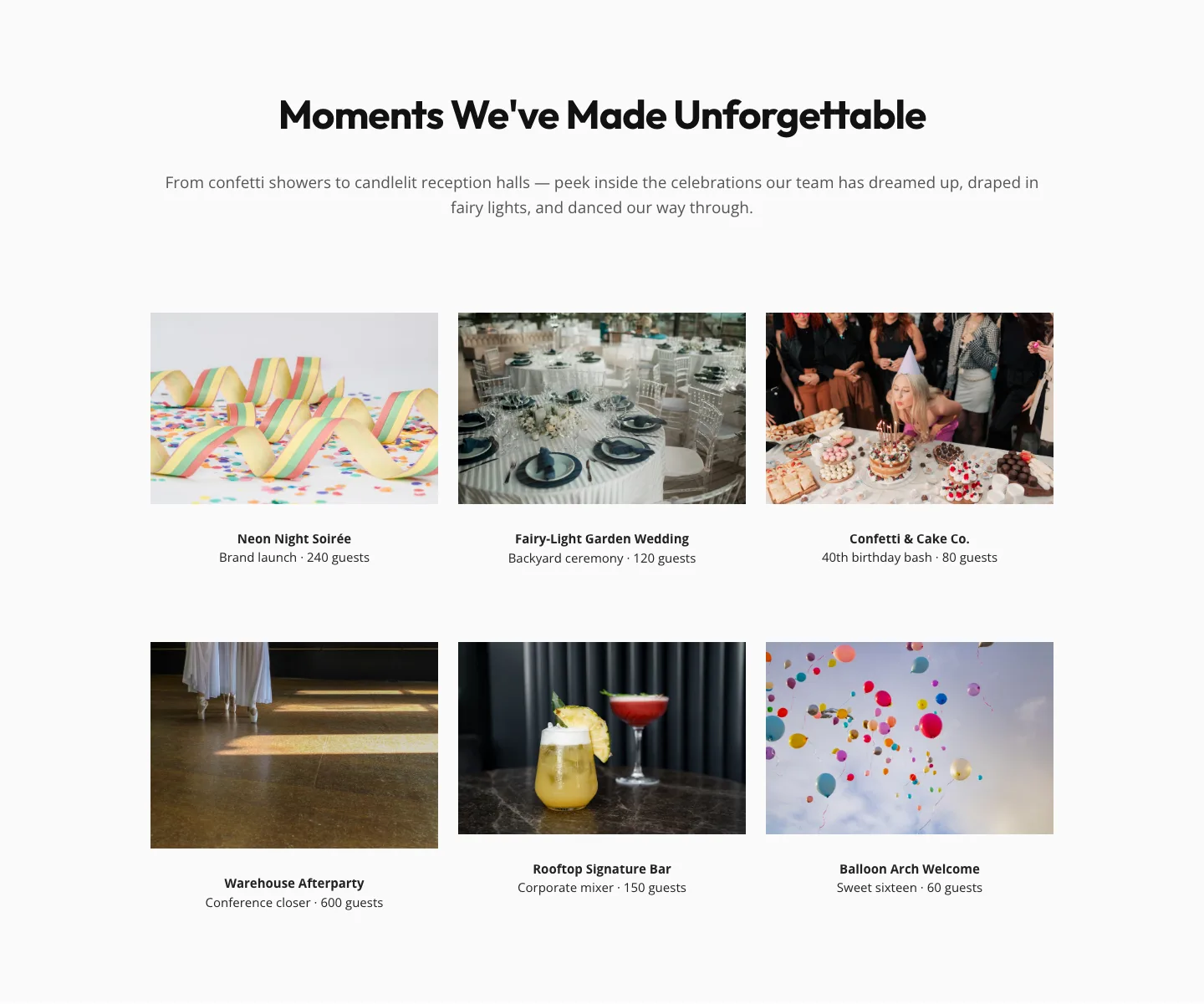
Playful Events Gallery Layout for Divi 5: Free Download
gallery · events · playful