
Playful Real Estate Listings Gallery: Divi 5 Layout
A friendly, scroll-stopping Divi 5 gallery section for real estate sites: staggered photo grid, hover color reveal, and warm copy that invites buyers to peek inside recent listings.
Rate this element
Download this section, free
- Divi 5 JSON, imports in seconds
- Commercial license included
- No account needed
Click to view the full page
Overview
A cheeky one-two lands the mood before a single photo loads: an oversized Outfit 700 headline at 56px with a tight -1px letter-spacing sits above a friendly intro line, both centered in an 880px column, resting on a soft #fafafa canvas. The whole section breathes (96px of top padding, 104px on the bottom) so this reads as its own moment rather than a strip crammed between others.
The gallery itself is where the personality lives. Five equal-width columns (1/5, 1/5, 1/5, 1/5, 1/5) sit in a flex row with an 18px gutter, capped at a 1480px max-width, and each column holds a single divi/image module with a 14px rounded corner. Columns two and four are translated 24px down on the Y axis: a small transform that turns a rigid grid into a bouncy, staggered rhythm. Every photo starts in grayscale (saturate 0%, contrast nudged to 108% for a bit of extra bite) and blooms into full color on hover, so the section feels alive without a single line of custom CSS.
Hierarchy stays tight all the way down: the 56px display line grabs, an 18px Outfit intro (1.7 line-height, #4a4a4a) sets the tone, the gallery does the visual work, and a 15px italic footnote in #6b6b6b closes with a warm call to check back on Thursdays. On mobile, the flex row wraps naturally: the five staggered columns collapse into a clean vertical scroll, the 24px Y offsets disappear once each image sits on its own line, and the section's 24px horizontal padding keeps everything comfortably framed on small screens. Nothing exotic, only native Divi 5 modules underneath.
What’s inside
- Section canvas in soft #fafafa with 96px / 104px vertical padding, a proper standalone moment on the page.
- Outfit 700 display headline at 56px with -1px letter-spacing, centered above an 18px centered intro paragraph.
- Five-column gallery row (1/5 × 5) with 18px gutter, 96% width, capped at a 1480px max-width.
- Staggered layout: columns 2 and 4 translate 24px down on the Y axis for a playful, non-grid rhythm.
- Grayscale-to-color hover on every image (saturate 0% → 100%, contrast 108%): pure Divi filters, no custom CSS.
- 14px synced border-radius on all five images so the frame reads consistent no matter which photo you swap in.
- Italic 15px footnote row (max-width 720px, 56px top margin) for a warm 'new drops Thursday' close.
- Built entirely from native modules: divi/section, divi/row, divi/column, divi/heading, divi/text, divi/image.
Who it’s for
Real estate agents, boutique brokerages, and small property teams who want their weekly-listings section to feel more like an Instagram scroll than a spreadsheet. The playful voice: 'Pssst (wanna peek inside?') is a natural fit for market-town realtors targeting first-time buyers, brand-forward agencies with personality, or vacation-rental hosts announcing new inventory. It also works well outside real estate: interior designers showing recent projects, architects doing a portfolio drop, home stagers, Airbnb hosts, moving companies, or even a friendly local showroom's 'look what's new' section. Anywhere a five-image gallery with warmth and a hint of wit outperforms a stern, corporate grid.
Customization tips
Swap the five Pexels URLs for your own photos first: the columns are locked to a 5-up landscape crop, so images around 940×650 (roughly 3:2) drop in cleanly without cropping surprises. Portrait or square shots will letterbox inside the 14px rounded frame, which usually isn't what you want. The palette lives in three swaps: the #fafafa section background, the #0a0a0a headline, and the two greys (#4a4a4a body, #6b6b6b footnote). Nudge those to your brand tokens and the whole section shifts mood in seconds. Keep the headline under roughly 40 characters so it holds one or two lines at 56px, longer copy fights the tight -1px tracking. The intro paragraph reads best around 30–45 words. If the grayscale-on-load feels too moody, delete the desktop saturate 0% value in each image's Filters block and keep only the hover transition, or remove the 24px Y translate on columns 2 and 4 for a flat, symmetric grid. Change 'Thursday at 9am' in the footnote to your actual drop cadence and you're done.
How to install this layout
- Download the layout JSON file from this page.
- Open the target page in the Divi 5 builder.
- Open the portability panel (up/down arrows icon) and choose the Import tab.
- Upload the JSON. Tick “replace existing content” only for full-page imports.
- Check the page at desktop and mobile widths, then swap in your copy and images.
Full walkthrough with troubleshooting: How to Import a Divi 5 Layout.
Questions about Playful Real Estate Listings Gallery: Divi 5 Layout
How does the five-column gallery behave on tablet and mobile?
The row uses flex with wrap allowed, so on narrower viewports the images naturally break to fewer per line and eventually stack full-width on phones. The 24px Y offset on columns 2 and 4 disappears visually once each image occupies its own line, so the mobile view reads as a clean vertical scroll rather than an awkward jog.
Which Divi modules is this built from?
Just the natives: divi/section, divi/row, divi/column, divi/heading, divi/text, and five divi/image modules. No custom code, no third-party child modules, nothing to license or maintain. Every effect (the grayscale hover, the stagger, the rounded corners) is done with built-in Divi 5 options.
What image dimensions should I upload?
The included Pexels shots are pulled at roughly 940×650. Landscape 3:2 photography slots into the 14px rounded frame without cropping. If your listings photography is portrait-orientation, either recrop before upload or add a background color to the image module so the letterbox feels intentional.
Can I turn off the grayscale effect and just show full color?
Yes, each of the five image modules has a Filters block with saturate set to 0% at rest and 100% on hover. Delete the desktop saturate value to show full color from the start (the hover animation will still fire but be invisible), or remove the hover value if you prefer the grayscale to stay put.
What should I edit first when I import this?
Replace the five stock photos with your own listings, rewrite the 'Pssst (wanna peek inside?' headline in your own voice (or keep it) that's the point), and update the 'Thursday at 9am' drop day in the footnote to match your actual cadence. Everything else (palette, stagger, hover) is optional polish.
Which Divi version does this layout need?
Divi 5. The layout is generated natively for Divi 5 and validated against its real module structure before publication, so it imports clean into the current builder.
Can I use this layout on client websites?
Yes. Every download includes a commercial license covering unlimited sites you own or build for clients. Only reselling or redistributing the layout file itself is prohibited.
More galleries
Browse all galleries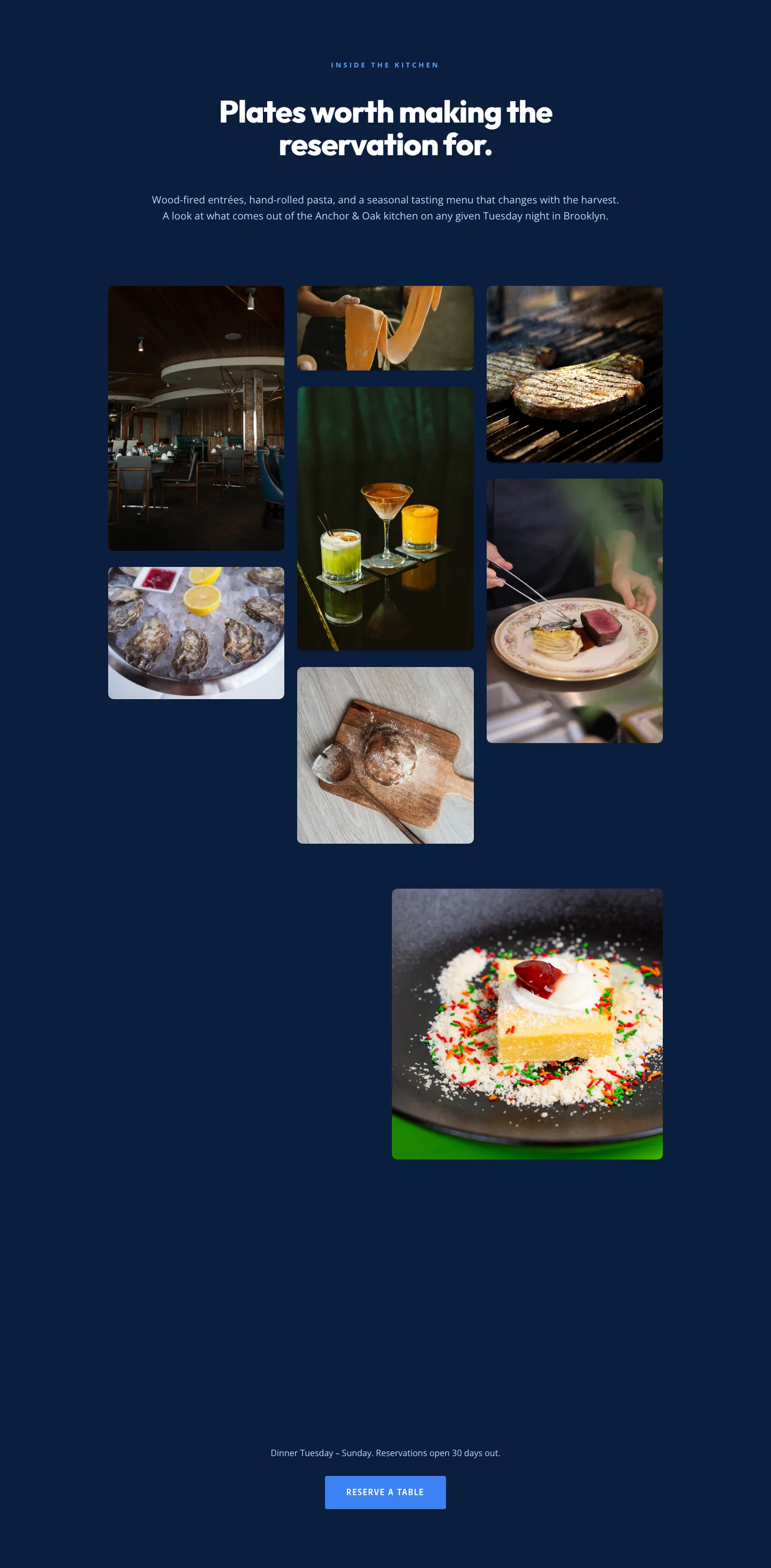
Restaurant Gallery: Bold Blue (Anchor & Oak) | Divi 5 Layout
gallery · restaurant · bold
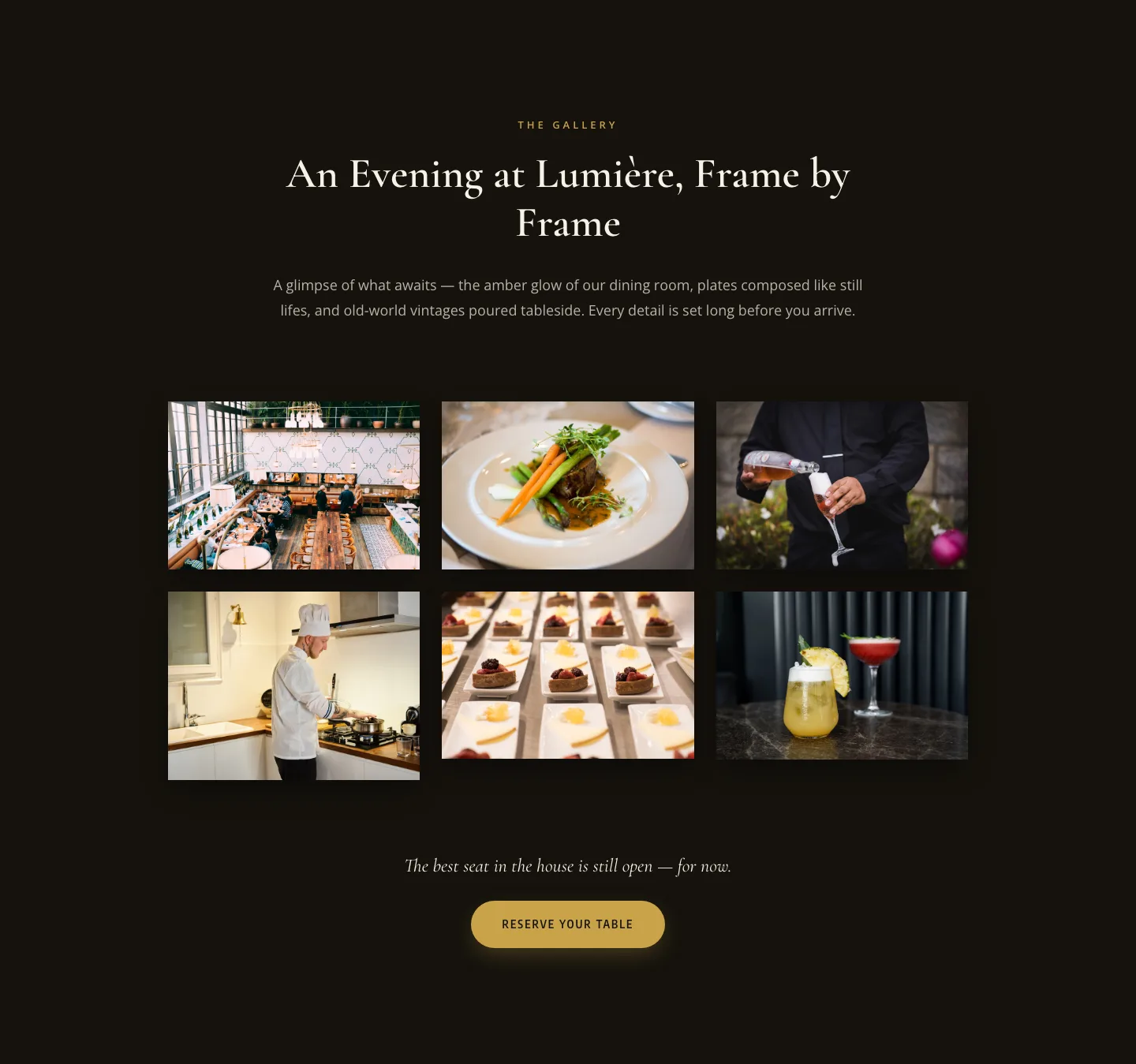
Elegant Restaurant Gallery Divi 5 Layout: Dark & Gold Photo Grid
gallery · restaurant · elegant
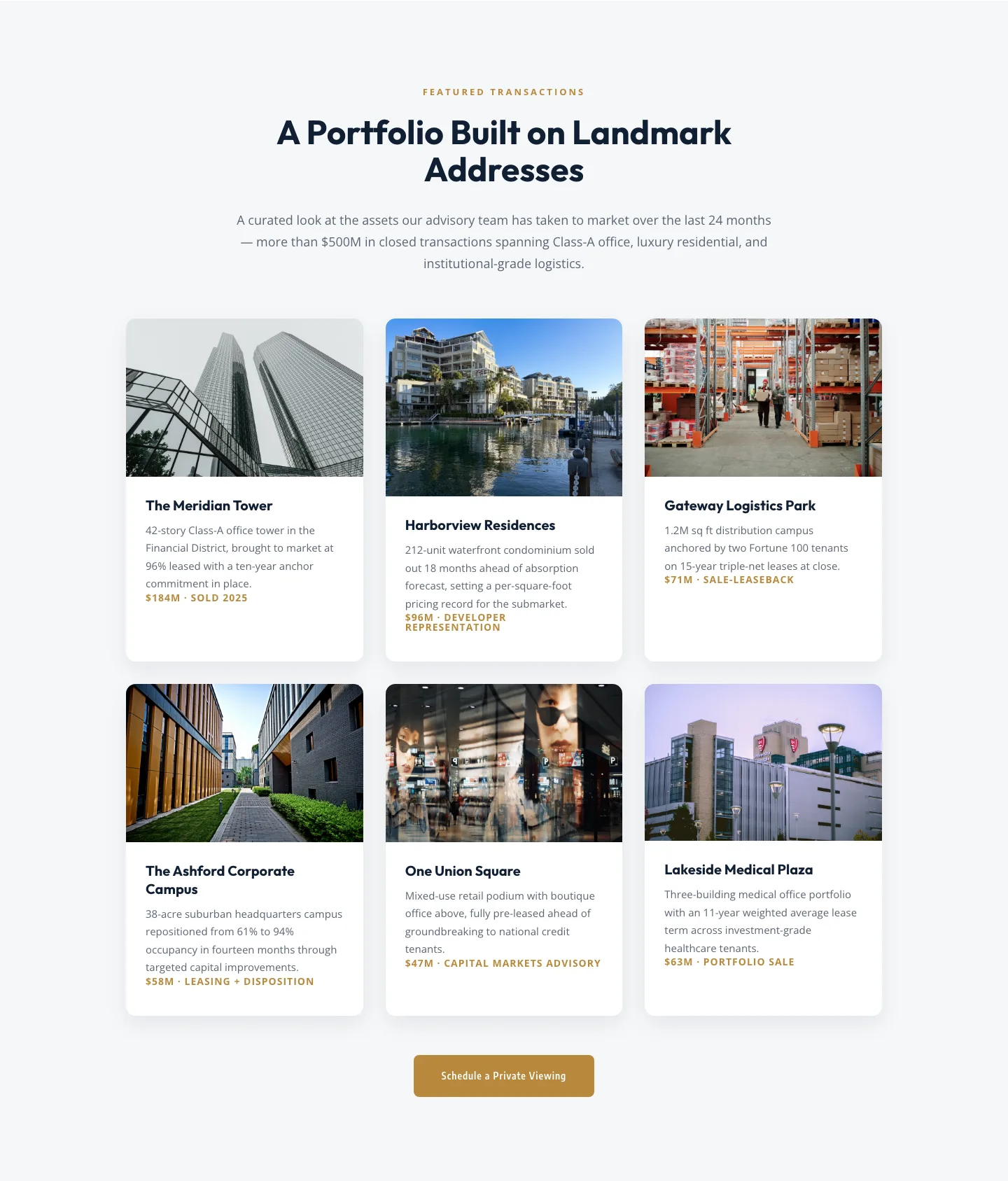
Corporate Real Estate Featured Listings Gallery: Divi 5 Layout
gallery · real_estate · corporate
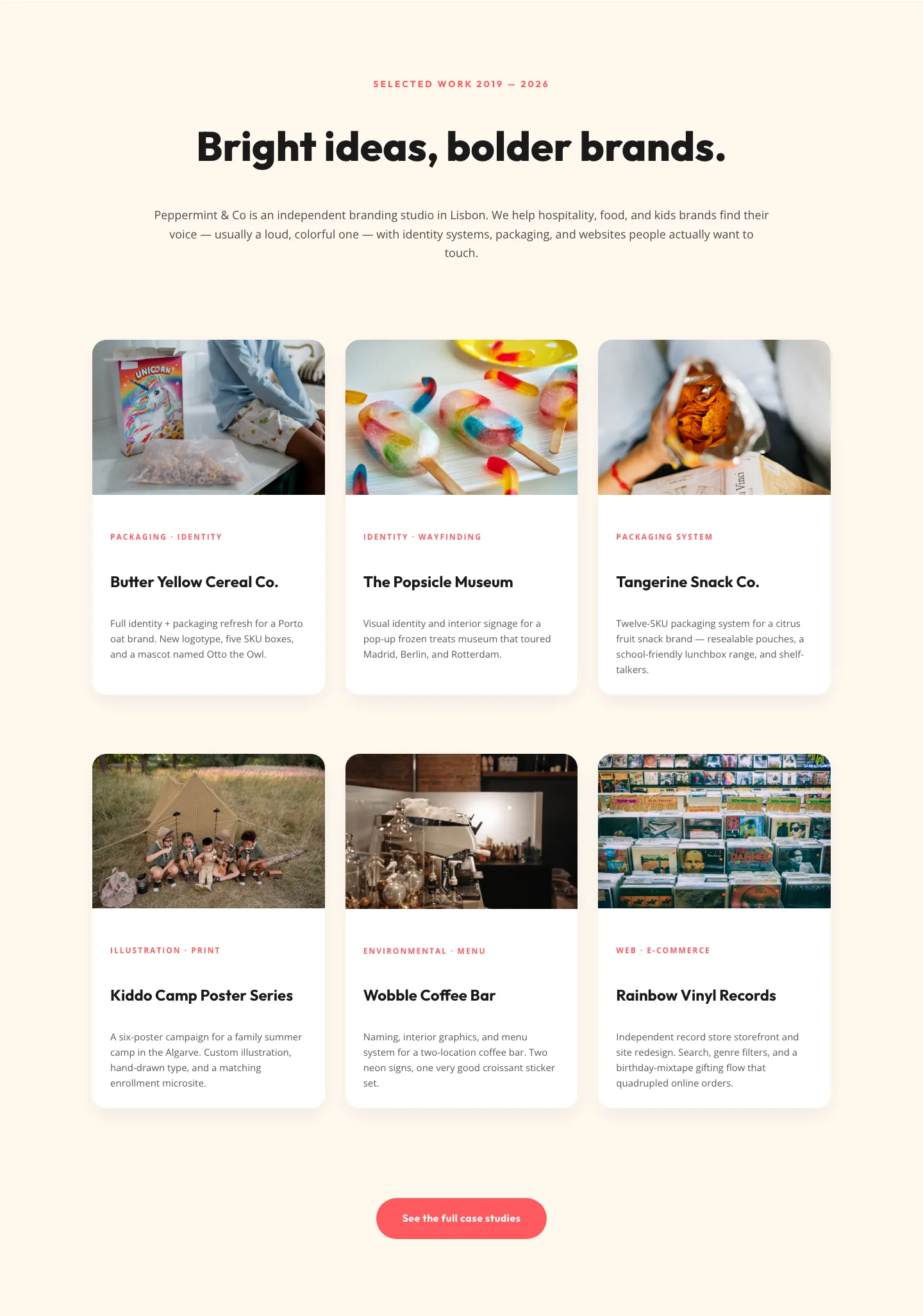
Playful Agency Portfolio Gallery: Divi 5 Case Study Grid
gallery · agency · playful
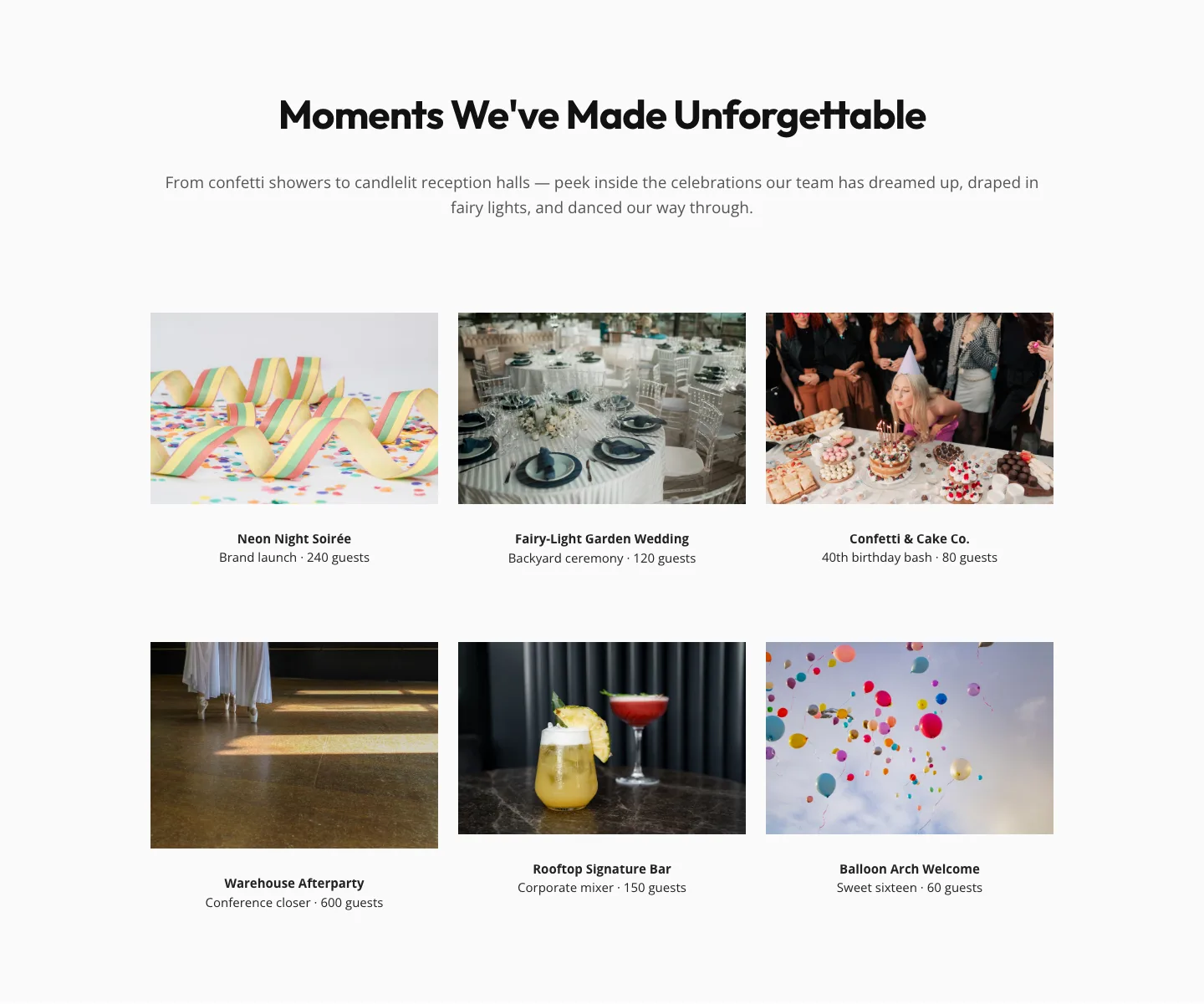
Playful Events Gallery Layout for Divi 5: Free Download
gallery · events · playful
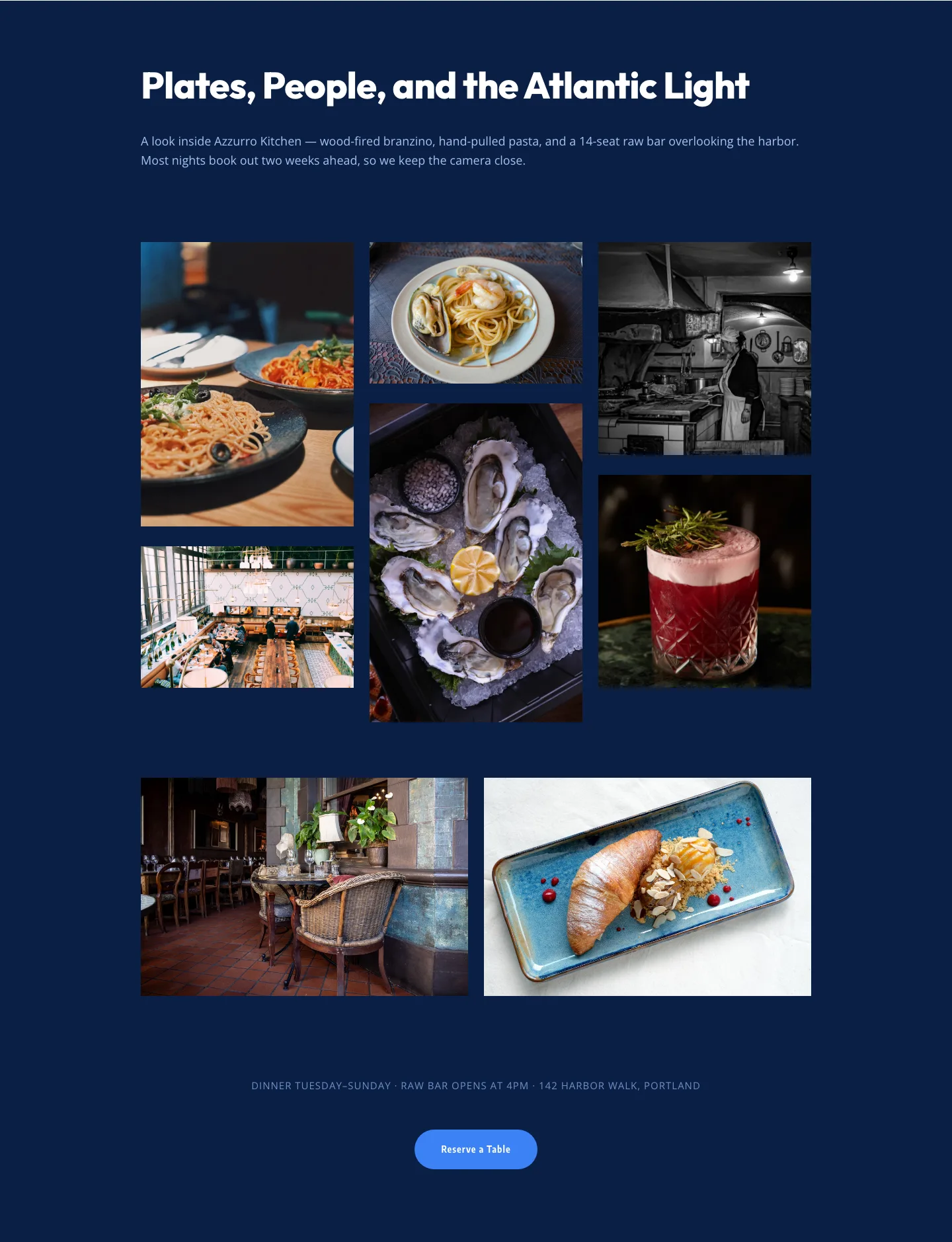
Bold Restaurant Gallery Layout for Divi 5: Coastal Dining Showcase
gallery · restaurant · bold