
Playful Events Gallery Layout for Divi 5: Free Download
Free playful events gallery section for Divi 5. Six-image grid with captions, perfect for showcasing weddings, parties, and brand launches.
Rate this element
Download this section, free
- Divi 5 JSON, imports in seconds
- Commercial license included
- No account needed
Click to view the full page
Overview
This is a compact events-portfolio gallery built as a single Divi 5 section against a soft off-white background (#fafafa) with generous 110px vertical padding, so it drops cleanly between darker sections without fighting them for attention. The section opens with a full-width intro row: a centered Outfit heading at 48px/700 in near-black (#111111) with a tightened -1px letter-spacing, followed by a 19px muted paragraph in #555555 that sets the playful tone before the images do the talking. Below that sits the tile grid: two rows of three columns each (a 1_3, 1_3, 1_3 structure) separated by a 24px column gap, so the six event photos read as an even, breathable mosaic rather than a dense mood board.
Each tile is a native Divi Image module with a subtly rounded 4px corner radius, paired with a short Text caption underneath in a clean 15px style that names the event and calls out its scale: headline first in bold, guest count on the second line. That two-line rhythm keeps every tile the same visual weight so nothing steals focus. On phone, both grid rows collapse to a single stacked column via the row's flexDirection: column override, letting each event photo take the full screen width with its caption tucked underneath. The result is a portfolio moment that feels editorial on desktop and scroll-friendly on mobile, the kind of section a planner or venue can slot into an About or Portfolio page and immediately look busy in the best way.
What’s inside
- One Divi 5 section with two rows: a full-width intro (heading + subhead) and a six-tile photo grid
- Native Divi 5 Heading, Text, and Image modules: no third-party plugins, no custom shortcodes
- Six event tiles arranged as two 1_3, 1_3, 1_3 rows with a 24px column gap for even breathing room
- Rounded 4px image corners and short two-line captions (event name in bold + guest count) baked into every tile
- Centered Outfit typography (48px/700 heading, 19px body) with tight -1px letter-spacing for a modern editorial feel
- Mobile-first responsiveness via `flexDirection: column` on phone, both grid rows stack to a single column
- Soft `#fafafa` section background with 110px top/bottom padding, designed to sit between richer sections without clashing
- Pexels demo imagery covering weddings, brand launches, birthdays, corporate mixers and afterparties. Swap-and-go placeholders
Who it’s for
This layout is aimed at anyone in the events world who needs a fast, credibility-building portfolio strip on their site. It fits event planners and wedding designers showing recent celebrations, venues (rooftops, warehouses, garden estates, ballrooms) proving they can host different formats, and catering, floral, balloon, or lighting vendors highlighting past setups. It also works for corporate event teams, agencies producing brand launches or conferences, DJs and bands recapping recent gigs, and photographers building a captioned highlights reel. Because each tile carries a name plus a guest-count line, it doubles nicely as a case-study index (click a tile through to a full recap page later) without demanding a database or custom post type on day one.
Customization tips
First, swap the six Pexels demo photos for your own: the images sit inside a fixed-height 1_3, 1_3, 1_3 grid, so upload roughly 3:2 landscape shots (around 940×650 or larger) so they crop consistently. Keep captions to two short lines: an event name in bold on line one and a format plus guest count on line two, anything longer will unbalance neighbouring tiles. To change the palette, edit the section background (#fafafa), the heading colour (#111111), the subhead grey (#555555), and the caption grey (#222222) at the module level, or wire them to your global colours so the whole grid re-skins in one pass. If you want a denser mosaic, duplicate a row to add three more tiles; for a lighter look, drop to a single row. Add a masonry feel by nudging alternate images' corner radius higher. Swap the Outfit heading for your brand font by editing the Heading module's font family.
How to install this layout
- Download the layout JSON file from this page.
- Open the target page in the Divi 5 builder.
- Open the portability panel (up/down arrows icon) and choose the Import tab.
- Upload the JSON. Tick “replace existing content” only for full-page imports.
- Check the page at desktop and mobile widths, then swap in your copy and images.
Full walkthrough with troubleshooting: How to Import a Divi 5 Layout.
Questions about Playful Events Gallery Layout for Divi 5: Free Download
How many event photos does this section hold, and can I add more?
Out of the box it displays six tiles in two rows of three. To add more, duplicate one of the grid rows in the Divi 5 builder: each new row will inherit the same 1_3, 1_3, 1_3 structure, 24px column gap, and rounded-corner image styling.
What image size should I upload for the tiles?
The demo photos are roughly 940×650 (a 3:2 landscape ratio). Upload your own at similar proportions and at least 1200px wide so they stay sharp on retina screens. Portrait shots will work but leave uneven whitespace between tiles.
How does the gallery behave on mobile?
Both photo rows collapse to a single stacked column on phone via `flexDirection: column`, so each event photo takes the full screen width with its caption underneath. No horizontal scrolling and no cropped thumbnails.
What should I edit first after importing?
Replace the six placeholder Pexels images and their captions with your real events, then update the intro heading and subhead copy at the top of the section. Everything else (spacing, colours, radii) is already dialled in.
Are the captions a separate module I can style?
Yes. Each tile pairs a native Divi Image module with a native Text module underneath. You can restyle the caption font, size, or colour independently, or delete the Text module entirely if you want an image-only mosaic.
Can I use this for non-event portfolios, like interior projects or product shoots?
Absolutely: the two-line caption pattern (name + short detail) works just as well for room reveals, product drops, or case studies. Just swap the imagery and rewrite the captions to match.
Which Divi version does this layout need?
Divi 5. The layout is generated natively for Divi 5 and validated against its real module structure before publication, so it imports clean into the current builder.
Can I use this layout on client websites?
Yes. Every download includes a commercial license covering unlimited sites you own or build for clients. Only reselling or redistributing the layout file itself is prohibited.
More galleries
Browse all galleries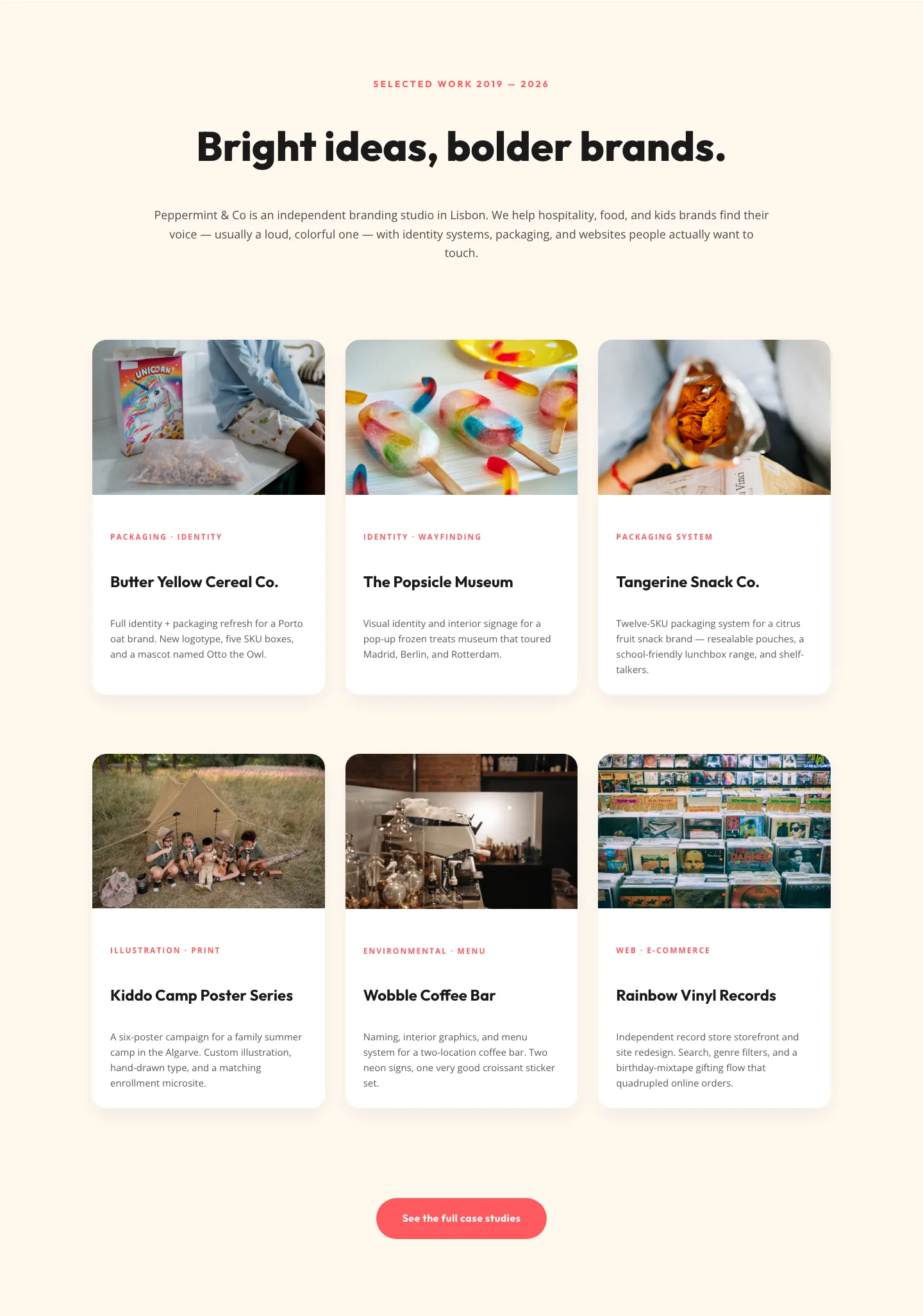
Playful Agency Portfolio Gallery: Divi 5 Case Study Grid
gallery · agency · playful
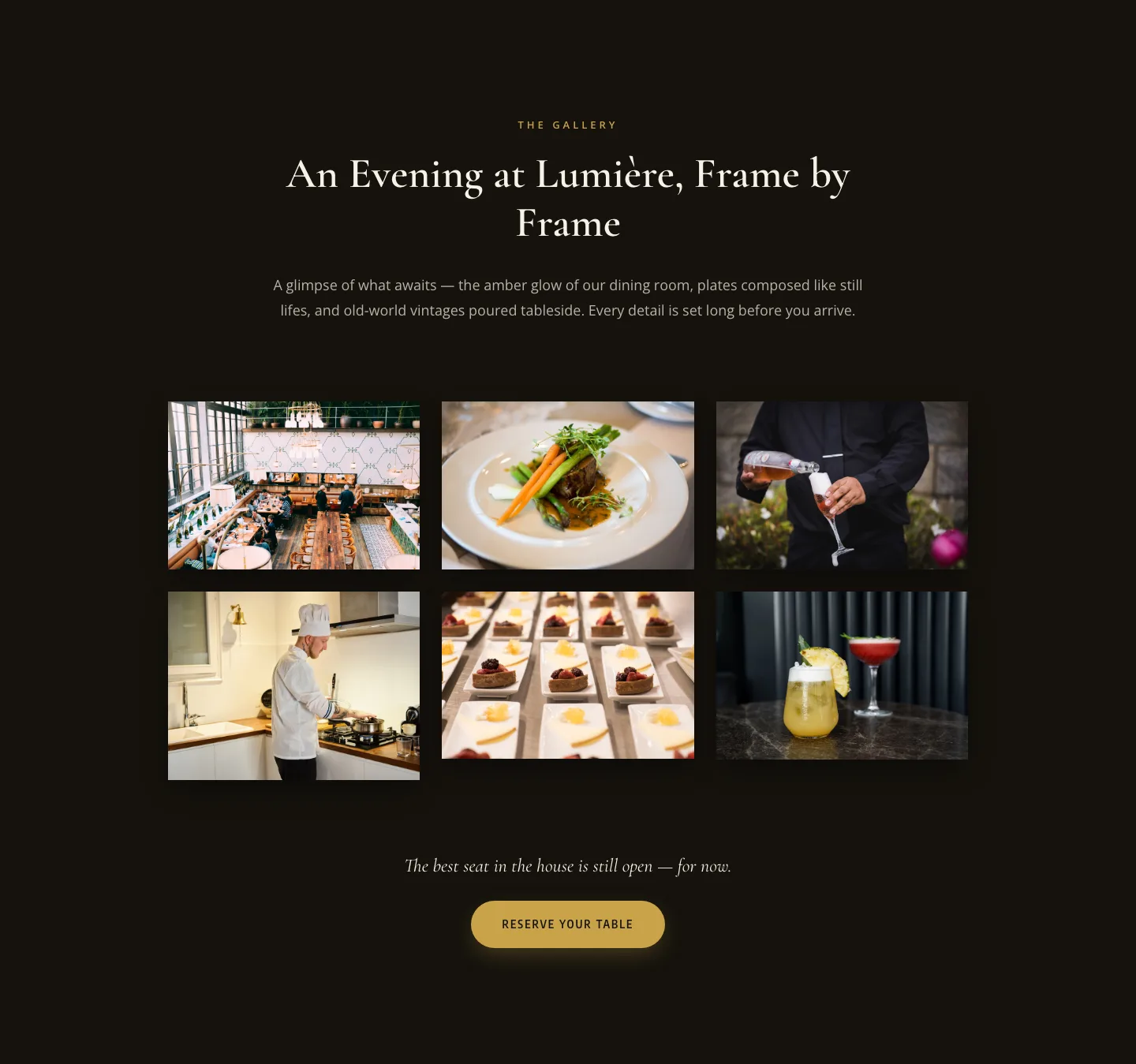
Elegant Restaurant Gallery Divi 5 Layout: Dark & Gold Photo Grid
gallery · restaurant · elegant
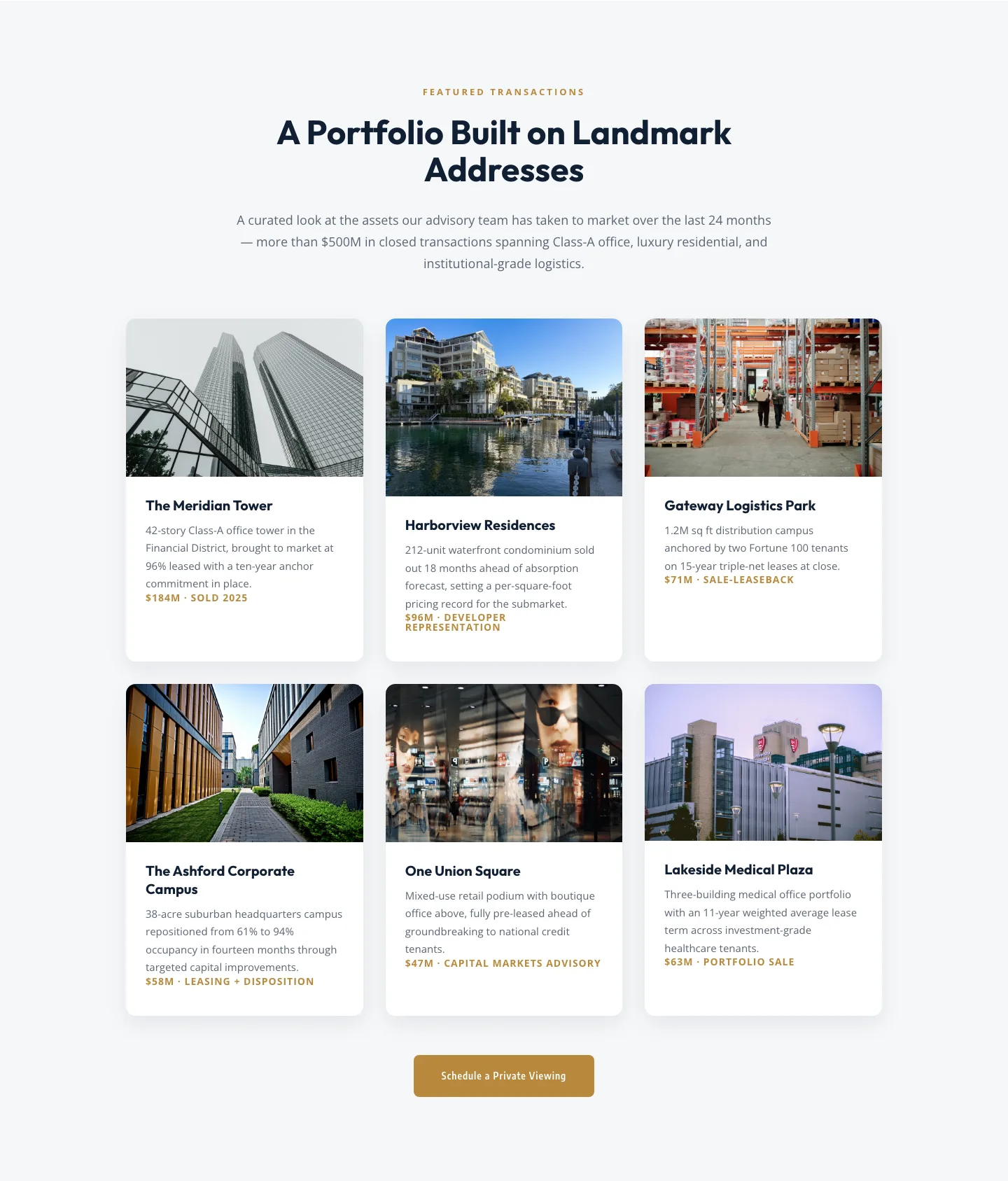
Corporate Real Estate Featured Listings Gallery: Divi 5 Layout
gallery · real_estate · corporate
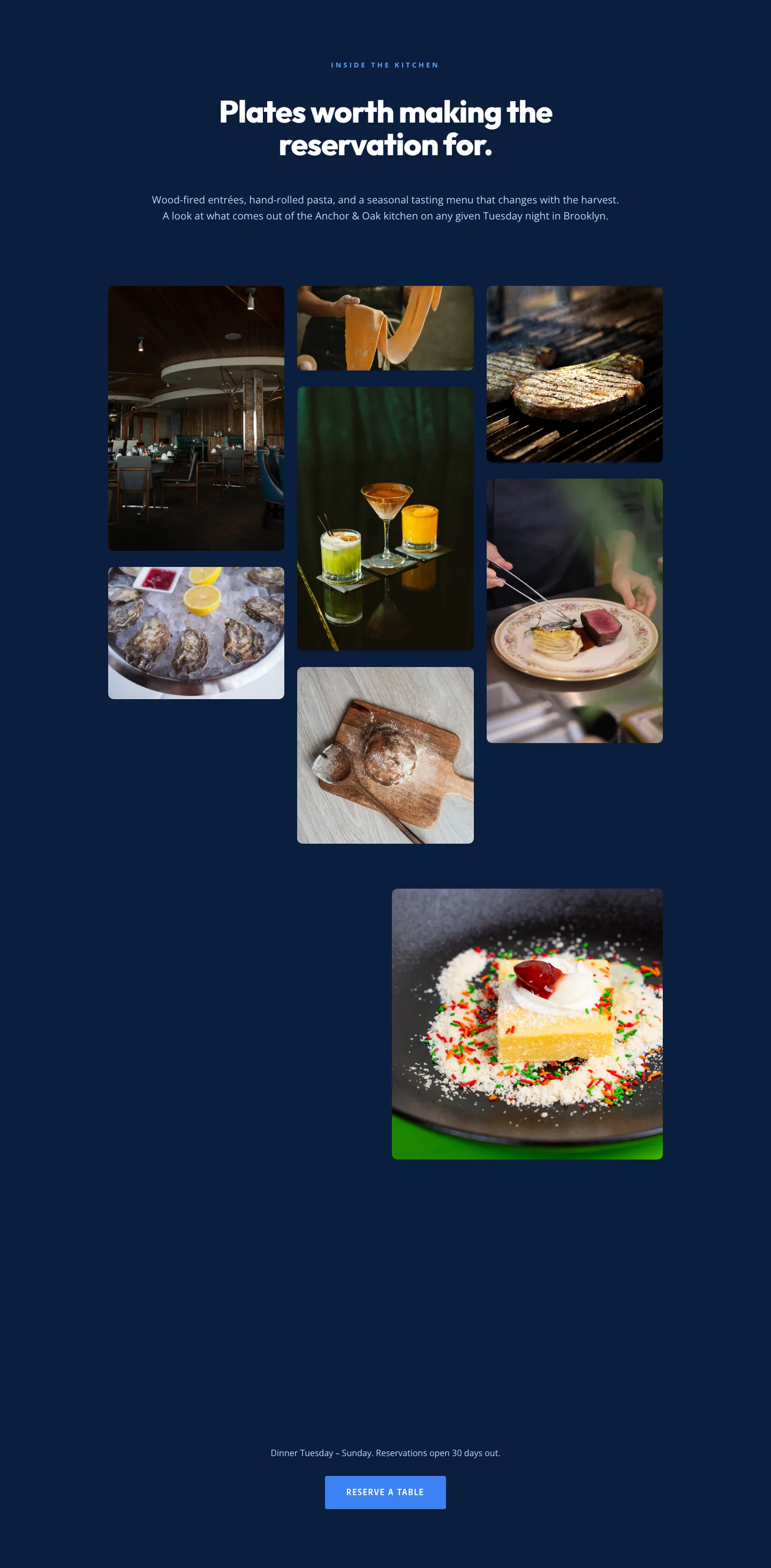
Restaurant Gallery: Bold Blue (Anchor & Oak) | Divi 5 Layout
gallery · restaurant · bold
Playful Real Estate Listings Gallery: Divi 5 Layout
gallery · real_estate · playful
Playful Agency Portfolio Gallery: Free Divi 5 Layout
gallery · agency · playful