
Elegant Restaurant Gallery Divi 5 Layout: Dark & Gold Photo Grid
A candlelit, fine-dining photo gallery section for Divi 5: dark charcoal backdrop, gold accents, serif headlines, a 6-image grid with hover effects, and a reservation CTA. Validated JSON, ready to import.
Rate this element
Download this section, free
- Divi 5 JSON, imports in seconds
- Commercial license included
- No account needed
Click to view the full page
Overview
The section opens on a warm near-black canvas (#15120d) with generous 120px vertical padding, framing a centered intro block capped at 760px. A gold eyebrow reading The Gallery (letter-spaced 4px in uppercase #c9a349) sits above a Cormorant Garamond headline set at 54px on desktop and 36px on phone. Beneath it, an 18px lede paragraph at 72% opacity cream reads like editorial body copy, atmospheric rather than punchy.
Below the intro, two rows of three equal columns (1_3, 1_3, 1_3) hold six landscape photographs. Each image lives in an 18px-rounded frame with a preset3 box shadow (14px vertical offset, 36px blur, 45% black) that deepens on hover, plus a subtle brightness lift to 108% as the mouse moves across it. The gallery grid is capped at 1200px with 28px column and row gutters, enough air to feel curated rather than densely packed.
A final full-width row centers an italic Cormorant tagline (The best seat in the house is still open, for now.) above a champagne-gold pill button. The button uses a 50px border radius, 38px horizontal padding, a warm amber background (#c9a349) with dark ink (#181410), and a soft gold glow shadow that intensifies on hover. It reads as a small, high-contrast call to action instead of a shouty banner.
On phone, both image rows collapse to a single-column stack (columns switch to 24_24 / full width) and the heading drops from 54px to 36px, so the editorial rhythm survives narrow viewports without overflow.
What’s inside
- Six-tile photo grid arranged as two rows of three (1_3 × 3, twice) with 28px column and row gutters
- Centered intro block (760px max-width) with a gold uppercase eyebrow, a Cormorant Garamond H2, and an 18px lede paragraph at 72% opacity
- Six Divi Image modules with synced 18px corner radius, preset3 box shadow, and a hover brightness lift to 108%
- Italic Cormorant tagline paired with a gold pill button (50px radius, 38px horizontal padding, warm-gold glow shadow) for a closing reservation CTA
- Warm-black canvas (#15120d), cream text (#f7f1e6), and a single champagne-gold accent (#c9a349) used only for eyebrow, button, and shadow
- 1200px max-width gallery container so the grid stays composed on wide monitors instead of stretching edge-to-edge
- Mobile behavior baked in: both rows collapse to a single column and the H2 scales from 54px to 36px
- Built entirely from native Divi 5 modules (Section, Row, Column, Text, Heading, Image, Button) with no shortcodes or third-party plugins
Who it’s for
Fine-dining restaurants, wine bars, chef's tables, and tasting-menu venues where the room, the plating, and the pour do the selling. It fits boutique hotel dining rooms, private supper clubs, and cocktail lounges that want an editorial photo showcase without a busy carousel. Beyond restaurants, the dark-and-gold palette adapts cleanly to patisseries, private chefs, catering brands, whisky lounges, and small-batch spirits. Any hospitality outfit whose photography is strong enough to carry the page on its own. Skip it if your brand voice is bright, casual, or family-friendly; the mood here is intentionally hushed and evening-lit, closer to a printed menu than a bright breakfast joint.
Customization tips
Photos: six landscape images work best at roughly 940×650 (a soft 3:2). Portrait shots will letterbox inside each 1_3 column, so crop before uploading.
Copy limits: keep the eyebrow to 1–3 short words, the 4px letter-spacing punishes anything longer. The headline is designed for 6–10 words; if you push past that, drop the desktop size from 54px to about 46px so it doesn't wrap to three lines. The lede paragraph reads best at 25–45 words on the 1.8em line-height.
Palette swap: to move off dark-and-gold, change three colors and everything follows, #15120d (section background), #c9a349 (eyebrow text, button background, and glow shadow), and #f7f1e6 (heading + tagline). Save them as Divi color presets to reuse across other pages.
Type: Cormorant Garamond is used for the H2 and the italic tagline, swap both to another editorial serif (Playfair Display, EB Garamond) via the font pickers.
CTA: set the button link to your reservation system, or delete the button entirely and let the italic tagline close the section as a quiet closing quote.
How to install this layout
- Download the layout JSON file from this page.
- Open the target page in the Divi 5 builder.
- Open the portability panel (up/down arrows icon) and choose the Import tab.
- Upload the JSON. Tick “replace existing content” only for full-page imports.
- Check the page at desktop and mobile widths, then swap in your copy and images.
Full walkthrough with troubleshooting: How to Import a Divi 5 Layout.
Questions about Elegant Restaurant Gallery Divi 5 Layout: Dark & Gold Photo Grid
Can I use fewer than six images?
Yes: delete one or two of the 1_3 columns per row, or remove the second row entirely for a 3-up gallery. The rows use flex layout, so the remaining columns re-flow evenly instead of leaving empty gaps.
What image size and aspect ratio should I upload?
Landscape at roughly 3:2 (about 940×650 or larger) matches the placeholder ratio and fills each 18px-rounded tile without cropping. Portrait photos will render with visible top and bottom margins inside the frame.
Does the "Reserve Your Table" button link anywhere out of the box?
No, the button ships without a URL. Set its link in the button module to your reservation platform (OpenTable, Resy, Tock) or a mailto address. That's the first thing to edit before publishing.
How does the grid behave on mobile?
Both three-column rows collapse to a single column (columns switch to 24_24 / full width) and the H2 scales from 54px to 36px. The 28px row gap becomes vertical spacing between stacked images.
I don't want a CTA, can I remove the last row?
Yes. Delete the final row with the italic tagline and gold button. The intro block plus the two image rows stand on their own as a self-contained gallery section.
Where does the gold accent live if I want to change it?
The #c9a349 gold appears in three places: the eyebrow text color, the button background, and the button's glow box shadow. Change all three (or use a Divi color preset) and the rest of the layout stays neutral cream-on-black.
Which Divi version does this layout need?
Divi 5. The layout is generated natively for Divi 5 and validated against its real module structure before publication, so it imports clean into the current builder.
Can I use this layout on client websites?
Yes. Every download includes a commercial license covering unlimited sites you own or build for clients. Only reselling or redistributing the layout file itself is prohibited.
More galleries
Browse all galleries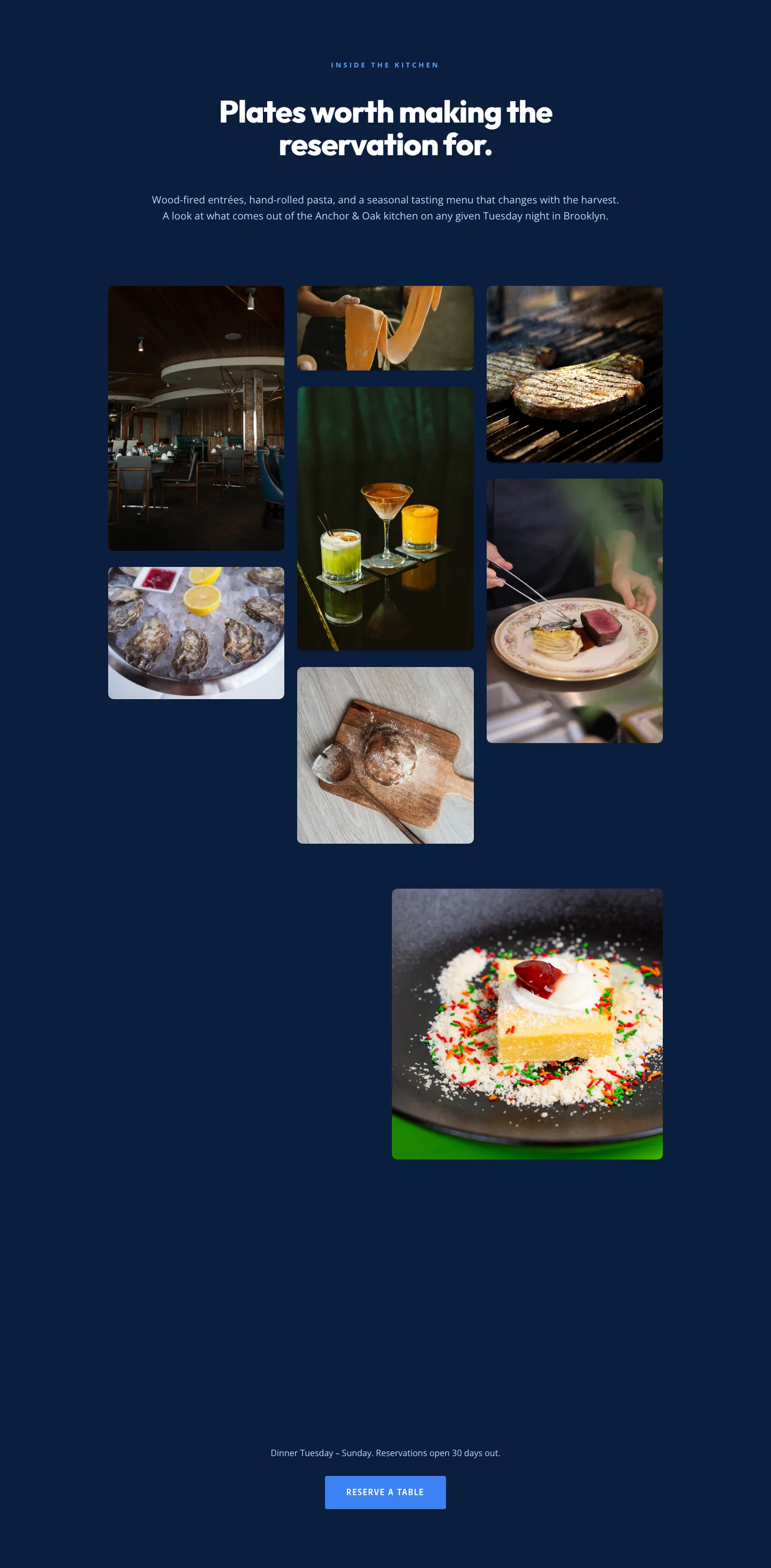
Restaurant Gallery: Bold Blue (Anchor & Oak) | Divi 5 Layout
gallery · restaurant · bold
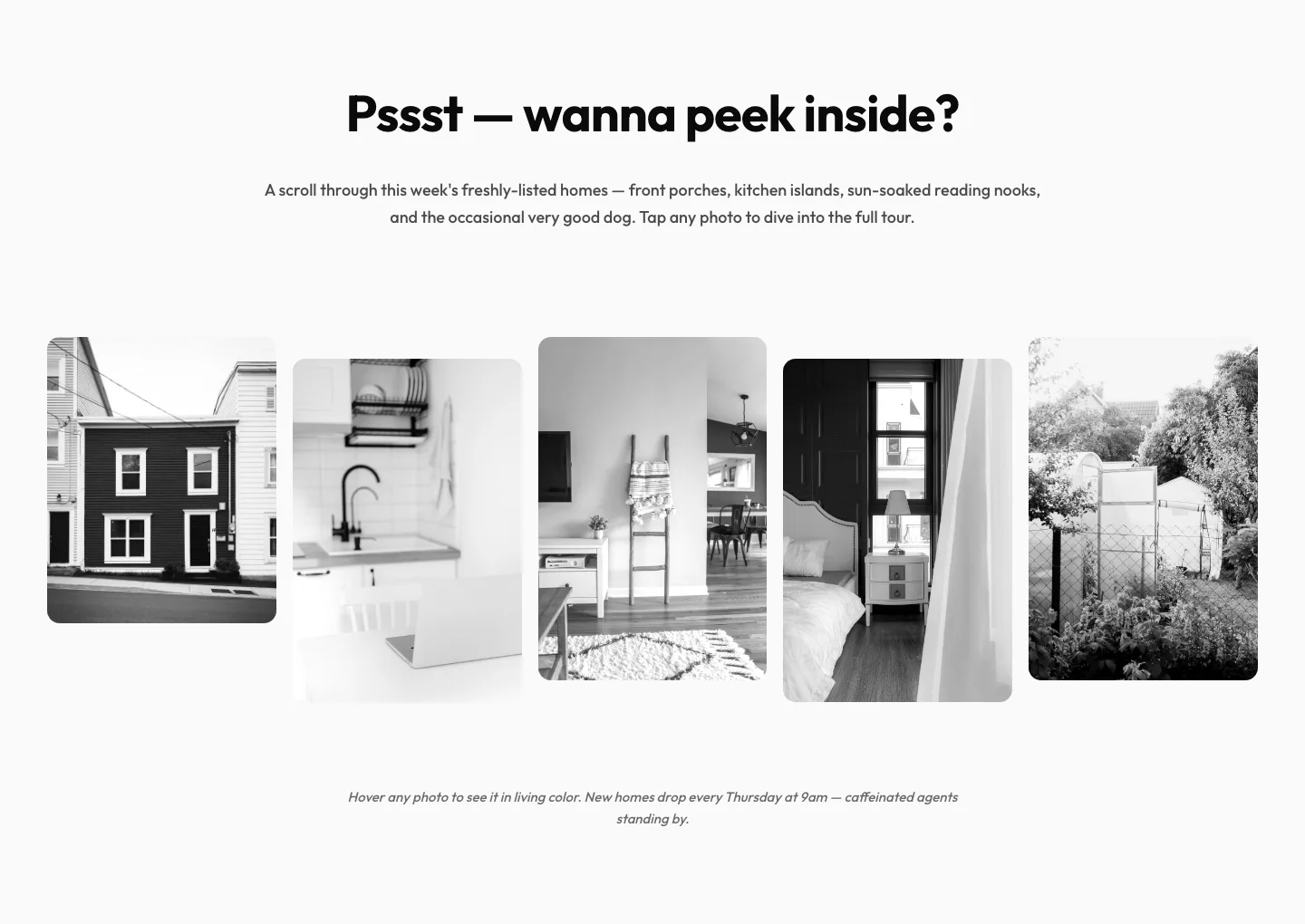
Playful Real Estate Listings Gallery: Divi 5 Layout
gallery · real_estate · playful
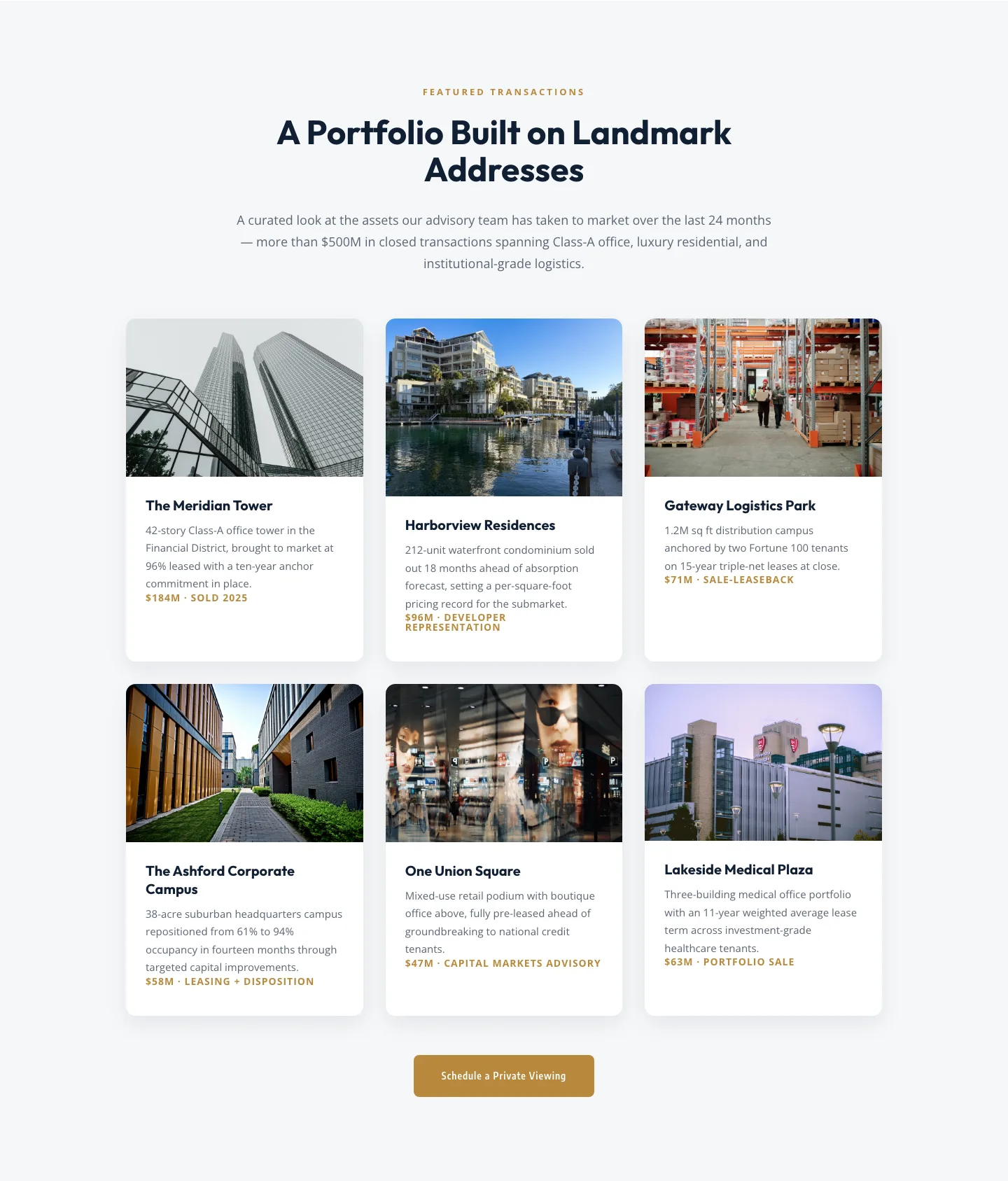
Corporate Real Estate Featured Listings Gallery: Divi 5 Layout
gallery · real_estate · corporate
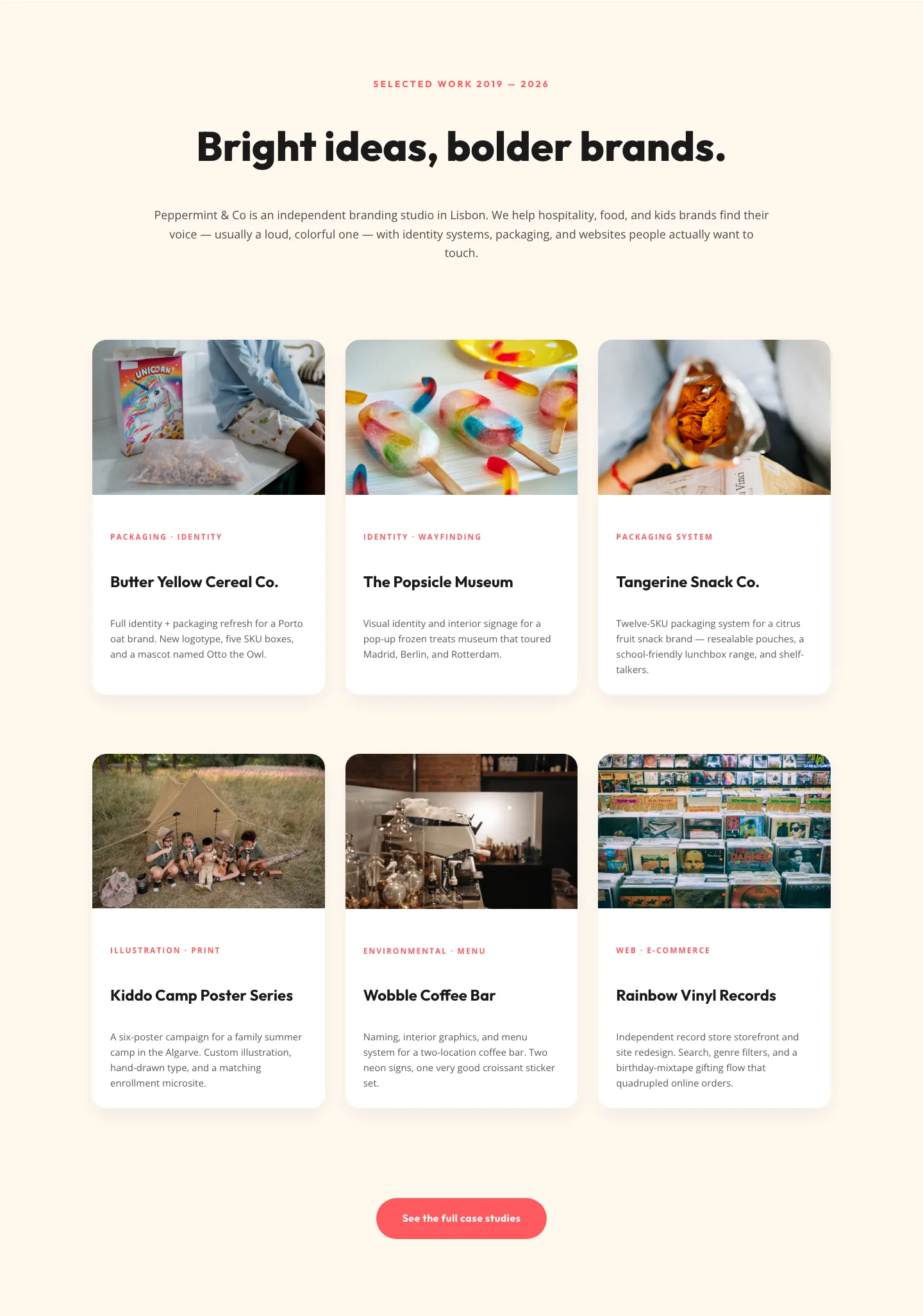
Playful Agency Portfolio Gallery: Divi 5 Case Study Grid
gallery · agency · playful
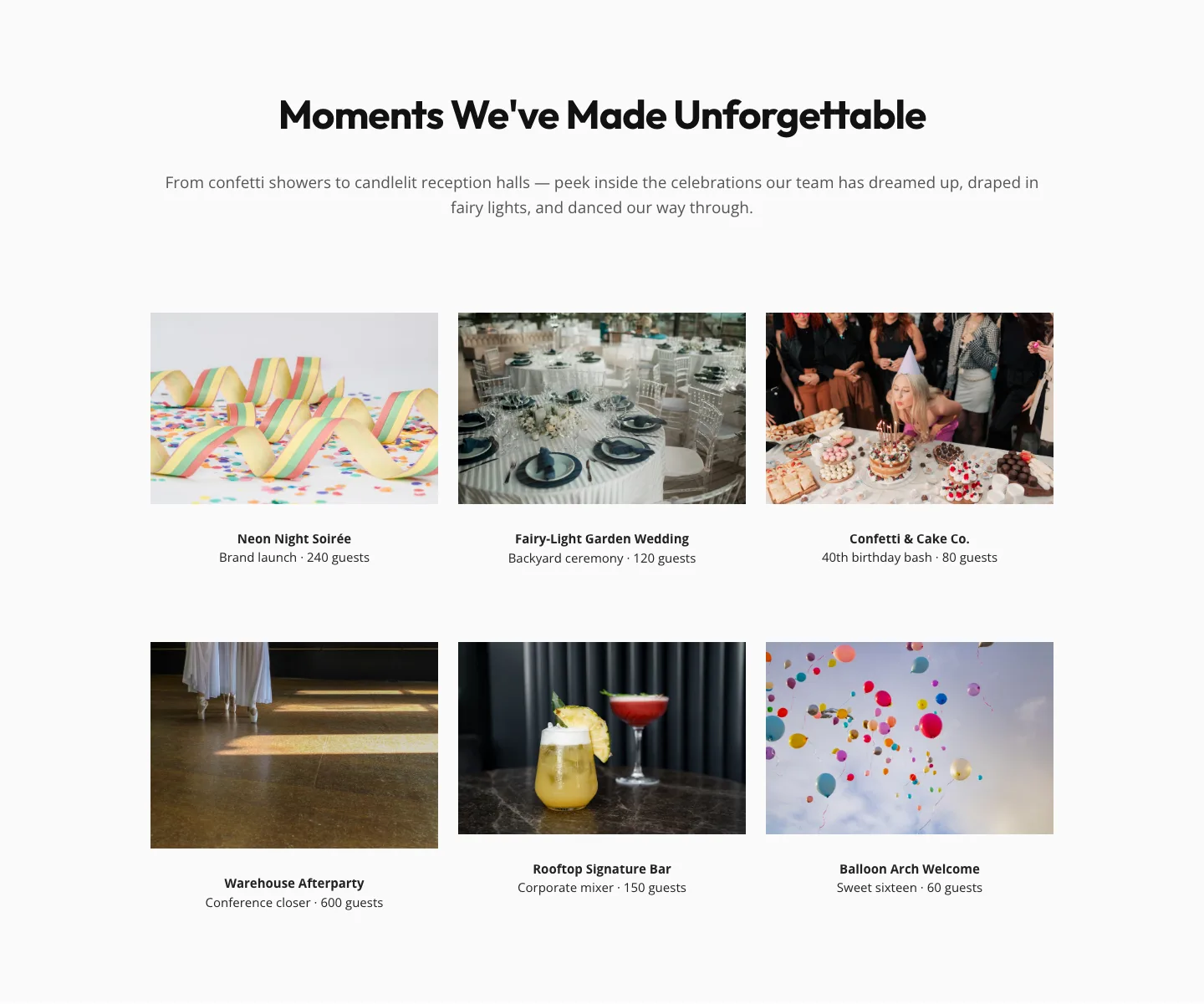
Playful Events Gallery Layout for Divi 5: Free Download
gallery · events · playful
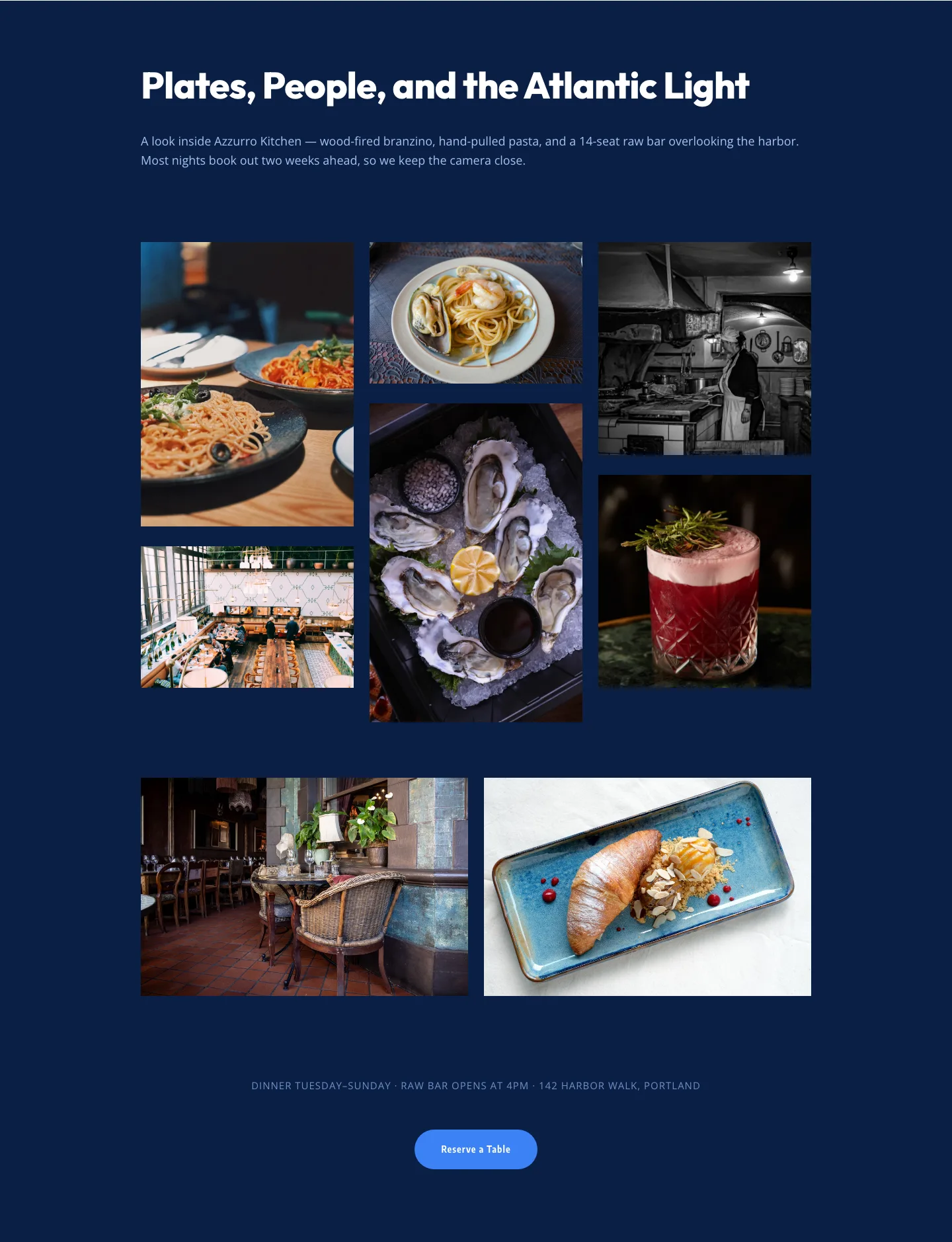
Bold Restaurant Gallery Layout for Divi 5: Coastal Dining Showcase
gallery · restaurant · bold