
Restaurant Gallery: Bold Blue (Anchor & Oak) | Divi 5 Layout
Bold blue restaurant gallery layout for Divi 5. Showcase wood-fired plates, dining room shots, and reservation CTA in a magazine-style grid.
Rate this element
Download this section, free
- Divi 5 JSON, imports in seconds
- Commercial license included
- No account needed
Click to view the full page
Overview
The section lays down a deep navy stage (#0a1f3d) with 110px of vertical breathing room and edge-safe 5% side padding, so the imagery reads as the star rather than something wedged into a template. A centered intro row caps at 880px and stacks three moves: a tracked-out blue eyebrow ("INSIDE THE KITCHEN") in #60a5fa with 4px letter-spacing, an Outfit heading set at 58px / weight 800 / -1.5px tracking in white, and a 19px pale-blue paragraph (#bfdbfe) that gives voice to the room. The hierarchy is unmistakable from the first glance: micro label, hero headline, supporting sentence.
Below the intro, three image rows shuffle the grid so the eye never falls into a repeating rhythm. First is a three-column gallery (1/3-1/3-1/3) where the middle column carries an extra photo and creates a gentle masonry stagger against the outer columns. Second is a 2/3 + 1/3 split that hero-features one wide shot beside a single portrait image. Third is a four-across grid of equal 1/4 columns. Every photograph gets a 10px corner radius with hidden overflow, so nothing spills at responsive breakpoints, and a 24px column gap plus 24px bottom margins keep the grid airy without feeling gappy.
The palette does most of the branding work. Navy sets the mood, #60a5fa handles accent labels, #bfdbfe carries all supporting text, and a saturated #3b82f6 owns the "Reserve a Table" button: 40px horizontal padding, 4px radius, uppercase 15px white type with 2px tracking. On mobile, Divi's built-in column stacking collapses each row into a single vertical scroll of food photography, ending on the centered CTA and a short hours caption ("Dinner Tuesday – Sunday. Reservations open 30 days out."). Nothing needs re-authoring for phone.
What’s inside
- Deep navy section (`#0a1f3d`) with 110px top/bottom padding and 5% side padding for edge-safe framing on wide monitors
- Centered intro row capped at 880px: tracked eyebrow Text, 58px Outfit Heading (weight 800, -1.5px letter-spacing), and 19px supporting Text
- Four Divi row layouts stacked into one section: 3-column masonry, 2/3+1/3 hero split, four-across 1/4 grid, and centered CTA row
- Thirteen Image modules with 10px rounded corners, hidden overflow, and detailed alt text ready to swap for your own dish photography
- 24px column gap and 24px inter-row rhythm: tight enough to feel curated, open enough to breathe
- Wide hero photograph slot in the 2/3+1/3 row for a signature shot (the open hearth, in the sample content)
- Reserve-a-Table Button module (`#3b82f6`, 4px radius, uppercase 15px tracked label) paired with a Text caption for hours and reservation policy
- Palette locked to a compact five-color system (`#0a1f3d`, `#60a5fa`, `#3b82f6`, `#bfdbfe`, `#FFFFFF`) for one-pass re-skinning via Divi presets
Who it’s for
Restaurants and bars with real food photography: chef-driven neighborhood spots, tasting-menu destinations, wine bars, cocktail lounges, brunch cafés, and bakeries. It's tuned for places that need the plates to sell the reservation, not sites leaning on stock imagery of "modern dining." The bold navy backdrop also translates cleanly to hotel restaurants, private supper clubs, catering companies, pop-up dinner series, and food photographers building a portfolio grid. Butcher shops, coffee roasters, rooftop bars, and farm-to-table concepts all fit the same mold. If your niche has zero original product photography, pick a more illustrated section type instead. This one only sings when you have at least a dozen shots you're proud of and want the room to breathe around them.
Customization tips
Start in Divi's global color settings so a single swap re-skins the whole section: change the navy background, the two blue accents (#60a5fa and #3b82f6), and the pale blue body color and every element follows. The Outfit heading works down to about 50 characters before it starts feeling stretched at desktop widths; keep the eyebrow under 25 characters so the 4px letter-spacing stays elegant. For imagery, upload photos at roughly 940×650 (3:2 landscape) so all thirteen slots share proportions. Divi crops consistently and the 10px radius stays even across breakpoints. Swap the wide 2/3 image last: it's the hero plate and needs your strongest single shot. If you don't run reservations, retarget the button URL to a menu PDF, a tel: link, or an ordering platform; the surrounding hours text is a plain Text module you can rewrite in place without touching styling.
How to install this layout
- Download the layout JSON file from this page.
- Open the target page in the Divi 5 builder.
- Open the portability panel (up/down arrows icon) and choose the Import tab.
- Upload the JSON. Tick “replace existing content” only for full-page imports.
- Check the page at desktop and mobile widths, then swap in your copy and images.
Full walkthrough with troubleshooting: How to Import a Divi 5 Layout.
Questions about Restaurant Gallery: Bold Blue (Anchor & Oak) | Divi 5 Layout
How many images do I need to fill the layout?
Thirteen slots across three gallery rows. If your library is thinner, delete the four-across bottom row (it's a self-contained Divi row) and keep the intro + first two gallery rows + CTA. The section still reads complete at nine images.
Does the gallery stay legible on mobile?
Yes. Divi collapses each of the multi-column rows into a single stacked column at tablet and phone widths, so the four image rows become one long scroll of full-width photography. The 10px corner radius and 24px bottom margins carry over automatically.
What image size and ratio should I upload?
Roughly 940×650 (a 3:2 landscape) works best. All thirteen slots share the same crop, so uniform proportions keep the masonry-style stagger looking intentional rather than accidental. The included alt text is descriptive, replace it per image for accessibility and SEO.
The button says "Reserve a Table", what if I don't take reservations?
Swap the Button module's link and label to whatever fits: "See the Menu" pointing at a PDF, "Order Online" pointing at Toast/Square/DoorDash, or "Call Us" with a `tel:` link. The styling stays; only the copy and URL change.
Can I keep the layout dark but shift away from blue?
Yes. The palette is only five values (background `#0a1f3d`, two accent blues, one soft body color, and white). Update those in Divi's color settings and the entire section re-skins in a single pass: try burgundy + gold for a wine bar, or forest + brass for a farm-to-table concept.
Which Divi version does this layout need?
Divi 5. The layout is generated natively for Divi 5 and validated against its real module structure before publication, so it imports clean into the current builder.
Can I use this layout on client websites?
Yes. Every download includes a commercial license covering unlimited sites you own or build for clients. Only reselling or redistributing the layout file itself is prohibited.
More galleries
Browse all galleries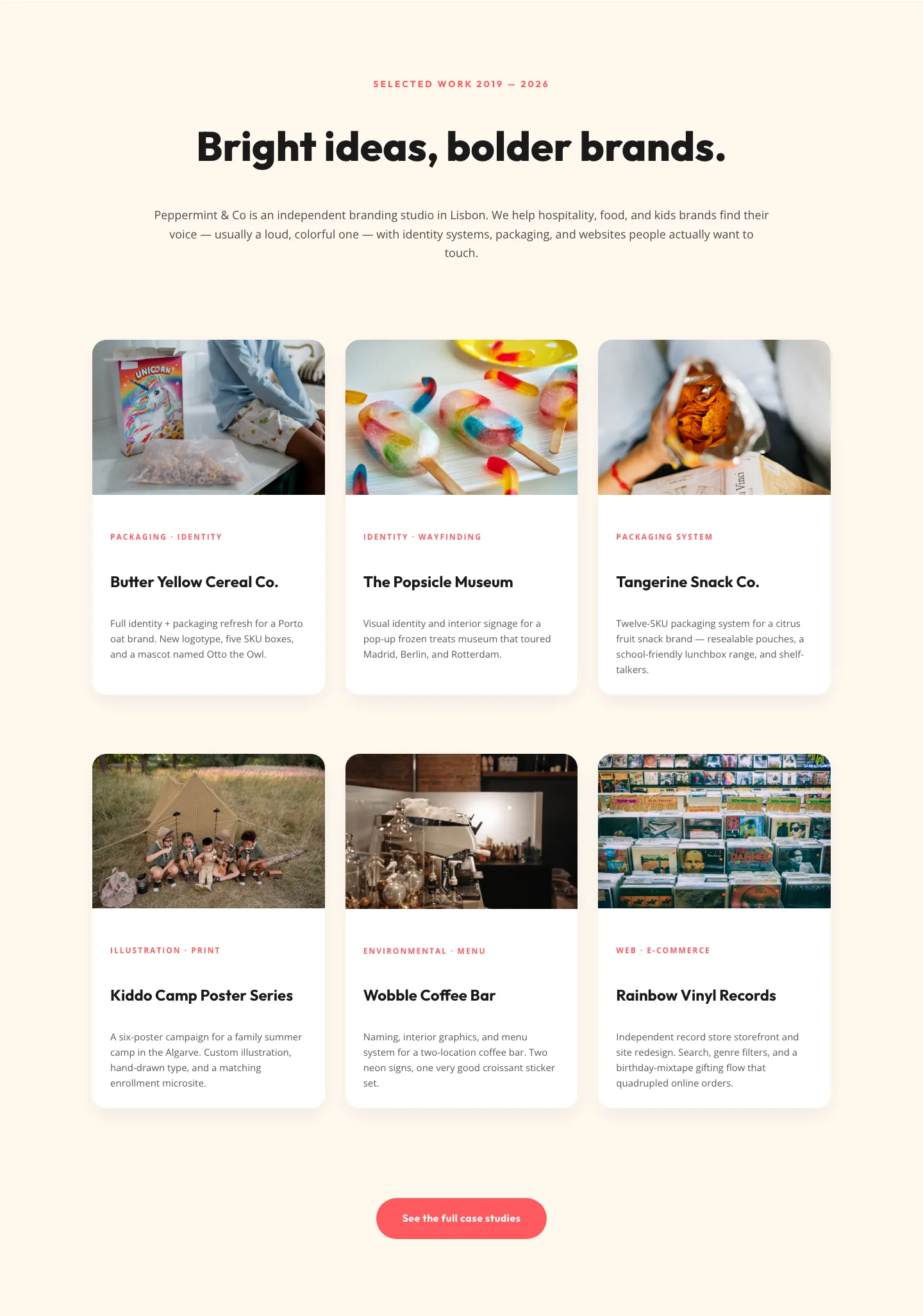
Playful Agency Portfolio Gallery: Divi 5 Case Study Grid
gallery · agency · playful
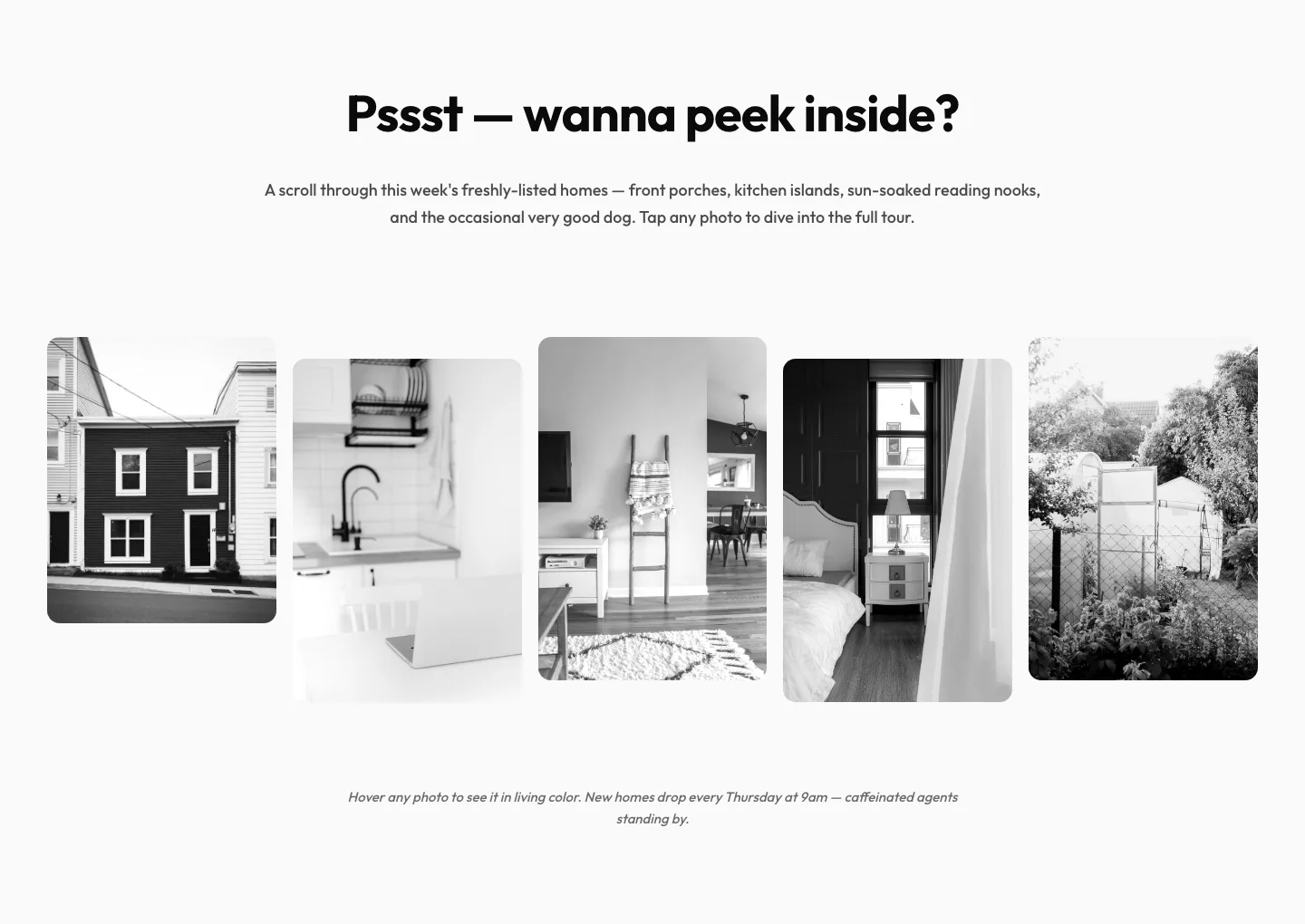
Playful Real Estate Listings Gallery: Divi 5 Layout
gallery · real_estate · playful
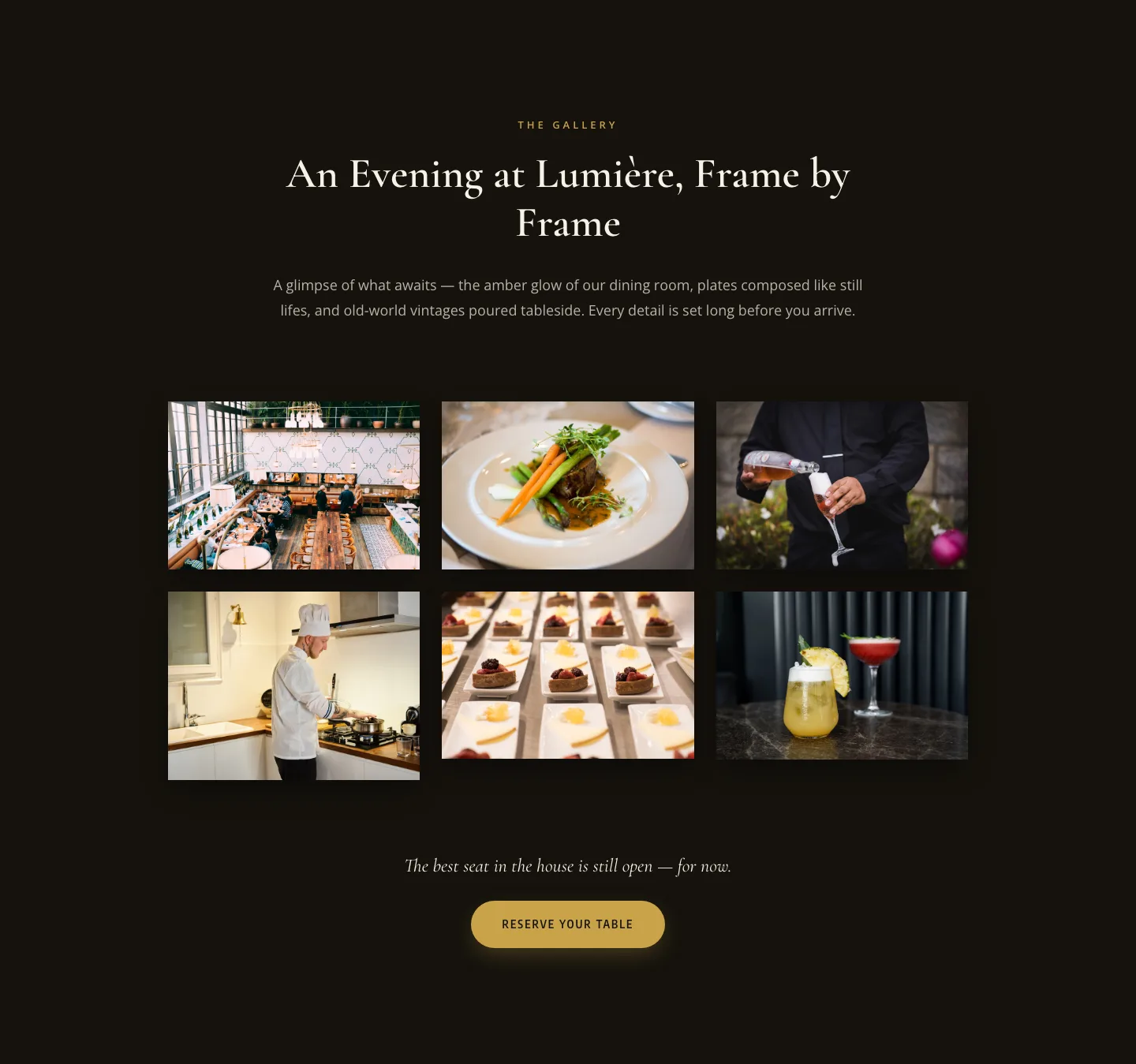
Elegant Restaurant Gallery Divi 5 Layout: Dark & Gold Photo Grid
gallery · restaurant · elegant
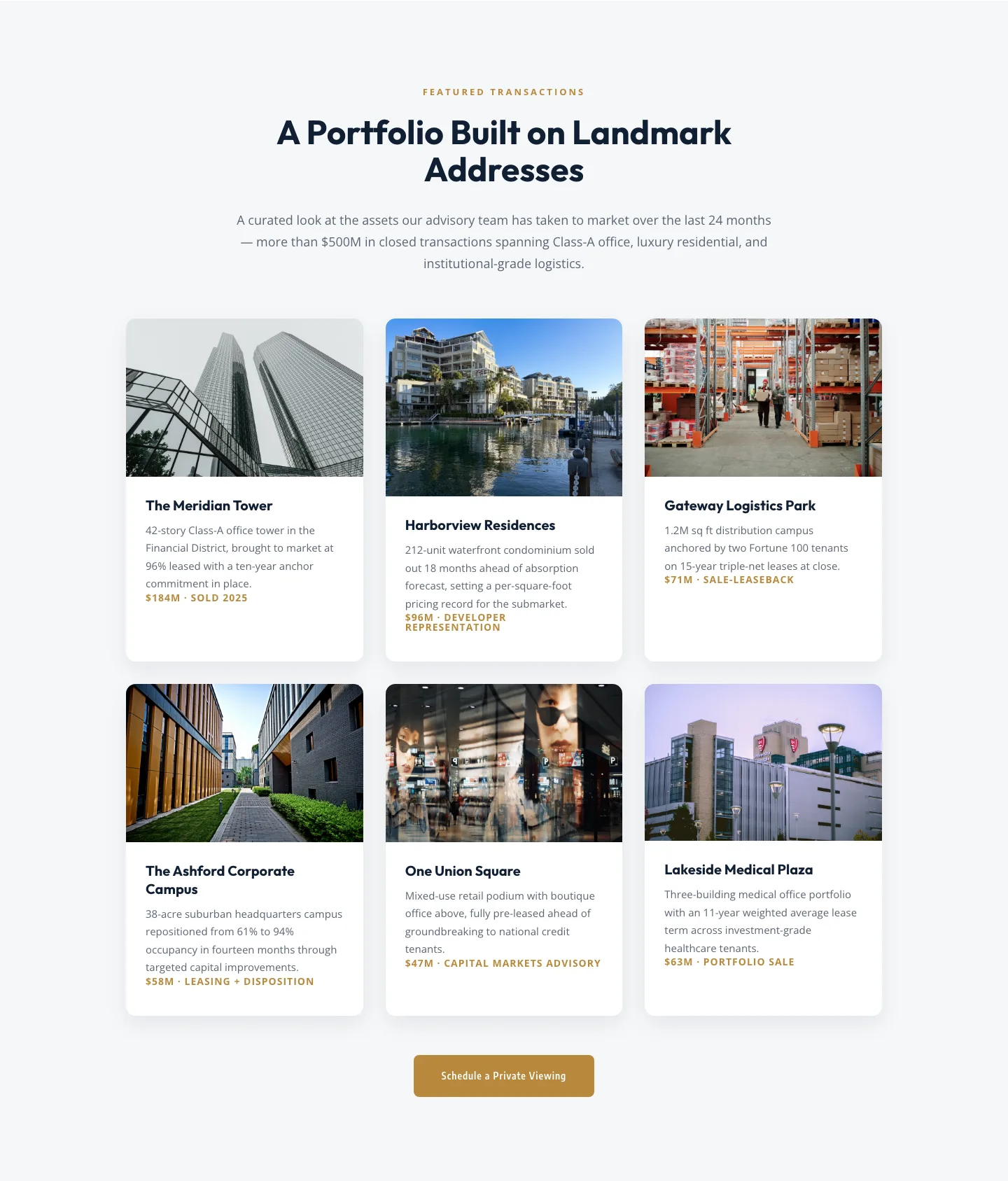
Corporate Real Estate Featured Listings Gallery: Divi 5 Layout
gallery · real_estate · corporate
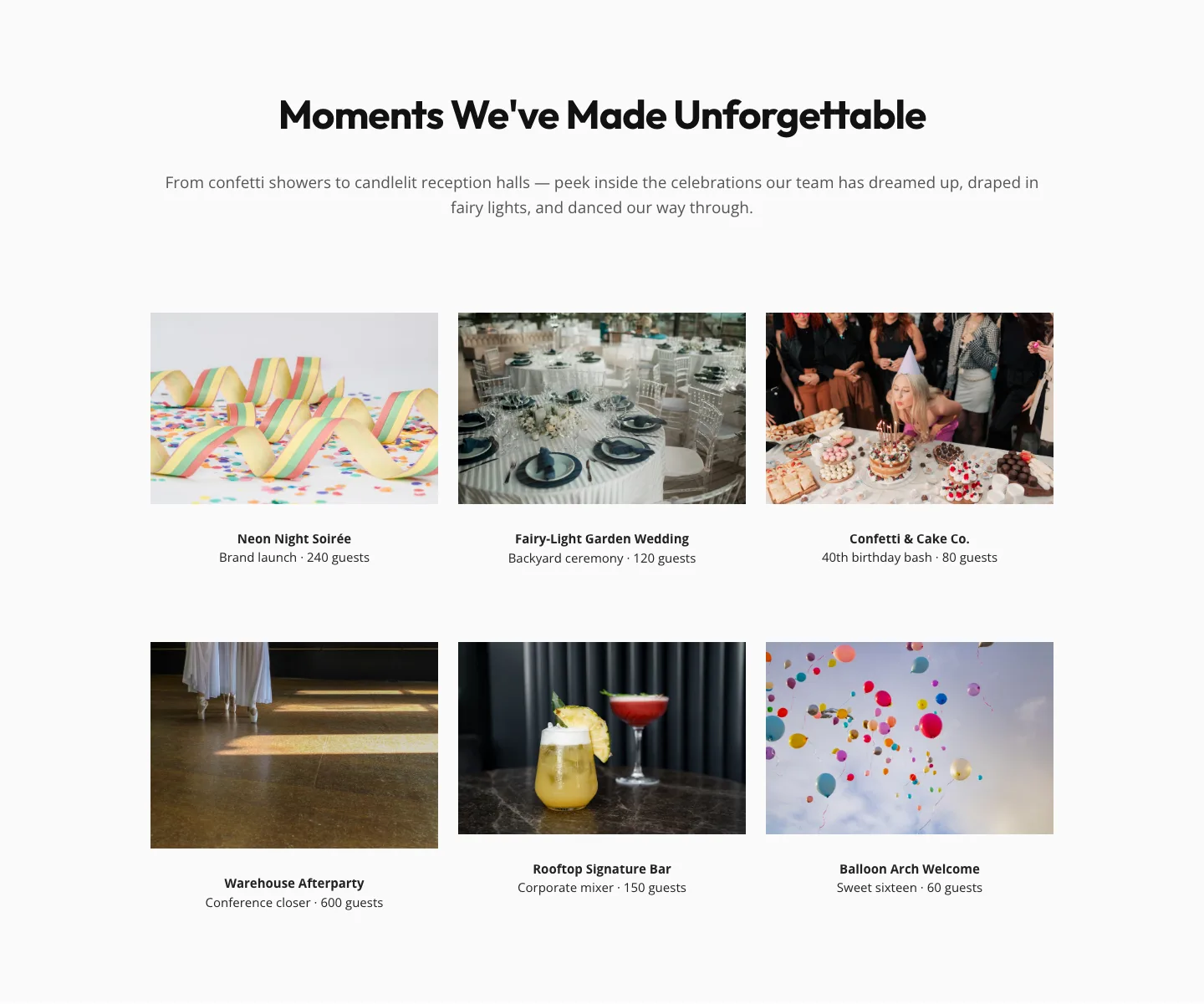
Playful Events Gallery Layout for Divi 5: Free Download
gallery · events · playful
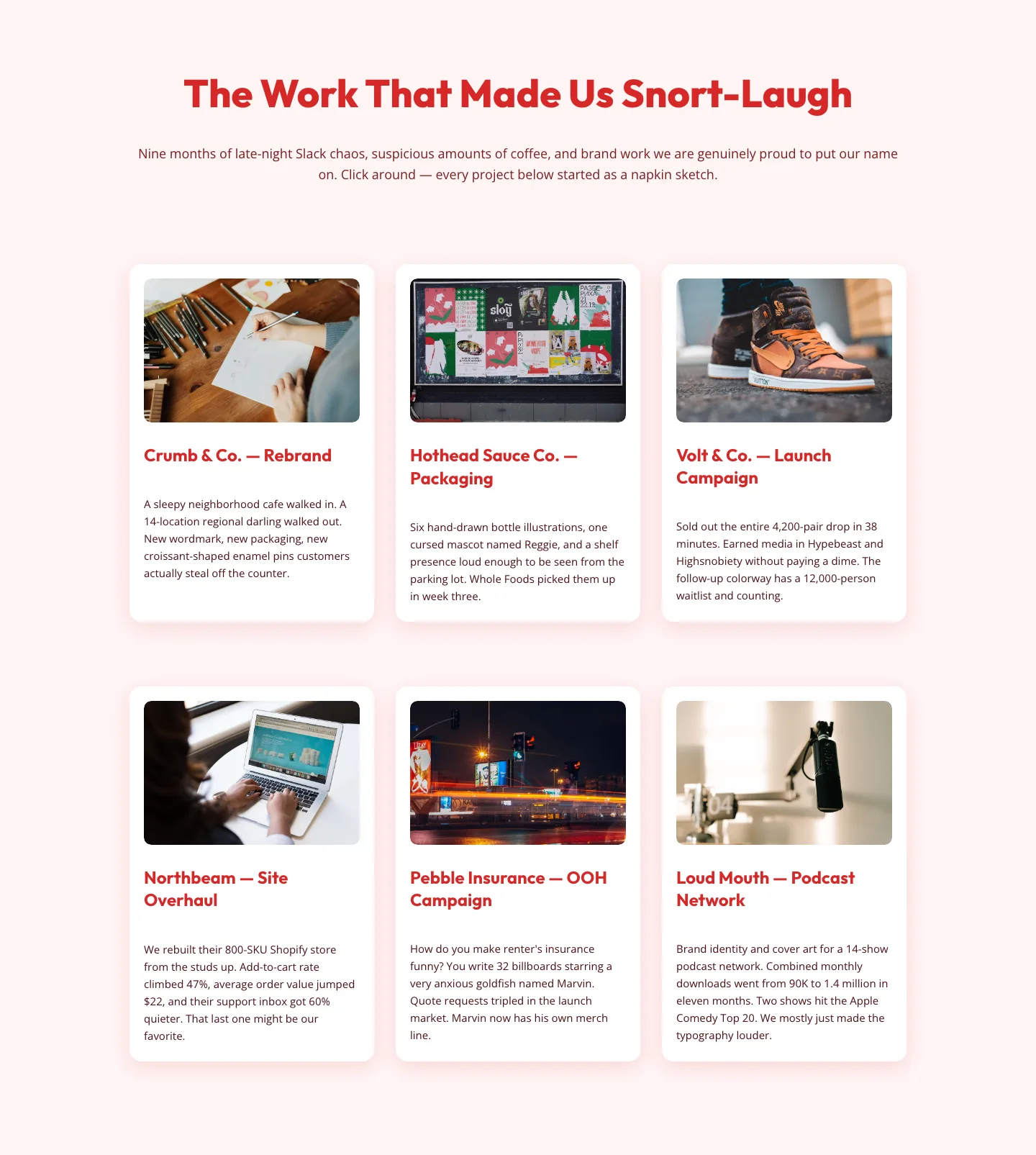
Playful Agency Portfolio Gallery: Free Divi 5 Layout
gallery · agency · playful