
Corporate Real Estate Featured Listings Gallery: Divi 5 Layout
Showcase landmark property transactions with this corporate Divi 5 gallery section for real estate firms: six polished listing cards with photos, deal values, and a private-viewing CTA.
Rate this element
Download this section, free
- Divi 5 JSON, imports in seconds
- Commercial license included
- No account needed
Click to view the full page
Overview
This section leads with a centered header block capped at a 780px max-width, which keeps the intro copy tight and readable even on wide monitors. A gold uppercase eyebrow ("Featured Transactions", #b8893d, 3px letter-spacing) sits above a 48px Outfit headline in deep navy (#101f33), followed by an 18px body paragraph in a soft slate gray (#5b6675) with 1.7em line-height. The generous 120px top/bottom padding and the light #f6f7f9 background give the whole section room to breathe, a common editorial device in institutional real estate marketing.
Below the header sit two three-column rows containing six property cards. Each card is a full column with a white background, 14px rounded corners, hidden overflow so the image crops cleanly to the top edge, and a soft navy-tinted drop shadow that deepens on hover (from 0 12px 32px rgba(16,31,51,0.08) to 0 20px 48px rgba(16,31,51,0.18)). Inside the card, a Divi image module fills the top, then a text module holds an H3 property name in Outfit 20px navy, a 15px description paragraph, and a compact H4 deal-value line in gold uppercase. A hierarchy that reads like a tombstone in an investment prospectus.
The rows use flex layout with 32px column and row gaps and alignItems: stretch, so cards match height regardless of copy length. On phone breakpoints the row flex-direction switches to column and each card takes the full 24_24 width, stacking cleanly without cropping. The section closes with a centered gold CTA button ("Schedule a Private Viewing", #b8893d, 8px radius) placed in its own row with justifyContent: center, a single, deliberate next step after the portfolio proof.
What’s inside
- Centered intro block with gold uppercase eyebrow, 48px Outfit H1 in navy, and 18px supporting paragraph. Max-width 780px for editorial readability
- Six real-estate listing cards across two 1_3, 1_3, 1_3 rows with 32px column and row gaps and equal-height stretch alignment
- Card structure: Divi image module (top-cropped via hidden overflow) + text module holding H3 property name, body description, and gold uppercase H4 deal-value line
- Interactive card lift on hover: box shadow deepens from `0 12px 32px rgba(16,31,51,0.08)` to `0 20px 48px rgba(16,31,51,0.18)` on the column
- Centered gold CTA button ("Schedule a Private Viewing", `#b8893d` with `#9a6f2a` hover) in its own dedicated row
- Two-color institutional palette: navy `#101f33`, gold `#b8893d`, slate body `#5b6675`, on a `#f6f7f9` section background
- Mobile behavior handled at the row level: flex-direction switches to column, card columns become full 24_24 width, and images stay uncropped
- Built entirely from native Divi 5 modules (section, row, column, text, heading, image, button). No third-party plugins or shortcodes
Who it’s for
This layout is aimed at commercial real estate brokerages, capital markets advisors, and institutional investment sales teams that need to display a track record of closed transactions on a homepage or a dedicated portfolio page. The vocabulary in the placeholder copy (Class-A office, sale-leaseback, weighted average lease term, capital markets advisory) and the tombstone-style deal-value treatment make it a natural fit for CRE firms, boutique investment banks, private equity real estate groups, and developer marketing sites. It also transfers cleanly to adjacent professional services (M&A advisories showing deal cards, law firms displaying representative matters, or architecture and construction firms presenting flagship project outcomes) anywhere a six-item gallery of proof points with a name, one-line story, and headline number needs to feel considered rather than promotional.
Customization tips
The whole section runs on two accent colors (the navy #101f33 and the gold #b8893d (with #9a6f2a hover)) so the fastest rebrand is a global find/replace on those two hex codes plus the #f6f7f9 background. Keep the eyebrow copy to two or three words so the 3px letter-spacing stays readable. Card descriptions perform best at roughly 20–35 words; longer copy pushes the H4 deal line down and starts breaking the tombstone rhythm, though the alignItems: stretch on the row will still keep card heights equal. Property images should be landscape at roughly a 1.4:1 to 1.5:1 ratio (the placeholders are 940×650); portrait images will look cramped inside the 14px rounded top corners. If you need eight or nine listings, duplicate a column inside the second row rather than adding a third row: the section already reads as a curated set, and more than nine cards dilutes that. To convert the CTA into a contact form, swap the button module for a Divi Contact Form and keep the row's centered flex alignment.
How to install this layout
- Download the layout JSON file from this page.
- Open the target page in the Divi 5 builder.
- Open the portability panel (up/down arrows icon) and choose the Import tab.
- Upload the JSON. Tick “replace existing content” only for full-page imports.
- Check the page at desktop and mobile widths, then swap in your copy and images.
Full walkthrough with troubleshooting: How to Import a Divi 5 Layout.
Questions about Corporate Real Estate Featured Listings Gallery: Divi 5 Layout
How many listings does this section show, and can I add more?
It ships with six cards laid out in two rows of three. You can add more by duplicating a card column and dropping it into either row: the row uses `flex-wrap: wrap` with equal 32px gaps, so a fourth card will move to a new line and stay aligned. Just be aware that pasts nine or so, the section starts to feel less like a curated portfolio and more like a full listings archive.
How does the card gallery behave on mobile?
Both listing rows have `flexDirection: column` set at the phone breakpoint and each card column is set to `flexType: 24_24`, so cards stack full-width one under the other. The images are set to 100% width so they scale down without cropping, and the 28px card padding stays intact so text never touches the card edge.
Which Divi 5 modules is this built from?
Only native ones: Section, Row, Column, Text, Heading, Image, and Button. The card 'components' are just columns with a white background, 14px border-radius, and a preset box shadow: no third-party plugin, no custom shortcodes, no code modules. That means it drops into any Divi 5 site cleanly and stays editable in the visual builder.
Where should I start editing?
Start with the six card text modules (property name (H3), one-line description, and deal-value line (H4)) since those carry the whole proof story. Then swap the six placeholder images for your own transactions. The header block ("Featured Transactions" eyebrow and the H1) is the third pass. The CTA button label and link is the last thing to touch.
Where do the placeholder images come from, and do I need to replace them?
The six placeholders are pulled from Pexels URLs (office towers, condominium waterfronts, logistics campuses, medical plazas). You should absolutely replace them with your own photography before publishing: buyers of the layout only get the JSON, not a license to the specific Pexels imagery beyond Pexels' own terms. Match the roughly 1.45:1 landscape ratio and the section will keep its rhythm.
Can I use this for something other than real estate?
Yes. The card structure (hero image, name, short description, gold headline number) is really a generic 'case study' or 'deal tombstone' pattern. Change the H4 from a dollar figure to a project date, a client name, a result metric, or a case number and it works for law firms, agencies, M&A advisories, or architecture practices without any structural edits.
Which Divi version does this layout need?
Divi 5. The layout is generated natively for Divi 5 and validated against its real module structure before publication, so it imports clean into the current builder.
Can I use this layout on client websites?
Yes. Every download includes a commercial license covering unlimited sites you own or build for clients. Only reselling or redistributing the layout file itself is prohibited.
More galleries
Browse all galleries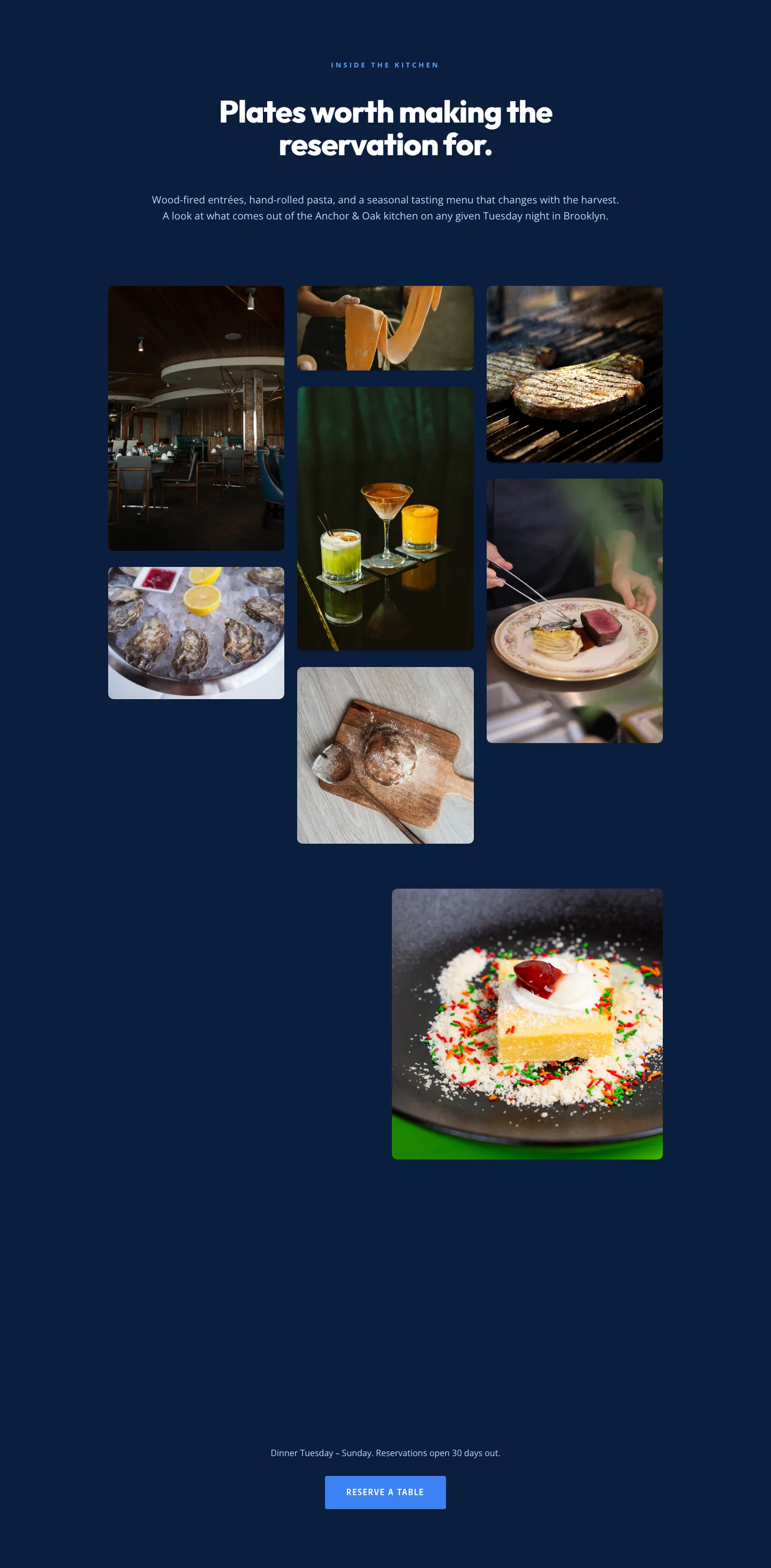
Restaurant Gallery: Bold Blue (Anchor & Oak) | Divi 5 Layout
gallery · restaurant · bold
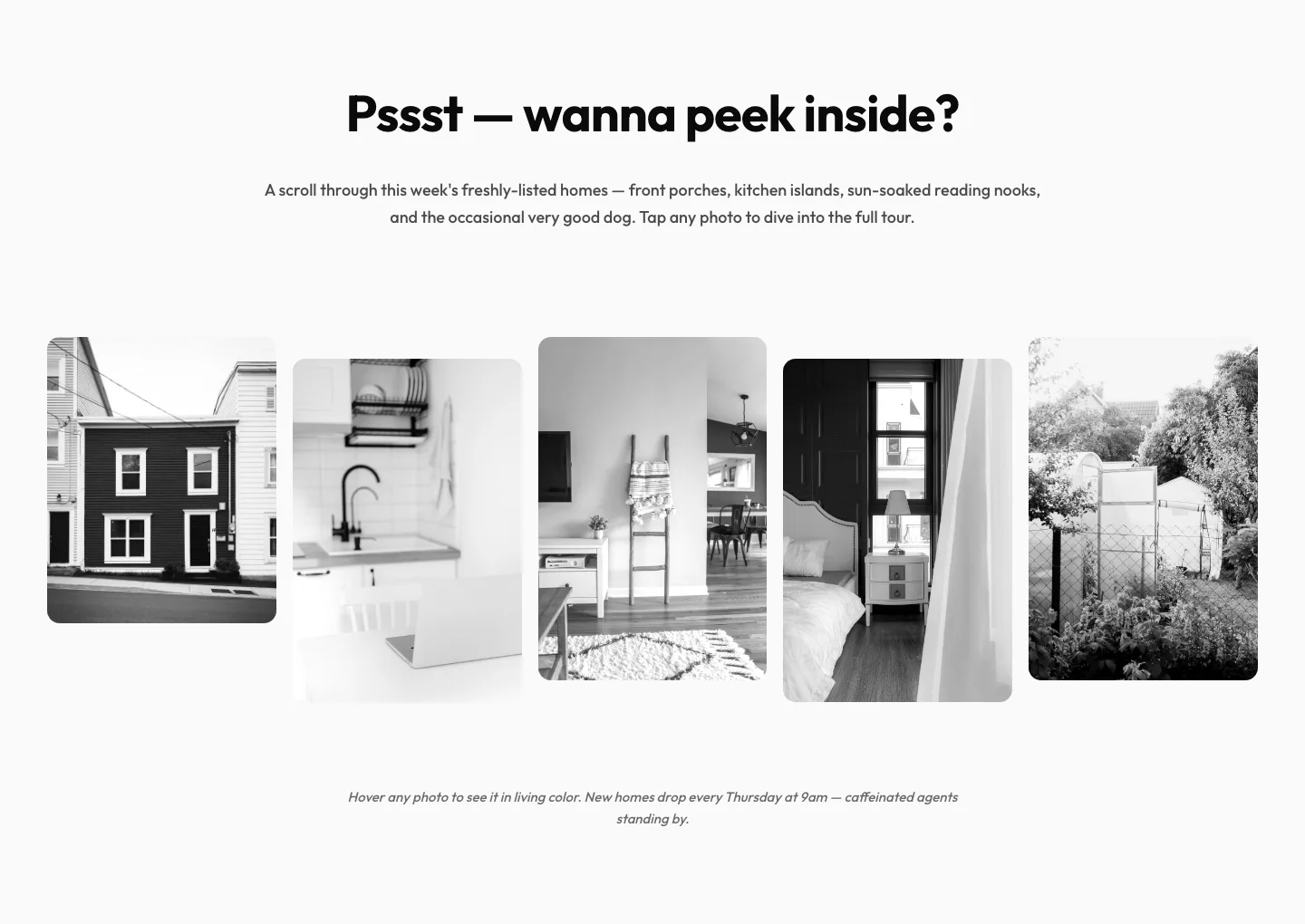
Playful Real Estate Listings Gallery: Divi 5 Layout
gallery · real_estate · playful
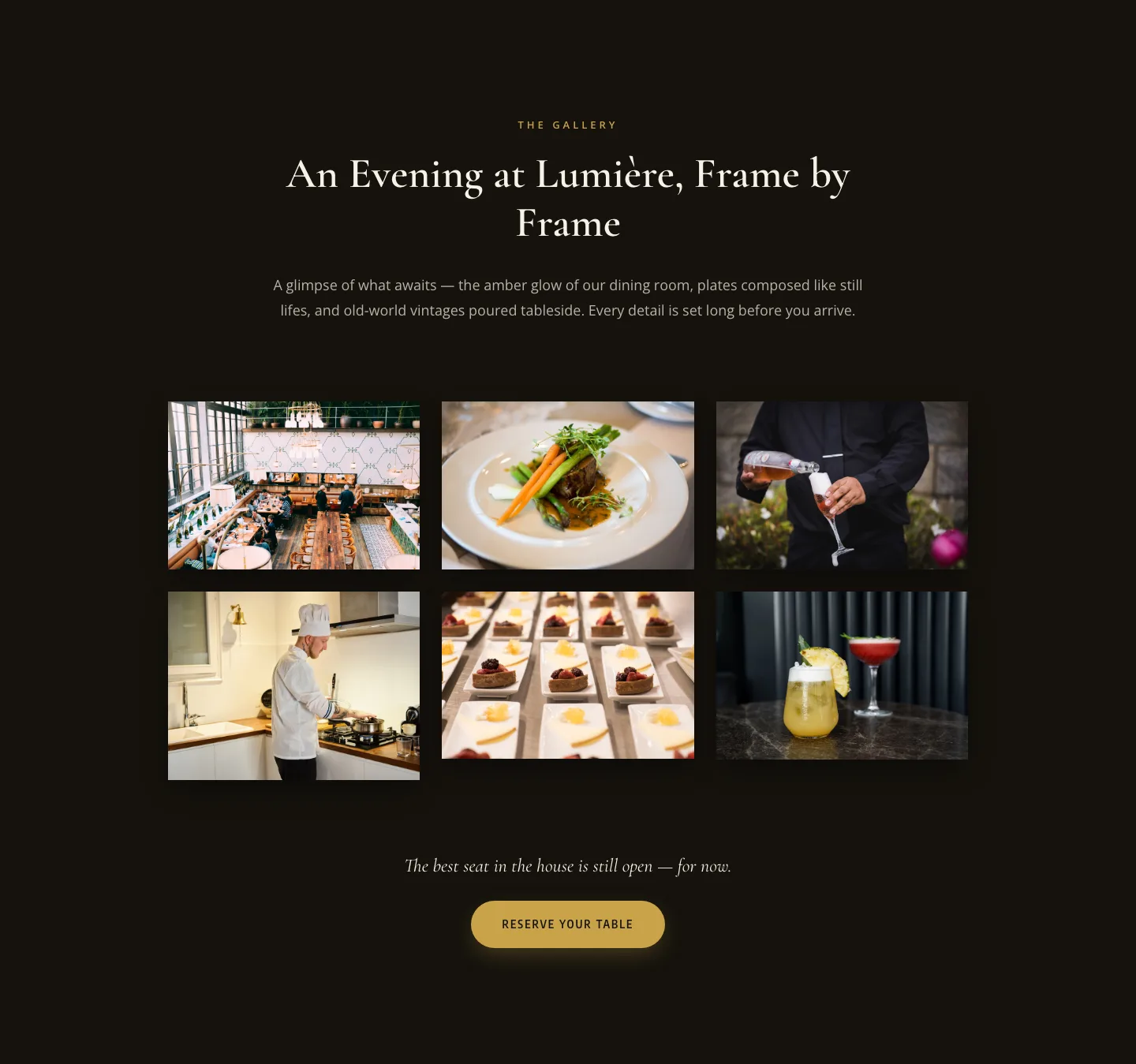
Elegant Restaurant Gallery Divi 5 Layout: Dark & Gold Photo Grid
gallery · restaurant · elegant
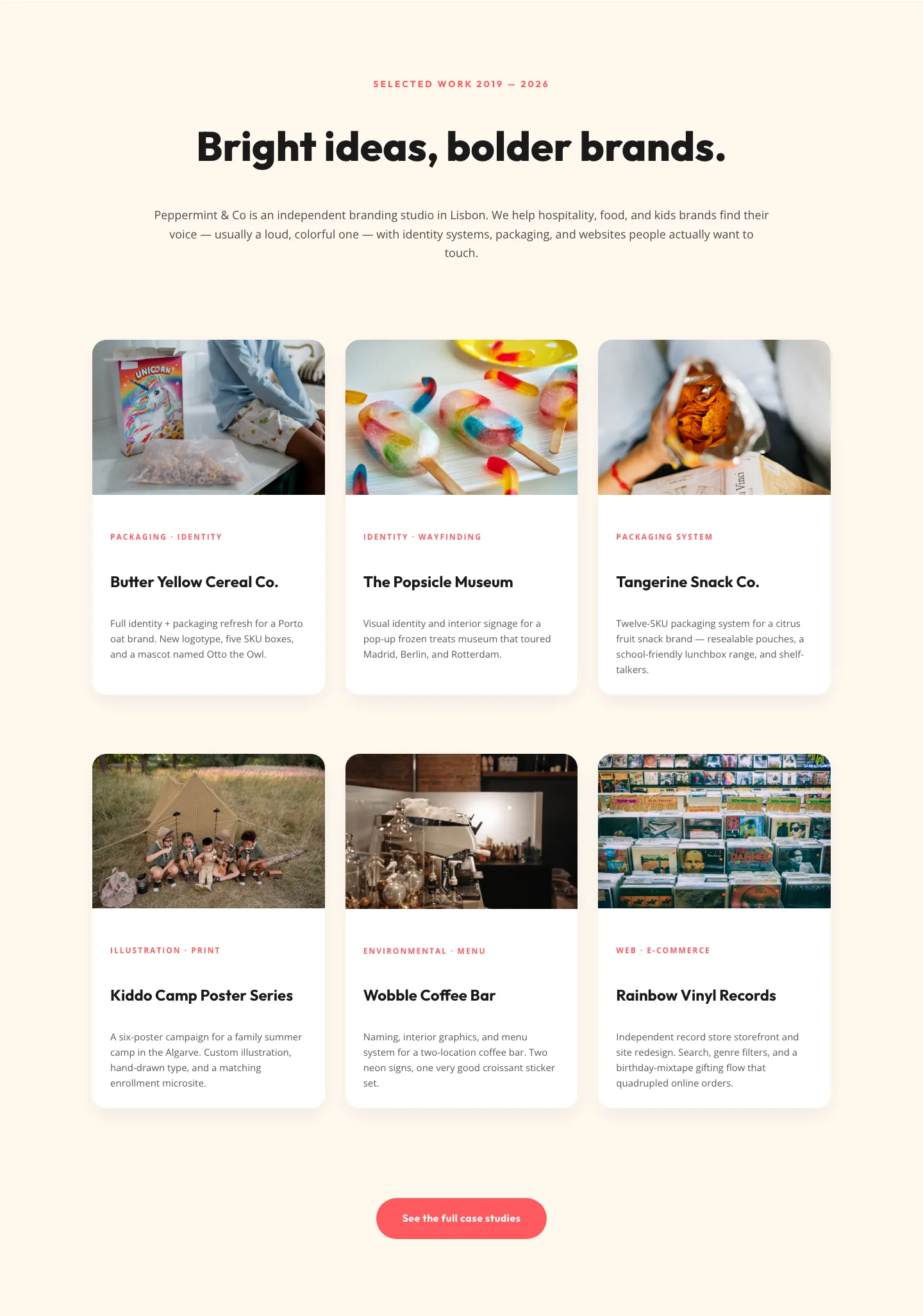
Playful Agency Portfolio Gallery: Divi 5 Case Study Grid
gallery · agency · playful
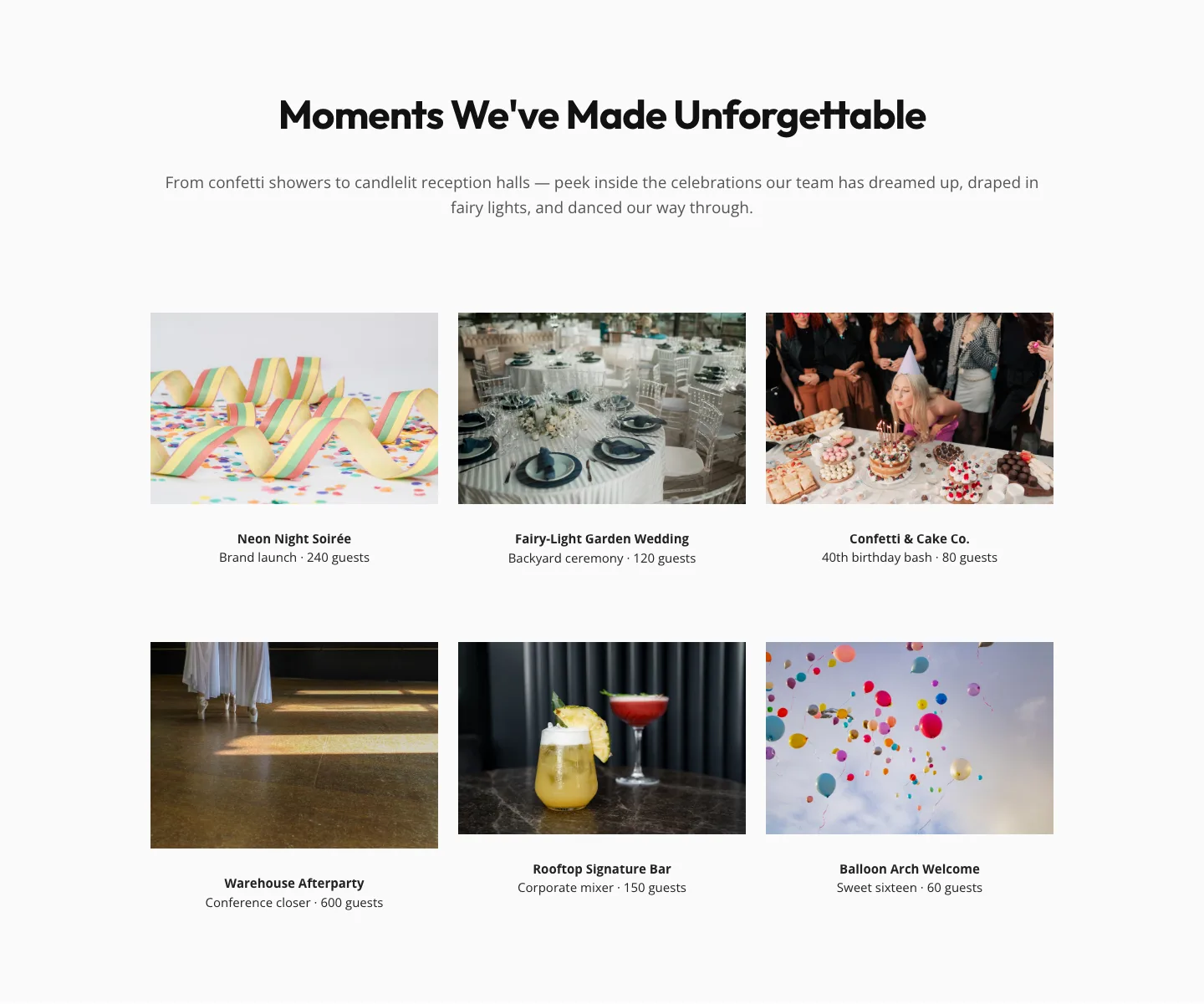
Playful Events Gallery Layout for Divi 5: Free Download
gallery · events · playful
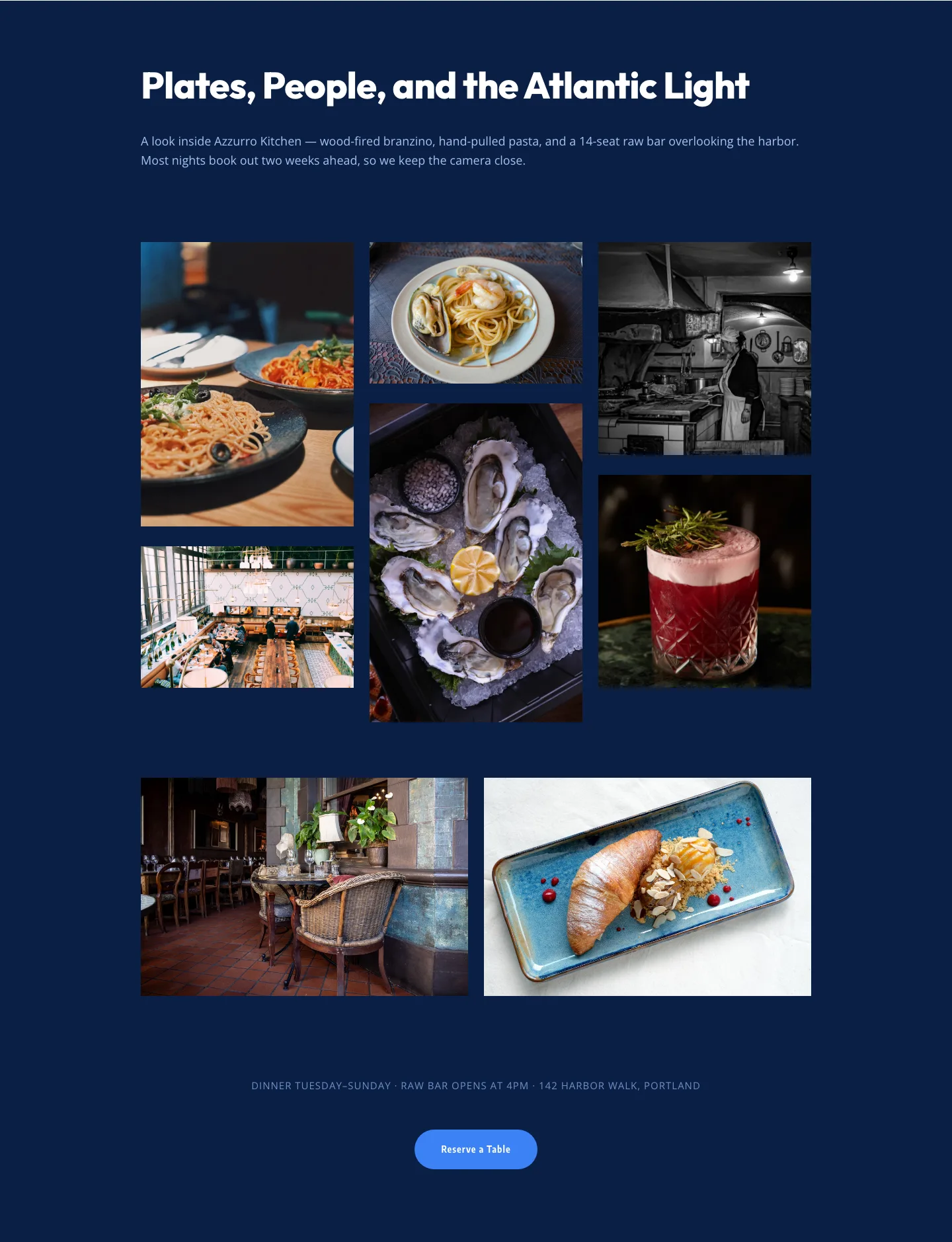
Bold Restaurant Gallery Layout for Divi 5: Coastal Dining Showcase
gallery · restaurant · bold