
FAQ Divi 5 Layouts
FAQ sections earn their keep by answering the exact objections that stall a purchase (pricing, refunds, onboarding, edge cases) without forcing visitors to open a support ticket. A good FAQ block reads like a conversation with your best salesperson: honest, specific, and organized around what buyers actually ask. Every Divi 5 FAQ layout here is validated against Divi 5 structure and ships as a free download under a commercial license.
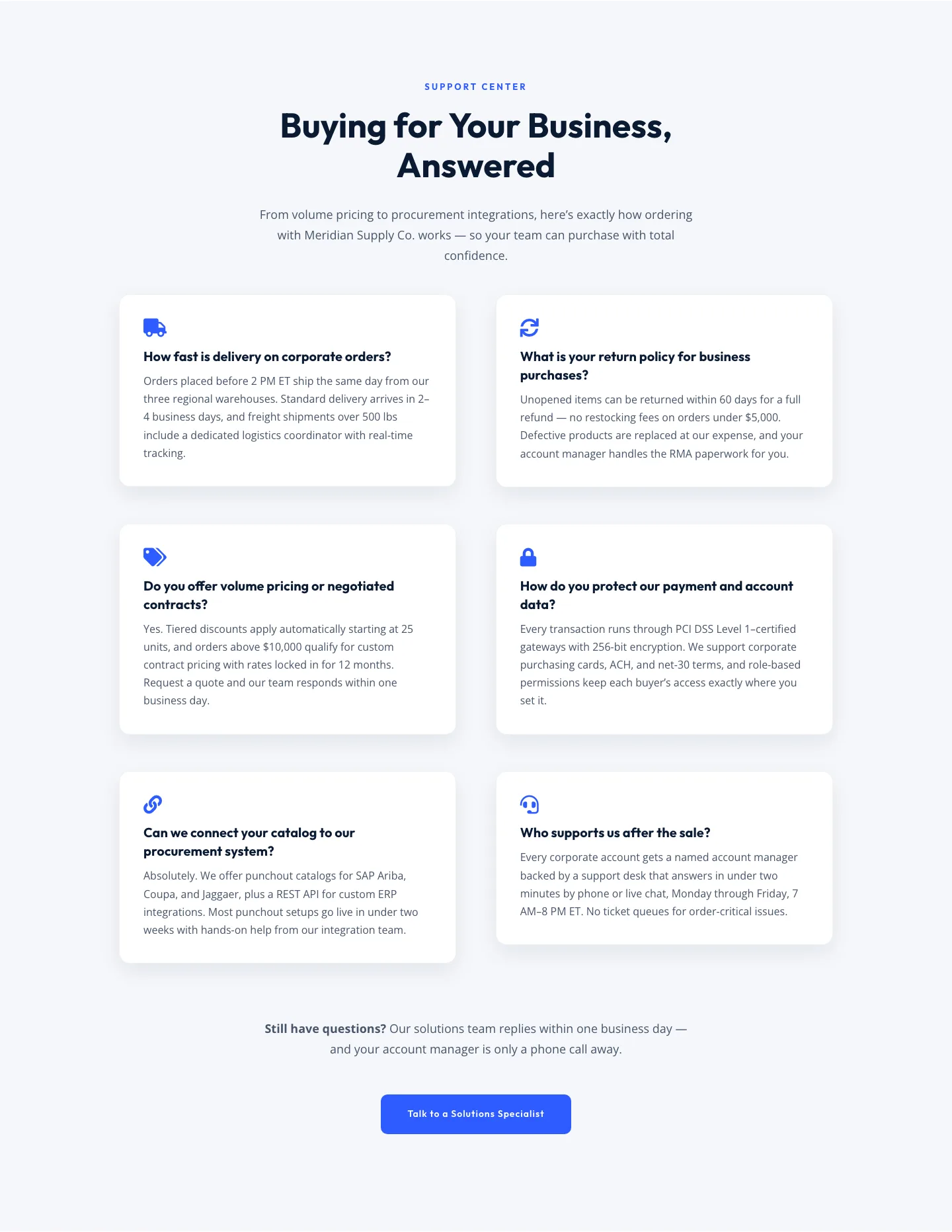
Corporate Ecommerce FAQ Section: Divi 5 Layout
faq · ecommerce · corporate
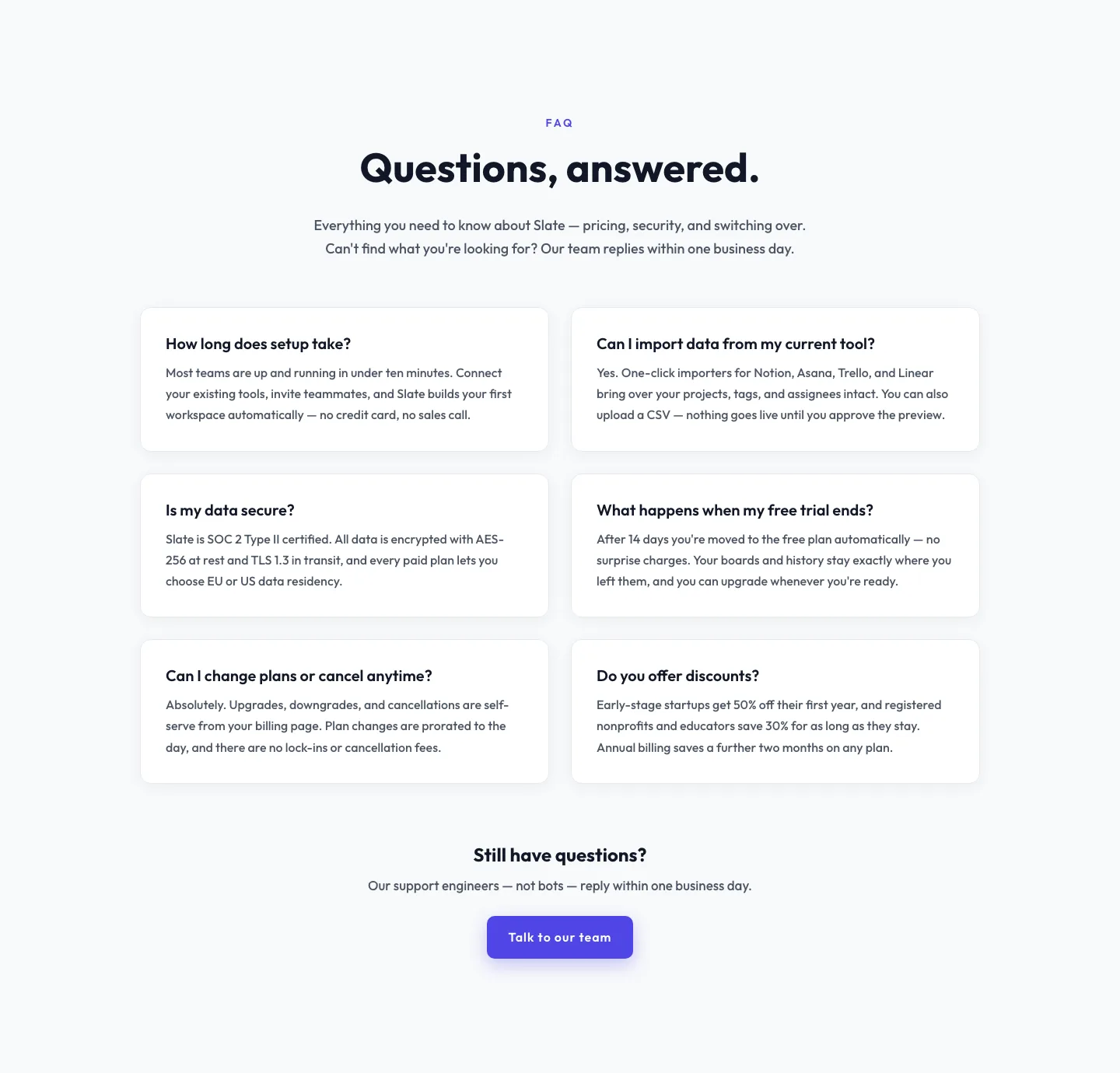
Minimal SaaS FAQ Section: Two-Column Card Layout for Divi 5
faq · saas · minimal
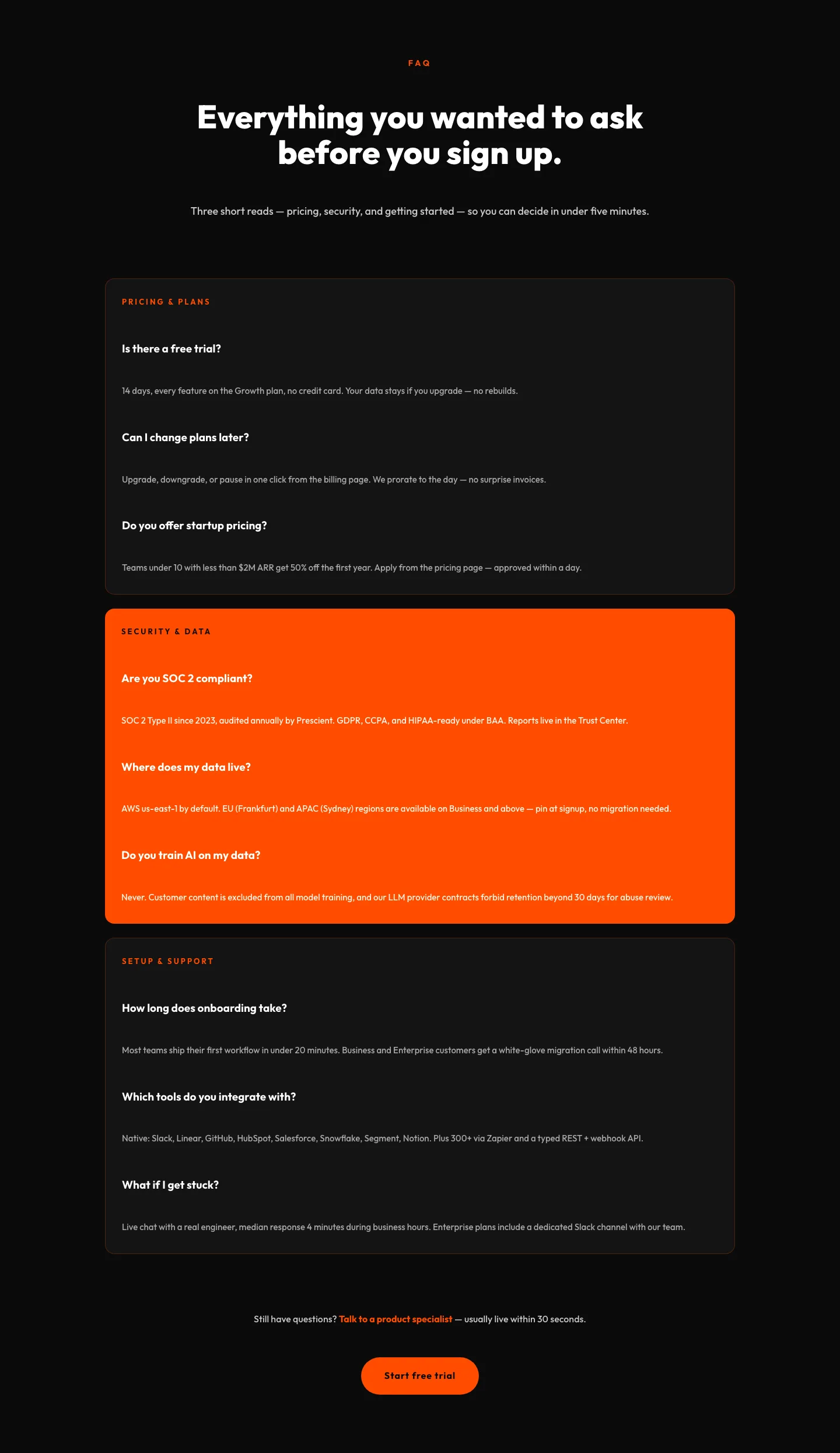
Bold SaaS FAQ Section: Divi 5 Layout
faq · saas · bold
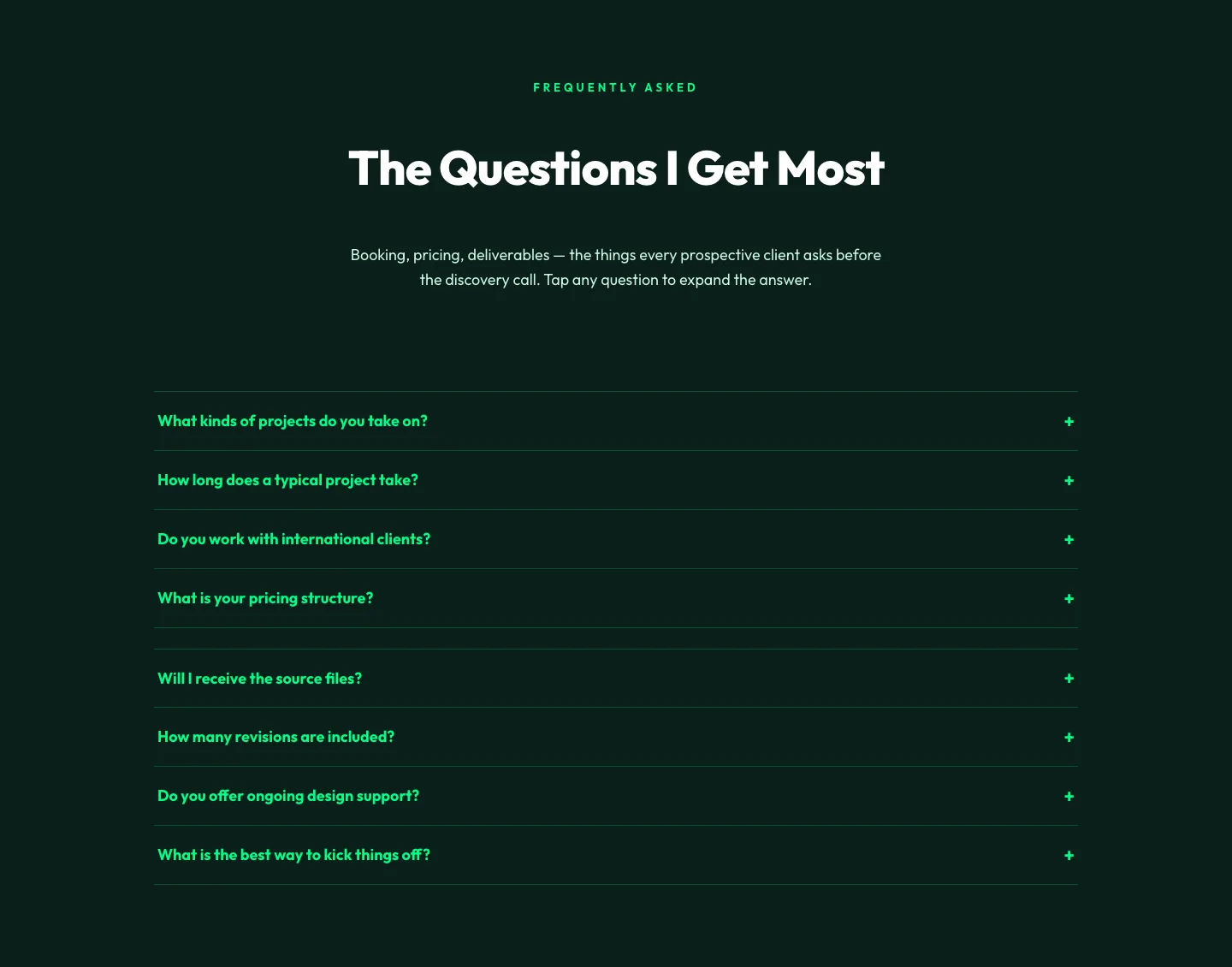
Bold Portfolio FAQ Section: Divi 5 Layout
faq · portfolio · bold
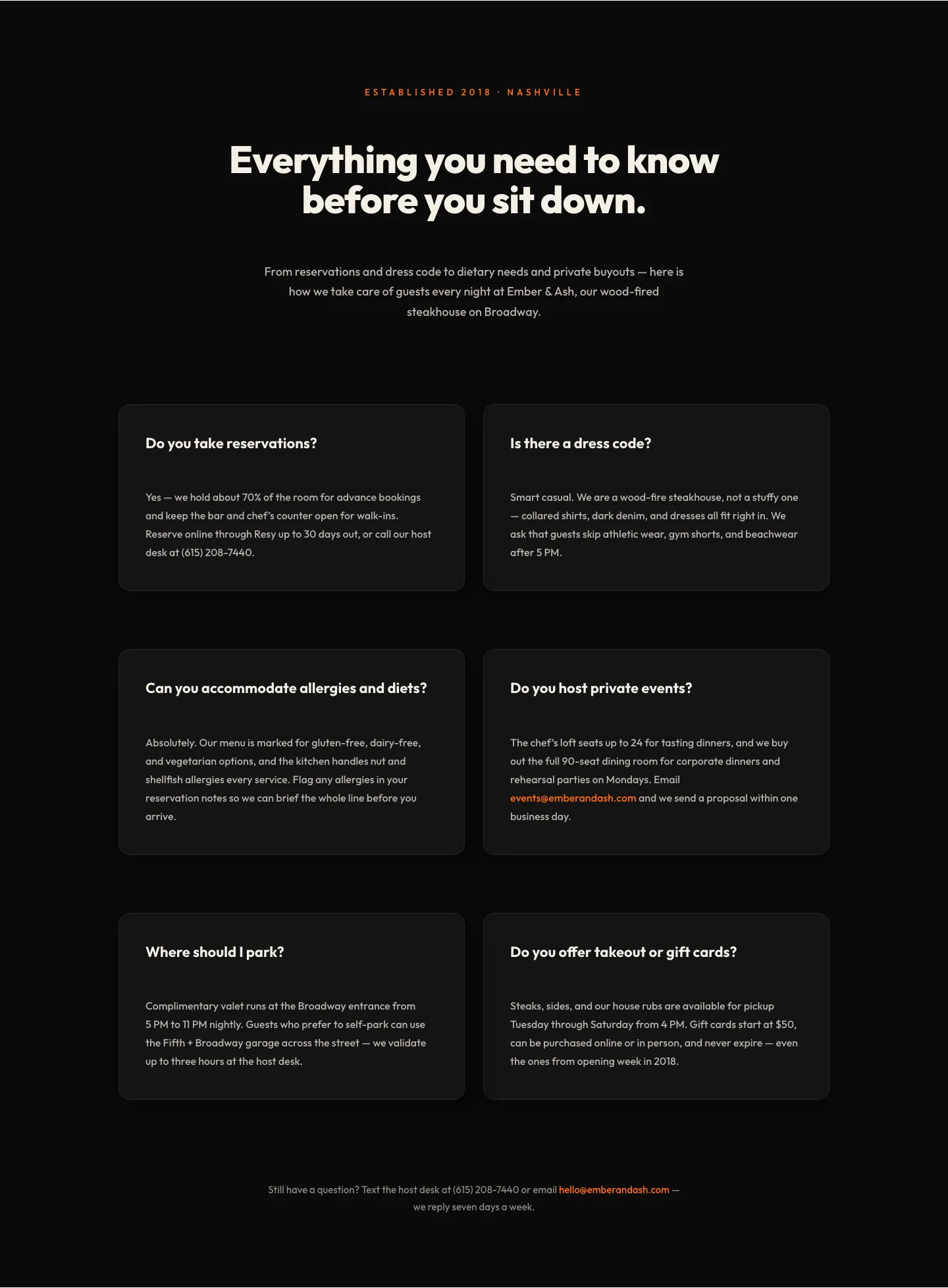
Bold Restaurant FAQ Layout: Wood-Fired Steakhouse Guest Questions | Divi 5
faq · restaurant · bold
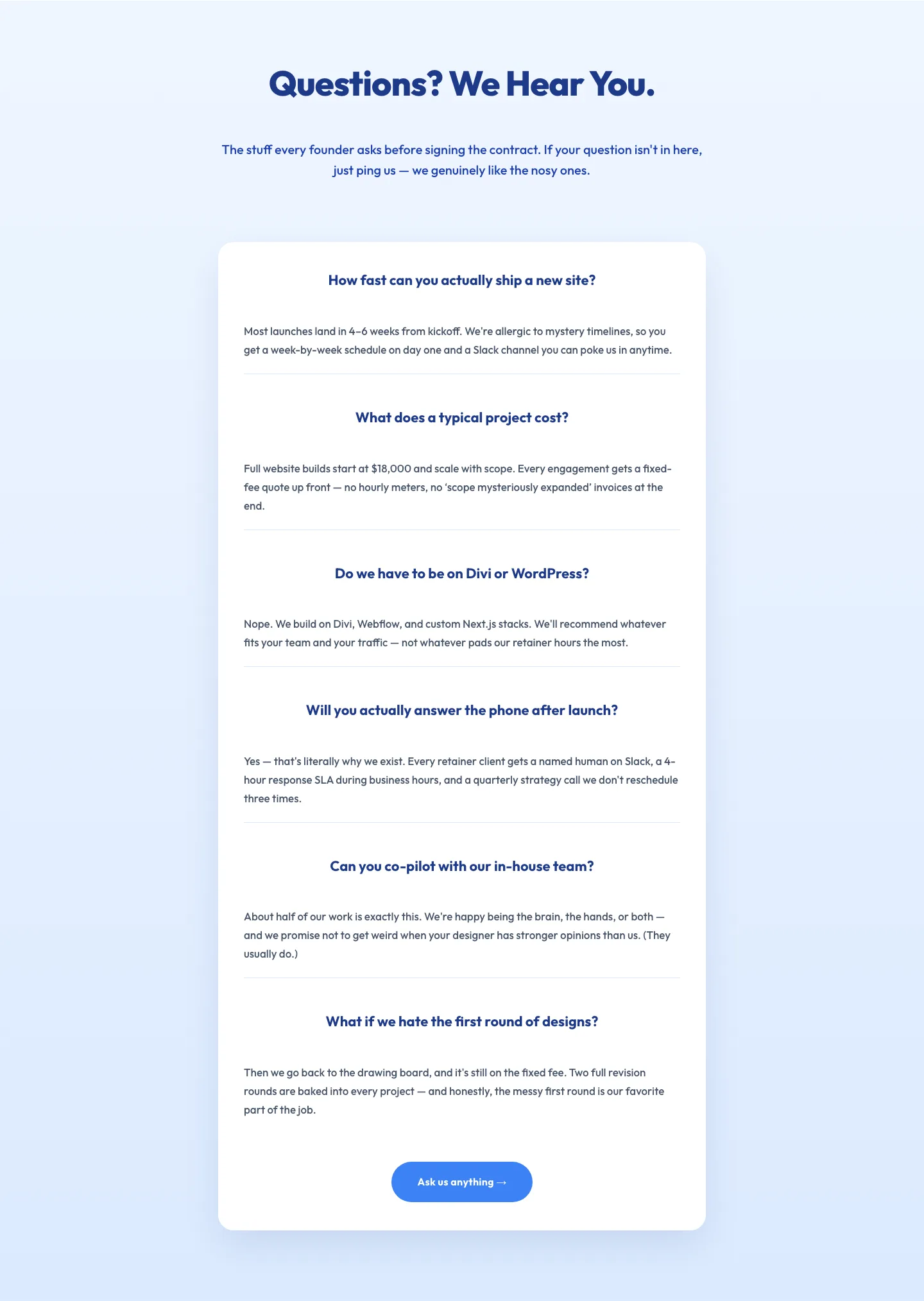
Playful Agency FAQ Section: Free Divi 5 Layout
faq · agency · playful
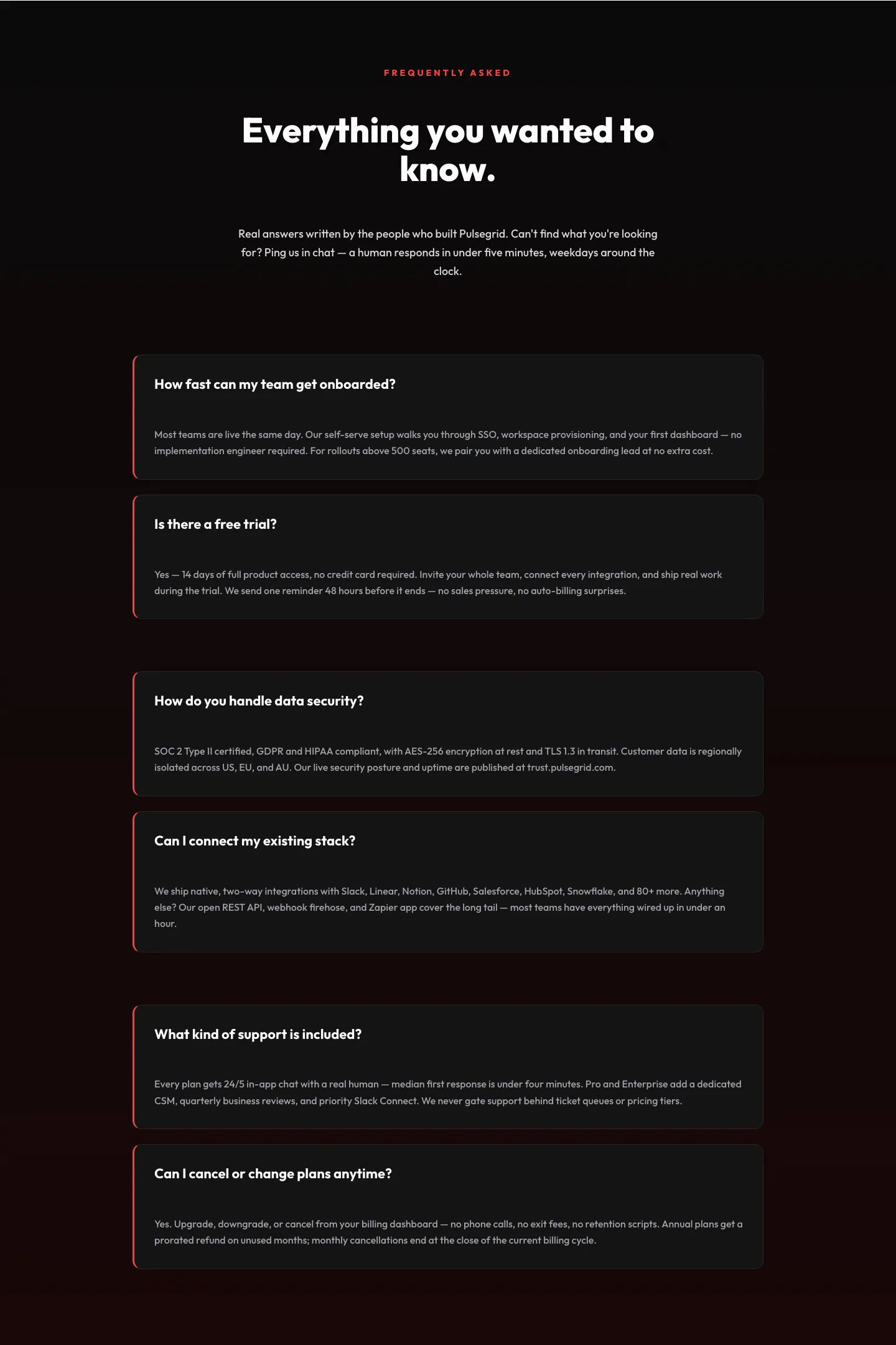
Bold SaaS FAQ Section: Two-Column Accordion Divi 5 Layout
faq · saas · bold
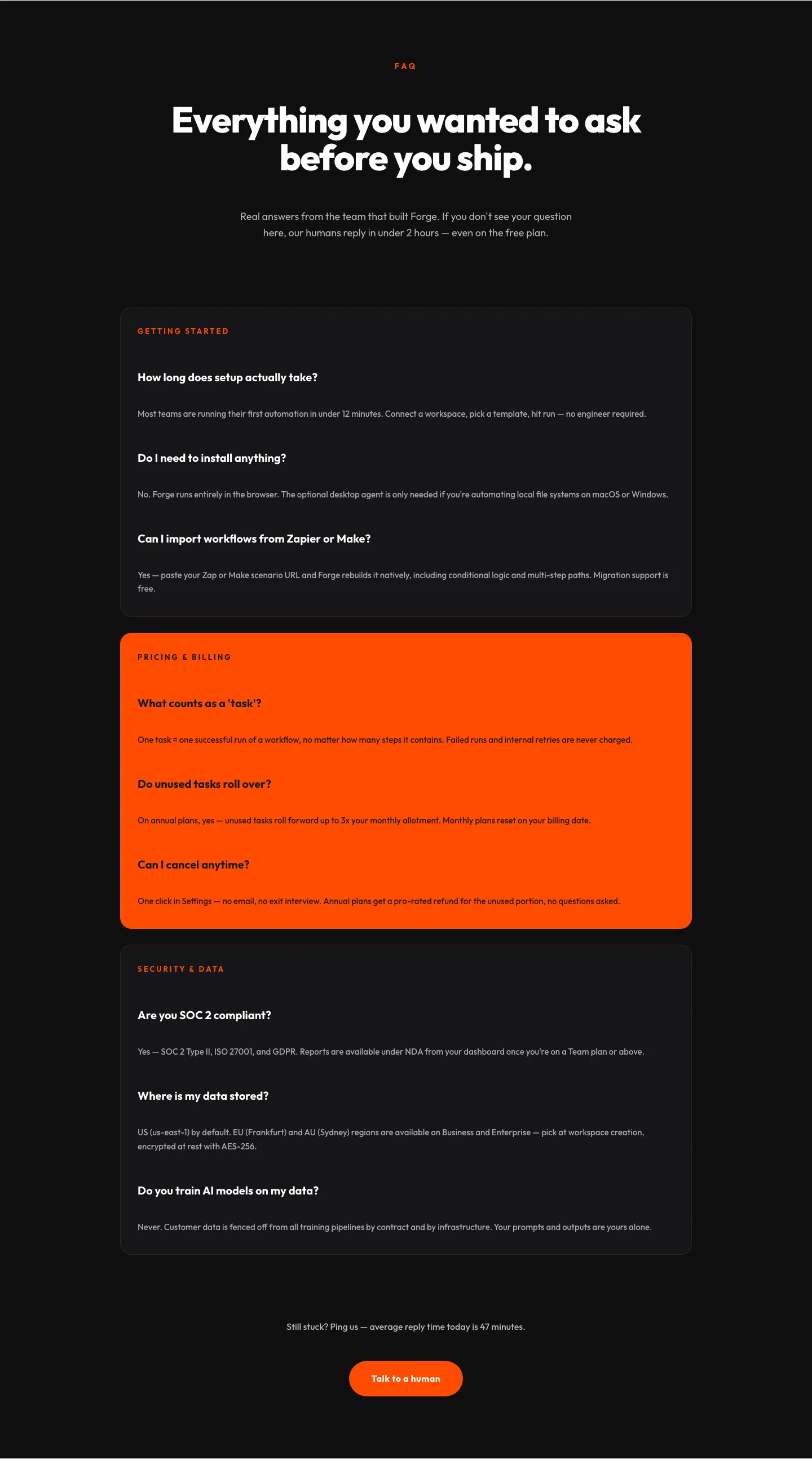
Bold SaaS FAQ Section for Divi 5: Categorized Free Template
faq · saas · bold
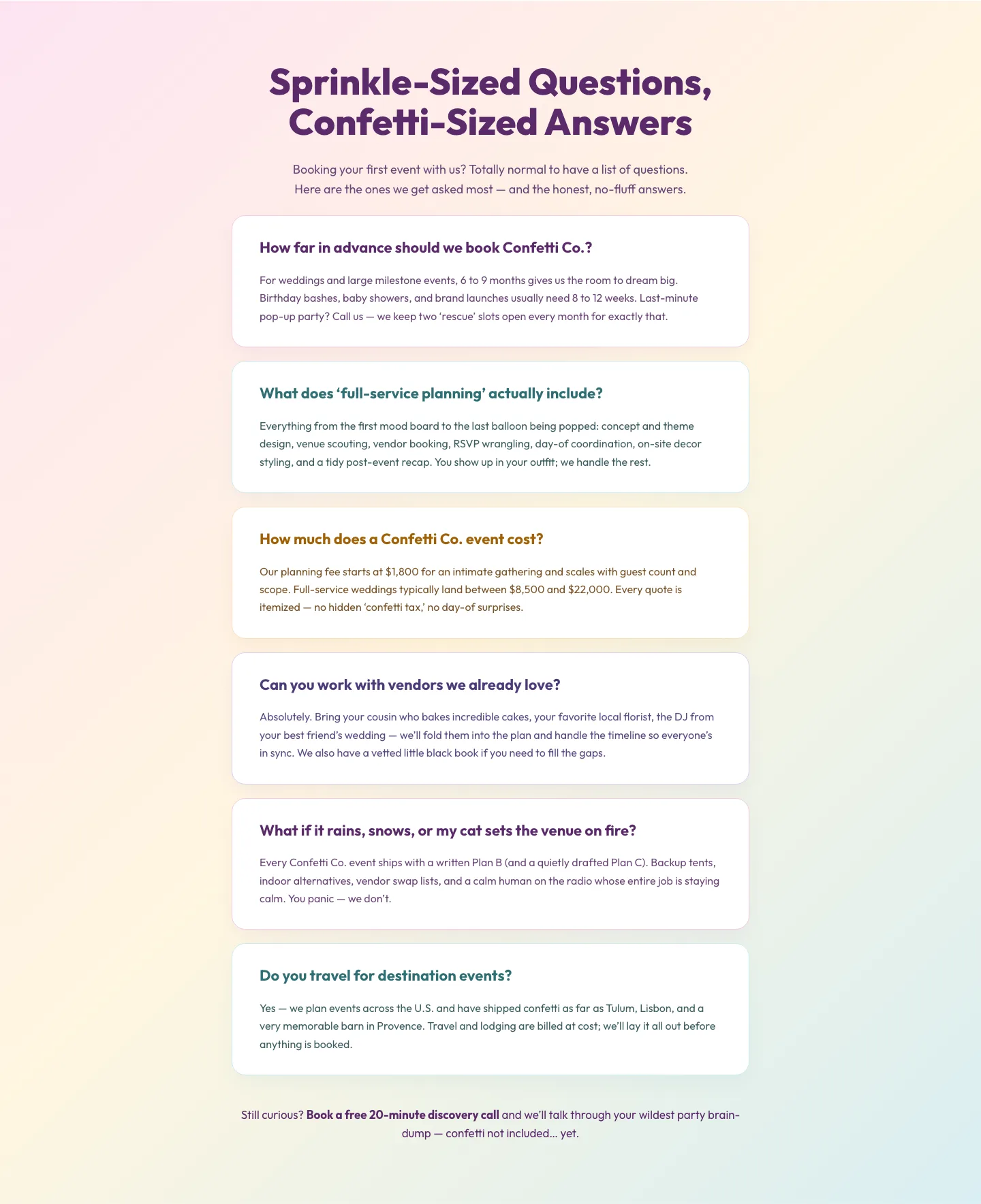
Playful Events FAQ Divi 5 Layout: Free Download
faq · events · playful
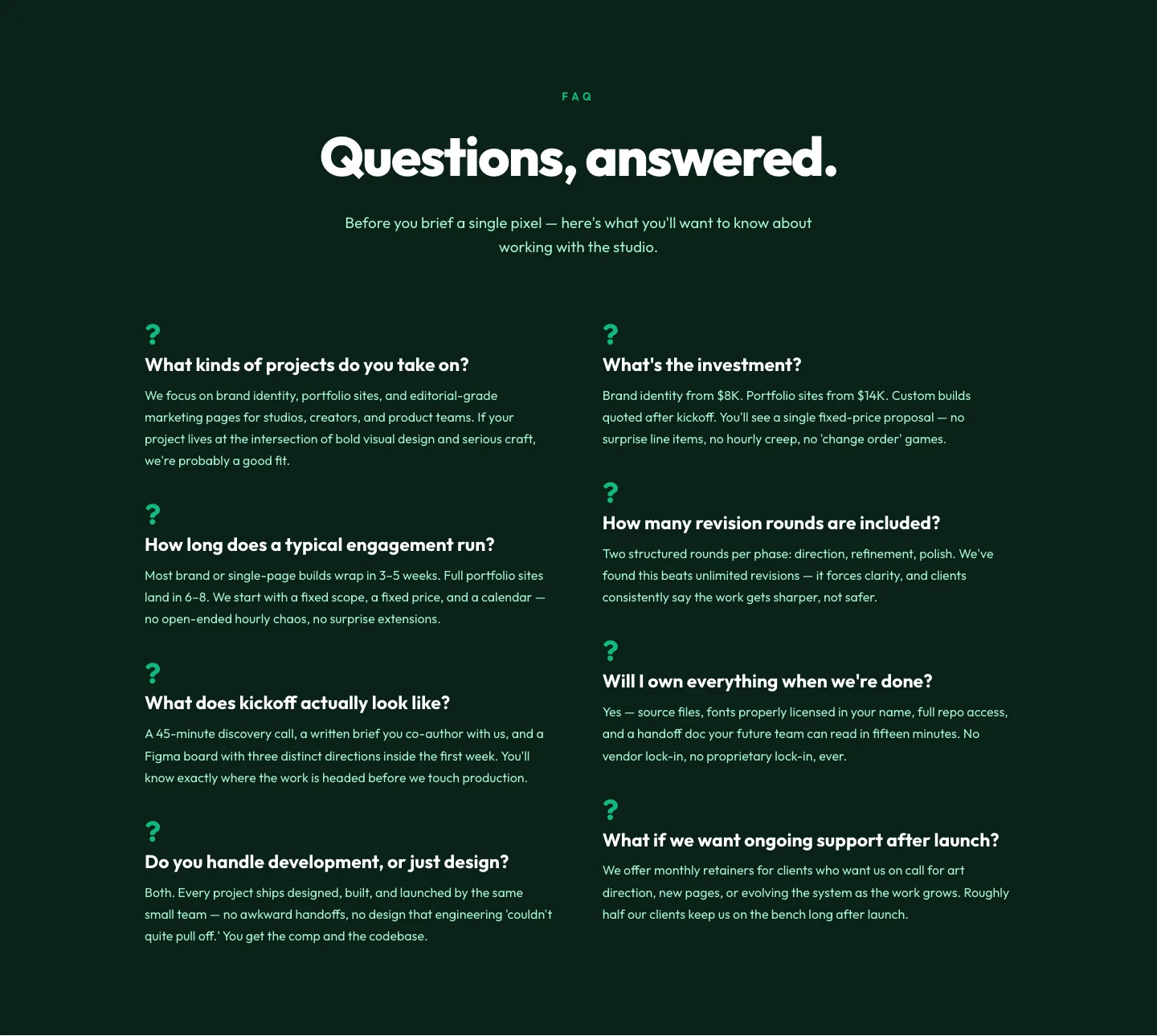
Bold Portfolio FAQ Section: Free Divi 5 Layout
faq · portfolio · bold
What makes a good FAQ layout
The best FAQ sections don't try to look clever, they reduce friction. That means clear typographic hierarchy, generous vertical rhythm between questions, and interaction affordances (a chevron, a plus sign, a subtle hover) that make it obvious a row is expandable. Group related questions under short headers when you have more than six items, and lead with the questions that block conversion: price, delivery, refunds, compatibility. Save the edge cases for lower down.
Avoid the two failure modes we see most often: dense walls of accordion text that read like terms of service, and overly designed cards that hide the actual question behind decoration. The question is the hero, style should get out of its way.
Who uses these layouts
SaaS marketers pair FAQ sections with pricing pages to catch buyers mid-decision. Course creators and coaches use them to preempt "is this right for me?" objections. Agencies drop them below service descriptions to shorten discovery calls. E-commerce brands use them on product pages to lift conversion and cut refund tickets. If you sell anything with a considered purchase, an FAQ section is one of the highest-ROI blocks on the page.
Customizing in Divi 5
Every layout in this category is a real Divi 5 export: import it, and you're editing native modules, not shortcodes or third-party dependencies.
- Presets: swap the accordion module's preset to change every question's border, spacing, and open/closed state at once. Save your own preset once you've dialed in the look.
- Palette: update your global color palette and the FAQ inherits it, accent colors on the active question, icon fills, and divider lines all follow. Keep contrast high on the question text; the answer copy can sit a shade softer.
- Copy: rewrite questions in your customer's voice, not your marketing voice. Pull real language from support tickets, sales-call transcripts, and Reviews. Six to ten questions is the sweet spot; more than twelve and you're building documentation, not answering objections.
- Structure: for long lists, split the accordion into two columns on desktop and collapse to a single column on mobile. Divi 5's row settings handle this without custom CSS.
Each download includes desktop and mobile screenshots taken from a real render, plus a commercial license covering unlimited client and personal projects.