
Bold SaaS FAQ Section for Divi 5: Categorized Free Template
Free Divi 5 FAQ layout for SaaS sites. Bold dark design with orange accents, three categorized question columns, and a contact CTA. Validated JSON, instant import.
Rate this element
Download this section, free
- Divi 5 JSON, imports in seconds
- Commercial license included
- No account needed
Click to view the full page
Overview
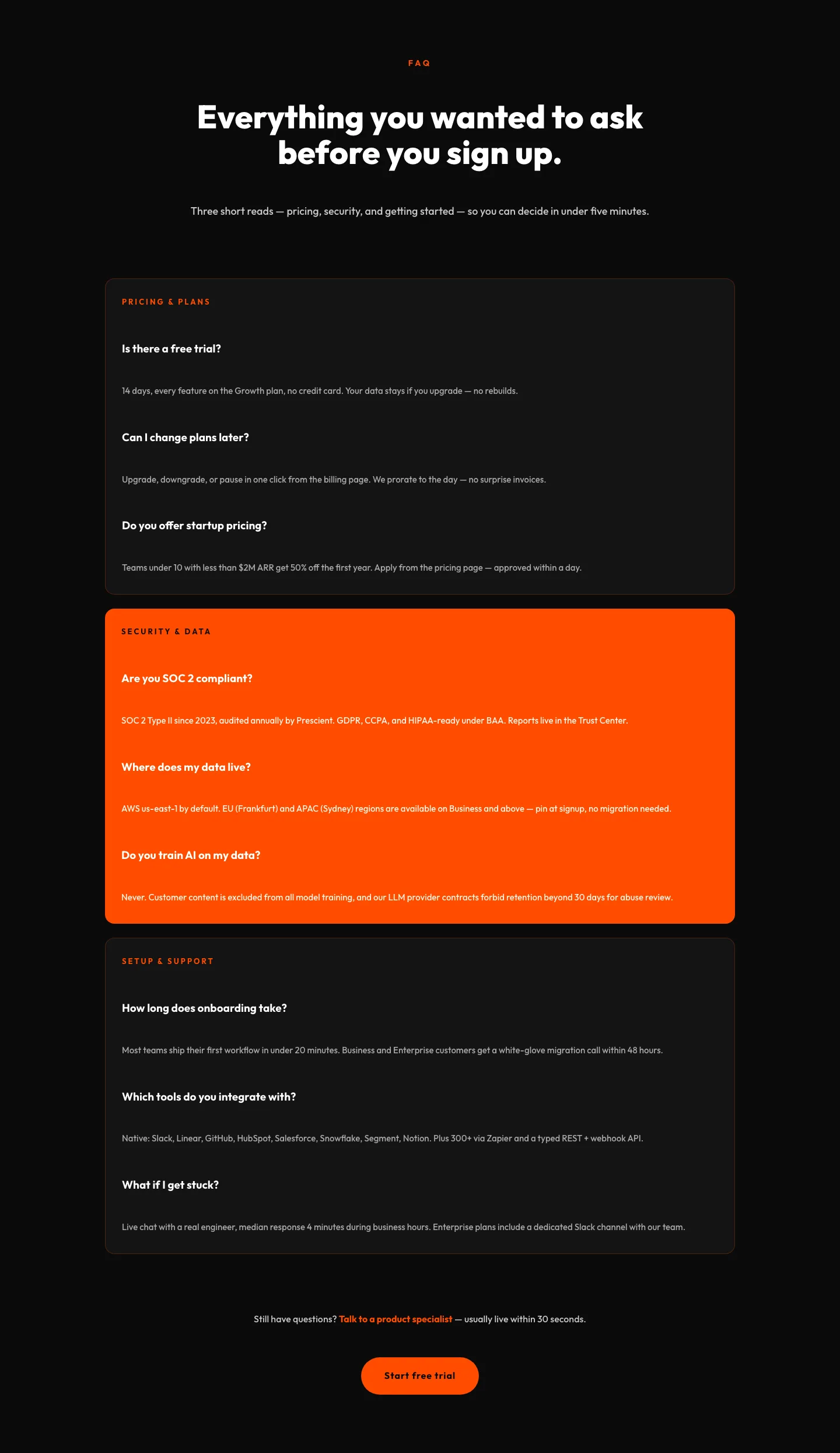
The layout opens on a deep near-black canvas (#0f0f10) with generous 110px vertical padding, letting the type breathe before the questions start. A tight header block (capped at 880px and centered) leads with an orange eyebrow ("FAQ" in Outfit, 14px uppercase, 4px letter-spacing) that anchors the section without competing with the headline. The H2 itself lands at 64px on desktop and drops cleanly to 44px on tablet and 34px on phone, weighted at 800 with a -1.5px tracking pull so the phrase reads as one confident line rather than three floating words. A 620px-wide intro paragraph in soft grey (#b9b9bd) sits directly under it.
Below the header, three category cards sit in a 1_3 / 1_3 / 1_3 grid inside a 1280px row with a 28px gap. The outer two cards use a lifted dark fill (#161618) with a 1px orange-tinted border and a 20px radius; the middle card flips to a solid #ff4d00 fill with dark type, pulling the eye to the pricing questions where objections usually cluster. Every card follows the same rhythm (small uppercase category label, three question/answer pairs, 22px of margin between each block, 20px question headings, 15px answers at 1.65 line-height) so scanning feels predictable at speed.
On phone the row switches its flex-direction to column, so the three cards stack full-width while keeping their 36px / 30px interior padding, and the section trims to 72px vertical and 5vw horizontal. A final single-column row seals the section with a centered follow-up line ("Still stuck?") and a pill CTA (999px radius, orange fill, "Talk to a human") so nobody dead-ends on an unanswered question. Outfit runs across the entire section, keeping the palette to two neutrals plus the orange accent.
What’s inside
- Full Divi 5 section on a #0f0f10 dark background, 110px / 72px vertical padding (desktop / phone) with 6vw / 5vw horizontal insets
- Centered 880px header row: orange 14px uppercase eyebrow, 64px / 44px / 34px responsive H2, and a 620px-wide intro paragraph
- Three-column category grid (1_3 × 3) inside a 1280px row with a 28px column and row gap that wraps on phone
- Two dark cards (#161618, 1px orange-tinted border) and one solid-orange highlight card, each with 20px radius and 36px interior padding
- Nine total question/answer pairs organized under three category eyebrows (Getting started, Pricing & billing, Security & data)
- Consistent card rhythm: 13px uppercase category label, 20px question headings, 15px answers at 1.65 line-height, 22px margin between blocks
- Closing single-column row with centered helper line and a pill-shaped Divi Button module (999px radius, orange fill, orange hover)
- Outfit type stack throughout: no imagery, no custom CSS, native Section / Row / Column / Heading / Text / Button modules only
Who it’s for
Built for SaaS marketing pages that need to close common objections before checkout: pricing pages, plan comparison pages, onboarding landing pages, and post-hero conversion sections. The three-category structure fits any product where questions cluster into clear buckets (onboarding vs. billing vs. compliance), so it also lands well for developer tools, no-code platforms, API products, AI apps, workflow automation, and B2B analytics dashboards. Agencies building startup and seed/Series-A sites can drop it in whole and just rewrite the answers. It works less well for fashion, hospitality, or lifestyle brands where the aesthetic wants softer neutrals. The raw orange and near-black lean editorial-tech.
Customization tips
The whole palette lives in three swatches: swap #ff4d00 for your brand accent, #0f0f10 for the section background, and #161618 for the two outer cards. Keep the middle card's fill matching your accent so the highlight logic still reads. Category labels look best at two words max, the 3px letter-spacing eats horizontal room quickly. Question headings hold cleanly up to about 55 characters; answers stay readable between 25 and 55 words. If you only have two categories, delete a column and change the row's column structure from 1_3,1_3,1_3 to 1_2,1_2. The 28px gap still holds. There are no images to source or license; the layout is type-only, so the fastest visual change is font family (Outfit → Inter or Space Grotesk both work). For a lighter brand, invert the background to #fafafa, darken the accent to a deeper orange like #d24000 for contrast, and flip the answer text back to a dark grey.
How to install this layout
- Download the layout JSON file from this page.
- Open the target page in the Divi 5 builder.
- Open the portability panel (up/down arrows icon) and choose the Import tab.
- Upload the JSON. Tick “replace existing content” only for full-page imports.
- Check the page at desktop and mobile widths, then swap in your copy and images.
Full walkthrough with troubleshooting: How to Import a Divi 5 Layout.
Questions about Bold SaaS FAQ Section for Divi 5: Categorized Free Template
Is this an FAQ accordion or open cards?
Open cards. Every question and answer is visible at once: no toggle, no JavaScript. Buyers scan faster, and the layout renders identically for search engines and screen readers with no interaction cost.
How does it behave on mobile?
The three-column card row switches to a single column on phone (the row's flex-direction is set to column), so cards stack full-width and keep their 36px / 30px interior padding. Section padding tightens from 110px to 72px vertical, and the headline steps down from 64px to 34px automatically.
Which Divi 5 modules does it use?
Native only: Section, Row, Column, Heading, Text, and Button. No third-party plugins, no code modules, no custom CSS classes. Everything renders through the standard Divi 5 block namespace, so it upgrades cleanly with the theme.
What should I edit first?
The three category labels ("Getting started", "Pricing & billing", "Security & data") and the nine question/answer pairs. Once the copy fits your product, decide which card deserves the orange highlight: most SaaS teams keep it on pricing, but security or onboarding also work depending on where you're losing people.
Are there any images to swap out?
No. The layout is entirely type-based on solid backgrounds, so there's nothing to source or license. The font is Outfit throughout, which loads automatically through Divi's font system.
Can I add a fourth category card?
Yes, but the row will wrap: change the column structure from 1_3,1_3,1_3 to 1_4,1_4,1_4,1_4, and the 28px gap will hold. On tablet the four cards will re-flow to two-per-row before stacking on phone. Keep answer length uniform so card heights stay balanced.
Which Divi version does this layout need?
Divi 5. The layout is generated natively for Divi 5 and validated against its real module structure before publication, so it imports clean into the current builder.
Can I use this layout on client websites?
Yes. Every download includes a commercial license covering unlimited sites you own or build for clients. Only reselling or redistributing the layout file itself is prohibited.
More faq sections
Browse all faq sections
Corporate Ecommerce FAQ Section: Divi 5 Layout
faq · ecommerce · corporate
Bold Portfolio FAQ Section: Divi 5 Layout
faq · portfolio · bold
Bold SaaS FAQ Section: Divi 5 Layout
faq · saas · bold
Minimal SaaS FAQ Section: Two-Column Card Layout for Divi 5
faq · saas · minimal
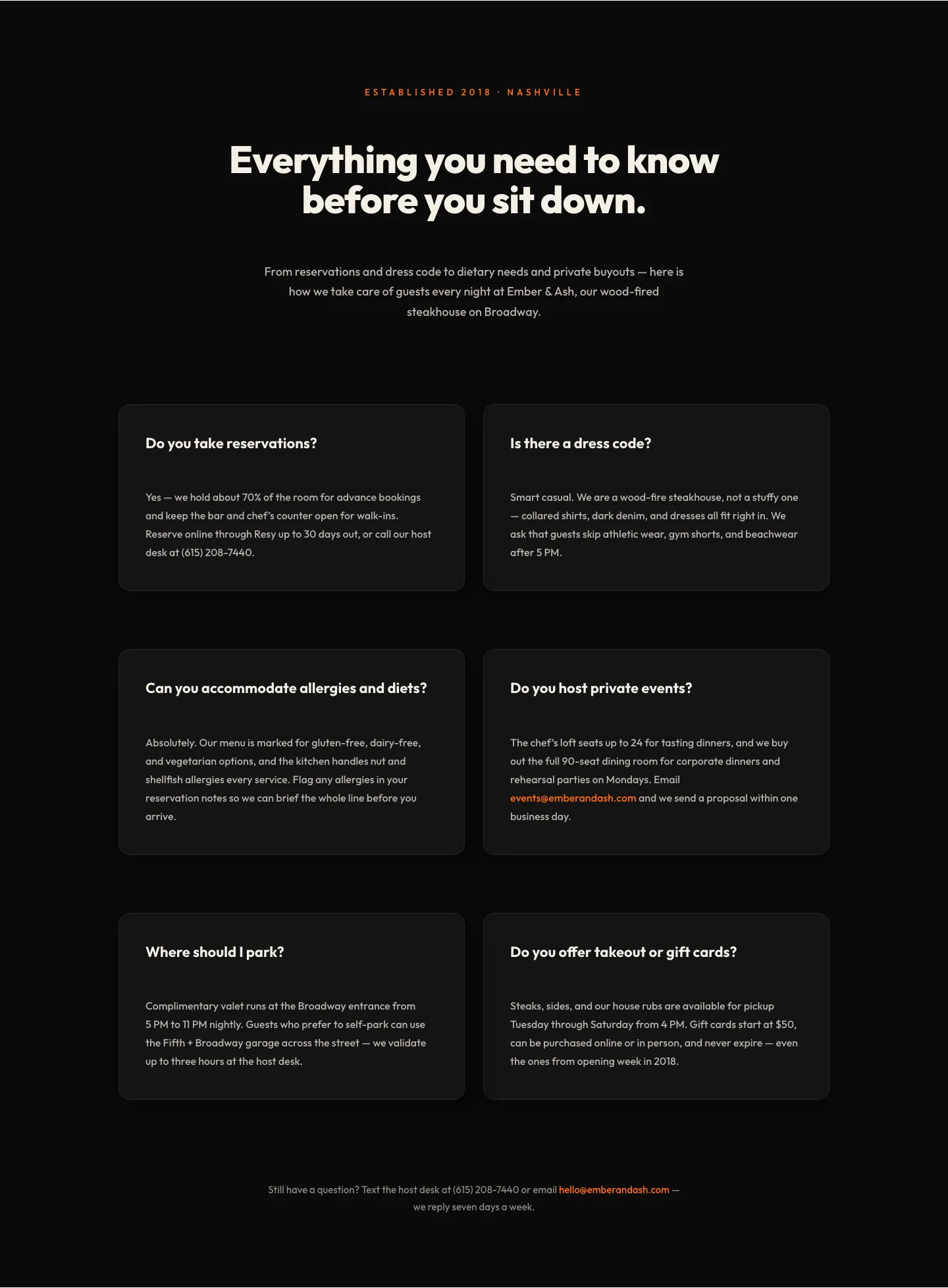
Bold Restaurant FAQ Layout: Wood-Fired Steakhouse Guest Questions | Divi 5
faq · restaurant · bold
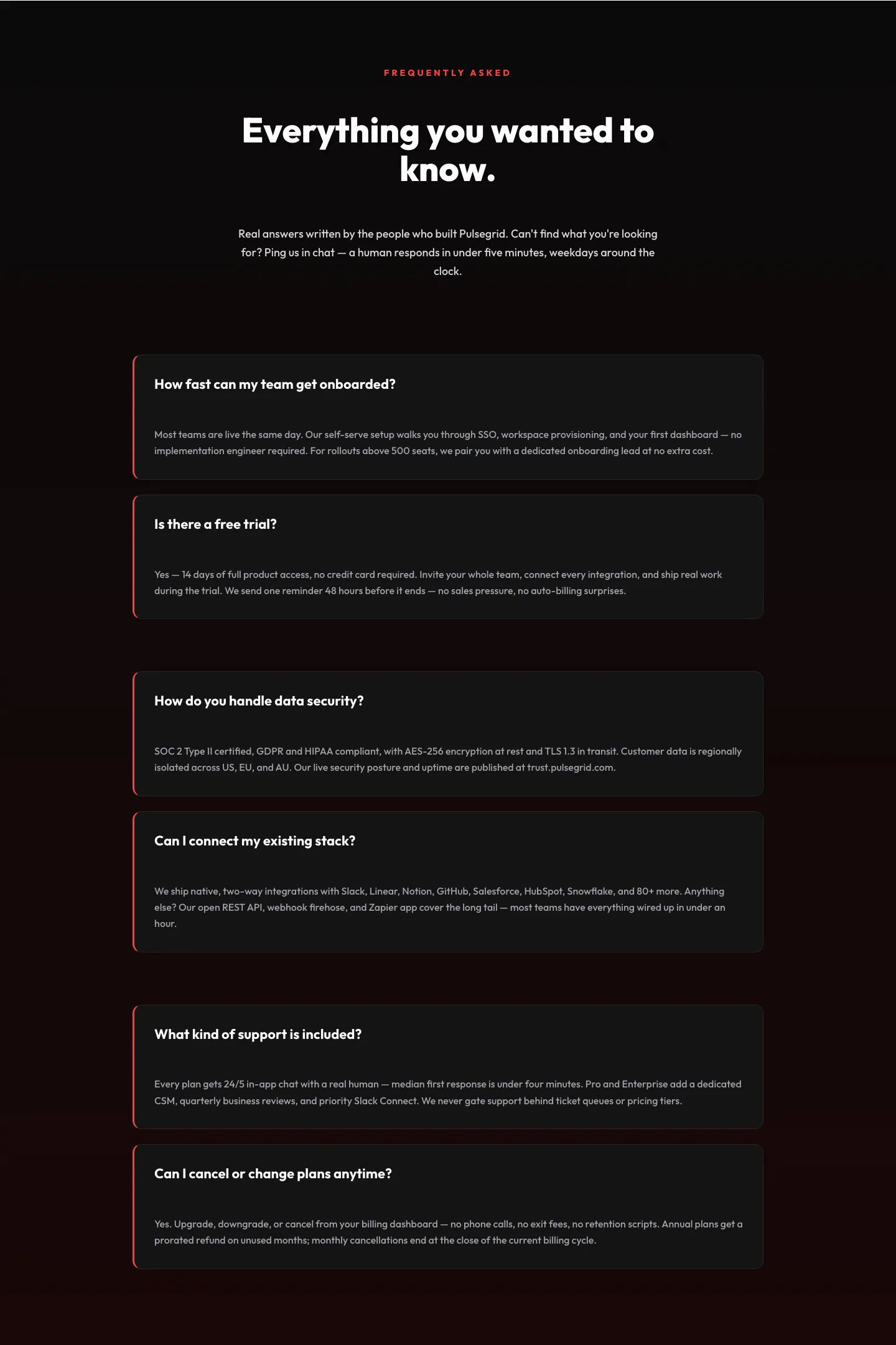
Bold SaaS FAQ Section: Two-Column Accordion Divi 5 Layout
faq · saas · bold