
Corporate Ecommerce FAQ Section: Divi 5 Layout
Polished corporate FAQ section for ecommerce sites, built for Divi 5. Icon-led question cards in a two-column grid cover shipping, returns, volume pricing, and security, plus a support CTA.
Rate this element
Download this section, free
- Divi 5 JSON, imports in seconds
- Commercial license included
- No account needed
Click to view the full page
Overview
This FAQ section is built for corporate ecommerce sites where procurement teams need answers before they commit to a purchase order. The layout opens with a centered header block: a small uppercase eyebrow in the accent blue (#2E5BFF), a bold H2 headline in near-black (#0B1B33) capped at 760px, and a supporting subhead in slate (#475569) capped at 660px. That trio sets a calm, corporate hierarchy that reads as trustworthy rather than salesy.
Below the header, six questions live inside a 2×3 grid of white cards on a soft #F5F7FB canvas. Every card follows the same recipe: a 28px accent-blue Font Awesome icon on the left, a 20px H3 question, and a body answer at 16px with a 1.7 line-height for scannability. Cards use a 16px radius, a hairline 1px inner border, and a soft 12px/32px shadow that lifts on hover to a stronger blue-tinted shadow. A quiet interaction cue that the block is responsive to attention.
Spacing is deliberately generous: 120px section padding on desktop that steps down to 88px on tablet and 64px on phone, 28px gaps between card rows, and 36px inner padding inside each card. On phones the row columns switch to flexDirection: column, so the two-up card grid stacks into a single readable column, the H2 drops to 32px, and the eyebrow-headline-subhead rhythm still holds. A closing centered CTA (supporting copy plus a solid blue "Talk to a Solutions Specialist" button) anchors the section with a clear next step for buyers who need more than a self-serve answer.
What’s inside
- Two-column, three-row grid of six question cards built with native Divi 5 Row/Column blocks. No accordion dependency
- Consistent card recipe: 28px Font Awesome icon, H3 question, body answer, 36px inner padding, 16px radius
- Six pre-swapped icons matched to B2B ecommerce topics: shipping, returns, volume pricing, security, integrations, support
- Centered header trio (uppercase eyebrow, 52px H2, 18px supporting subhead) with max-widths so lines never sprawl
- Soft blue-tinted hover shadow on each card that lifts from 12px/32px to 20px/48px for a subtle interactive feel
- Closing CTA row with centered support copy and a solid accent-blue button linking to sales
- Responsive breakpoints already tuned: 120/88/64px section padding and stacked card grid on phone
- Outfit typography paired with a corporate palette (#0B1B33, #475569, #2E5BFF, #F5F7FB, #FFFFFF)
Who it’s for
Built for corporate and B2B ecommerce brands whose buyers need to answer procurement questions before they check out: industrial suppliers, MRO distributors, office and janitorial supply, safety equipment, IT hardware resellers, packaging, wholesale food service, and medical or lab consumables. The copy already covers the six topics purchasing teams ask about most: fulfillment speed, return terms, volume and contract pricing, payment security, procurement-system integrations, and post-sale support. It also works cleanly on SaaS pricing pages, agency service sites, and any B2B checkout flow where a calm, professional FAQ needs to sit above the footer without stealing focus from the primary conversion.
Customization tips
Start by swapping the six question and answer pairs to match your own policies: keep questions under about 70 characters so H3 lines stay on two rows at desktop, and keep answers to 2–4 sentences (roughly 220–320 characters) so every card ends at a similar height. The palette is preset-driven: change #2E5BFF to your brand accent to recolor the eyebrow, icons, hover shadow, and CTA button in one sweep; adjust #0B1B33 for headings and #475569 for body copy if you need a warmer neutral. Icons are Font Awesome unicodes on each divi/icon module, replace the unicode value to reflect the topic. There are no images to worry about, which is what makes this section so fast to deploy. If you need only four questions, delete an entire row; if you need eight, duplicate a row and re-map the icons. Point the closing button at your contact form, live chat, or Calendly link.
How to install this layout
- Download the layout JSON file from this page.
- Open the target page in the Divi 5 builder.
- Open the portability panel (up/down arrows icon) and choose the Import tab.
- Upload the JSON. Tick “replace existing content” only for full-page imports.
- Check the page at desktop and mobile widths, then swap in your copy and images.
Full walkthrough with troubleshooting: How to Import a Divi 5 Layout.
Questions about Corporate Ecommerce FAQ Section: Divi 5 Layout
How is this FAQ built, is it an accordion or expanded cards?
It's a static card grid, not a Divi accordion. Every question and answer is visible at once inside its own white card, which is better for scannability and SEO than a click-to-expand pattern.
How does the two-column grid behave on phones?
Each row uses a 1_2, 1_2 column structure on desktop and switches to `flexDirection: column` at the phone breakpoint, so cards stack into a single column. The H2 also steps down from 52px to 32px so it never wraps awkwardly.
What should I edit first after importing?
Rewrite the six question-and-answer pairs to your policies, then swap the six Font Awesome unicodes on the icon modules to match the new topics. After that, drop your brand accent into the four places that use `#2E5BFF` (eyebrow, icons, hover shadow, CTA button).
Are there any stock images or photos to replace?
No, the section uses zero imagery. Visual interest comes from the accent-blue Font Awesome icons, the white cards on the pale background, and the soft hover shadow. That keeps page weight low and removes the usual licensing headache.
Can I add more than six questions?
Yes. The three rows are identical divi/row blocks with a 1_2, 1_2 column structure, so duplicate any row inside the Divi 5 builder and edit the icon plus text. Keep pairs to an even count so the final row doesn't leave a lonely card.
Where does the closing CTA point?
The "Talk to a Solutions Specialist" button sits in its own centered row below the grid, above supporting reassurance copy. Link it to your sales contact form, live chat trigger, or account-manager scheduling page. Whatever your longest-tail buyer questions should escalate to.
Which Divi version does this layout need?
Divi 5. The layout is generated natively for Divi 5 and validated against its real module structure before publication, so it imports clean into the current builder.
Can I use this layout on client websites?
Yes. Every download includes a commercial license covering unlimited sites you own or build for clients. Only reselling or redistributing the layout file itself is prohibited.
More faq sections
Browse all faq sections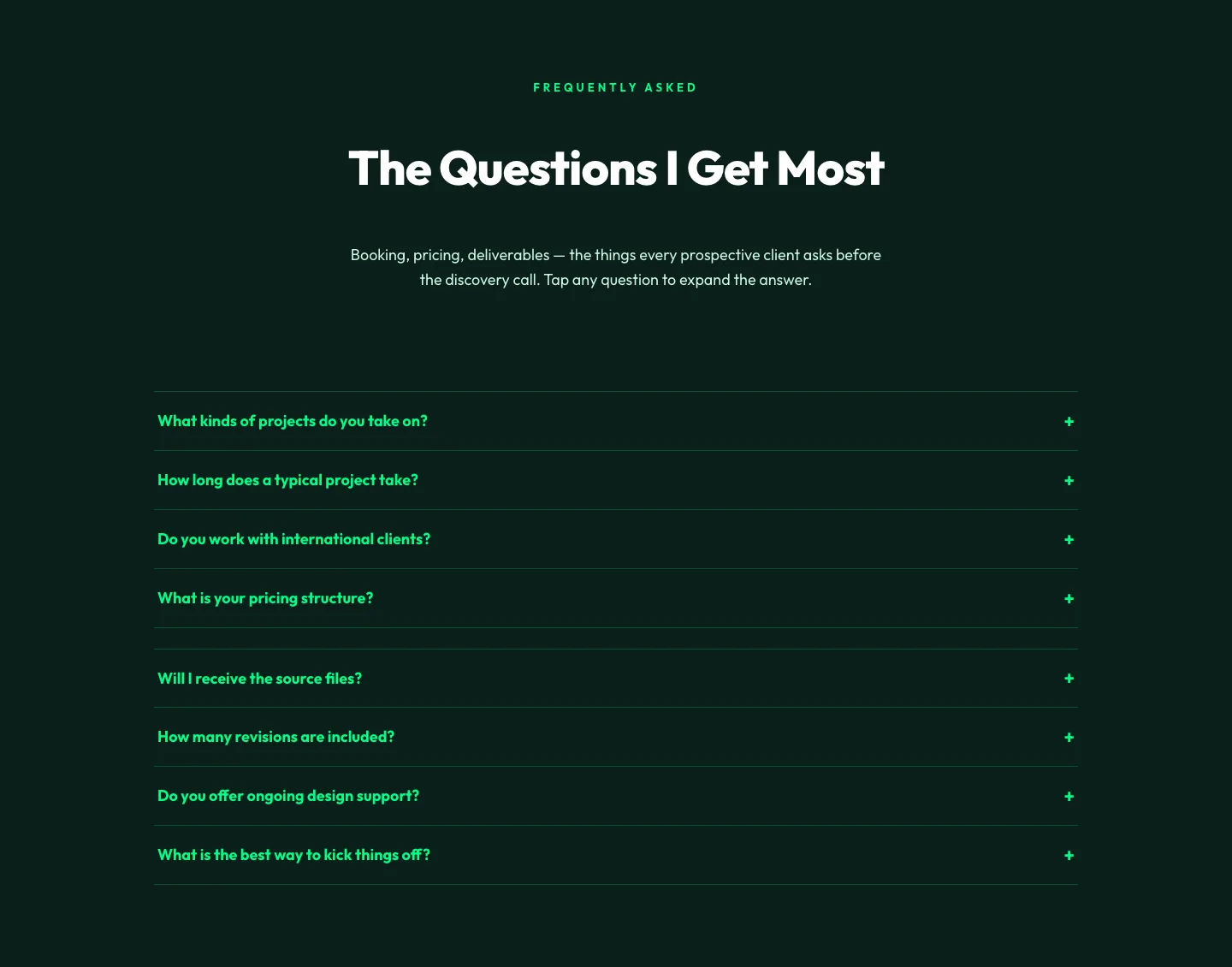
Bold Portfolio FAQ Section: Divi 5 Layout
faq · portfolio · bold
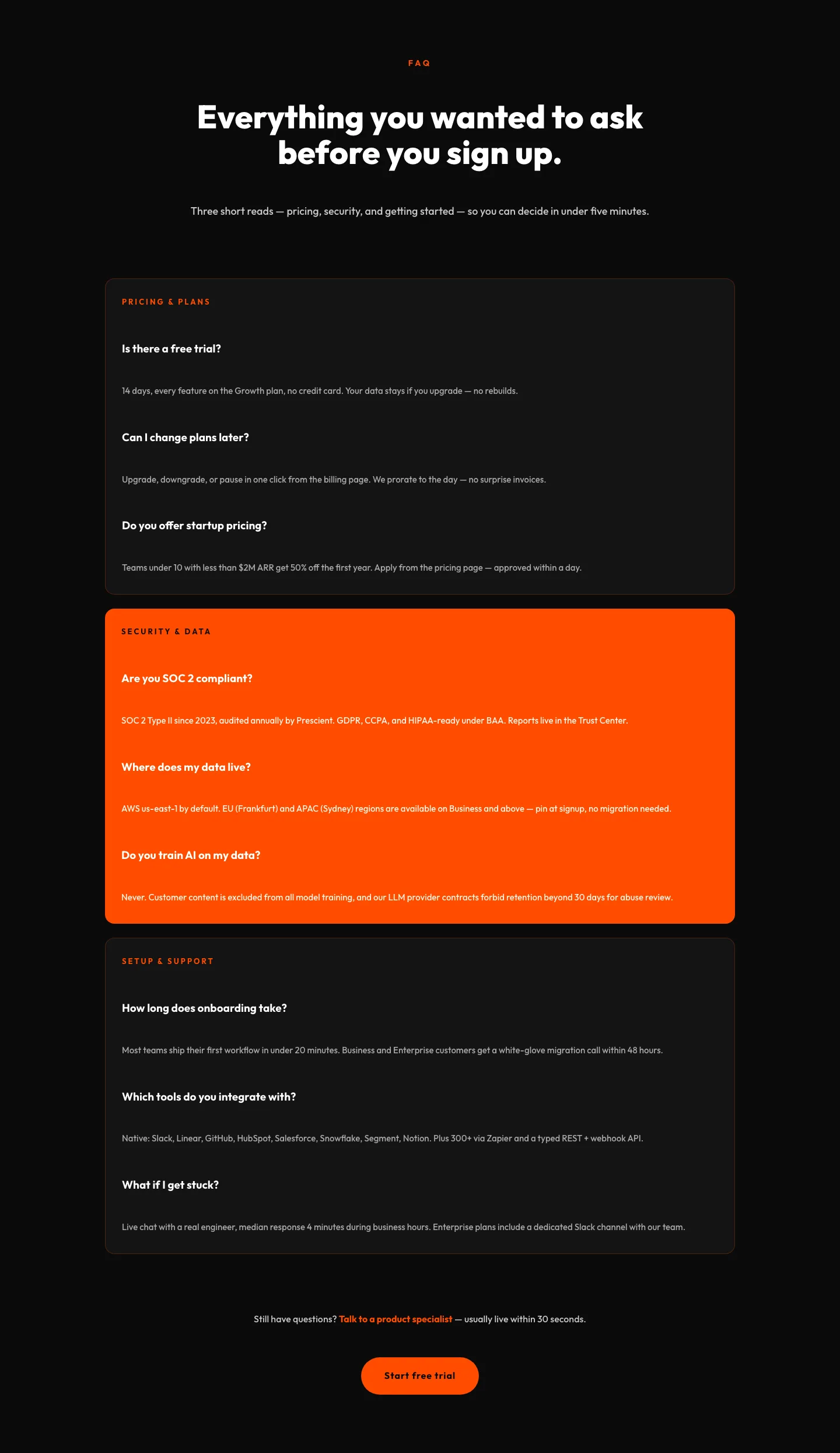
Bold SaaS FAQ Section: Divi 5 Layout
faq · saas · bold
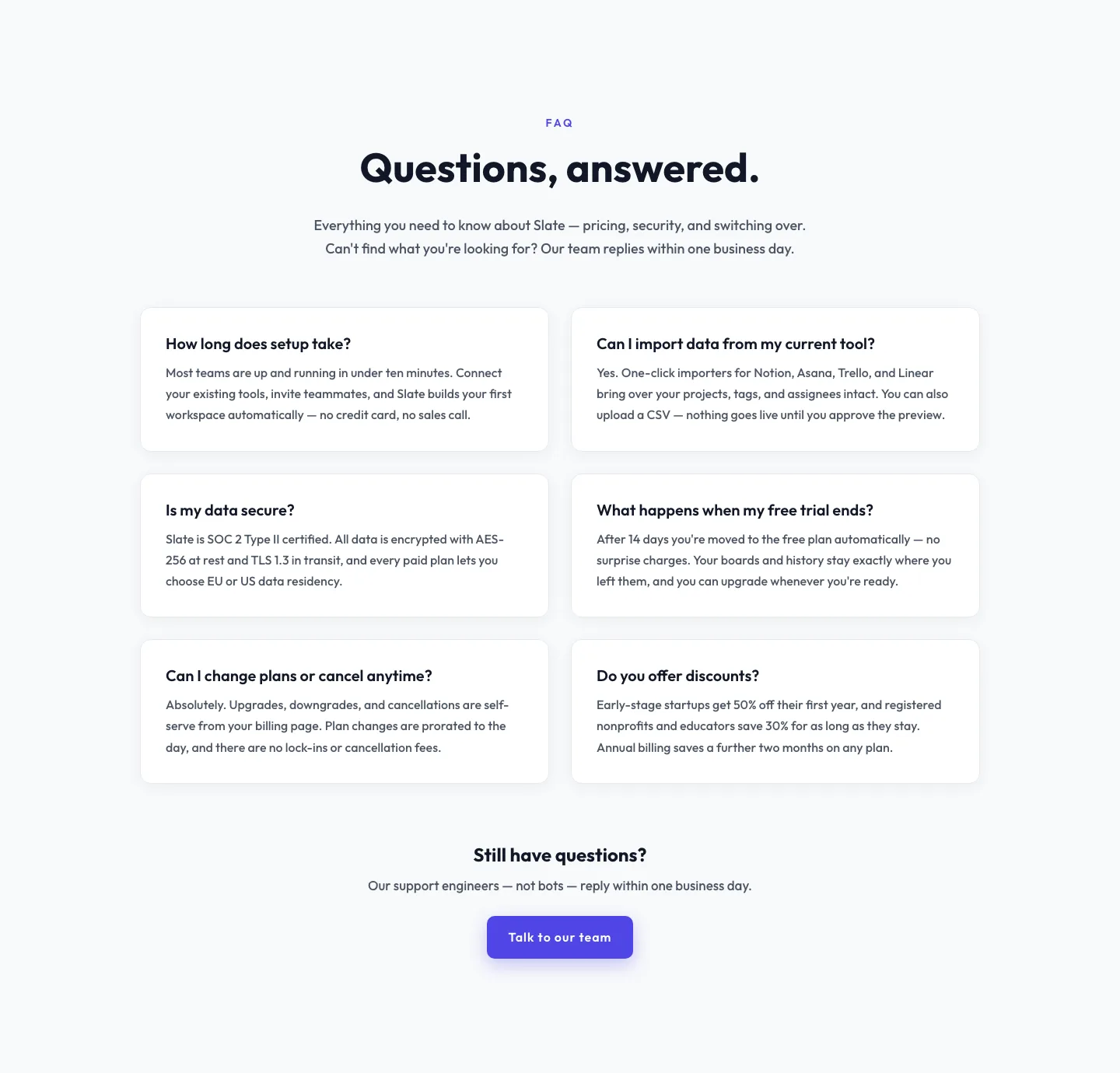
Minimal SaaS FAQ Section: Two-Column Card Layout for Divi 5
faq · saas · minimal
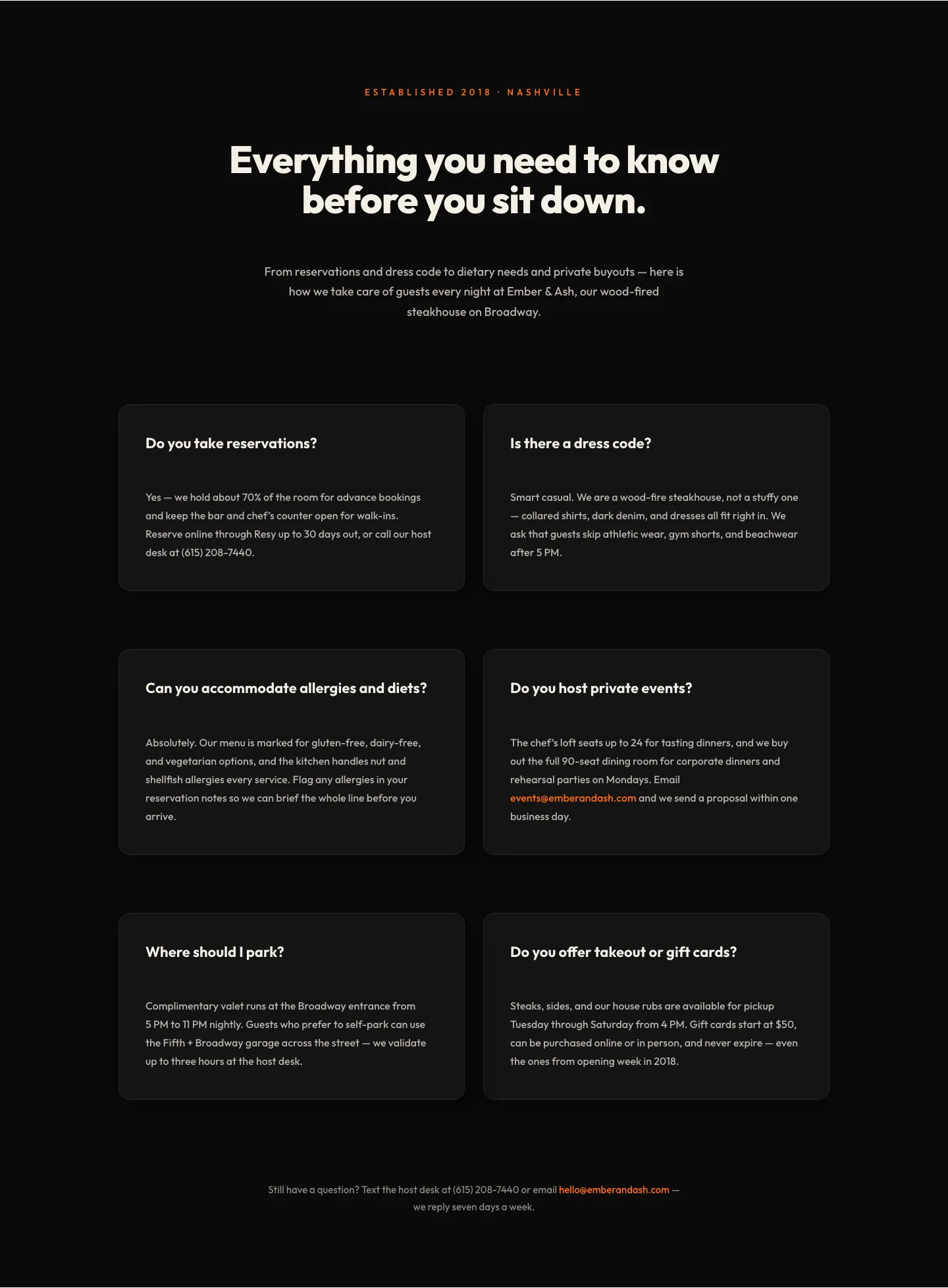
Bold Restaurant FAQ Layout: Wood-Fired Steakhouse Guest Questions | Divi 5
faq · restaurant · bold
Playful Agency FAQ Section: Free Divi 5 Layout
faq · agency · playful
Bold SaaS FAQ Section: Two-Column Accordion Divi 5 Layout
faq · saas · bold