
Minimal SaaS FAQ Section: Two-Column Card Layout for Divi 5
Clean two-column FAQ section for SaaS sites, built for Divi 5. Six white question cards with hover accents, centered heading, and a support CTA button. Indigo-on-slate minimal design.
Rate this element
Download this section, free
- Divi 5 JSON, imports in seconds
- Commercial license included
- No account needed
Click to view the full page
Overview
The layout opens with a centered intro block: a small indigo FAQ eyebrow (Outfit, 14px, 3px letter-spacing, uppercase in #4F46E5) sits above a 52px H2 headline ("Questions, answered.") and an 18px supporting paragraph capped at a 640px reading measure. Everything rests on a soft slate #F8F9FB canvas with 120px vertical breathing room on desktop, dropping to 72px on phones so the section reads calm on scroll.
Below the intro, six FAQ cards fill three 1/2 + 1/2 rows separated by a 28px column and row gap. Each card is a pure white column with a 14px border radius, a 1px hairline border in #E9EAF0 that shifts to indigo #C7CCF8 on hover, 32px padding, and a soft preset1 shadow (4px offset, 18px blur, near-black at 5% opacity) that deepens to a 14px/36px indigo-tinted shadow on hover. A lift you feel more than see. Inside each card, an Outfit 20px/600 heading in #111827 sits above 16px body copy in #4B5563 at 1.7em line-height, so the question scans and the answer stays comfortable to read.
The section closes with a centered outro row: a 24px "Still have questions?" heading, a 17px reassurance line, and a solid indigo #4F46E5 pill button ("Talk to our team") with 10px corners, 14×28px padding, a white Outfit 600 label, and a colored drop shadow that intensifies on hover. On phones every row collapses to a single-column stack so cards stretch full width, the H2 steps down to 32px/40px, and rhythm holds without any manual tuning.
What’s inside
- Six FAQ cards arranged in three 1/2 + 1/2 rows with a 28px column-and-row gap, wrapping to a single stacked column on phones.
- Centered intro block: uppercase indigo "FAQ" eyebrow, a 52px "Questions, answered." H2, and a 640px-capped supporting paragraph. Built from native Divi 5 Text and Heading modules.
- White cards with 14px rounded corners, hairline `#E9EAF0` borders that flip to indigo on hover, and a preset1 box shadow that lifts and tints indigo on hover.
- Consistent Outfit typography (20px/600 question headings above 16px body copy at 1.7em line-height) for calm scannability across all six cards.
- Fluid H2 sizing driven by Divi 5 breakpoints: 52/60px desktop, 40/48px tablet, 32/40px phone. Nothing to tweak by hand.
- Closing "Still have questions?" outro row with a 24px heading, reassurance line, and a solid indigo Divi 5 Button module ("Talk to our team") with rounded 10px corners and a hover shadow.
- Soft slate `#F8F9FB` section canvas with 120px desktop / 72px phone vertical padding baked into the section wrapper.
- Two-tone slate + indigo palette (`#F8F9FB` / `#4F46E5` / `#111827` / `#4B5563`), swap the accent once and the whole section retunes.
Who it’s for
Built for SaaS product sites (pricing pages, sign-up pages, or a dedicated FAQ page) where you need to defuse buying objections without adding visual noise. The two-column card grid holds six questions naturally, which is the sweet spot for pricing, security, and onboarding concerns before a trial. It also fits developer tools, B2B platforms, fintech dashboards, agencies pitching productized services, and marketing pages for mobile apps. Because the palette is neutral and the type is one clean sans, teams sitting between "startup polish" and "enterprise trust" (think Notion-adjacent, Linear-adjacent) can drop it in without a rebrand. Skip it if your brand voice is bold-and-loud or maximalist; this section is deliberately quiet.
Customization tips
Start by re-theming the accent: search the JSON for #4F46E5 (used on the eyebrow, the button, the hover border, and the hover shadow tint) plus its darker sibling #4338CA on the button hover, and swap them for your brand color. Keep the neutral scaffolding (#F8F9FB section, #FFFFFF cards, #E9EAF0 border, #111827 headings, #4B5563 body) for the calm feel; retune those together if you're going darker. For copy, keep questions under about 65 characters (roughly one line at 20px) and answers to two short sentences so all six cards keep a consistent visual weight; if one answer runs long, the row's align-items: stretch will pad the others to match and you'll lose the tidy grid. No images or icons are used: if you want to add one, drop a small Divi 5 Icon module above the H3 inside each column at 24–28px. To switch Outfit for another clean sans (Inter, Manrope), change it globally in Theme Builder. The hierarchy holds because sizes are set in relative steps.
How to install this layout
- Download the layout JSON file from this page.
- Open the target page in the Divi 5 builder.
- Open the portability panel (up/down arrows icon) and choose the Import tab.
- Upload the JSON. Tick “replace existing content” only for full-page imports.
- Check the page at desktop and mobile widths, then swap in your copy and images.
Full walkthrough with troubleshooting: How to Import a Divi 5 Layout.
Questions about Minimal SaaS FAQ Section: Two-Column Card Layout for Divi 5
How many questions can this layout hold before it starts to look unbalanced?
Six is the tuned count, three rows of two cards. Because each row uses `align-items: stretch`, the cards match the tallest one's height, so keeping every answer to two short sentences is what preserves the tidy grid. You can add a fourth row by duplicating any existing two-card row, but going odd-numbered will leave a lonely card unless you widen it to full width.
How does it behave on mobile?
On phones every row flips to `flex-direction: column`, so each card stacks full-width with the 28px row gap acting as vertical spacing. Section padding drops from 120px to 72px vertical, and the H2 steps down from 52px to 32px automatically. Nothing to configure.
Which Divi 5 modules is it actually built from?
Only the native ones: Section, Row, Column, Text (for the eyebrow and every Q/A pair), Heading (for the main H2), and Button. No third-party modules and no custom CSS injected, the hover lift and border color-shift are done with Divi's built-in hover states.
What should I edit first after importing?
The six question/answer Text modules: replace the placeholder Slate-app copy with your product's real objections (pricing, security, onboarding, cancellation, discounts). Then re-theme the indigo `#4F46E5` accent to your brand, and finally swap the "Talk to our team" button label and link to your support inbox, Calendly, or help center.
Are the answers expandable accordions?
No, every answer is shown open by design. The two-column grid keeps six answers on one screen without scroll fatigue, which reads more transparent for SaaS pricing pages than hiding answers behind toggles. If you specifically need an accordion pattern, use Divi's Accordion module in a different layout.
Can I add an icon or small image inside each card?
Yes. Each card is a Column with 32px padding, drop a Divi 5 Icon module (or a small Image module) above the Text module inside any column. Keep icons around 24–28px and images under 64×64 so they don't upstage the H3, and give them a small bottom margin (12–16px) to match the card's calm rhythm.
Which Divi version does this layout need?
Divi 5. The layout is generated natively for Divi 5 and validated against its real module structure before publication, so it imports clean into the current builder.
Can I use this layout on client websites?
Yes. Every download includes a commercial license covering unlimited sites you own or build for clients. Only reselling or redistributing the layout file itself is prohibited.
More faq sections
Browse all faq sections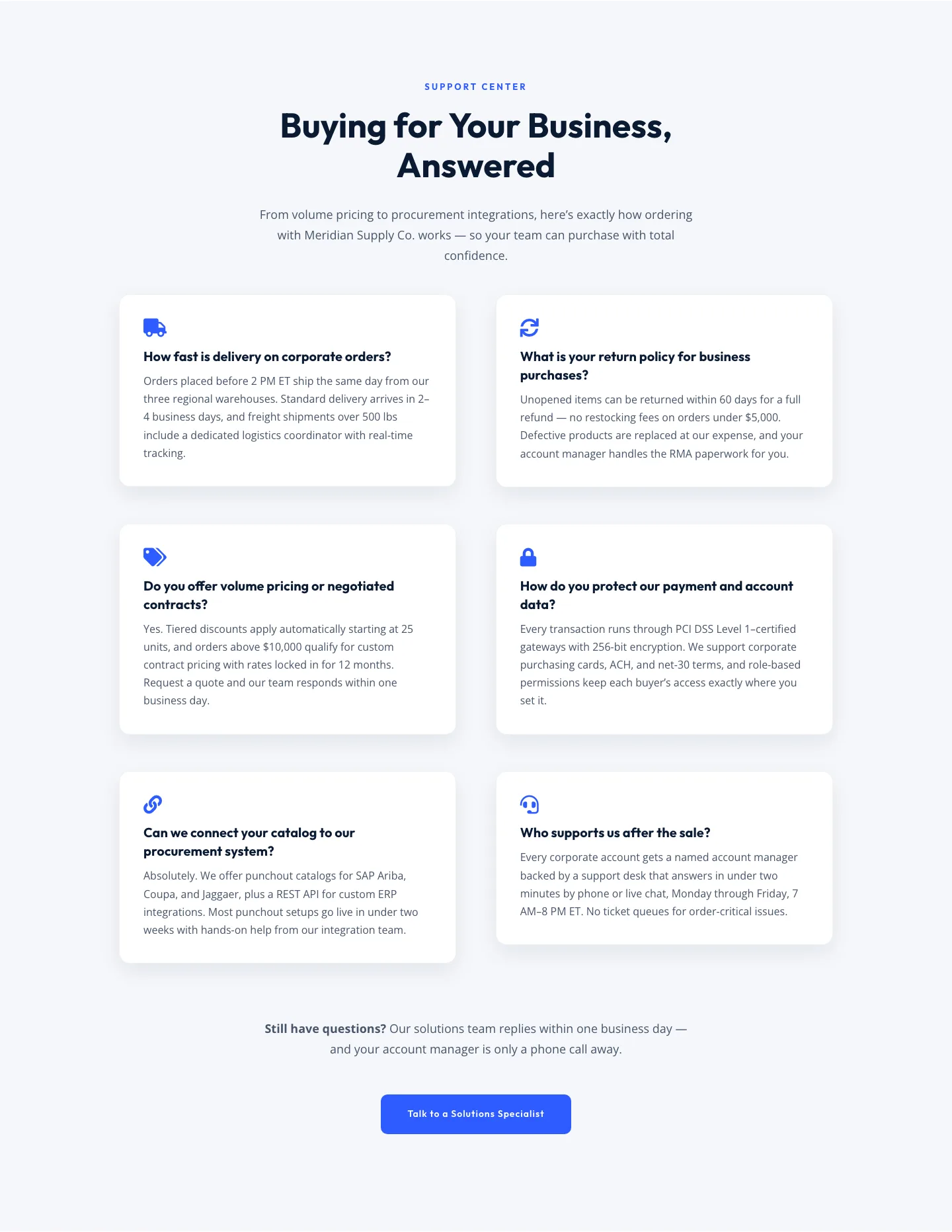
Corporate Ecommerce FAQ Section: Divi 5 Layout
faq · ecommerce · corporate
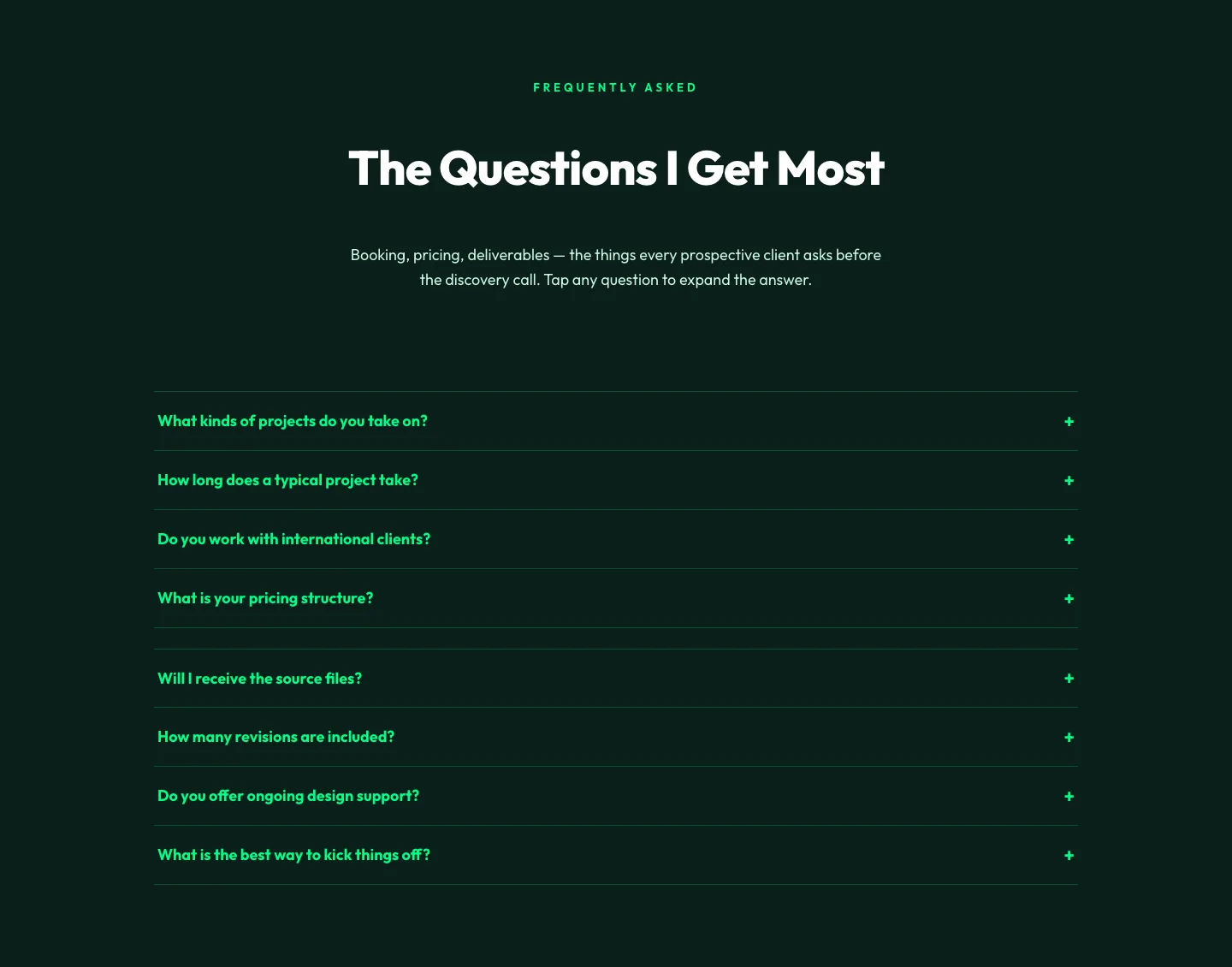
Bold Portfolio FAQ Section: Divi 5 Layout
faq · portfolio · bold
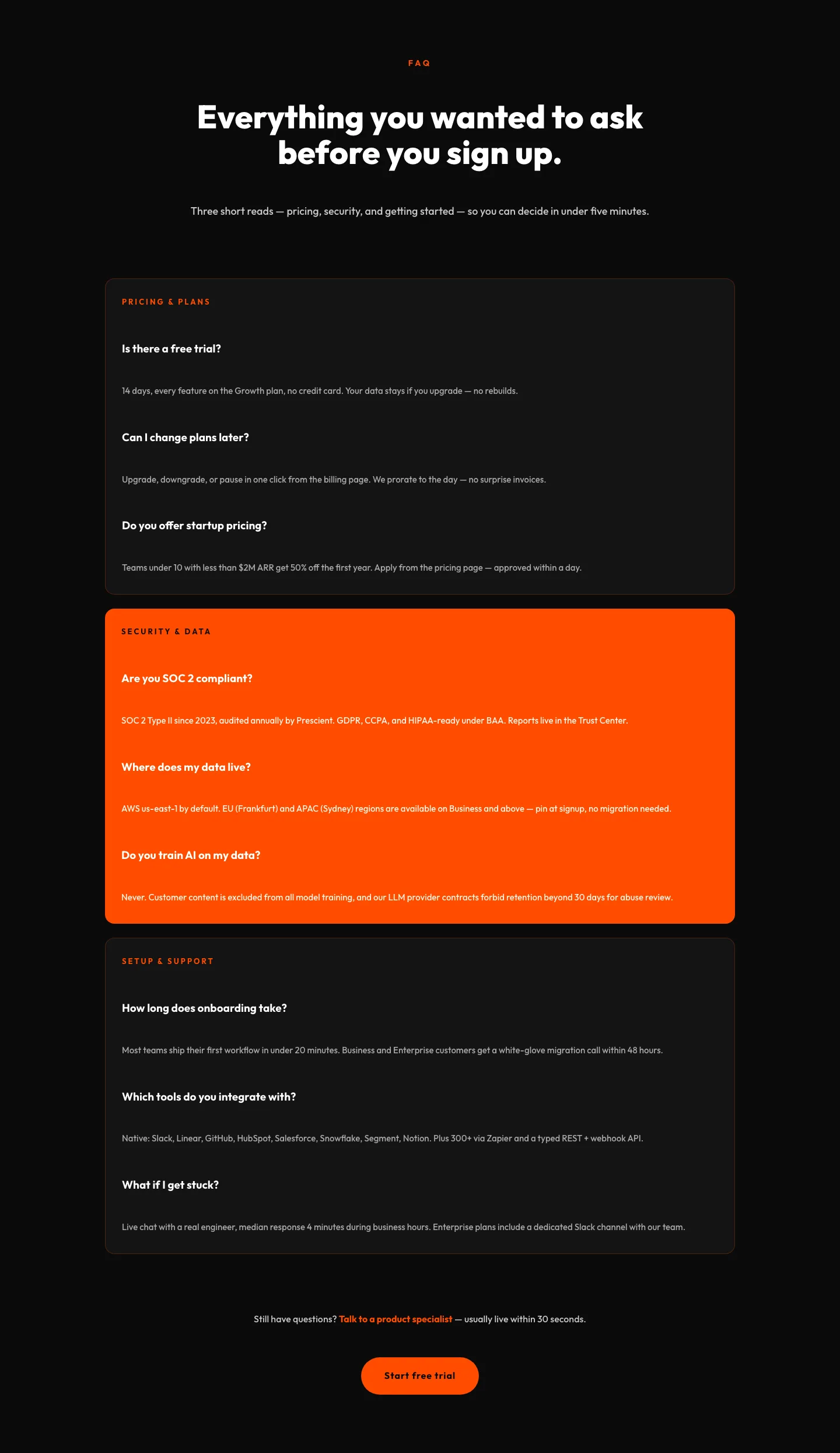
Bold SaaS FAQ Section: Divi 5 Layout
faq · saas · bold
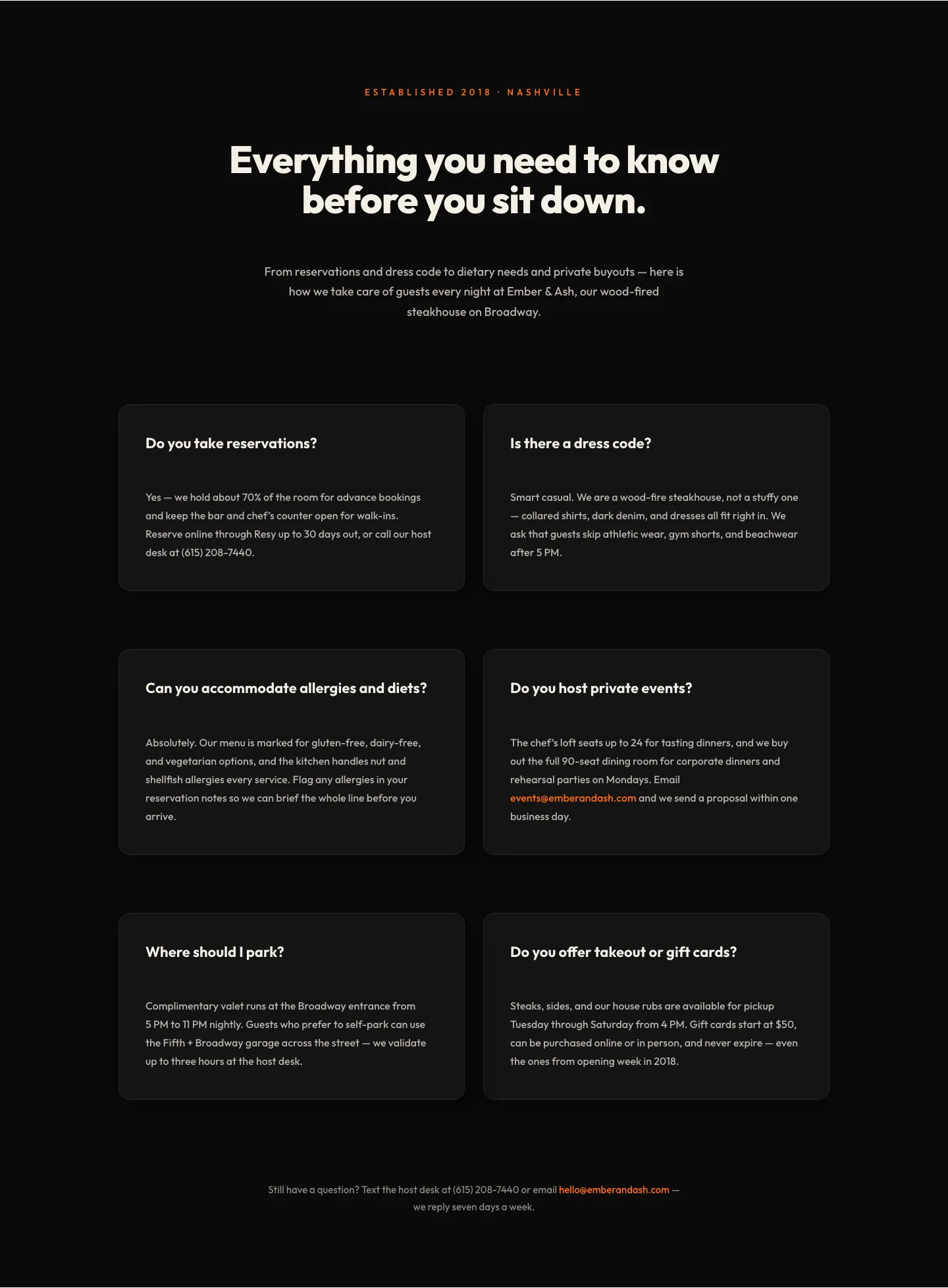
Bold Restaurant FAQ Layout: Wood-Fired Steakhouse Guest Questions | Divi 5
faq · restaurant · bold
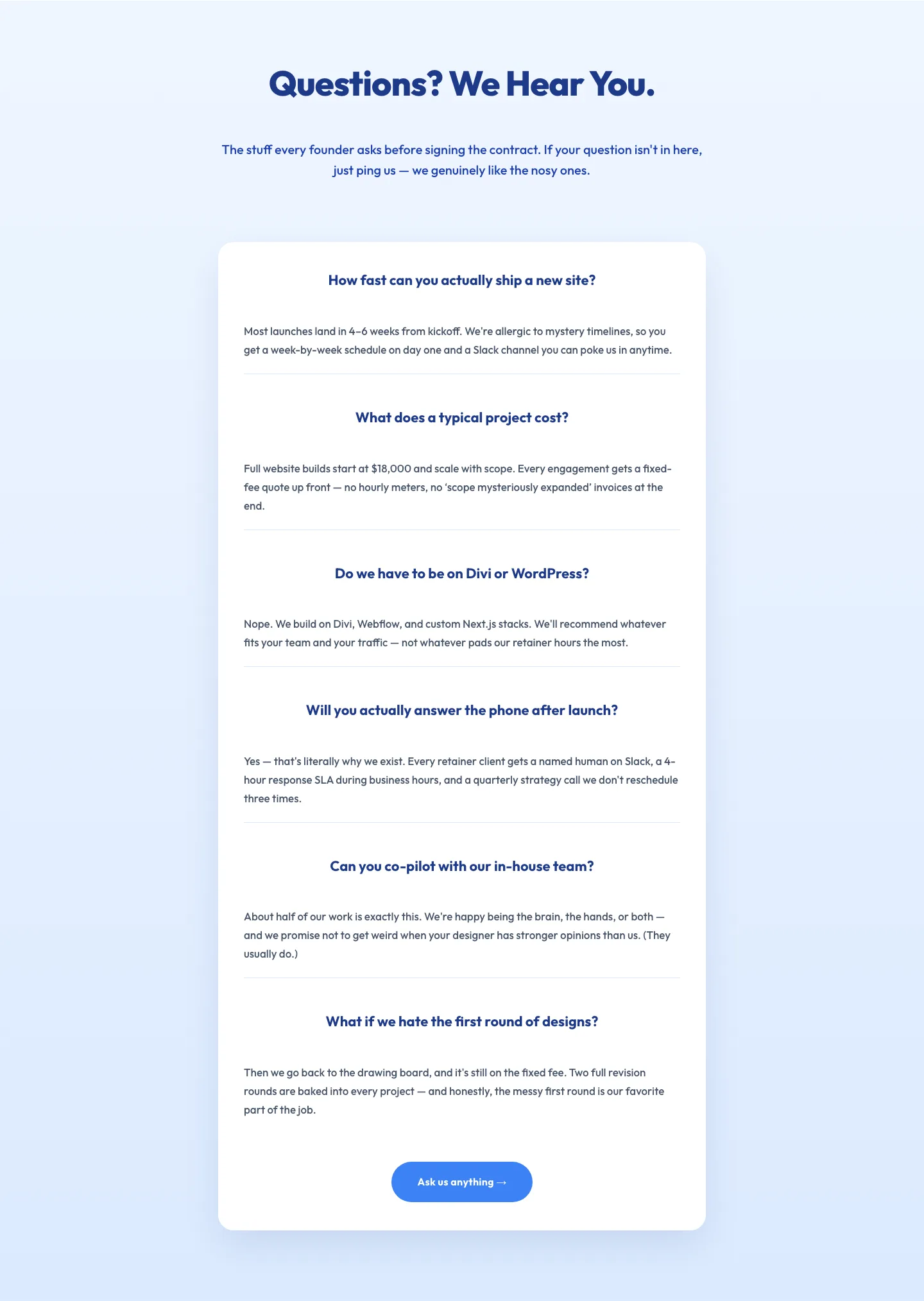
Playful Agency FAQ Section: Free Divi 5 Layout
faq · agency · playful
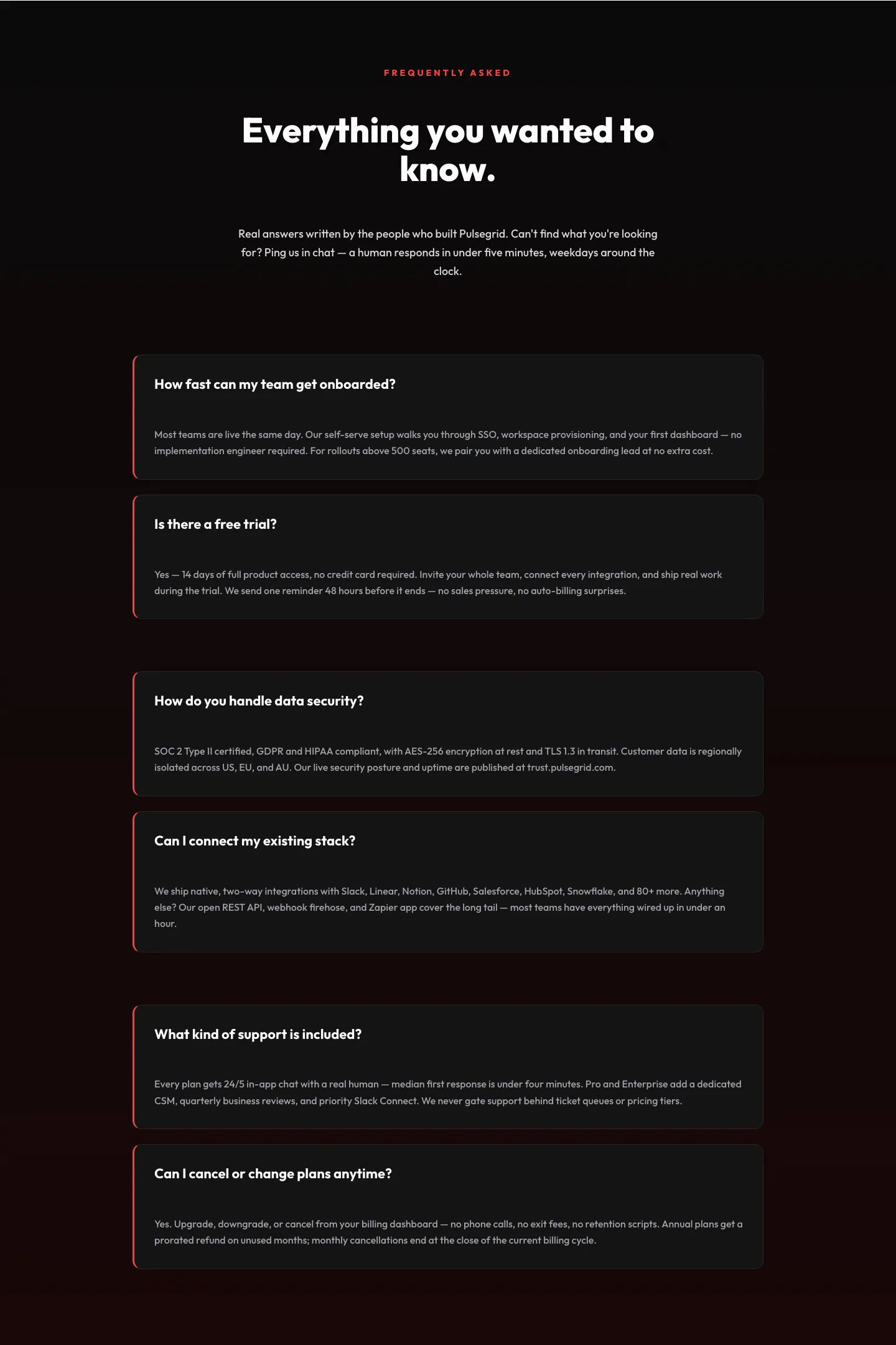
Bold SaaS FAQ Section: Two-Column Accordion Divi 5 Layout
faq · saas · bold