
Playful Events FAQ Divi 5 Layout: Free Download
Free playful FAQ section for events & party planners in Divi 5. Soft confetti gradient, rounded cards, friendly copy. One-click import, commercial use OK.
Rate this element
Download this section, free
- Divi 5 JSON, imports in seconds
- Commercial license included
- No account needed
Click to view the full page
Overview
This FAQ section leads with a centered intro block (an 800-weight Outfit H2 sized 54px on desktop, stepping down to 40px on tablet and 32px on phone) followed by a 600px-wide subhead in a softer purple. The whole section sits on a three-stop diagonal gradient (blush pink #fde4f2 → cream #fff6e0 → mint #d8eef2) that establishes the playful, party-store palette without shouting.
Each of the seven questions lives in its own centered row capped at 760px, rendered as a white card with a 20px radius, a 1px pastel hairline border, and a soft preset3 box shadow. Cards are intentionally rotated through three accent hues (purple, teal, and amber) matched between the H3 question color, the border tint, and the shadow color, so the stack reads as a confetti-toss rather than a monotone list. Interior padding is a comfortable 32px/40px on desktop and tightens to 24px on phone, with 20px of vertical breathing room between cards.
Question headings are H3 Outfit 700 at 22px with 1.3em line-height; answers are Outfit 16px at 1.65em in a low-contrast tone-on-tone color so the question always wins the eye. A closing centered CTA line (a bold discovery-call prompt) sits at 17px directly under the last card, no button module, keeping the tone conversational. On mobile, the row flexDirection switches to column, section padding drops to 56px top/bottom, and every card reflows to full width without breaking hierarchy.
What’s inside
- One Divi section with a 135° three-stop gradient background (blush, cream, mint) and 90px desktop / 56px phone vertical padding
- Centered intro row (760px max) with a 54/40/32px responsive H2 and a 600px-wide supporting paragraph
- Seven standalone question rows, each a white 20px-radius card with 1px border, preset3 shadow, and 32px/40px padding
- Three-hue accent rotation (purple `#5a2a6b`, teal `#2e6e74`, amber `#a06208`) synced across heading color, border tint, and shadow
- H3 Outfit 700 22px question headings paired with 16px/1.65em Outfit body text at low contrast for scannable Q/A pairs
- All Outfit typography loaded via native Divi 5 heading and text modules, no custom code or icon fonts
- Closing centered CTA paragraph (17px, bold discovery-call line) sitting flush under the final card at 24px top padding
- Phone breakpoint drops row flex to column and tightens card padding to 24px so cards stack cleanly edge-to-edge
Who it’s for
Built for event planners, wedding coordinators, party stylists, and birthday/kids-party studios that want warmth over minimalism. The confetti-toned gradient and rotating card accents also suit florists, cake designers, balloon artists, mobile bartenders, photo-booth rentals, and destination-event concierges. It works equally well for family-focused venues (bounce houses, indoor playgrounds, museum party rooms) and for lifestyle brands running seasonal launches, brand activations, or pop-up experiences. Because the copy tone is friendly and the visuals lean pastel, it fits any small business whose audience is booking an emotional purchase and needs reassurance before reaching out. It is less appropriate for corporate B2B, luxury minimal weddings, or funeral/serious-service verticals where the palette would feel off-brand.
Customization tips
Swap the three gradient stops in the top-level section background to re-skin the whole vibe: try deeper jewel tones for evening events, or a monochrome cream for elegant weddings. To keep the accent rotation, edit the H3 color, border color, and shadow color on each card as a matched trio; changing only one will break the confetti effect. Question text reads best between 45 and 80 characters, anything longer starts wrapping to three lines on mobile and cramps the 22px heading. Answers are tuned for 40–70 words; push past 100 and the 1.65em line-height starts to overwhelm the card. There are no images to swap, so the customization budget is spent on palette and copy. If you want a button instead of the closing text CTA, drop a Divi Button module in that final row and remove the <strong> inline. The row already has 24px top padding to hold it. For darker skins, lift body text contrast to at least #4a3358 on the pink cards before shipping.
How to install this layout
- Download the layout JSON file from this page.
- Open the target page in the Divi 5 builder.
- Open the portability panel (up/down arrows icon) and choose the Import tab.
- Upload the JSON. Tick “replace existing content” only for full-page imports.
- Check the page at desktop and mobile widths, then swap in your copy and images.
Full walkthrough with troubleshooting: How to Import a Divi 5 Layout.
Questions about Playful Events FAQ Divi 5 Layout: Free Download
Is this a full FAQ page or just a section?
It is a single self-contained section: one Divi section with an intro row, seven Q/A cards, and a closing CTA line. Drop it into any existing page (About, Services, Contact) or use it as the body of a dedicated /faq page.
How does the card stack behave on mobile?
Row `flexDirection` flips to column at the phone breakpoint, card padding tightens from 32px/40px to a synced 24px, and the section itself drops from 90px to 56px of vertical padding. The H2 also steps from 54px → 40px → 32px across desktop/tablet/phone.
What Divi modules does it actually use?
Only three native Divi 5 modules: Section, Row/Column, Heading, and Text. No accordion, toggle, blurb, button, or icon modules. Which means zero dependency on third-party plugins and dead-simple copy edits.
How do I add or remove a question?
Duplicate any existing row (each row is one Q/A card) and edit the Heading + Text inside. To keep the confetti rotation, cycle the H3 color, border color, and box-shadow color between the three provided accents (purple, teal, amber) as you add cards.
Are there any images or icons to replace?
No. The section is fully typographic, the visual character comes from the gradient background and the pastel card borders/shadows. That also means it loads fast and has nothing to swap out on a rebrand except colors and copy.
What should I edit first after importing?
Replace the H2 headline and intro paragraph, then rewrite the seven questions and answers to match your business. Last, adjust the closing CTA line: the bold discovery-call sentence is a Text module, not a Button, so plain inline editing is enough.
Which Divi version does this layout need?
Divi 5. The layout is generated natively for Divi 5 and validated against its real module structure before publication, so it imports clean into the current builder.
Can I use this layout on client websites?
Yes. Every download includes a commercial license covering unlimited sites you own or build for clients. Only reselling or redistributing the layout file itself is prohibited.
More faq sections
Browse all faq sections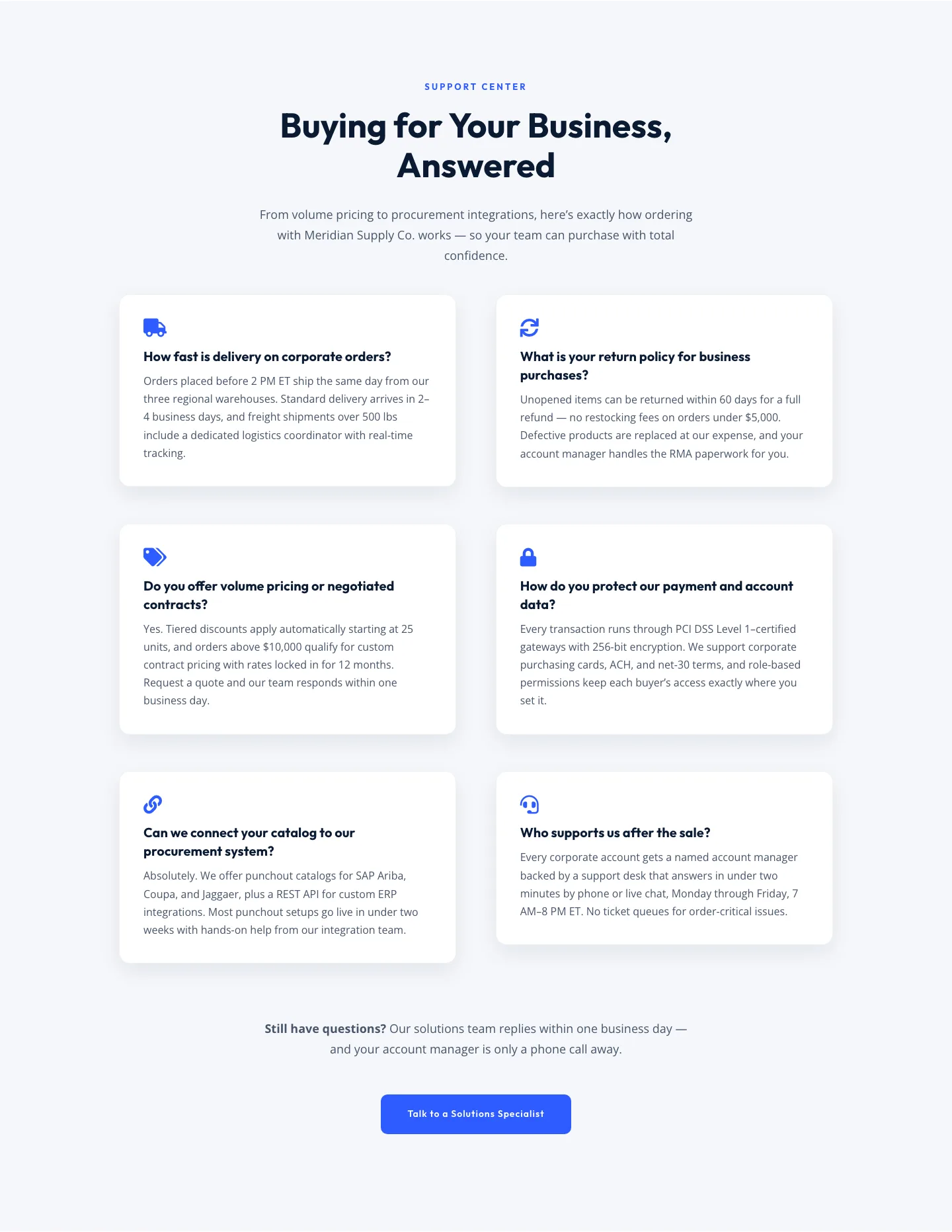
Corporate Ecommerce FAQ Section: Divi 5 Layout
faq · ecommerce · corporate
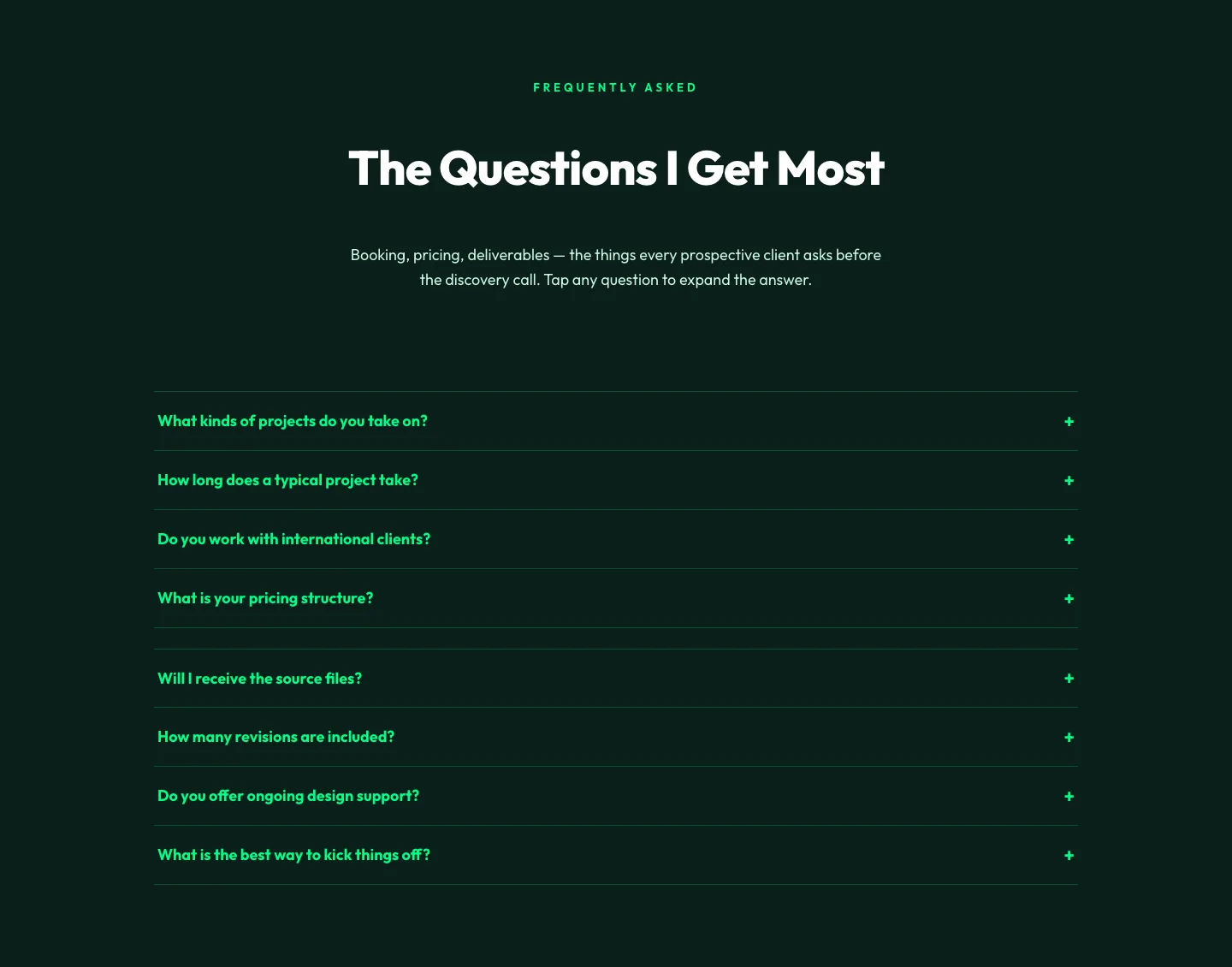
Bold Portfolio FAQ Section: Divi 5 Layout
faq · portfolio · bold
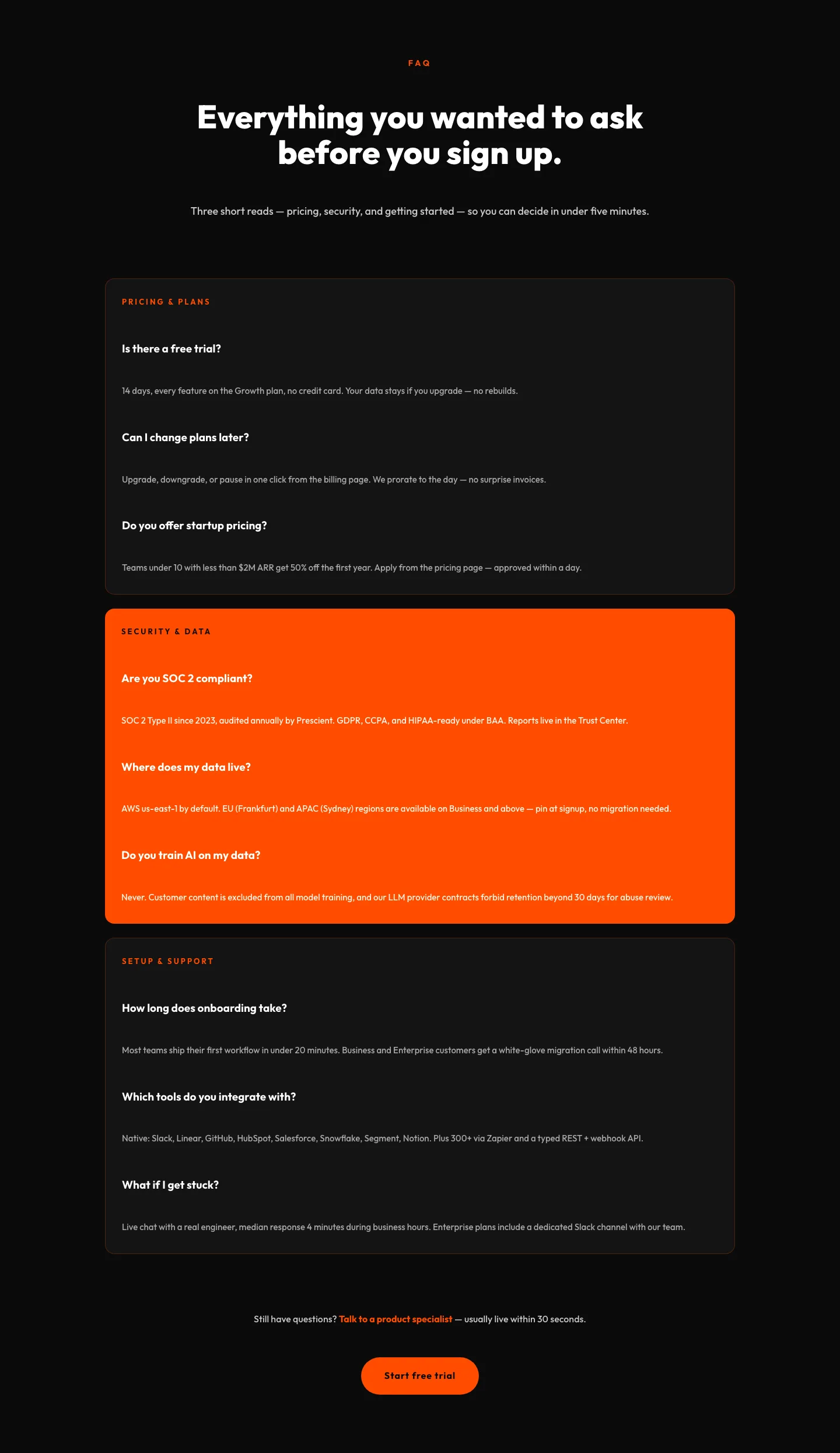
Bold SaaS FAQ Section: Divi 5 Layout
faq · saas · bold
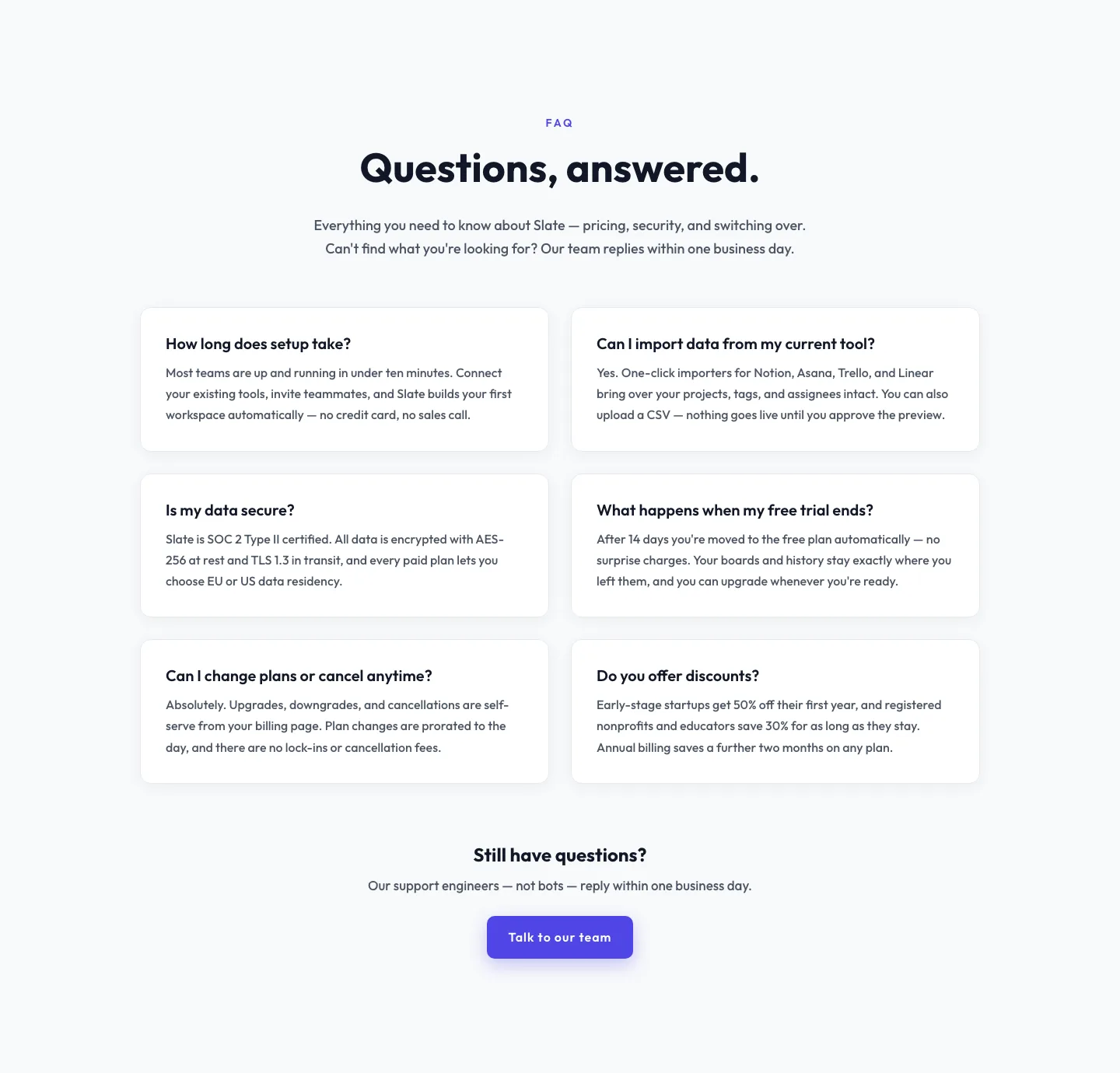
Minimal SaaS FAQ Section: Two-Column Card Layout for Divi 5
faq · saas · minimal
Bold Restaurant FAQ Layout: Wood-Fired Steakhouse Guest Questions | Divi 5
faq · restaurant · bold
Bold SaaS FAQ Section: Two-Column Accordion Divi 5 Layout
faq · saas · bold