
Events Divi 5 Layouts
Event layouts have one job: get someone to commit before they close the tab. Every section here is built around a countdown, a call to action, and a clear sense of what the day actually feels like. Pick a starting point, drop in your details, and you're most of the way to a page that fills seats.
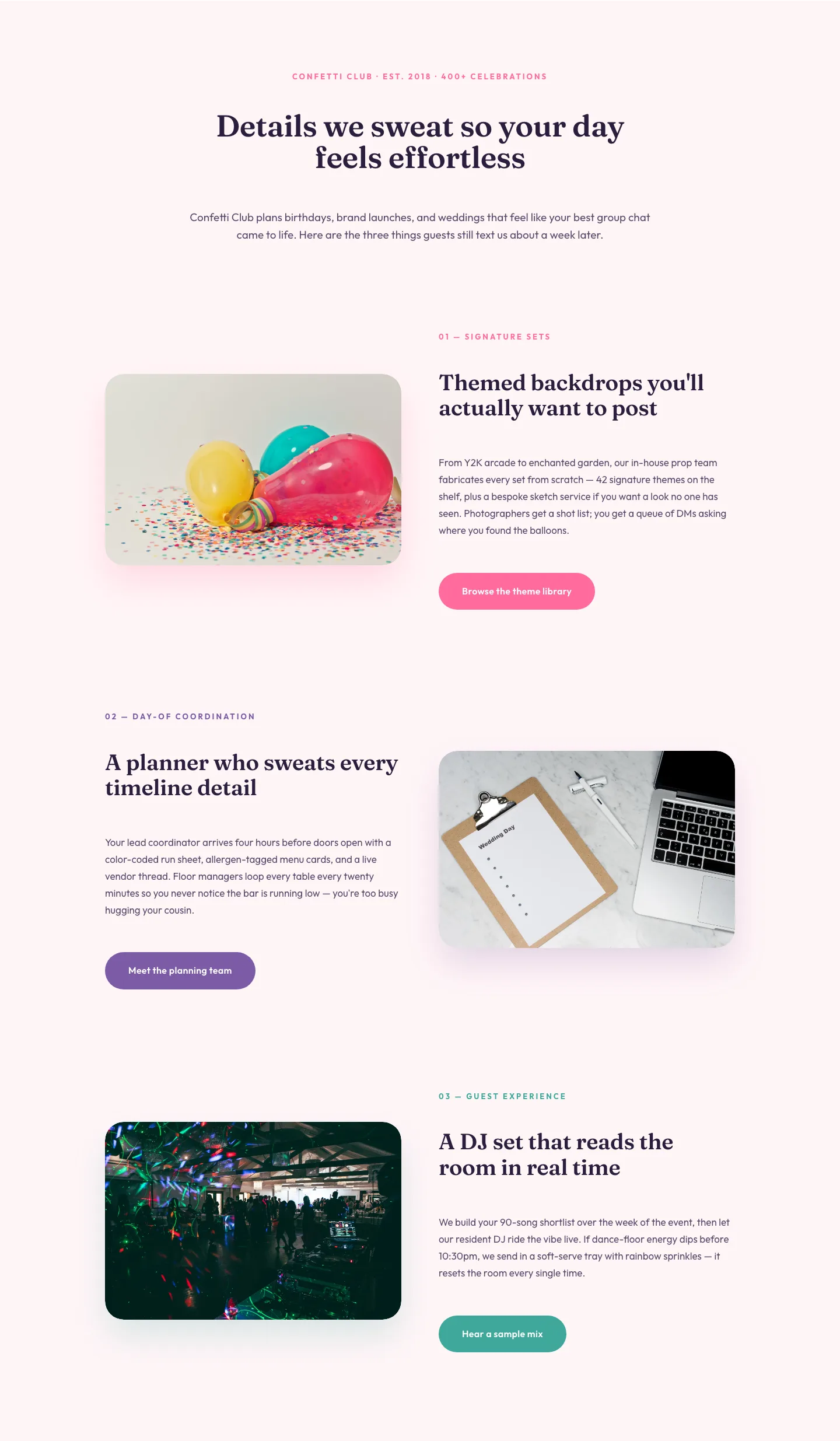
Playful Events Features Section: Alternating Rows Divi 5 Layout
features · events · playful
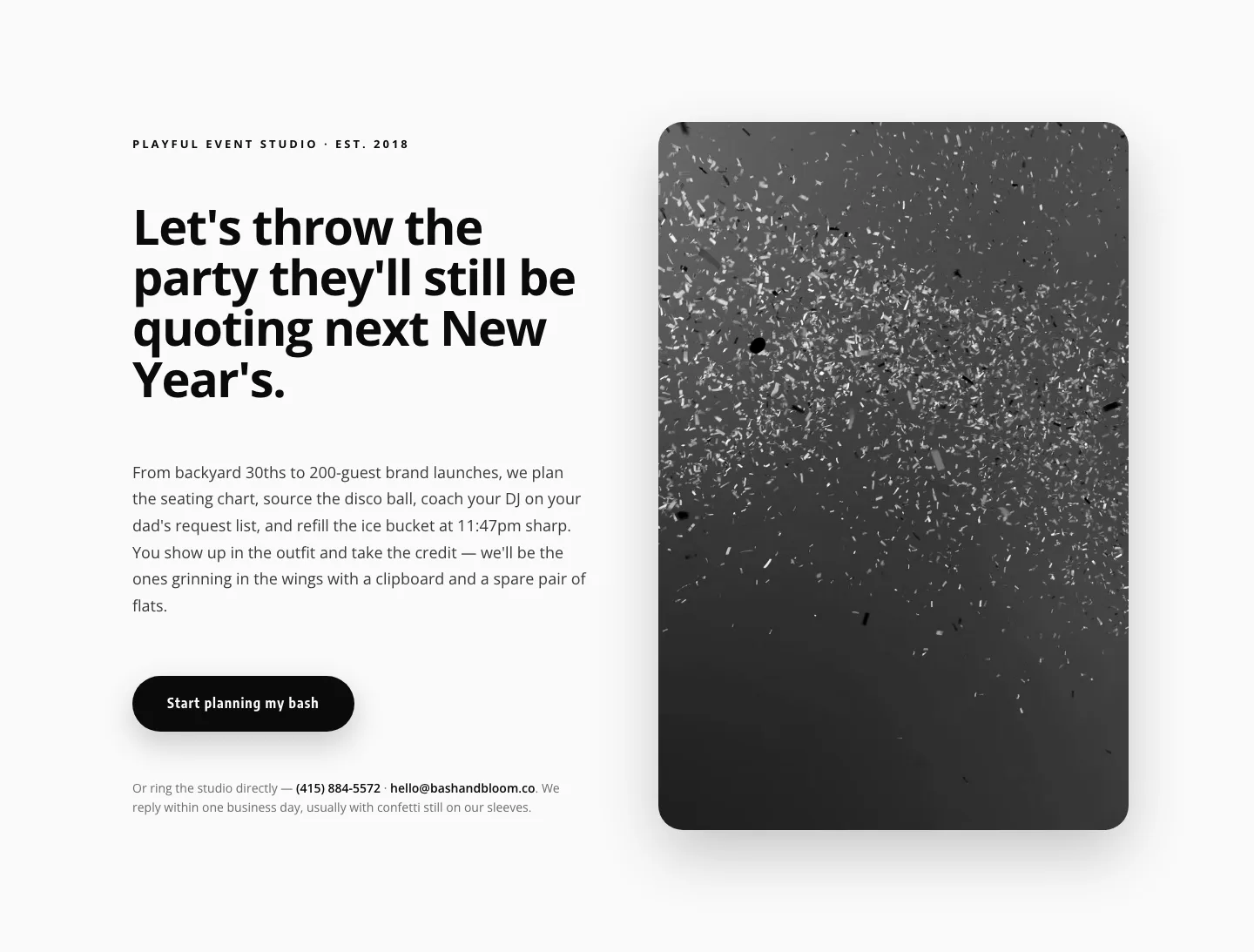
Playful Events CTA Layout for Divi 5: Bash & Bloom
cta · events · playful
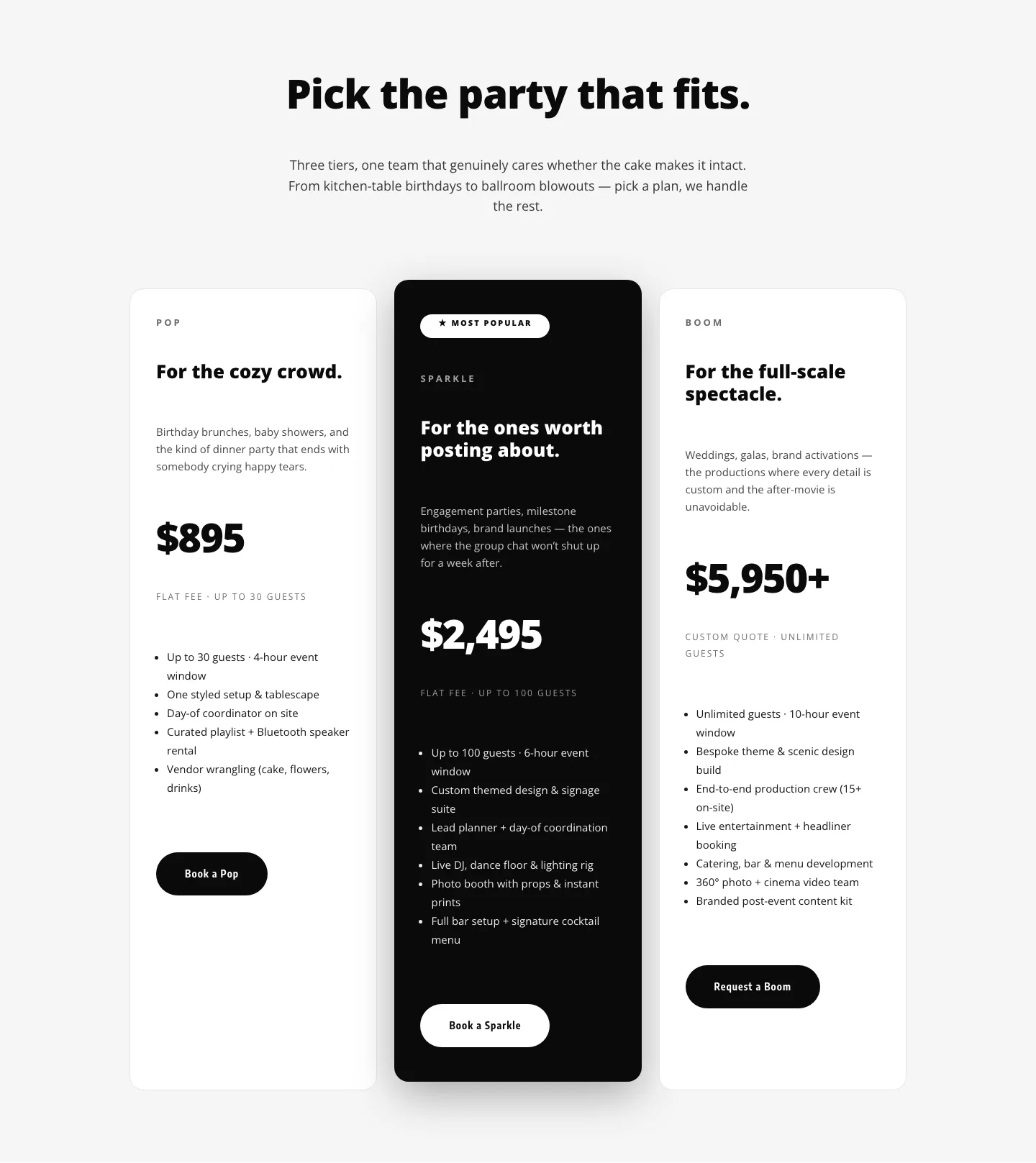
Playful Three-Tier Event Pricing Section for Divi 5
pricing · events · playful
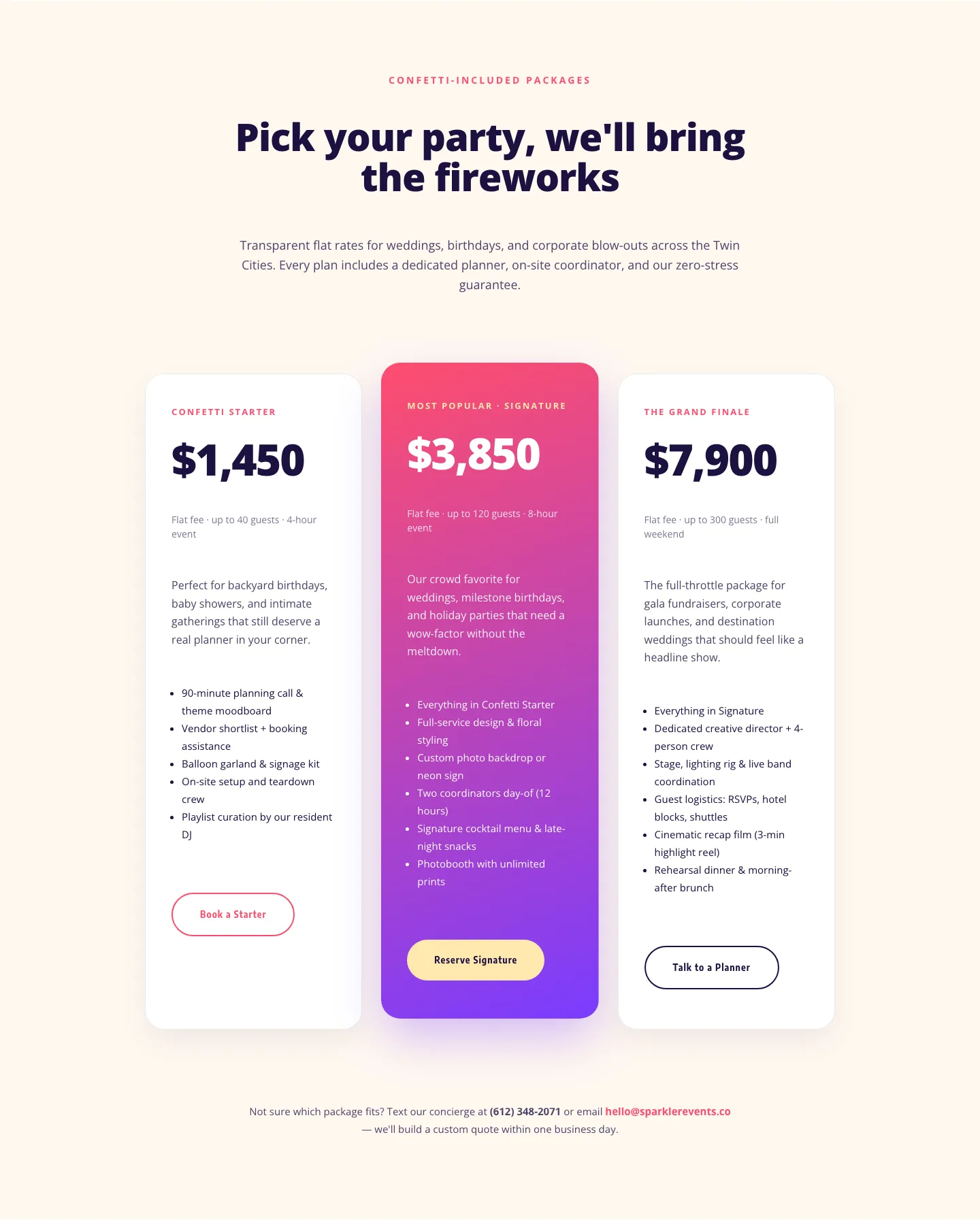
Playful Events Pricing Layout: Divi 5 Party Package Tiers
pricing · events · playful
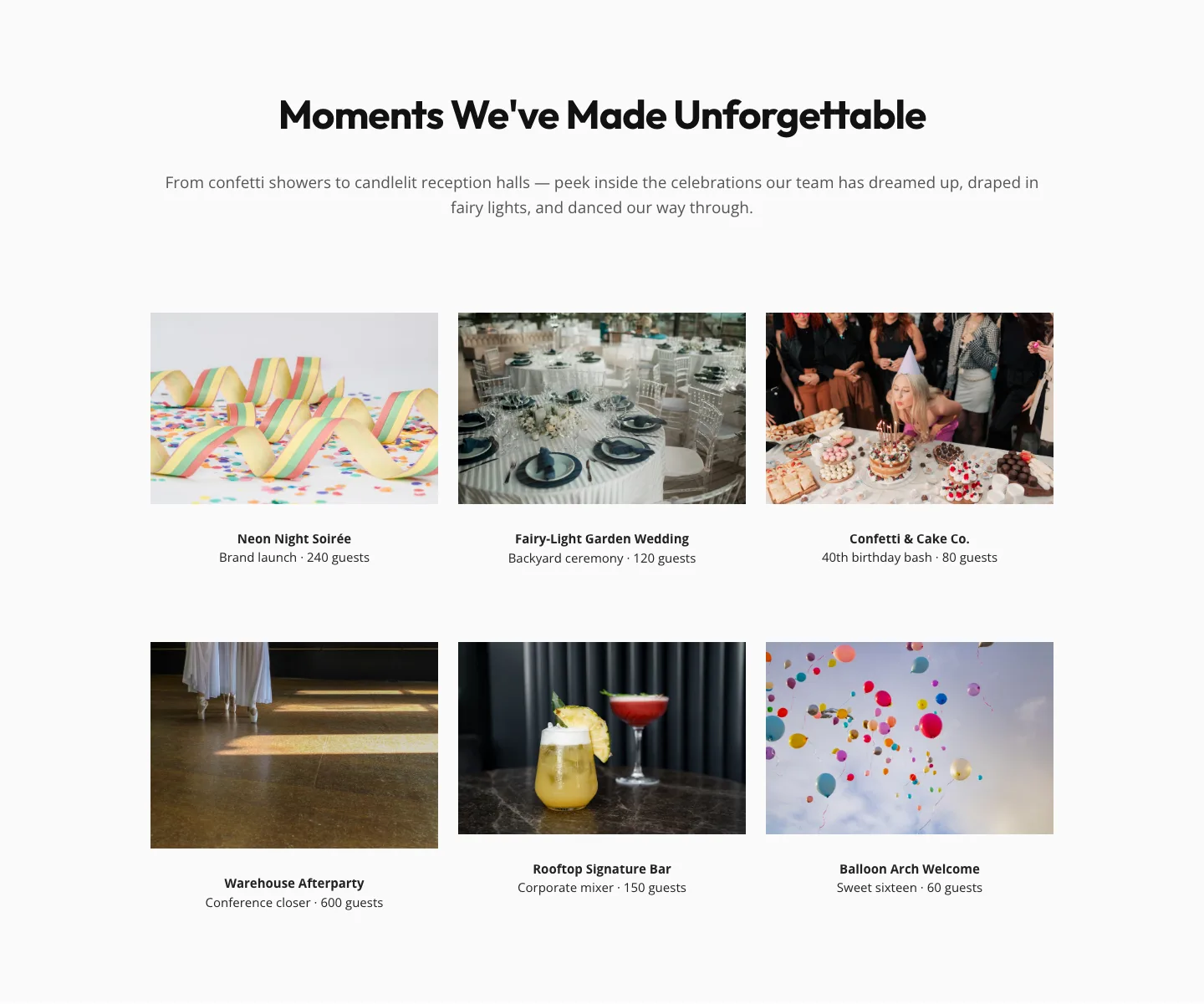
Playful Events Gallery Layout for Divi 5: Free Download
gallery · events · playful
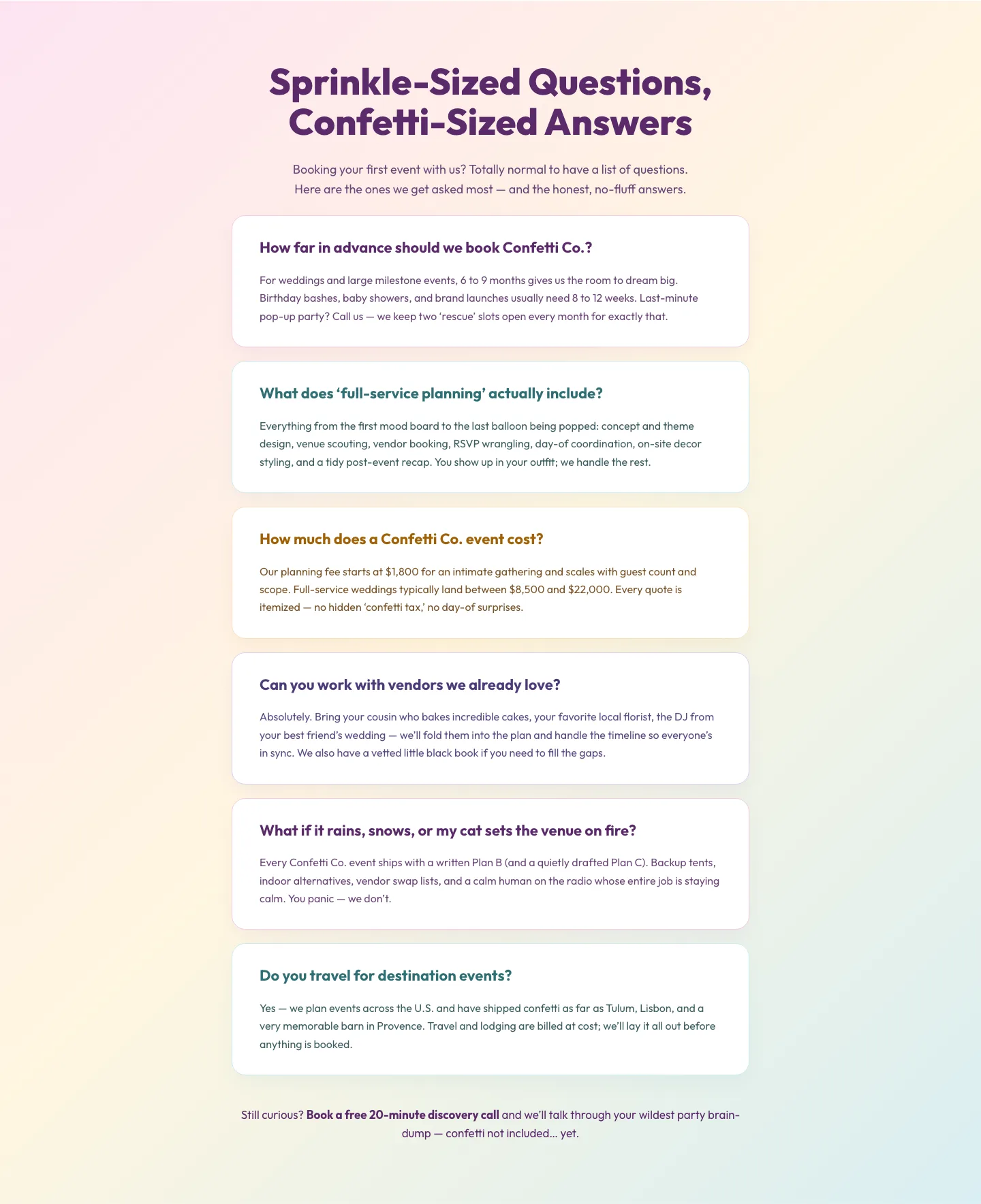
Playful Events FAQ Divi 5 Layout: Free Download
faq · events · playful
What makes an event layout work
Good event pages front-load the essentials: name, date, place, promise. If a visitor can't answer "what is this and why should I show up" in the first screen, nothing further matters. The layouts in this category all lead with a hero that names the event, pins the date, and sets a mood: a conference feels different from a wine tasting, and the typography, imagery, and pacing should reflect that.
Below the fold, the winning pattern is almost always the same: a short why attend block, a schedule or agenda users can scan, speakers or hosts with faces attached, a venue section with a real map, tiered ticketing, and social proof from last year's edition. Sprinkle in a persistent countdown or sticky CTA and you close the loop between excitement and action.
Who these are for
Conference organizers, workshop hosts, festival promoters, meetup runners, launch parties, retreats, fundraisers, and webinars. Anything with a date on it. Agencies building for clients in hospitality, education, or live entertainment will find every section already blocked out: hero, agenda, speaker grid, sponsor wall, FAQ, register.
Customizing in Divi 5
- Swap the palette first. Open the layout's global colors and replace the four brand tokens with your event's palette. Every button, accent, and divider updates in place. Dark, moody palettes tend to sell premium tickets; bright ones convert general admission.
- Rename the presets, don't rebuild. Each layout ships with named presets for headings, buttons, and cards. Duplicate a preset to try a variant: never restyle a module inline, or you lose the ability to update it site-wide.
- Rewrite the copy in the order visitors read it. Hero headline, date/place line, primary CTA label, then the agenda. If your event is technical, cut the adjectives. If it's experiential, add sensory verbs ("taste," "hear," "walk").
- Replace the schedule with your real agenda. The blurb modules in the schedule row are designed to accept 3–8 items. Keep time formats consistent (
09:30or9:30 AM, not both). - Wire the register button to your ticketing platform: Eventbrite, Tito, Luma, or a Stripe payment link. Set the button's link target to open in the same tab so analytics stay clean.
- Push a countdown into the sticky header if the event is under 60 days out. Urgency compounds.
Every layout on this page has been validated against the Divi 5 structure specification before publication, so importing is a clean paste: no orphaned modules, no broken presets. Free sections are yours after a quick email; paid packs ship with the same commercial license. Screenshots are real desktop and mobile renders, not mockups.