
Bold Street Food Festival Hero Section for Divi 5: Events Image Layout
A bold Divi 5 hero section for street food festivals and outdoor events. Dark overlay, Unbounded headline, dual CTA buttons, and event detail strip — ready to import.
Rate this element
Download this section, free
- Divi 5 JSON, imports in seconds
- Commercial license included
- No account needed
Click to view the full page
Overview
This hero section leads with energy rather than polish. A full-bleed Pexels crowd photograph sits behind a two-stop dark overlay (both stops at rgba(12,12,20,0.7)) that keeps every white text element legible regardless of how busy the image is underneath. The yellow brand colour #ffd60a is declared on the section background but lives beneath the overlay, which means it never actually competes with the photography — it's there as a fallback and a signal for the brand palette, not a visual statement in its own right.
The hierarchy is handled through three typographic weights inside a single left-aligned 720px column. A small h4 label — 14 px, Work Sans 700, 2 px letter-spacing, uppercase — announces the date and venue before the eye reaches the headline. The h1 itself is set in Unbounded 800 at 72 px with a tight 1.08em line-height and -1px tracking, giving it the compressed, almost poster-like density that street food events typically lean into. Below it, a single sentence in Work Sans 20 px at 1.6em line-height provides breathing room before the call-to-action row.
Two buttons sit side by side in a flex-wrap row with 16 px column gap and 12 px row gap so they stack cleanly on narrow viewports. The primary button uses #2438ff fill with a hard 3 px #0c0c14 border and a 6px 6px 0px white box-shadow that mimics a screen-print offset — consistent with the street-culture aesthetic. The ghost secondary button mirrors the same border treatment in white. Both buttons lift 4 px on hover via a transform: translateY(-4px) preset.
A 4 px solid white divider marks the section boundary before three metadata pills — venue, hours, entry policy — rendered as uppercase Work Sans 14 px text modules with 2 px letter-spacing and 32 px column gaps. The outer group enforces a min-height: 80vh on desktop (70vh tablet, 560 px phone) with 80 px top/bottom padding and justifyContent: center, so the content block always floats vertically mid-screen regardless of viewport height.
What’s inside
- Full-bleed background image with a dual-stop dark gradient overlay (section-level, no extra module needed)
- Unbounded 800 h1 at 72 px desktop / 52 px tablet / 38 px phone with tight tracking and `textWrap: balance`
- Work Sans h4 eyebrow label with uppercase + 2 px letter-spacing for date/venue pre-headline
- Two CTA buttons (solid primary `#2438ff` + white ghost) with hard offset box-shadow and hover lift transform
- 4 px solid white Divider module separating the CTA row from the event-detail metadata strip
- Three inline Text modules (venue, hours, entry) displayed as an uppercase metadata row via flex layout
- Responsive min-height group: 80vh desktop, 70vh tablet, 560 px phone with centred flex content
Who it’s for
Built for event organisers, festival promoters, and food-market operators who need a page up fast without hiring a designer. It also suits creative agencies producing event microsites for clients in hospitality, nightlife, or community events. The bold typographic style works equally well for music festivals, pop-up markets, craft fairs, and seasonal street-food series — any event where the crowd photography is strong enough to carry the hero and the brand identity skews energetic rather than corporate.
Customization tips
Start by swapping the section background image for your own event photograph — aim for a landscape shot at least 1920 px wide with crowd or food detail in the mid-ground so the overlay does not erase all depth. The overlay opacity is controlled by both gradient stops; raising them toward 0.85 darkens the image for low-contrast photos.
To shift the palette from electric blue to your brand colour, update the primary button background (#2438ff) and its border (#0c0c14). The box-shadow colour on both buttons is white — leave it white against dark overlays for the screen-print effect.
The h1 copy fits comfortably at one short punchy line (under 40 characters) at 72 px; two lines work at tablet but check wrap at phone size. The three metadata Text modules in the bottom strip each hold a single short phrase — keep them under 30 characters each so the row does not break unexpectedly on mid-range tablet widths.
How to install this layout
- Download the layout JSON file from this page.
- Open the target page in the Divi 5 builder.
- Open the portability panel (up/down arrows icon) and choose the Import tab.
- Upload the JSON. Tick “replace existing content” only for full-page imports.
- Check the page at desktop and mobile widths, then swap in your copy and images.
Full walkthrough with troubleshooting: How to Import a Divi 5 Layout.
Questions about Bold Street Food Festival Hero Section for Divi 5: Events Image Layout
What modules are inside this layout?
The section uses a Section, Row, Column, two Group modules (one outer centred container, one for the button row, one for the metadata strip), two Heading modules, two Button modules, one Text module for body copy, one Divider module, and three Text modules for the event-detail metadata row.
How does the background image work — is it a separate Image module?
No. The photograph is set as a section-level background image directly on the Section module, with a gradient overlay applied on top of it. This keeps the hero to a single section with no extra modules to manage.
How does the layout behave on mobile?
The column stretches to full width on phone, the h1 drops to 38 px, and the button row wraps via `flex-wrap` so both CTAs stack vertically if the screen is too narrow for side-by-side. The minimum height shifts from 80vh to a fixed 560 px so short phones still show the full composition.
What aspect ratio should the hero photograph be?
Landscape works best. The image is set to `cover` centred, so anything roughly 16:9 or wider (minimum 1920 × 900 px) will fill cleanly without letterboxing. Avoid tall portrait shots — they crop heavily on desktop.
What should I edit first after importing?
Replace the background photo and update the h4 date/venue eyebrow and h1 headline copy. Everything else — body text, button labels, metadata strip, button colour — follows naturally once those three elements reflect your actual event.
Can I remove the secondary ghost button and just use the primary CTA?
Yes. Delete the second Button module from the button-row Group. The Group uses `flex-wrap` with a `16px` column gap, so the primary button will simply sit left-aligned on its own without any layout shifts.
Which Divi version does this layout need?
Divi 5. The layout is generated natively for Divi 5 and validated against its real module structure before publication, so it imports clean into the current builder.
Can I use this layout on client websites?
Yes. Every download includes a commercial license covering unlimited sites you own or build for clients. Only reselling or redistributing the layout file itself is prohibited.
More hero sections
Browse all hero sections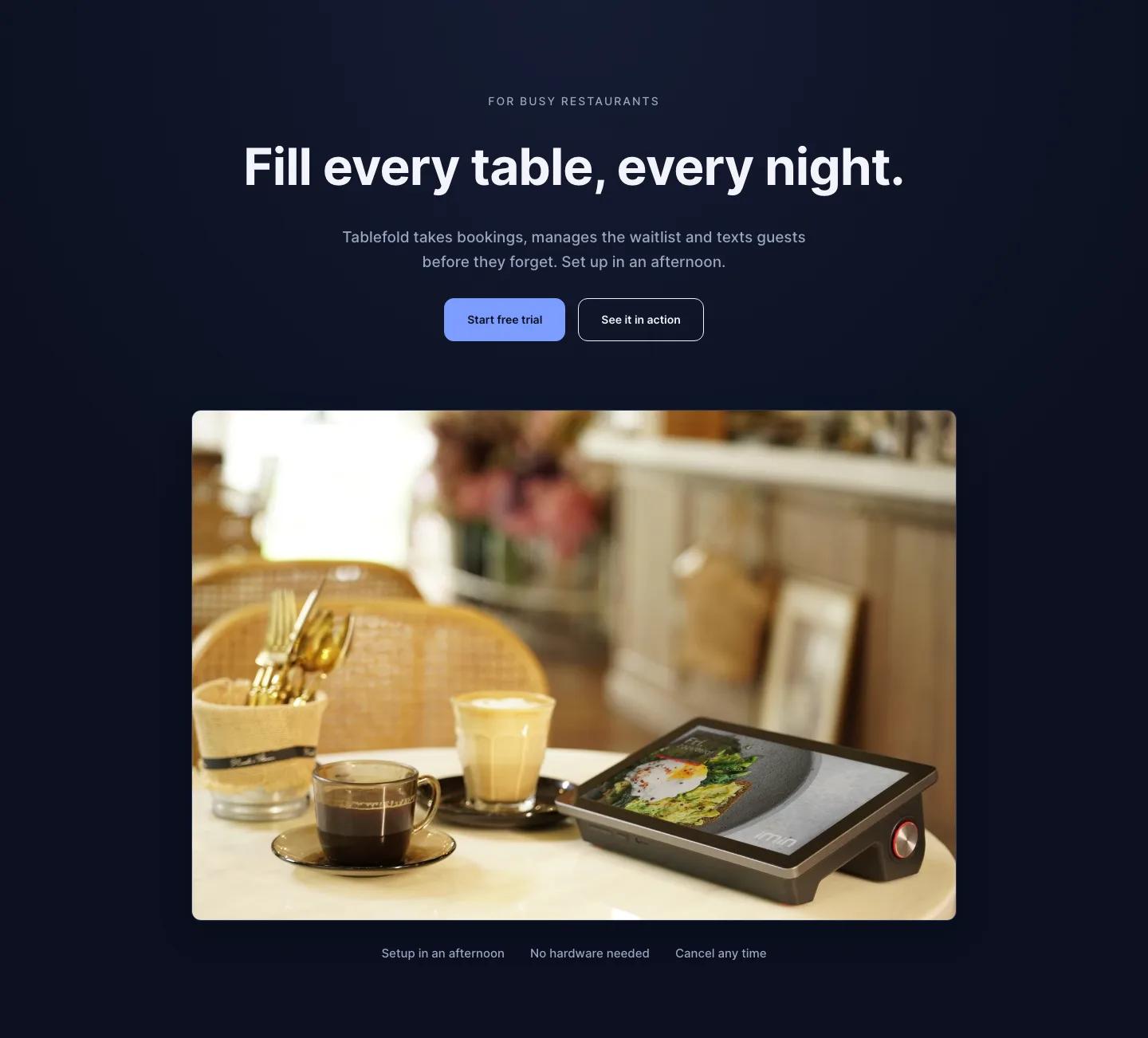
Dark Restaurant Booking Software Hero Section for Divi 5: Product Glow Layout
hero · restaurant · dark
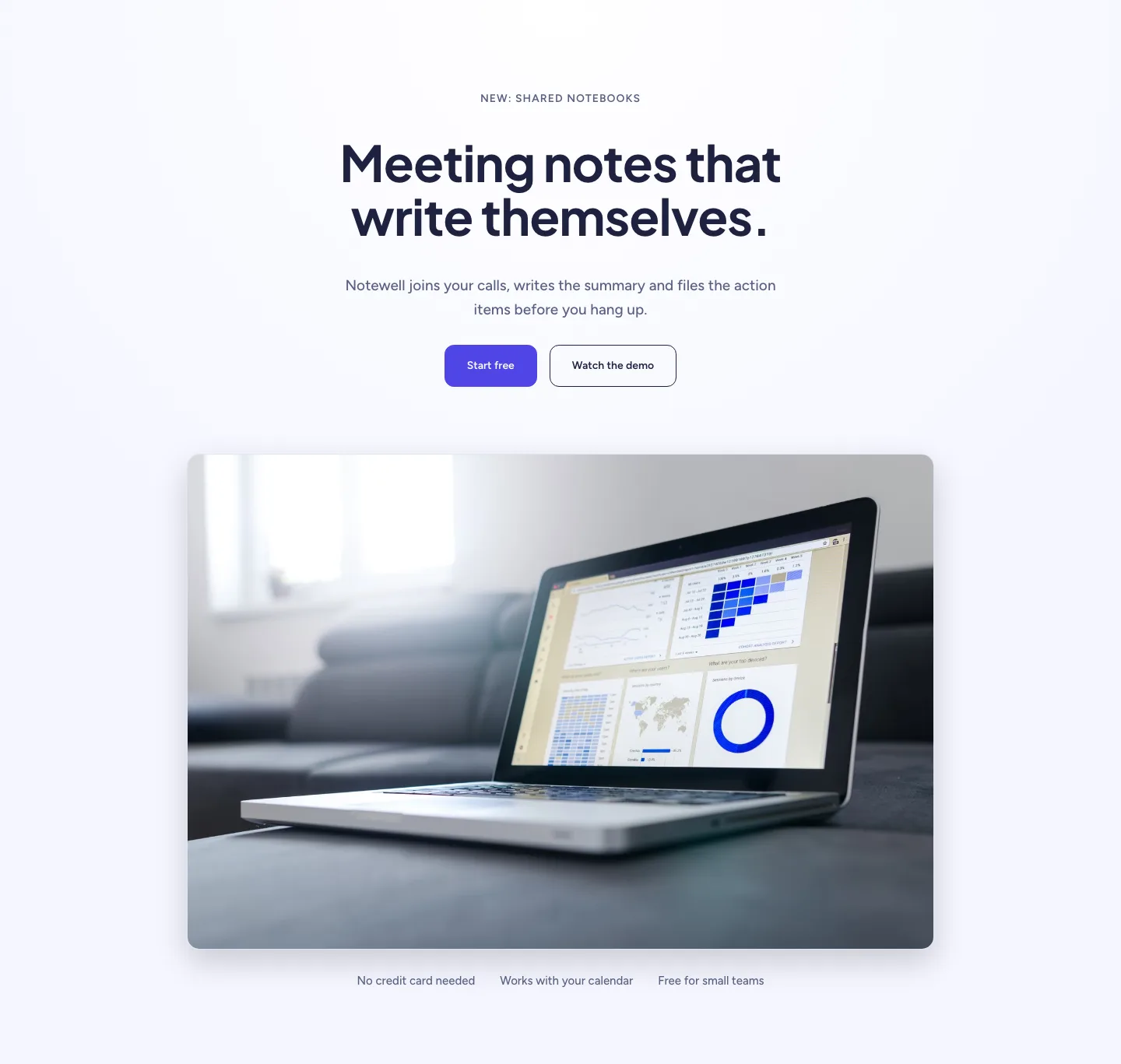
Soft SaaS Meeting Notes Hero Section for Divi 5: Product Glow Layout
hero · saas · minimal
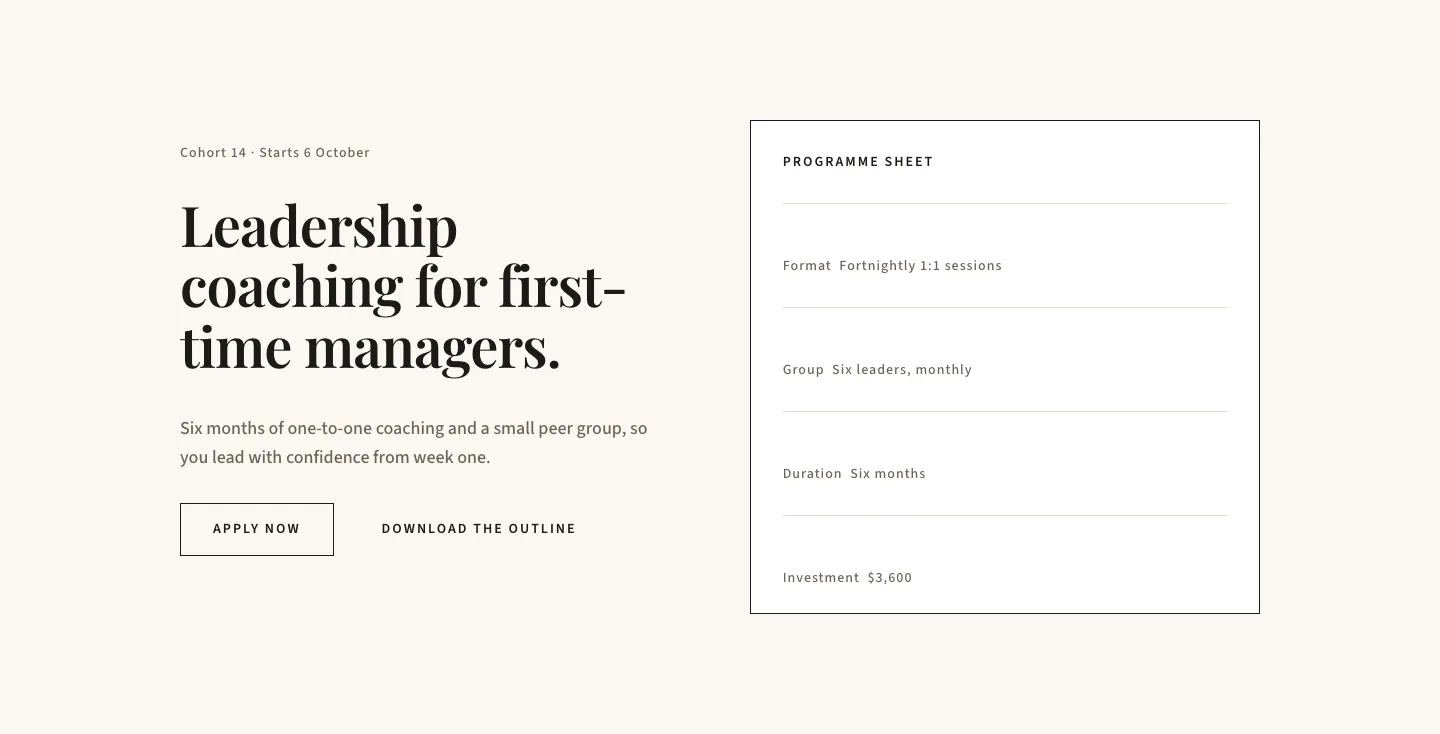
Editorial Executive Coaching Hero Section for Divi 5: Programme Sheet
hero · coaching · minimal
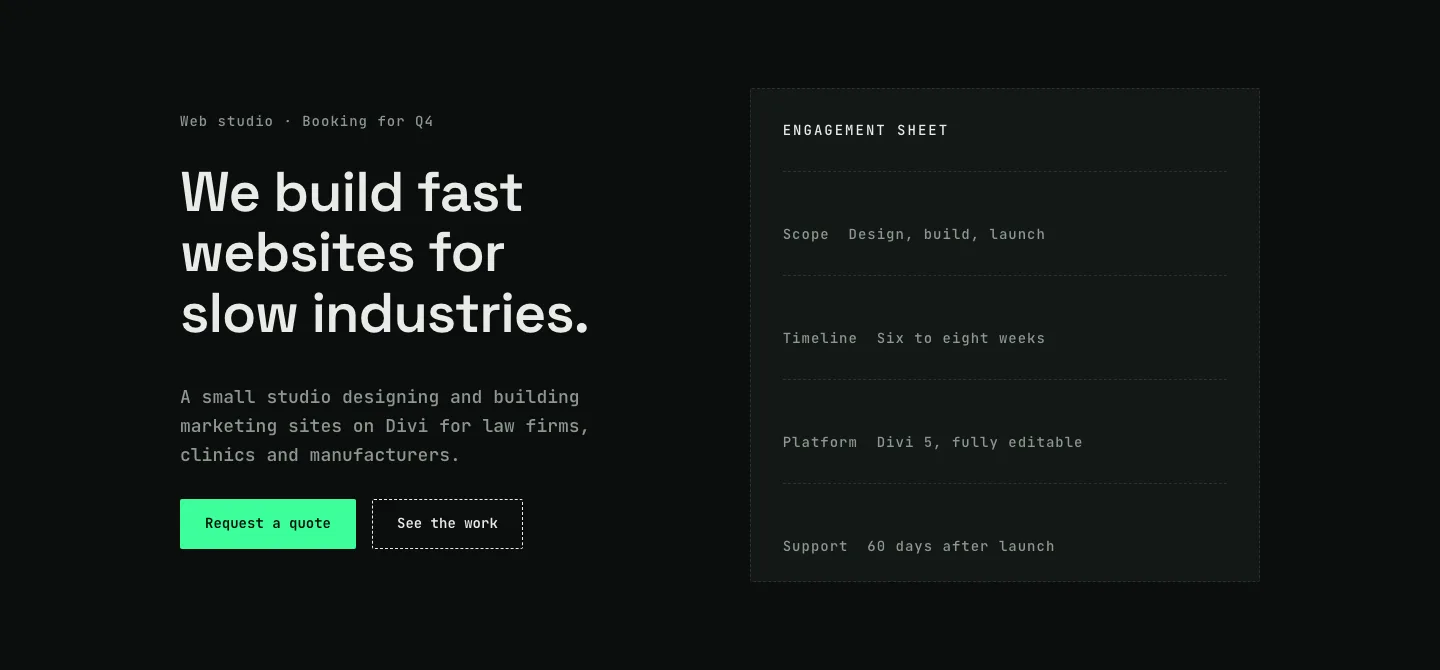
Dark Web Studio Agency Hero Section for Divi 5: Spec Card Layout
hero · agency · dark
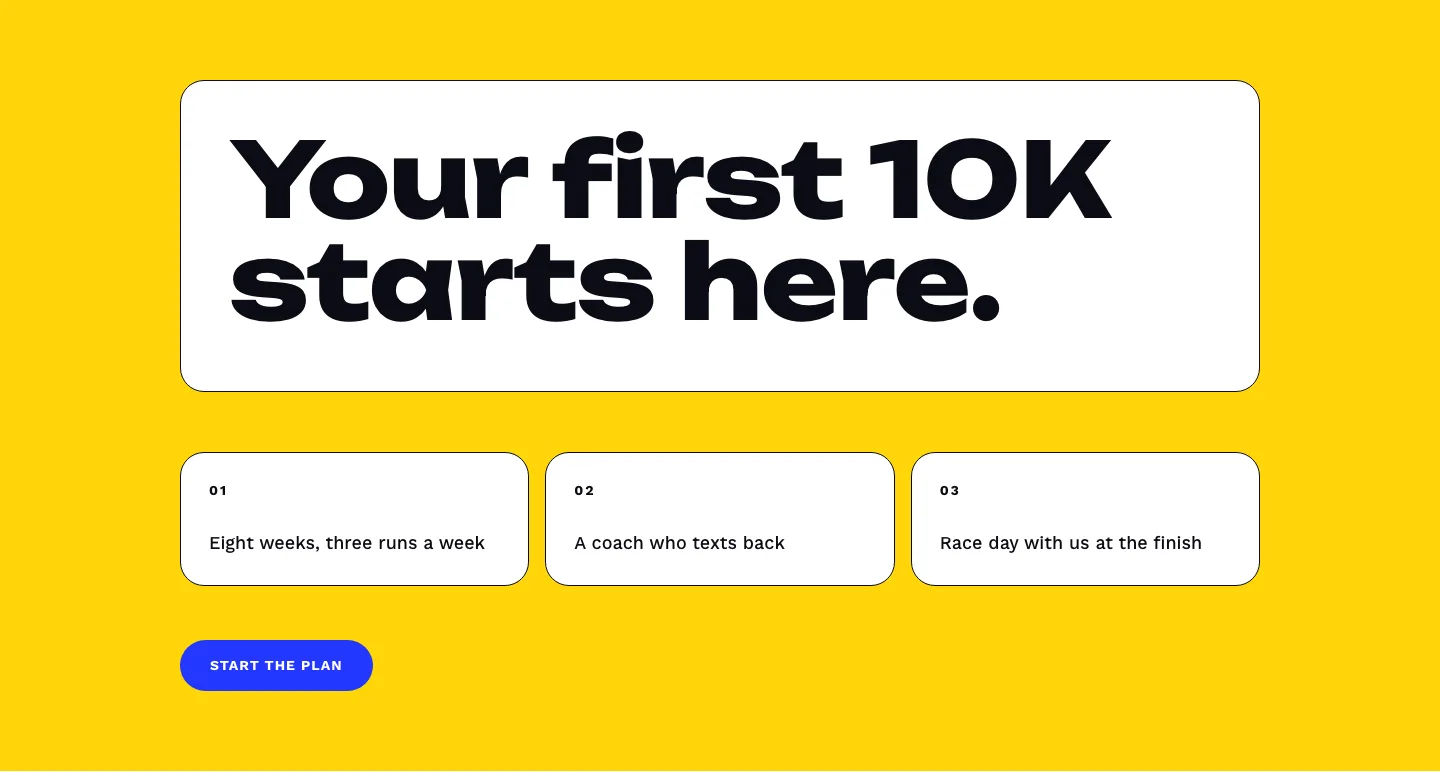
Bold First 10K Running Coach Hero Section for Divi 5: Fitness Bordered Cells
hero · fitness · bold
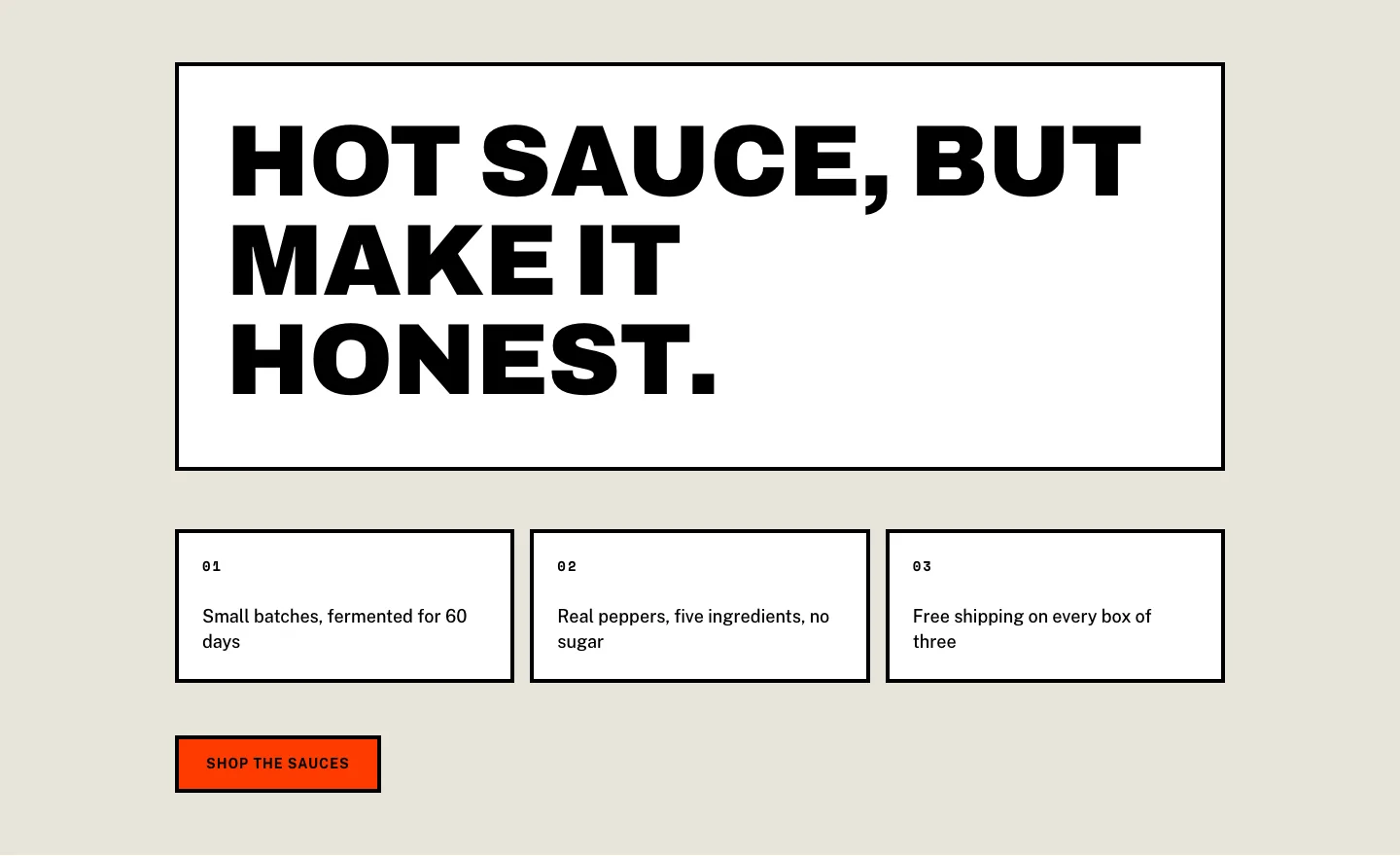
Brutalist Hot Sauce Ecommerce Hero Section for Divi 5: Bordered Cells
hero · ecommerce · bold