
Editorial Executive Coaching Hero Section for Divi 5: Programme Sheet
A clean, editorial Divi 5 hero section for coaching websites. Features a two-column layout with headline, subtext, CTA buttons, and an inline programme sheet card. Minimal style, warm off-white background.
Rate this element
Download this section, free
- Divi 5 JSON, imports in seconds
- Commercial license included
- No account needed
Click to view the full page
Overview
This hero section is built around a single editorial discipline: everything that earns attention sits on the left, everything that earns trust sits on the right. The two-column row uses equal 12/24 flex columns on desktop, with the left column carrying 40px of right padding to keep the heading well clear of the programme card. The section background is #faf7f2, a warm off-white that reads as parchment rather than stark white, and the top/bottom padding steps down from 120px on desktop to 80px on tablet and 56px on mobile, so the section never feels cramped on smaller screens.
The typographic hierarchy is sharp and intentional. A 14px Source Sans 3 label in #6b645a with 1px letter-spacing announces the cohort date before the heading even loads, setting a sense of programme scarcity. The H1 uses Playfair Display at 56px, weight 600, with a tight −1px letter-spacing and text-wrap: balance so the line break is never awkward. It steps to 42px on tablet and 34px on phone. Below it, an 18px Source Sans 3 subhead at 1.6em line-height gives the value proposition room to breathe without competing with the heading.
The call-to-action row uses a flex Group module with flex-wrap: wrap and a 16px column gap so the two buttons reflow gracefully if the viewport narrows. The primary "Apply now" button uses a 1px solid #1c1a17 border with no radius (sharp, editorial) and a transparent fill that inverts to solid dark on hover. The secondary "Download the outline" button shares the same typographic treatment but carries no border, functioning as a text-link-style alternative without visual noise.
The right column holds a white Group module outlined with a 1px #1c1a17 border, zero border-radius, internal padding of 32px desktop and 20px mobile. Inside, a small all-caps label ("Programme sheet", 600 weight, 2px letter-spacing) anchors the card, and four data rows (Format, Group, Duration, Investment) are separated by #e3dccf hairline Divider modules. On mobile the row switches to flex-direction: column, so the programme card stacks cleanly below the heading and CTAs.
What’s inside
- Two-column equal-flex row (1/2 + 1/2 desktop, single-column stacked on mobile) using native Divi 5 Row and Column modules
- Playfair Display H1 with `text-wrap: balance` and responsive size steps (56px / 42px / 34px) via a native Heading module
- Warm parchment section background (`#faf7f2`) with responsive vertical padding (120px / 80px / 56px) built into the Section module
- Dual-button CTA Group with flex wrap, 16px gap, square-bordered primary button, and borderless secondary button with matching hover inversion
- Programme card: white Group module with 1px editorial border, all-caps label, and four spec rows (Format, Group, Duration, Investment) each separated by a hairline Divider module
- Source Sans 3 body type at two weights across all text modules, paired with Playfair Display headings for a print-editorial contrast
- Mobile-first column reflow: row switches to `flex-direction: column` on phone, with column padding zeroed to preserve edge-to-edge rhythm
Who it’s for
This layout suits executive coaches, leadership development firms, and business schools launching cohort programmes or flagship courses. It works equally well for consulting practices that want a proposal-style hero, HR leadership academies, and solopreneurs running high-ticket one-to-one or group coaching. The programme-sheet card format means it also fits retreat organisers, mastermind facilitators, and any service business whose pitch depends on communicating structured deliverables and a clear investment figure up front.
Customization tips
Swap the section background, card border, and divider color as a single palette operation: replace #faf7f2 (section), #ffffff (card), #e3dccf (dividers), and #1c1a17 (text + borders) globally in the Divi preset to recolor the whole section at once. Keep the H1 under 60 characters so text-wrap: balance has room to work; beyond that the line-break logic becomes unpredictable. The subhead reads best at one to two sentences (roughly 20-30 words). The programme card holds four rows cleanly; add a fifth by duplicating a Divider + Text pair before the closing Group. If you replace the cohort label copy, keep it short (under 35 characters) to avoid wrapping at the 14px size.
How to install this layout
- Download the layout JSON file from this page.
- Open the target page in the Divi 5 builder.
- Open the portability panel (up/down arrows icon) and choose the Import tab.
- Upload the JSON. Tick “replace existing content” only for full-page imports.
- Check the page at desktop and mobile widths, then swap in your copy and images.
Full walkthrough with troubleshooting: How to Import a Divi 5 Layout.
Questions about Editorial Executive Coaching Hero Section for Divi 5: Programme Sheet
Does the section use any image modules?
No. The layout contains no Image or Blurb modules. All visual weight comes from typography, the parchment background, and the programme card's editorial border. If you want to add a portrait photo, replace the right column's Group with a two-row structure: Image on top, card below.
How does the layout handle mobile?
The Row module sets `flex-direction: column` on phone, so the left content (heading, CTAs) appears first and the programme card stacks beneath it. Column padding on the left drops to zero on phone, and the card's internal padding reduces from 32px to 20px, keeping the card compact without crowding the text.
What should I edit first?
Start with the cohort label ("Cohort 14 · Starts 6 October"), the H1, and the four programme-card rows. Those five text changes make the section feel like yours before you touch a single color or font. Update the button link destinations last.
Can I change the font pairing?
Yes. Playfair Display is set directly on the Heading module and Source Sans 3 on each Text and Button module. Swap to any Google Font pair by updating the font family fields. A condensed sans (e.g. Barlow Condensed) in the heading works well if you want a more contemporary feel.
The primary button has a hover state that inverts to dark. Will that work on touch devices?
Hover states on touch screens are typically triggered on tap and released on the next tap, so the inversion is visible but brief. For touch-primary audiences, consider setting the button background to `#1c1a17` by default and the text to `#faf7f2` so the filled state is always visible.
Which Divi version does this layout need?
Divi 5. The layout is generated natively for Divi 5 and validated against its real module structure before publication, so it imports clean into the current builder.
Can I use this layout on client websites?
Yes. Every download includes a commercial license covering unlimited sites you own or build for clients. Only reselling or redistributing the layout file itself is prohibited.
More hero sections
Browse all hero sections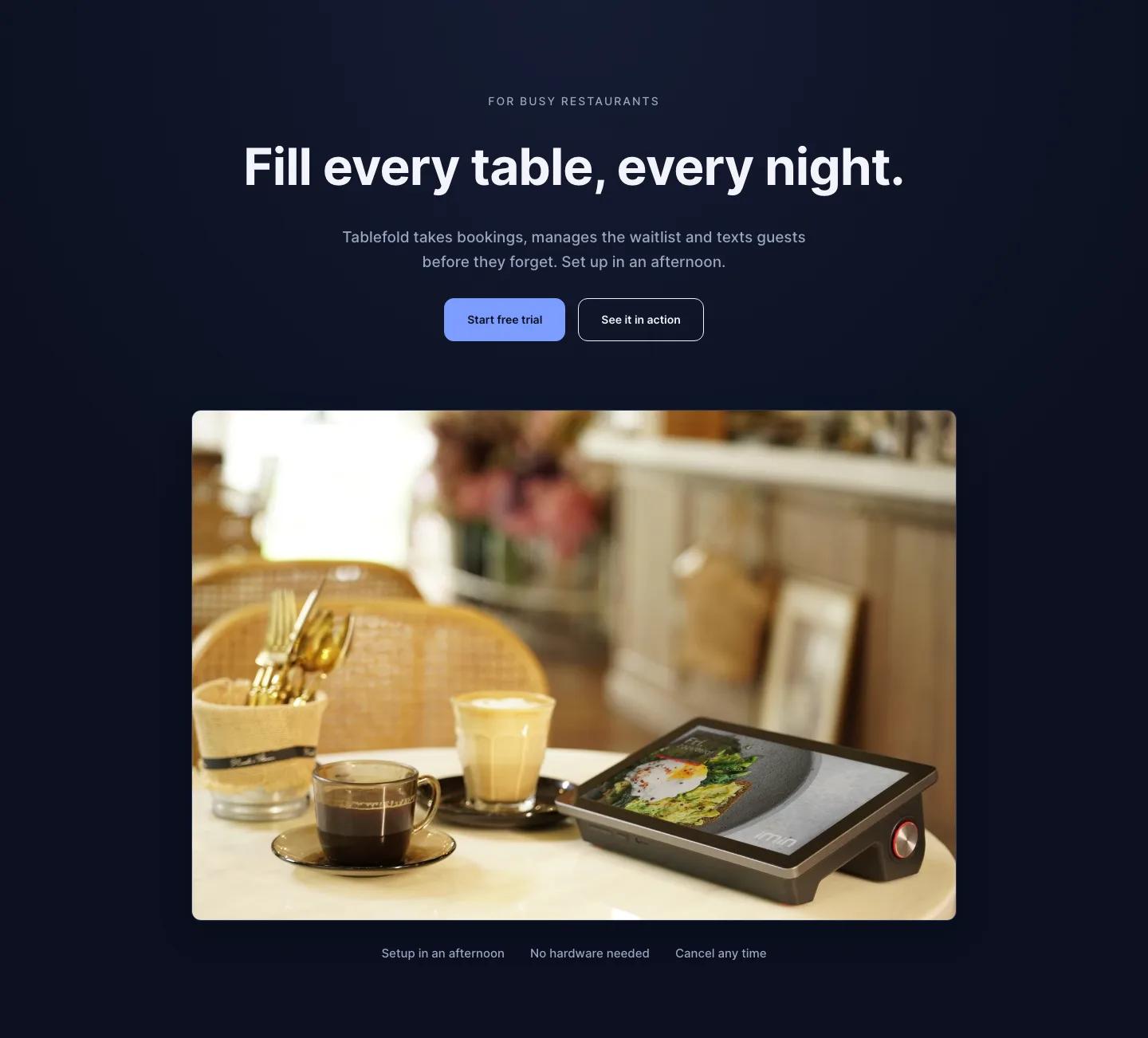
Dark Restaurant Booking Software Hero Section for Divi 5: Product Glow Layout
hero · restaurant · dark
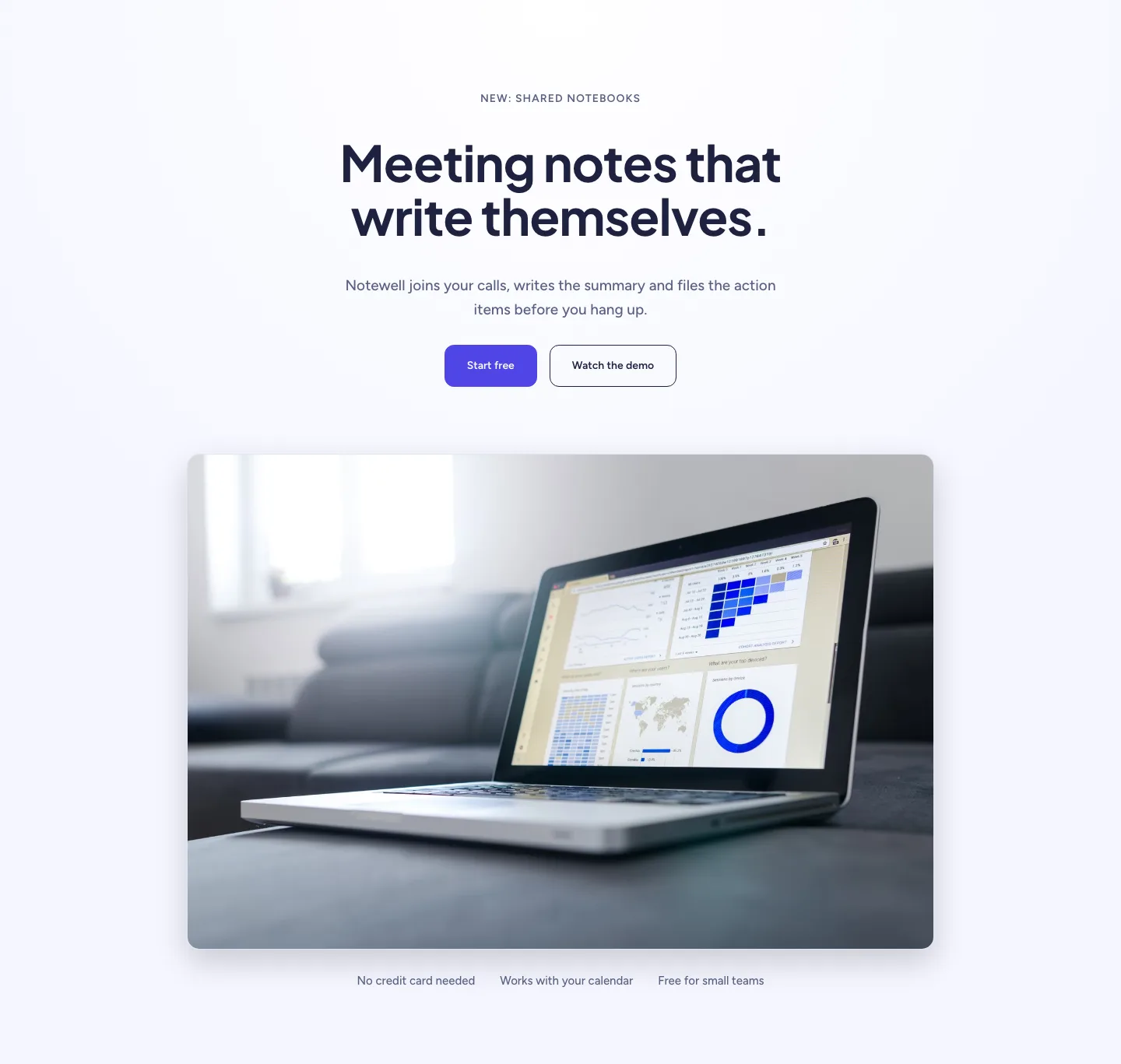
Soft SaaS Meeting Notes Hero Section for Divi 5: Product Glow Layout
hero · saas · minimal
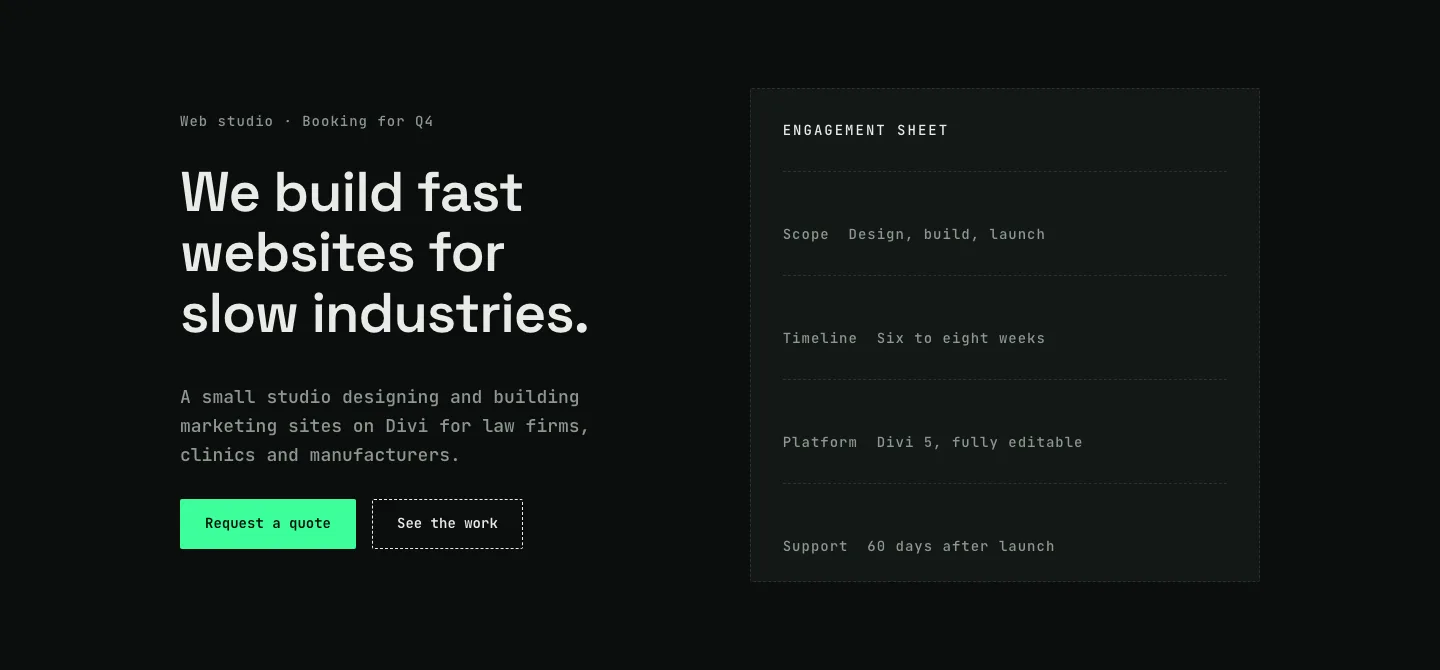
Dark Web Studio Agency Hero Section for Divi 5: Spec Card Layout
hero · agency · dark
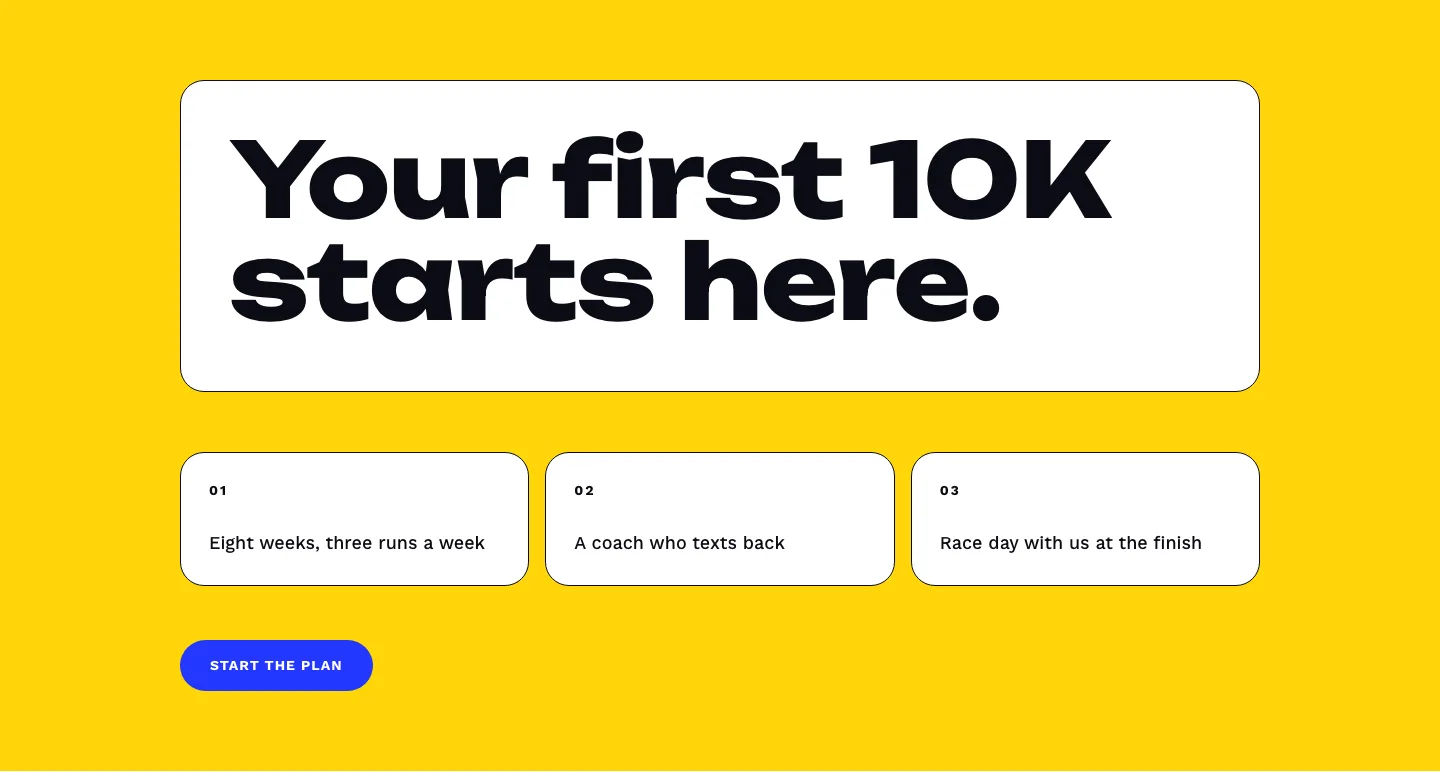
Bold First 10K Running Coach Hero Section for Divi 5: Fitness Bordered Cells
hero · fitness · bold
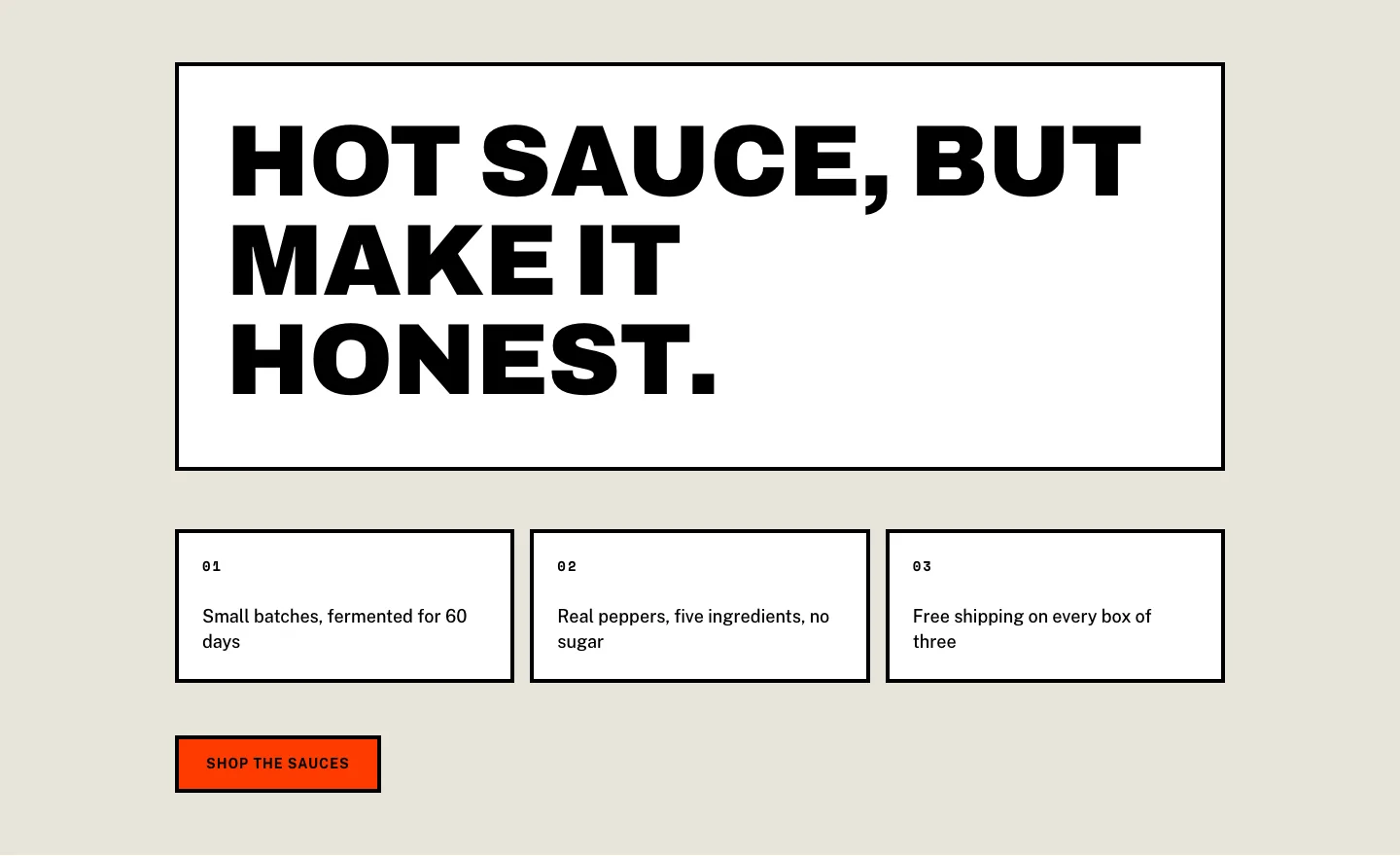
Brutalist Hot Sauce Ecommerce Hero Section for Divi 5: Bordered Cells
hero · ecommerce · bold
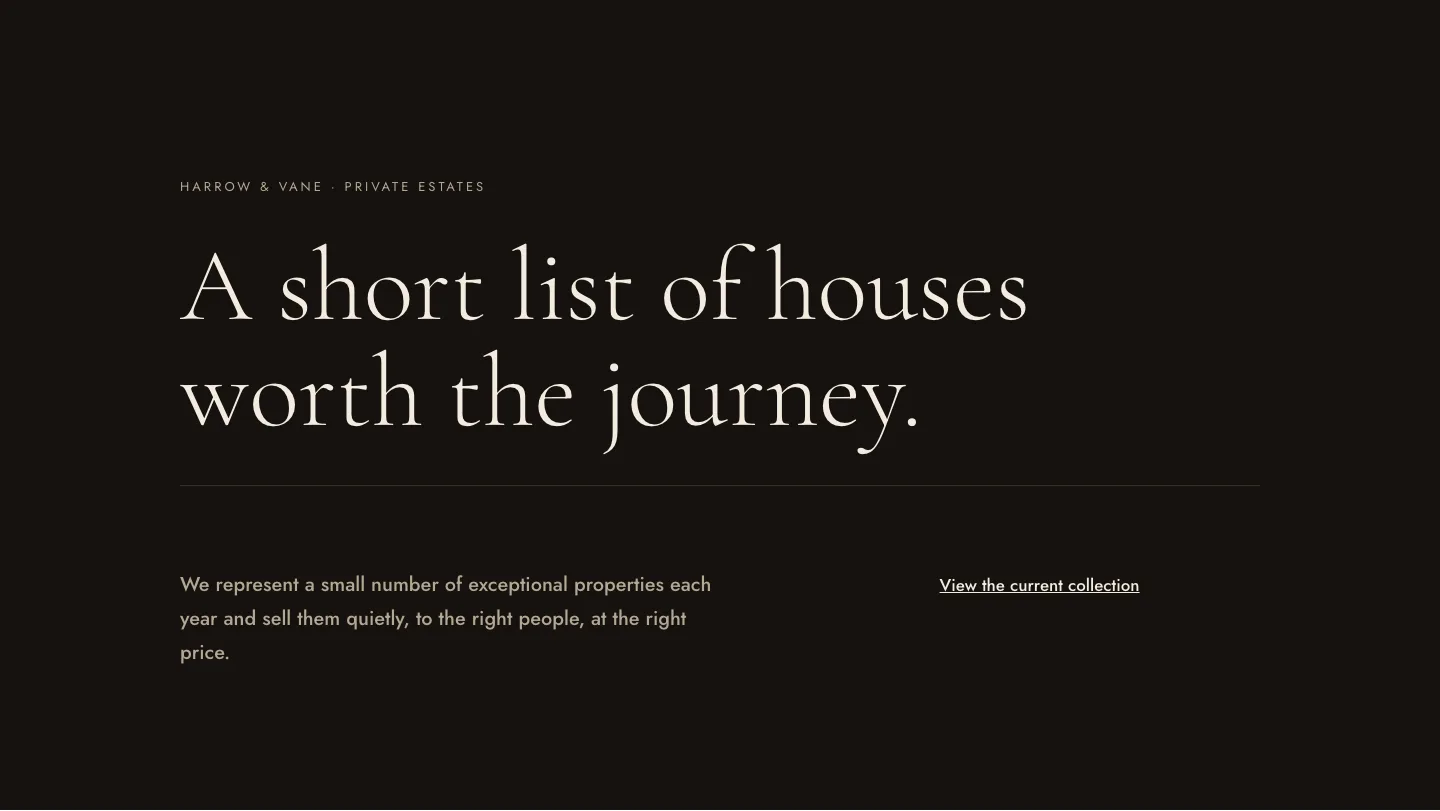
Luxe Private Estates Real Estate Hero for Divi 5: Editorial Minimal
hero · real_estate · elegant