
Dark Web Studio Agency Hero Section for Divi 5: Spec Card Layout
A dark, minimal agency hero layout for Divi 5 featuring a spec card with engagement details. Built with Space Grotesk and JetBrains Mono on a near-black background with neon green CTAs.
Rate this element
Download this section, free
- Divi 5 JSON, imports in seconds
- Commercial license included
- No account needed
Click to view the full page
Overview
The layout pairs a left-column pitch with a right-column "engagement sheet" card, a pattern borrowed from design studios that treat their own website as a live deliverable. The section sits on a #0b0d0c background, a near-black with a faint green undertone that reads warmer than pure black. Every text element occupies one of two tiers: an off-white #e8ece9 for primary content and a muted sage #8d9892 for supporting detail. The two-font system (Space Grotesk for the H1, JetBrains Mono for everything else) builds an immediate "studio that ships code" signal without a single icon or illustration.
The heading is set at 56px with a -1px letter-spacing and a balance text-wrap, which prevents a single orphaned word on the last line regardless of container width. Below it, a JetBrains Mono body paragraph at 18px / 1.6em gives breathing room before the two CTA buttons. Those buttons live inside a Divi Group module configured as a flex row with 16px column gap and 12px row gap, so they wrap naturally on narrow viewports without any custom breakpoint logic. The primary button uses a solid #3dff9a accent fill with a matching dashed border; the secondary button is transparent with the same dashed treatment in off-white, creating a clear hierarchy without resorting to size alone.
The right column is a Divi Group module dressed as the spec card: #131715 background, a dashed #2a312d border, and a 2px corner radius. An uppercase spaced label anchors the card at the top, followed by four detail rows (Scope, Timeline, Platform, Support) each separated by a dashed Divider module that echoes the card's own border style. The rows are plain Text modules using non-breaking spaces for visual column alignment. Nothing about the card relies on CSS Grid or custom HTML; it is pure Divi module structure.
Responsive behavior is handled entirely through Divi's built-in decoration values. The row switches to flexDirection: column on phone, each column expands to full width (24/24), the left column sheds its right padding and adds 32px bottom padding to prevent the heading from crowding the card, and the section's vertical padding scales from 88px on desktop to 64px on tablet to 40px on phone. No custom CSS is required at any breakpoint.
What’s inside
- Two-column section (50/50 desktop, full-width stacked mobile) using native Divi Row and Column modules with flex-wrap responsive switching
- H1 heading in Space Grotesk at 56px / 42px / 34px across breakpoints, with `balance` text-wrap and -1px letter-spacing to prevent awkward line breaks
- Eyebrow label, body paragraph, and all spec card text in JetBrains Mono, creating a monospace studio aesthetic without any custom CSS
- Divi Button Group with a filled accent-green primary CTA and a transparent ghost secondary CTA, both using a dashed 1px border and 2px corner radius
- "Engagement sheet" spec card built as a Divi Group module with a dark `#131715` background, dashed border, and four labeled detail rows (Scope, Timeline, Platform, Support)
- Dashed Divi Divider modules between each spec row, visually consistent with the card's own border style and editable without touching CSS
- Three-breakpoint responsive padding on both the section and column level, all set in module decoration values
Who it’s for
This section fits small-to-midsize web studios, digital agencies, and freelance developers who want their homepage to feel like a client deliverable. The spec card format signals process literacy, which works particularly well for agencies targeting law firms, clinics, manufacturers, or other professional services that respond to clarity over flash. It also suits consultants and product studios that want to set timeline and scope expectations above the fold, filtering out unqualified leads before a discovery call. If your pitch is "we are methodical and we ship," this hero communicates that before the visitor reads a single word.
Customization tips
The fastest change is the accent color: both the primary button background and its border are set to #3dff9a at the module level, so swapping that one value to your brand color repaints the CTA instantly. The four spec card rows are plain Text modules. Replace the labels (Scope, Timeline, Platform, Support) and their values with whatever facts matter most to your studio: retainer size, revision rounds, payment schedule, or availability window. The H1 uses balance text-wrap, which handles up to about four lines comfortably; aim for headlines under 12 words to keep the wrap clean. The eyebrow line ("Web studio · Booking for Q4") is a single Text module with no dynamic logic, so update it each quarter by hand. If you want different fonts, both Space Grotesk and JetBrains Mono are free Google Fonts loaded through Divi's module font settings. Swapping the family value in the heading and body modules to another grotesque/monospace pairing preserves the spacing ratios without further adjustments.
How to install this layout
- Download the layout JSON file from this page.
- Open the target page in the Divi 5 builder.
- Open the portability panel (up/down arrows icon) and choose the Import tab.
- Upload the JSON. Tick “replace existing content” only for full-page imports.
- Check the page at desktop and mobile widths, then swap in your copy and images.
Full walkthrough with troubleshooting: How to Import a Divi 5 Layout.
Questions about Dark Web Studio Agency Hero Section for Divi 5: Spec Card Layout
How does the layout behave on mobile?
The Divi Row is set to `flexDirection: column` on phone, so both columns stack vertically at full width. The left column adds 32px of bottom padding on mobile to keep the heading copy from crowding the spec card below it. Section padding also scales down from 88px on desktop to 40px on phone, all through module-level responsive values.
What modules make up the spec card?
It is a single Divi Group module containing one Text module for the "Engagement sheet" label, four dashed Divi Divider modules, and four Text modules for the detail rows. No custom HTML, shortcodes, or Code modules are used anywhere in the layout.
Can I add or remove rows from the spec card?
Yes. Duplicate or delete any Text and Divider pair inside the Group. The card's padding is set on the Group container itself, so adding rows simply extends the card height. The dashed dividers are standard Divi Divider modules, so you can reorder or hide them individually.
Is there a background image or video in this section?
No. The section background is a flat `#0b0d0c` color declared in the section's decoration. There are no image layers, video backgrounds, or gradient overlays. The design relies entirely on typography and the spec card to create visual interest, which also means near-zero layout-level load time.
What should I edit first when adapting this for a client?
Start with the H1 text and the four spec card rows. Those are the two areas a visitor reads first, and swapping placeholder copy for real content takes under five minutes. Once the words are right, change the accent color from `#3dff9a` to the client's brand color. Font and spacing changes are optional; the defaults hold up well across most studio niches.
Which Divi version does this layout need?
Divi 5. The layout is generated natively for Divi 5 and validated against its real module structure before publication, so it imports clean into the current builder.
Can I use this layout on client websites?
Yes. Every download includes a commercial license covering unlimited sites you own or build for clients. Only reselling or redistributing the layout file itself is prohibited.
More hero sections
Browse all hero sections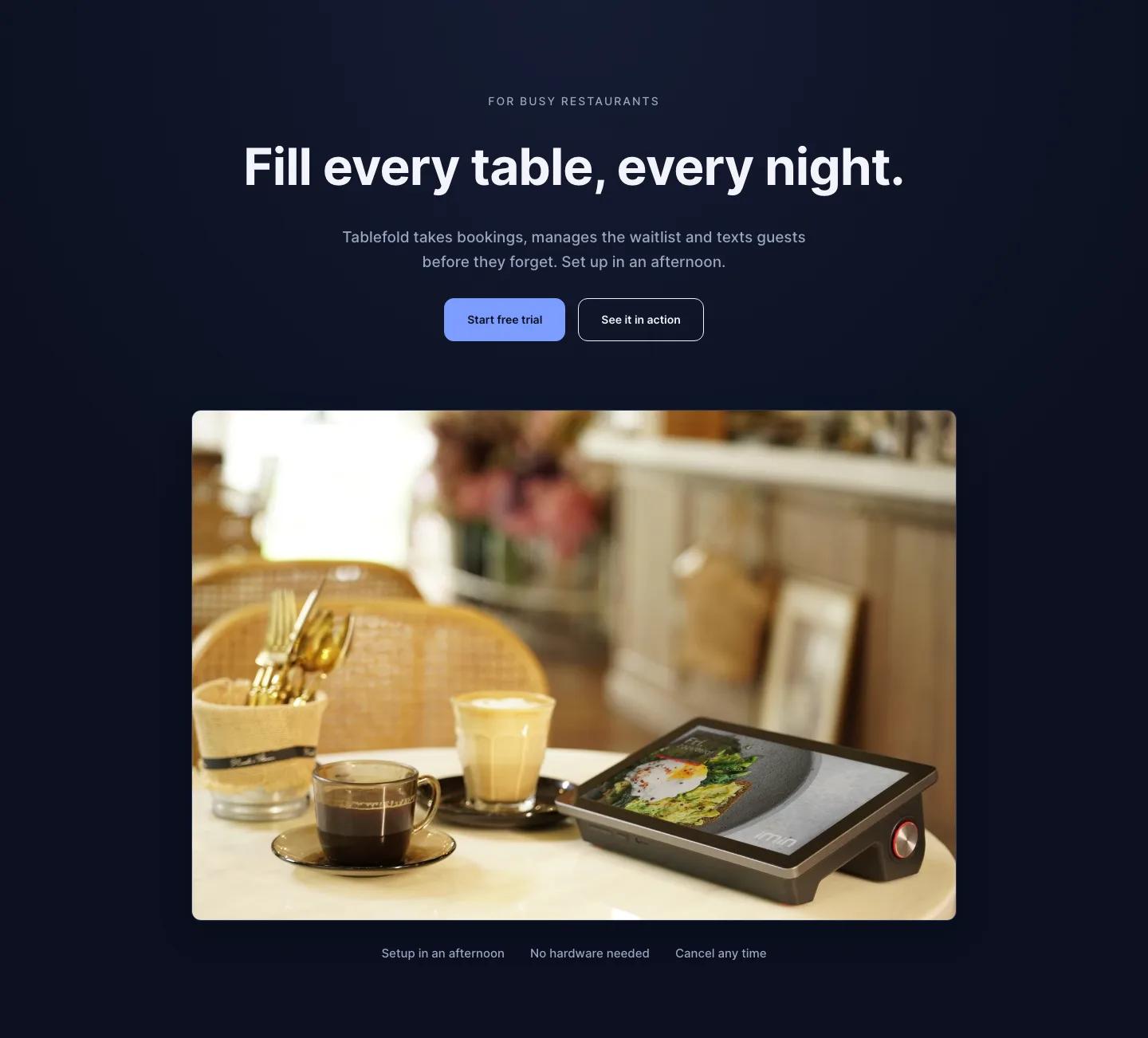
Dark Restaurant Booking Software Hero Section for Divi 5: Product Glow Layout
hero · restaurant · dark
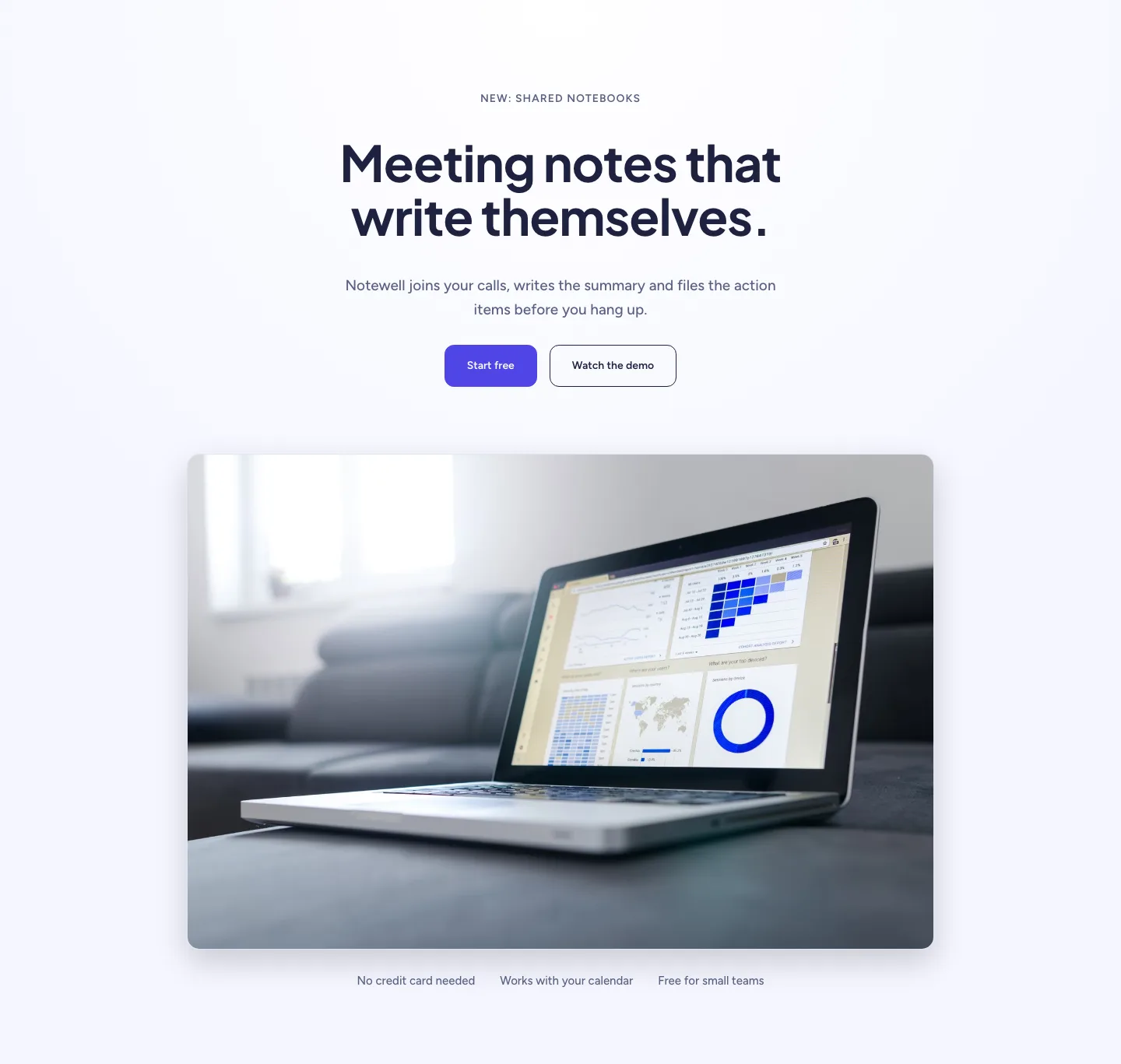
Soft SaaS Meeting Notes Hero Section for Divi 5: Product Glow Layout
hero · saas · minimal
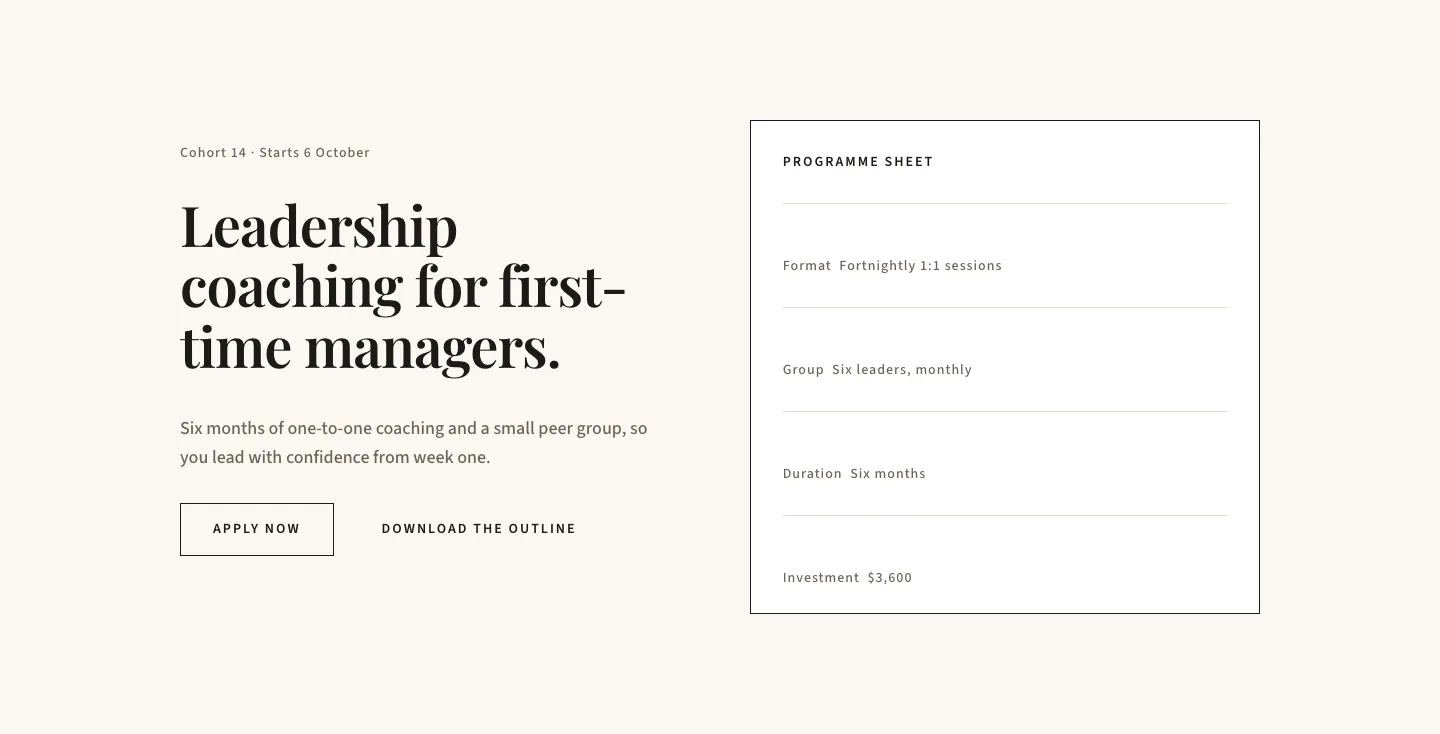
Editorial Executive Coaching Hero Section for Divi 5: Programme Sheet
hero · coaching · minimal
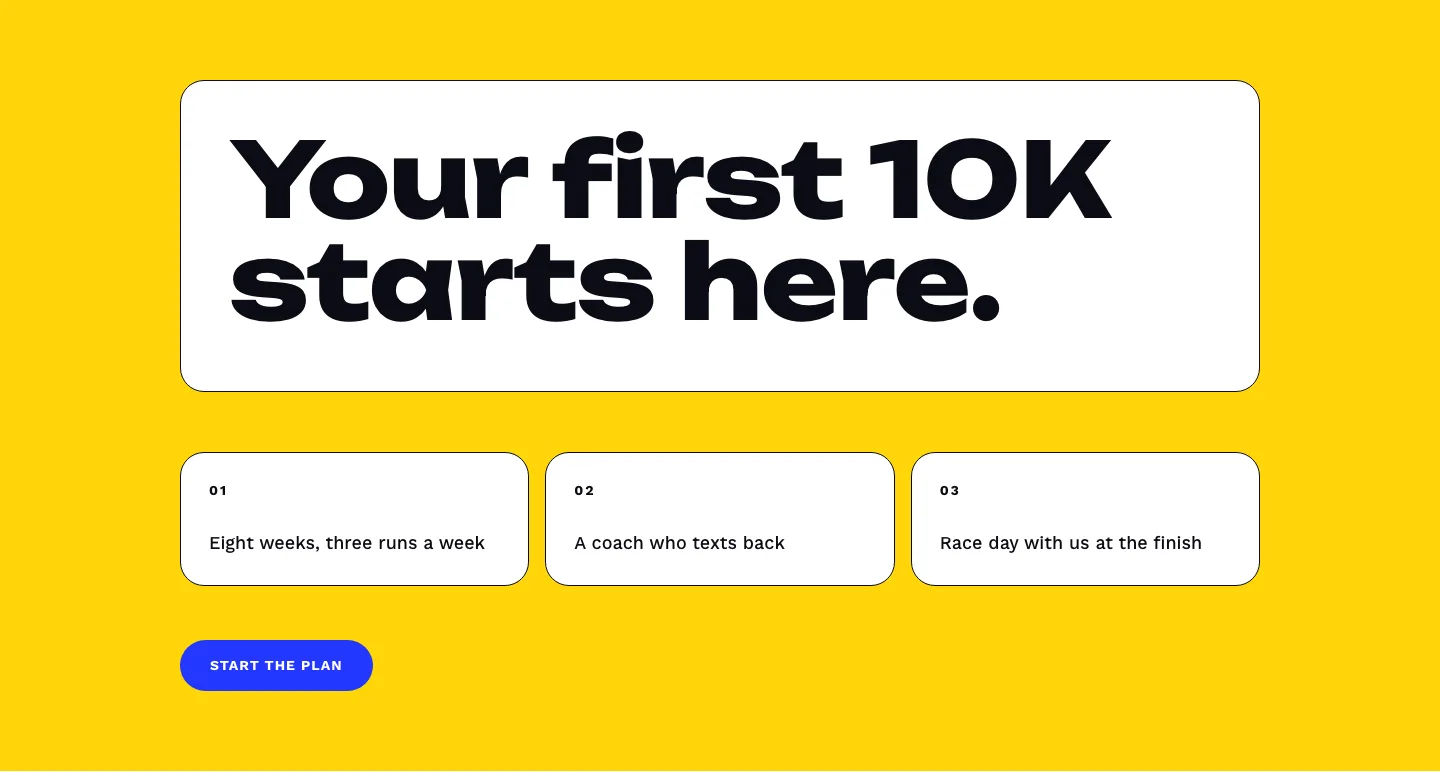
Bold First 10K Running Coach Hero Section for Divi 5: Fitness Bordered Cells
hero · fitness · bold
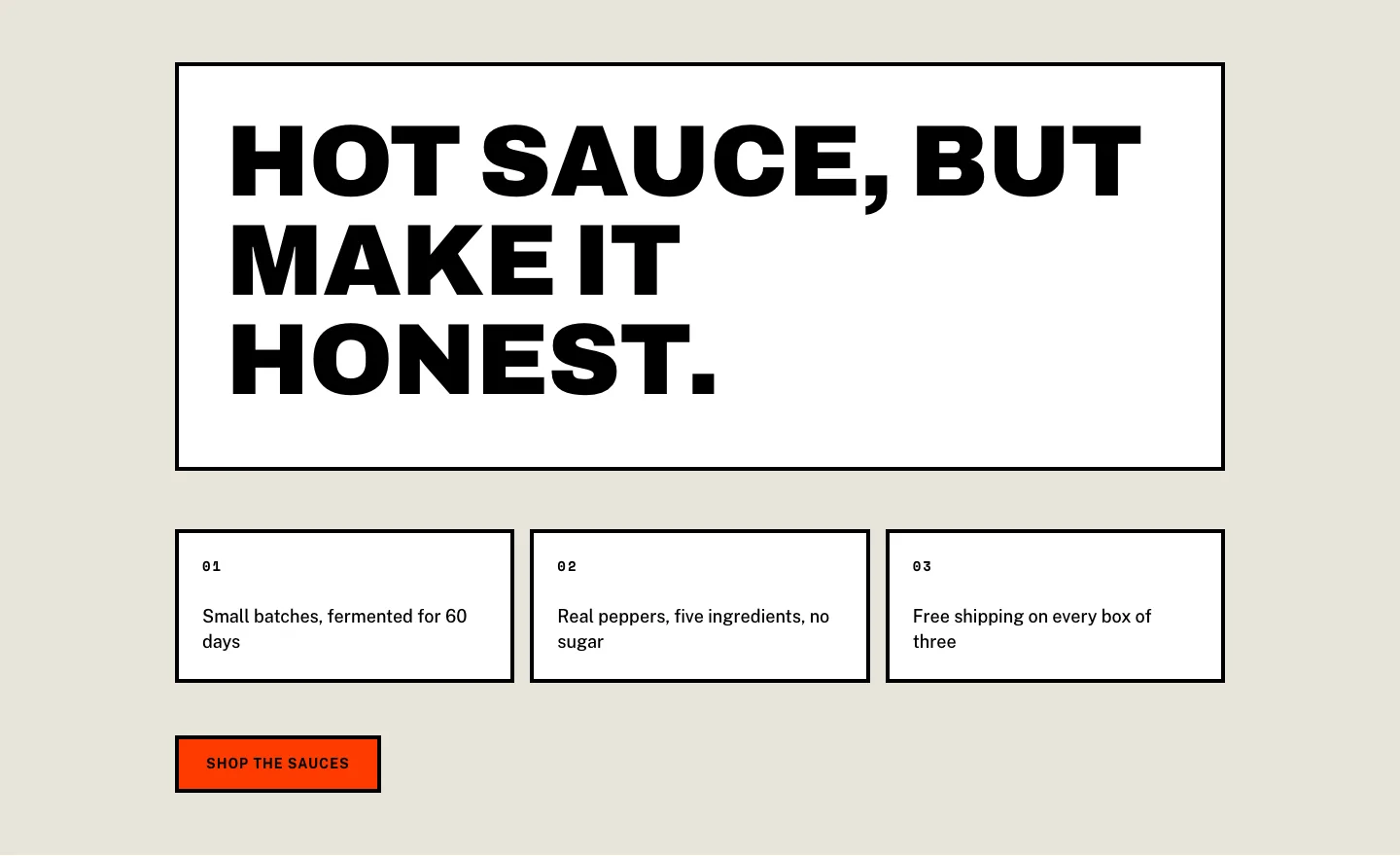
Brutalist Hot Sauce Ecommerce Hero Section for Divi 5: Bordered Cells
hero · ecommerce · bold
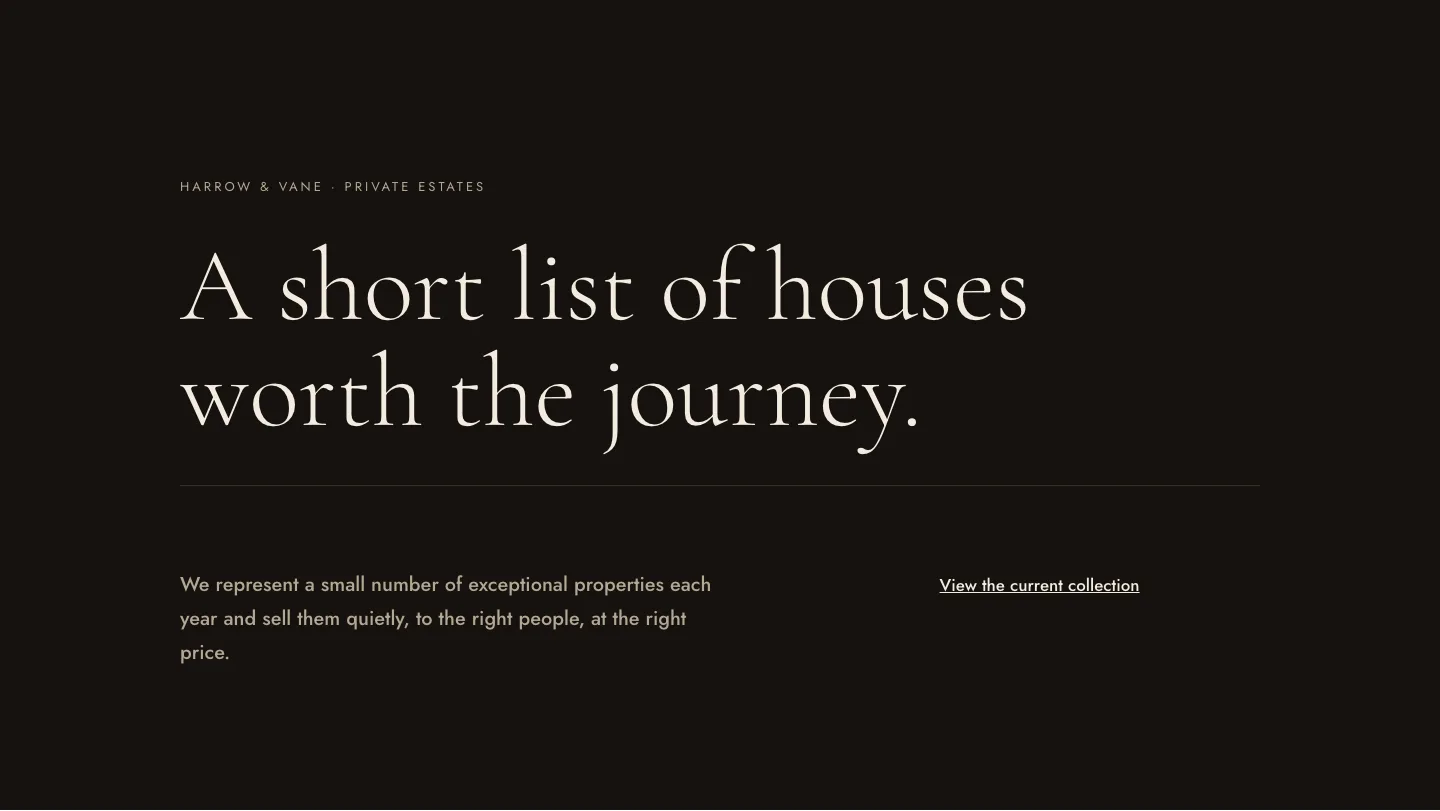
Luxe Private Estates Real Estate Hero for Divi 5: Editorial Minimal
hero · real_estate · elegant