
Bold First 10K Running Coach Hero Section for Divi 5: Fitness Bordered Cells
A bold, high-energy Divi 5 hero section for running coaches. Yellow background, bordered feature cells, and a clear 3-step 10K training plan CTA. Ready to import.
Rate this element
Download this section, free
- Divi 5 JSON, imports in seconds
- Commercial license included
- No account needed
Click to view the full page
Overview
The section opens on a flat field of electric yellow (#ffd60a) with no background imagery competing for attention. The first thing a visitor sees is a full-width white card containing the headline, typeset in Unbounded at 104px, weight 800, with a line-height of 0.98em so tight the letterforms feel compressed into a single graphic mass. "Your first 10K starts here." is set as an h1 with letter-spacing pulled back to -1px, creating the poster-like tension typical of performance and athletic branding. The card carries 48px of padding on every side and a 1px solid #0c0c14 border on a 24px radius, so the white reads as a deliberate design choice rather than an empty default.
Directly below the headline card, a three-column CSS Grid delivers the program's pitch in three numbered cells. Each cell repeats the bordered-card treatment: white fill, 24px rounded corners, 1px #0c0c14 outline, 28px internal padding on all sides. The numbering is Work Sans at 14px, weight 700, uppercase, 2px letter-spacing, giving each figure the feel of an editorial index rather than a plain list bullet. The supporting line below each number uses Work Sans at 18px with a 1.45em line-height, loose enough to scan quickly. At 16px column and row gap, the cells feel airy but unified as a group. A 24px margin sits below the grid before the CTA, maintaining the vertical rhythm.
The call-to-action button uses an electric blue (#2438ff) pill shape, achieved with a 999px border-radius on all corners. White uppercase Work Sans text hovers over the blue, and the interaction inverts cleanly: background becomes white, label becomes blue. The 14px vertical and 30px horizontal padding keeps the pill proportionate to the scale of the headline above it.
Responsive behavior is handled entirely through Divi 5's built-in breakpoint system. On tablet, section padding drops from 80px to 56px and the headline scales from 104px to 68px. On phone, padding reaches a floor of 36px and the headline sits at 40px, still legible and impactful at one-column width. The column structure switches to a vertical flex direction and the three-cell grid collapses from three columns to one, stacking the numbered cards with 16px row gap between them. The headline card's internal padding scales to 24px on both axes. No custom CSS is required at any breakpoint.
What’s inside
- Full-width white headline card: 24px border-radius, 1px #0c0c14 solid border, 48px all-sides padding (scales to 24px on phone)
- Unbounded h1 at 104px / weight 800 / 0.98em line-height, creating a compressed poster-style headline (68px tablet, 40px phone)
- Three-column CSS Grid of bordered numbered cells using native divi/group modules, collapsing to a single column on mobile
- Work Sans numbered labels (01, 02, 03) at 14px uppercase with 2px letter-spacing, each paired with an 18px supporting line
- Electric blue (#2438ff) pill CTA button with full hover color-invert: background and text colors swap simultaneously
- Vivid yellow (#ffd60a) section background with responsive vertical padding (80px desktop, 56px tablet, 36px phone)
- No third-party modules: built entirely with divi/section, divi/row, divi/column, divi/group, divi/heading, divi/text, and divi/button
Who it’s for
This layout is a direct fit for running coaches launching beginner programs (8-week, Couch-to-5K, or first-race plans), personal trainers, endurance sports coaches, and fitness challenge brands. The numbered cell structure also suits any service that sequences its offer in three steps: nutritionists explaining a meal plan, yoga studios pitching a course structure, or gyms promoting a membership challenge. The high-contrast yellow and black palette reads confidently at every size, which matters for coaches whose audience arrives from Instagram or Google on a phone.
Customization tips
The entire color scheme lives in three hex values: #ffd60a (section background), #0c0c14 (borders and text), and #2438ff (CTA button). Swapping all three at the preset or module level rebrands the section completely. For a dark-mode variant, try #0c0c14 as the section background and #ffd60a as the headline text color. The headline card works best with 5 to 8 words at 104px before the text risks wrapping to a second line; test at 1280px width before publishing. Each numbered cell supports roughly 5 to 7 words of supporting copy before the cards grow visibly unequal in height. To add a fourth cell, duplicate one of the three inner Group modules inside the grid wrapper and the 3-column layout will push it onto a second row automatically. Unbounded can be swapped for any condensed display face (Oswald, Black Han Sans) in the Heading module's font settings. Work Sans governs the cell text and button; replacing it takes two changes.
How to install this layout
- Download the layout JSON file from this page.
- Open the target page in the Divi 5 builder.
- Open the portability panel (up/down arrows icon) and choose the Import tab.
- Upload the JSON. Tick “replace existing content” only for full-page imports.
- Check the page at desktop and mobile widths, then swap in your copy and images.
Full walkthrough with troubleshooting: How to Import a Divi 5 Layout.
Questions about Bold First 10K Running Coach Hero Section for Divi 5: Fitness Bordered Cells
How does the three-cell grid behave on mobile?
The parent Group module uses Divi 5's native grid layout set to 3 columns on desktop and 1 column on phone. On phone, all three bordered cells stack vertically with 16px row gap between them. The column module itself also switches to flex-direction: column at that breakpoint, so everything reads in a clean single-file order.
Which Divi 5 modules does this layout actually use?
It uses divi/section, divi/row, divi/column, divi/group (for the headline card, the grid wrapper, and each of the three numbered cells), divi/heading (for the h1), divi/text (for the numbered labels and cell copy), and divi/button. No third-party or premium modules are required.
Is there a photo or background image included?
No. The visual weight is built entirely from the flat yellow section color, the white bordered cards, and the typography scale. There is no image slot in the current structure. To add a hero photo, you can enable a background image on the section module and layer a semi-transparent color overlay to maintain text contrast.
What should I change first after importing?
Start with the three numbered cells. Replace the placeholder lines ("Eight weeks, three runs a week", "A coach who texts back", "Race day with us at the finish") with your own program's three core selling points. Then update the button text and its link. The headline and color palette are fast follow-on edits once the copy is confirmed.
Can I adjust the 104px headline size on desktop without breaking the layout?
Yes. The size is set directly on the Heading module's font settings and has no dependencies. At sizes above roughly 120px the text may wrap to a second line on narrower desktop viewports; preview at 1280px width before publishing. Scaling down to 80px or below is safe and will leave visible whitespace inside the card that you may want to reduce by editing the Group padding.
Which Divi version does this layout need?
Divi 5. The layout is generated natively for Divi 5 and validated against its real module structure before publication, so it imports clean into the current builder.
Can I use this layout on client websites?
Yes. Every download includes a commercial license covering unlimited sites you own or build for clients. Only reselling or redistributing the layout file itself is prohibited.
More hero sections
Browse all hero sections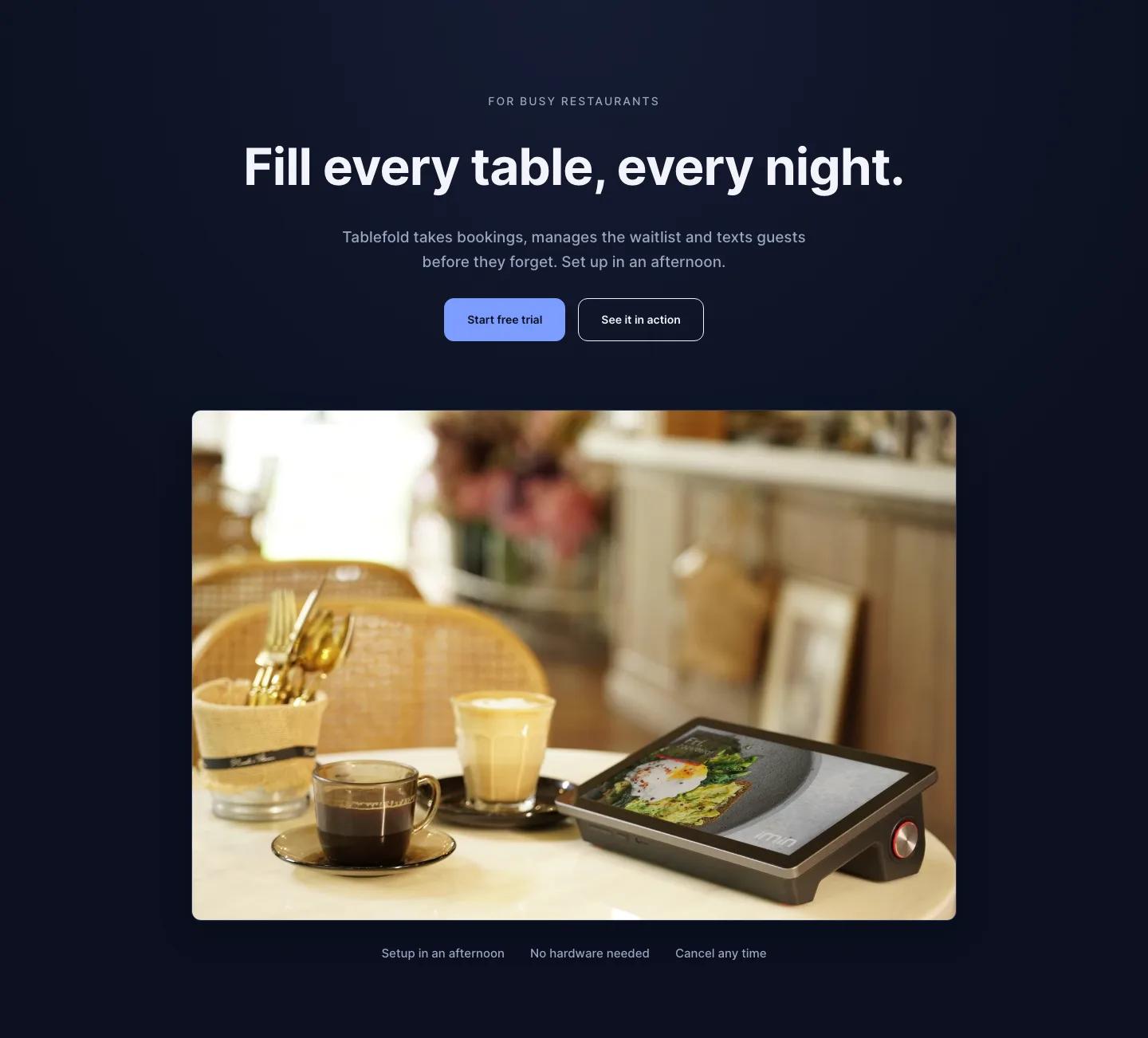
Dark Restaurant Booking Software Hero Section for Divi 5: Product Glow Layout
hero · restaurant · dark
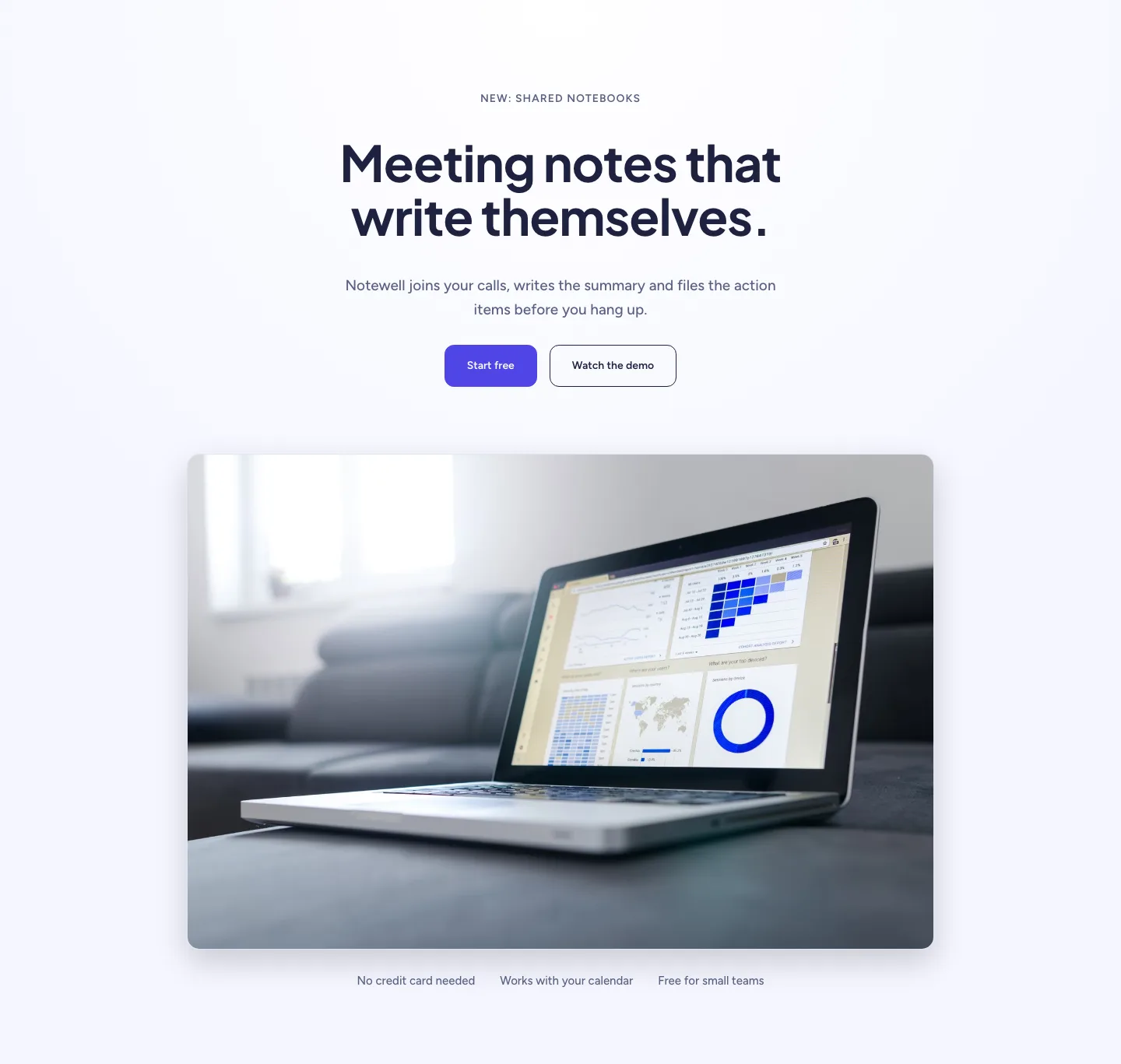
Soft SaaS Meeting Notes Hero Section for Divi 5: Product Glow Layout
hero · saas · minimal
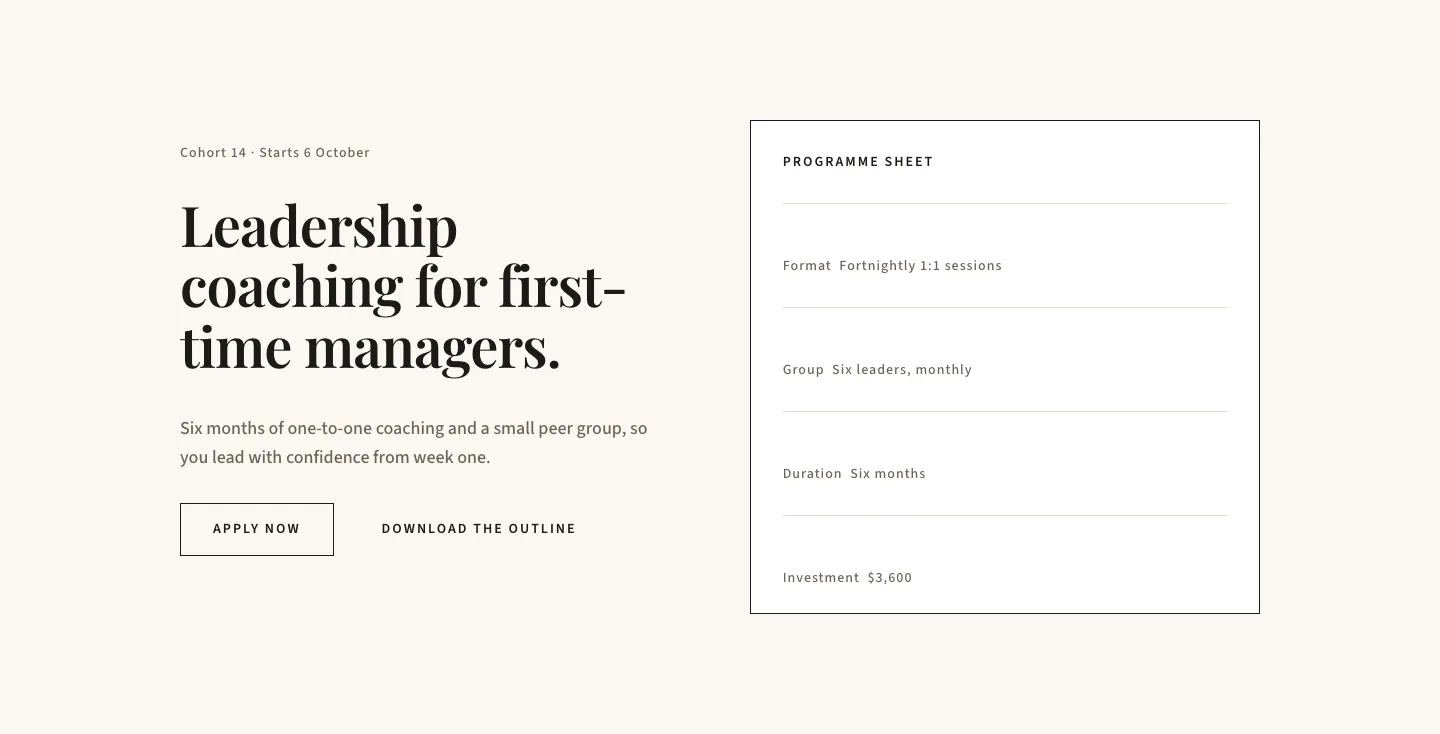
Editorial Executive Coaching Hero Section for Divi 5: Programme Sheet
hero · coaching · minimal
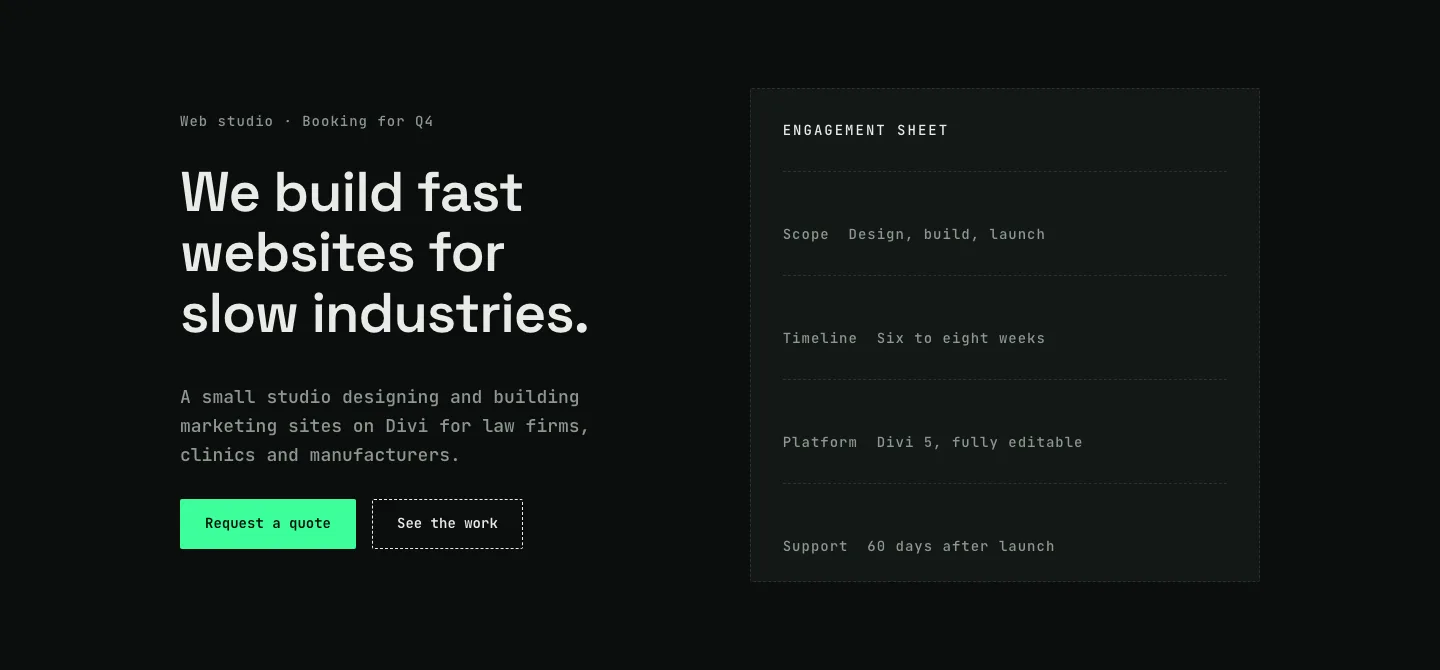
Dark Web Studio Agency Hero Section for Divi 5: Spec Card Layout
hero · agency · dark
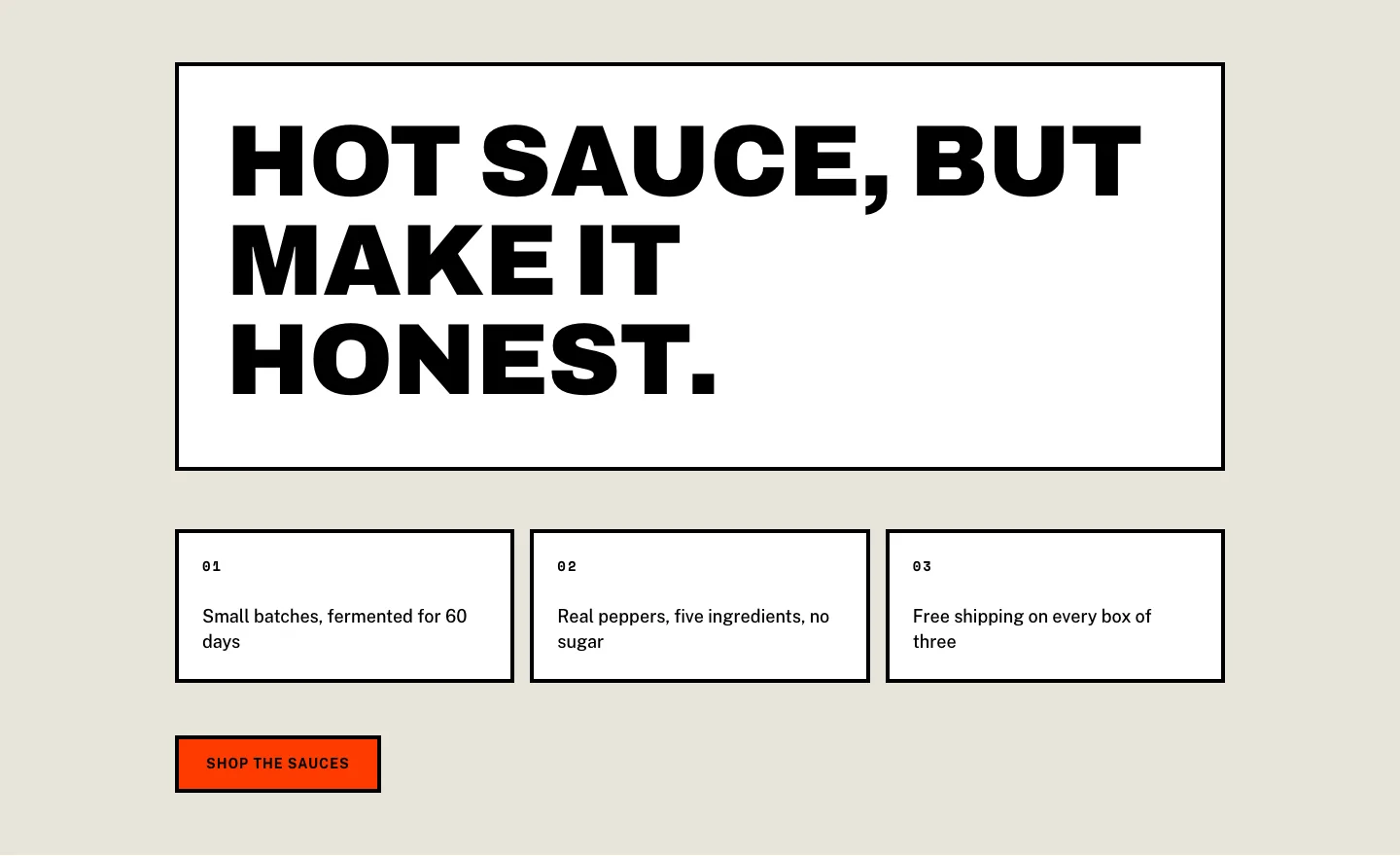
Brutalist Hot Sauce Ecommerce Hero Section for Divi 5: Bordered Cells
hero · ecommerce · bold
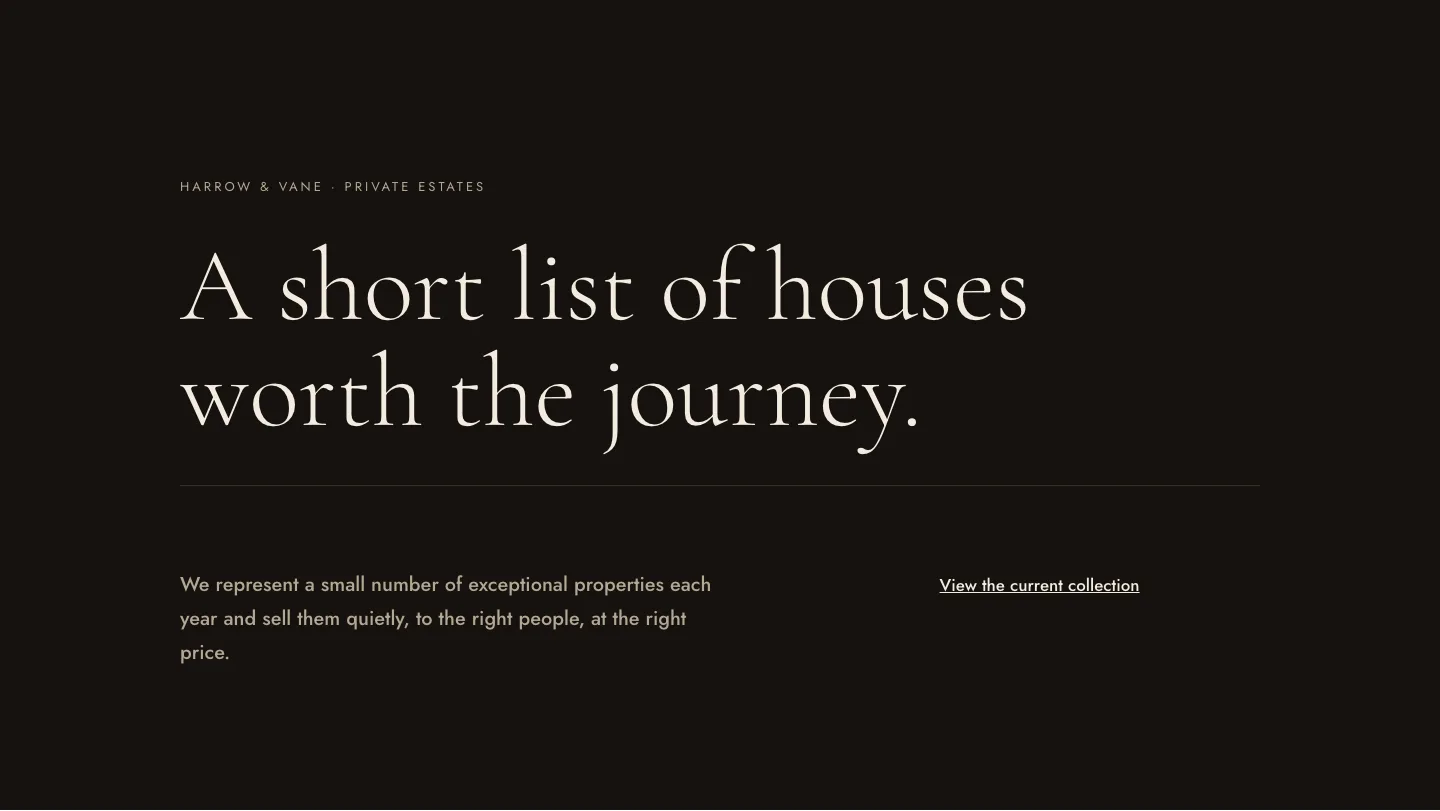
Luxe Private Estates Real Estate Hero for Divi 5: Editorial Minimal
hero · real_estate · elegant