
Footer Divi 5 Layouts
Footers earn their keep in the last 200 pixels of a page: the moment a visitor decides whether to keep exploring, subscribe, or leave. A strong Divi 5 footer restates who you are, points to what still matters, and gives one more reason to stay in touch. These layouts are engineered as compact site closers you can drop under any page in minutes.
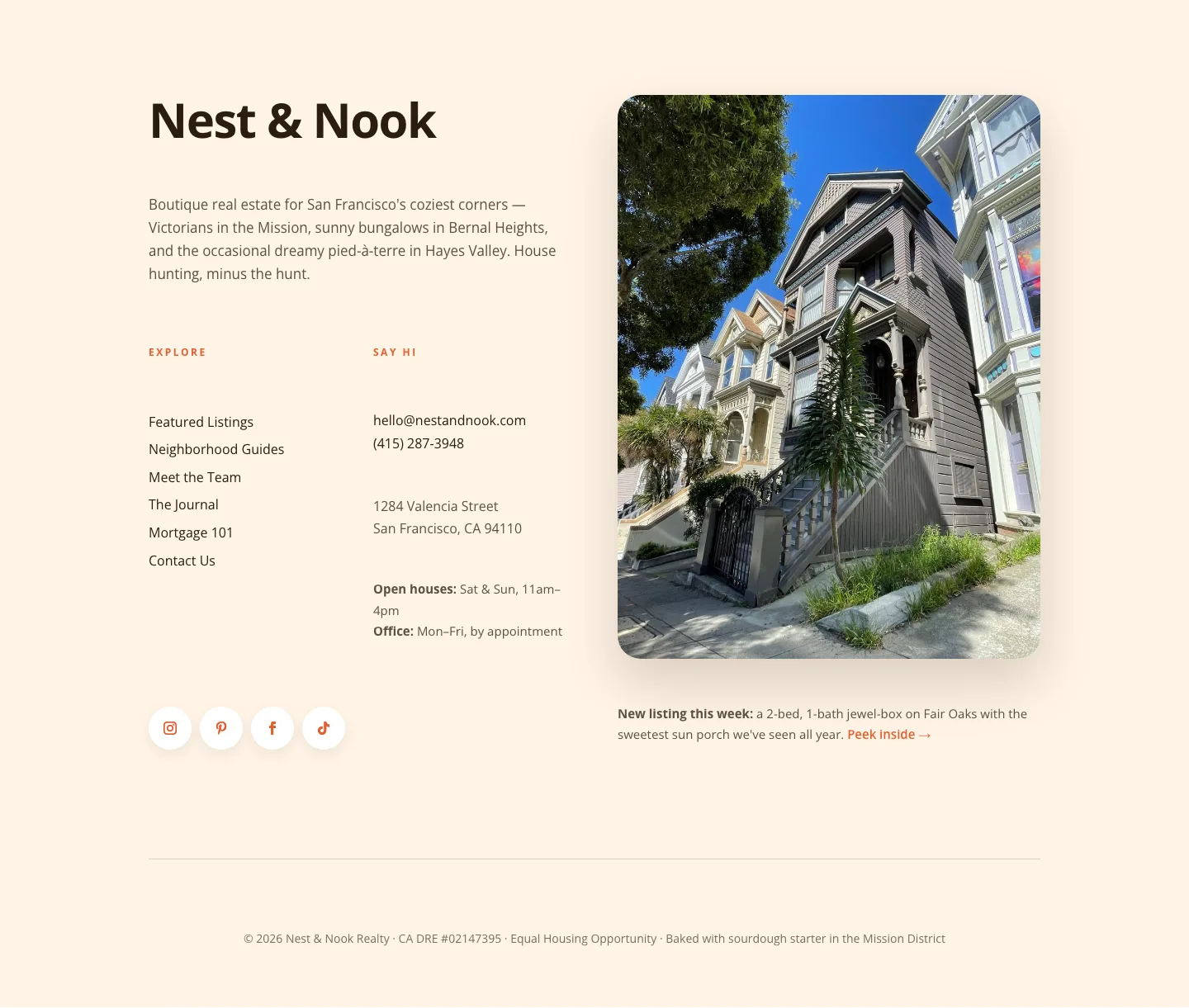
Playful Real Estate Footer: Warm, Boutique Divi 5 Layout
footer · real_estate · playful
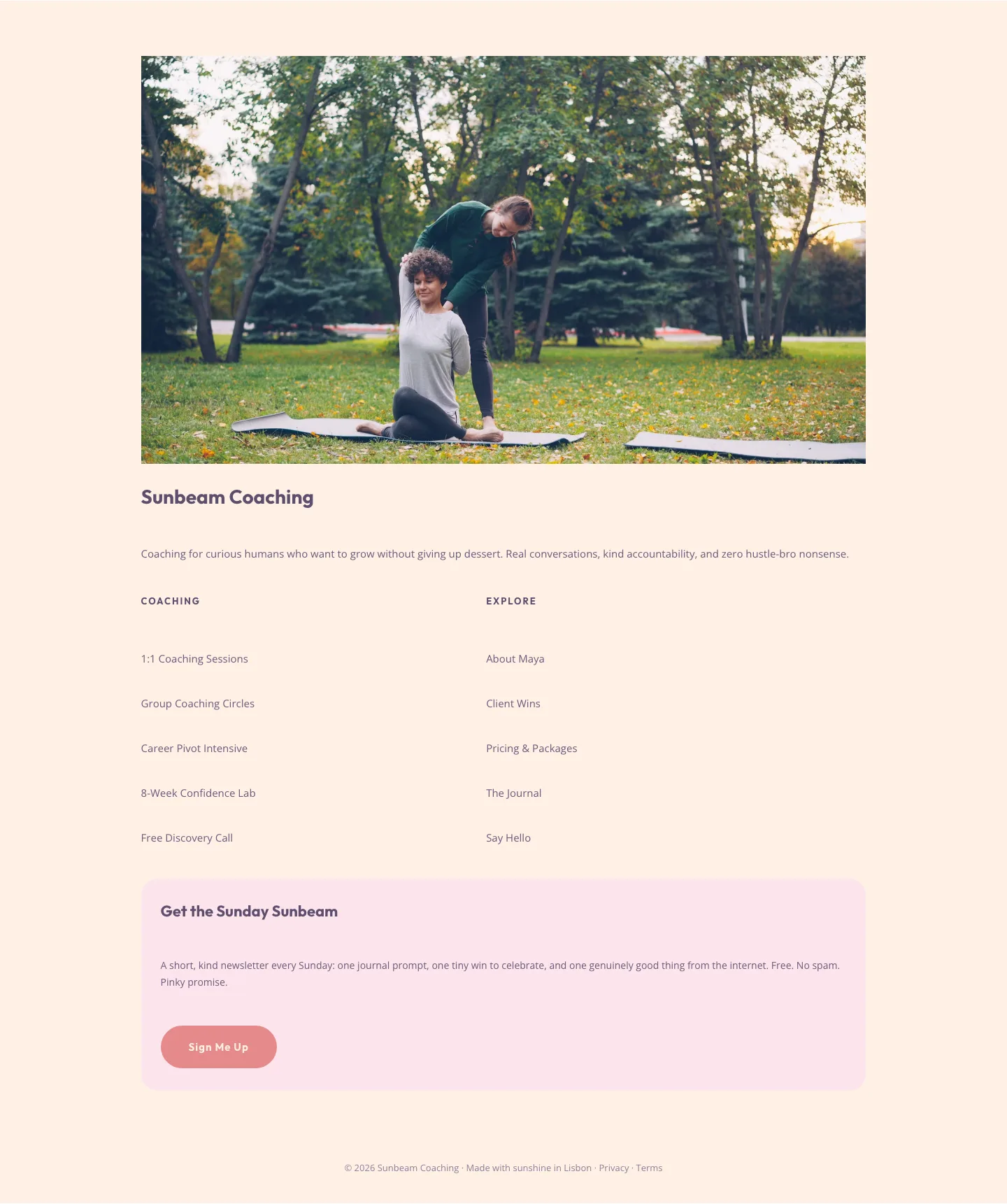
Playful Pastel Coaching Footer: Free Divi 5 Layout
footer · coaching · playful
What makes a good footer layout
Great footers are quiet workhorses. They resolve navigation, reinforce trust, and give search engines a last pass at your important links. Without shouting for attention. The best ones balance four zones: a brand block (logo, one-line pitch, socials), a column of curated links (not a sitemap dump), a contact or newsletter capture, and a legal strip with copyright, privacy, and terms.
Spacing is where amateur footers fall apart. Column gutters should breathe, link stacks should share a consistent line-height, and the legal row should sit visually apart from the marketing content above it. Typography usually steps down one size from the body, and contrast tightens so the footer reads as a supporting act rather than a competing headline.
Who uses these
Agencies pulling together client sites, SaaS founders standardizing a component library, freelancers who reuse a proven closer across dozens of builds, and content teams that need a footer variant for landing pages versus the main site. If you ship WordPress sites for a living, footers are the single most-reused module in your kit. And the one worth getting right once.
Customizing in Divi 5
Every footer here is exported as clean Divi 5 JSON, validated against the Divi 5 structure spec before publication, and ready to import into your Theme Builder as a global footer or a page-level section.
Once imported, three moves make it yours:
- Swap the palette. Open the section's design tab and update the background and text colors to your brand tokens. Because these layouts use Divi 5 presets, changing one color propagates cleanly through links, dividers, and social icons.
- Rewire the columns. Replace the placeholder link groups with your real IA: Product, Company, Resources, Legal is a reliable starting frame. Keep column counts consistent across breakpoints; Divi 5's responsive controls handle the stacking on mobile.
- Refresh the copy. The brand tagline, newsletter prompt, and legal microcopy are the three lines readers actually notice. Rewrite them in your voice: one sentence each, no filler.
Screenshots on this page are real desktop and mobile renders from a live Divi 5 install, not mockups. Every section is a free download behind a quick email capture and ships with a simple commercial license so you can use it on client work.