
Contact Divi 5 Layouts
Contact layouts do one job (turn interest into a conversation) and they should do it without friction. A good contact section sets expectations (who replies, how fast, through which channel) and gives visitors the shortest possible path to sending a message. In Divi 5, that means a tight form, honest supporting copy, and just enough visual weight to feel considered.
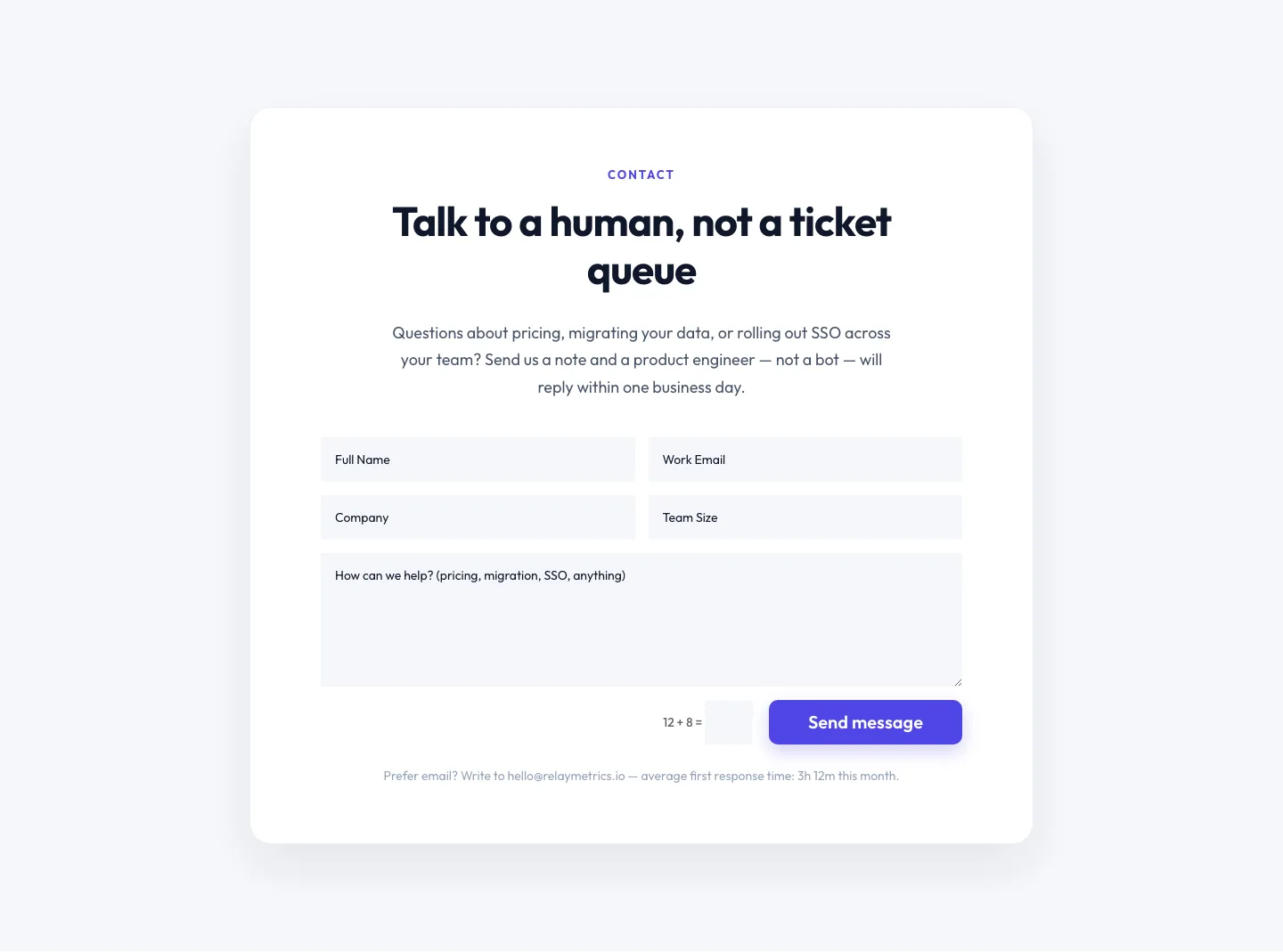
Minimal SaaS Contact Form Section: Divi 5 Layout
contact · saas · minimal
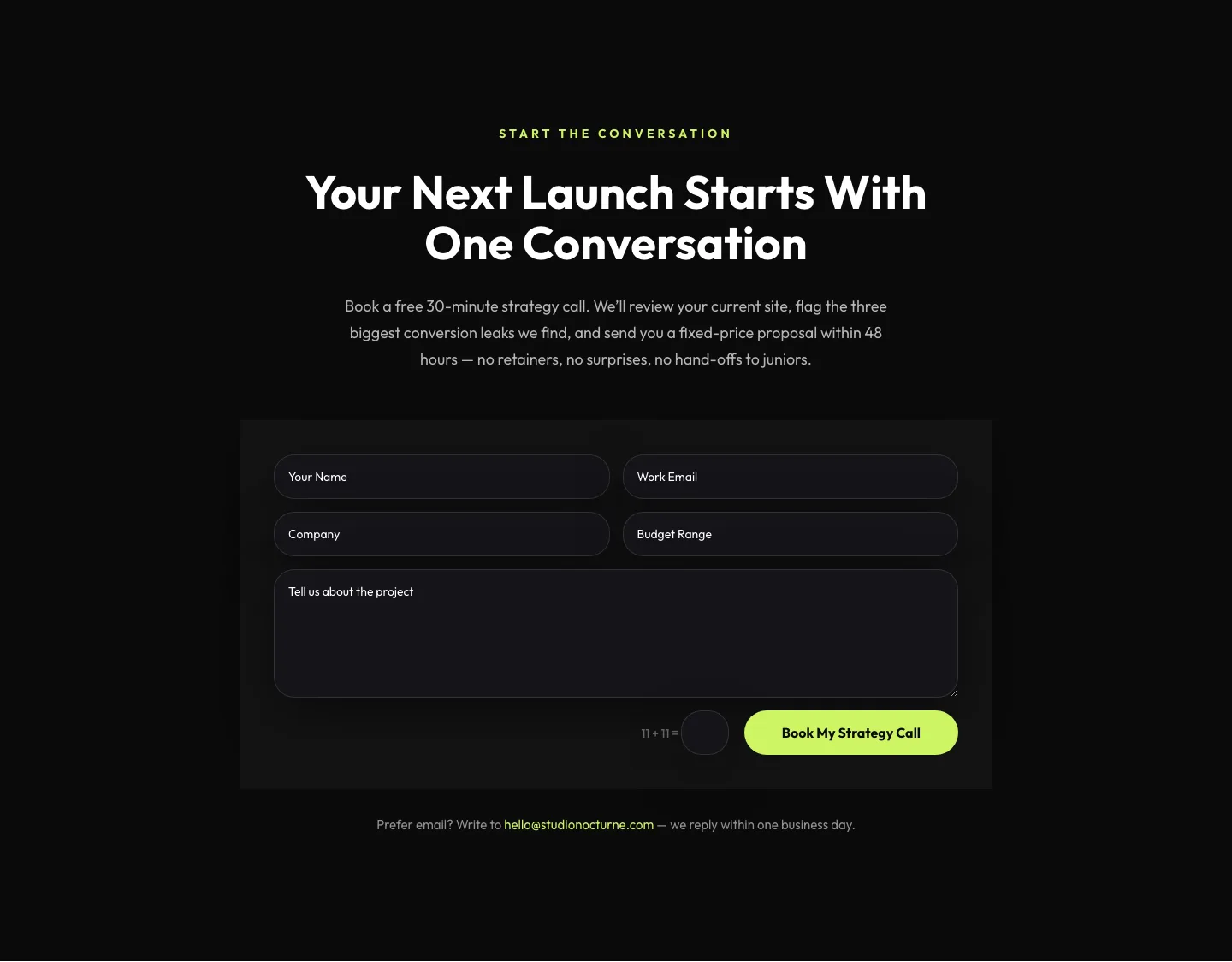
Dark Agency Contact Form: Book a Strategy Call Divi 5 Layout
contact · agency · dark
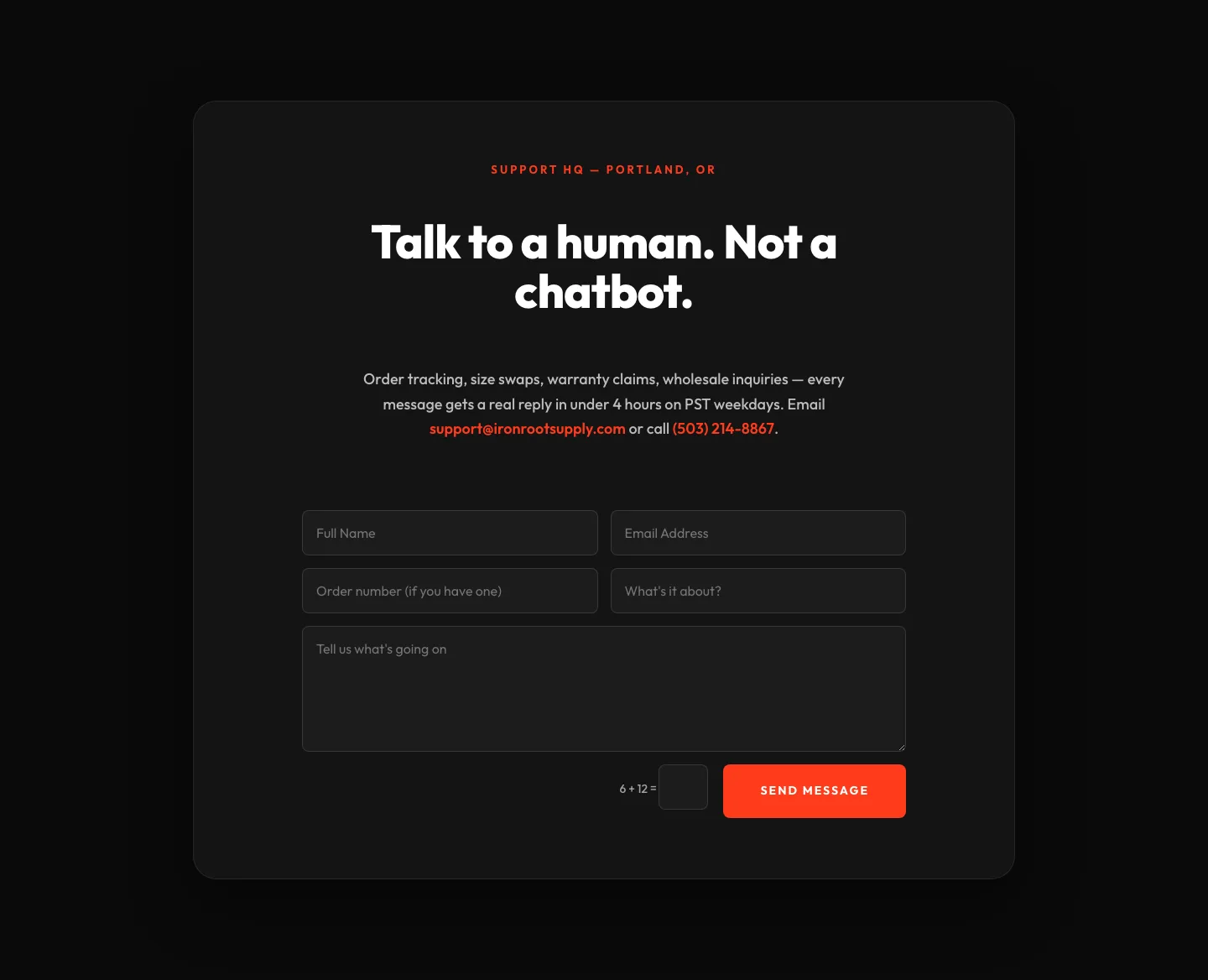
Bold Ecommerce Contact Form Layout for Divi 5: Ironroot
contact · ecommerce · bold
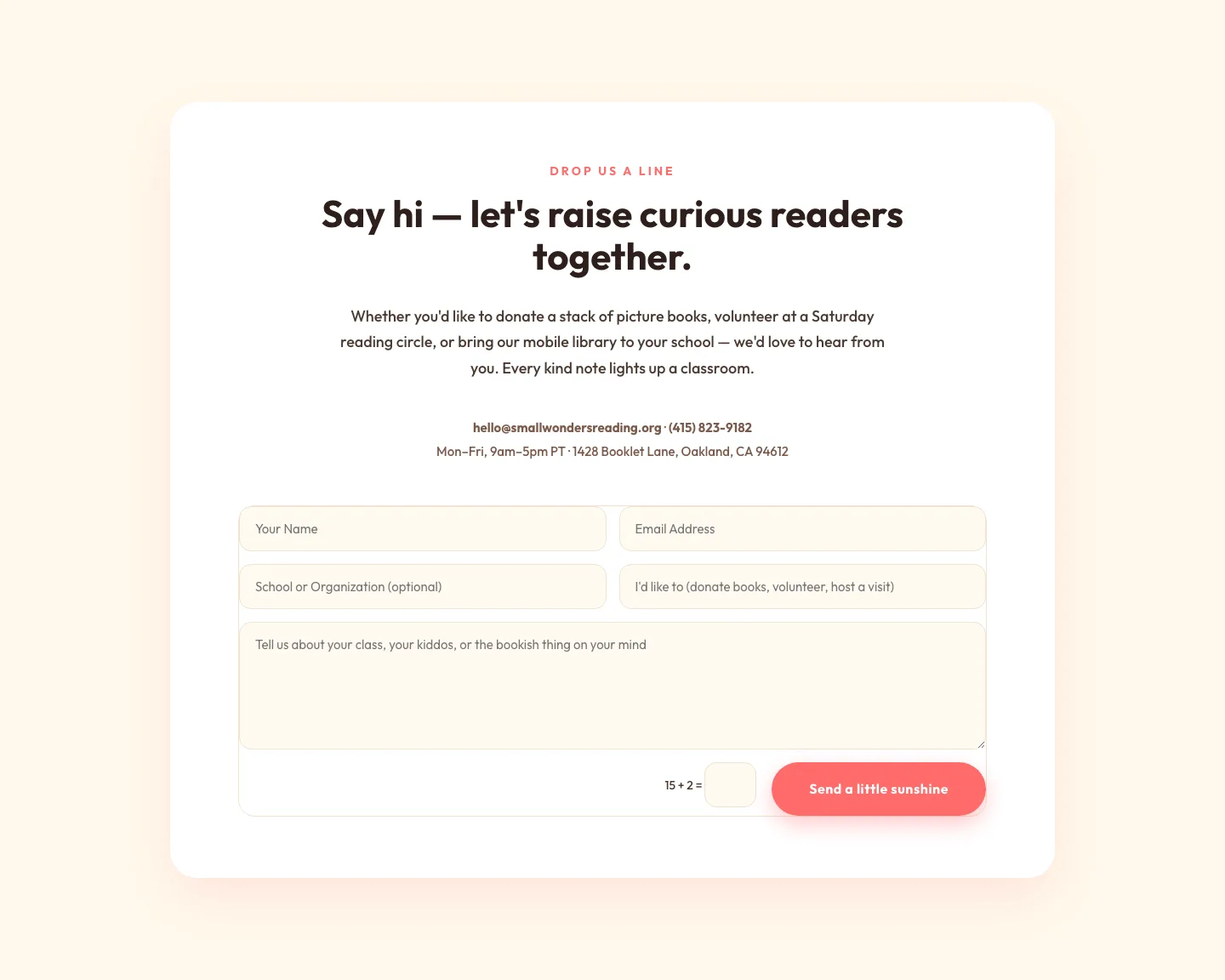
Playful Nonprofit Contact Page Layout for Divi 5: Small Wonders
contact · nonprofit · playful
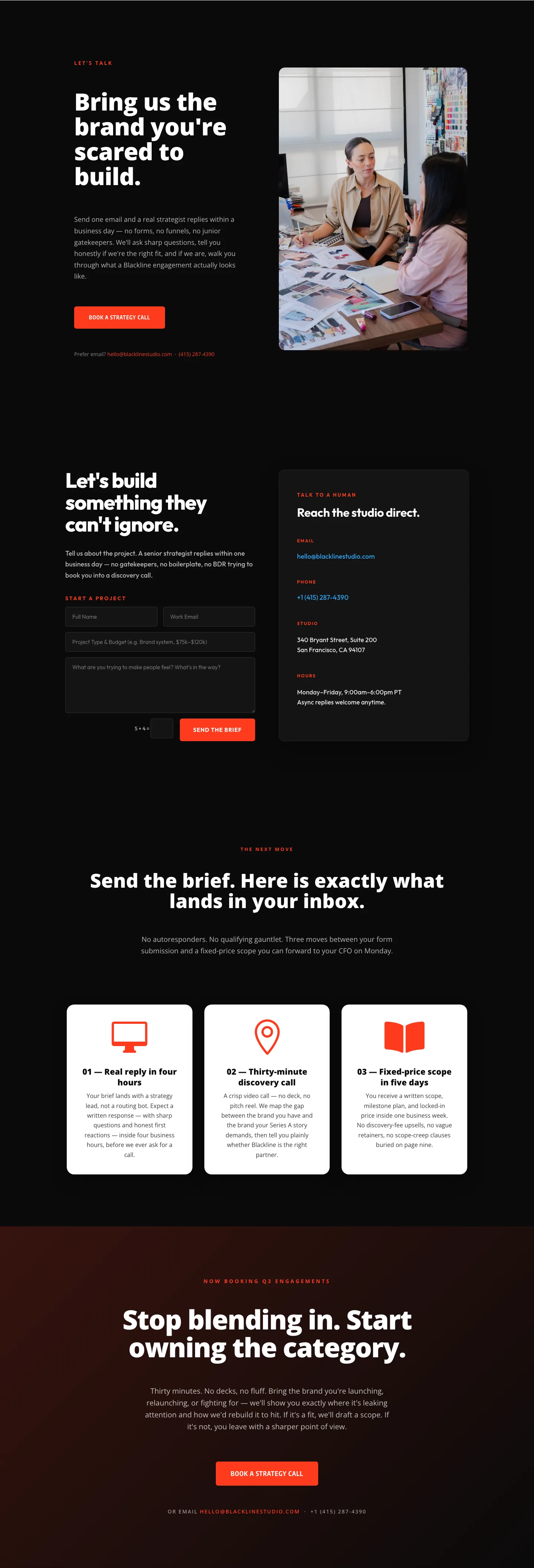
Blackline Studio: Bold Agency Contact Page for Divi 5
contact · agency · bold

Bold Dark SaaS Contact Section with Inline Form: Divi 5 Layout
contact · saas · bold
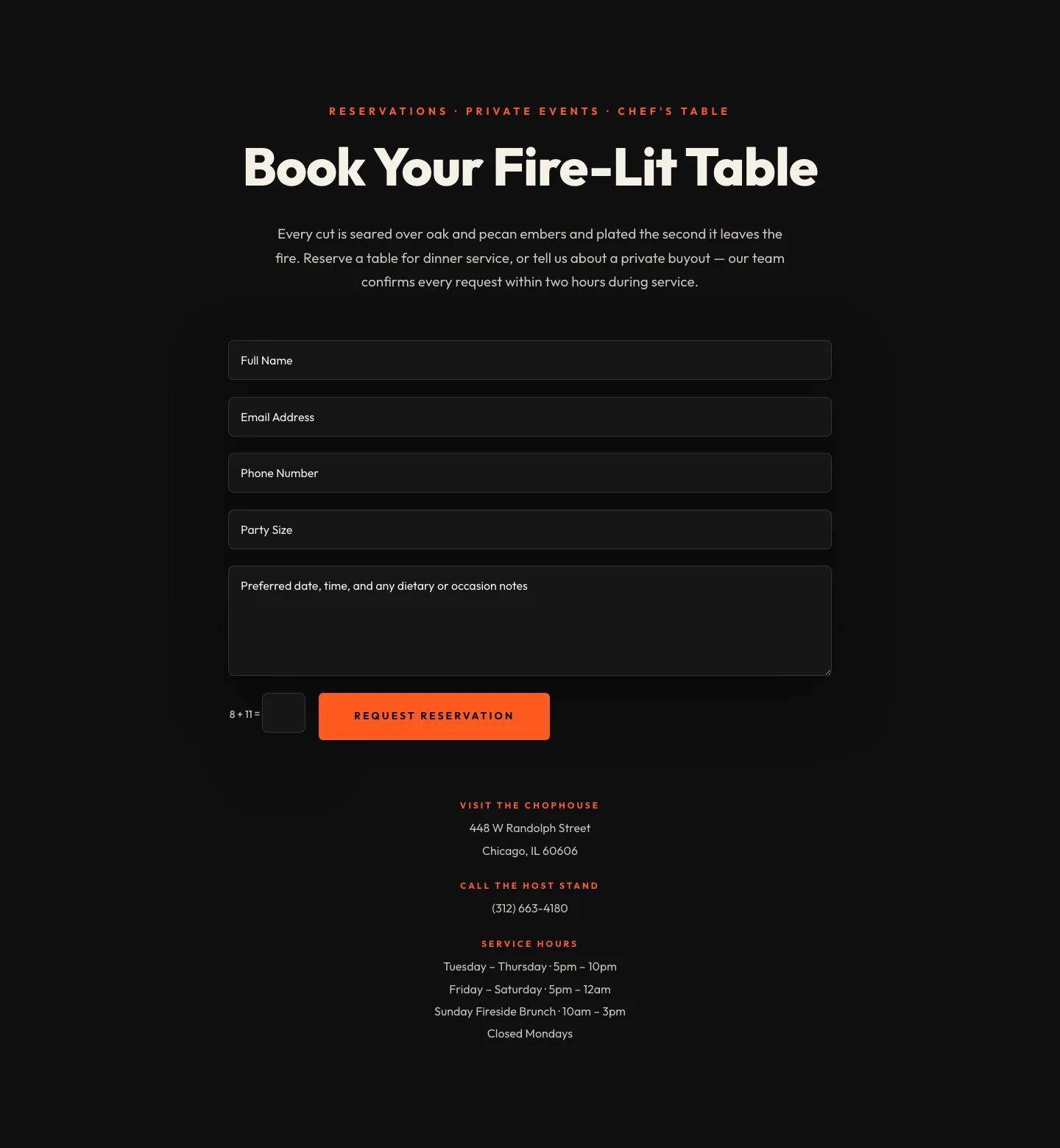
Bold Restaurant Reservation Contact Layout for Divi 5
contact · restaurant · bold
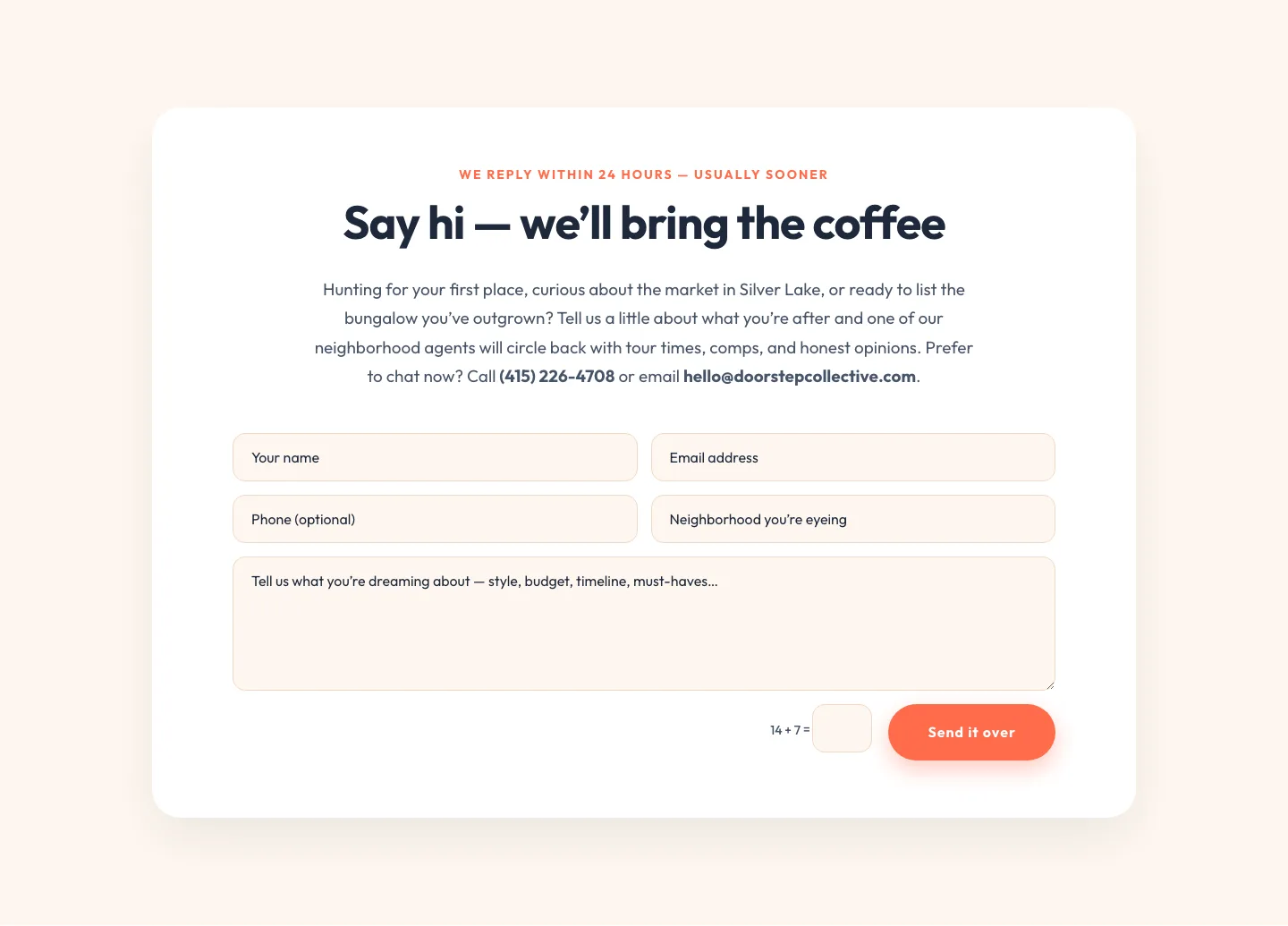
Playful Real Estate Contact Form Divi 5 Layout
contact · real_estate · playful
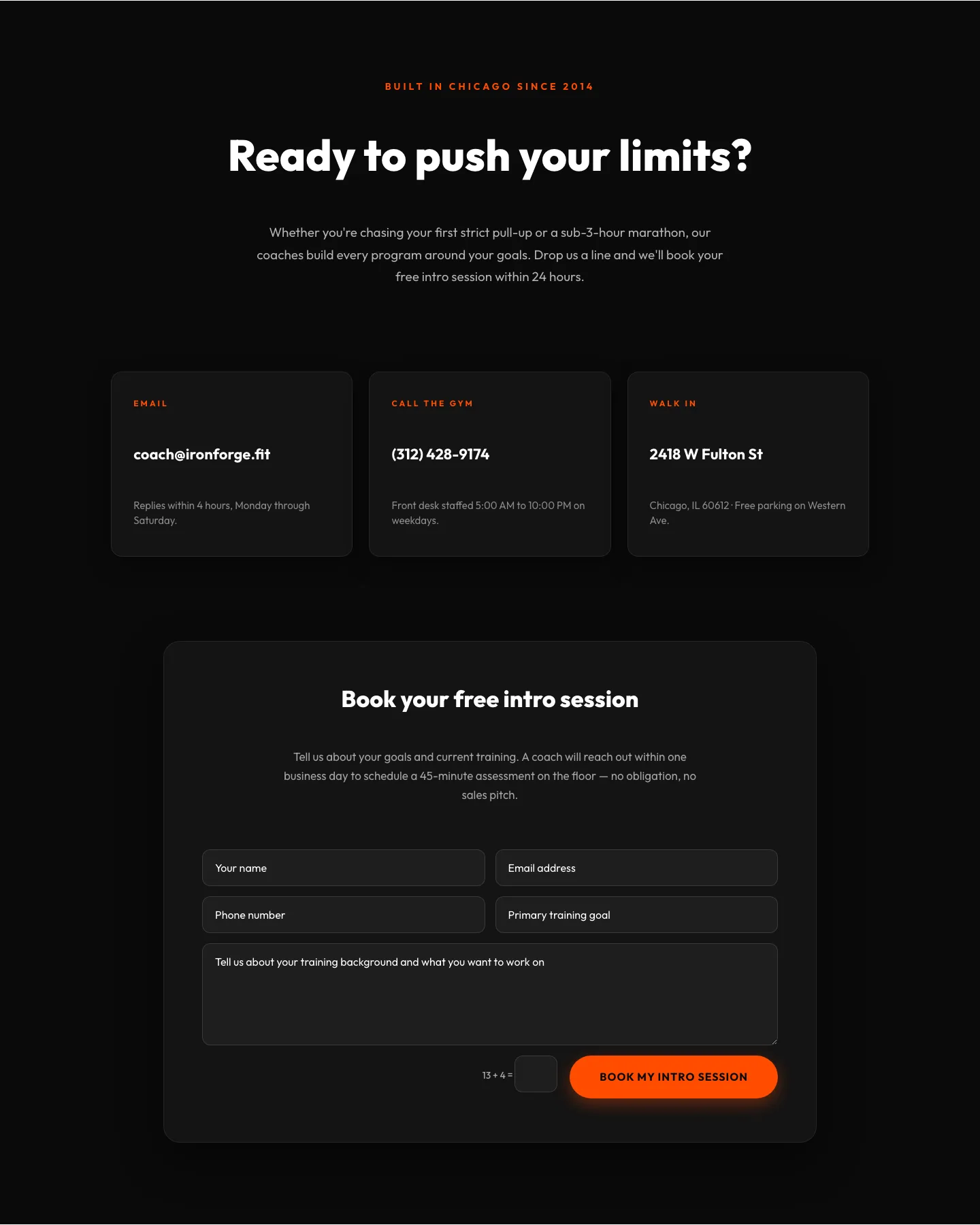
Bold Fitness Contact Layout for Divi 5: Gym & Coaching Intro Form
contact · fitness · bold
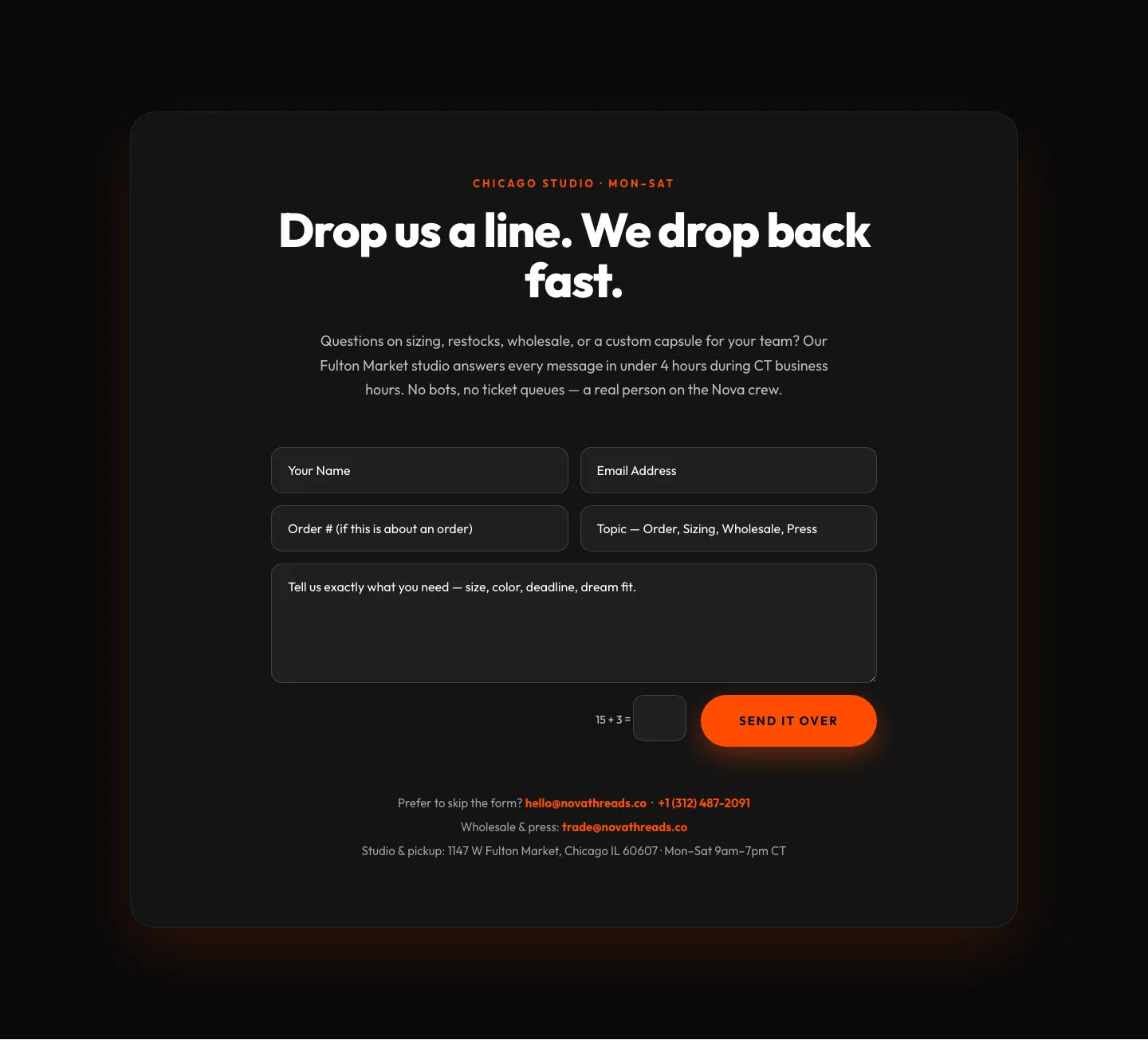
Bold Ecommerce Contact Page Layout for Divi 5 | Nova Threads
contact · ecommerce · bold
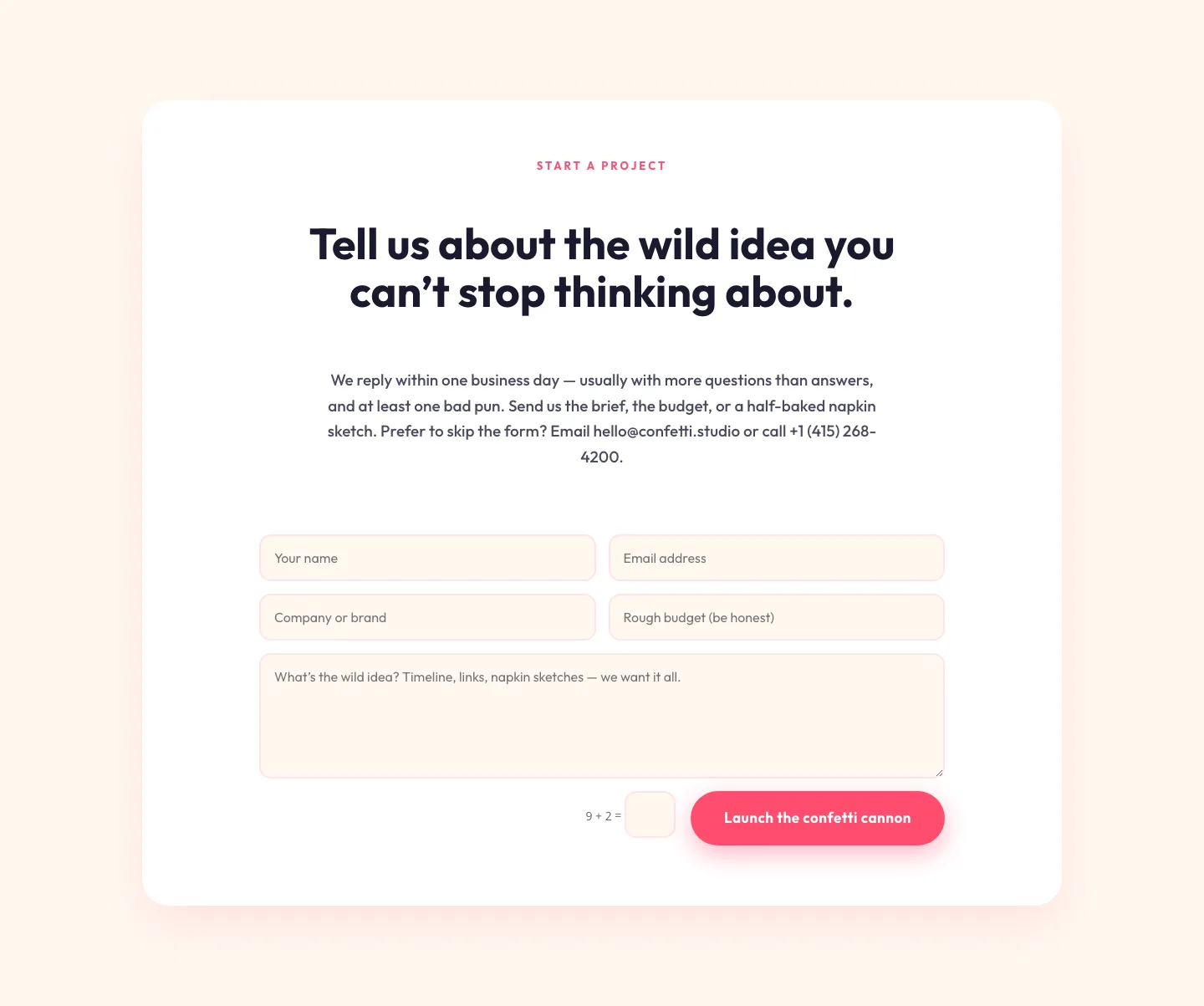
Playful Agency Contact Form Layout for Divi 5: Confetti Studio
contact · agency · playful
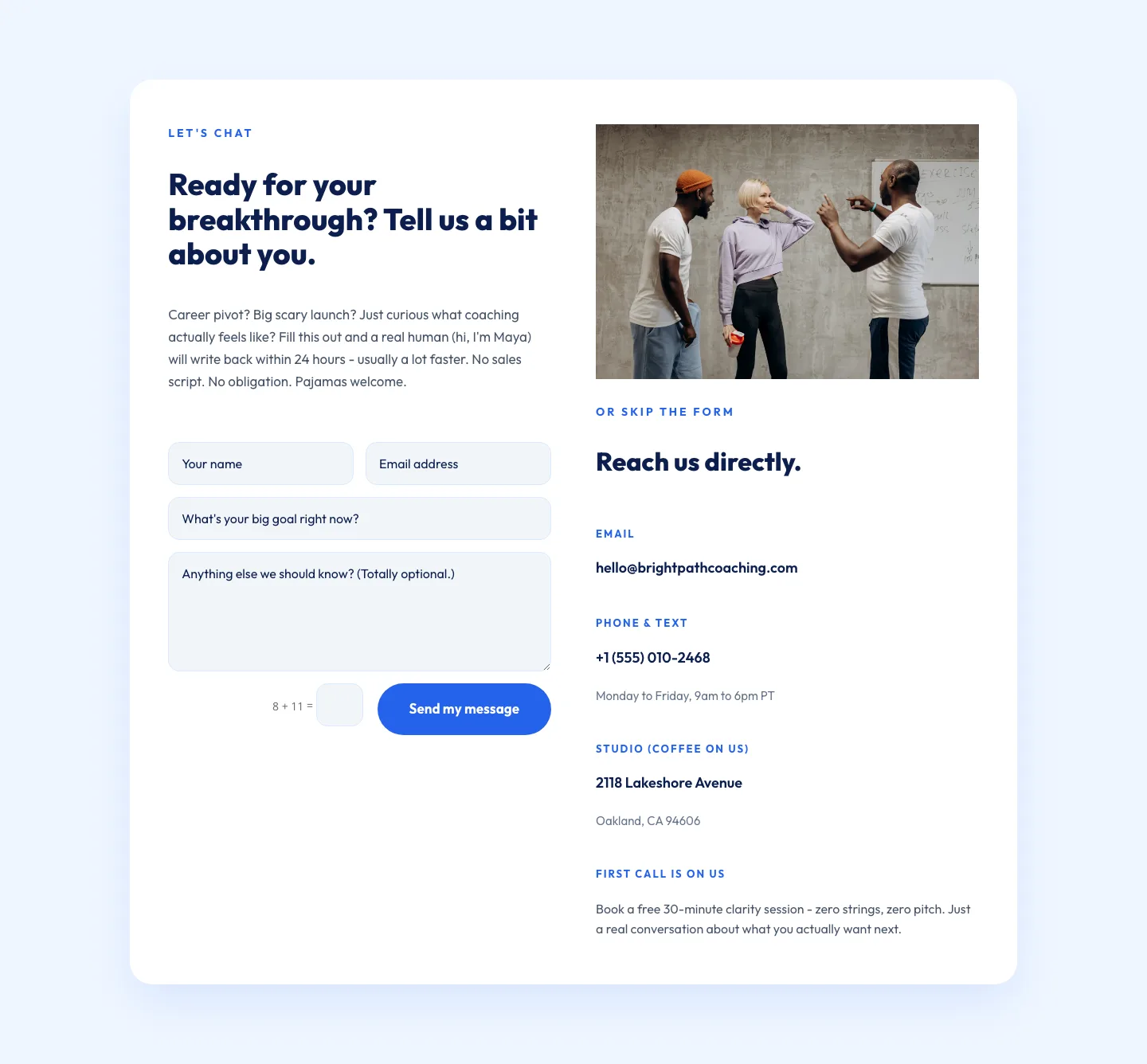
Playful Coaching Contact Page Layout for Divi 5 - Free Download
contact · coaching · playful
What makes a strong contact layout
The best contact sections are quiet by design. They lead with a specific promise ("We reply within one business day" beats "Get in touch") and pair the form with a second contact route (email, phone, or a booking link) so visitors can self-select. Field count is the biggest lever on conversion: name, email, and message will out-convert a nine-field intake nine times out of ten. If you need qualifying detail, ask for it after the first reply, not before.
Visual hierarchy matters too. A contact block should feel like a landing zone: generous padding, a single primary button, and supporting elements (map, hours, response-time badge, team photo) that reassure without competing. Split layouts (copy on the left, form on the right) remain the workhorse because they let you sell the reason to write in while the form stays within thumb's reach on mobile.
Who these layouts are for
Agencies use contact sections as the last mile of a pitch page. Local businesses lean on them to surface hours, address, and a map. SaaS teams route them to sales or support depending on intent. Coaches, consultants, and freelancers use them as booking front doors. Any site with a call-to-action eventually needs a contact block that can stand on its own or drop into a longer page.
Customizing a contact layout in Divi 5
Every layout in this collection ships as a validated Divi 5 JSON export: drop it into the Divi 5 Visual Builder via Portability → Import, and the whole section lands with presets intact.
- Presets first. Rebrand the button and form presets once; every instance across your site inherits the change.
- Palette swap. Update the six global colors in Divi → Theme Options → Colors: the layout's accents, borders, and hover states follow automatically.
- Copy for intent. Rewrite the heading to name the outcome ("Book a strategy call") rather than the action ("Contact us"). Trim any field you won't act on.
- Route the form. Point the Contact Form module at your inbox, or wire it to a CRM through Divi's email provider integrations.
- Respect the mobile render. Every screenshot in this catalog is a real desktop and phone render, so what you preview is what your visitors get.
Sections are free downloads (email-gated) and ship under a straightforward commercial license: use them in client work, product sites, or your own brand without attribution.