
Bold Ecommerce Contact Page Layout for Divi 5 | Nova Threads
High-impact dark contact section for ecommerce brands. Divi 5 layout with styled contact form, order/wholesale routing, and vibrant orange CTA on jet black.
Rate this element
Download this section, free
- Divi 5 JSON, imports in seconds
- Commercial license included
- No account needed
Click to view the full page
Overview
A single-column contact layout built on a jet-black canvas (#0a0a0a) with a floating charcoal card (#141414) that pulls the whole form to the center of the viewport. The card sits at a 1200px max width with generous 80/64px interior padding, 32px rounded corners, a hairline white border at 8% opacity, and a soft orange-tinted drop shadow (rgba(255,77,0,0.15)). That shadow is what makes the panel feel like it's glowing rather than pasted on. Section padding is a deliberate 140px top and bottom, so the form breathes even when it's the only thing on the page.
Hierarchy runs top-down in four beats: an all-caps #ff4d00 eyebrow ("Chicago Studio · Mon–Sat") with 3px letter-spacing, a heavy 60px Outfit H2 headline at -1.5px tracking, a muted 18px supporting paragraph capped at 640px, then the form itself at 760px. Everything is center-aligned and constrained, which keeps the eye on a single vertical axis. The Divi 5 Contact Form module uses a two-column grid for Name / Email / Order # / Topic (each at 12_24) and a full-width Message field (24_24): five inputs total, styled with translucent white fills, 14px radii, and 1px 14%-opacity borders so they read as glass against the card.
The primary CTA is a pill button (999px radius) in #ff4d00 with a bold shadow, uppercase Outfit at 2px letter-spacing, and a hover state that inverts to white background / orange text. Below the form, a secondary text block lists email, phone, wholesale address, and studio hours. A fallback path for anyone who doesn't want to type into a form. On mobile the row switches to flexDirection: column, the H2 steps down to 34px at 1.15em, and the two-up field grid naturally stacks so every input becomes full-width.
What’s inside
- Divi 5 native Contact Form module with a real receiver email pre-wired and captcha styling included
- Five pre-labeled fields: Name, Email, Order Number, Topic, and Message. With the four short fields on a 2×2 desktop grid and the Message spanning full width
- Bold pill CTA (`999px` radius) with orange fill, dark text, uppercase Outfit @ 2px tracking, and an inverted white-on-orange hover
- Floating dark card row (`#141414`, 32px radius, translucent white border, orange-tinted shadow) inside a full-black section
- Center-stacked text hierarchy: orange eyebrow → 60px Outfit H2 → muted 18px lead → form → contact fallback block
- Secondary contact block with clickable email, phone, wholesale address, and studio hours built as a styled Text module
- Responsive tablet (44px H2) and phone (34px H2, column stack) breakpoints already dialed in
- Pure Divi 5 blocks (one Section, one Row, one Column, Text + Heading + Contact Form + Contact Fields + Text) no shortcodes or third-party plugins
Who it’s for
Built for direct-to-consumer ecommerce brands that treat customer service as part of the brand voice: apparel labels, streetwear drops, sneaker resellers, indie beauty, coffee roasters, small-batch home goods, and any Shopify-refugee running WooCommerce on Divi. The pre-labeled Order Number and Topic fields (Order / Sizing / Wholesale / Press) make it especially useful for stores that field a mix of buyer support, retailer inquiries, and press outreach through the same page. The bold orange-on-black palette suits brands with an edgier, high-contrast identity: streetwear, fitness apparel, moto, skate, print shops, hot-sauce and specialty-food, or any DTC store that wants its contact page to feel like the rest of the site instead of a boring form.
Customization tips
Palette swap is the highest-leverage change. The whole look hangs on two tokens: #ff4d00 (eyebrow, CTA fill, shadow tint, inline highlights in the fallback block) and #0a0a0a / #141414 (page and card). Global-find-replace those and the layout re-skins in a minute: the shadow color on both the card and the button is also orange-tinted, so update those RGBA values to match. Copy limits: keep the H2 to roughly 40 characters or the -1.5px tracking starts to feel cramped at 60px; keep the lead paragraph under 240 characters so it stays inside the 640px column at 1.7em line-height. Field placeholder text is editable per Contact Field, rewrite Topic options to match your actual support queues. Point the form's receiver email at your inbox, and update the phone, wholesale, and studio-address lines in the bottom Text module. There are no images to swap. If you want the card lighter, raise #141414 and lift the border opacity from 0.08 to around 0.14.
How to install this layout
- Download the layout JSON file from this page.
- Open the target page in the Divi 5 builder.
- Open the portability panel (up/down arrows icon) and choose the Import tab.
- Upload the JSON. Tick “replace existing content” only for full-page imports.
- Check the page at desktop and mobile widths, then swap in your copy and images.
Full walkthrough with troubleshooting: How to Import a Divi 5 Layout.
Questions about Bold Ecommerce Contact Page Layout for Divi 5 | Nova Threads
Is this a full contact page or a single section I drop into an existing page?
It's a single self-contained section: one Divi 5 Section → Row → Column with a heading, lead, form, and fallback block. Drop it onto any page and it stands on its own, or stack it under a hero or map section on a longer contact page.
How does the form itself work, is it a real Divi module or a plugin?
It's the native Divi 5 Contact Form module with five Contact Field children. Submissions go to whatever email you set in the receiver field (currently `hello@novathreads.co`) via Divi's built-in handling, no third-party form plugin required.
How does it behave on mobile?
The row switches to `flexDirection: column` on phone, the H2 drops from 60px to 34px, and the 2×2 grid of short fields collapses so Name, Email, Order #, and Topic each become full-width. The Message field is already 24/24, so it stays full-width across every breakpoint.
What should I edit first after importing?
In this order: form receiver email, the eyebrow line (studio + hours), H2 and lead copy, the four short field labels (especially Topic, match it to your real support queues), and the fallback contact block at the bottom with your real email, phone, wholesale address, and studio hours.
Are there any images or icons I need to replace?
No. This layout is fully typographic: zero image modules, zero icons. The visual weight comes from the orange accent color, the floating dark card, and the pill button, so you only need to worry about copy and palette.
Can I use it on a light-mode site?
Yes, but you'll be redesigning it, not reskinning it. Flip the section background to a light neutral, raise the card to white, drop the border opacity way down, switch the heading and body colors to near-black, and rework the field borders. The orange CTA and eyebrow can stay, they read fine on either background.
Which Divi version does this layout need?
Divi 5. The layout is generated natively for Divi 5 and validated against its real module structure before publication, so it imports clean into the current builder.
Can I use this layout on client websites?
Yes. Every download includes a commercial license covering unlimited sites you own or build for clients. Only reselling or redistributing the layout file itself is prohibited.
More contact forms
Browse all contact forms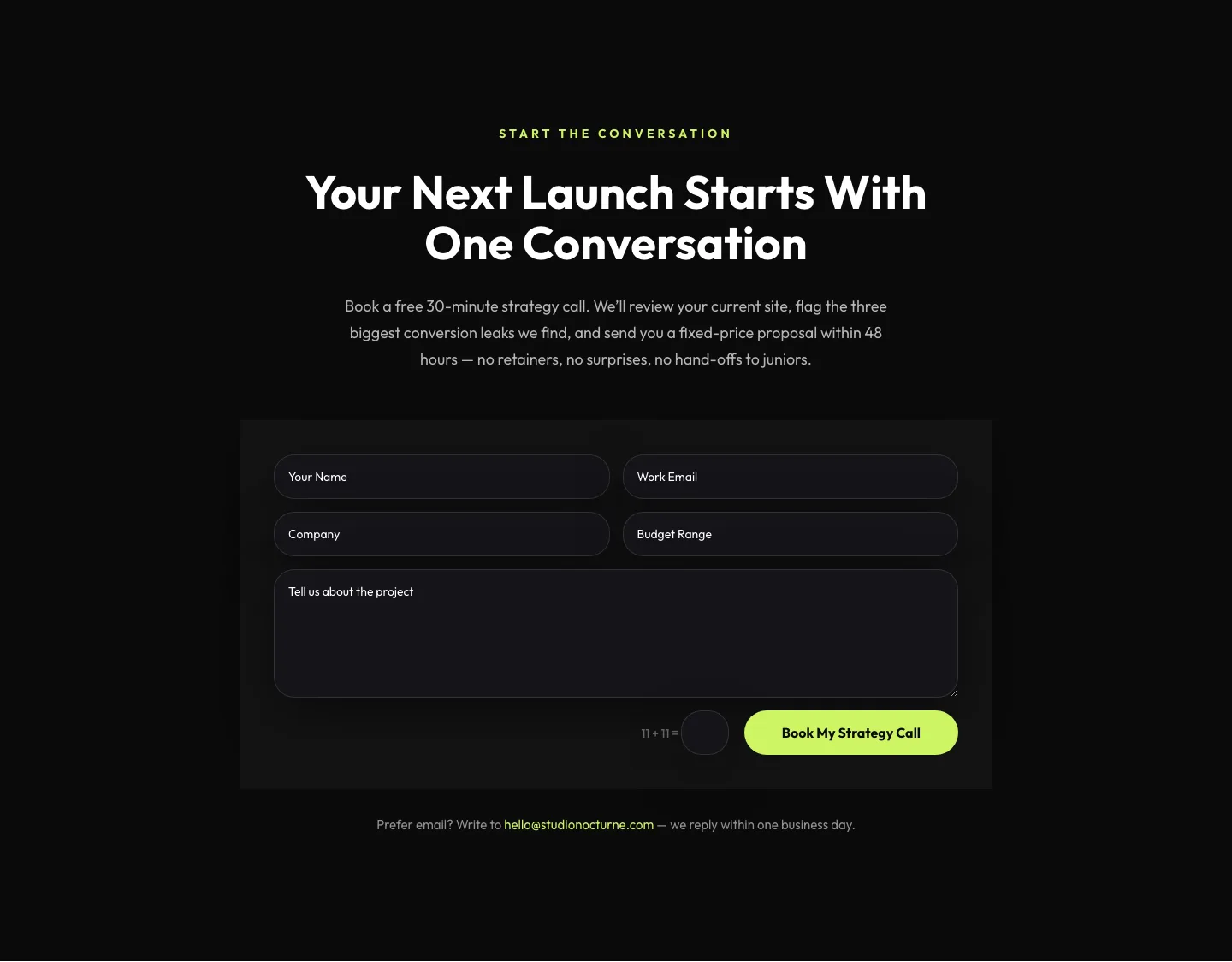
Dark Agency Contact Form: Book a Strategy Call Divi 5 Layout
contact · agency · dark
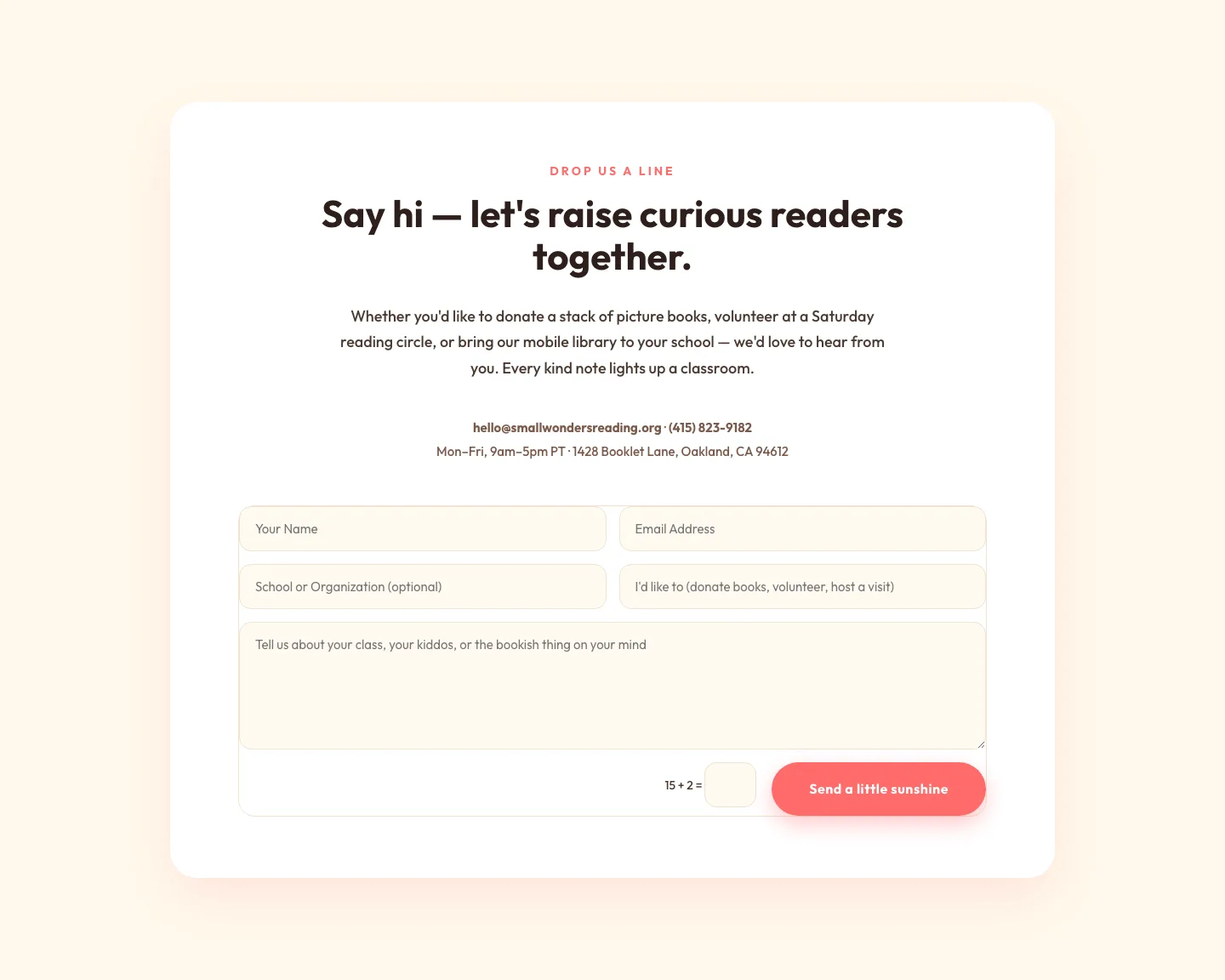
Playful Nonprofit Contact Page Layout for Divi 5: Small Wonders
contact · nonprofit · playful
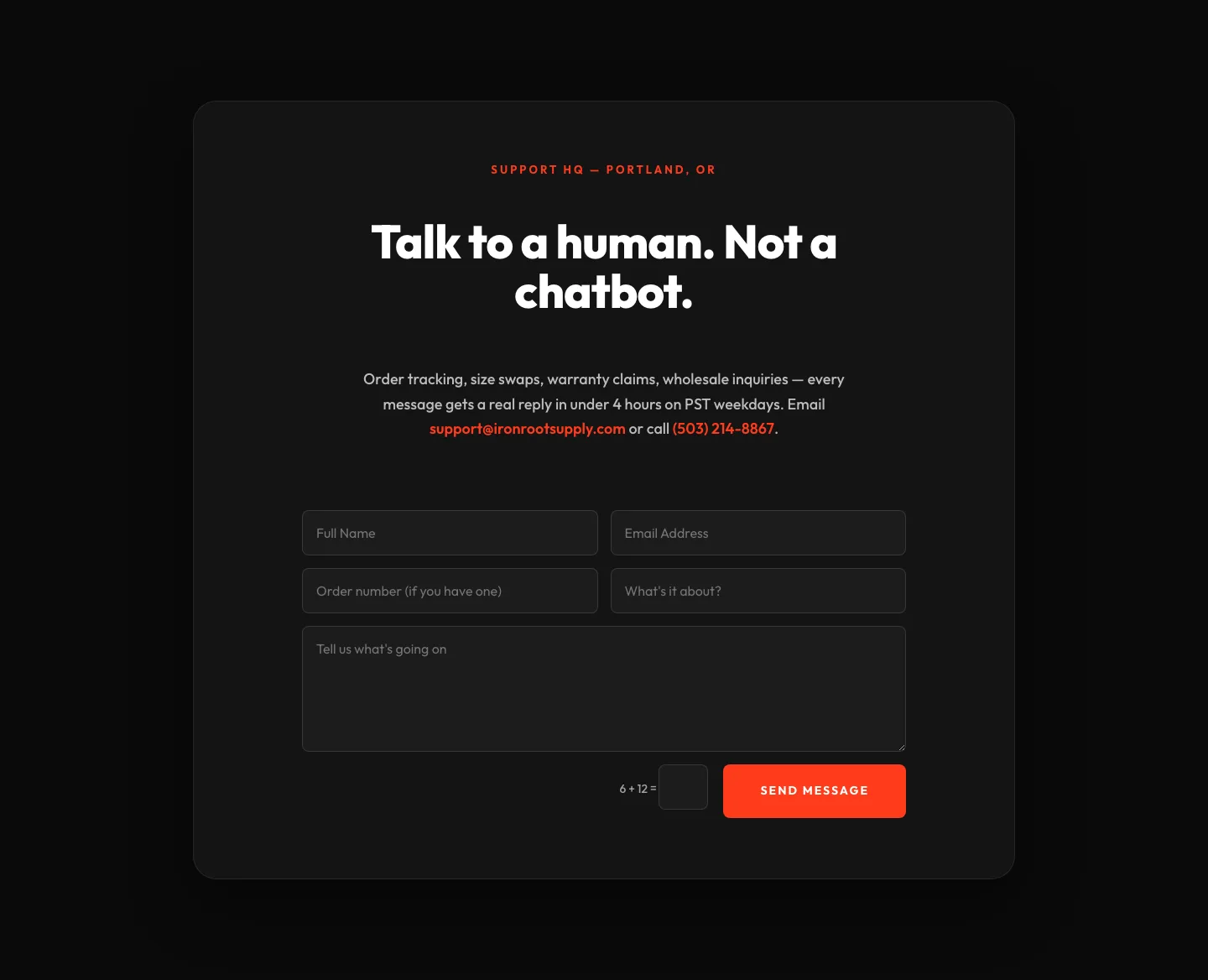
Bold Ecommerce Contact Form Layout for Divi 5: Ironroot
contact · ecommerce · bold
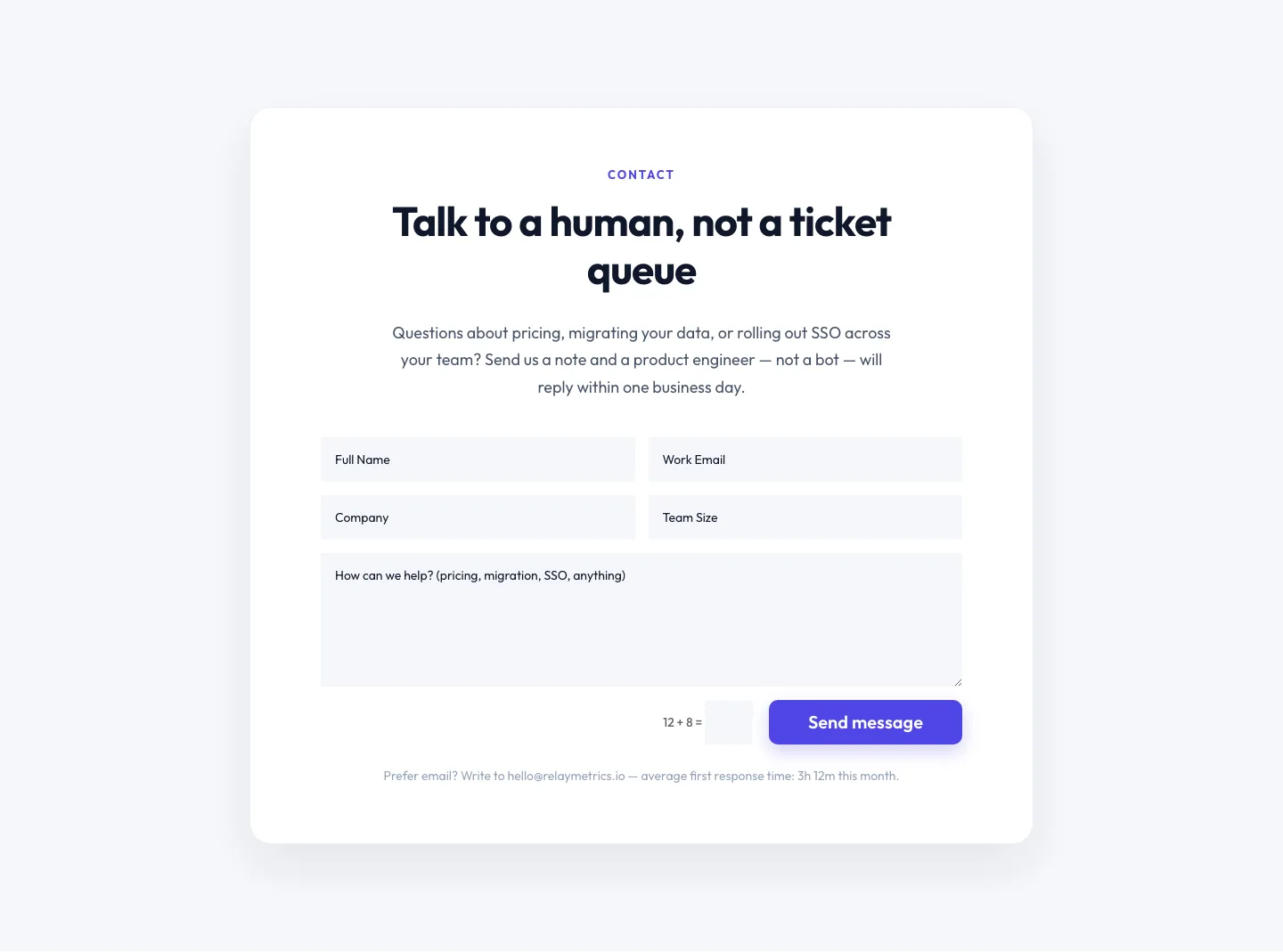
Minimal SaaS Contact Form Section: Divi 5 Layout
contact · saas · minimal
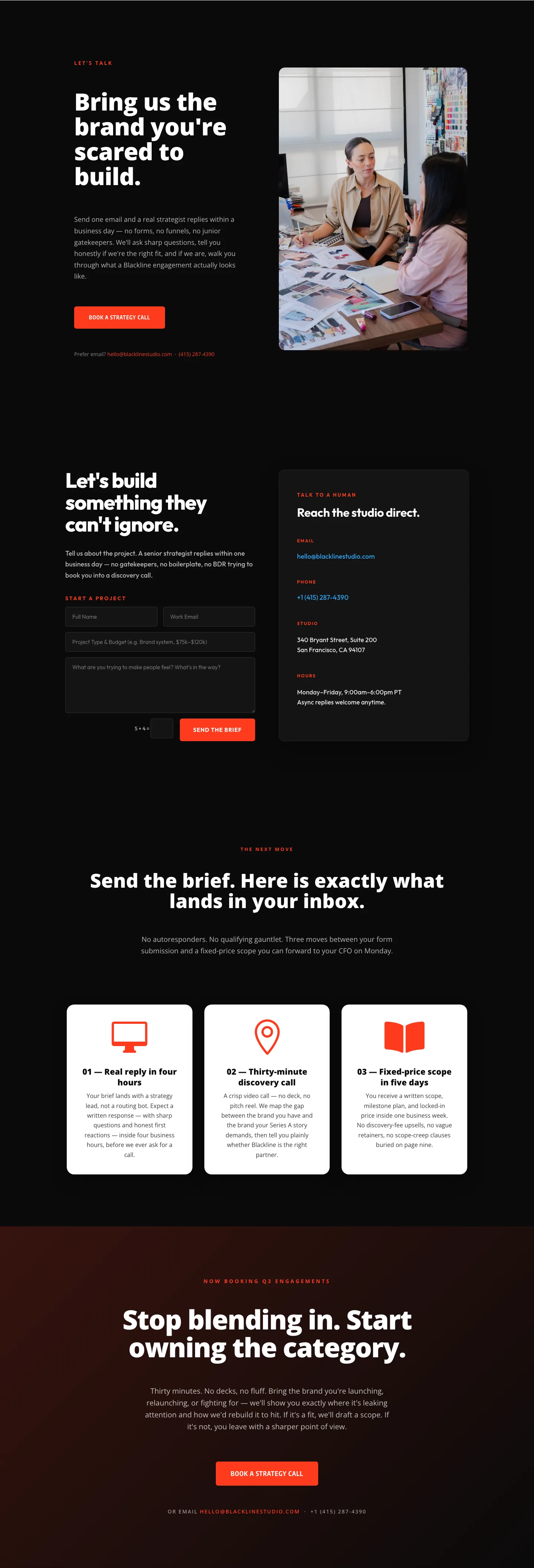
Blackline Studio: Bold Agency Contact Page for Divi 5
contact · agency · bold

Bold Dark SaaS Contact Section with Inline Form: Divi 5 Layout
contact · saas · bold