
Blackline Studio: Bold Agency Contact Page for Divi 5
A bold, dark agency contact layout for Divi 5. Hero, contact form, direct studio details, three-step process, and closing CTA. Built for high-ticket creative studios.
Rate this element
Download this section, free
- Divi 5 JSON, imports in seconds
- Commercial license included
- No account needed
Click to view the full page
Overview
Blackline Studio opens on a jet-black #0A0A0A stage with 140px of vertical breathing room, splitting the hero into a 50/50 grid: a red eyebrow (Let's Talk, #FF3B1F), a 64px 800-weight headline that drops to 38px on phone, an 18px supporting paragraph in muted grey, a red CTA button with a soft red glow, and a portrait image on the right rounded to 16px with a deep red-tinted shadow. On phones the row collapses to a single column and the padding drops to 70px so the headline still leads.
The main contact block splits into a working form and a studio card. The left column runs a native Divi Contact Form with four fields (Full Name and Work Email side-by-side, then full-width Project Type & Budget and message fields) all on #141414 inputs with 1px translucent borders and a red Send the brief submit. The right column is a self-contained card: a red Talk to a human kicker, a 32px heading, and stacked Email / Phone / Studio / Hours blocks with red micro-labels above white values. Everything sits inside a 1280px row with a 32px horizontal safety margin.
Below that, a three-up process row explains what happens after submission (reply in four hours, thirty-minute call, fixed-price scope in five days) as white cards with red icons, 20px rounded corners, and a hover state that lifts each card 6px and swaps the shadow to a red glow. The page closes on a 135° red-to-black gradient CTA with a 72px headline, a 680px capped paragraph, and the red button repeated, so the whole flow lands on one decisive action.
What’s inside
- Split 50/50 hero with red eyebrow, 64px headline, supporting paragraph, primary CTA, and rounded portrait image with red-tinted shadow
- Native Divi 5 Contact Form module with four fields (Full Name, Work Email, Project & Budget, message brief) styled on dark inputs
- Studio info card with red micro-labels for Email, Phone, Studio address, and Hours. All live `mailto:` and `tel:` links
- Three-column process row with icon blurbs, 20px rounded white cards, and a 6px lift + red glow on hover
- Closing CTA section with a 135° red-to-black gradient background, oversized 72px headline, and repeated Book a Strategy Call button
- Consistent red-on-black palette (`#FF3B1F` accent, `#0A0A0A` base, `#141414` panels) with Outfit typography throughout
- Tablet and phone breakpoints wired on every heading, section padding, and column stack for a clean small-screen read
- In-page anchor (`#contact`) on the form section, ready to hook up nav links or hero button jumps
Who it’s for
Built for independent brand and design studios, digital agencies, dev shops, and consultancies that want their contact page to feel like the rest of their portfolio: confident, dark, and unapologetic. It suits senior teams who bill mid-to-high five figures, sell fixed-price engagements, and need the page to filter tire-kickers without hiding behind a Calendly wall. The tone also fits Web3 studios, motion houses, product design boutiques, growth agencies, and freelance creative directors positioning themselves at a premium. The three-step process row is especially useful if you want to preempt the usual sales anxiety (how fast do you reply, what does the first call look like, when do I get a quote) before the visitor ever hits submit.
Customization tips
Every accent uses the same #FF3B1F red. Do a project-wide find-and-replace in the JSON (or change one preset if you've mapped it) to swap the whole palette in seconds: try a mustard, an electric blue, or a lime and the page holds up. Keep the hero headline under about 55 characters so the 64px display line still breaks in two lines on desktop and doesn't wrap awkwardly on phone at 38px. The hero portrait wants a tall image (roughly 1200×1400, so a 6:7 ratio); anything wider crops flat inside the 16px radius. The three process card titles read best at three to five words each, longer titles fight the 22px weight-800 setting. If you don't need the process row, delete that whole section; the hero, form, and closing CTA still stand as a complete contact page. Point the form receiver in the Contact Form module from hello@blacklinestudio.com to your own inbox before you go live.
How to install this layout
- Download the layout JSON file from this page.
- Open the target page in the Divi 5 builder.
- Open the portability panel (up/down arrows icon) and choose the Import tab.
- Upload the JSON. Tick “replace existing content” only for full-page imports.
- Check the page at desktop and mobile widths, then swap in your copy and images.
Full walkthrough with troubleshooting: How to Import a Divi 5 Layout.
Questions about Blackline Studio: Bold Agency Contact Page for Divi 5
Is the contact form functional out of the box?
Yes: it uses the native Divi 5 Contact Form module with Full Name, Work Email, Project Type & Budget, and a message field pre-configured. Update the recipient email address in the module settings (currently `hello@blacklinestudio.com`) and it will send on your site.
How does the layout behave on mobile?
The hero 50/50 row stacks to a single column on phone, the headline drops from 64px to 38px, and section padding compresses from 140px to 70–80px so nothing feels crowded. The three-column process row wraps to a single column on phone and to a wrapped grid on tablet.
What should I edit first?
Swap the email address (`hello@blacklinestudio.com`), phone number, studio street address, and hours in the studio card and both CTA sections. Then update the hero portrait image, and finally rewrite the three process blurb titles and bodies to match your actual onboarding flow.
Where does the hero portrait image come from?
The demo pulls a Pexels stock photo purely as a placeholder. Replace it with your founder portrait, studio interior, or team shot at roughly 1200×1400 pixels so it fills the 16px rounded frame without cropping.
Can I remove the three-step process row?
Yes. Delete that whole section in the Divi builder and the hero, contact block, and closing CTA still work as a self-contained contact page. The three sections share the same `#0A0A0A` background so removals stay seamless.
Do the closing CTA button and hero button need to point somewhere?
The closing button links to `#book` and the hero button has no href set. Either point them at your Calendly/Cal.com URL, or change the anchor to `#contact` to scroll down to the form section (which already has the `contact` ID set).
Which Divi version does this layout need?
Divi 5. The layout is generated natively for Divi 5 and validated against its real module structure before publication, so it imports clean into the current builder.
Can I use this layout on client websites?
Yes. Every download includes a commercial license covering unlimited sites you own or build for clients. Only reselling or redistributing the layout file itself is prohibited.
Included in these packs

More contact forms
Browse all contact forms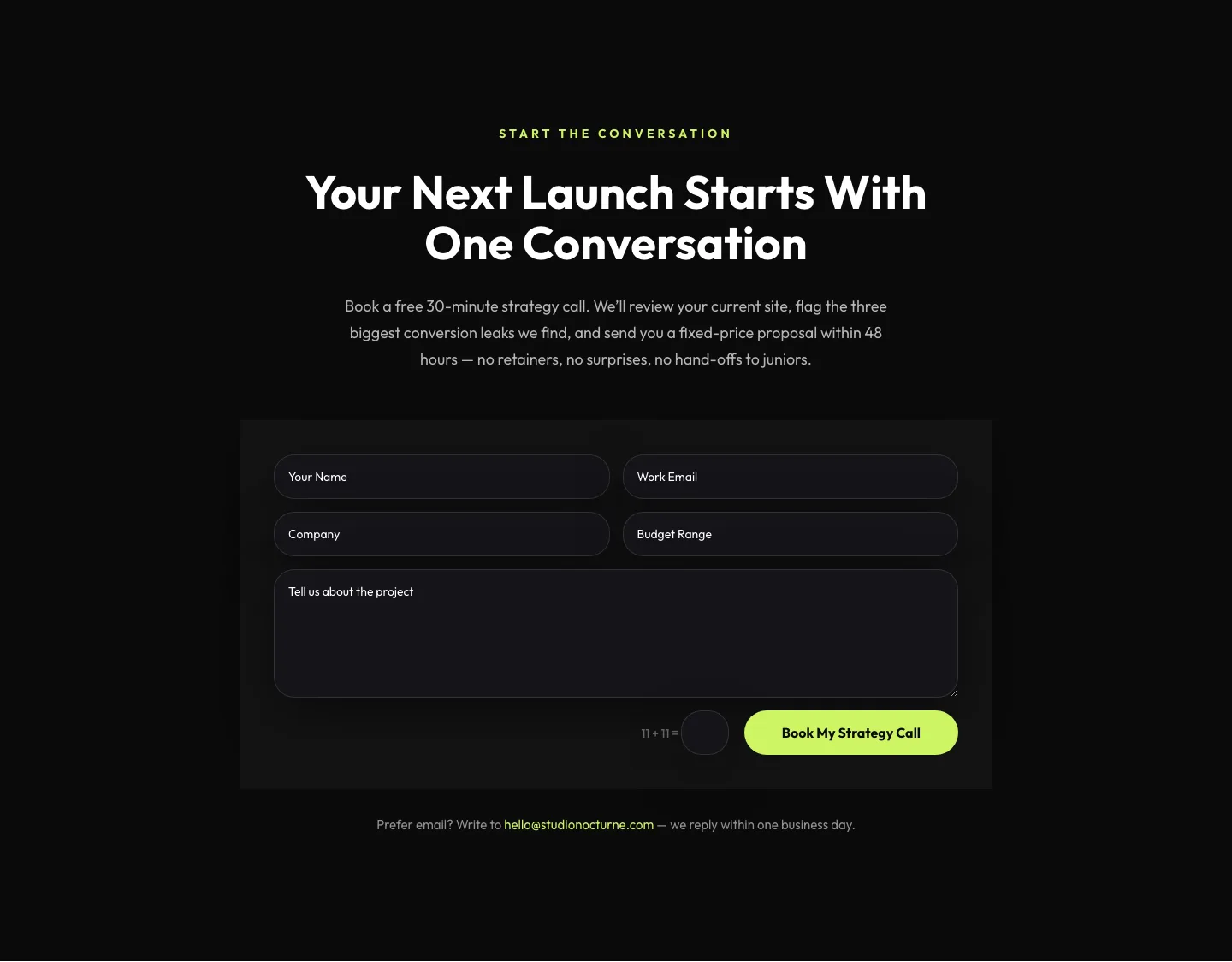
Dark Agency Contact Form: Book a Strategy Call Divi 5 Layout
contact · agency · dark
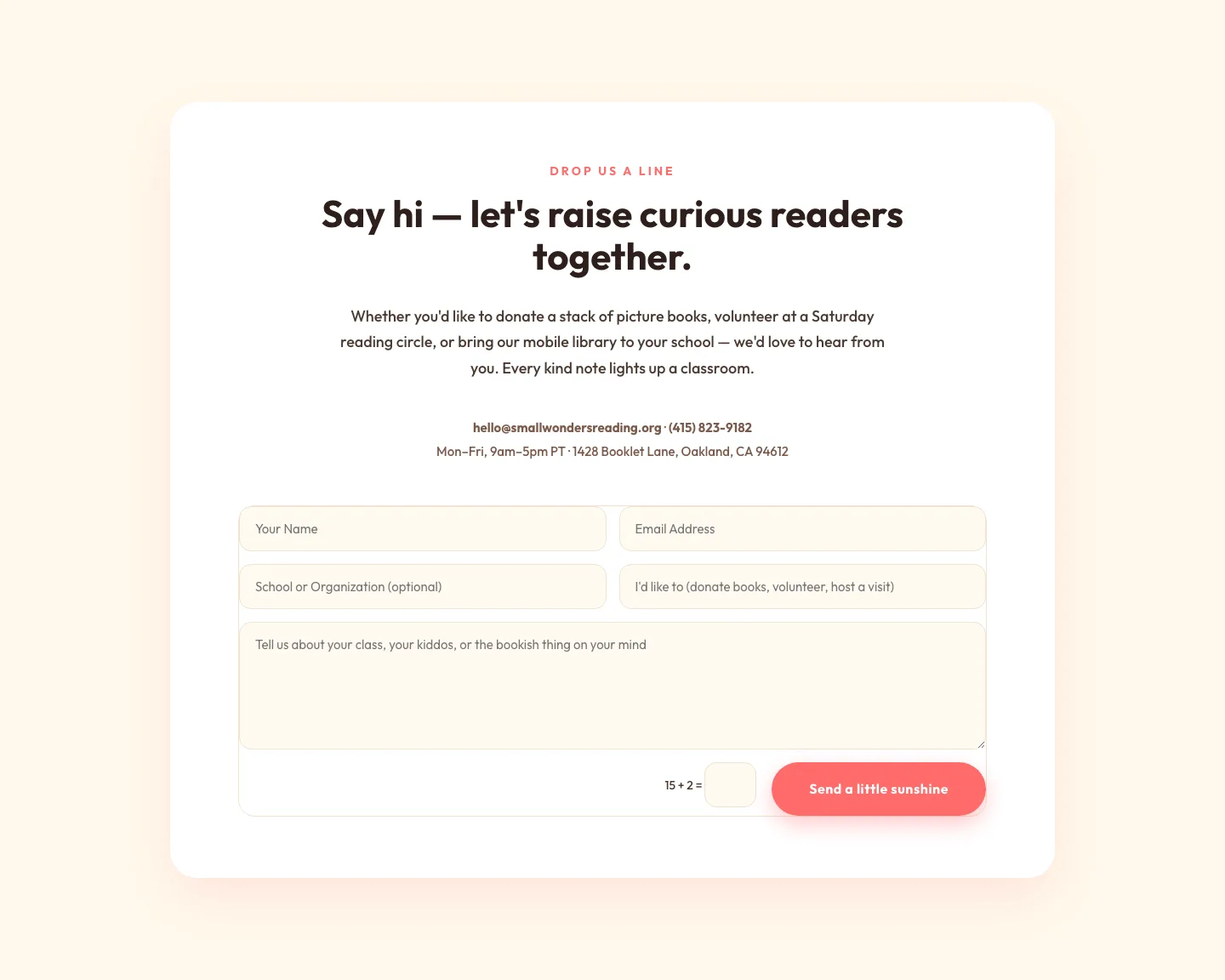
Playful Nonprofit Contact Page Layout for Divi 5: Small Wonders
contact · nonprofit · playful
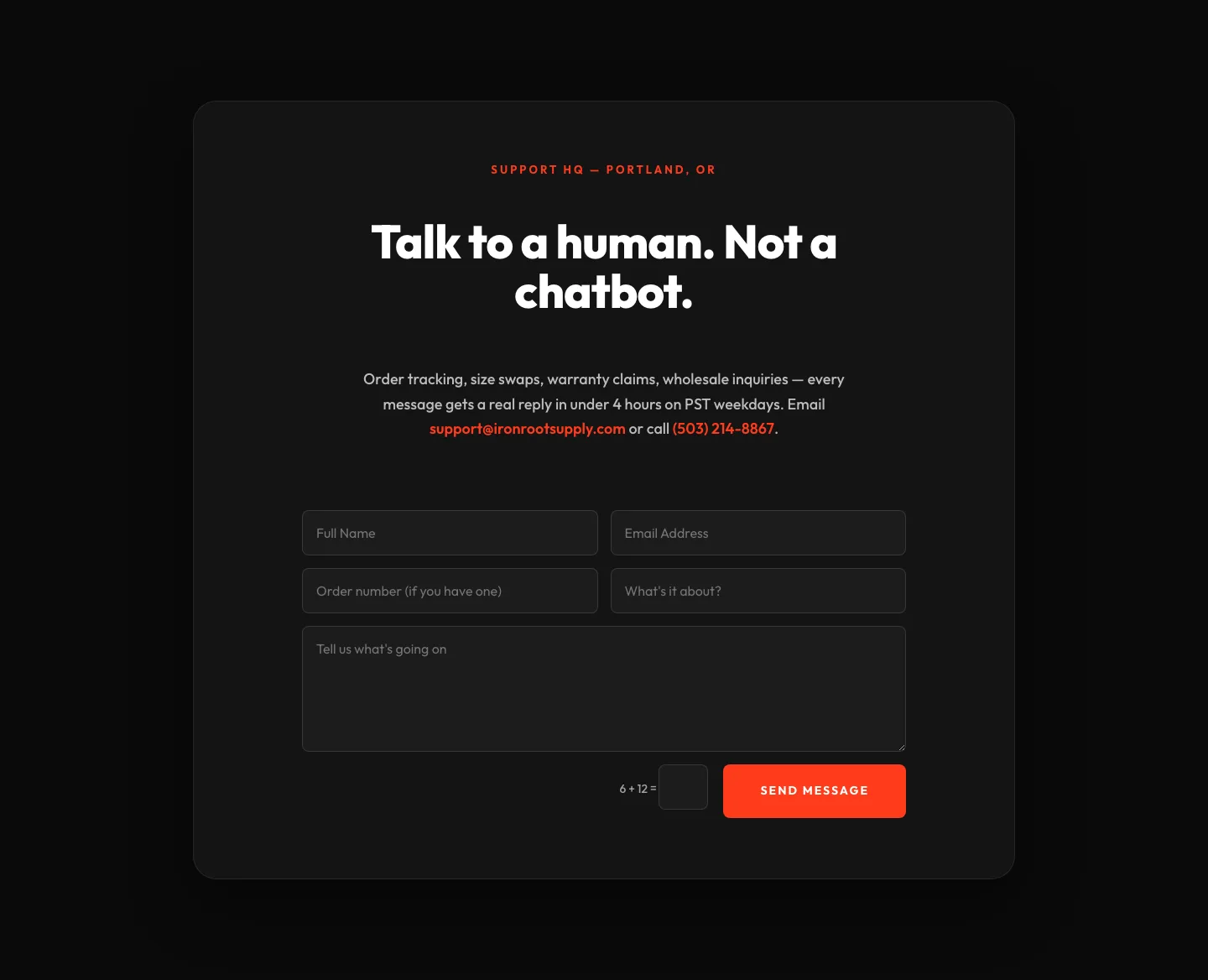
Bold Ecommerce Contact Form Layout for Divi 5: Ironroot
contact · ecommerce · bold
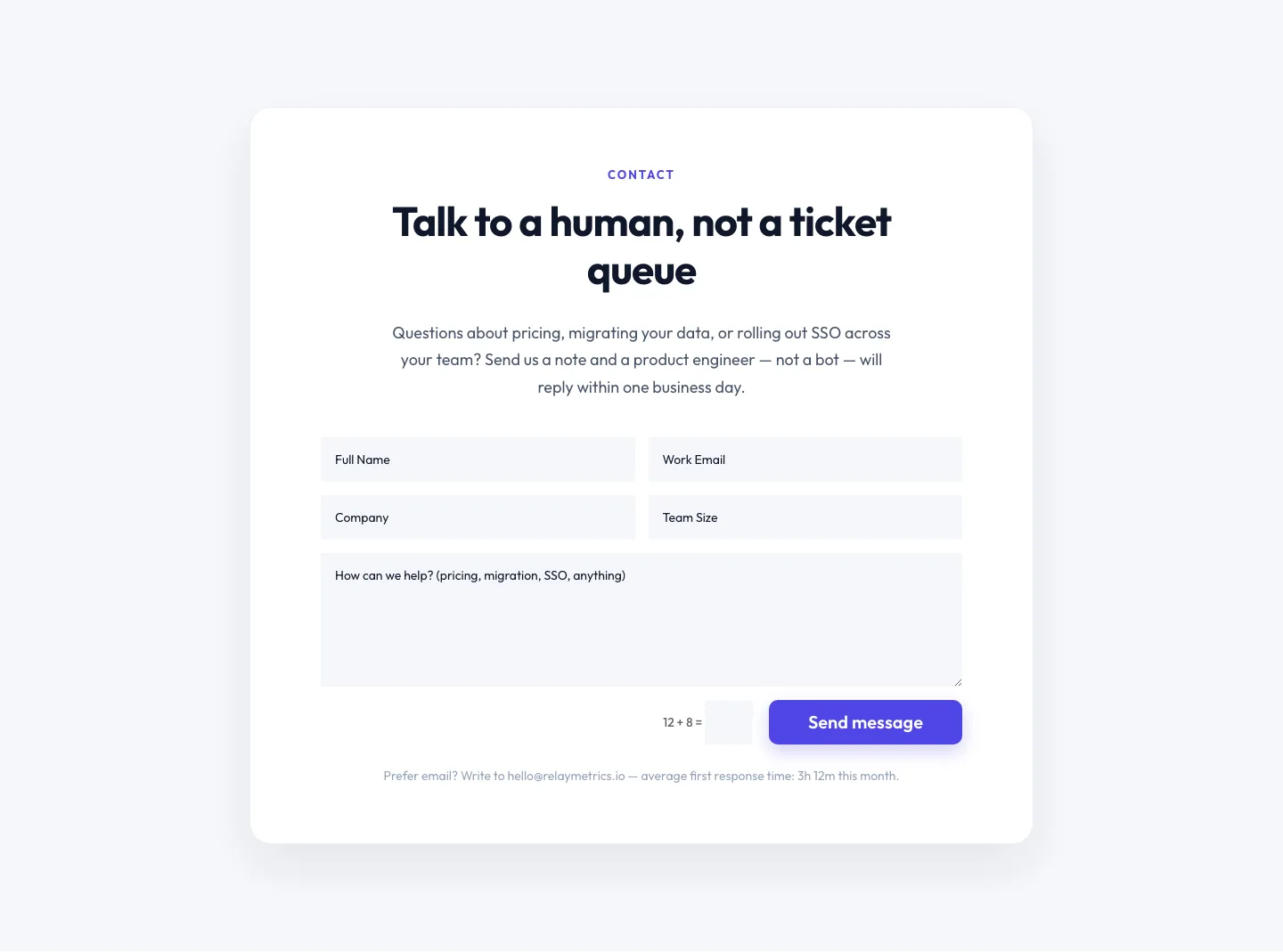
Minimal SaaS Contact Form Section: Divi 5 Layout
contact · saas · minimal
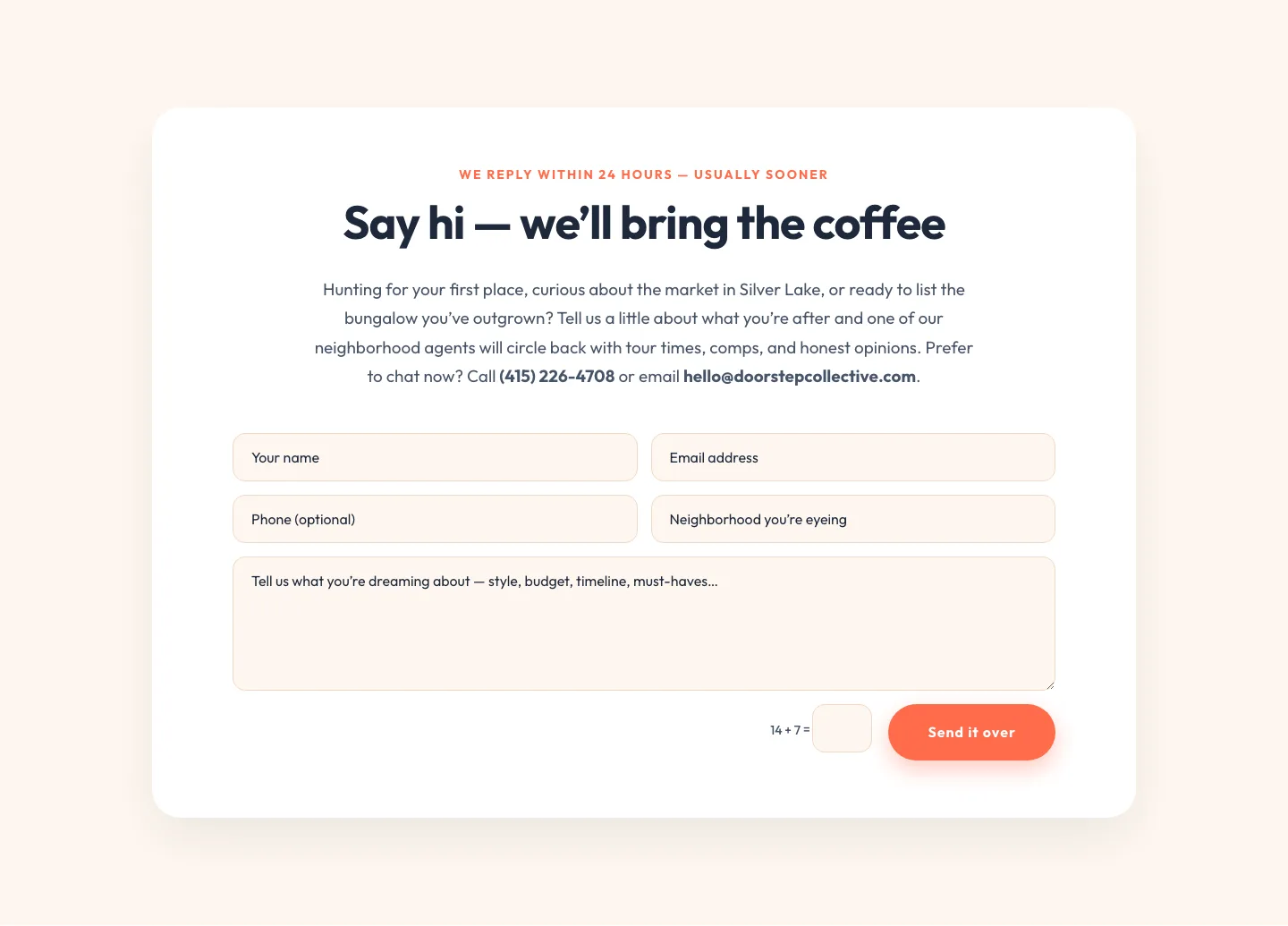
Playful Real Estate Contact Form Divi 5 Layout
contact · real_estate · playful
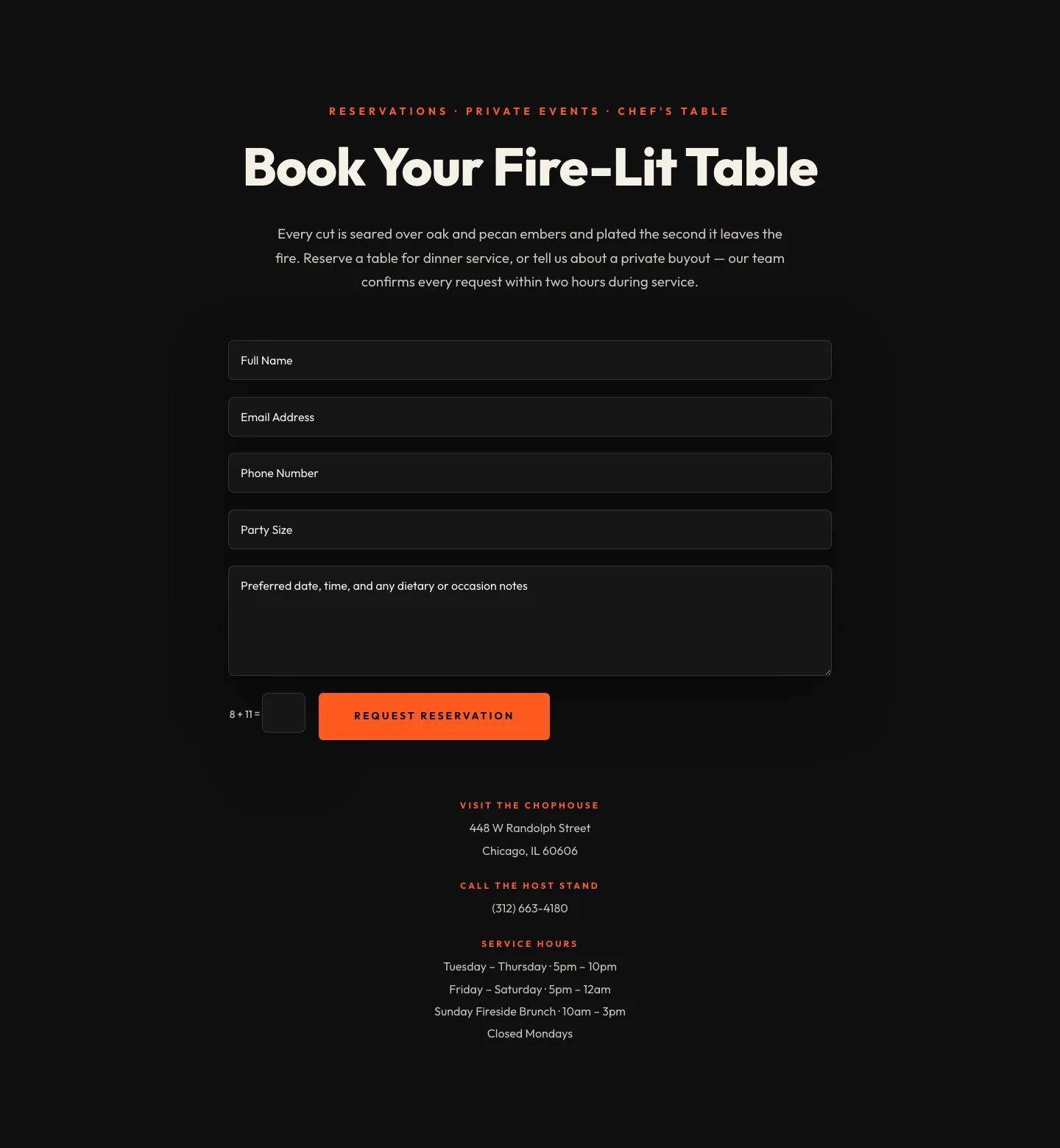
Bold Restaurant Reservation Contact Layout for Divi 5
contact · restaurant · bold