
Dark Agency Contact Form: Book a Strategy Call Divi 5 Layout
Dark-mode Divi 5 contact section for agencies: glassmorphic strategy-call form with name, email, company and budget fields, lime accent CTA, and fully responsive spacing.
Rate this element
Download this section, free
- Divi 5 JSON, imports in seconds
- Commercial license included
- No account needed
Click to view the full page
Overview
This is a single-section, single-column contact block built on a near-black canvas (#0A0A0B) with 120px of vertical breathing room on desktop that relaxes to 80px on tablet. The whole composition is centered inside an 1100px row cap, and the heading stack (a lime #CDF564 eyebrow (Outfit, 14px, uppercase, 4px letter-spacing) sitting above a 54px white H2 and a muted 18px supporting paragraph capped at 640px) walks the eye down to a single action: the form card.
The form itself is a Divi 5 native Contact Form module wrapped in a translucent rgba(255,255,255,0.04) card with a 1px hairline border, a 24px radius, and a soft preset3 shadow (0/20/60 at 50% black) that lifts it off the dark background. Fields are laid out as a two-up grid on desktop (Name / Work Email / Company / Budget Range each taking a 12_24 half, with the Message field spanning the full 24_24 row) and each input is a dark #141419 chip in the Outfit typeface. The primary button is a fully-rounded 50px lime pill (#CDF564 on black text) that inverts to white on hover, and a small muted footnote below offers an email fallback with a lime link.
On phones the row flips to flexDirection: column, the H2 steps down to 32px at 1.2 line-height, the card padding tightens from 40px to 24×20px, and the button padding compresses from 44px to 24px so the CTA still reads as a comfortable tap target inside a portrait viewport.
What’s inside
- Native Divi 5 Contact Form module wired to a receiver email (`hello@studionocturne.com`), swap it and it works.
- Five fields out of the box: Your Name, Work Email, Company, Budget Range, and a full-width Tell us about the project message field.
- Two-column responsive field grid (`12_24` halves + `24_24` full-width message) that collapses cleanly on phone.
- Eyebrow + H2 + supporting paragraph hierarchy in Outfit: 14px lime kicker, 54px white headline, 18px 70%-white body.
- Glass-style form card: translucent white fill, 1px hairline border, 24px radius, and a soft preset3 drop-shadow.
- Pill CTA button (50px radius, lime → white hover) with 44px horizontal padding on desktop and 24px on phone.
- Muted email-fallback line under the form with a lime link that inverts to white on hover.
- Dark palette locked in three tokens (`#0A0A0B` canvas, `#141419` field fill, `#CDF564` accent). Retheme by editing three color values.
Who it’s for
Built for design studios, boutique dev shops, brand agencies, and freelance strategists who want a serious, dark-mode contact section that feels closer to a pitch deck than a generic WordPress form. It suits service businesses that qualify leads before quoting (hence the Budget Range field) and works equally well for consultants, video production houses, motion studios, growth marketers, or SaaS implementation partners. Because the copy is framed around a 30-minute strategy call and a fixed-price proposal, it drops cleanly into the bottom of a services page, a dedicated /contact route, or the closing section of a case-study landing page where the reader is already warm and just needs one clear next step.
Customization tips
Recolor from a single palette pass: #0A0A0B controls the section canvas, #141419 fills the inputs, and #CDF564 drives the eyebrow, button, and link. Swap the accent to your brand hue and the whole card retunes. Keep the H2 under about 55 characters so it holds two lines at the desktop 54px size without wrapping awkwardly at the 780px cap. The supporting paragraph reads best between 25 and 45 words inside its 640px column. Point the form receiver at your inbox in the Contact Form module settings, and rename any field label inline: the Budget Range field is a plain text input, so switch it to a select if you want fixed tiers. There is no imagery to swap; the design is type- and form-only, which keeps CLS at zero. If you need a lighter feel, raise the card background alpha from 0.04 to 0.08 and drop the shadow to preset1.
How to install this layout
- Download the layout JSON file from this page.
- Open the target page in the Divi 5 builder.
- Open the portability panel (up/down arrows icon) and choose the Import tab.
- Upload the JSON. Tick “replace existing content” only for full-page imports.
- Check the page at desktop and mobile widths, then swap in your copy and images.
Full walkthrough with troubleshooting: How to Import a Divi 5 Layout.
Questions about Dark Agency Contact Form: Book a Strategy Call Divi 5 Layout
How does the form layout behave on mobile?
The row switches to a vertical flex column on phone, the H2 shrinks from 54px to 32px, the card padding tightens to 24×20px, and every field stacks full-width so the two-up grid becomes a single column. The lime button also loses its wide 44px horizontal padding in favor of 24px so the CTA still sits comfortably inside a portrait viewport.
Which Divi 5 modules does this section actually use?
Three module types: two Heading modules (the lime uppercase eyebrow and the white H2), two Text modules (the intro paragraph and the email-fallback footnote), and one native Contact Form module containing five Contact Field children. No third-party plugins, no code modules.
Where does the form actually send submissions?
It uses Divi's built-in Contact Form receiver, currently pointed at a placeholder `hello@studionocturne.com`. Open the Contact Form module settings and change the Email → Receiver value to your own address before publishing. All five fields (Name, Work Email, Company, Budget Range, Message) come through as a standard Divi form email.
What should I edit first after importing?
In order: the receiver email on the Contact Form, the two headings (eyebrow and H2), the intro paragraph and its 30-minute / 48-hour promises, and the mailto address in the footnote text. Then decide whether to keep Budget Range as a free-text field or convert it into a dropdown of fixed tiers for cleaner triage.
Are there any images to swap out?
No, this section is intentionally type- and form-only. There are no background images, avatars, or icons to replace, which keeps the file lightweight and means there is nothing to re-crop when you rebrand. The visual weight comes entirely from the dark canvas, the lime accent, and the glass-card treatment on the form.
Which Divi version does this layout need?
Divi 5. The layout is generated natively for Divi 5 and validated against its real module structure before publication, so it imports clean into the current builder.
Can I use this layout on client websites?
Yes. Every download includes a commercial license covering unlimited sites you own or build for clients. Only reselling or redistributing the layout file itself is prohibited.
More contact forms
Browse all contact forms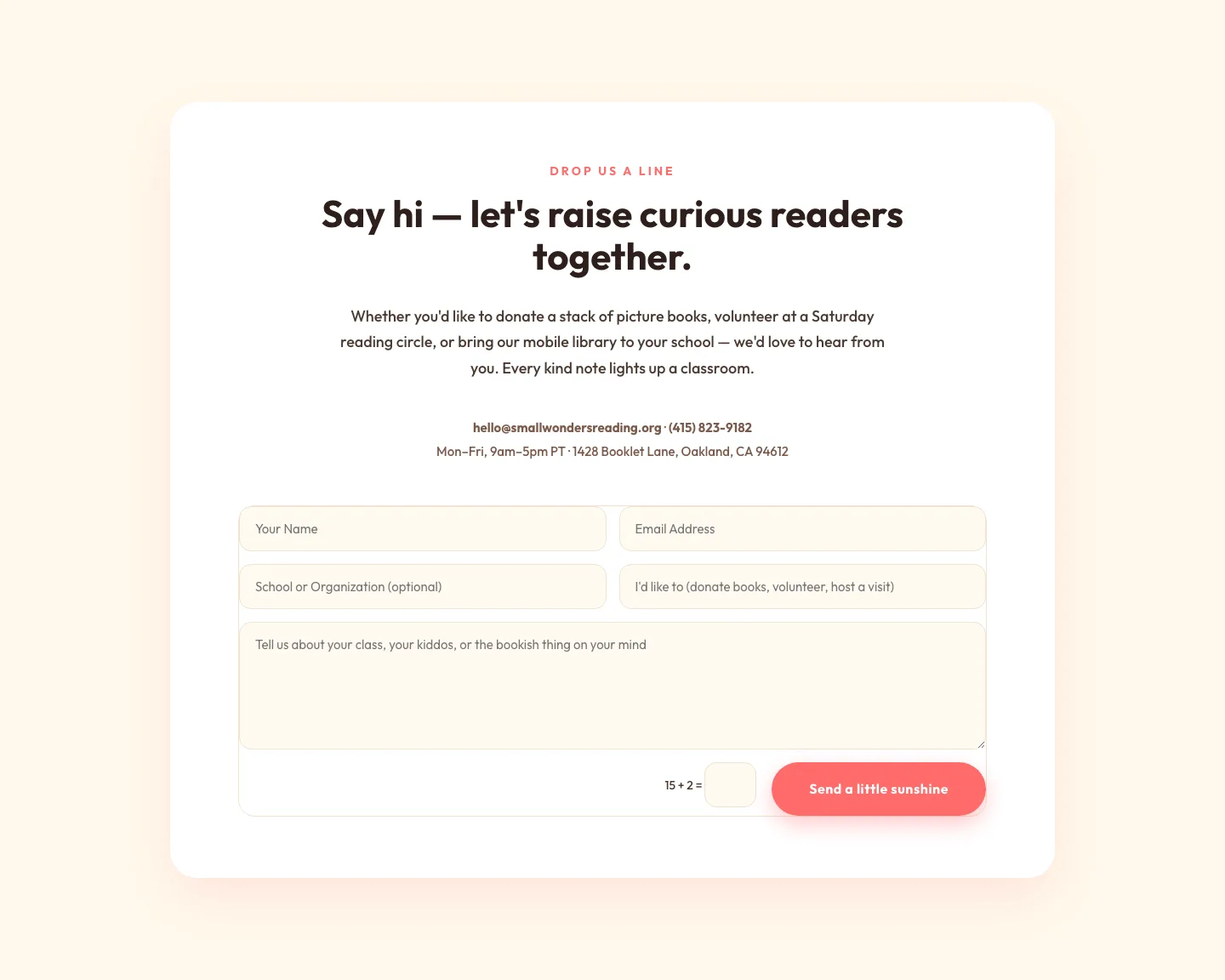
Playful Nonprofit Contact Page Layout for Divi 5: Small Wonders
contact · nonprofit · playful
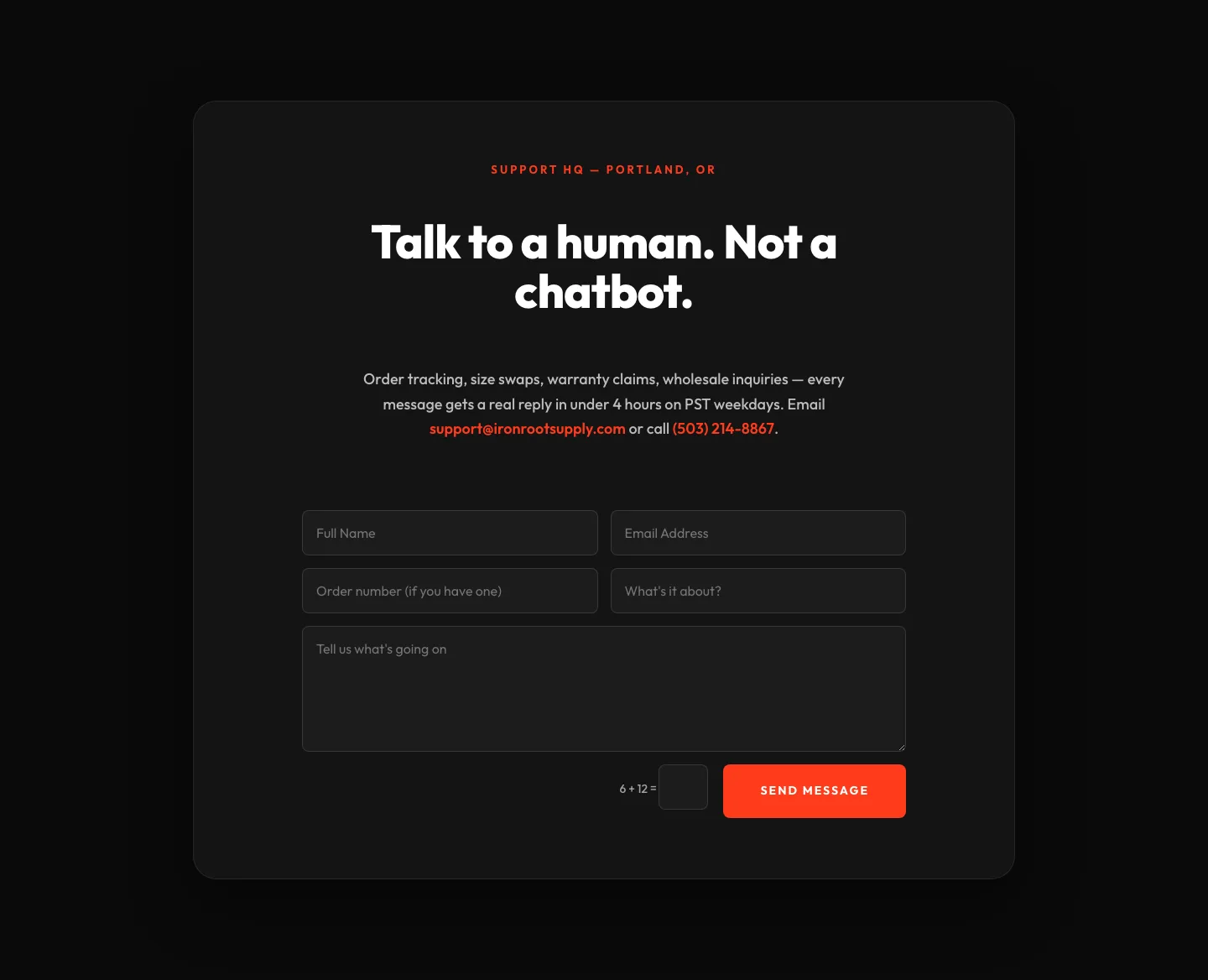
Bold Ecommerce Contact Form Layout for Divi 5: Ironroot
contact · ecommerce · bold
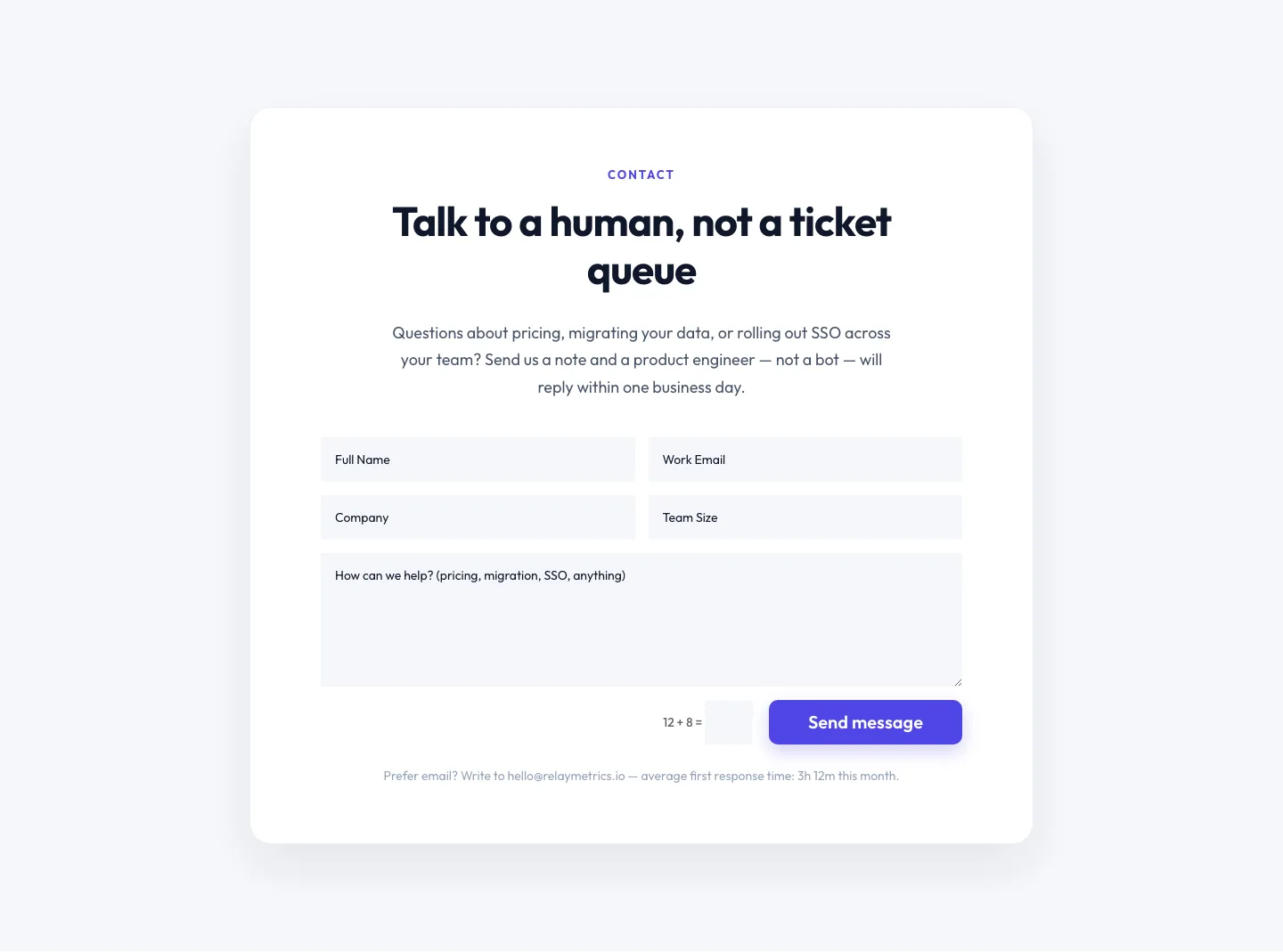
Minimal SaaS Contact Form Section: Divi 5 Layout
contact · saas · minimal
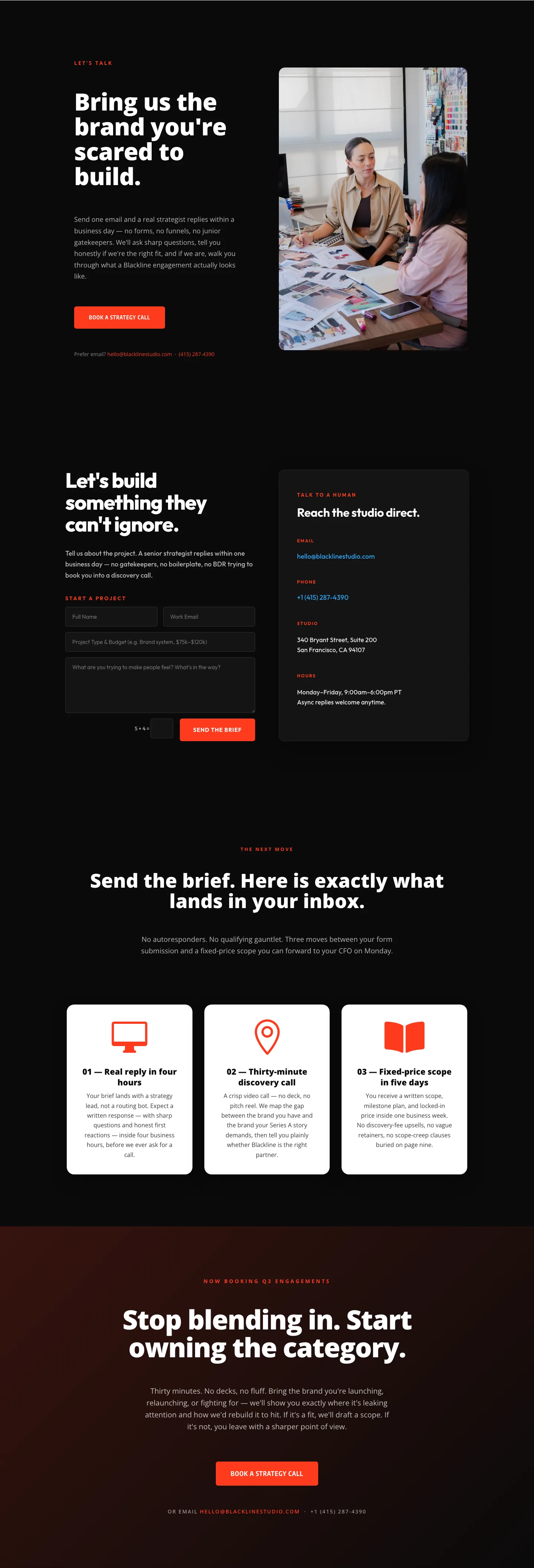
Blackline Studio: Bold Agency Contact Page for Divi 5
contact · agency · bold
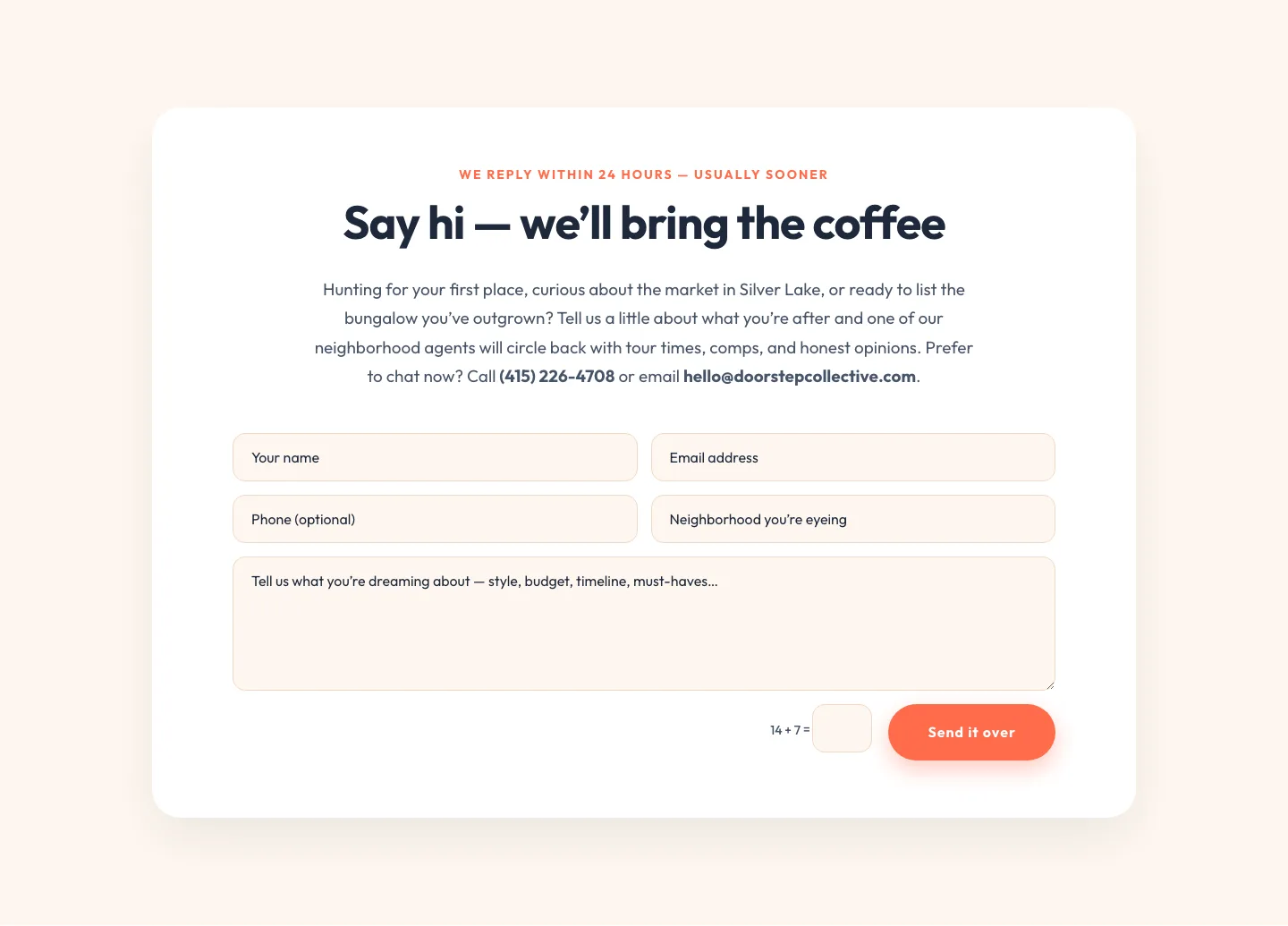
Playful Real Estate Contact Form Divi 5 Layout
contact · real_estate · playful
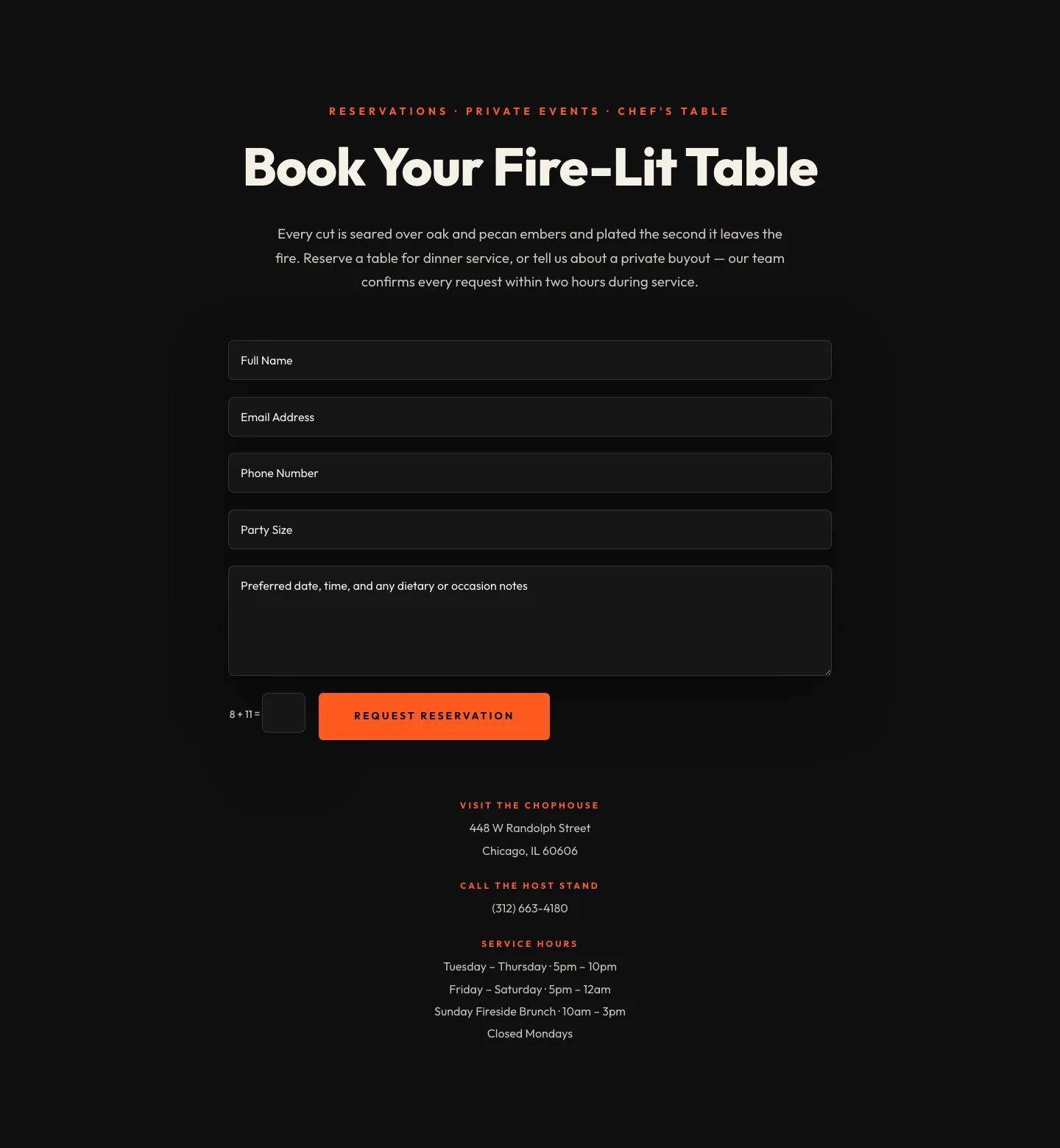
Bold Restaurant Reservation Contact Layout for Divi 5
contact · restaurant · bold