
Bold Ecommerce Contact Form Layout for Divi 5: Ironroot
A bold, dark ecommerce contact layout for Divi 5 with a five-field support form, mailto and tel links, and a fiery red-orange CTA. Drop-in ready.
Rate this element
Download this section, free
- Divi 5 JSON, imports in seconds
- Commercial license included
- No account needed
Click to view the full page
Overview
Ironroot is a dark, single-card contact section built on a #0a0a0a page background with a raised #141414 panel: 28px rounded corners, a hairline rgba(255,255,255,0.08) border, and a deep 30px/80px drop shadow that makes the form read like a hero product on a shelf. The row is capped at 980px wide with 72px of internal padding on desktop, so the whole conversation lives inside one focused rectangle instead of stretching edge to edge.
Hierarchy runs top-down and center-aligned. A red #ff3b1d 13px uppercase eyebrow ('Support HQ: Portland, OR') sits above an 800-weight Outfit H2 at 56px with -1px letter spacing ('Talk to a human. Not a chatbot.'), followed by a 18px body paragraph at 72% white opacity with inline mailto: and tel: links styled in the same accent red. The heading is capped at 720px and the paragraph at 640px, so copy stays readable while the card itself keeps its bold presence.
Below that, the Divi 5 Contact Form module sits inside a 720px max-width. Five fields (Full Name, Email Address, Order Number, Topic, and Message) use dark #1c1c1c inputs with subtle rgba(255,255,255,0.12) borders and 8px radius, so the fields read as part of the card rather than pasted on top. Name/Email/Order/Topic are set to 12_24 (half-width) on desktop and pair into two clean rows; the Message textarea takes the full 24_24 row. The Send Message button is a solid red pill (#ff3b1d) with uppercase 14px tracking, and its hover state inverts to a white background with near-black text. The only motion in the whole section.
Mobile is handled with explicit breakpoints. The H2 steps down 56px → 42px (tablet) → 34px (phone), the row's flex-direction switches to column on phone, and every half-width field flexes to full width once the column stacks. The section's 5vw horizontal padding keeps the card off the screen edges without pinching the form on small devices.
What’s inside
- Single-column, single-card layout (980px outer, 720px inner form), one focused conversation with nothing competing for attention
- Bold dark palette baked in: `#0a0a0a` page, `#141414` raised card, `#1c1c1c` form fields, `#ff3b1d` accent, all-white typography
- Native Divi 5 Contact Form module with five prebuilt fields: Full Name, Email Address, Order Number, Topic, Message
- Two-column field grid on desktop (Name/Email, Order/Topic) with the Message textarea spanning full width
- Working `mailto:` and `tel:` links inside the intro paragraph, styled in the accent red with a white hover state
- Outfit typography set at three explicit sizes for desktop / tablet / phone, so type scales cleanly without a rebuild
- Raised card with 28px radius, 1px inner border, and a 30px/80px drop shadow for tactile depth on the dark ground
- Red-to-white inverting hover on the Send Message button: no icon, no motion elsewhere in the section
Who it’s for
Ecommerce brands whose support page should feel as considered as their PDPs: DTC apparel, tools, coffee, skincare, gear, streetwear, and anywhere the voice is already bold and the customer expects a real human on the other end. It reads especially well for workwear, hardware, EDC, and outdoor-supply brands, but any dark-mode storefront can adopt the palette by swapping the accent. The five-field form (name, email, order number, topic, message) matches the actual triage most stores need, so it drops into a /contact or /support route without extra plumbing. Also useful as a warranty inquiry block, a wholesale contact form, or the contact section on a Shopify-alternative marketing site built with Divi 5.
Customization tips
Palette: to rebrand, do a preset-level swap of #ff3b1d (eyebrow, links, Send button) to your brand color, then treat the three greys (#0a0a0a / #141414 / #1c1c1c) as a scale. Nudge all three lighter or darker in the same direction rather than tweaking one in isolation. For a light theme, invert to #fafafa / #ffffff / #f4f4f5 and change every white type color to #0a0a0a.
Copy: the H2 works up to about 40 characters (two lines at 56px desktop). The eyebrow is uppercase with 3px letter-spacing, so keep it under ~28 characters or it will wrap awkwardly. The body paragraph is capped at 640px, one to two sentences with the mailto: and tel: links is the sweet spot.
Form: rename field labels inline in the Divi field editor. The half-width grid only reads clean with an even number of secondary fields, so add or remove them in pairs. To add a dropdown or file upload, replace one of the existing text fields. The surrounding grid keeps working. There are no images in this section, so nothing to swap or crop.
How to install this layout
- Download the layout JSON file from this page.
- Open the target page in the Divi 5 builder.
- Open the portability panel (up/down arrows icon) and choose the Import tab.
- Upload the JSON. Tick “replace existing content” only for full-page imports.
- Check the page at desktop and mobile widths, then swap in your copy and images.
Full walkthrough with troubleshooting: How to Import a Divi 5 Layout.
Questions about Bold Ecommerce Contact Form Layout for Divi 5: Ironroot
Is the contact form a real working Divi 5 module?
Yes. It's the native Divi 5 Contact Form module with five prebuilt fields (Name, Email, Order Number, Topic, Message) and a receiver email address set on the module itself. Change the receiver to your inbox in the module settings and submissions route straight to it. No third-party integration required.
How does the two-column field grid behave on mobile?
The four half-width fields use Divi's `12_24` sizing on desktop and stack to full width once the row's flex-direction switches to `column` on phone. The Message textarea is already `24_24` (full row) at every breakpoint, so it doesn't move. Only the top four fields collapse.
What should I edit first before publishing?
Three things: the eyebrow 'Support HQ, Portland, OR' (your city or team name), the `mailto:` and `tel:` links inside the body paragraph, and the Contact Form module's receiver email address. Everything else (palette, layout, field labels) is optional polish.
Are there any images or icons I need to prepare?
No. The section is intentionally image-free: a raised dark card, type, and a form. That's why it loads fast and drops into any theme without asset prep or cropping.
Can I add a phone/hours block or a map below the form?
Yes. The column is full-width, so drop a Blurb, Text, or Map module below the Contact Form. Match the 640–720px max-width and the Outfit typography and the new block will read as part of the same card rather than a bolted-on second section.
Will the red accent work if my brand isn't red?
The accent is used in four places (eyebrow, body links, Send button background, button font on hover) so a single preset-level color swap rebrands the entire section. The dark greys are neutral and hold up under most accents; a saturated color reads more like the original than a muted one.
Which Divi version does this layout need?
Divi 5. The layout is generated natively for Divi 5 and validated against its real module structure before publication, so it imports clean into the current builder.
Can I use this layout on client websites?
Yes. Every download includes a commercial license covering unlimited sites you own or build for clients. Only reselling or redistributing the layout file itself is prohibited.
More contact forms
Browse all contact forms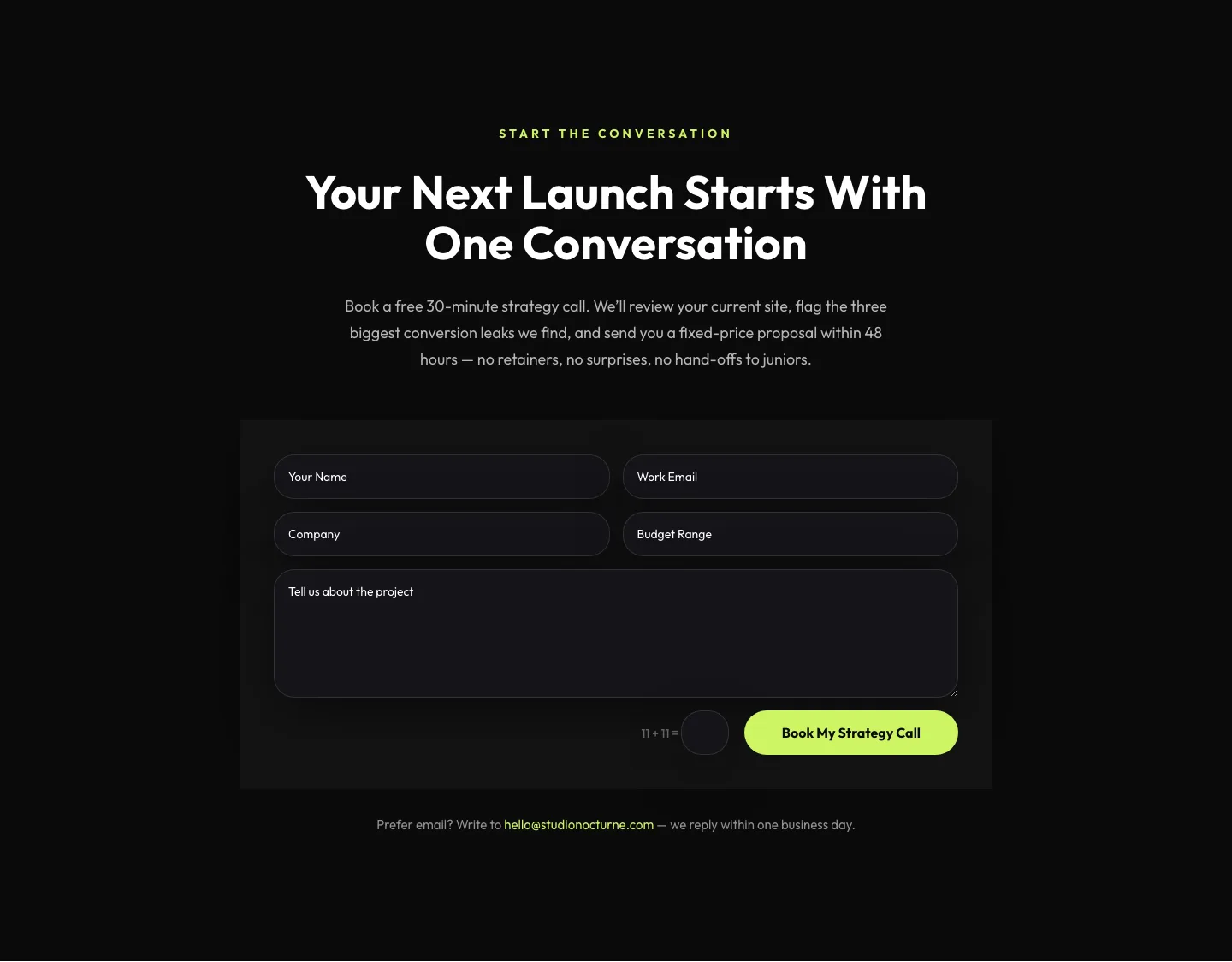
Dark Agency Contact Form: Book a Strategy Call Divi 5 Layout
contact · agency · dark
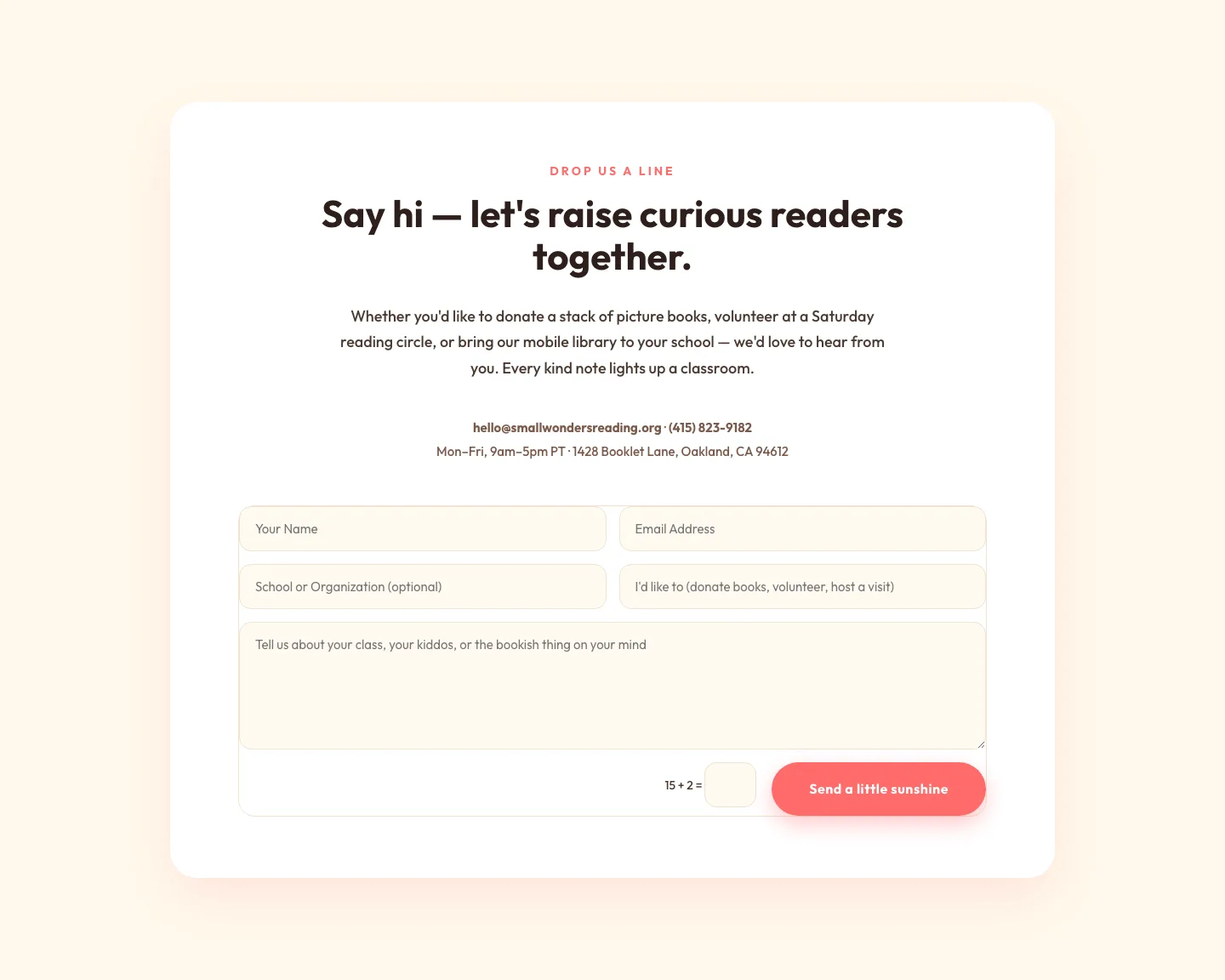
Playful Nonprofit Contact Page Layout for Divi 5: Small Wonders
contact · nonprofit · playful
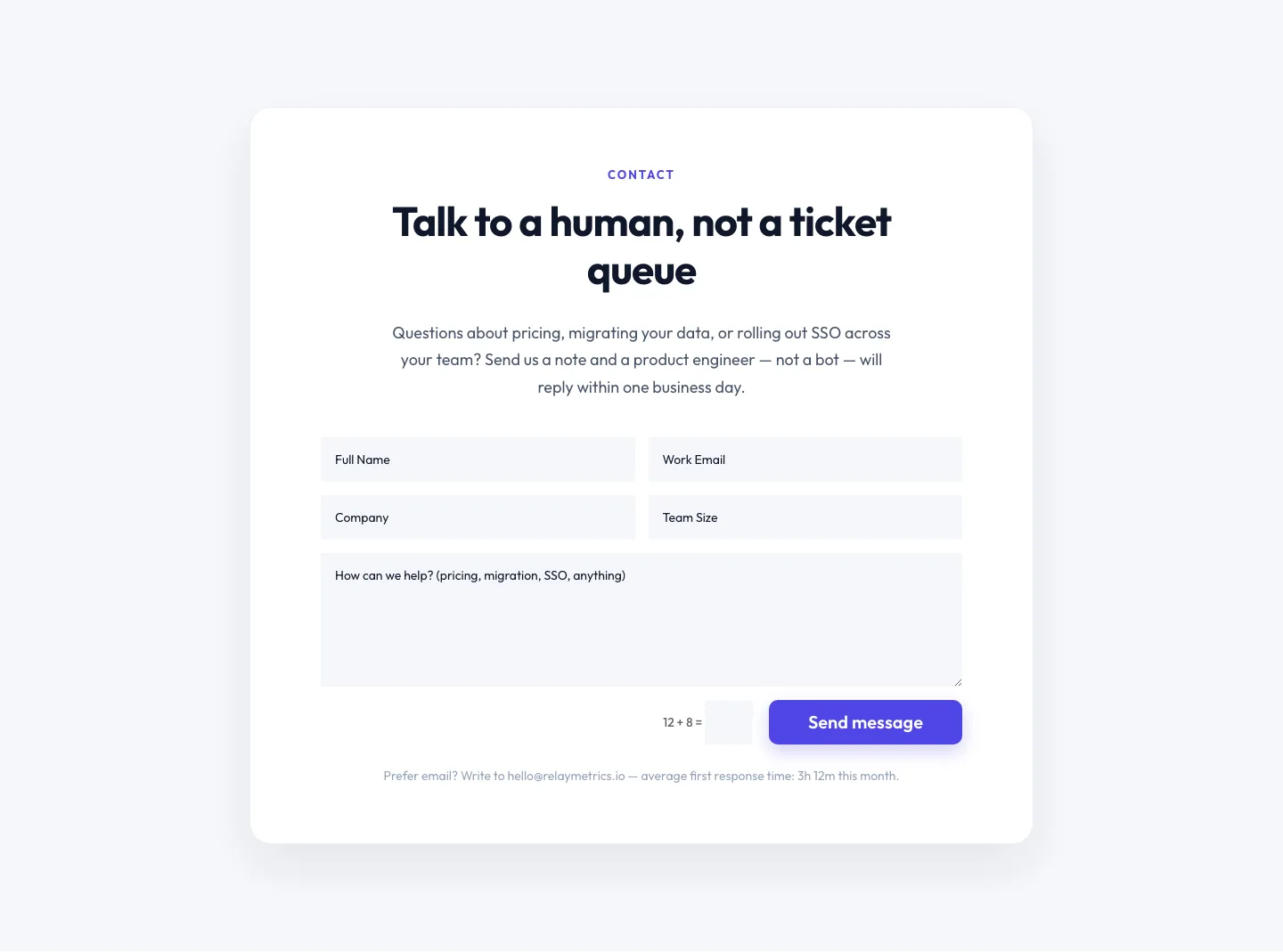
Minimal SaaS Contact Form Section: Divi 5 Layout
contact · saas · minimal
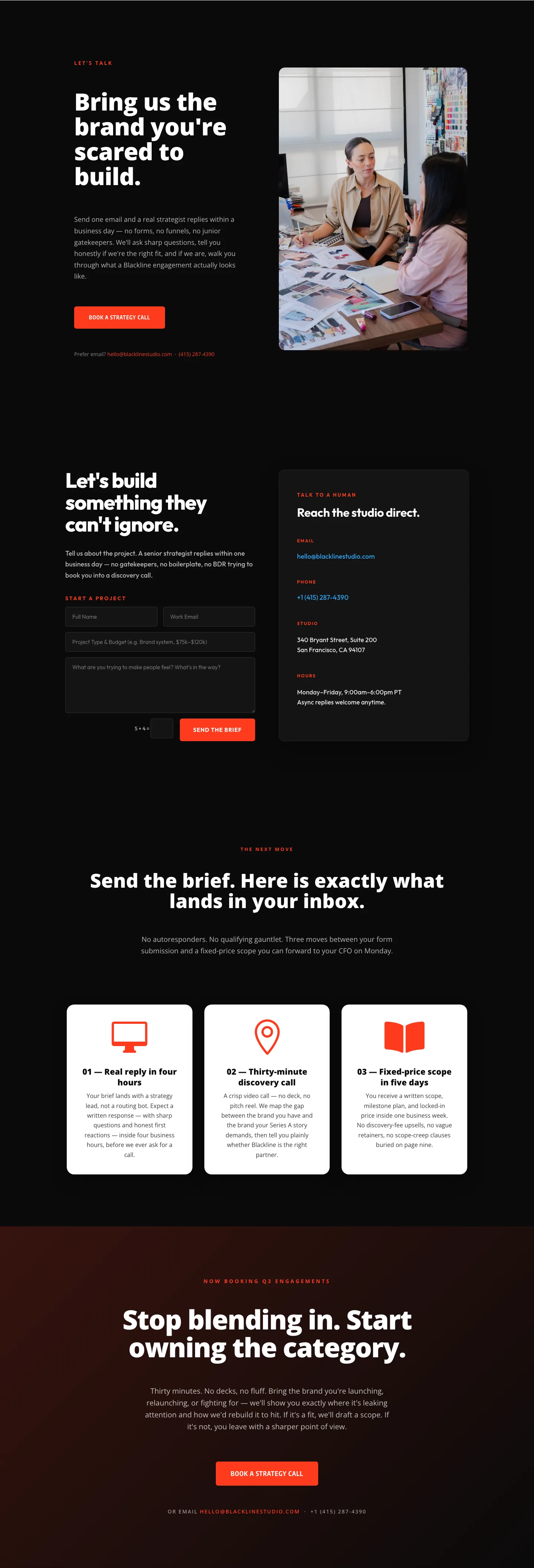
Blackline Studio: Bold Agency Contact Page for Divi 5
contact · agency · bold
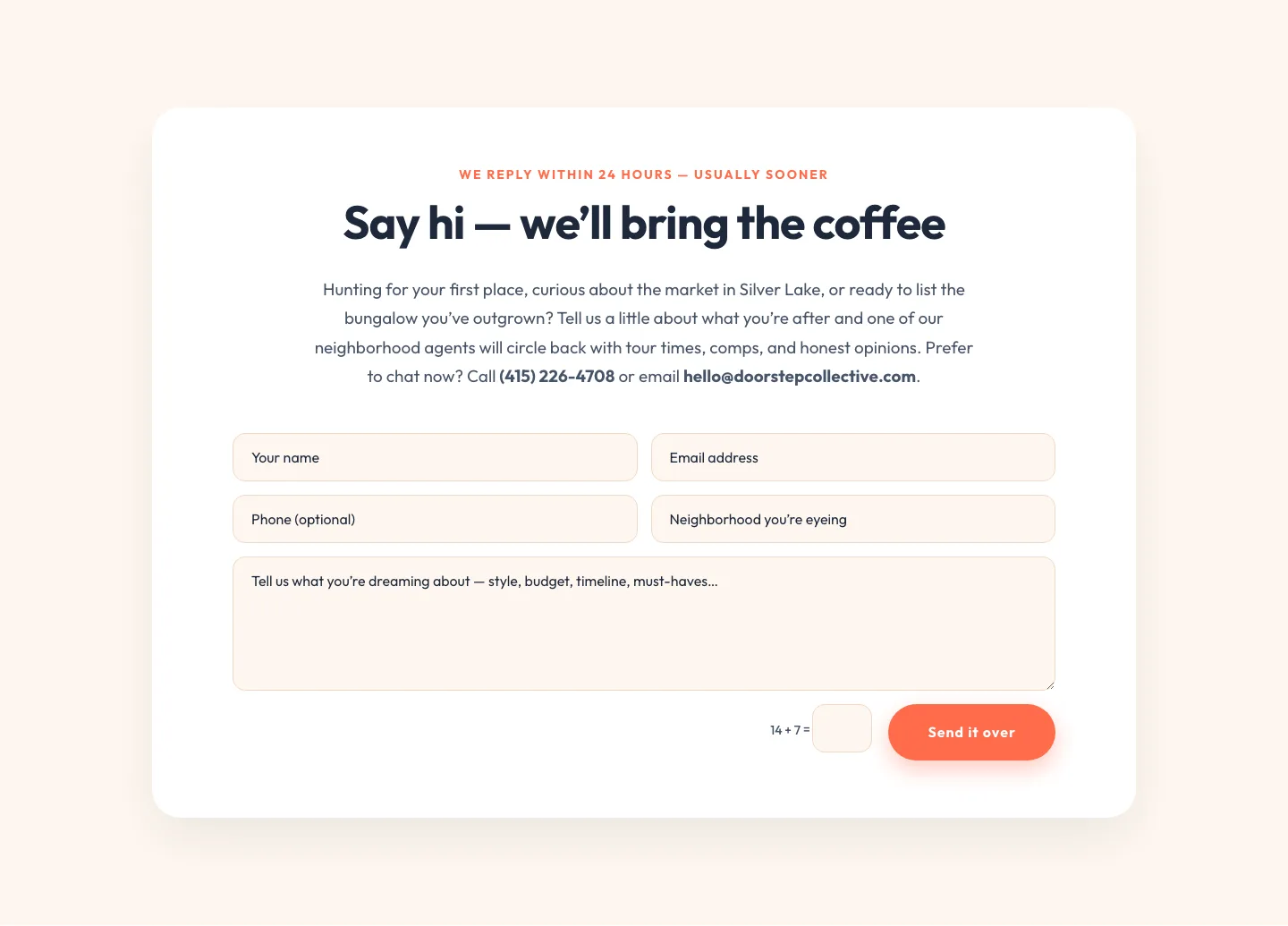
Playful Real Estate Contact Form Divi 5 Layout
contact · real_estate · playful
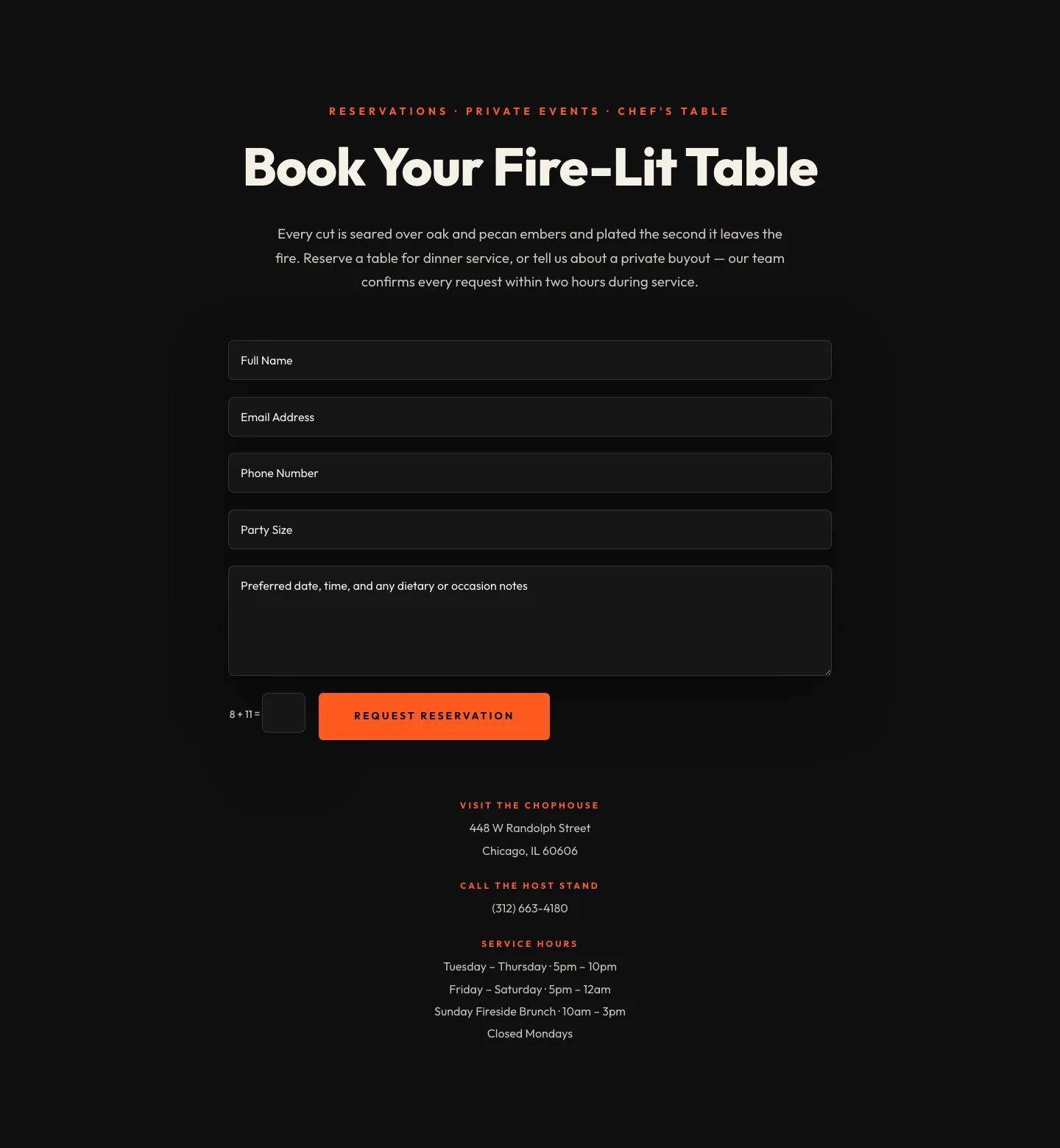
Bold Restaurant Reservation Contact Layout for Divi 5
contact · restaurant · bold