
Bold Dark SaaS Contact Section with Inline Form: Divi 5 Layout
A bold, dark-mode SaaS contact layout for Divi 5 with a card-style container, headline, direct contact details, and a 5-field inline contact form.
Rate this element
Download this section, free
- Divi 5 JSON, imports in seconds
- Commercial license included
- No account needed
Click to view the full page
Overview
This is a single-section contact block built on a two-tone dark stack: the outer section runs deep near-black (#0A0A0A) with 140px of vertical breathing room, and a slightly lifted card (#141414) with a 28px radius, a hairline 1px inner border, and a heavy 80px black shadow floats at the center. Capped at 1080px so the composition never sprawls on wide monitors. Inside the card, everything is center-aligned along a single column, which keeps the eye moving straight down the stack without a competing sidebar or split hero.
The type hierarchy is deliberately tight. An orange (#FF4D2E) uppercase eyebrow labels the audience, then a 56px h2 in Outfit 700 delivers the ask (Let's map your growth stack together.) with -1px letter-spacing for a modern SaaS feel. A softer 18px paragraph at 72% white opacity handles the response-time promise, followed by an uppercase micro-strip of email, phone, and address in dimmer 55% white. That four-tier hierarchy (accent → headline → body → meta) tells the whole story before the form even appears.
The Contact Form itself sits below at 760px max width, using five native Divi 5 fields: Name, Work Email, Company, and Team Size ride together as half-width pairs (12_24 flex), and the Message textarea takes the full row (24_24). Inputs share the pitch-black background so they nest visually into the card, with 12px rounded corners and a 1px translucent border. The pill 'Send message' button pops in the orange accent with a glowing 36px shadow, then hover-flips to solid white. On phones the row collapses to a single column, the headline scales 56px → 40px → 32px, and the paired form fields stack. So the whole card compresses cleanly on a 360px viewport without touching a setting.
What’s inside
- Native Divi 5 Contact Form module with 5 pre-wired fields (Name, Work Email, Company, Team Size, Message) and a receiver email already set
- Two-tone dark composition: #0A0A0A section wrapping a lifted #141414 card with 28px radius, hairline inner border, and preset3 drop-shadow
- Four-tier text hierarchy: orange uppercase eyebrow → 56px h2 → 18px 72%-white subhead → uppercase micro-strip for email, phone, and address
- Half-width paired inputs (Name + Email, Company + Team Size) with a full-width Message textarea
- Pill-shaped CTA (999px radius) in the #FF4D2E accent with an orange glow shadow and a hover-flip to solid white
- Fluid typography: h2 scales 56px desktop → 40px tablet → 32px phone, row flips to column on mobile
- Container ladder (1080px card, 820px headline, 760px form, 680px subhead) keeps line lengths readable at every width
- One Section → Row → Column stack, drops into any Divi 5 page or template without touching global layout
Who it’s for
Built for B2B SaaS and dev-tool companies where the contact page is a real sales asset, not a formality. It fits growth-stage startups, API and infrastructure products, developer platforms, and analytics or observability tools whose buyers want a straight line to a solutions engineer instead of a chat widget. The Team size field and Work email phrasing skew intentionally B2B: swap them and it also works for AI consultancies, technical agencies, cybersecurity firms, and any dark-mode-first brand that treats contact as a qualification step. It reads equally well as a standalone /contact page or as the last section of a landing page above the footer.
Customization tips
Start by rewriting the eyebrow and h2 in your own voice, they carry the tone. Keep the headline under about 45 characters so it holds two lines at 56px; the subhead reads best at 30–55 words before it starts pushing the form below the fold. The accent orange (#FF4D2E) touches the eyebrow, the button background, and the button shadow. Change it in those three spots (and the button hover if you flip that too) for a palette recolor. Swap Outfit for any variable sans if it doesn't match your brand. The Company and Team size fields are non-required Divi form fields; delete either and the remaining half-width field will stretch, either add a replacement or leave both siblings at 12_24 to keep the two-column rhythm. The receiver email lives in the Contact Form's Email tab (currently hello@signalstack.io); update it before publishing or every submission will bounce.
How to install this layout
- Download the layout JSON file from this page.
- Open the target page in the Divi 5 builder.
- Open the portability panel (up/down arrows icon) and choose the Import tab.
- Upload the JSON. Tick “replace existing content” only for full-page imports.
- Check the page at desktop and mobile widths, then swap in your copy and images.
Full walkthrough with troubleshooting: How to Import a Divi 5 Layout.
Questions about Bold Dark SaaS Contact Section with Inline Form: Divi 5 Layout
Which module handles the form?
It's the native Divi 5 Contact Form module, no third-party plugin required. Five fields (Name, Work Email, Company, Team Size, Message) are pre-configured, and the receiver email lives inside the module's Email tab, so you only edit one setting to route submissions.
How does the layout behave on mobile?
The row switches to a column stack on phones, so the paired half-width fields (Name/Email, Company/Team Size) collapse into one full-width column. The 56px headline steps down to 40px on tablet and 32px on phone, and the 64px card padding stays comfortable on 360px viewports.
What should I edit first before publishing?
Change the receiver email on the Contact Form (currently hello@signalstack.io), then replace the phone number and address in the contact strip. After that, rewrite the eyebrow, headline, and subhead. Those four edits are enough to make it feel yours.
Are there any images in this section?
No. It's a pure type-and-form composition: no background image, no illustration, no avatars. That makes it fast to load and eliminates the biggest asset-swap chore when you drop it into a new site.
Can I use this as a full contact page or just a section?
Both. It's structured as one Section → Row → Column, so it works standalone at the top of a /contact page or as a closing section before the footer on a landing page. The 140px vertical padding gives it enough presence to carry a page by itself.
Which Divi version does this layout need?
Divi 5. The layout is generated natively for Divi 5 and validated against its real module structure before publication, so it imports clean into the current builder.
Can I use this layout on client websites?
Yes. Every download includes a commercial license covering unlimited sites you own or build for clients. Only reselling or redistributing the layout file itself is prohibited.
More contact forms
Browse all contact forms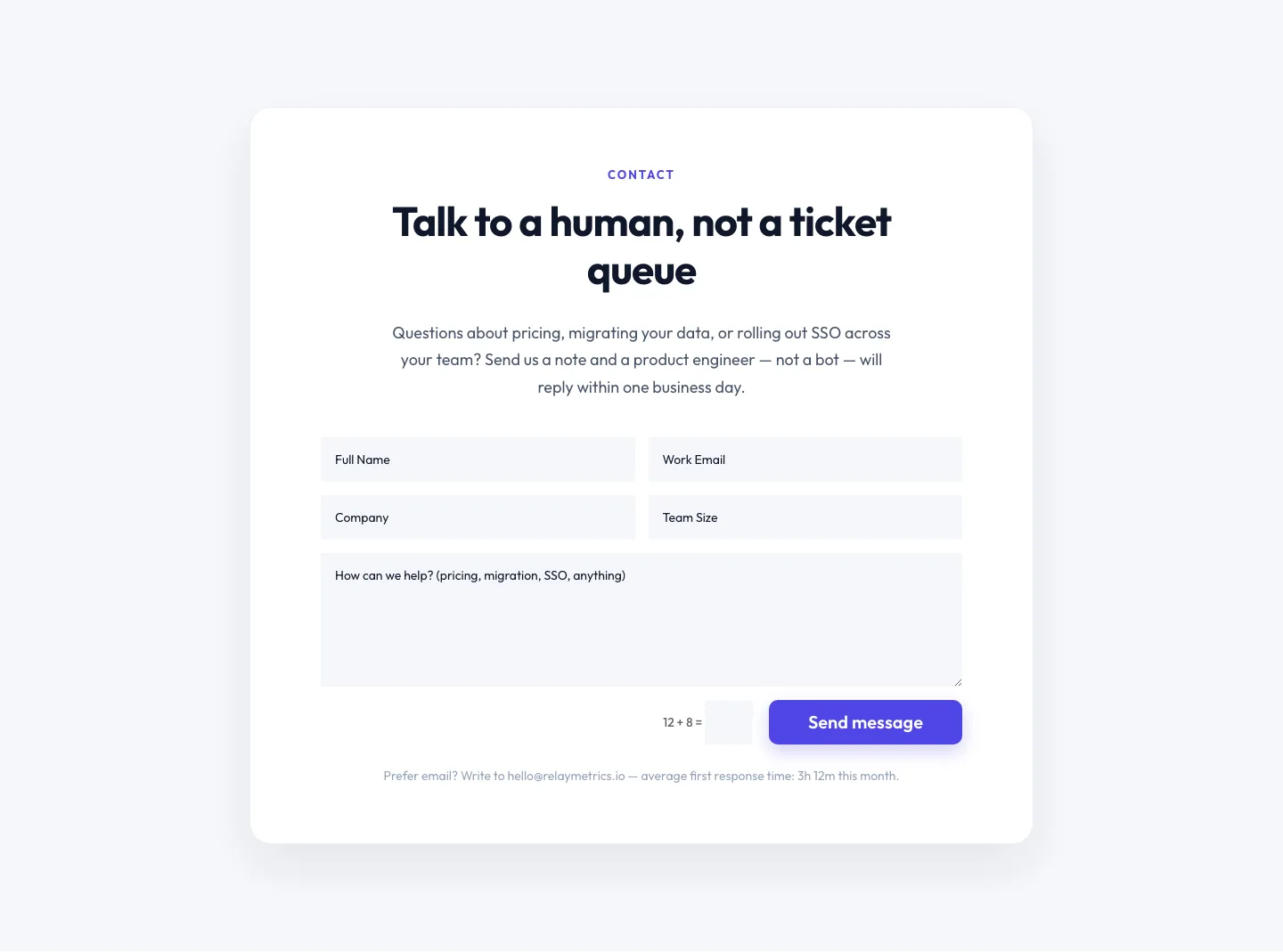
Minimal SaaS Contact Form Section: Divi 5 Layout
contact · saas · minimal
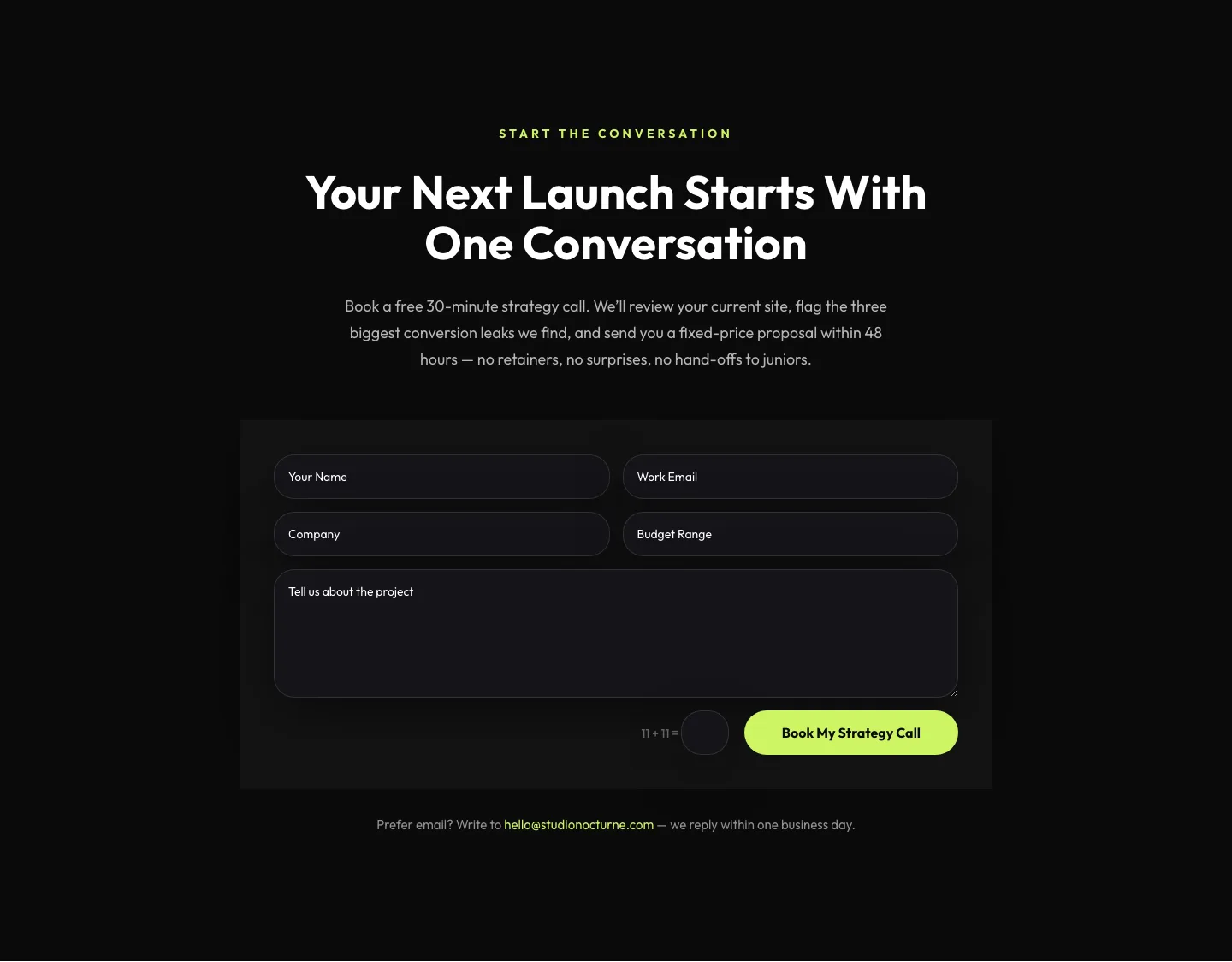
Dark Agency Contact Form: Book a Strategy Call Divi 5 Layout
contact · agency · dark
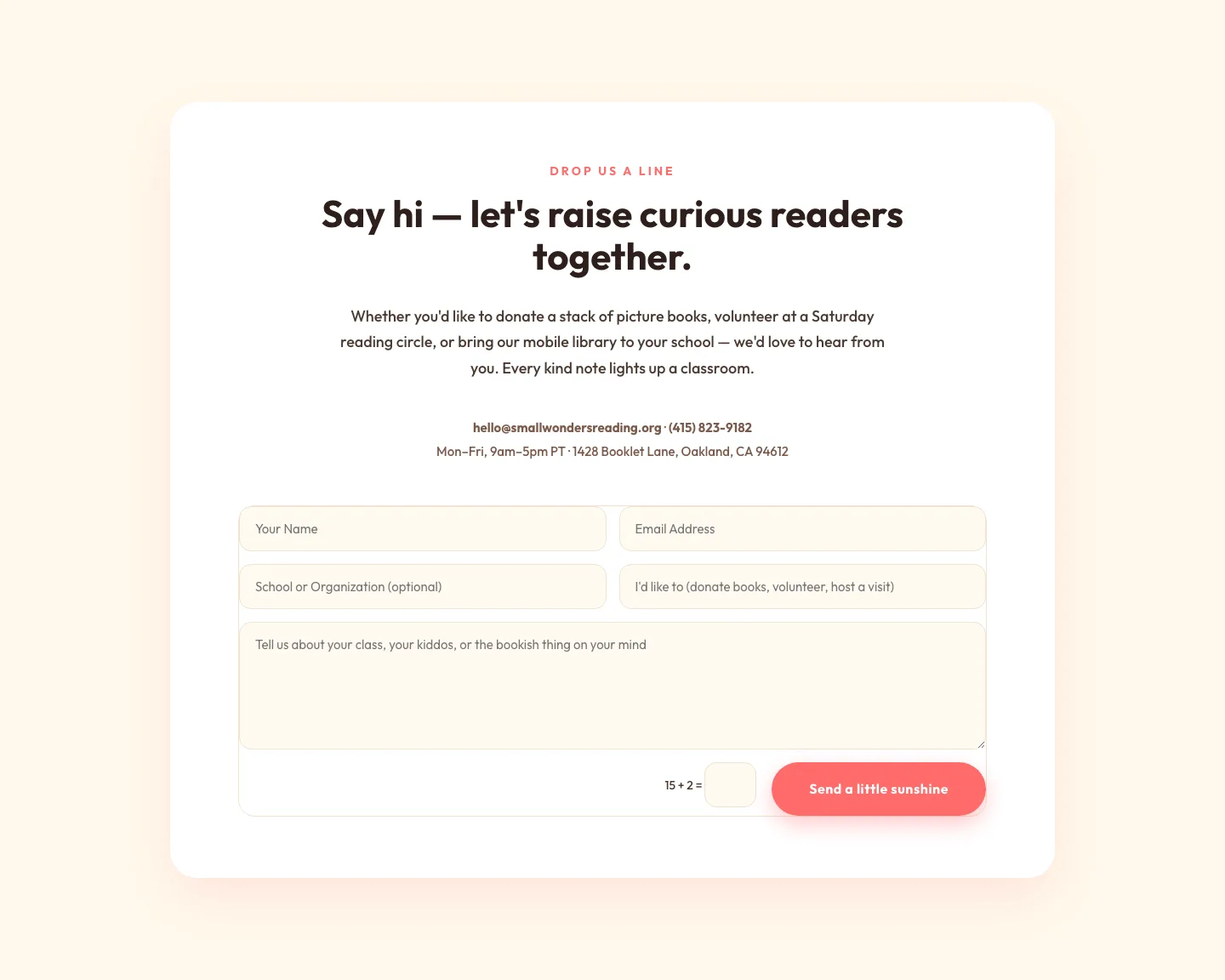
Playful Nonprofit Contact Page Layout for Divi 5: Small Wonders
contact · nonprofit · playful
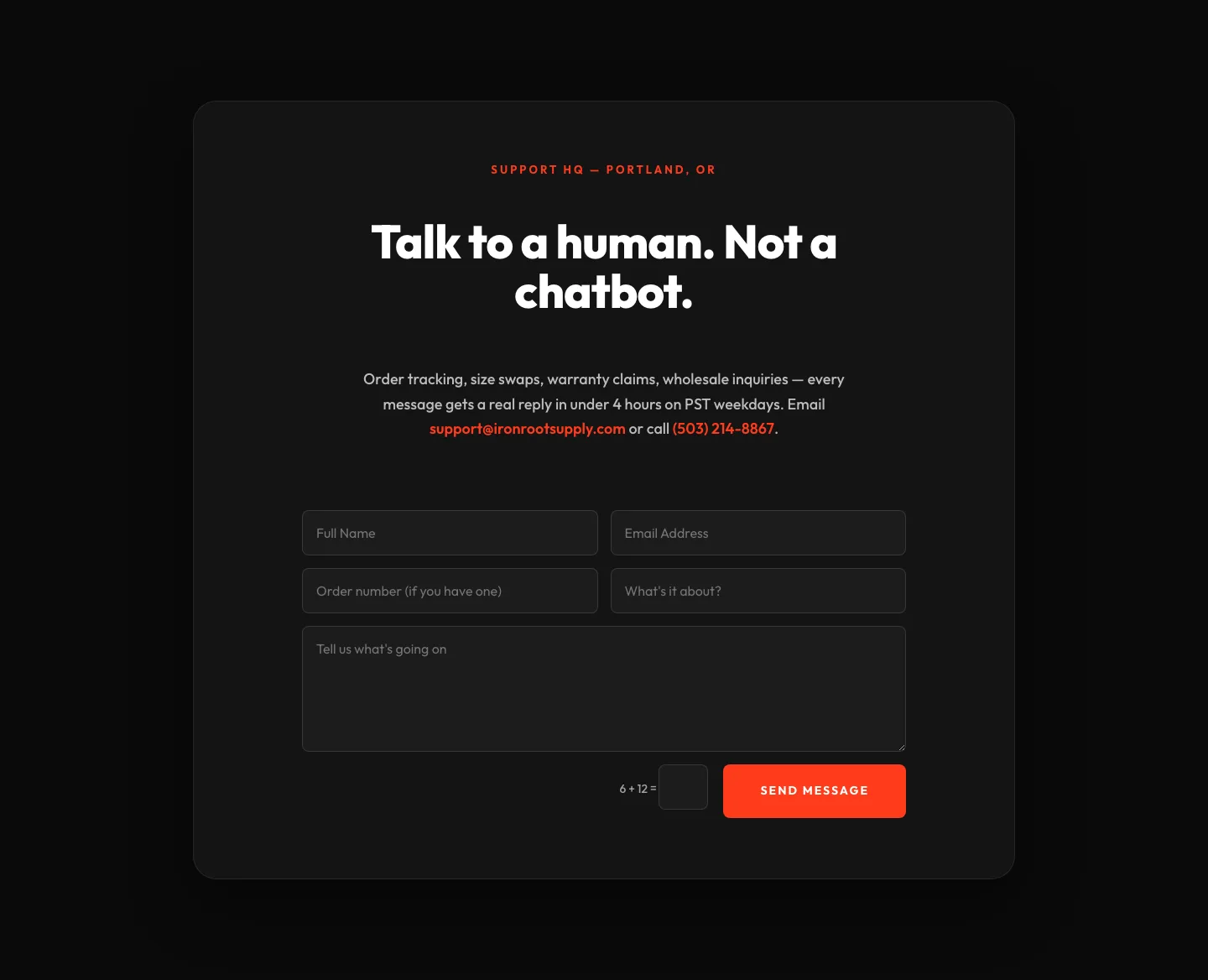
Bold Ecommerce Contact Form Layout for Divi 5: Ironroot
contact · ecommerce · bold
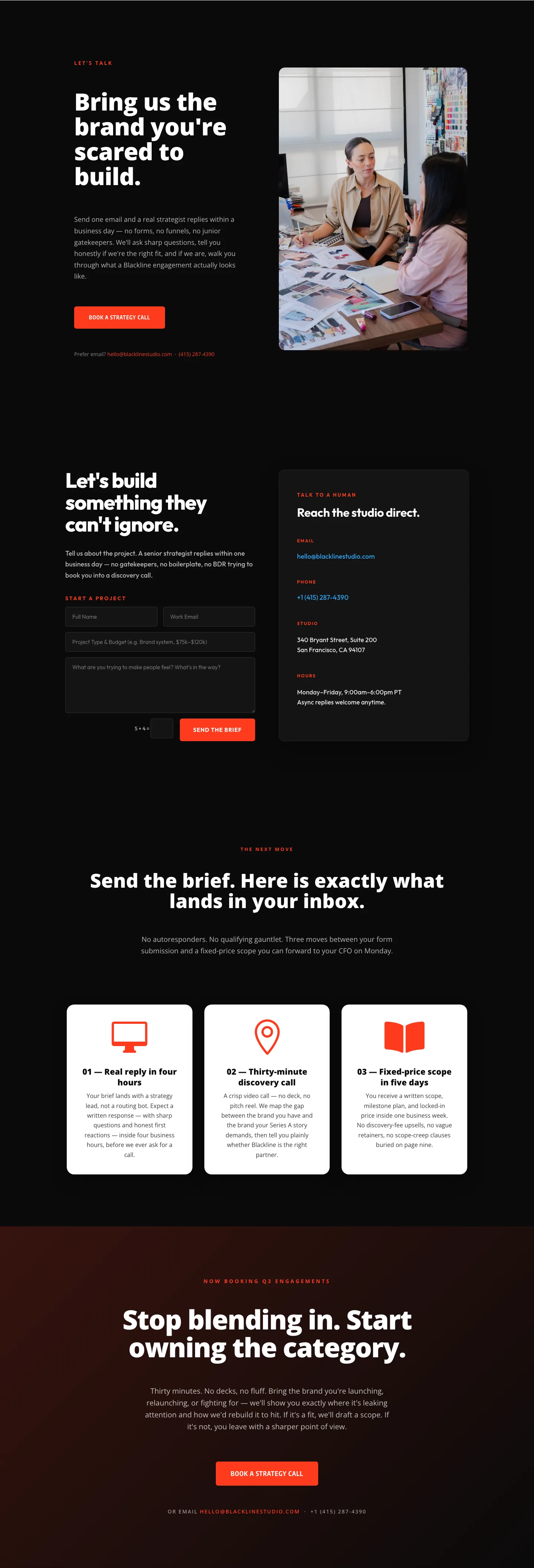
Blackline Studio: Bold Agency Contact Page for Divi 5
contact · agency · bold
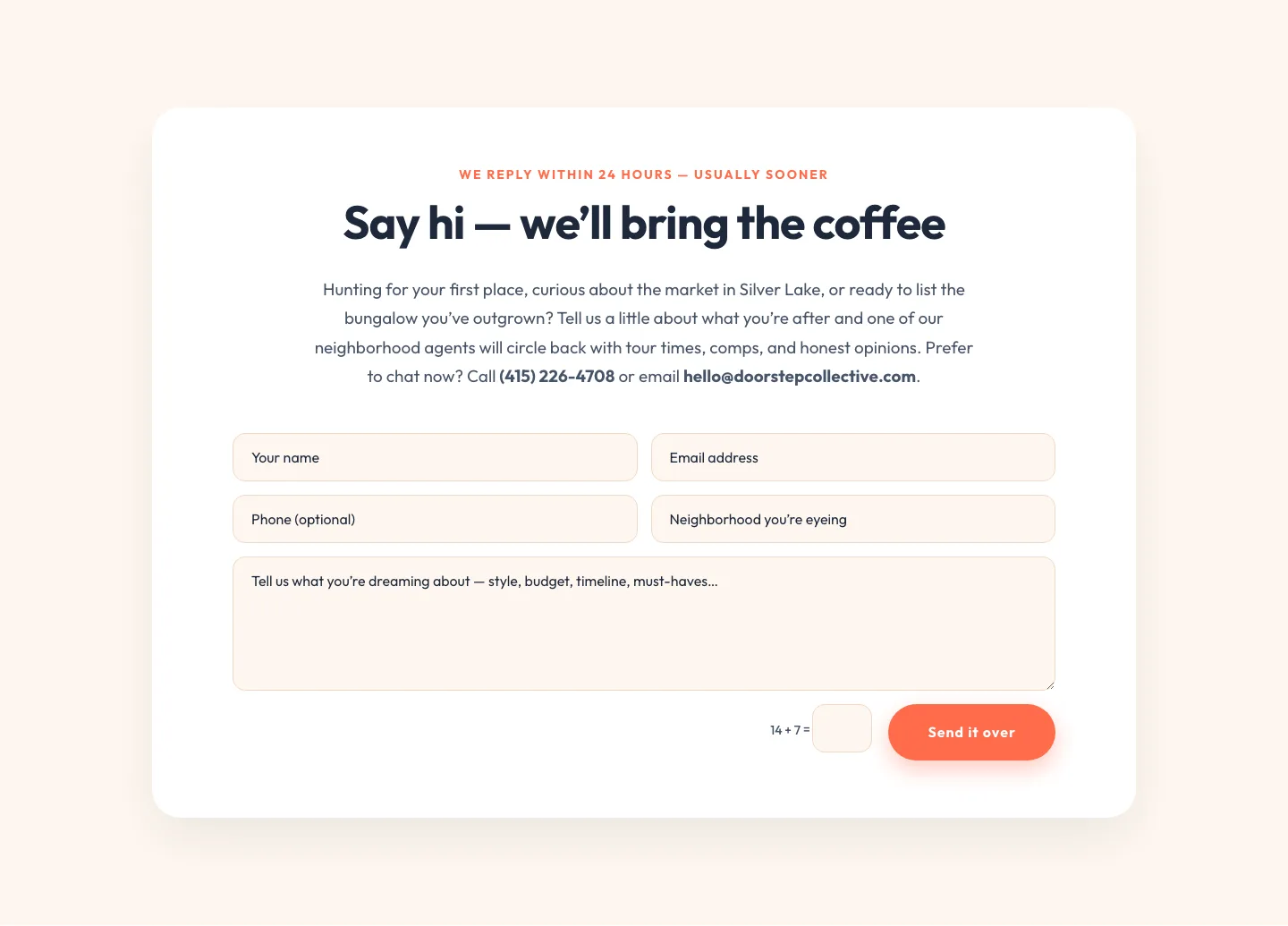
Playful Real Estate Contact Form Divi 5 Layout
contact · real_estate · playful