
Playful Agency Contact Form Layout for Divi 5: Confetti Studio
A playful, confetti-inspired Divi 5 contact section for creative agencies. Rounded form fields, pink CTA, and warm cream background invite bold project inquiries.
Rate this element
Download this section, free
- Divi 5 JSON, imports in seconds
- Commercial license included
- No account needed
Click to view the full page
Overview
This is a single centered contact card that floats on a warm cream backdrop (#fff8f0), pulled in to a 1100px max-width and set on a white card with 32px rounded corners and a soft coral-tinted shadow (rgba(255,77,109,0.14)). Section padding is a generous 120px top and bottom, so the card breathes even when it's the only section on the page. Inside the card, the vertical rhythm is deliberate: a 13px uppercase coral eyebrow ("Start a project", #ff4d6d, 3px letter-spacing) sits above a big 52px Outfit display headline capped at 780px wide, then a 19px supporting paragraph capped tighter at 680px so the eye lands on the form, not the copy.
The form itself is a Divi Contact Form with five fields laid out in a deliberate half/half grid: Name and Email on the first row, Company and Budget on the second (each set to flexType: 12_24), and a full-width Message field (24_24) underneath. Inputs use the same cream as the section background with 2px #ffe4e9 blush borders and 14px radii, which keeps the fields visually connected to the page while staying distinct from the white card. The submit button ("Launch the confetti cannon") is a fully-rounded (999px) coral pill in bold Outfit white, with a coral-glow shadow (rgba(255,77,109,0.4)) and a hover state that flips the fill to near-black (#1a1a2e).
On tablet the headline steps down to 40px and on phone to 32px with tighter line-height, and the row's column flex direction switches to column at the phone breakpoint so the card stacks cleanly at narrow widths. The palette is disciplined (cream, white, coral, blush, near-black) which is what keeps the "playful" tone from tipping into chaotic.
What’s inside
- Full-bleed contact section with 120px vertical padding on a cream (`#fff8f0`) canvas
- Centered white contact card, 1100px max, 32px radius, coral-tinted soft shadow, 72px inner padding
- Three-part heading stack: uppercase coral eyebrow, 52px Outfit display headline, 19px supporting paragraph with inline email and phone
- Native Divi Contact Form module with five pre-labeled fields (Name, Email, Company, Budget, Message) and a receiver address pre-wired
- Half/half field grid on desktop (Name+Email, Company+Budget) with a full-width Message textarea
- Cream-filled inputs with 2px blush border (`#ffe4e9`), 14px radius, and Outfit typography matched to the headings
- Coral pill submit button (999px radius) with white bold label, glowing coral shadow, and a near-black hover flip
- Responsive scaling: headline drops to 40px on tablet and 32px on phone, row switches to a stacked column direction at the phone breakpoint
Who it’s for
Built for creative agencies, design studios, illustration shops, brand consultancies, and small production houses that want their contact page to feel warm and human instead of corporate. The playful copy tone ("the wild idea you can't stop thinking about", "Launch the confetti cannon") and the coral-on-cream palette land well for indie makers, event planners, wedding designers, kids' brands, boutique marketing shops, and lifestyle DTC labels writing a "work with us" page. It also works as the closing section on a long-scroll landing page where you want the CTA to feel inviting rather than transactional. If your brand voice is buttoned-up finance, legal, or enterprise SaaS, this section will read as off-brand. Reach for a more neutral palette instead.
Customization tips
First stop: swap the coral (#ff4d6d) and the near-black (#1a1a2e) via Divi's global colors so the eyebrow, headline, button fill, and button hover update together. The cream background (#fff8f0) and blush input border (#ffe4e9) should shift with them, keep the input fill 6–10% darker than the section canvas so fields stay visible against the white card. Copy limits: the eyebrow reads best under 24 characters, the headline was drafted at ~60 characters and starts to wrap awkwardly past 80, and the supporting paragraph is capped at a 680px column so aim for 2–3 sentences. Swap the receiver email in the Contact Form module before publishing (currently hello@confetti.studio) and update the inline phone number in the paragraph. If you don't need Budget or Company, delete those fields and set the remaining fields to 24_24 so they span full-width. No imagery is used, so there are no aspect ratios to manage. The card is a pure type-and-form composition.
How to install this layout
- Download the layout JSON file from this page.
- Open the target page in the Divi 5 builder.
- Open the portability panel (up/down arrows icon) and choose the Import tab.
- Upload the JSON. Tick “replace existing content” only for full-page imports.
- Check the page at desktop and mobile widths, then swap in your copy and images.
Full walkthrough with troubleshooting: How to Import a Divi 5 Layout.
Questions about Playful Agency Contact Form Layout for Divi 5: Confetti Studio
How is the form laid out on desktop versus mobile?
Desktop puts Name and Email on one row and Company and Budget on the row below, each field at half-width, with the Message textarea spanning the full width underneath. On phone, the row's flex direction switches to column so every field stacks to full-width, and the headline shrinks from 52px to 32px with tighter line-height.
Where does the form actually send submissions?
It uses Divi's built-in Contact Form module, so submissions email the address set on the module (currently `hello@confetti.studio`). Change the receiver in the module settings, and if you want a copy in a CRM, wire the Divi form to your provider via a plugin like WPForms-to-Zapier or Fluent Forms. The module itself does not integrate with third parties out of the box.
Are there any images or icons I need to source?
No. The section is intentionally type-first: no photos, no illustrations, no icons. The visual interest comes from the coral eyebrow, the oversized Outfit headline, and the rounded coral submit button. That's why it drops into any site without hunting for on-brand imagery.
What should I edit first before publishing?
Four things: the receiver email on the Contact Form module, the inline `hello@confetti.studio` and `+1 (415) 268-4200` in the paragraph, the button label ("Launch the confetti cannon") if the tone is off-brand, and the two brand colors (coral (`#ff4d6d`) and near-black (`#1a1a2e`)) via Divi's global colors so every accent updates at once.
Can I add or remove form fields?
Yes. The layout uses five native Divi Contact Fields, each with a `flexType` sizing token: `12_24` for half-width, `24_24` for full-width. Delete Budget or Company if they don't apply, or duplicate a field and set its `flexType` to match the row you want. Keep the Message field on its own row so the textarea stays full-width.
Does it depend on any custom CSS or third-party plugins?
No. Every style (the rounded card, the coral pill button with its glow shadow, the responsive font sizes, the two-column field grid) is set through native Divi 5 module settings. Import the JSON, and it renders identically without extra CSS or add-ons.
Which Divi version does this layout need?
Divi 5. The layout is generated natively for Divi 5 and validated against its real module structure before publication, so it imports clean into the current builder.
Can I use this layout on client websites?
Yes. Every download includes a commercial license covering unlimited sites you own or build for clients. Only reselling or redistributing the layout file itself is prohibited.
More contact forms
Browse all contact forms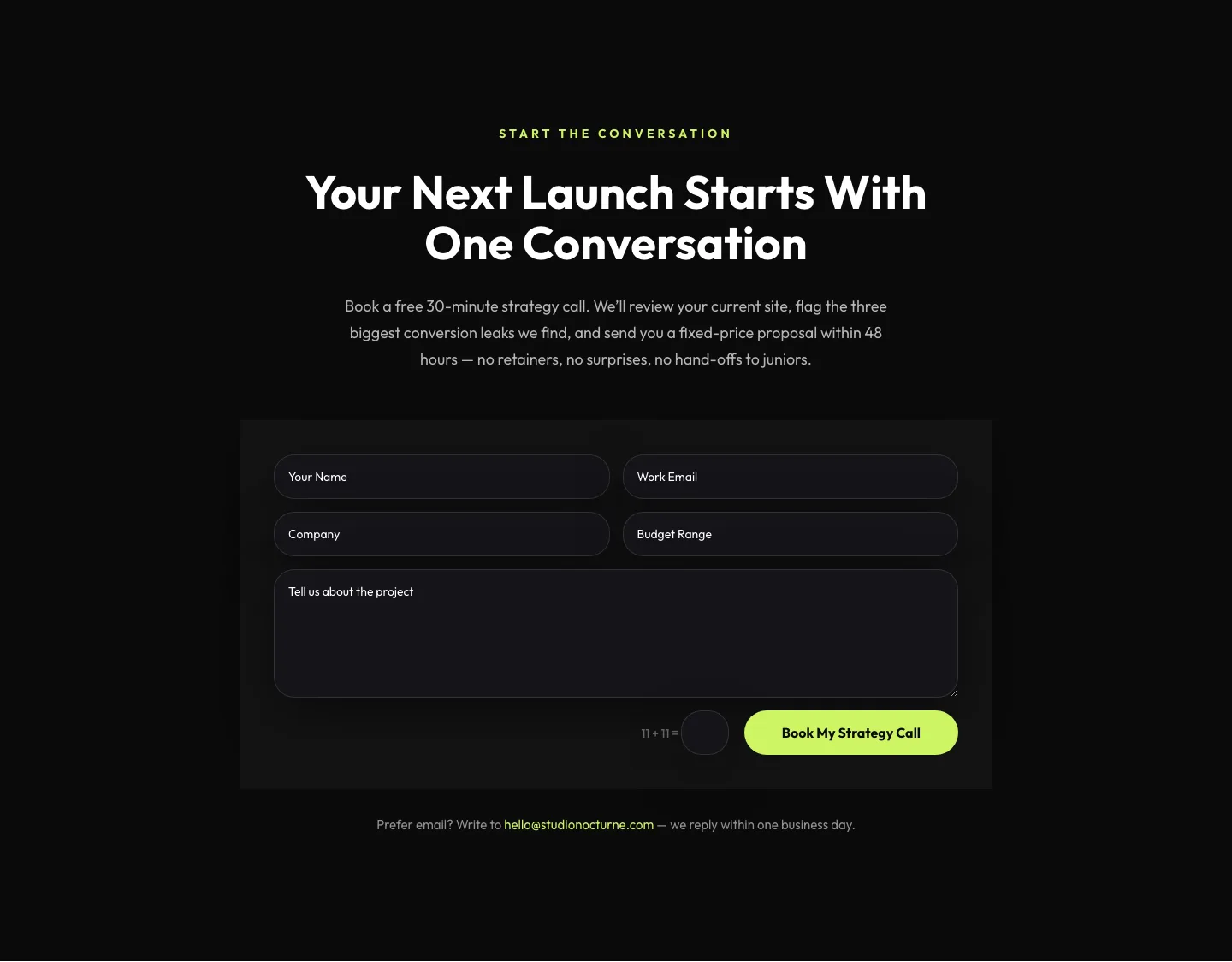
Dark Agency Contact Form: Book a Strategy Call Divi 5 Layout
contact · agency · dark
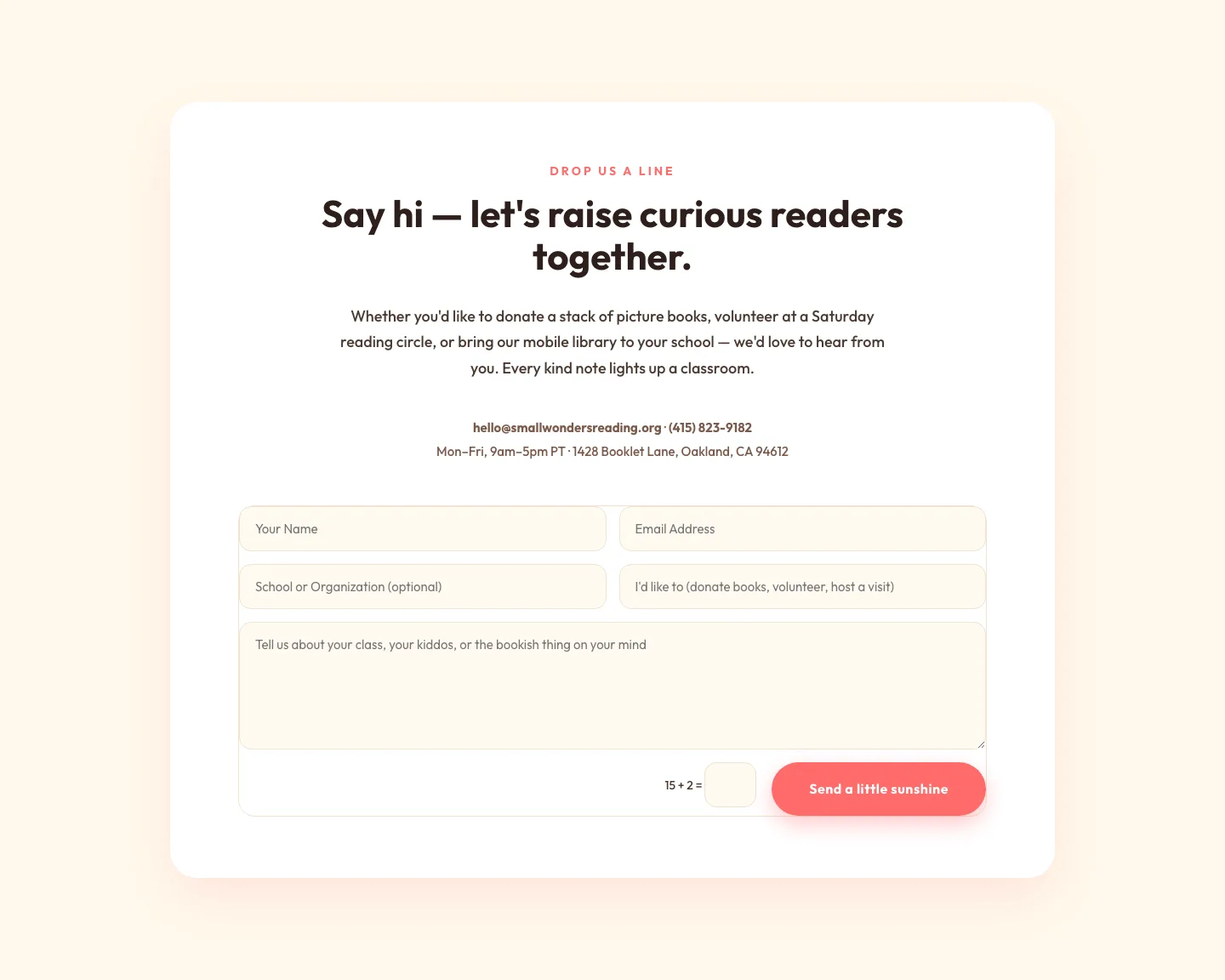
Playful Nonprofit Contact Page Layout for Divi 5: Small Wonders
contact · nonprofit · playful
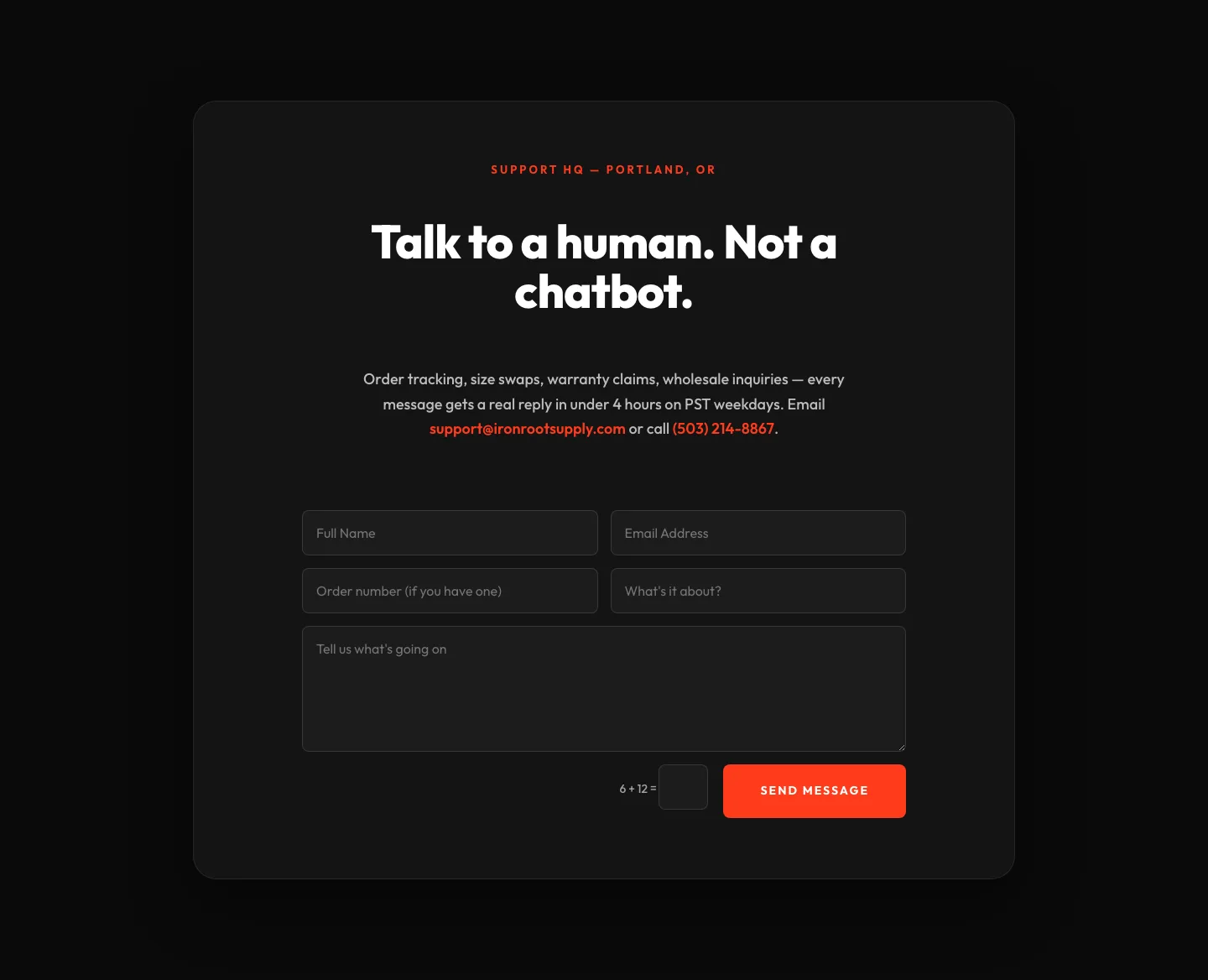
Bold Ecommerce Contact Form Layout for Divi 5: Ironroot
contact · ecommerce · bold
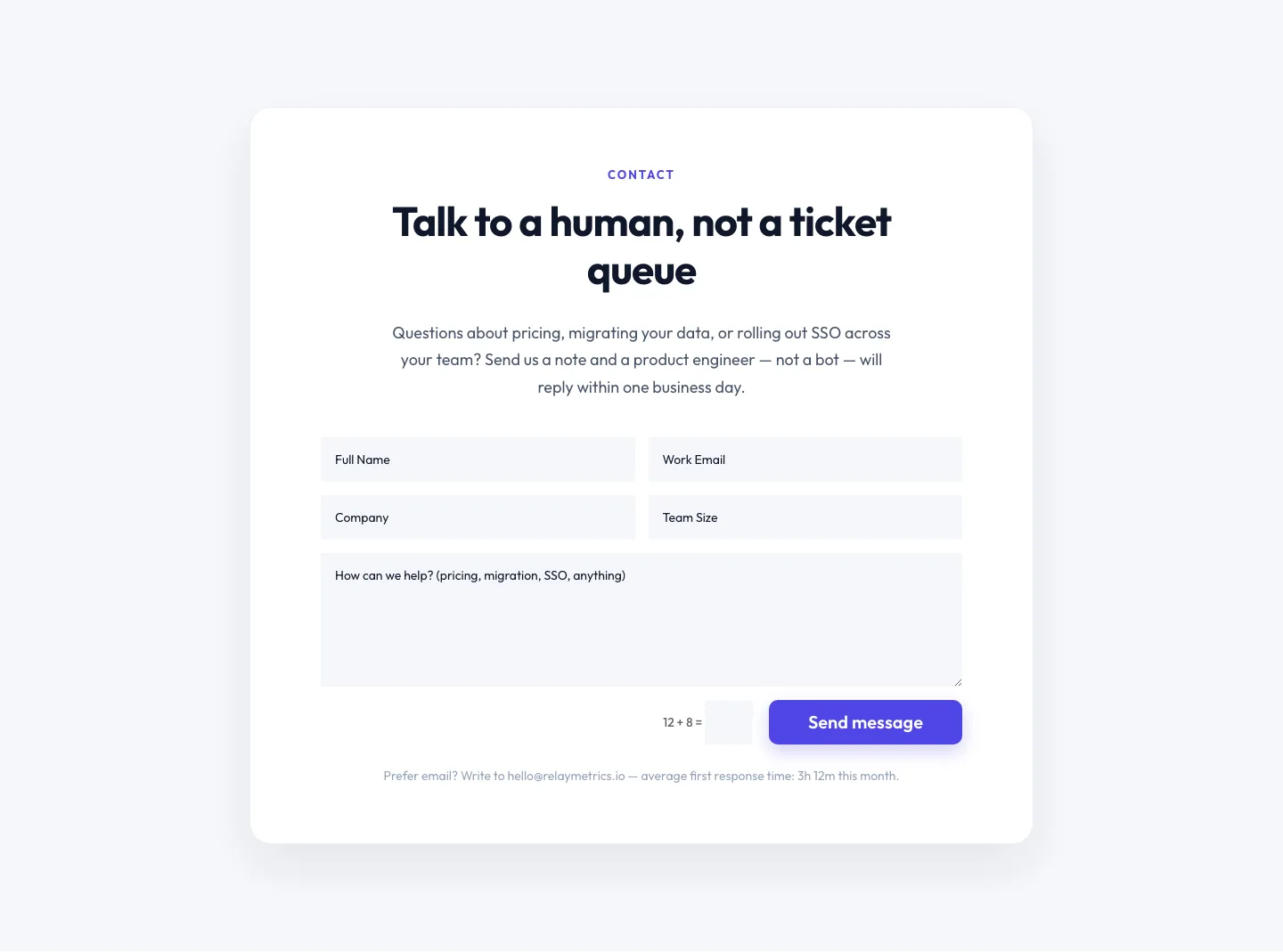
Minimal SaaS Contact Form Section: Divi 5 Layout
contact · saas · minimal
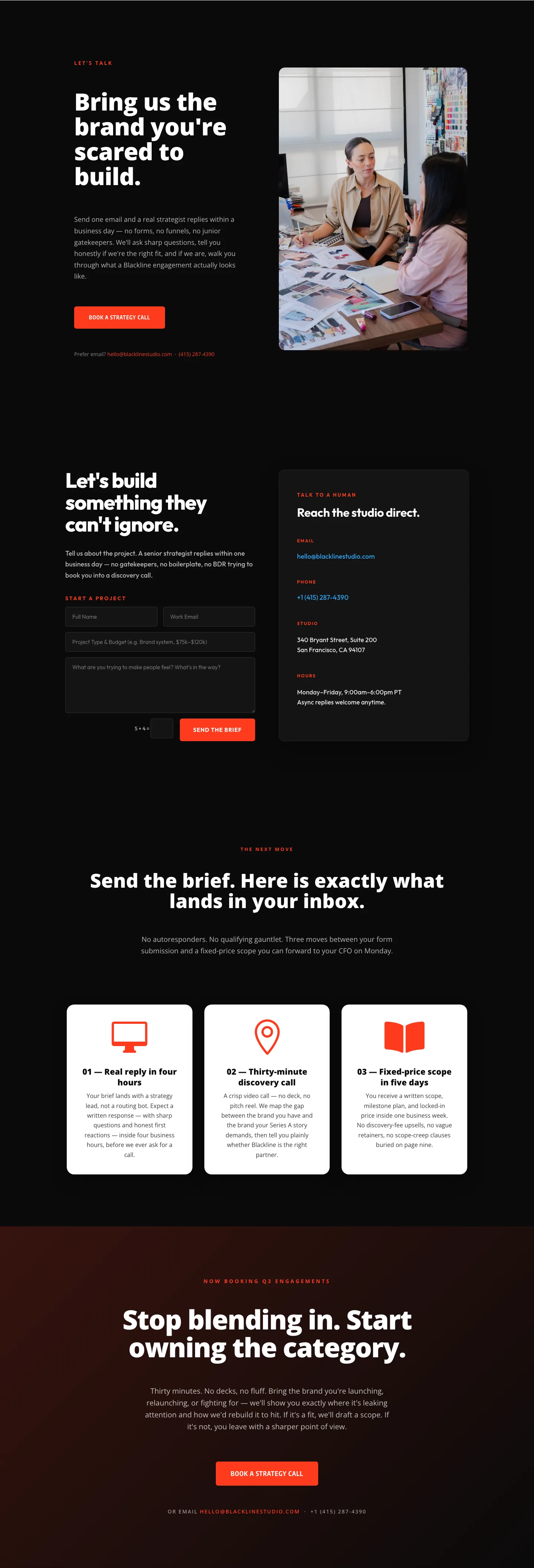
Blackline Studio: Bold Agency Contact Page for Divi 5
contact · agency · bold

Bold Dark SaaS Contact Section with Inline Form: Divi 5 Layout
contact · saas · bold