
Playful Coaching Contact Page Layout for Divi 5 - Free Download
Friendly, conversion-focused contact page for coaches built in Divi 5. Includes a warm intake form, direct contact details, and a free clarity-call CTA.
Rate this element
Download this section, free
- Divi 5 JSON, imports in seconds
- Commercial license included
- No account needed
Click to view the full page
Overview
This contact page opens on a soft #eff6ff blue field with 100px of vertical breathing room, then floats a single white card at 1200px max width with 28px rounded corners and a low, blue-tinted shadow (rgba(37,99,235,0.12)) that keeps the surface calm rather than heavy. Inside the card, a 56px-gap two-column split hands the left half to the form and the right half to a portrait plus direct-contact details, so visitors always see a form and an alternative in the same glance.
The left column leads with a small uppercase eyebrow (Let's chat, tracked to 3px), then a bold Outfit 800 headline at 38px in deep navy #0c1e4e, followed by a warm 17px paragraph in #475569. The Divi contact form underneath uses soft #f1f5f9 fields with 14px radii and a pale #dbeafe border (friendly, not corporate) and the send button is a full pill (999px radius) in the primary #2563eb blue with a darker #1e40af hover. Name and Email share a row at half-width; the goal question and optional message stretch full-width for longer answers.
The right column stacks a warm Pexels portrait with a 20px radius, then a matching eyebrow (Or skip the form), a 32px heading, and a mini-directory of email, phone, studio address, and a free-call CTA. Each label capped in the same blue accent so the two columns feel like siblings. On phones the row flips to flexDirection: column, so the form drops above the direct-contact block and everything remains touch-friendly without any manual restacking.
What’s inside
- Two-column contact card with `1_2_1_2` structure inside a 1200px-max, 28px-radius white surface on a light blue backdrop
- Native Divi 5 Contact Form module with four fields (Name, Email, Goal, Message), preset receiver email, and a pill-shaped submit button with hover color swap
- Half-width Name/Email row and full-width Goal/Message fields, all styled with soft `#f1f5f9` backgrounds and 14px rounded corners
- Right-column portrait via the Image module (20px radius) sourced from Pexels, ready to swap for a founder or team photo
- Direct-contact block with labeled email, phone/text, studio address, and a free intro-call CTA. Built inside a single Text module using inline styles
- Consistent Outfit typography across headings (weight 800), eyebrows (uppercase, 3px tracking) and body copy
- Mobile behavior baked in: the row switches to `flexDirection: column` on phone so form and contact info stack cleanly
- Blue-tinted soft shadow (`preset3`, 24px vertical, 60px blur) that lifts the card without darkening the palette
Who it’s for
Solo coaches, therapists, and small coaching studios who want a contact page that feels human rather than transactional. The friendly copy, portrait slot, and "first call is on us" block are tuned for life coaches, career coaches, wellness practitioners, mindset consultants, and small-team agencies where a real person answers the form. It also translates well to boutique service providers (freelance designers, nutritionists, tutors, doulas, personal trainers) because the layout keeps things approachable while still capturing a lead's goal in the form. Anyone selling a service that starts with a conversation, not a checkout, will get more out of this page than a stiff enterprise contact form.
Customization tips
Palette-wise, the layout leans on four colors: #eff6ff section background, #2563eb primary accent (eyebrow, button, labels), #0c1e4e heading navy, and #475569 body gray. Swap the accent and hover values across the button, eyebrows, and inline label spans to rebrand in minutes. Search for #2563eb and #1e40af to catch every occurrence. Keep the H2 to about 8–12 words so it wraps neatly at the 38px desktop / 28px phone sizes, and cap the intro paragraph around 3 sentences so the card height stays balanced with the right-column image. For the portrait, use a 940×650 (roughly 3:2) image (Pexels 6740301 is the placeholder) cropped tight enough that the face reads at thumbnail size. Update the contact form's receiver email inside the Contact Form module settings, and edit the mini-directory in the right column by opening its Text module (email, phone, hours, and address live as inline-styled paragraphs).
How to install this layout
- Download the layout JSON file from this page.
- Open the target page in the Divi 5 builder.
- Open the portability panel (up/down arrows icon) and choose the Import tab.
- Upload the JSON. Tick “replace existing content” only for full-page imports.
- Check the page at desktop and mobile widths, then swap in your copy and images.
Full walkthrough with troubleshooting: How to Import a Divi 5 Layout.
Questions about Playful Coaching Contact Page Layout for Divi 5 - Free Download
How does this contact page behave on mobile?
The row is set to `flexDirection: column` on phone, so the form drops above the portrait and direct-contact block. Heading sizes step down from 38px to 32px on tablet and 28px on phone, and both columns become full width automatically.
Which Divi 5 modules are used here?
One Section, one Row, two Columns, plus Text, Heading, Image, Contact Form and Contact Field modules. All native Divi 5 modules from builder version 5.0.0-public-alpha.23. No third-party plugins required.
Can I remove the portrait if I don't have a photo of the coach?
Yes. Delete the Image module in the right column and the direct-contact Text block will move up. Alternatively, swap the Pexels image for an illustration or a photo of your studio space. A 3:2 aspect ratio around 940×650 keeps the 20px-radius crop looking right.
What should I edit first after importing?
Change the Contact Form's receiver email (currently `hello@brightpathcoaching.com`), then rewrite the headline, intro paragraph, and the right-column contact details (email, phone, hours, address, CTA). The palette and structure will hold once those five copy blocks are updated.
How do the form fields lay out?
Name and Email are `flexType: 12_24`, so they share a row at half-width each. The "What's your big goal right now?" and optional Message fields are `24_24`, spanning the full column so people have room to actually type.
Which Divi version does this layout need?
Divi 5. The layout is generated natively for Divi 5 and validated against its real module structure before publication, so it imports clean into the current builder.
Can I use this layout on client websites?
Yes. Every download includes a commercial license covering unlimited sites you own or build for clients. Only reselling or redistributing the layout file itself is prohibited.
More contact forms
Browse all contact forms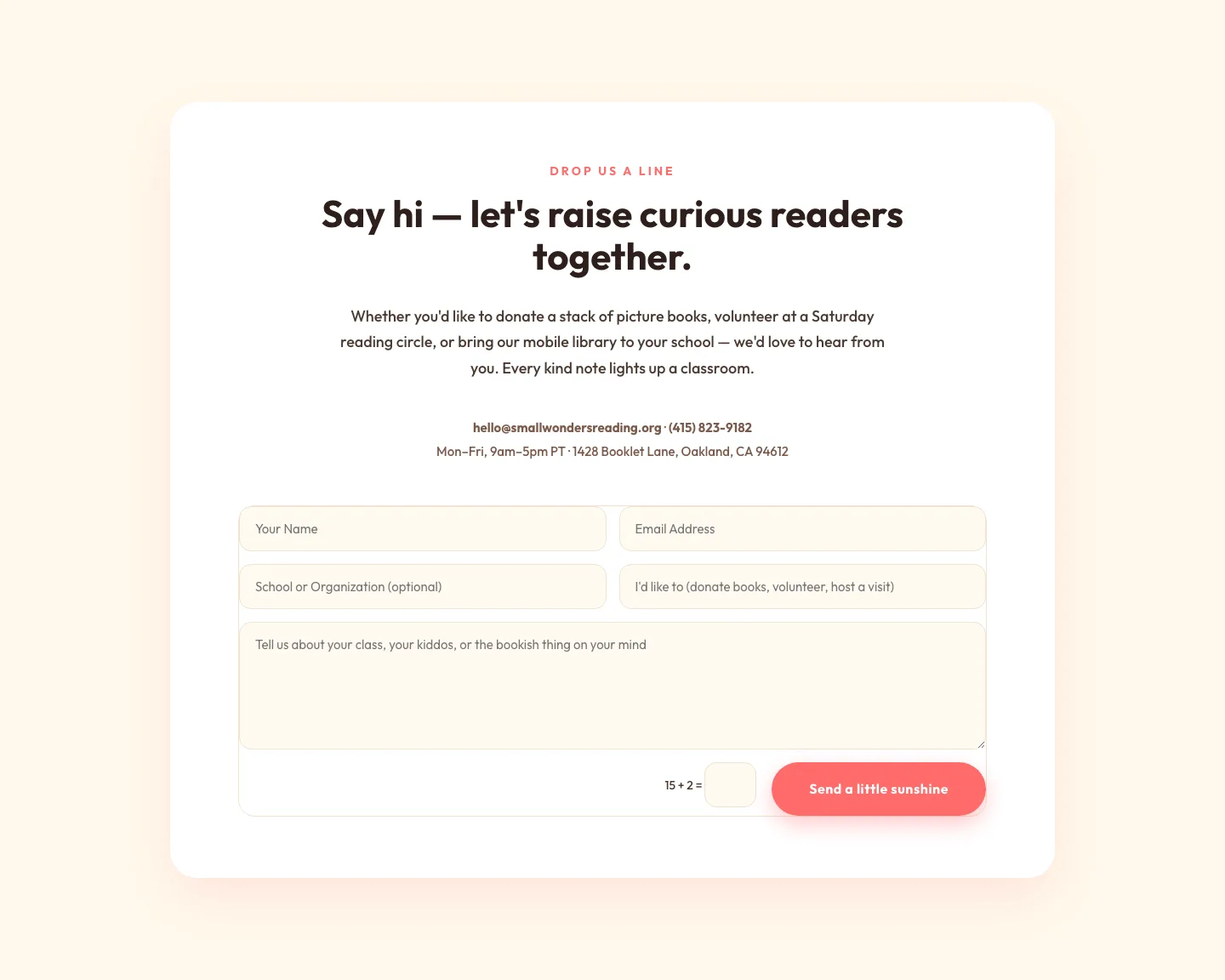
Playful Nonprofit Contact Page Layout for Divi 5: Small Wonders
contact · nonprofit · playful
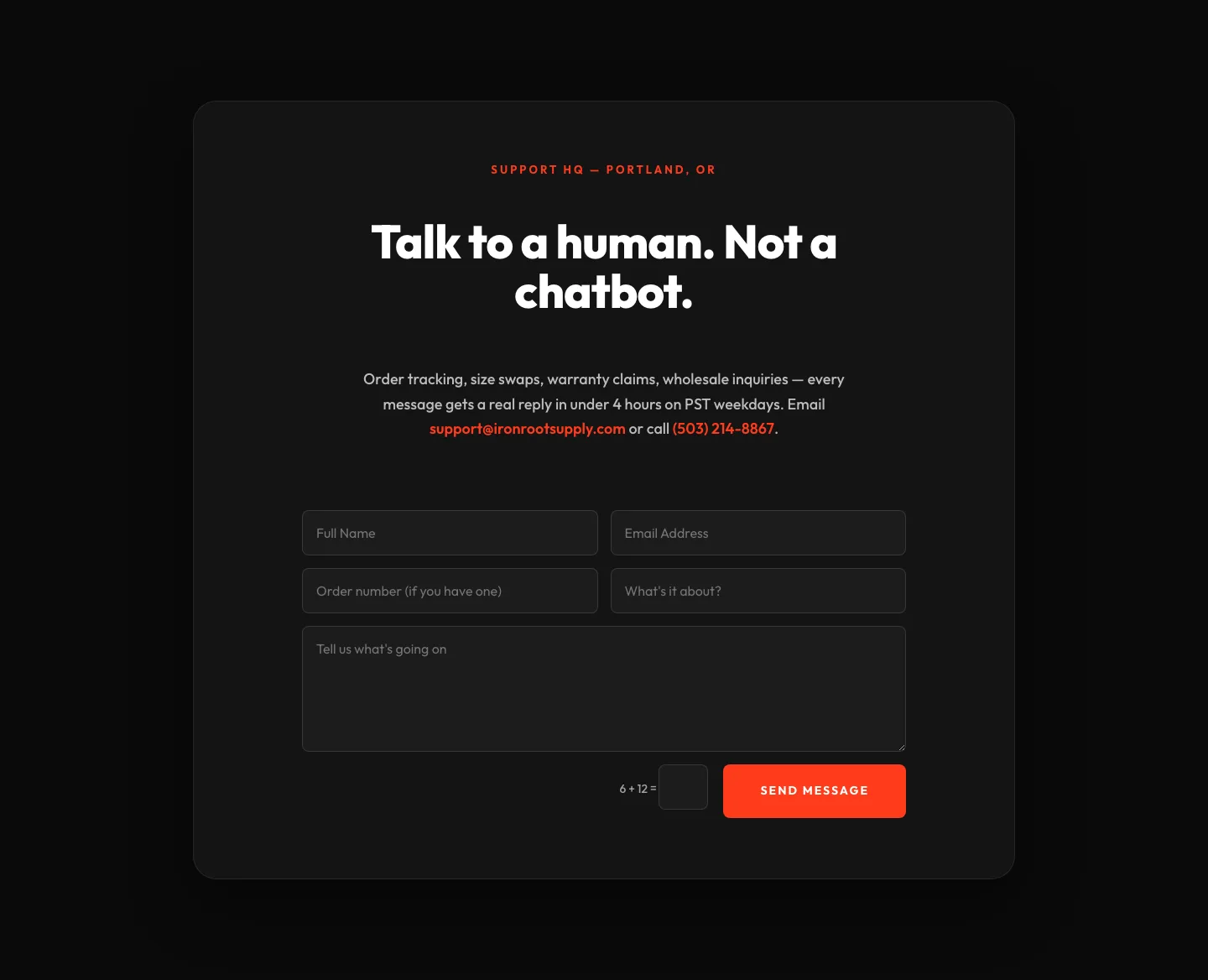
Bold Ecommerce Contact Form Layout for Divi 5: Ironroot
contact · ecommerce · bold
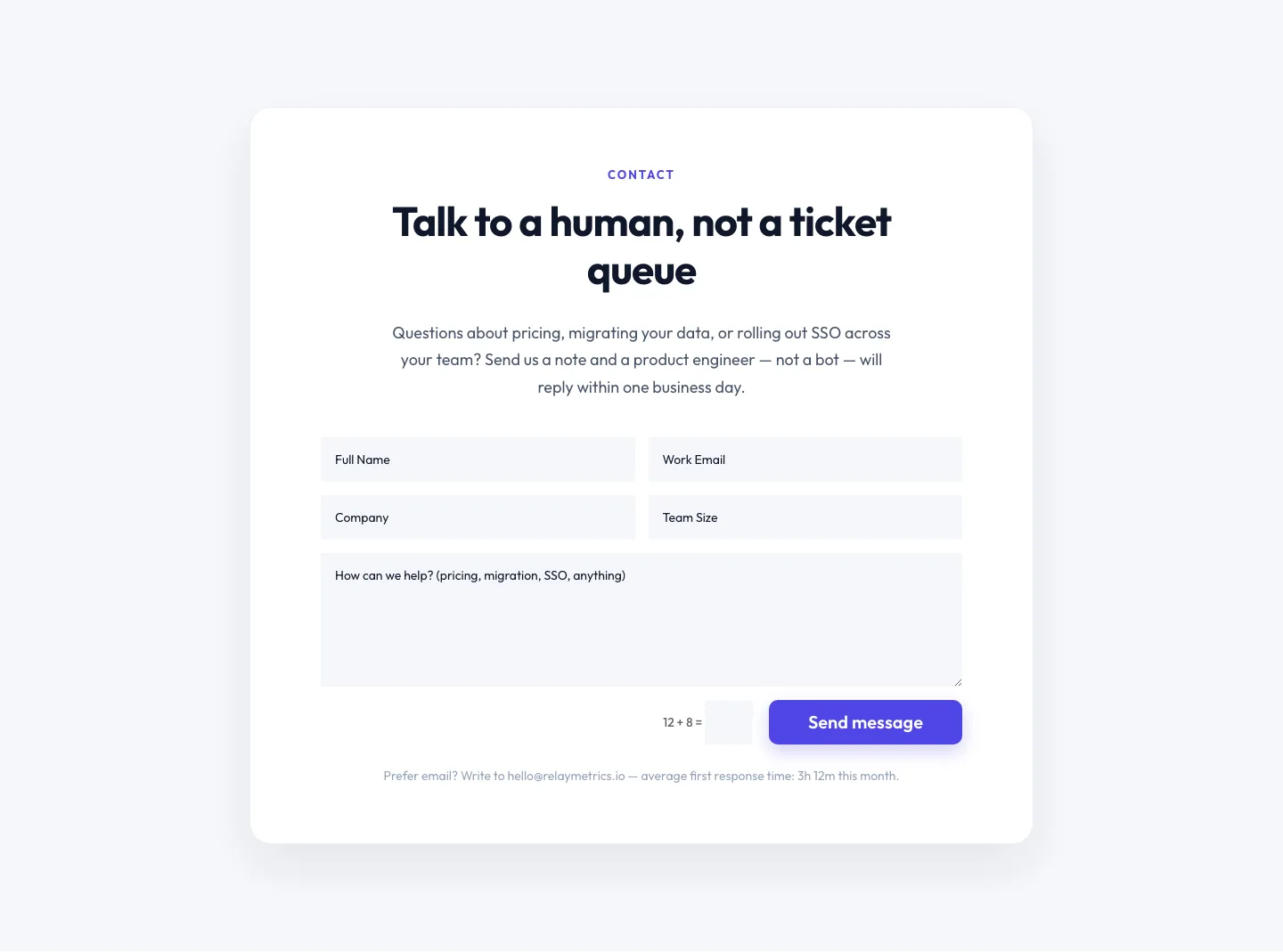
Minimal SaaS Contact Form Section: Divi 5 Layout
contact · saas · minimal
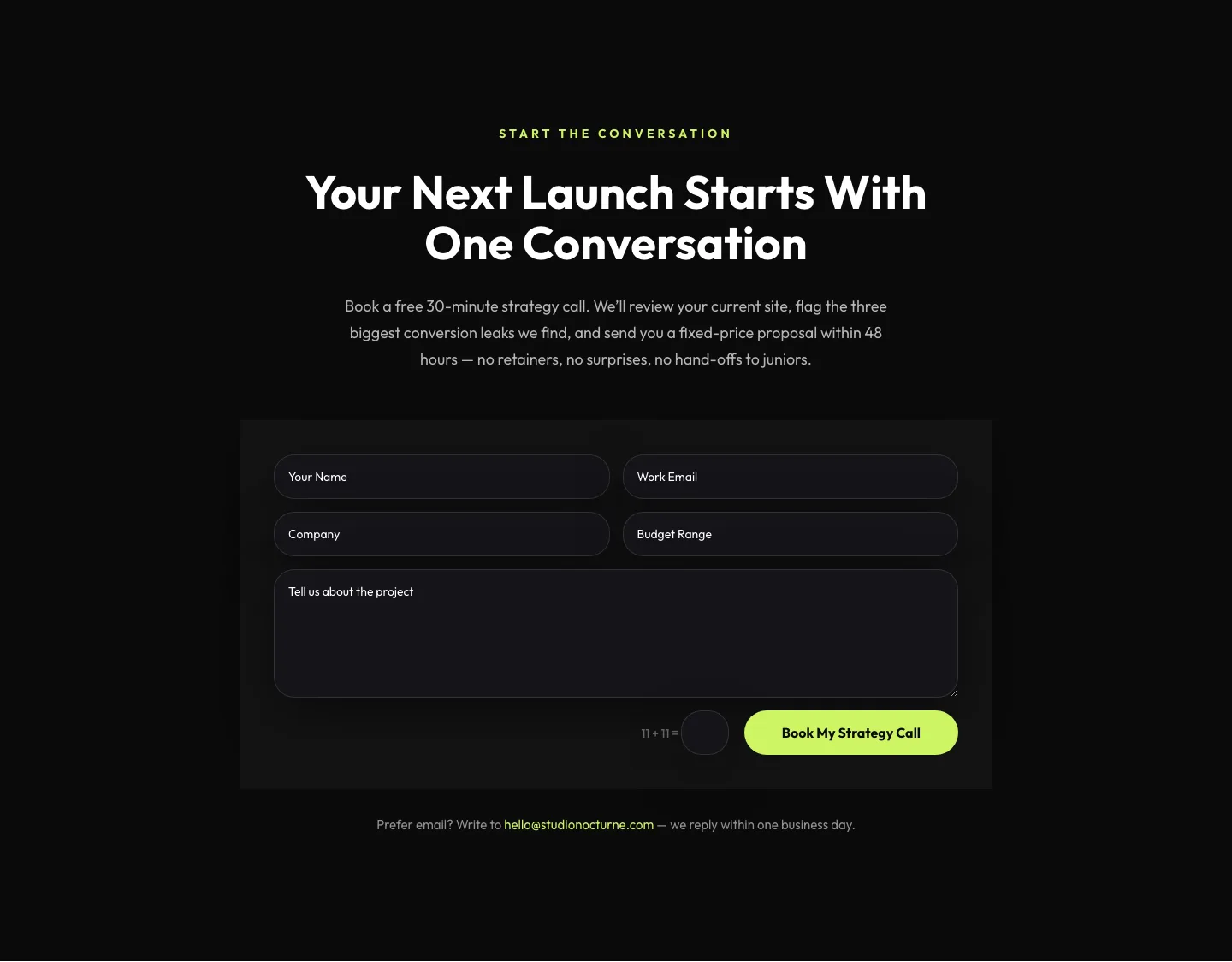
Dark Agency Contact Form: Book a Strategy Call Divi 5 Layout
contact · agency · dark
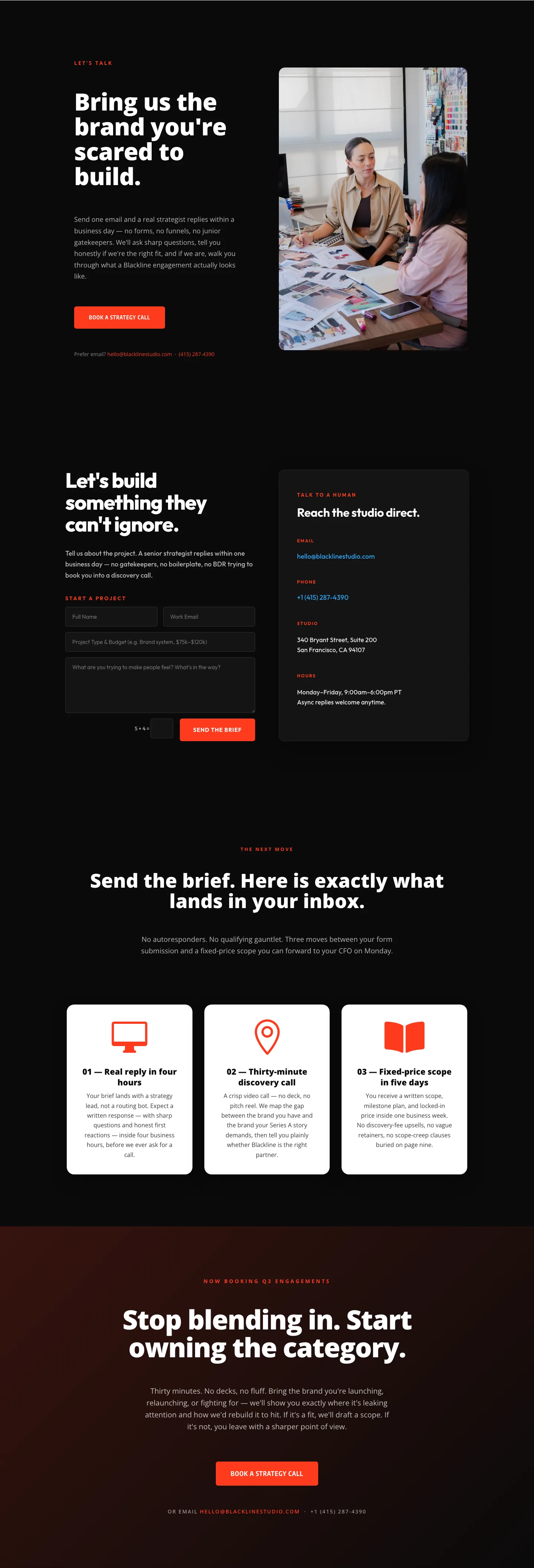
Blackline Studio: Bold Agency Contact Page for Divi 5
contact · agency · bold
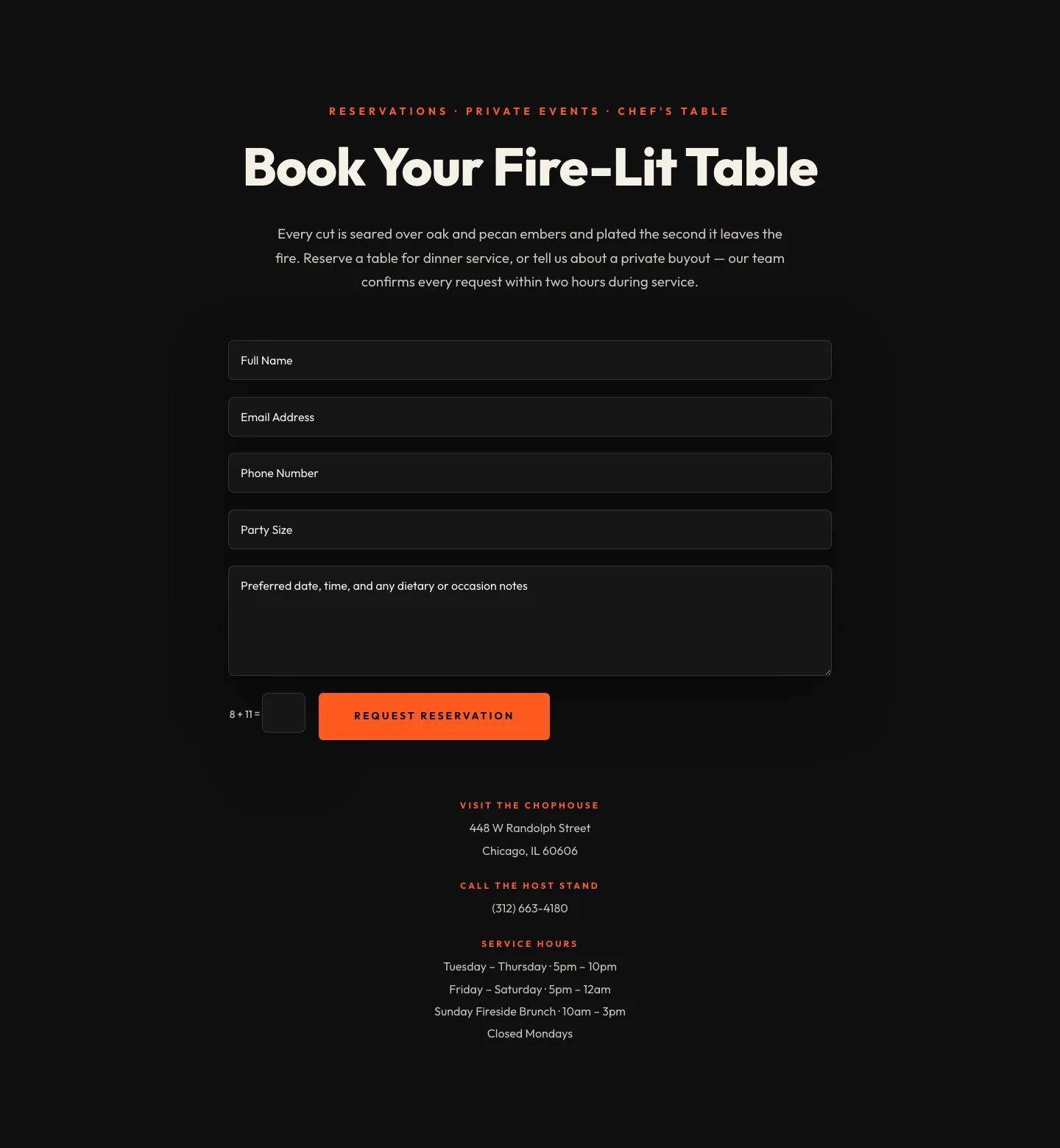
Bold Restaurant Reservation Contact Layout for Divi 5
contact · restaurant · bold