
Portfolio Divi 5 Layouts
Portfolio layouts live or die on restraint. The work has to breathe, the grid has to hold, and every module (hero, case study, contact) should feel like it belongs to the same studio. These Divi 5 sections give you that discipline out of the box, then let you rewrite them in your own voice.
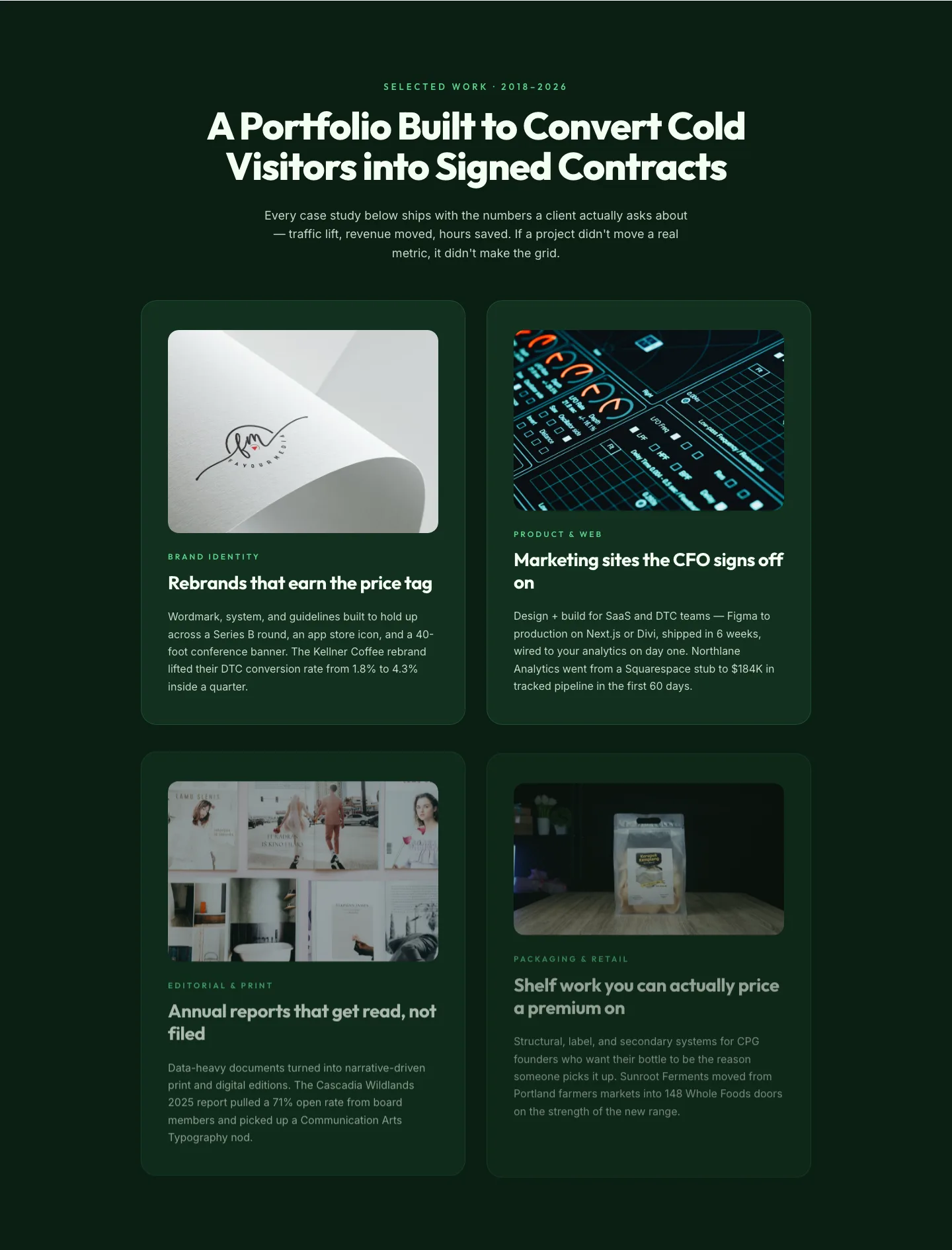
Bold Portfolio Features Grid: Divi 5 Case Study Layout
features · portfolio · bold
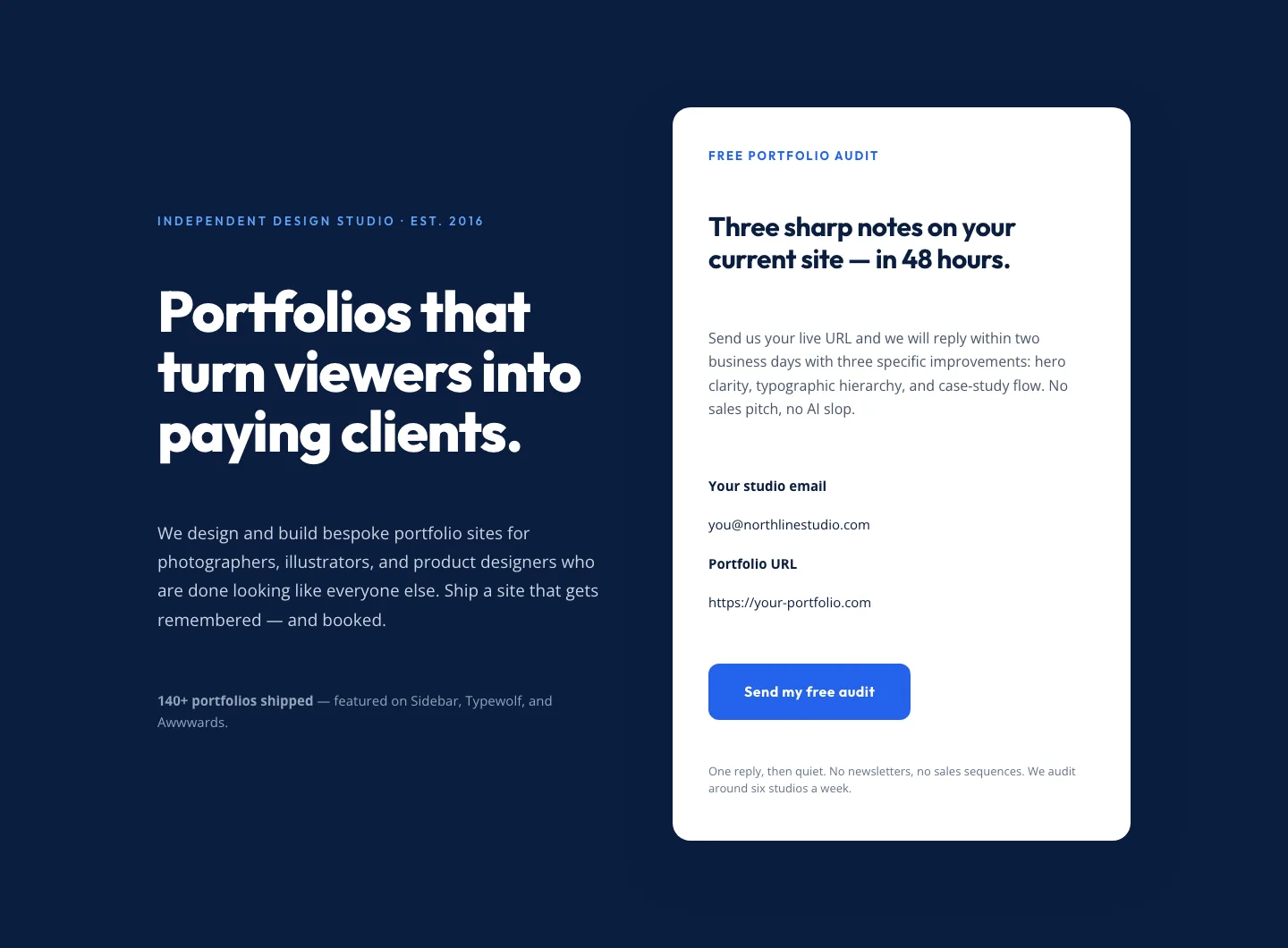
Bold Portfolio Hero with Free Audit Sign-up: Divi 5 Layout
hero · portfolio · bold
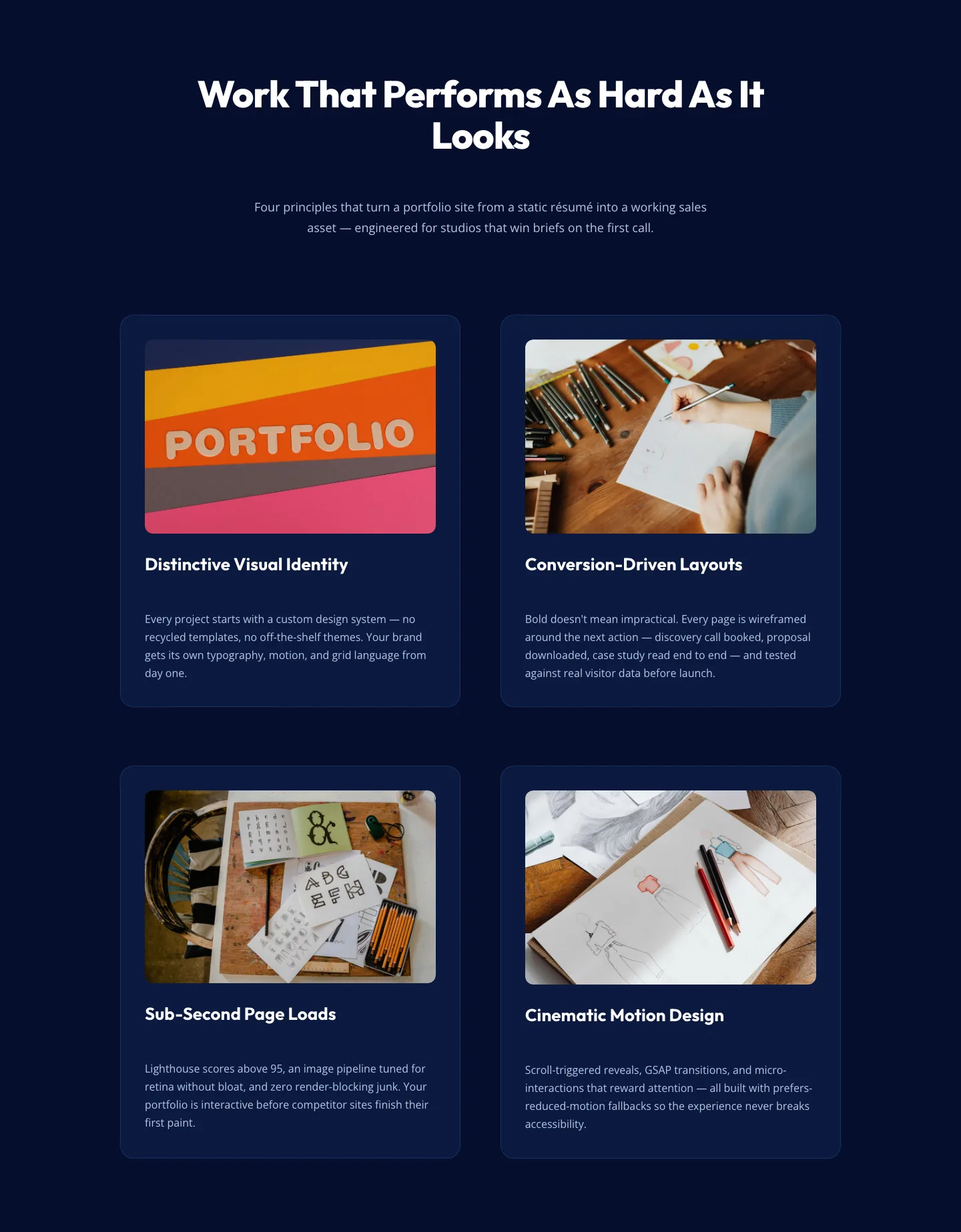
Bold Portfolio Features Section: 2×2 Grid for Divi 5
features · portfolio · bold
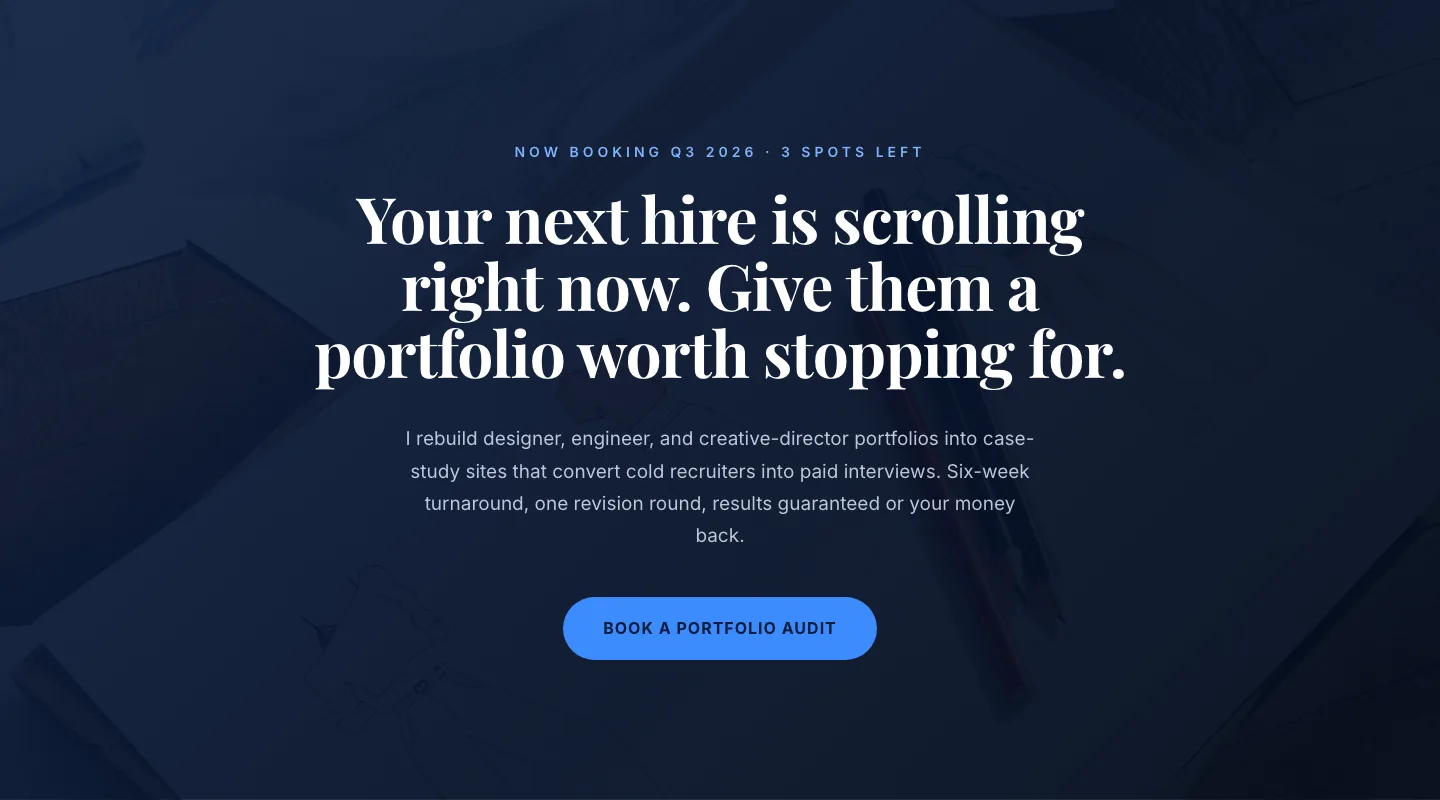
CTA: Portfolio Bold Blue
cta · portfolio · bold
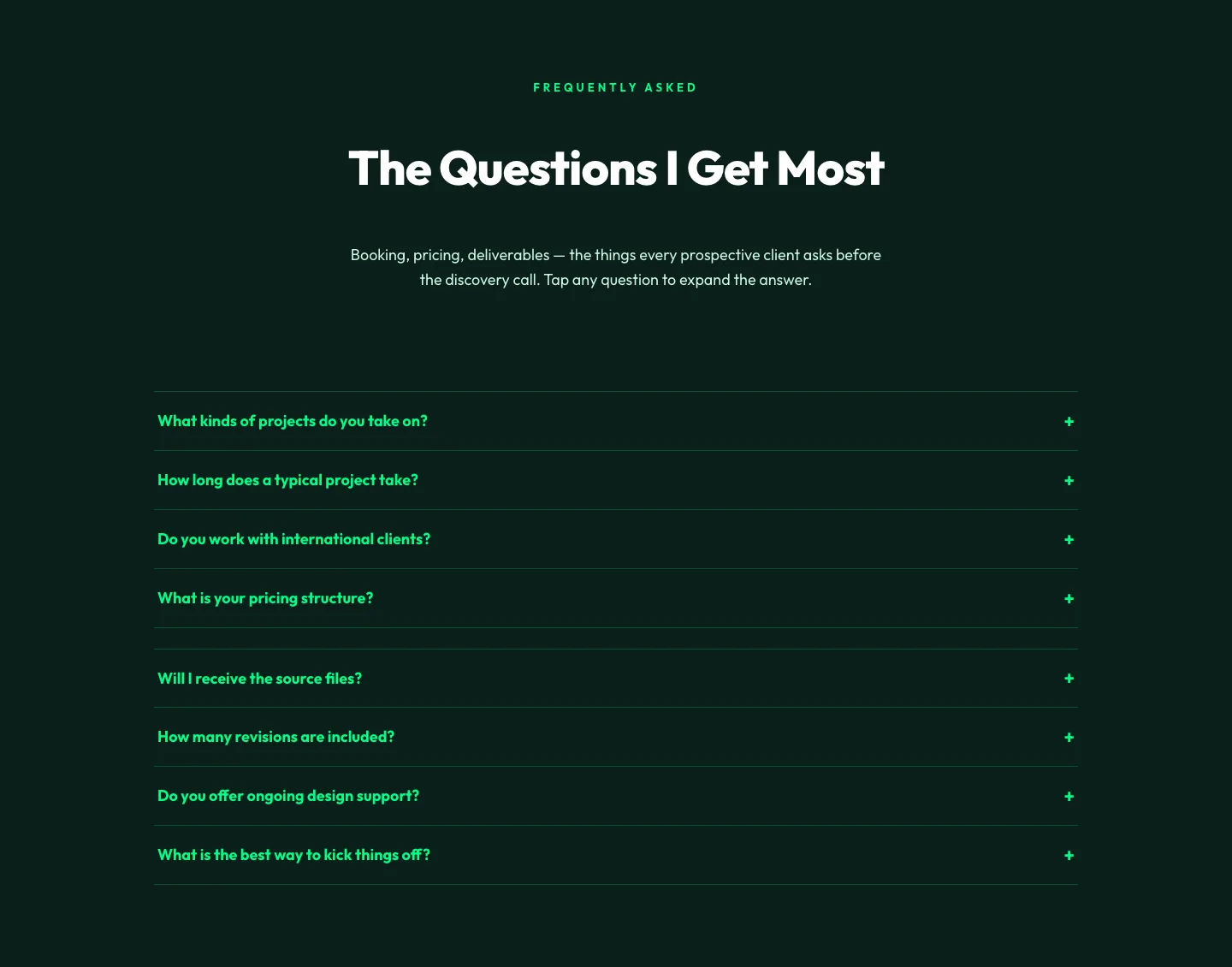
Bold Portfolio FAQ Section: Divi 5 Layout
faq · portfolio · bold
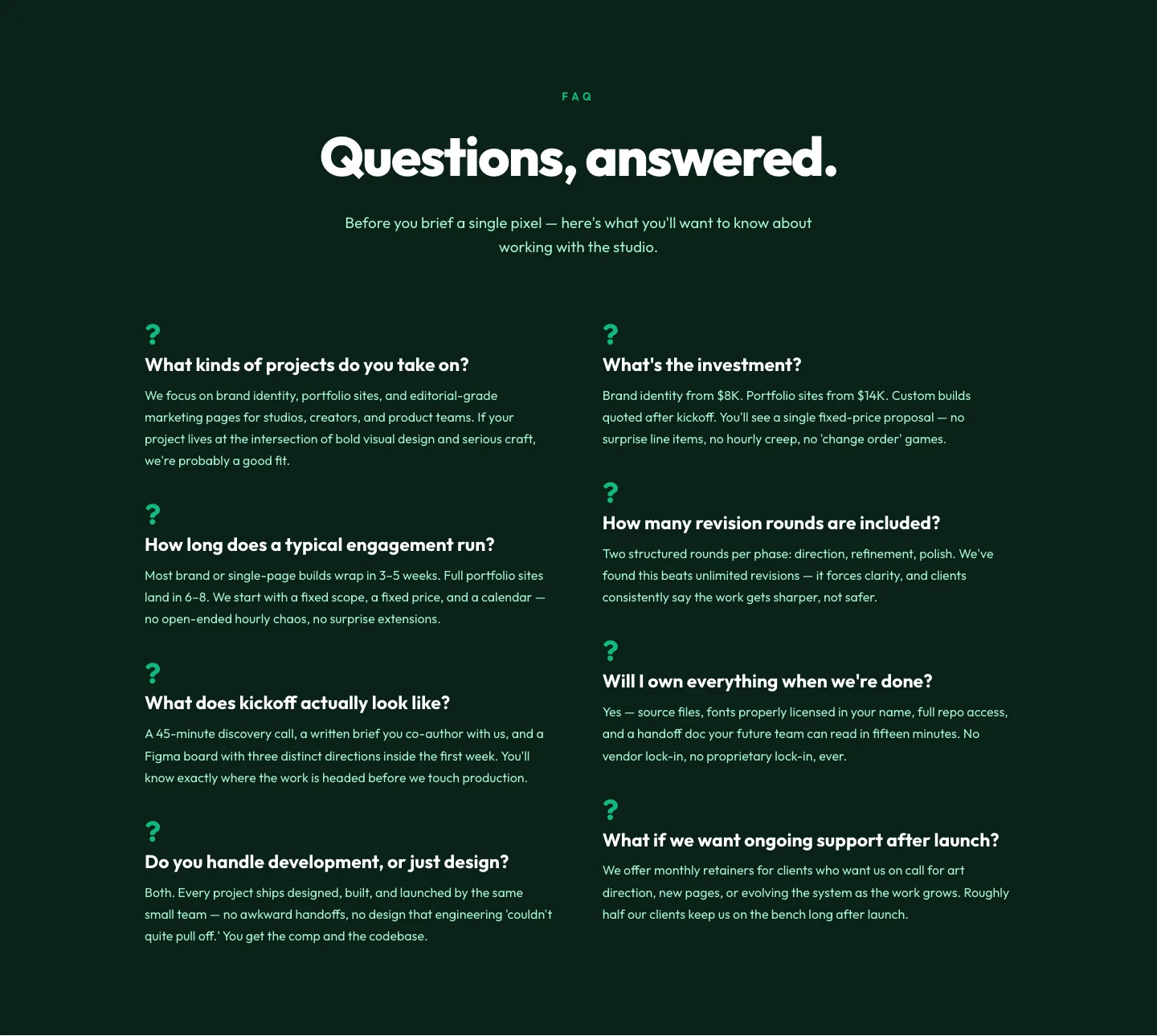
Bold Portfolio FAQ Section: Free Divi 5 Layout
faq · portfolio · bold
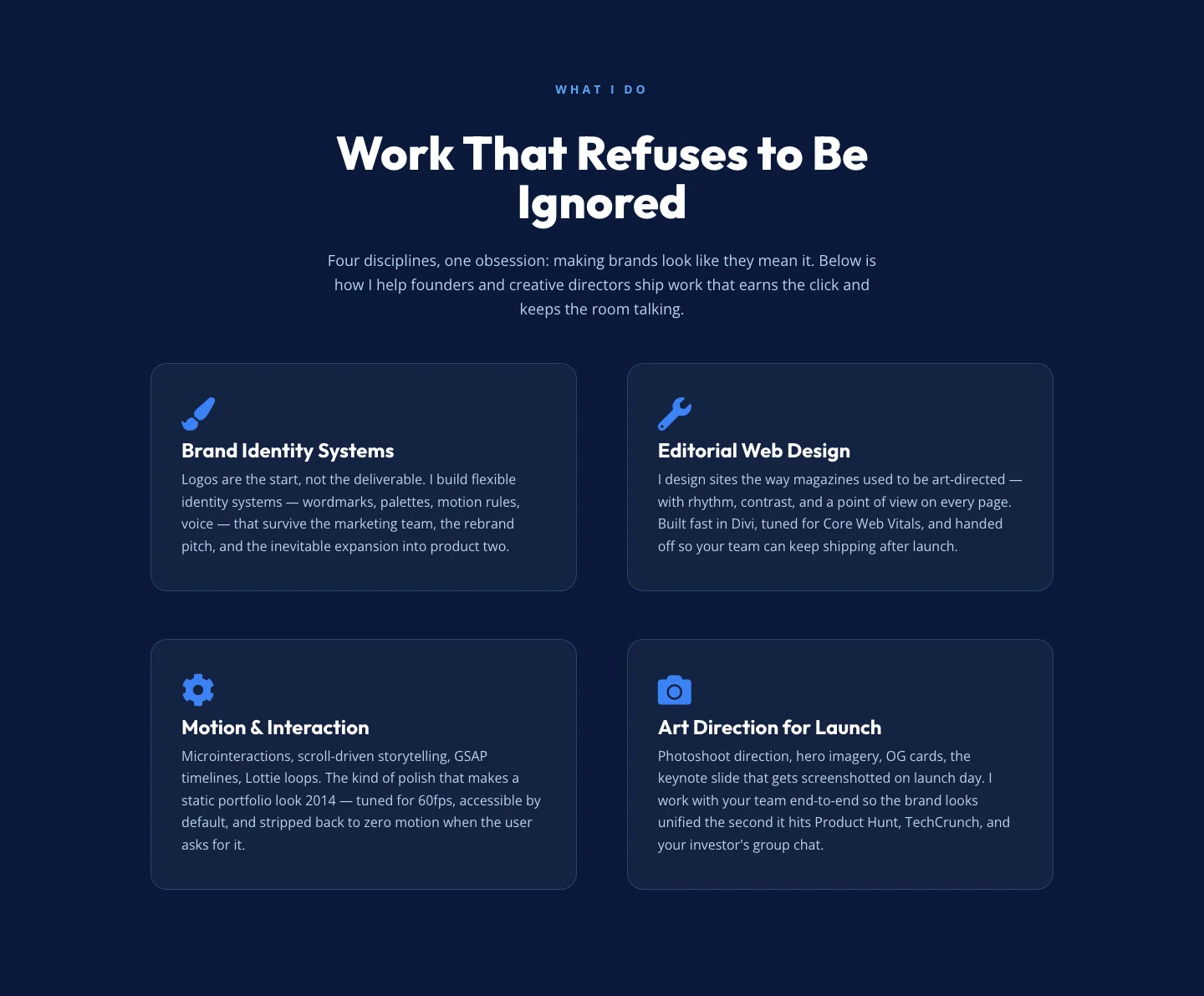
Bold Portfolio Features Section: 2x2 Discipline Grid for Divi 5
features · portfolio · bold
What makes a strong portfolio layout
A portfolio isn't a gallery. It's an argument for hiring you. The best layouts open with a single, confident statement of what you make and for whom, then let a tightly-edited grid do the talking. Generous whitespace, consistent thumbnail ratios, and typography that gets out of the way are non-negotiable. Interior case studies should read like short essays: problem, approach, outcome, next project. Nothing here should compete with the work itself.
Who these layouts are for
Freelance designers, photographers, illustrators, architects, and boutique studios use these sections to launch new sites in a weekend rather than a quarter. They're equally useful for agencies packaging pitch decks as case-study pages, and for creative directors who want a clean home for personal side projects without commissioning a bespoke build. If you sell taste, these are the building blocks.
Customizing in Divi 5
Every layout here is validated against Divi 5's block structure before publication, so it drops into the visual builder cleanly and every module is real. No placeholder text posing as design.
- Palette: open Theme Builder → Global Colors and replace the neutrals with your own. Portfolio work benefits from a near-monochrome shell (off-white, deep charcoal, one accent) so the imagery carries the color story.
- Presets: buttons, headings, and image modules ship with Divi 5 presets already applied. Edit the preset once and every instance updates, never restyle module by module.
- Copy: rewrite the hero in your own voice first, then the case-study intros. Cut adjectives ruthlessly. If a caption doesn't add context the image can't, delete it.
- Imagery: swap the placeholder screenshots for your actual work at the same aspect ratio. Keep thumbnails consistent; nothing kills a portfolio faster than mismatched crops.
- Contact: portfolio sites live and die by an obvious next step. Point the final CTA at a short form or a real email address, not a generic contact page.
Every section on this page is a free download behind an email capture and ships with a commercial license, so you can use it on your own site or a client's without a second thought. Screenshots show real desktop and mobile renders, what you preview is what imports.