
Minimal Photographer Portfolio Features Layout for Divi 5: Three Zigzag Rows
A clean, minimal Divi 5 features section for photographer portfolios. Three zigzag rows with Playfair Display headings and warm neutral tones explain your process, studio and print offering.
Rate this element
Download this section, free
- Divi 5 JSON, imports in seconds
- Commercial license included
- No account needed
Click to view the full page
Overview
This section is built around a single editorial gesture: alternate a photograph and a block of text three times, letting each pairing breathe at its own pace. The layout opens with a full-width centered header — an uppercase eyebrow label in Source Sans 3 at 14 px, a Playfair Display h2 at 44 px constrained to 720 px for a tight, typographic silhouette, and a one-line subtitle capped at 640 px — before dropping into the first of three 50/50 rows. On desktop each row locks to alignItems: center, so the image and the text block always sit at the same vertical midpoint regardless of which side is taller. The section sits on a warm cream #faf7f2 background throughout, and the two-color palette — near-black #1c1a17 for headings and underlined CTAs, stone #6b645a for eyebrow labels, body copy, and numbered counters — keeps the whole section quiet without feeling cold.
Every feature block follows the same four-part hierarchy: a small-caps numbered h4 (01, 02, 03) in Source Sans 3 at 13 px with 2 px letter-spacing acts as a visual index rather than a decorative flourish; a Playfair Display h3 at 32 px carries the feature name at a weight that reads clearly without competing with the intro h2; a short paragraph in Source Sans 3 at 18 px with 1.6 line-height gives the reader room; and a bare underlined text link closes each block with a low-pressure CTA. The text columns hold a maxWidth of 520 px and carry 48 px of right or left padding on desktop (24 px on tablet) to create genuine white space between the image edge and the first letter.
The zigzag rhythm reverses image and text position between rows one and three (image left) and row two (image right, text left), with one important mobile detail baked in: row two's image column carries order: -1 on phone, which pulls it above the text regardless of DOM order, so all three rows present image-then-text when stacked. Images are locked to a 4:3 aspect ratio with objectFit: cover, so swapping in portrait or landscape photography will not break the grid — the frame simply recrops. Section padding scales from 120 px at desktop to 80 px on tablet and 56 px on phone, keeping the generous breathing room proportional across breakpoints.
What’s inside
- Full-width centered intro block: uppercase h4 eyebrow, max-width-720 Playfair Display h2 at 44 px desktop / 36 px tablet / 30 px phone, and a max-width-640 subtitle paragraph
- Three 50/50 zigzag rows with vertically centered columns using Divi 5 flexbox `alignItems: center`
- Numbered step labels (01/02/03) as h4 Heading modules in small-caps Source Sans 3 at 13 px with 2 px letter-spacing
- Per-feature h3 headings in Playfair Display at 32 px desktop / 28 px tablet / 24 px phone, each inside a Group module capped at 520 px
- Dedicated body-text Groups capped at 480 px with Source Sans 3 at 18 px / 1.6 line-height, and a separate Text module for each underlined link CTA
- 4:3 locked-ratio Image modules with `objectFit: cover` — swap any image without reflowing the grid
- Row 2 image column carries `order: -1` on phone so the visual always appears above the text when the layout stacks
- Warm cream section background (#faf7f2) with responsive padding: 120 px desktop, 80 px tablet, 56 px phone
Who it’s for
Built for independent photographers who want their process to feel as considered as their images. Portrait, wedding, fine-art, and editorial photographers will find the numbered three-step structure a natural match for explaining a booking journey, a print fulfilment process, or three core service pillars. It suits film photographers and boutique studio owners whose brand language is slow, tactile, and premium. Illustrators or designers who shoot their own work and need a section that bridges craft and commerce will also find the palette and type pairing ready to use without alteration.
Customization tips
The entire palette lives in two hex values applied consistently across the JSON: swap #faf7f2 (section background) and #6b645a (secondary text/labels) to recolour the section in one pass via Divi's global presets or a find-replace in the JSON before import. Keep the #1c1a17 near-black for headings and links unless your brand calls for a softer contrast.
Body copy in each feature block is a single sentence by design — the 480 px Group container starts to look crowded above two short lines. The h3 headings work best at three to five words; going beyond seven risks the heading wrapping to a third line at tablet width (28 px).
Images are set to 4:3 with objectFit: cover, so portrait crops (3:4) will zoom and centrecut rather than resize the frame — stick to landscape or square sources for predictable results. The eyebrow and numbered labels use Source Sans 3 as a web-safe Google Font; if your brand uses a different sans-serif, update the family value in both font settings to match.
How to install this layout
- Download the layout JSON file from this page.
- Open the target page in the Divi 5 builder.
- Open the portability panel (up/down arrows icon) and choose the Import tab.
- Upload the JSON. Tick “replace existing content” only for full-page imports.
- Check the page at desktop and mobile widths, then swap in your copy and images.
Full walkthrough with troubleshooting: How to Import a Divi 5 Layout.
Questions about Minimal Photographer Portfolio Features Layout for Divi 5: Three Zigzag Rows
How do the three zigzag rows stack on mobile?
Each row switches to a single column via the phone `flexDirection: column` setting. Row 2 uses `order: -1` on its image column, so that image floats above the text on phone just like rows 1 and 3 — all three rows present image first, then the numbered label, heading, body, and link.
Which Divi 5 modules does this section use?
The section is built entirely from native Divi 5 modules: Section, Row, Column, Group, Heading, Text, and Image. No custom code, no third-party plugins.
Can I change the images to portrait (vertical) photos?
The Image modules are locked to 4:3 with `objectFit: cover`. Portrait photos will render but will be cropped to a landscape frame, centred on the subject. If you need a vertical crop, change the `aspectRatio` in the Image module's sizing settings to `3:4` — update all three images at once so the grid stays uniform.
What should I edit first after importing?
Start with the three h3 headings and body paragraphs — they carry all the real content. Then update the three link texts and their `href` targets. The numbered labels (01/02/03), the eyebrow, and the section h2 are secondary and can stay as-is during a first draft.
Can I add a fourth or fifth feature row?
Yes. Duplicate row 1 or row 3 (image-left) and paste it after row 3 to get a fourth, then duplicate row 2 (image-right) for a fifth. The zigzag alternation is set per-row rather than via a parent rule, so each duplicated row keeps its side. Update the numbered label to 04 / 05 accordingly.
The text column feels too close to the image edge — how do I add more space?
Each text column carries explicit padding set to 48 px on the relevant side (right padding for image-left rows, left padding for the image-right row). Increase those values in the column's Spacing settings — 64–80 px is comfortable if you have a wide viewport. The tablet value is 24 px; scale it proportionally.
Which Divi version does this layout need?
Divi 5. The layout is generated natively for Divi 5 and validated against its real module structure before publication, so it imports clean into the current builder.
Can I use this layout on client websites?
Yes. Every download includes a commercial license covering unlimited sites you own or build for clients. Only reselling or redistributing the layout file itself is prohibited.
More feature grids
Browse all feature grids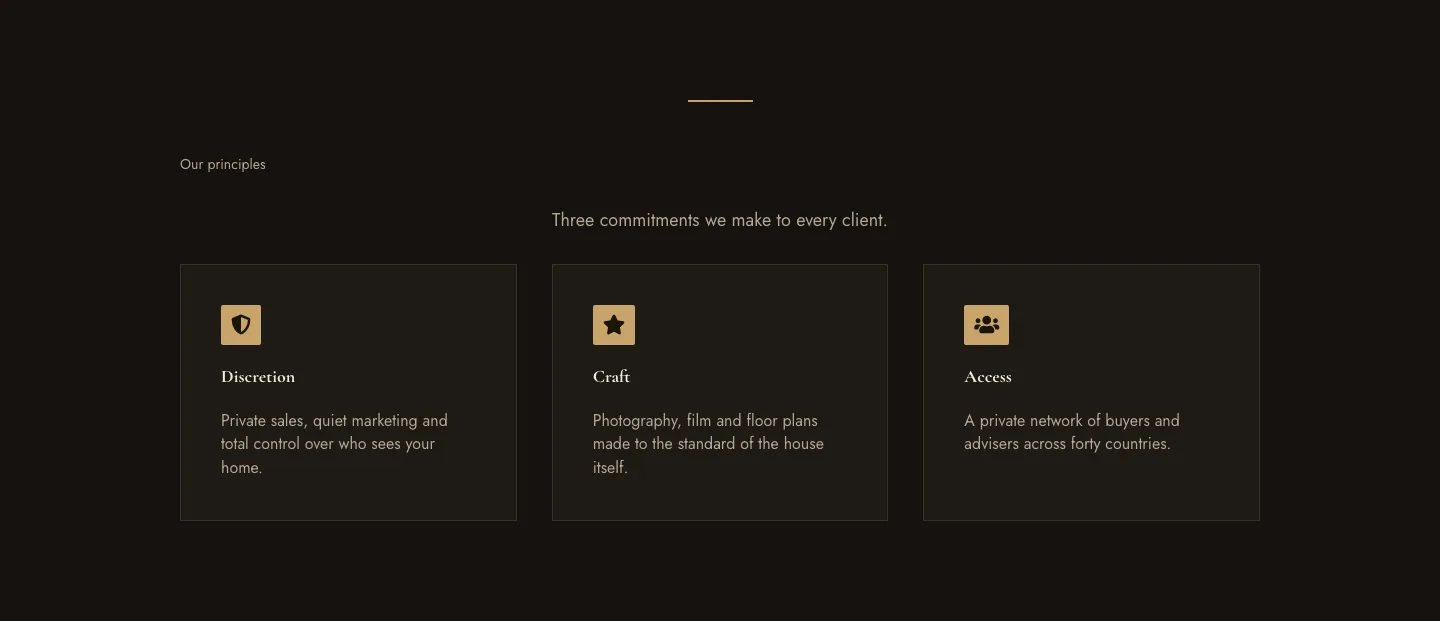
Luxe Private Estates Principles Features Layout for Divi 5: Three Icon Values
features · real_estate · elegant
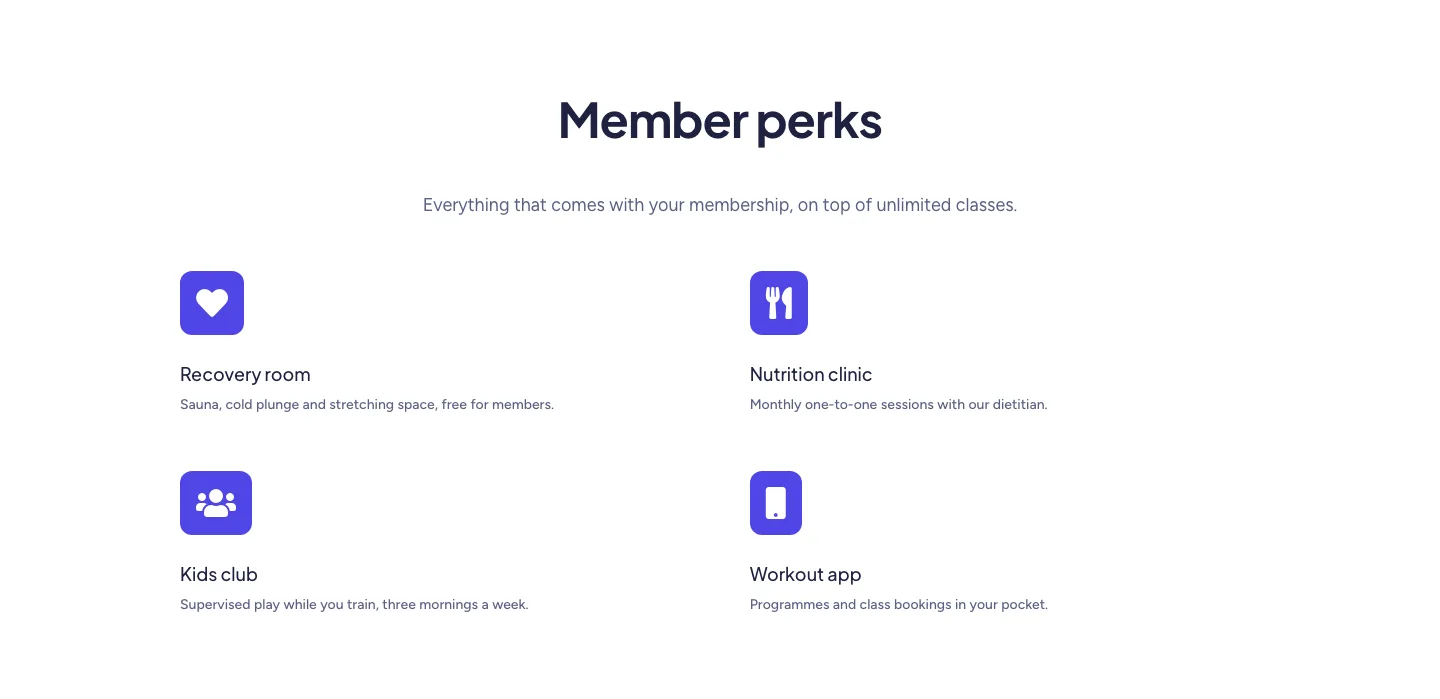
Soft Fitness Member Perks Features Layout for Divi 5: Four Icon Blurbs
features · fitness · minimal
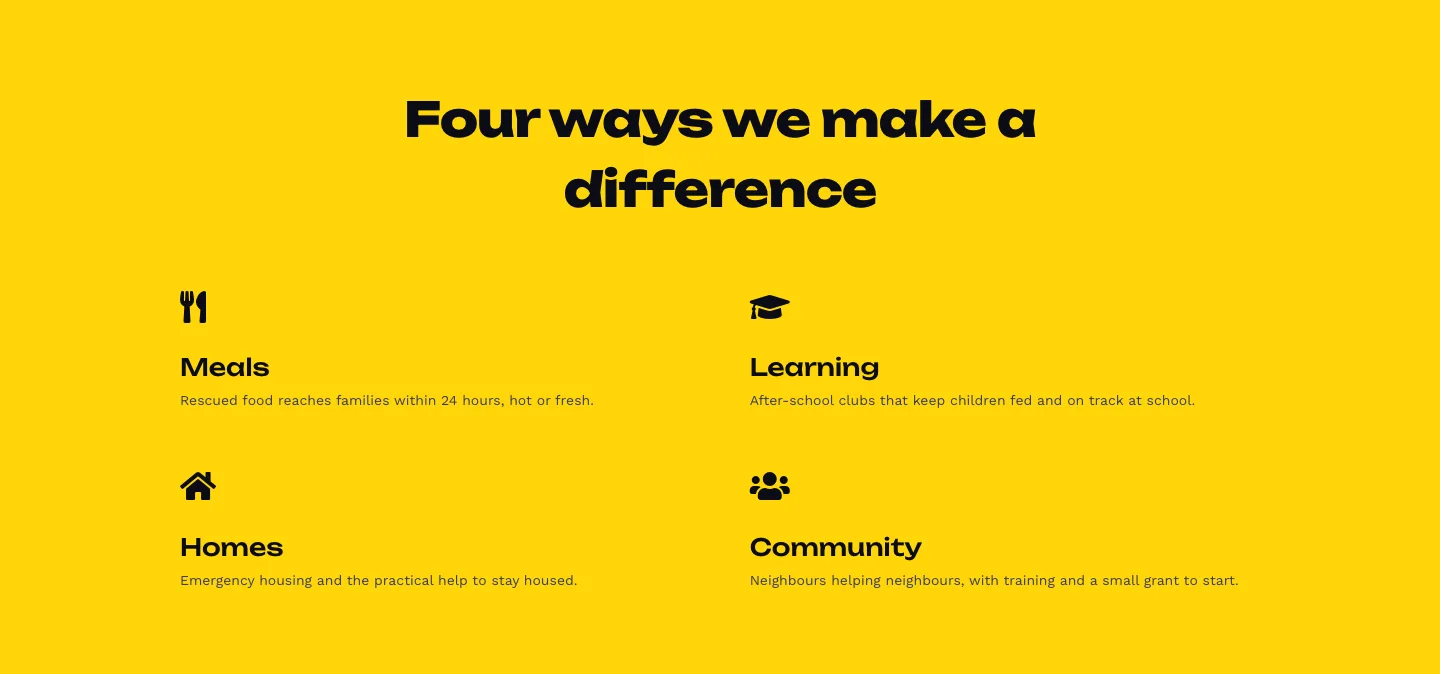
Bold Nonprofit Impact Features Layout for Divi 5: Four Icon Features
features · nonprofit · bold
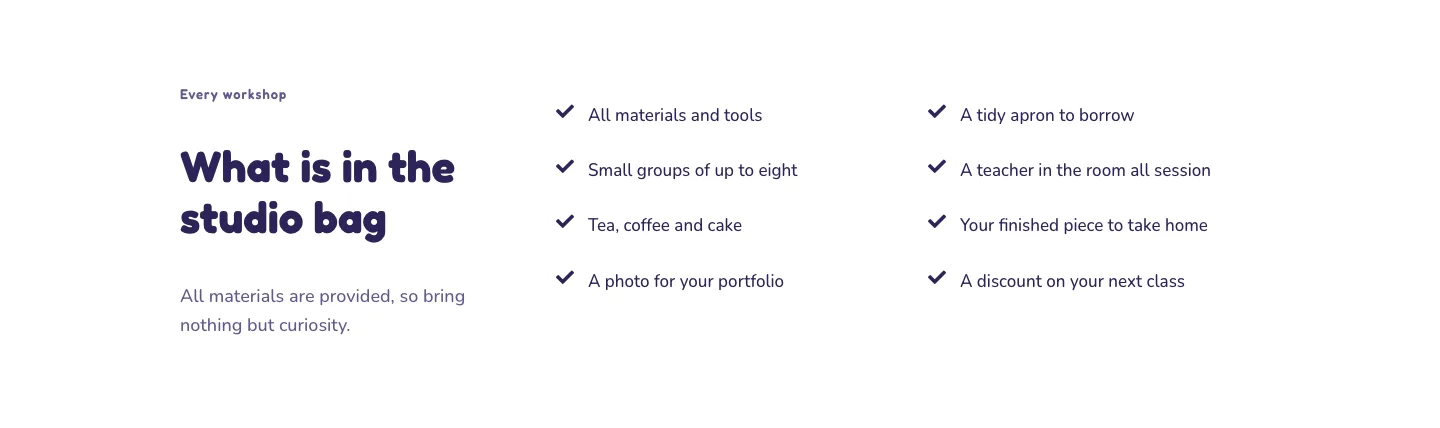
Playful Craft Workshop Features Layout for Divi 5: Two-Column Checklist
features · portfolio · playful
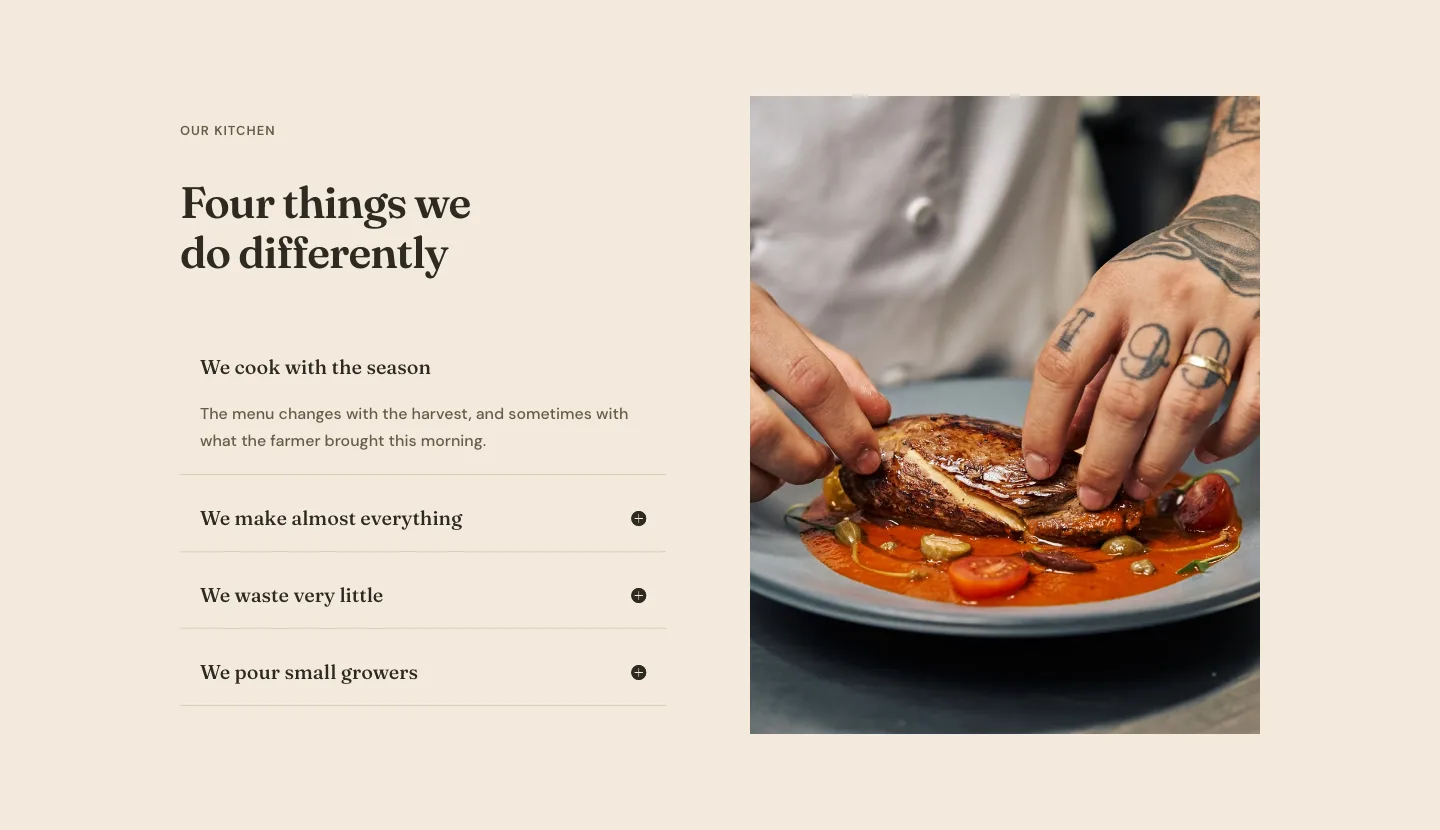
Organic Restaurant Kitchen Values Features Layout for Divi 5: Accordion with Image
features · restaurant · elegant
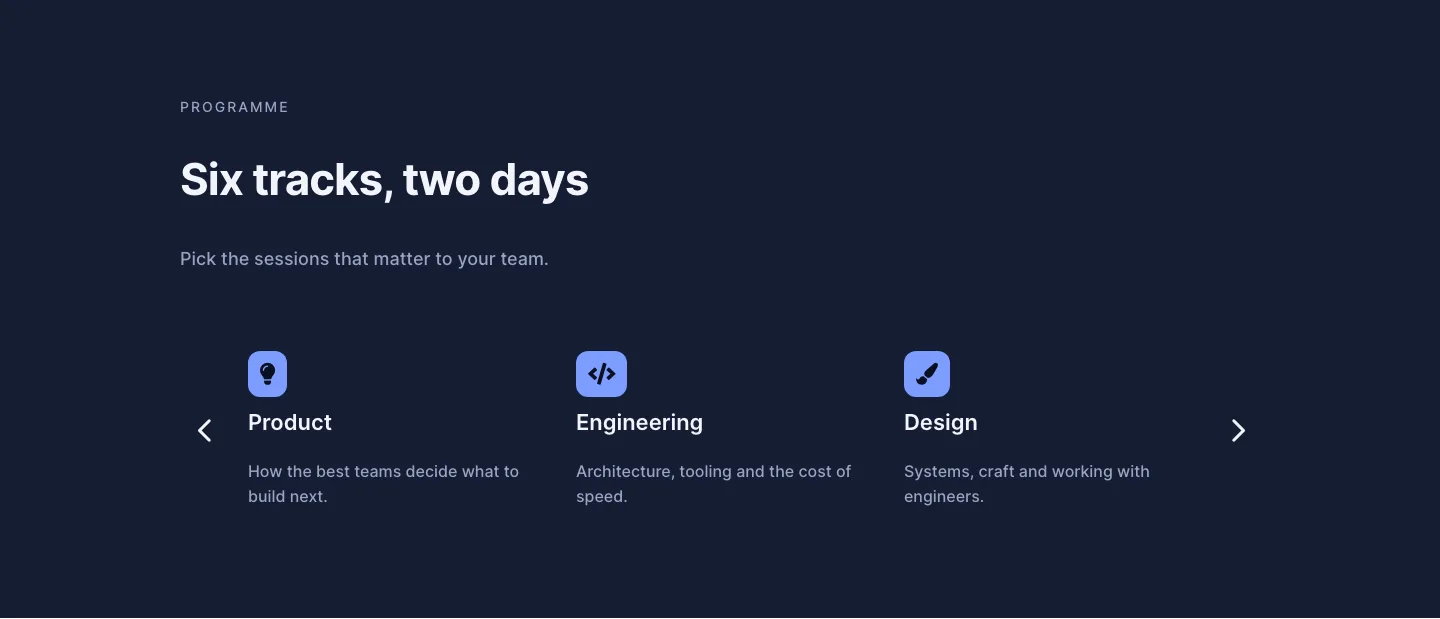
Dark Conference Tracks Features Layout for Divi 5: Carousel Cards
features · events · dark