
Organic Restaurant Kitchen Values Features Layout for Divi 5: Accordion with Image
Showcase your restaurant's kitchen values with this elegant Divi 5 features layout. Two-column accordion design pairs warm brand copy with a full-height chef image – ready to drop into any fine-dining or farm-to-table site.
Rate this element
Download this section, free
- Divi 5 JSON, imports in seconds
- Commercial license included
- No account needed
Click to view the full page
Overview
This two-column features section pairs a content-driven left column with a tall 4:5 portrait image on the right, all set against a warm cream background (#f3eadc) that stretches the full section width. The row is flex-aligned to center vertically, so the accordion and the image always share a visual midpoint regardless of how many accordion items are open. The cream carries directly into the accordion's open and closed toggle states, meaning there is no colour pop or flash when a panel expands -- the interaction feels quiet and deliberate, which suits a restaurant brand built on restraint.
Typography works in three layers. A DM Sans eyebrow at 13px -- uppercase, 600 weight, 1px letter-spacing, in muted taupe (#675b49) -- anchors the section without pulling focus. The h2 headline uses Fraunces, a high-contrast serif with optical warmth, at 44px desktop with tight -1px letter-spacing and text-wrap: balance for clean line breaks on any copy length. It steps down to 36px on tablet and 30px on phone. Accordion item titles share the Fraunces family at 20px (h3), keeping the editorial register consistent right into the interactive layer, and body copy switches to DM Sans at 16px with a generous 1.7em line-height that suits the short, evocative sentences a kitchen narrative demands.
The accordion strips away all box-shadow and outer borders. Only a single 1px bottom rule in #dccdb4 separates each item, so the list reads more like a printed menu column than a typical UI component. The first item opens by default, meaning visitors land with content visible rather than a collapsed list that asks them to work before they see anything. There are four pre-written items covering seasonality, in-house production, waste philosophy, and wine sourcing -- a narrative arc that moves from ingredient to glass.
On mobile the row switches from nowrap to column direction, placing the text and accordion above the image. The left column picks up 32px of bottom padding in that state to maintain breathing room before the image fills the width below. Section padding scales independently at three breakpoints: 96px desktop, 64px tablet, 44px phone, keeping vertical rhythm proportionate without manual overrides at each size.
What’s inside
- Two-column 50/50 flex row with vertical center-alignment on desktop, stacking to a single column on mobile with the content block above the image
- Divi 5 Accordion module with 4 pre-written items, first item open by default, styled with bottom-border-only rules (no card or box styling) for a clean editorial aesthetic
- Three-level typographic hierarchy: DM Sans eyebrow (h4, uppercase, tracked), Fraunces serif h2 with text-wrap balance, and Fraunces h3 accordion titles, all font values set natively without custom CSS
- Warm cream section background (`#f3eadc`) carried into accordion open/closed toggle states for a seamless, flicker-free expand/collapse interaction
- Portrait image column locked to a 4:5 aspect ratio with object-fit cover, filling the full column width at every breakpoint without distortion
- Accordion body copy styled in DM Sans 16px/1.7em, colour-matched to the muted taupe (`#675b49`) used for the eyebrow, creating a coherent two-tone palette across text roles
- Section padding independently tuned at all three breakpoints (96px / 64px / 44px) for calibrated white space on desktop, tablet, and phone
Who it’s for
This layout fits independent restaurants, farm-to-table dining rooms, organic food brands, artisan producers, and wine bars that need to communicate craft and intention rather than corporate bullet-point features. It also works for boutique hospitality groups, food-focused membership clubs, cooking schools, and sustainable catering companies. The editorial, serif-led typographic system reads upmarket without feeling cold, making it a strong fit for any food or drink brand positioning around quality, provenance, or a behind-the-scenes story.
Customization tips
The entire palette pivots from a single colour swap: replace the section background (#f3eadc) and both accordion toggle backgrounds with your brand neutral, then update the three text colours (#2e2a22 for headings, #675b49 for body and eyebrow, #dccdb4 for the accordion divider lines) to match. The section ships with Fraunces for display and DM Sans for body -- both load from Google Fonts and can be switched to any typeface in your Divi global presets without touching the layout structure.
Accordion item body copy is written in short, one-sentence paragraphs. Keep each item under 25 words for the cleanest visual balance; longer copy works but will shift the optical midpoint between the text column and image. You can reduce the accordion to three items or expand to five -- the bottom-border-only styling scales gracefully either way.
For the image, use a portrait-orientation shot (4:5 ratio, at least 800 x 1000px) with a relatively centred subject. Kitchen close-ups, ingredient stills, or a chef in motion all work well. Avoid wide landscape crops: the 4:5 constraint will centre-crop them and likely lose the subject.
How to install this layout
- Download the layout JSON file from this page.
- Open the target page in the Divi 5 builder.
- Open the portability panel (up/down arrows icon) and choose the Import tab.
- Upload the JSON. Tick “replace existing content” only for full-page imports.
- Check the page at desktop and mobile widths, then swap in your copy and images.
Full walkthrough with troubleshooting: How to Import a Divi 5 Layout.
Questions about Organic Restaurant Kitchen Values Features Layout for Divi 5: Accordion with Image
How does the layout stack on mobile?
The two columns collapse to a single column, with the text block and accordion appearing above the image. The left column gains 32px of bottom padding in that state to keep the spacing clean before the image fills the width below.
Which Divi 5 modules does this layout use?
It uses Section, Row, Column, Heading (twice -- once for the eyebrow, once for the h2), Group, Accordion (with four Accordion Item children), and Image. All are native Divi 5 modules; no third-party plugins are required.
Can I add a fifth accordion item or remove one of the four?
Yes. The accordion is styled with bottom-border-only dividers, so the visual rhythm adjusts automatically when you add or remove items. Three items or five both look balanced. Adding more than six items may make the section taller than the image on desktop.
What is the recommended image for the right column?
The image module is set to a 4:5 aspect ratio with object-fit cover. A portrait-orientation photo at least 800 x 1000px works best. Kitchen scenes, chef close-ups, or ingredient stills fit the tone. Wide landscape images will be centre-cropped by the aspect ratio constraint.
What should I change first when adapting this to my restaurant?
Start with the accordion item titles and body copy -- that is the section's primary content and the fastest way to make it feel like yours. Then swap the eyebrow text ('Our kitchen') and the h2 headline. Updating the image last makes it easy to judge whether your photo's colour temperature still works with the cream palette.
Will changing the section background colour break the accordion styling?
Only if you forget to update the accordion toggle backgrounds to match. The open toggle background and closed toggle background are both set to the same cream value as the section. If you change the section background, update those two toggle settings in the Accordion module's design options to the same new colour.
Which Divi version does this layout need?
Divi 5. The layout is generated natively for Divi 5 and validated against its real module structure before publication, so it imports clean into the current builder.
Can I use this layout on client websites?
Yes. Every download includes a commercial license covering unlimited sites you own or build for clients. Only reselling or redistributing the layout file itself is prohibited.
More feature grids
Browse all feature grids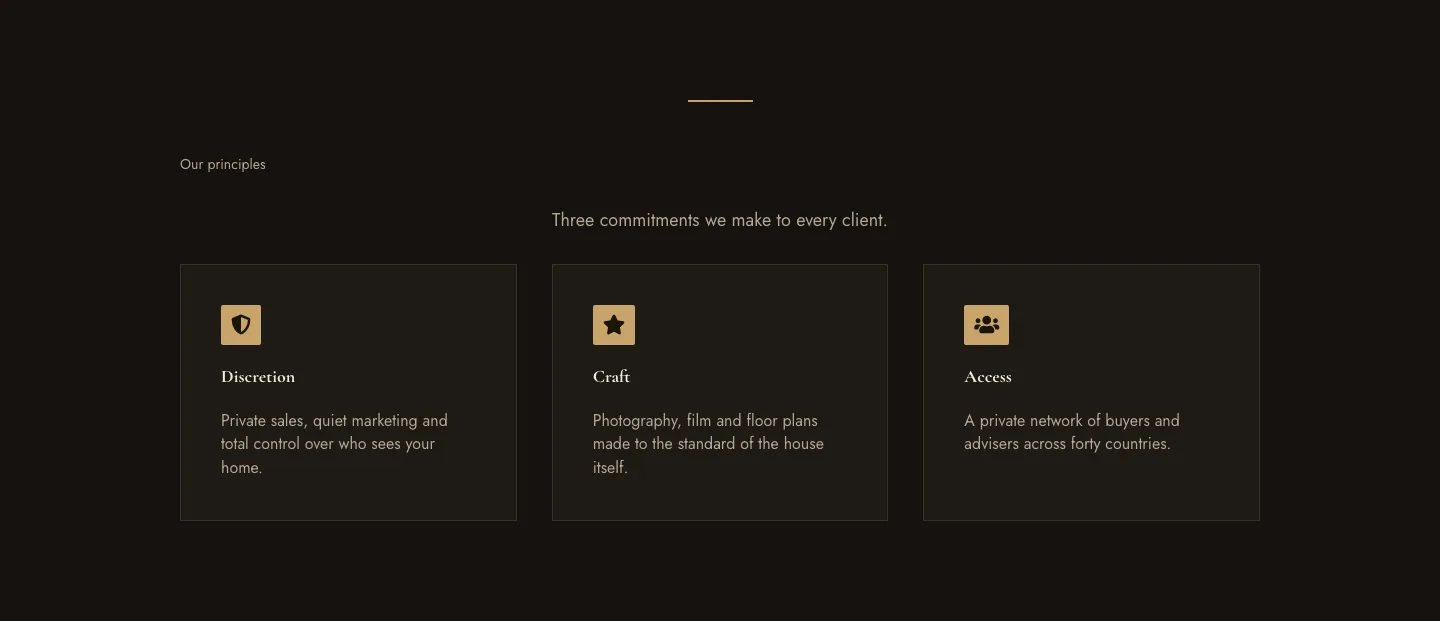
Luxe Private Estates Principles Features Layout for Divi 5: Three Icon Values
features · real_estate · elegant
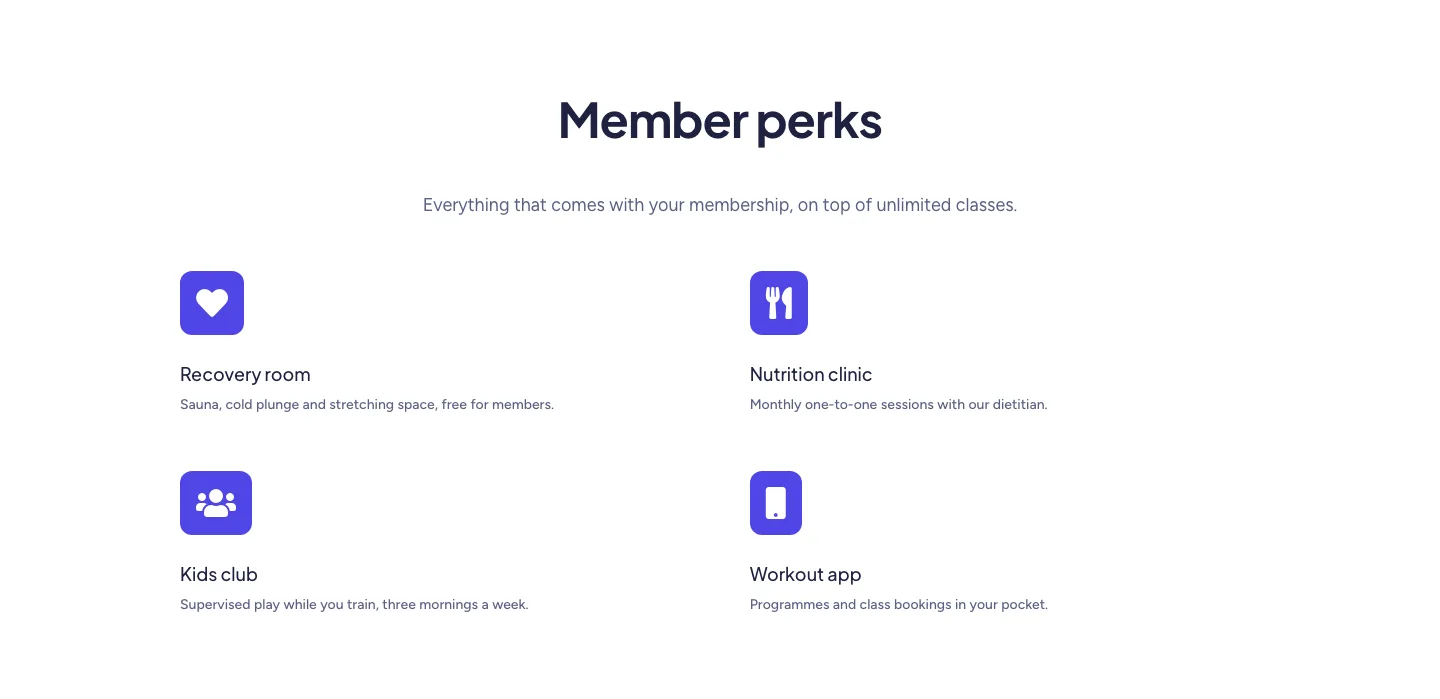
Soft Fitness Member Perks Features Layout for Divi 5: Four Icon Blurbs
features · fitness · minimal
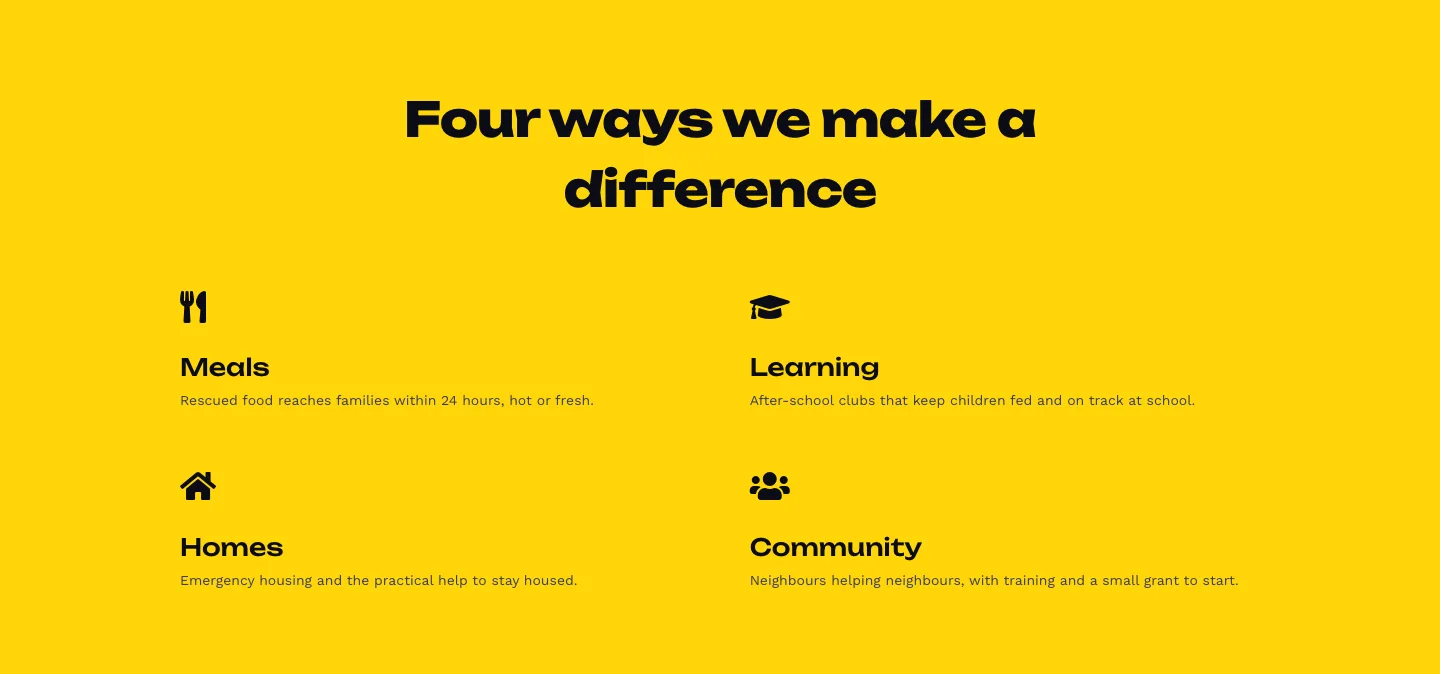
Bold Nonprofit Impact Features Layout for Divi 5: Four Icon Features
features · nonprofit · bold
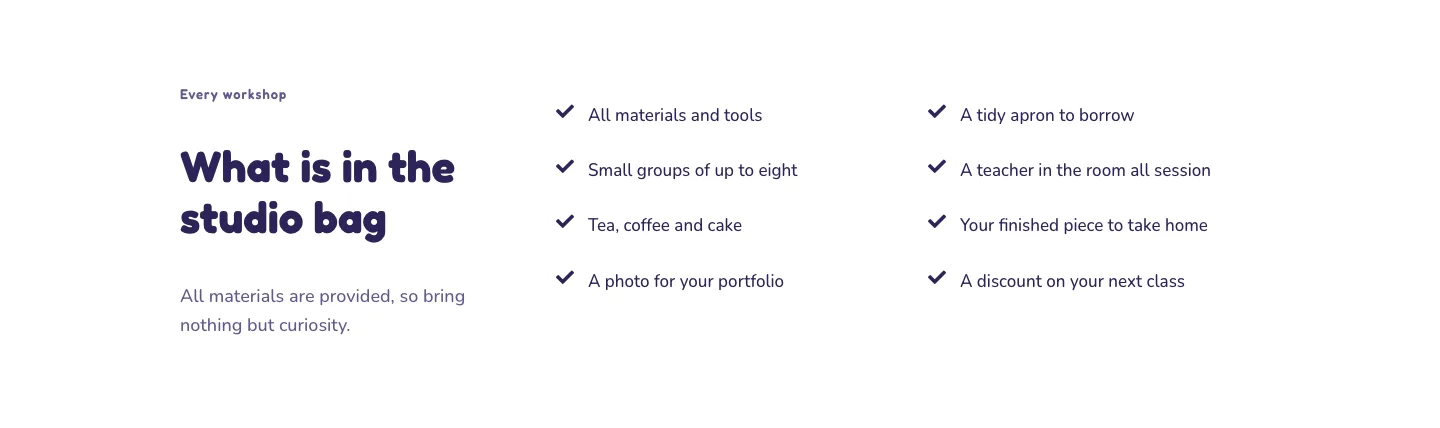
Playful Craft Workshop Features Layout for Divi 5: Two-Column Checklist
features · portfolio · playful
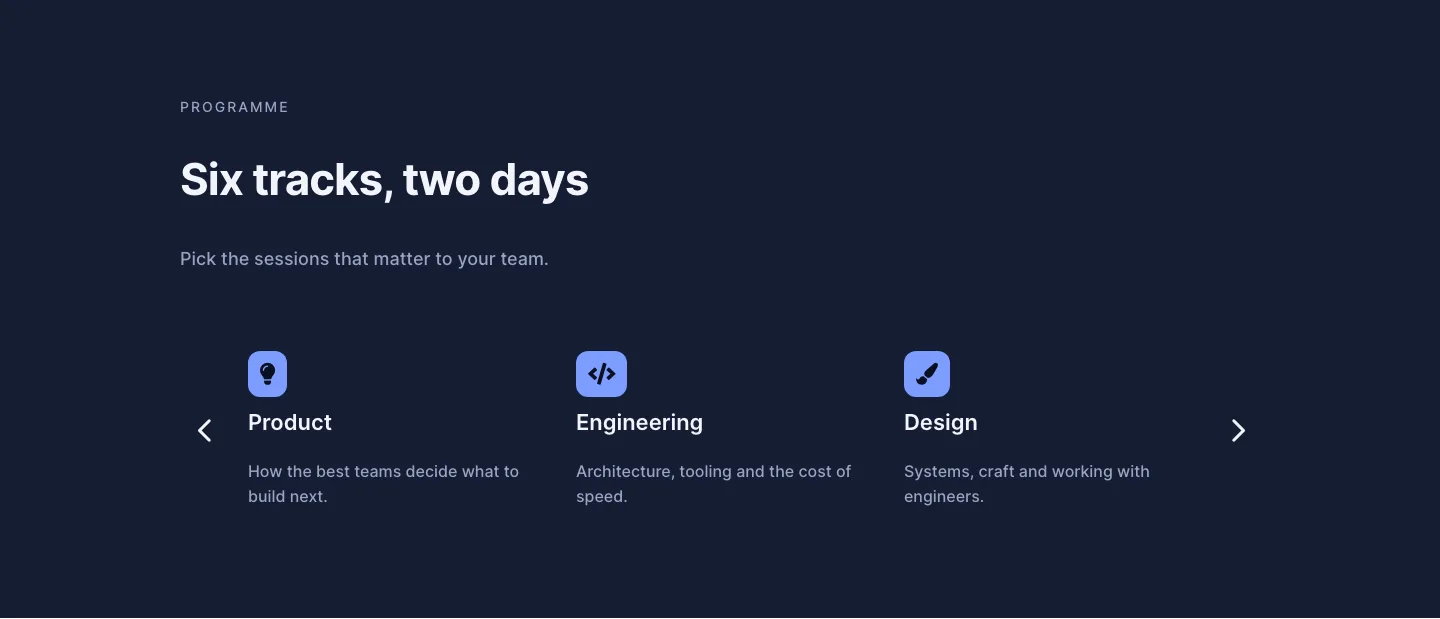
Dark Conference Tracks Features Layout for Divi 5: Carousel Cards
features · events · dark
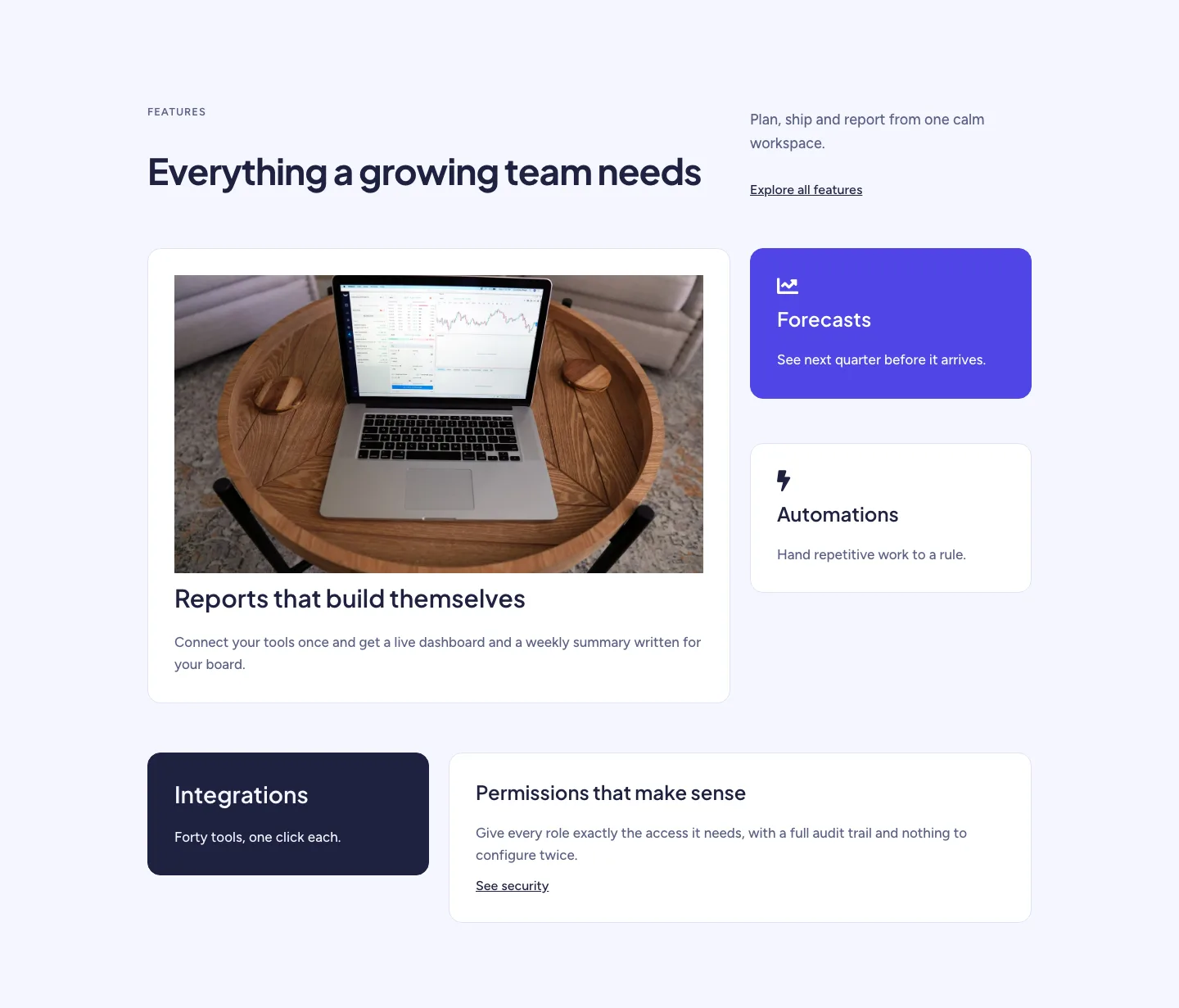
Soft SaaS Workspace Features Layout for Divi 5: Bento Feature Grid
features · saas · minimal