
Soft SaaS Workspace Features Layout for Divi 5: Bento Feature Grid
A clean bento-style features section for SaaS products. Highlights reports, forecasts, automations, integrations, and permissions in a minimal Divi 5 layout.
Rate this element
Download this section, free
- Divi 5 JSON, imports in seconds
- Commercial license included
- No account needed
Click to view the full page
Overview
The Bento Feature Grid is structured as three stacked Divi rows inside a single section with a soft #f5f6ff lavender-white background. The opening row uses a 16/24 + 8/24 asymmetric column split with alignItems: flex-end, so the headline column and the subtext column sit at the same baseline, creating a grounded, editorial header without centering anything. The two feature rows below mirror this asymmetric proportion but swap which side carries the wider column, so visual weight alternates left to right as the eye moves down the section.
Each feature lives inside a Divi Group module configured as a flex column with 12px row gap, 16px border radius on all corners, and 32px padding on every side. The five cards use three distinct color registers: white with a #e0e3f5 border for standard feature cards, an indigo #4f46e5 background for the Forecasts highlight card, and a dark navy #1e2140 background for the Integrations card. The variation is structural rather than decorative: the darker, narrower 8/24 cards absorb visual weight that balances the wider cards carrying longer copy or a 16:9 image.
Typography runs on two typefaces. Plus Jakarta Sans handles every heading at 600 to 700 weight: the H2 headline sits at 44px desktop with -1px letter-spacing and textWrap: balance to prevent short orphaned lines, while H3 card titles range from 24px to 30px depending on the card's role. Figtree covers all body copy, the section eyebrow, and both inline text links. The eyebrow label "Features" is set at 13px, uppercase, 600 weight, and 1px letter-spacing in muted slate #596083, a compact typographic signal that opens the section without requiring an icon or a divider line.
On mobile, every row switches to flexWrap: wrap and flexDirection: column, stacking the cards into a single reading column in the logical order they appear in the markup. Section vertical padding steps from 104px on desktop to 72px on tablet and 48px on phone. Heading sizes reduce at each breakpoint, with the H2 going from 44px to 36px to 30px and H3 card titles scaling down to 22px on the smallest screens, keeping text proportional without manual overrides.
What’s inside
- Three-row asymmetric bento grid with 16/24 and 8/24 column splits that swap sides between rows, balancing visual weight across the full section
- Five Divi Group modules as rounded cards (16px radius, 32px padding) in three color registers: white with a subtle border, indigo accent, and dark navy
- One Divi Image module inside the large Reports card with an enforced 16:9 aspect ratio and `objectFit: cover` for clean landscape photo or screenshot cropping
- Two Divi Icon modules using Font Awesome solid icons (bar-chart `f201` and bolt `f0e7`) for the compact Forecasts and Automations cards
- Split header row combining a standalone H4 eyebrow module (13px uppercase, 1px letter-spacing) with an H2 headline set with `textWrap: balance` and -1px tracking
- Two Divi Text modules styled as inline text links ("Explore all features" and "See security") with `#1e2140` color and underline decoration, ready for your URLs
- Full breakpoint coverage on every row, column, and heading, with section padding scaling 104px to 72px to 48px and all columns collapsing to full-width stacks at phone
Who it’s for
SaaS product teams showcasing a multi-feature workspace to buyers who evaluate tools on landing pages before booking a demo. It fits B2B software in project management, analytics, finance ops, reporting, and HR tech, especially products that bundle planning, automation, and integrations under one roof. Freelance Divi builders working for software startups and agencies serving tech clients will find this drops cleanly into any existing product marketing page with only copy and brand-color swaps required.
Customization tips
Start by replacing the six core color values: #1e2140 for dark headings and the Integrations card background, #4f46e5 for the Forecasts accent card, #596083 for body copy and the eyebrow, and #e0e3f5 for the white card borders. Swapping those six values changes the entire palette without touching layout. The indigo Forecasts card is designed for a short, high-impact feature: keep its copy to one heading and one sentence, since the card is only 8/24 wide on desktop. The large Reports card holds a 16:9 image, so use a landscape dashboard screenshot or product UI at 1600x900px or larger for sharpness on retina screens. H3 card titles read best at two to five words. The Permissions card is the one slot built for longer copy (two to three lines plus a text link), so reserve that structure for a feature that needs a secondary call to action. Avoid adding more than one sentence to the compact icon-led cards, since they are built for scannable one-liners.
How to install this layout
- Download the layout JSON file from this page.
- Open the target page in the Divi 5 builder.
- Open the portability panel (up/down arrows icon) and choose the Import tab.
- Upload the JSON. Tick “replace existing content” only for full-page imports.
- Check the page at desktop and mobile widths, then swap in your copy and images.
Full walkthrough with troubleshooting: How to Import a Divi 5 Layout.
Questions about Soft SaaS Workspace Features Layout for Divi 5: Bento Feature Grid
How do the asymmetric columns behave on tablet?
The 16/24 and 8/24 column proportions carry through from desktop to tablet, with only font sizes adjusting at that breakpoint. The full column-to-stack collapse happens at phone breakpoint, where all columns switch to 24/24 width and lay out vertically in markup order.
What image size and shape should I use in the Reports card?
The image module enforces a 16:9 aspect ratio with `objectFit: cover`, so any landscape photo or UI screenshot crops cleanly regardless of its native dimensions. Use 1600x900px or larger for sharpness on retina displays; the module width scales with the 16/24 column it sits in.
How do I update the indigo accent color on the Forecasts card?
The Forecasts Group sets indigo (`#4f46e5`) on four properties: the card background, the card border, and the text colors of the heading and body inside it (both white for contrast). Update all four values, starting with the Group module's background and border decoration, then the Heading and Text modules inside.
Which Font Awesome icons are used, and can I swap them?
The Forecasts card uses the bar-chart icon (Unicode `f201`, FA solid weight 900) and the Automations card uses the bolt icon (Unicode `f0e7`, FA solid weight 900). Both can be swapped for any FA solid icon in Divi 5's icon picker without affecting card dimensions or spacing.
What are the inline text links for, and where do I edit them?
There are two Divi Text modules with inline anchor links: "Explore all features" in the header row and "See security" in the Permissions card. Both use `href="#"` as a placeholder. Open each Text module, select the linked text, and replace the `#` with your target URL in the link field.
Which Divi version does this layout need?
Divi 5. The layout is generated natively for Divi 5 and validated against its real module structure before publication, so it imports clean into the current builder.
Can I use this layout on client websites?
Yes. Every download includes a commercial license covering unlimited sites you own or build for clients. Only reselling or redistributing the layout file itself is prohibited.
More feature grids
Browse all feature grids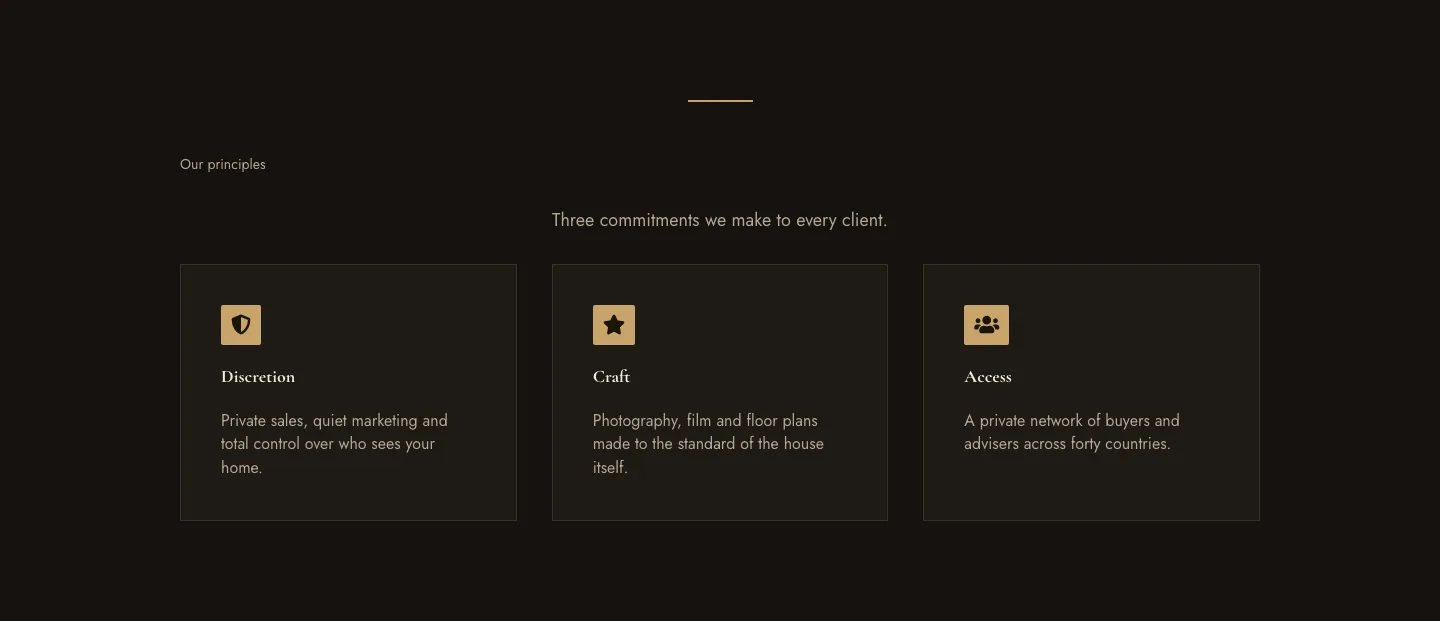
Luxe Private Estates Principles Features Layout for Divi 5: Three Icon Values
features · real_estate · elegant
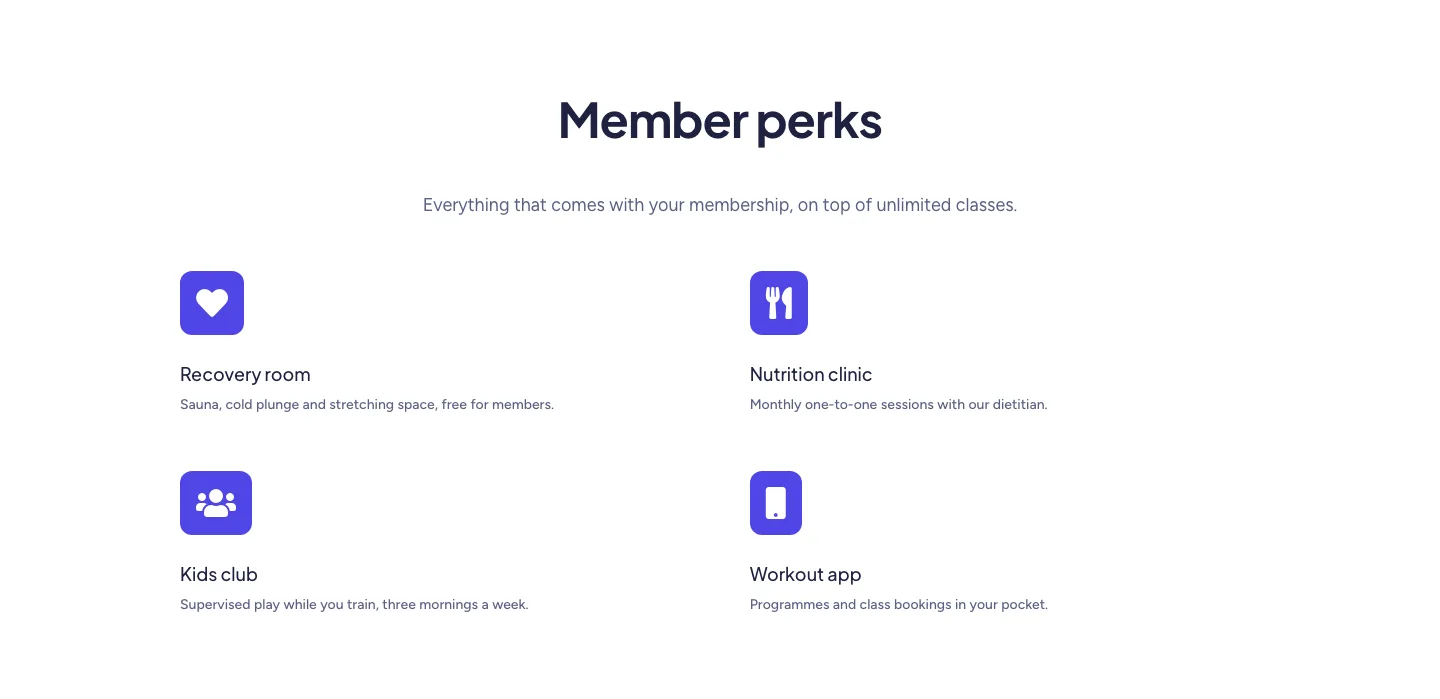
Soft Fitness Member Perks Features Layout for Divi 5: Four Icon Blurbs
features · fitness · minimal
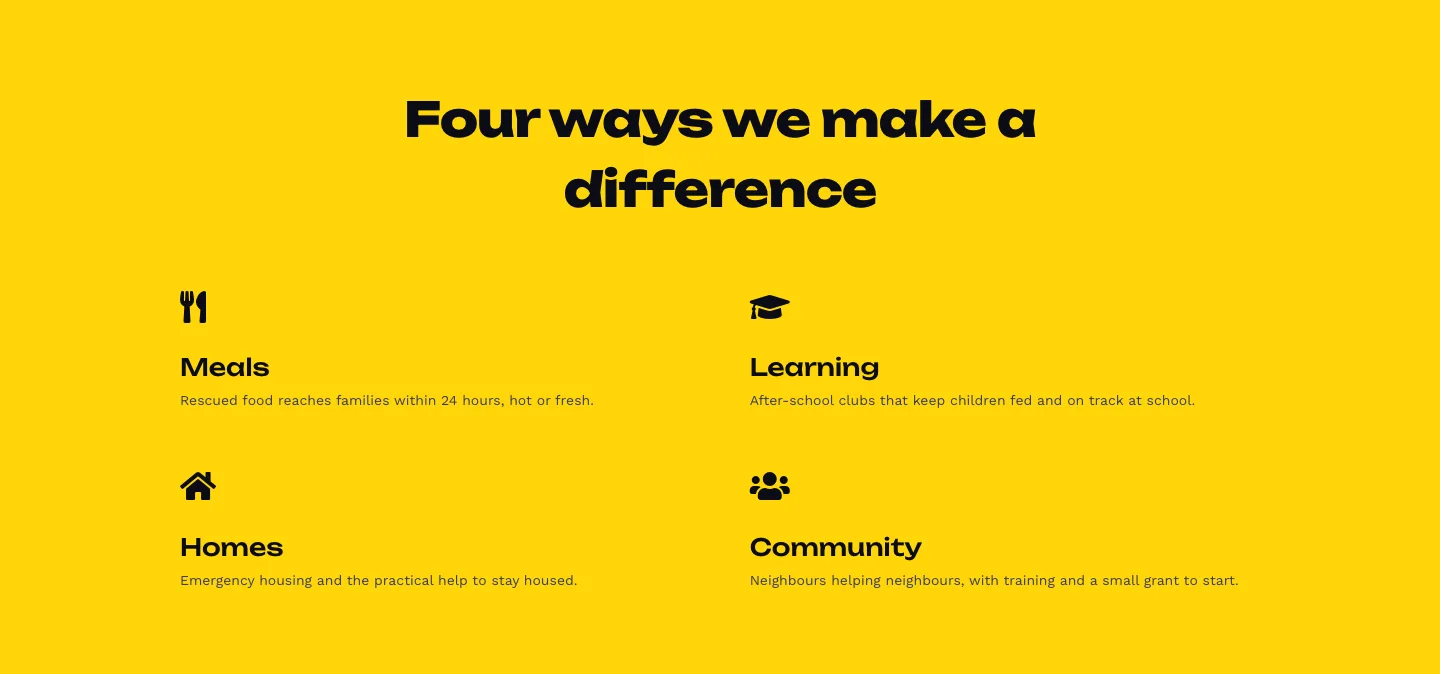
Bold Nonprofit Impact Features Layout for Divi 5: Four Icon Features
features · nonprofit · bold
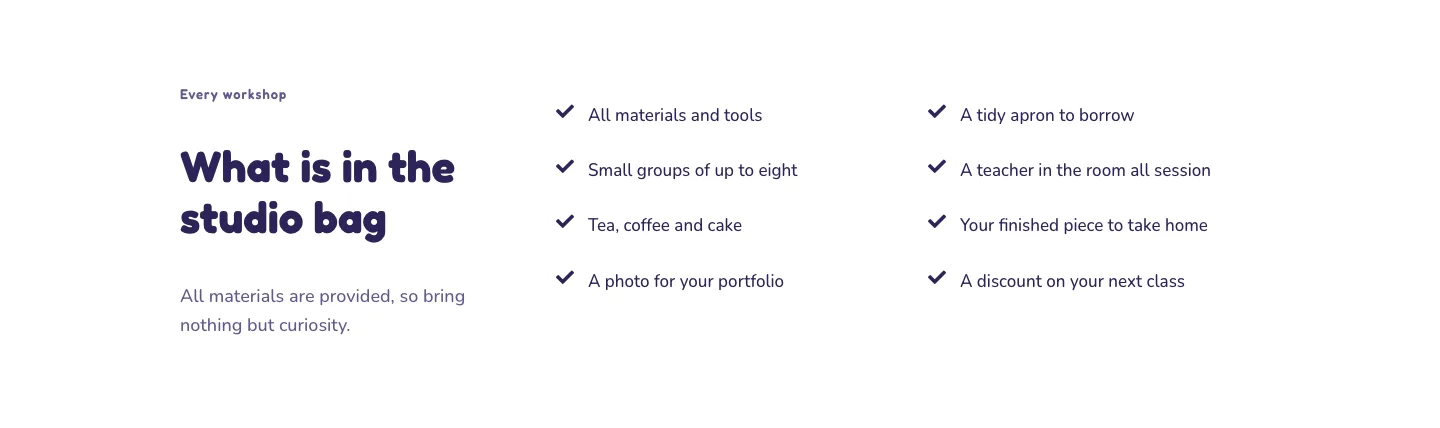
Playful Craft Workshop Features Layout for Divi 5: Two-Column Checklist
features · portfolio · playful
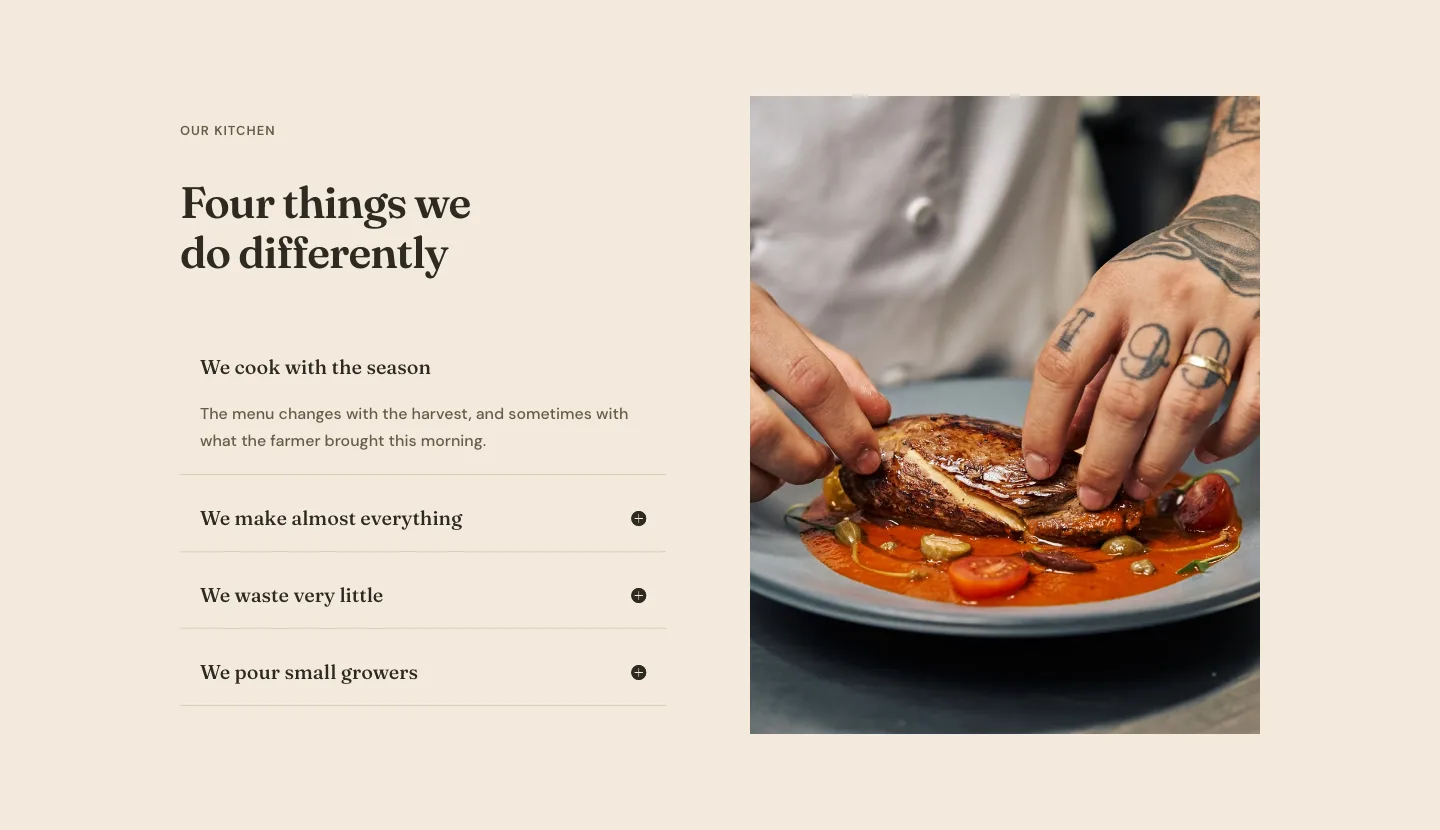
Organic Restaurant Kitchen Values Features Layout for Divi 5: Accordion with Image
features · restaurant · elegant
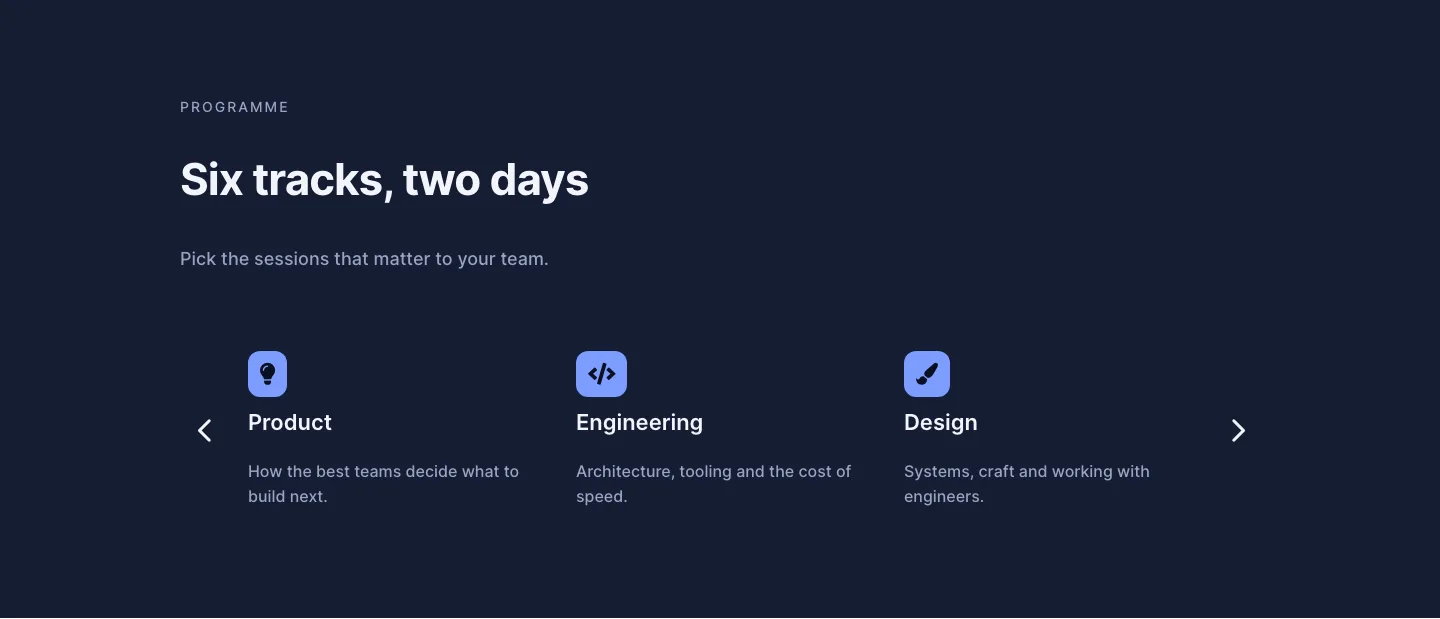
Dark Conference Tracks Features Layout for Divi 5: Carousel Cards
features · events · dark