
Soft Fitness Member Perks Features Layout for Divi 5: Four Icon Blurbs
Clean four-blurb Divi 5 features section listing gym membership perks: recovery room, nutrition clinic, kids club, and workout app. Minimal white layout with indigo icons.
Rate this element
Download this section, free
- Divi 5 JSON, imports in seconds
- Commercial license included
- No account needed
Click to view the full page
Overview
This section is built around a clean top-down hierarchy: a centered h2 heading set in Plus Jakarta Sans at 48px (36px on tablet and phone) anchors the block, followed by a single-line Figtree subtext capped at 640px wide — enough to breathe without sprawling on wide viewports. Both are center-aligned and constrained with maxWidth so they never stretch uncomfortably on large screens. The white (#ffffff) section background keeps the visual weight entirely on the content below.
Below the header, the layout splits into two rows of two columns each, giving four Blurb modules arranged in a 2×2 grid. Every blurb leads with a Font Awesome icon rendered at 32px inside a 12px-radius rounded square badge colored indigo (#4f46e5) with a white icon — a strong, consistent visual anchor that signals a distinct perk at a glance. Blurb titles use Plus Jakarta Sans in near-black (#1e2140), while the short body copy uses Figtree in a muted slate (#596083), creating a clear two-level typographic contrast without resorting to bold or size jumps.
Spacing is deliberate: the first row carries 30px top padding to separate cleanly from whatever precedes it, and each icon badge has 16px internal padding on all sides for comfortable touch targets. On phone breakpoints, both rows switch to flexDirection: column, stacking the two columns into a single vertical list — no manual breakpoint gymnastics needed. The icon badge alignment is set to left at every breakpoint, so blurbs scan like a feature list rather than centering awkwardly on narrow screens.
The overall palette reads as soft and trustworthy: white ground, slate text, indigo accents. It sits comfortably inside a light-themed fitness membership page without competing with hero imagery or pricing tables. The section also carries a CSS ID of services and the class accordion-automated, meaning it can be targeted directly from a nav anchor or wired to an on-page interaction without touching the HTML.
What’s inside
- One Divi 5 Section module with a white background, CSS ID `services`, and an `accordion-automated` class already applied
- One full-width header row containing a centered Divi 5 Heading module (Plus Jakarta Sans 700, 48px desktop / 36px mobile, `#1e2140`) and a centered Divi 5 Text module (Figtree 18px, `#596083`) capped at 640px
- Two 2-column rows (1/2 + 1/2 desktop, stacked on phone) housing four Divi 5 Blurb modules
- Four Blurb modules each with a Font Awesome icon badge: 32px icon, 16px padding, 12px border radius, indigo (`#4f46e5`) background, white icon color
- Consistent two-font type system: Plus Jakarta Sans for headings and blurb titles, Figtree for body copy throughout
- Responsive column stacking via `flexDirection: column` on phone breakpoints — no custom CSS required
- Left-aligned icon badges that scan as a structured feature list rather than decorative centered icons
Who it’s for
This layout fits gym and fitness studio memberships most directly — any site that needs to enumerate tangible member perks (recovery facilities, nutrition services, childcare, app access) in a clean, scannable way. It also works for wellness centers, yoga studios, climbing gyms, and boutique sports clubs. Outside fitness, any subscription-based service that wants to present four distinct member benefits -- a co-working space listing amenities, a SaaS plan features section, a private community outline -- can drop this in with minimal copy changes.
Customization tips
Swap the indigo badge color (#4f46e5) in each Blurb's icon background to match your brand palette -- because all four badges share the same hex, a find-replace in the JSON touches all of them at once. The heading and blurb titles inherit Plus Jakarta Sans; if your site already loads a different Google Font, update the family value in each font declaration. Body copy for each blurb is intentionally short (one sentence) -- keep descriptions under 120 characters so the two-column grid stays visually balanced on desktop; longer copy in one card will make that row taller than its neighbour. To swap icons, replace the unicode value in each Blurb's imageIcon.innerContent with any Font Awesome 5 code point available in Divi. The section's maxWidth on the heading (810px) and subtext (640px) can be widened if your container is wider than standard.
How to install this layout
- Download the layout JSON file from this page.
- Open the target page in the Divi 5 builder.
- Open the portability panel (up/down arrows icon) and choose the Import tab.
- Upload the JSON. Tick “replace existing content” only for full-page imports.
- Check the page at desktop and mobile widths, then swap in your copy and images.
Full walkthrough with troubleshooting: How to Import a Divi 5 Layout.
Questions about Soft Fitness Member Perks Features Layout for Divi 5: Four Icon Blurbs
How do the two-column rows behave on mobile?
Both blurb rows have `flexDirection: column` set at the phone breakpoint, so the two side-by-side cards stack vertically into a single column. No custom CSS is needed -- it is wired directly into the module attributes.
Which Divi 5 modules does this layout use?
It uses one Section, three Rows, four Columns, one Heading module, one Text module, and four Blurb modules. There are no Image, Video, or Code modules -- only native Divi 5 block types.
Does the layout use any images?
No. Every blurb uses a Font Awesome icon (fa weight 900) instead of an image, so there are no image aspect ratio requirements and no external media to replace before publishing.
What should I edit first after importing?
Start with the four blurb titles and their body copy -- they are the content that varies most by business. Then swap the indigo badge color (`#4f46e5`) to your brand color. The heading 'Member perks' and the subtext line come third.
Can I add a fifth or sixth perk card?
Yes. Add a third Row with the same 1/2 + 1/2 column structure and duplicate an existing Blurb module into each column. The grid pattern extends naturally; just keep an even number of cards to avoid a lone card on the last row.
What does the CSS class 'accordion-automated' on the section do?
It is a targeting hook applied at generation time. It does not add any visual style by default -- you can remove it safely, or use it to wire a JavaScript accordion or CSS interaction without editing the module's core settings.
Which Divi version does this layout need?
Divi 5. The layout is generated natively for Divi 5 and validated against its real module structure before publication, so it imports clean into the current builder.
Can I use this layout on client websites?
Yes. Every download includes a commercial license covering unlimited sites you own or build for clients. Only reselling or redistributing the layout file itself is prohibited.
More feature grids
Browse all feature grids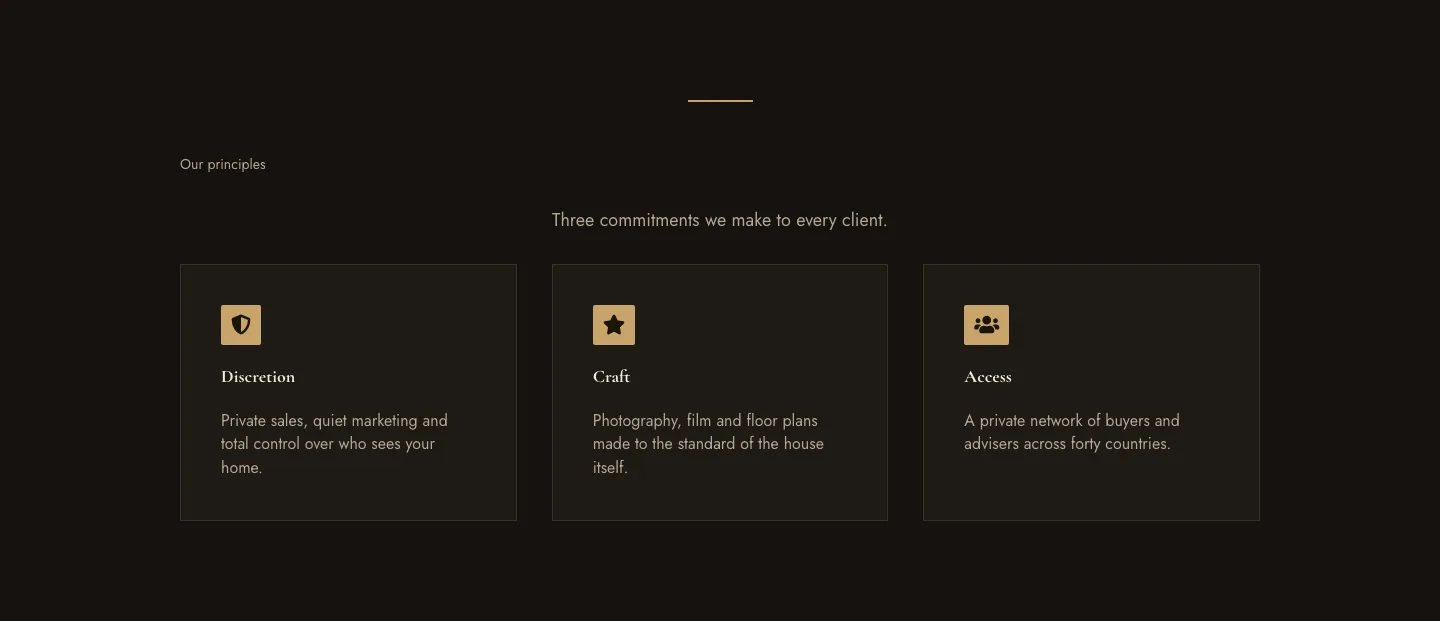
Luxe Private Estates Principles Features Layout for Divi 5: Three Icon Values
features · real_estate · elegant
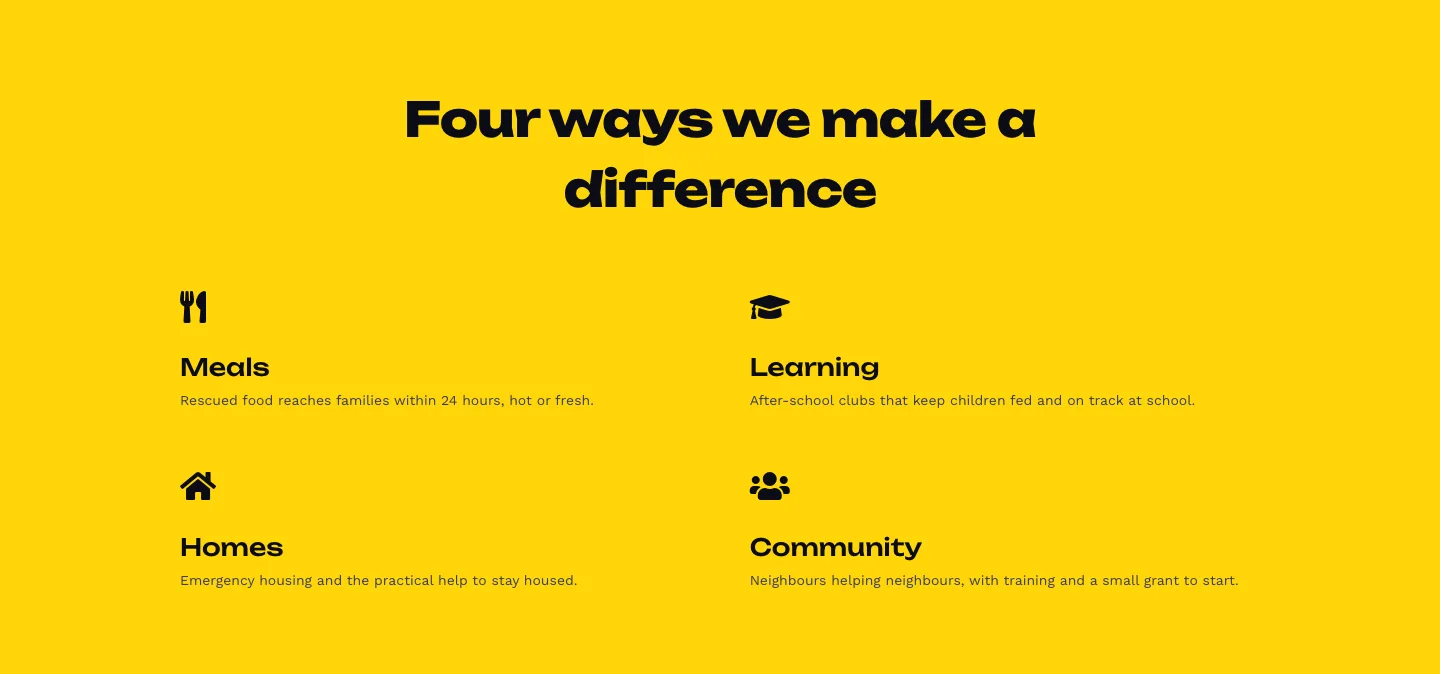
Bold Nonprofit Impact Features Layout for Divi 5: Four Icon Features
features · nonprofit · bold
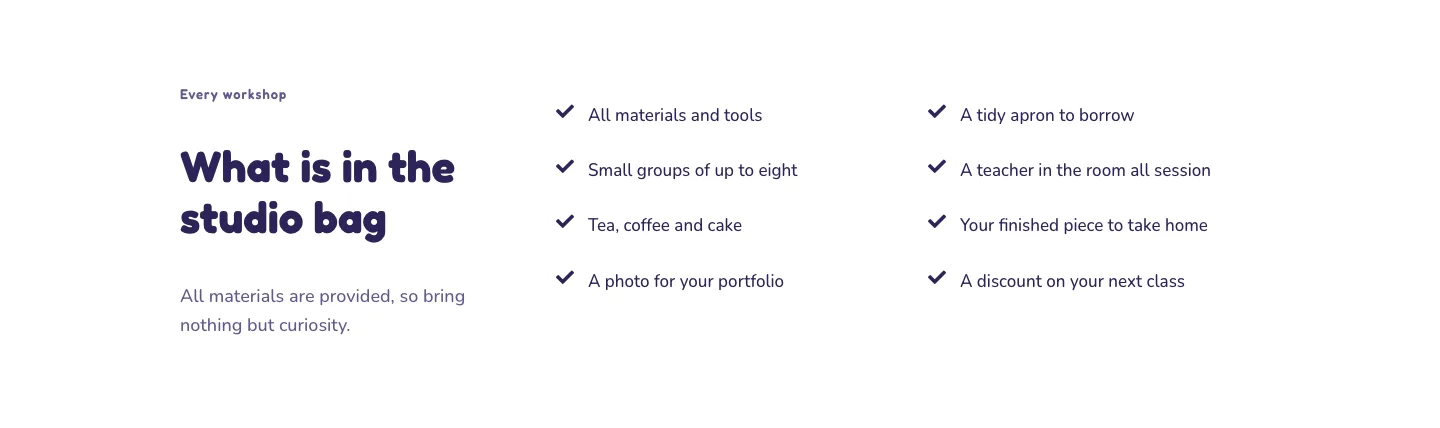
Playful Craft Workshop Features Layout for Divi 5: Two-Column Checklist
features · portfolio · playful
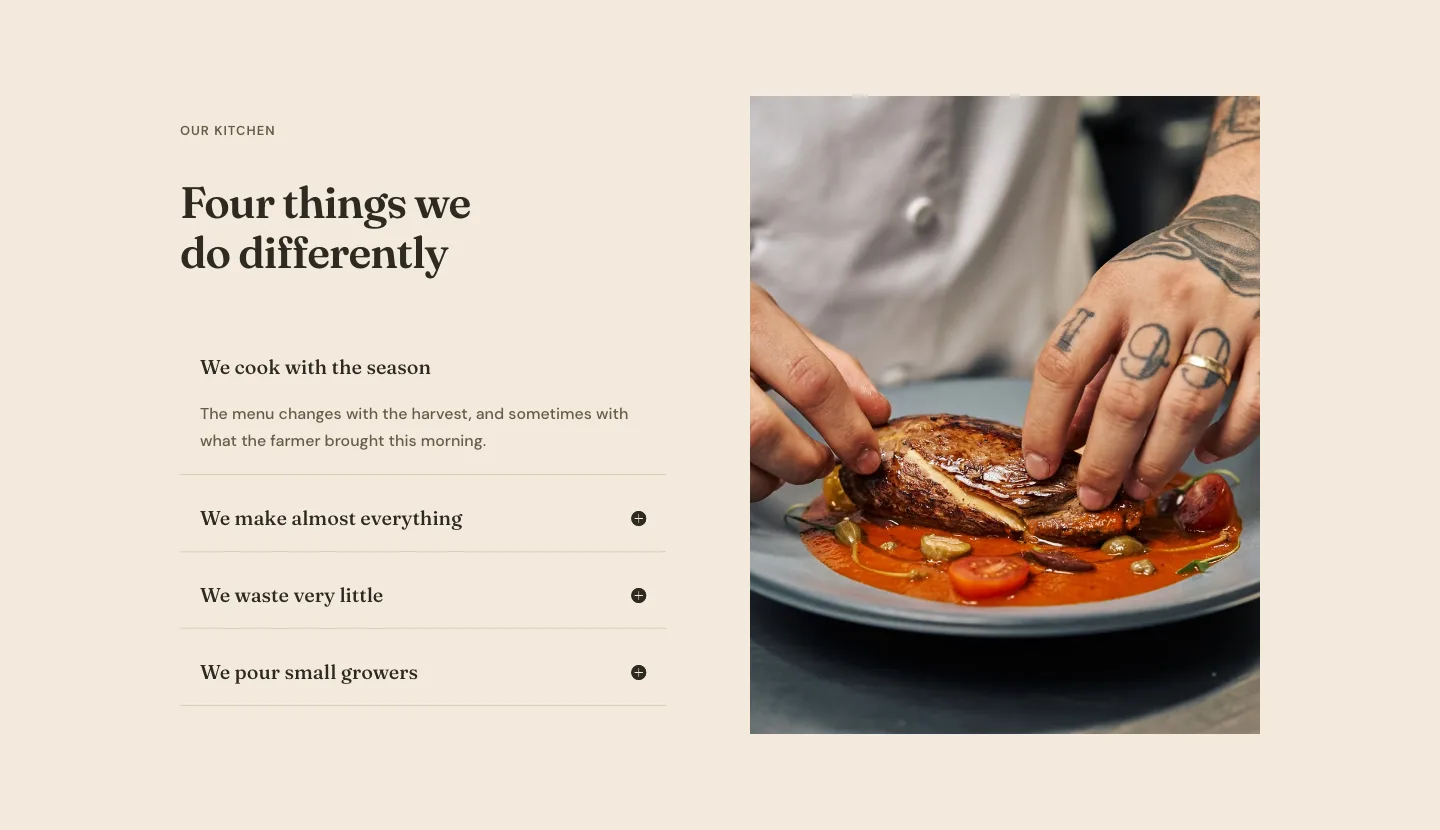
Organic Restaurant Kitchen Values Features Layout for Divi 5: Accordion with Image
features · restaurant · elegant
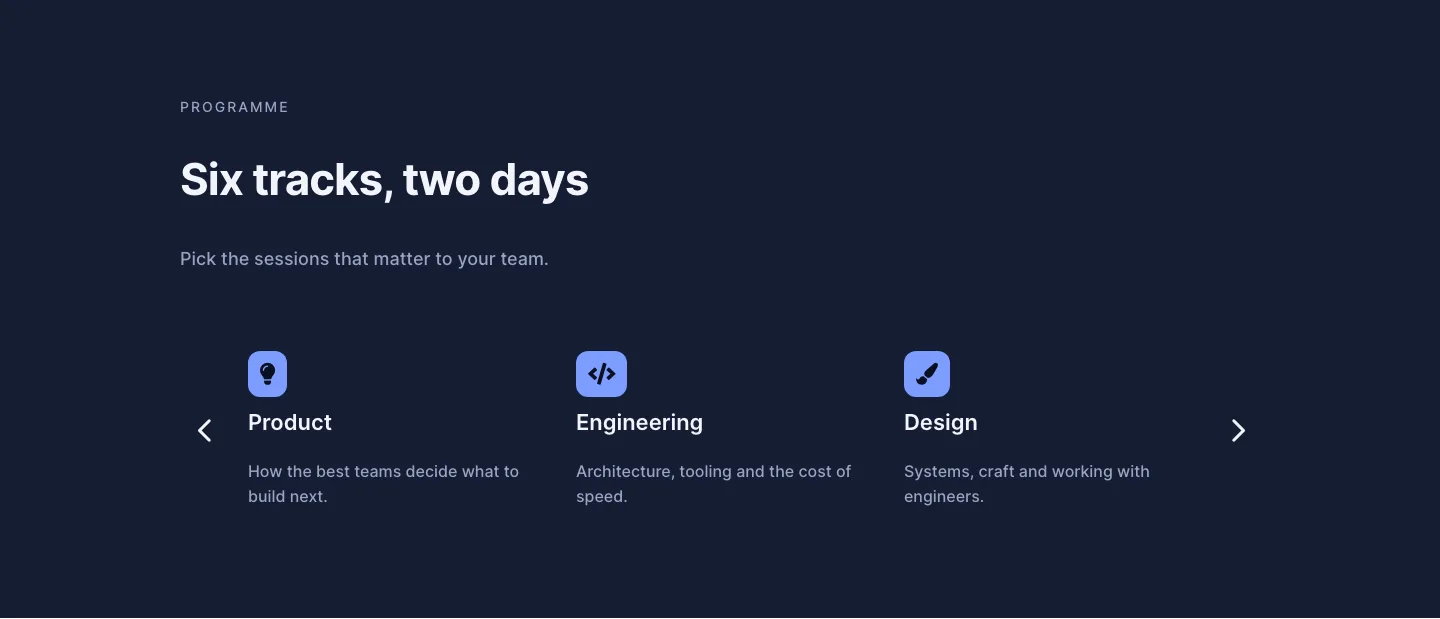
Dark Conference Tracks Features Layout for Divi 5: Carousel Cards
features · events · dark
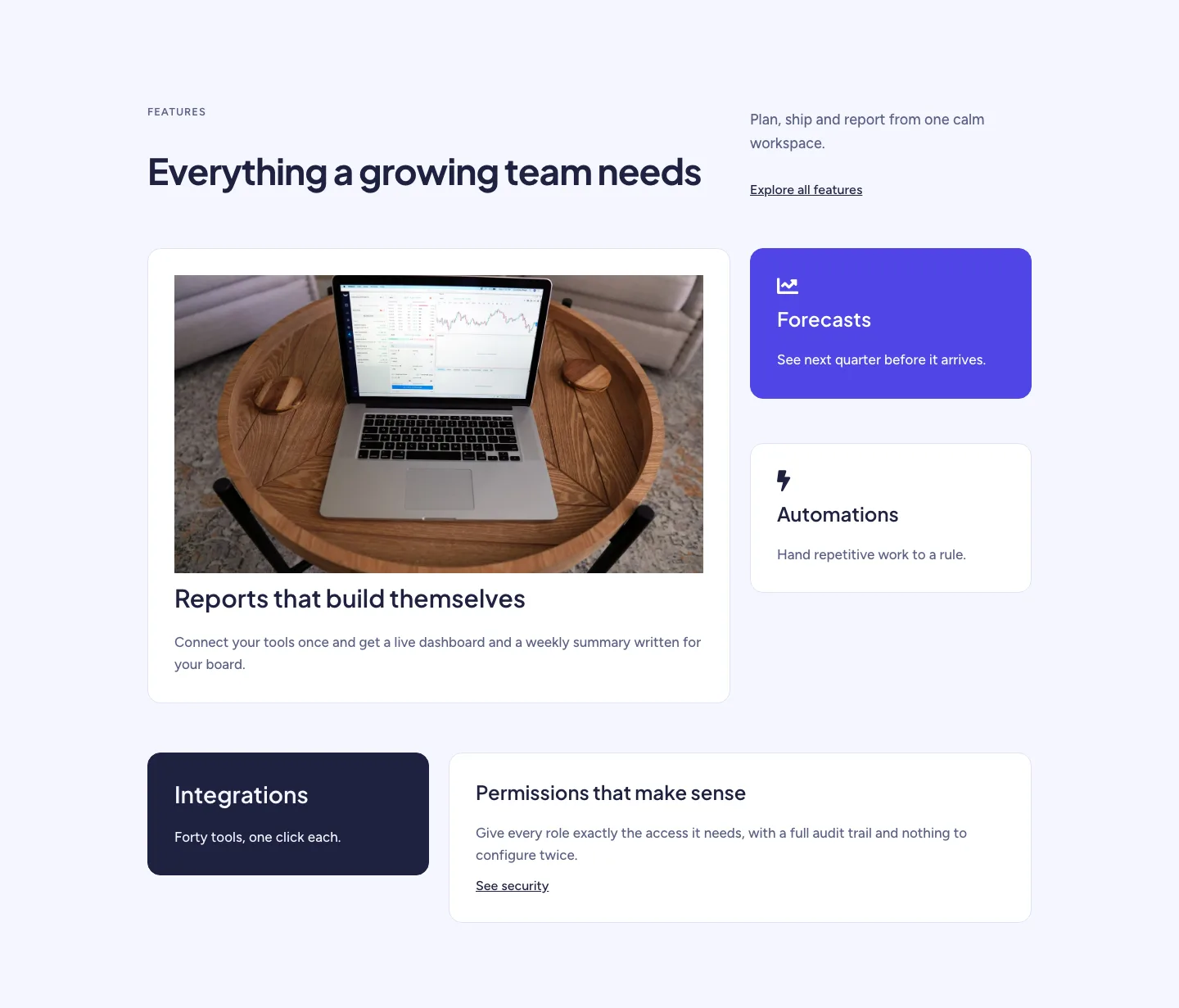
Soft SaaS Workspace Features Layout for Divi 5: Bento Feature Grid
features · saas · minimal