
Dark Conference Tracks Features Layout for Divi 5: Carousel Cards
A dark features section for conference or event websites showcasing programme tracks in a responsive carousel. Built for Divi 5 with Inter typography, indigo accents, and a deep navy background.
Rate this element
Download this section, free
- Divi 5 JSON, imports in seconds
- Commercial license included
- No account needed
Click to view the full page
Overview
This section is built around a single visual idea: a deep navy canvas (#151c33) that makes a periwinkle-blue icon badge (#7c9cff) pop without competing with the text hierarchy above it. The layout opens with a two-level header block — an all-caps, 14px Inter label (#9aa4c0, 2px letter-spacing) reading "Programme" sets the context before the 44px h2 "Six tracks, two days" takes over in near-white #f2f4fa. That h2 sits inside a max-width 720px group so it never stretches to an uncomfortable measure on wide screens, while the 18px body copy beneath it is capped at 640px for a tighter reading column. The typographic contrast between the slate-grey label, the bold h2, and the mid-grey descriptive line creates a clear three-step hierarchy before a single card is visible.
The cards themselves live inside a native Divi 5 group-carousel configured to show 3 slides on desktop, 2 on tablet, and 1 on phone — no third-party slider plugin required. Navigation is handled by white arrow controls (#f2f4fa) with dot navigation deliberately disabled, keeping the chrome minimal on a dark background. The carousel sits 40px below the header block on desktop and collapses to 24px on mobile, giving the section enough breathing room without feeling cavernous.
Each of the six track cards follows an identical column-direction flex group: a 46px icon badge (12px rounded corners, periwinkle fill, dark icon ink #0b1020) at the top-left, followed by a 22px semi-bold h3 in near-white, then a single-sentence descriptor in #9aa4c0 at 16px/1.6 line-height. The cards themselves carry 8px vertical and 20px horizontal padding on desktop, tightening to 12px horizontal on mobile. That restraint means the content fills the card without feeling cramped, and the consistent 12px row-gap between icon, heading, and text keeps every card visually identical regardless of copy length.
The section padding scales responsively: 100px top and bottom on desktop, 72px on tablet, 48px on phone — a three-step progression baked directly into the section module's spacing settings. The row uses a full-width single column (4_4) with a column-direction flex override on phone, so the header stack reads top-to-bottom before the carousel appears, exactly as a reader would expect.
What’s inside
- Native Divi 5 `group-carousel` module configured for 3/2/1 slides across desktop, tablet, and phone breakpoints
- Six pre-built track cards, each with a Font Awesome icon badge (periwinkle `#7c9cff` background, 12px border-radius), h3 heading, and one-line descriptor
- Three-level header block: uppercase eyebrow label (h4, `#9aa4c0`, 2px letter-spacing), bold 44px h2 capped at 720px max-width, and 18px body copy capped at 640px
- White arrow navigation on the carousel with dot-nav disabled — clean controls on the dark background without visual clutter
- Section padding scaled at three breakpoints (100px / 72px / 48px) and carousel margin between header and cards reduced from 40px to 24px on mobile
- All type set in Inter across every module — weights 500 (label), 700 (h2), 600 (h3 cards) — no font mixing required
- Dark `#151c33` section background with `#9aa4c0` secondary text providing contrast without harsh white-on-dark glare
Who it’s for
This layout suits anyone selling tickets or registrations to a multi-track event: technology conferences, developer summits, product-focused unconferences, design festivals, and growth marketing summits. It also works for SaaS companies running annual user conferences, professional associations promoting CPD programmes, and agencies building event sites for clients in those sectors. The carousel format is particularly useful when you have five or more tracks and need to surface all of them without a long scroll, making it a natural fit for event pages where attendees want to scan the programme before committing to a ticket.
Customization tips
Start by replacing the six track names and their one-line descriptors — keep each description to a single sentence (under 70 characters) so all cards stay visually balanced at every carousel step. The periwinkle accent (#7c9cff) lives only on the icon badge backgrounds; changing that one colour value in each icon module's background setting immediately shifts the accent across all six cards. The section background (#151c33) and primary text (#f2f4fa) are set at the section and module levels respectively — swap #151c33 for any dark hue and update the secondary text (#9aa4c0) to a tinted version of your new base. Icon swaps are done per-card: each uses a Font Awesome solid glyph, so pick any FA solid icon via Divi's icon picker without touching any other setting. If your event has fewer than six tracks, remove cards from the carousel group; if you have more, duplicate an existing card group and the carousel adapts automatically.
How to install this layout
- Download the layout JSON file from this page.
- Open the target page in the Divi 5 builder.
- Open the portability panel (up/down arrows icon) and choose the Import tab.
- Upload the JSON. Tick “replace existing content” only for full-page imports.
- Check the page at desktop and mobile widths, then swap in your copy and images.
Full walkthrough with troubleshooting: How to Import a Divi 5 Layout.
Questions about Dark Conference Tracks Features Layout for Divi 5: Carousel Cards
How many cards does the carousel show at each screen size?
3 on desktop, 2 on tablet, and 1 on phone. These values are set in the `group-carousel` module's `slidesToShow` advanced option and can be adjusted per breakpoint in Divi's visual builder.
What happens to the header block on mobile?
The row is set to `flexDirection: column` on phone, so the eyebrow label, h2, and body text stack naturally above the carousel. The h2 scales from 44px on desktop to 36px on tablet and 30px on phone.
Are there any images to replace?
No. Every card uses a Font Awesome icon module — there are no images in this layout at all. The visual weight comes entirely from the icon badge colour and typography.
Can I add a button to each card?
Yes. Each card is a standard Divi Group module with column-direction flex and a 12px row-gap. Drop a Divi Button module at the bottom of any card group and it will inherit the flex layout automatically.
What is the first thing to edit to make this feel like my event?
Change the h2 headline and the six h3 track names. Those two edits alone transform the layout from the demo content to your programme, and they take under two minutes.
Does the carousel use any third-party plugin?
No. It uses Divi 5's native `group-carousel` module, which ships with Divi 5.8.0 and above. No extra plugins are needed.
Which Divi version does this layout need?
Divi 5. The layout is generated natively for Divi 5 and validated against its real module structure before publication, so it imports clean into the current builder.
Can I use this layout on client websites?
Yes. Every download includes a commercial license covering unlimited sites you own or build for clients. Only reselling or redistributing the layout file itself is prohibited.
More feature grids
Browse all feature grids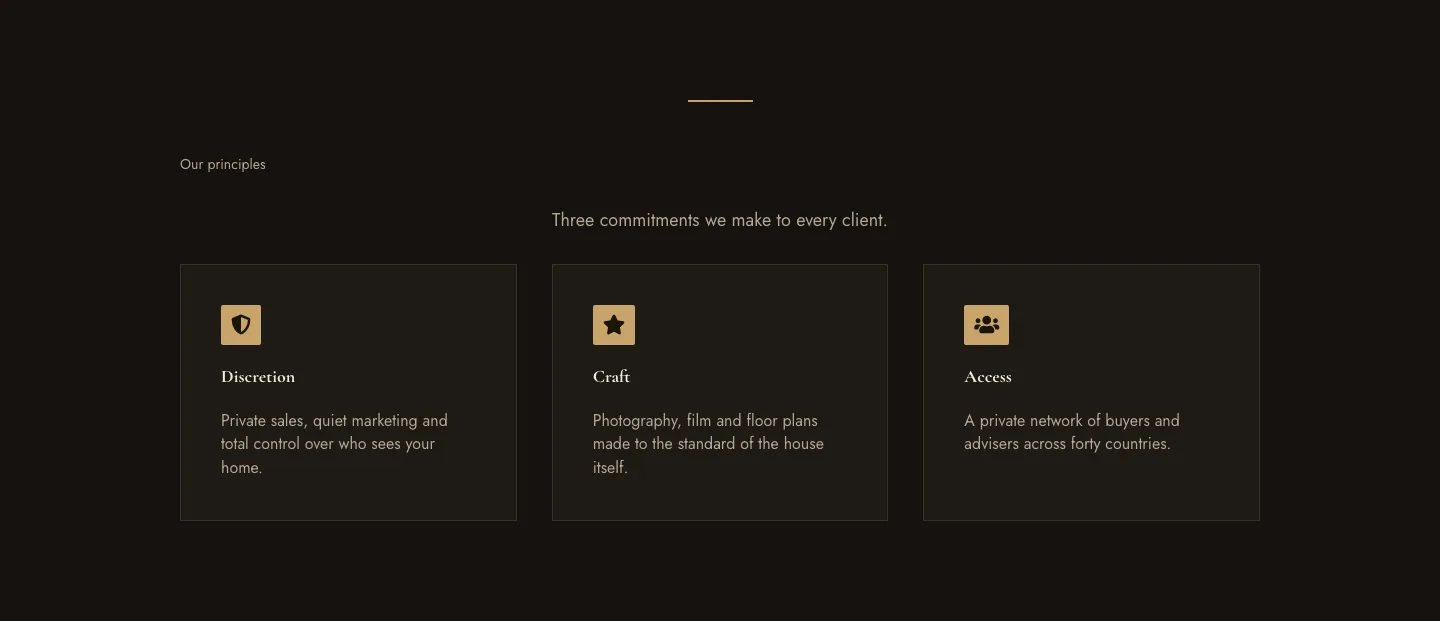
Luxe Private Estates Principles Features Layout for Divi 5: Three Icon Values
features · real_estate · elegant
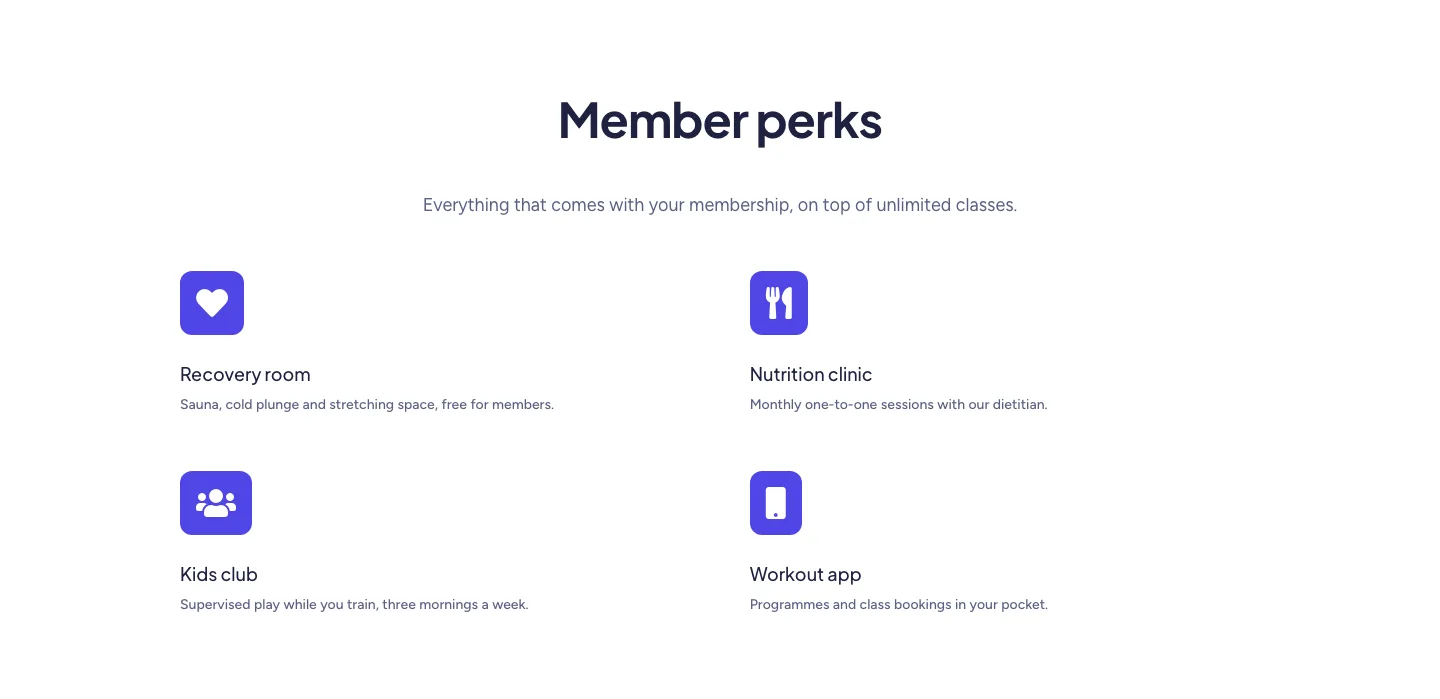
Soft Fitness Member Perks Features Layout for Divi 5: Four Icon Blurbs
features · fitness · minimal
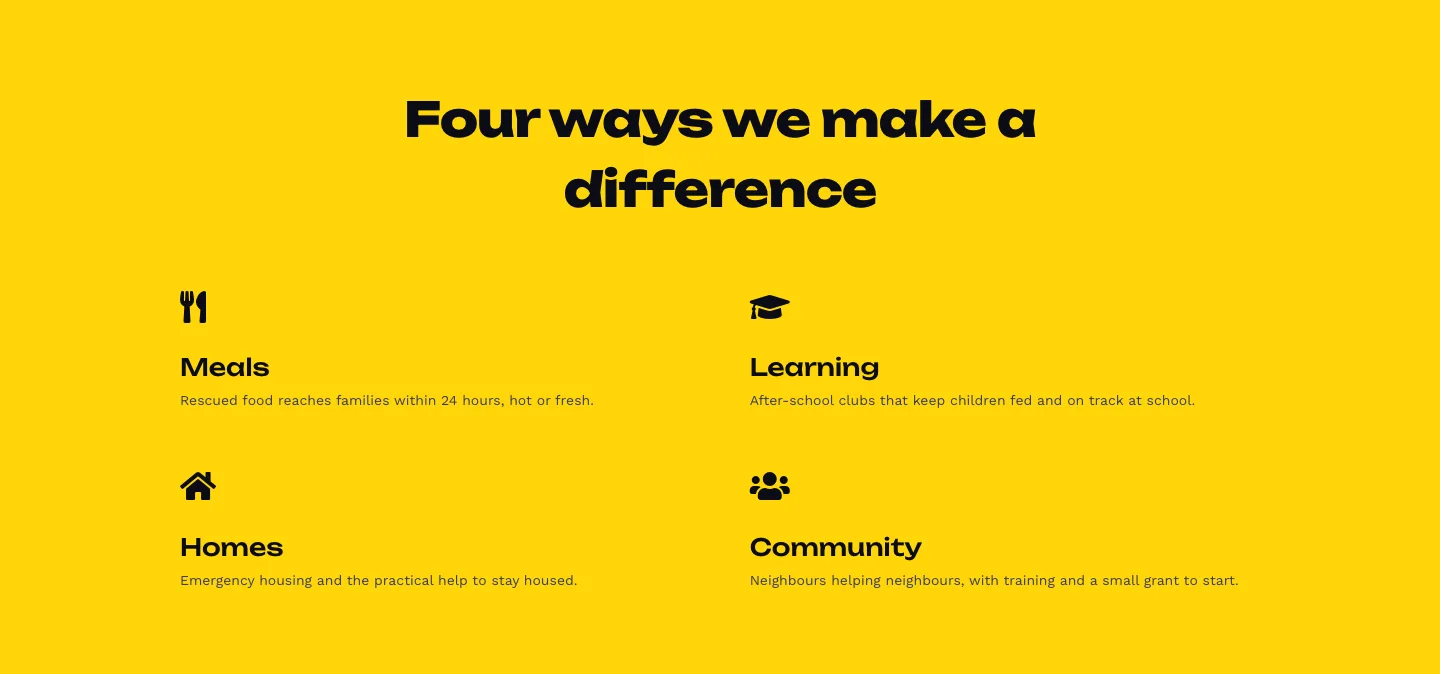
Bold Nonprofit Impact Features Layout for Divi 5: Four Icon Features
features · nonprofit · bold
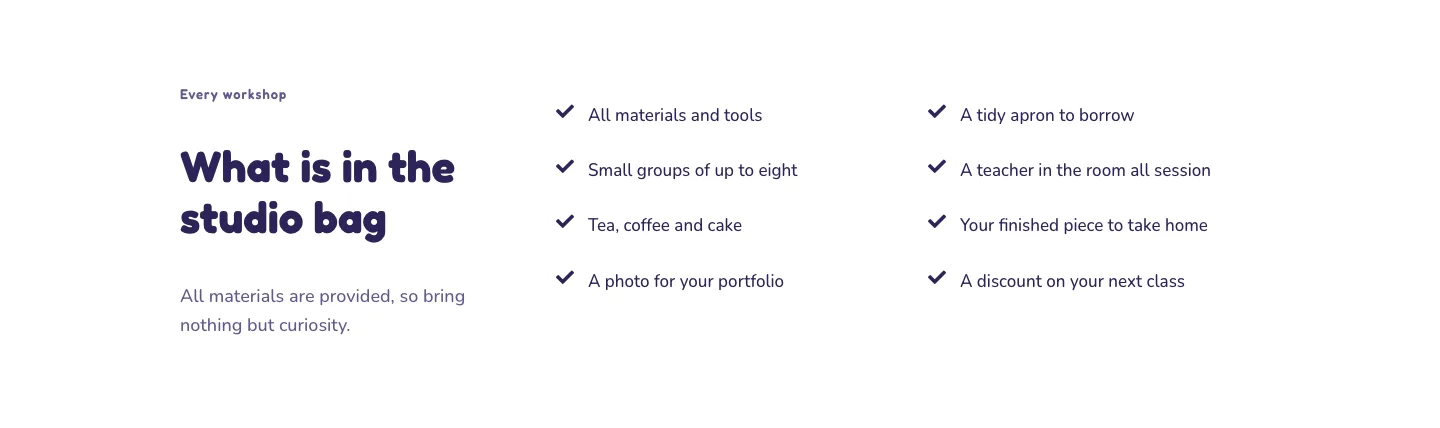
Playful Craft Workshop Features Layout for Divi 5: Two-Column Checklist
features · portfolio · playful
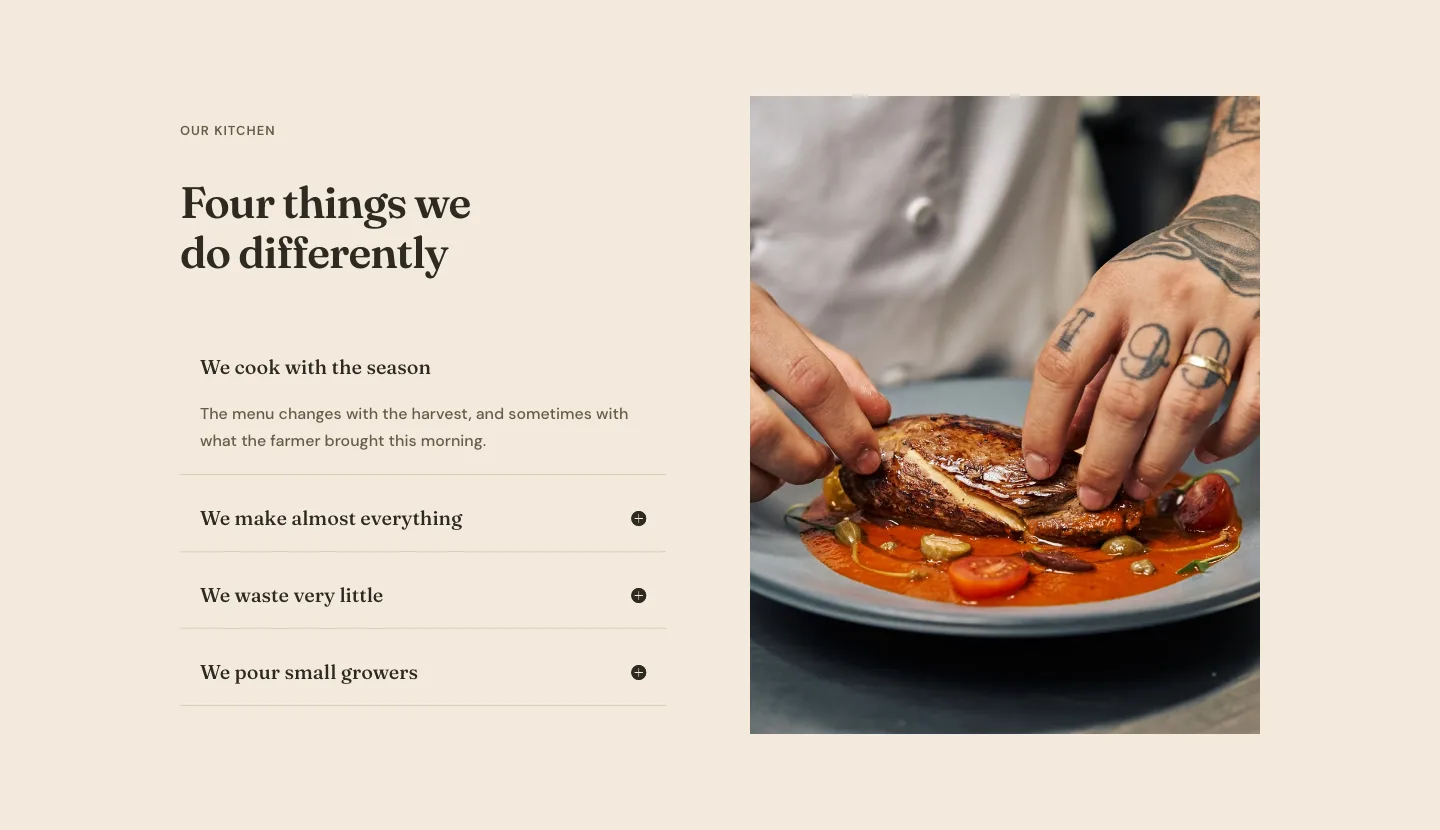
Organic Restaurant Kitchen Values Features Layout for Divi 5: Accordion with Image
features · restaurant · elegant
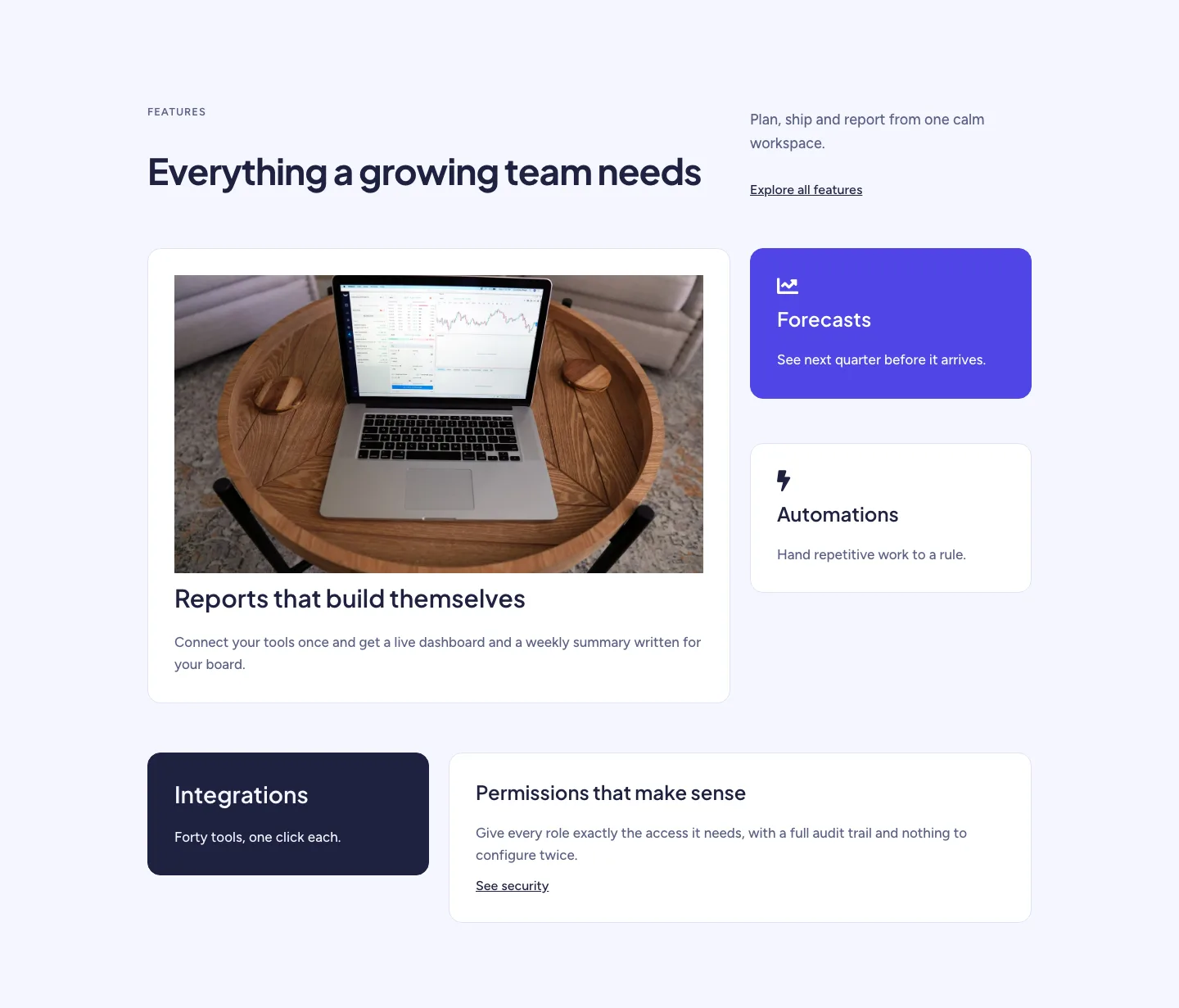
Soft SaaS Workspace Features Layout for Divi 5: Bento Feature Grid
features · saas · minimal