
Luxe Private Estates Principles Features Layout for Divi 5: Three Icon Values
A dark, elegant Divi 5 features section for luxury real estate brands. Three icon columns with gold accents showcase core values like discretion, craft, and access.
Rate this element
Download this section, free
- Divi 5 JSON, imports in seconds
- Commercial license included
- No account needed
Click to view the full page
Overview
This features section is built around a disciplined two-row structure inside a single dark section. The first row holds a centred header column — a gold #c8a46a horizontal rule (2px solid) above a muted label in Jost, followed by the section headline rendered in Cormorant Garamond at 2.25rem/800 weight in warm cream #f3ece0, with a subtitle in the same warm-muted palette #b3a794. That opening block does the job of anchoring hierarchy before a single card is in view.
The second row is a strict three-column equal grid, each column occupying exactly one-third of the layout (8/24 flex units on desktop). Every card shares the same deep-brown card background #1f1a15 with 40px padding on all four sides and a subtle #3a3127 solid border — enough to define the card edge against the #16120e section background without resorting to drop shadows or harsh contrast. Row gap between the header and the card row is 30px; column gap between cards is 35px, giving the layout a measured, uncluttered rhythm that reads as confident restraint rather than bare minimalism.
Each card follows an identical internal stack: a left-aligned Font Awesome icon set inside a small gold #c8a46a background badge (20px, dark fill #1a1409, 2px border radius), a bold 18px Cormorant Garamond heading in cream, and a 16px Jost body line in the warm grey #b3a794. The three principles shipped are Discretion, Craft, and Access — each paired with one precise sentence. The typographic pairing of Cormorant Garamond (serif, editorial, old-money) against Jost (geometric sans, clean, contemporary) is doing deliberate brand work: it signals luxury without ornamentation.
Responsive behaviour is explicit in the JSON. The three-column row wraps at tablet and tablet-wide breakpoints (each card stepping to 12/24 — two columns), and stacks to a single full-width column on phone. The header column also collapses to full width on phone. No layout information is lost at any viewport; the stacking order preserves the icon-heading-body hierarchy within each card.
What’s inside
- Two-row section structure: a centred header row (gold rule + label + headline + subtitle) above a three-column card grid
- Three equal-width icon cards using native Divi 5 Icon and Text modules, each with 40px internal padding and a `#3a3127` solid border
- Font Awesome icon badges with gold `#c8a46a` background and dark icon fill, left-aligned within each card
- Dual-font typographic system: Cormorant Garamond (headings/card titles at 800 weight) paired with Jost (body and labels)
- Four-breakpoint responsive grid: 3-column desktop → 2-column tablet/tablet-wide → 1-column phone, defined per-column in the flex sizing
- Section-level `id="projects"` anchor attribute for in-page navigation links
- Precisely matched dark palette: `#16120e` section background, `#1f1a15` card background, `#b3a794` body text, `#f3ece0` headline text
Who it’s for
This layout is a direct fit for luxury and premium real estate agencies, boutique property brokerages, and high-net-worth advisory firms that need their website to reflect the quality of what they sell. It also works for private wealth managers, family offices, yacht or aviation concierge services, and bespoke interior design studios where communicating a value proposition through restraint carries more weight than flashy visuals. Any brand positioning itself around exclusivity, craft, or private-network access will find the three-principle structure naturally maps to their core differentiators.
Customization tips
The entire palette is controlled by five hex values in the JSON. Swap #16120e and #1f1a15 (section and card backgrounds) and #3a3127 (card border) together to shift to a dark navy, charcoal, or deep forest scheme without touching any typography. The gold accent #c8a46a on the rule and icon badges is a single find-and-replace. For lighter brand palettes, invert the approach: set the section background to off-white, the cards to pure white with a light border, and the headline colour to near-black.
The icon badge in each card accepts any Font Awesome icon — just update the unicode value in the Icon module. Keep icon labels (the bold heading) to one or two words; Cormorant Garamond at 18px/700 weight reads best short. Body descriptions should stay to one sentence — the 35px column gap is sized for that density. If you need two sentences per card, reduce the column gap to around 20px. The horizontal rule in the header row is a Divider module; its colour, weight, and width are independently adjustable.
How to install this layout
- Download the layout JSON file from this page.
- Open the target page in the Divi 5 builder.
- Open the portability panel (up/down arrows icon) and choose the Import tab.
- Upload the JSON. Tick “replace existing content” only for full-page imports.
- Check the page at desktop and mobile widths, then swap in your copy and images.
Full walkthrough with troubleshooting: How to Import a Divi 5 Layout.
Questions about Luxe Private Estates Principles Features Layout for Divi 5: Three Icon Values
How do the three cards reflow on mobile?
At tablet and tablet-wide breakpoints each card shifts to a 12/24 flex width, giving you a two-column layout. On phone all three cards stack to full width in a single column. The stacking order matches the desktop left-to-right order, so Discretion, Craft, and Access appear top to bottom.
Which Divi 5 modules does this layout use?
Section, Row, Column, Divider, Icon, and Text — all native Divi 5 core modules with no third-party dependencies.
Can I add a fourth card without breaking the grid?
The current row is a strict 1/3 + 1/3 + 1/3 equal-column structure. Adding a fourth column means changing the column structure to a different split, which will shift all responsive breakpoint values. The cleaner approach is to add a second three-column row below the existing one and duplicate the card style.
What should I edit first after importing?
Start with the three card headings and body sentences — those are the only words a visitor actually reads. Then update the Font Awesome icon unicode values to match your principles. Finally decide whether to keep the 'Our principles' label and headline copy or replace them with your own section framing.
The section has an id attribute set to 'projects' — what is that for?
It's a named anchor that lets you link directly to this section from elsewhere on the page using `#projects` in a button or navigation URL. Rename the id value in the Section module's Advanced > Attributes settings to whatever slug fits your page structure.
Does this layout include any images?
No. The design uses only icon badges, typography, and colour — there are no image modules. This keeps load time minimal and avoids any placeholder-photo replacement work on import.
Which Divi version does this layout need?
Divi 5. The layout is generated natively for Divi 5 and validated against its real module structure before publication, so it imports clean into the current builder.
Can I use this layout on client websites?
Yes. Every download includes a commercial license covering unlimited sites you own or build for clients. Only reselling or redistributing the layout file itself is prohibited.
More feature grids
Browse all feature grids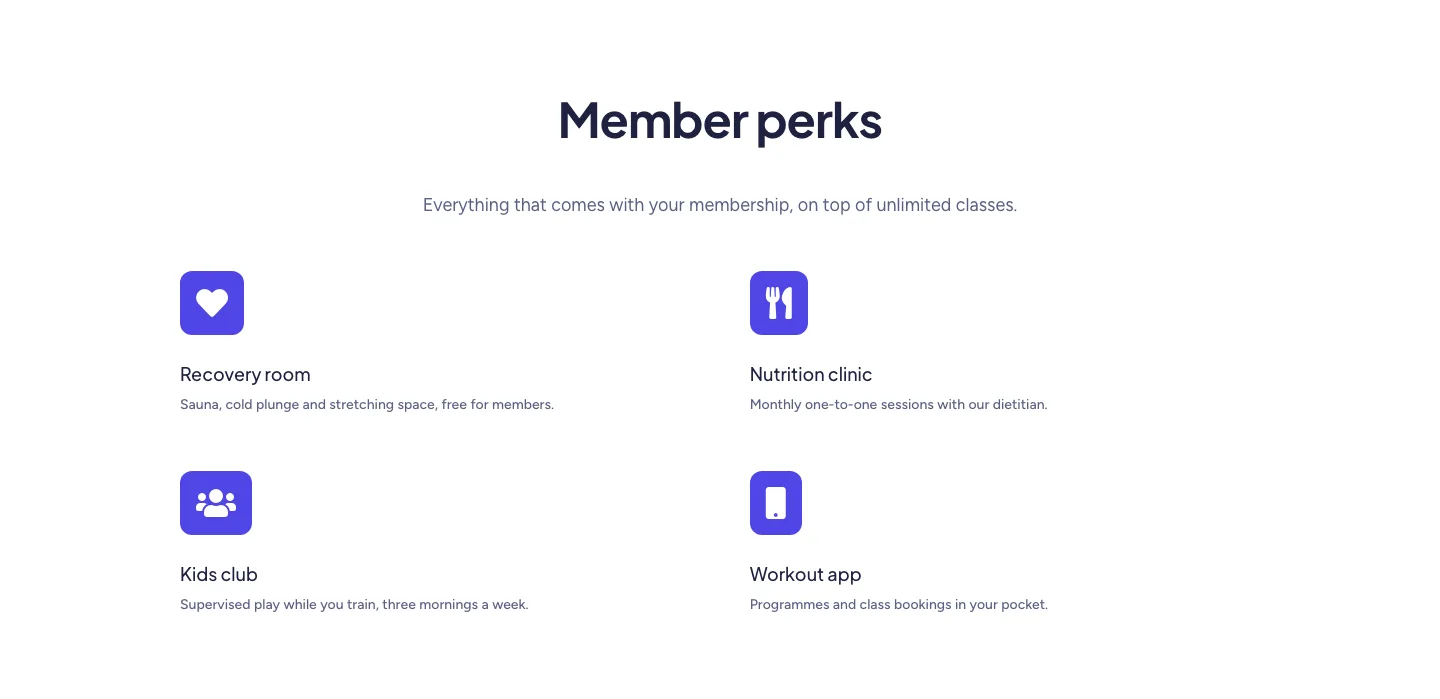
Soft Fitness Member Perks Features Layout for Divi 5: Four Icon Blurbs
features · fitness · minimal
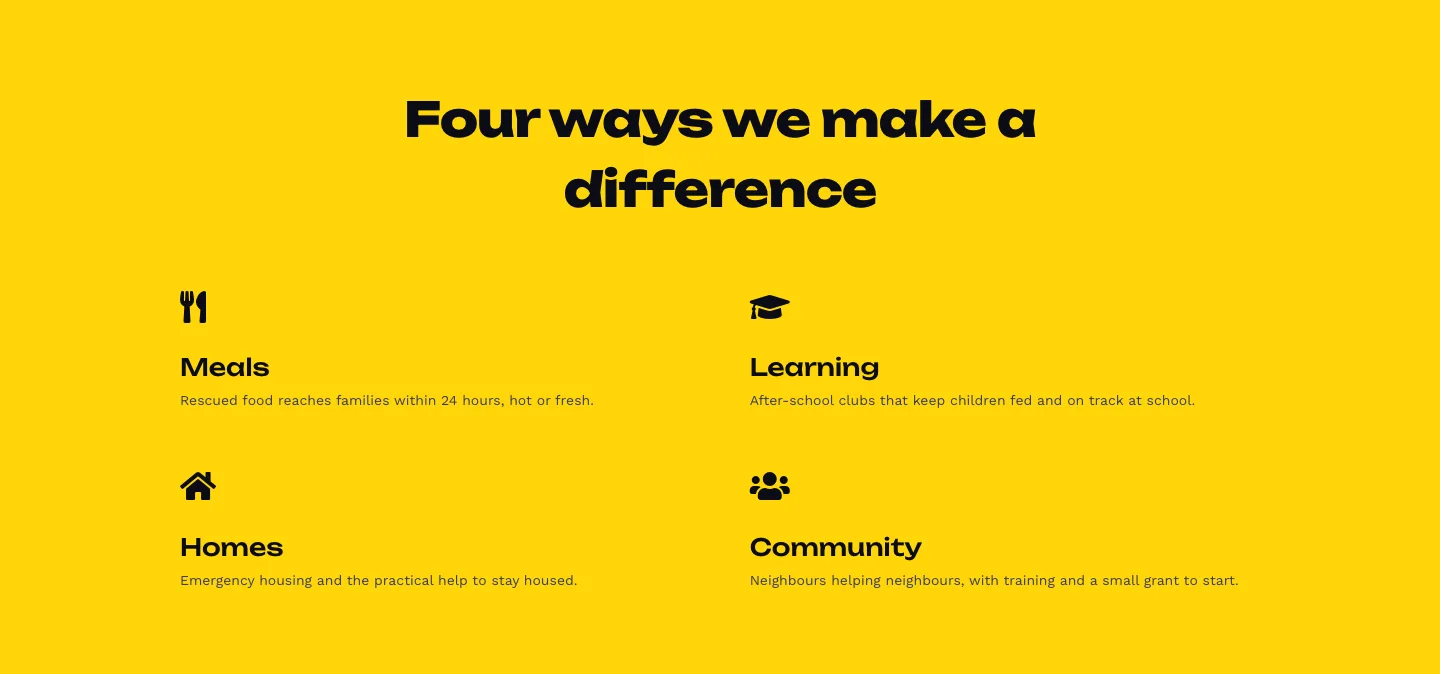
Bold Nonprofit Impact Features Layout for Divi 5: Four Icon Features
features · nonprofit · bold
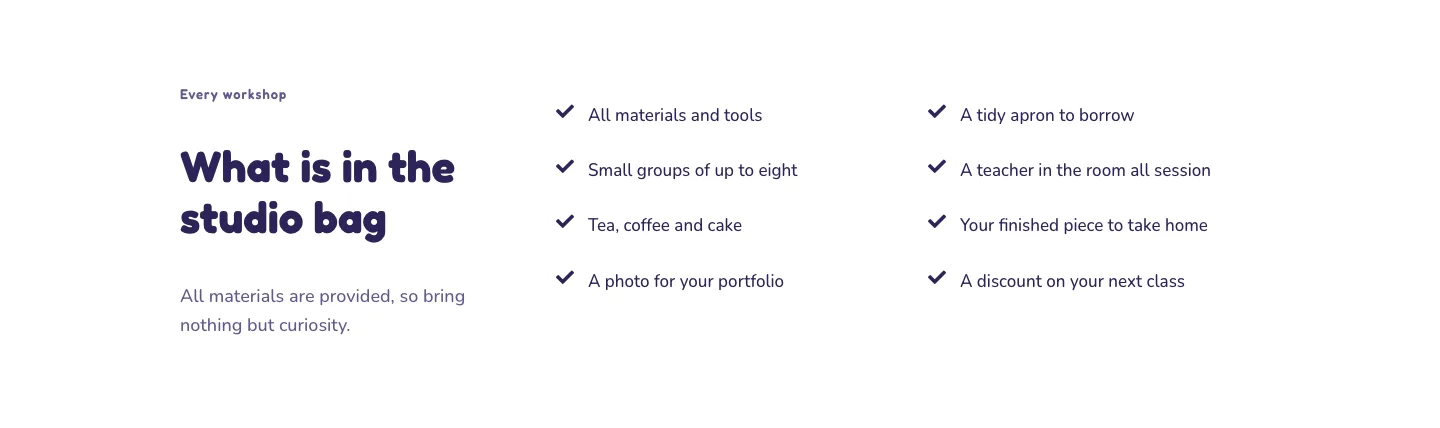
Playful Craft Workshop Features Layout for Divi 5: Two-Column Checklist
features · portfolio · playful
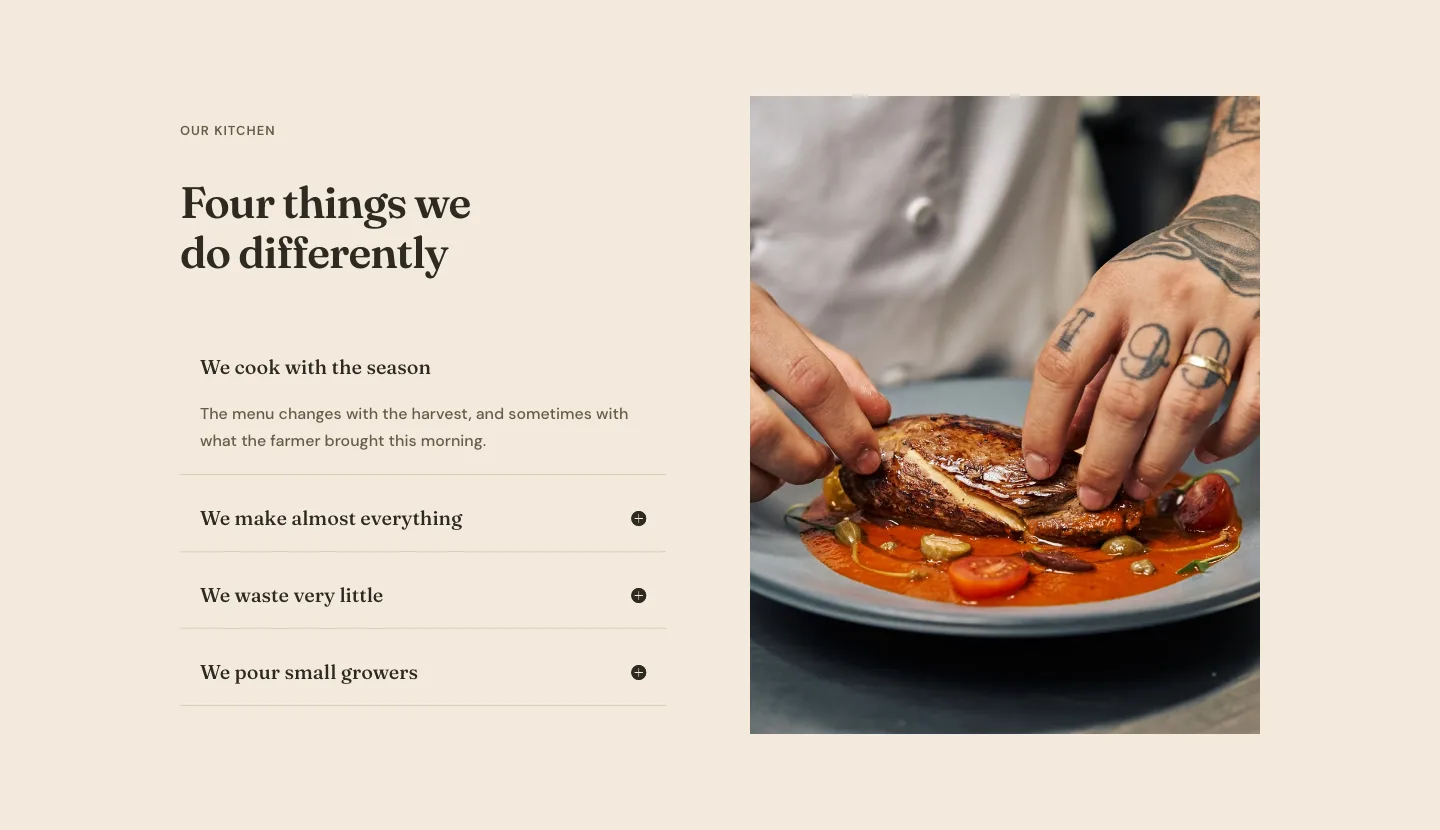
Organic Restaurant Kitchen Values Features Layout for Divi 5: Accordion with Image
features · restaurant · elegant
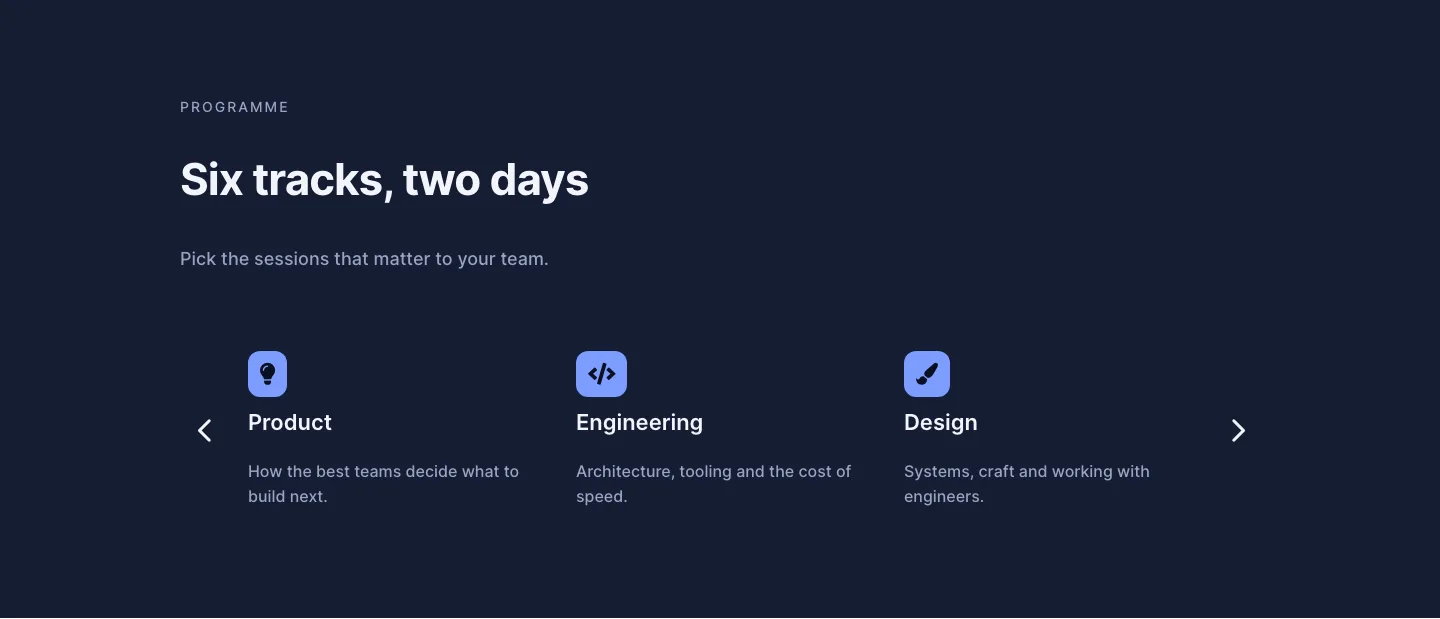
Dark Conference Tracks Features Layout for Divi 5: Carousel Cards
features · events · dark
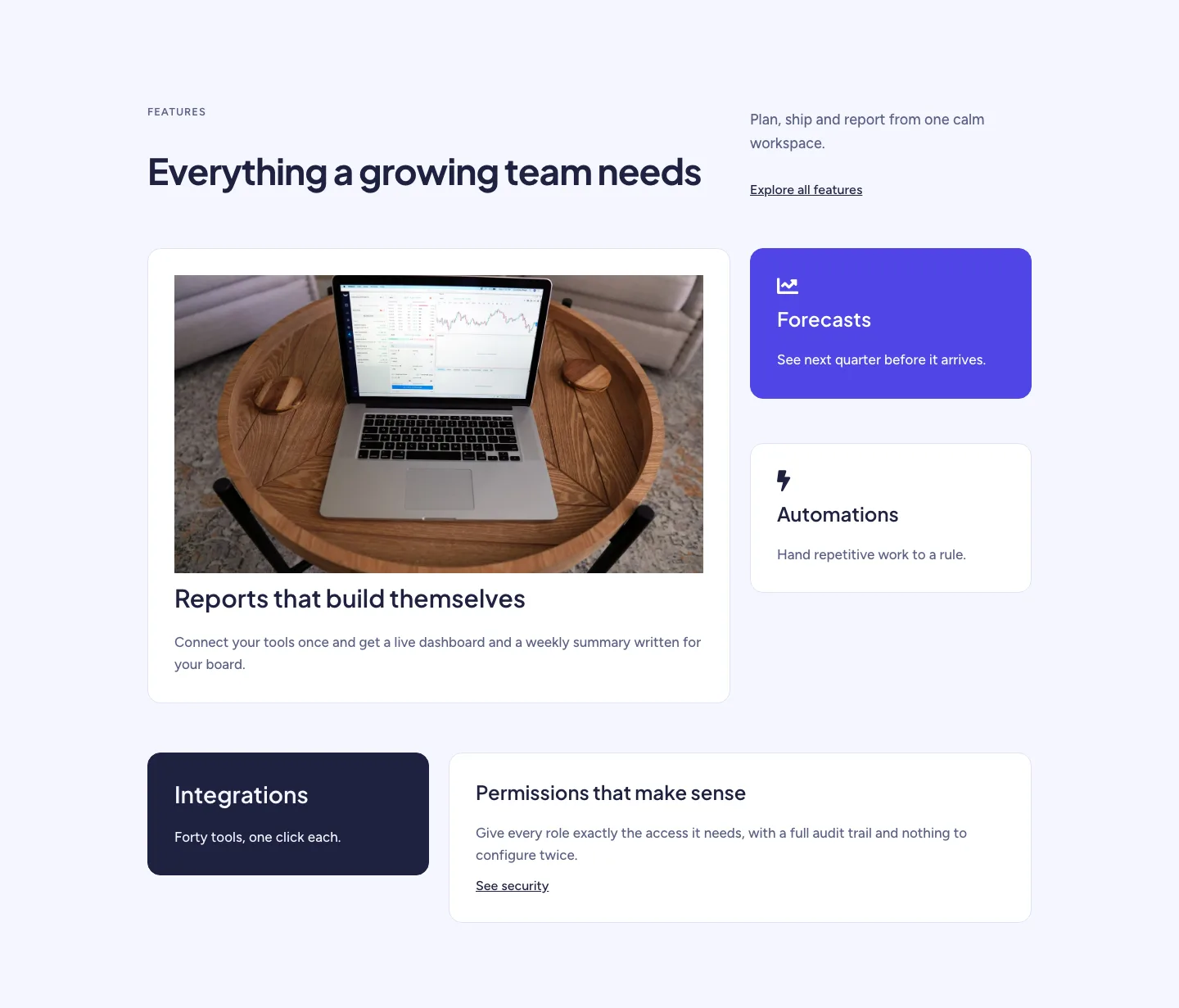
Soft SaaS Workspace Features Layout for Divi 5: Bento Feature Grid
features · saas · minimal