
Playful Craft Workshop Features Layout for Divi 5: Two-Column Checklist
A whimsical two-column checklist features section for craft workshop portfolios. Built with Divi 5, Fredoka headings, and a purple palette — lists everything included in your studio experience.
Rate this element
Download this section, free
- Divi 5 JSON, imports in seconds
- Commercial license included
- No account needed
Click to view the full page
Overview
This features section divides the screen into two unequal halves using a native Divi 5 row with a 8_24 / 16_24 flex-column split. The narrower left column holds the editorial content: a small h4 eyebrow in Fredoka at 13 px with 1 px letter-spacing sets the category tone, a large h2 headline at 44 px (scaling to 36 px on tablet and 30 px on phone) anchors the section, and a single sentence in Nunito at 18 px with a 1.6 em line-height keeps the introduction light and inviting. The wider right column hosts the checklist itself, a two-column CSS grid with a 40 px column gap and 0 px row gap, so items sit in tight, scannable rows rather than floating apart.
Each checklist row is its own Divi 5 Group module laid out as a flex row with alignItems: flex-start and a 14 px column gap. Inside every group a FontAwesome checkmark icon (solid f00c, 18 px, deep navy #2b2457) anchors the left, and a Text module in Nunito 17 px carries the item copy. The flex-start alignment means longer lines wrap cleanly without the icon drifting to the vertical centre, which matters when copy runs past a single line. The grid collapses to a single column on phones so items remain full-width and the checkmarks stay locked to their text.
The palette is deliberately restrained: a pure white section background (#ffffff) lets the two brand colours carry all the weight. Deep navy #2b2457 is used for headlines, icons, and checklist text, giving the most important content maximum contrast. Muted violet #625a8c is reserved for the eyebrow label and the introductory paragraph, creating a secondary tier that reads clearly without competing with the headline hierarchy. The combination reads as crafty and creative without tipping into garish.
Section padding steps down from 88 px top/bottom on desktop to 60 px on tablet and 40 px on phone, keeping the section proportional at every breakpoint. The row itself switches from flexWrap: nowrap on desktop to flexWrap: wrap / flexDirection: column on phones, stacking the editorial column above the checklist. The result is a section that feels airy on wide screens and compact but readable on small devices without any manual breakpoint overrides needed after import.
What’s inside
- Asymmetric two-column row (8/24 editorial + 16/24 checklist) built with native Divi 5 Row and Column modules
- Two-column CSS Grid inside a Divi 5 Group module for the checklist (40 px column gap, collapses to single column on phones)
- Eight individual checklist items, each a Divi 5 Group with a FontAwesome solid checkmark Icon module and a Text module
- Three-level heading hierarchy: `h4` eyebrow at 13 px + `h2` headline at 44/36/30 px across desktop/tablet/phone, both in Fredoka
- Two-colour palette (deep navy `#2b2457` + muted violet `#625a8c`) on a white background, all values set as inline module styles
- Responsive section padding: 88 px desktop, 60 px tablet, 40 px phone — no custom CSS required
- Row stacks to a single column on phones via `flexWrap: wrap / flexDirection: column`, keeping the editorial intro above the checklist
Who it’s for
This layout is a natural fit for craft workshop studios, pottery and ceramics teachers, art class businesses, and creative workshop brands promoting ticketed experiences. It also works well for cooking schools, floristry studios, maker spaces, and any portfolio-niche service where listing what is included in a booking is a conversion driver. Designers building Divi 5 sites for independent tutors, community arts organisations, or experiential gift providers will find the approachable Fredoka/Nunito type pairing and the checklist grid especially well-suited to warm, people-first brands.
Customization tips
Swap the two brand colours by updating the #2b2457 and #625a8c values in the Divi 5 Visual Builder's global colour panel or directly inside each module's style settings. Both colours appear consistently across headings, the icon, the eyebrow, and the body text, so a palette change propagates quickly. Fredoka and Nunito are Google Fonts loaded automatically by Divi; replace them with your own brand typefaces in each module's font selector without touching the layout structure.
Each checklist item is a self-contained Group module, so you can add or remove items by duplicating or deleting groups within the outer grid Group. Keep item copy short (ideally one line, max two) to preserve the tight grid rhythm. If you regularly need three-line items, increase the row gap on the outer grid Group from 0 px to around 8-12 px. The h2 headline uses textWrap: balance so it centres gracefully at any length up to roughly 50 characters; beyond that, consider breaking it manually with a <br> tag.
How to install this layout
- Download the layout JSON file from this page.
- Open the target page in the Divi 5 builder.
- Open the portability panel (up/down arrows icon) and choose the Import tab.
- Upload the JSON. Tick “replace existing content” only for full-page imports.
- Check the page at desktop and mobile widths, then swap in your copy and images.
Full walkthrough with troubleshooting: How to Import a Divi 5 Layout.
Questions about Playful Craft Workshop Features Layout for Divi 5: Two-Column Checklist
How does the checklist reflow on mobile?
The outer CSS Grid Group switches from two columns to one column on phones via its phone-breakpoint `gridColumnCount: 1` setting, so all eight items stack vertically. The row above also wraps to a single column, placing the headline and intro above the checklist.
Which Divi 5 modules are used in this layout?
The layout uses Section, Row, Column, Heading (x2 — h4 eyebrow and h2 title), Text (x9 — intro paragraph plus one per checklist item), Icon (x8 — one checkmark per item), and Group (x9 — the outer grid wrapper plus one row wrapper per item). No third-party modules are required.
Can I add more checklist items beyond the current eight?
Yes. Duplicate any existing item Group inside the grid Group in the Divi 5 builder and update the Text module copy. The two-column grid reflows automatically, so odd numbers simply leave the last cell empty. If you want a tidier result with an odd count, switch the grid to a single column in the Group's layout settings.
What is the best way to change the checkmark icon?
Click any Icon module, open the icon picker, and choose a different FontAwesome glyph. Because each icon is a separate module, you can mix icons per item if needed — for example a star for a highlight item. The icon size (18 px) and colour (`#2b2457`) are set per module, so update all eight if you change the style.
Does the section use any custom CSS?
No. Every style — the flex and grid layouts, the column gap, the responsive padding steps, and the font settings — is stored in the module's own decoration and advanced settings. You do not need to touch the Custom CSS field to customise this layout.
Which Divi version does this layout need?
Divi 5. The layout is generated natively for Divi 5 and validated against its real module structure before publication, so it imports clean into the current builder.
Can I use this layout on client websites?
Yes. Every download includes a commercial license covering unlimited sites you own or build for clients. Only reselling or redistributing the layout file itself is prohibited.
More feature grids
Browse all feature grids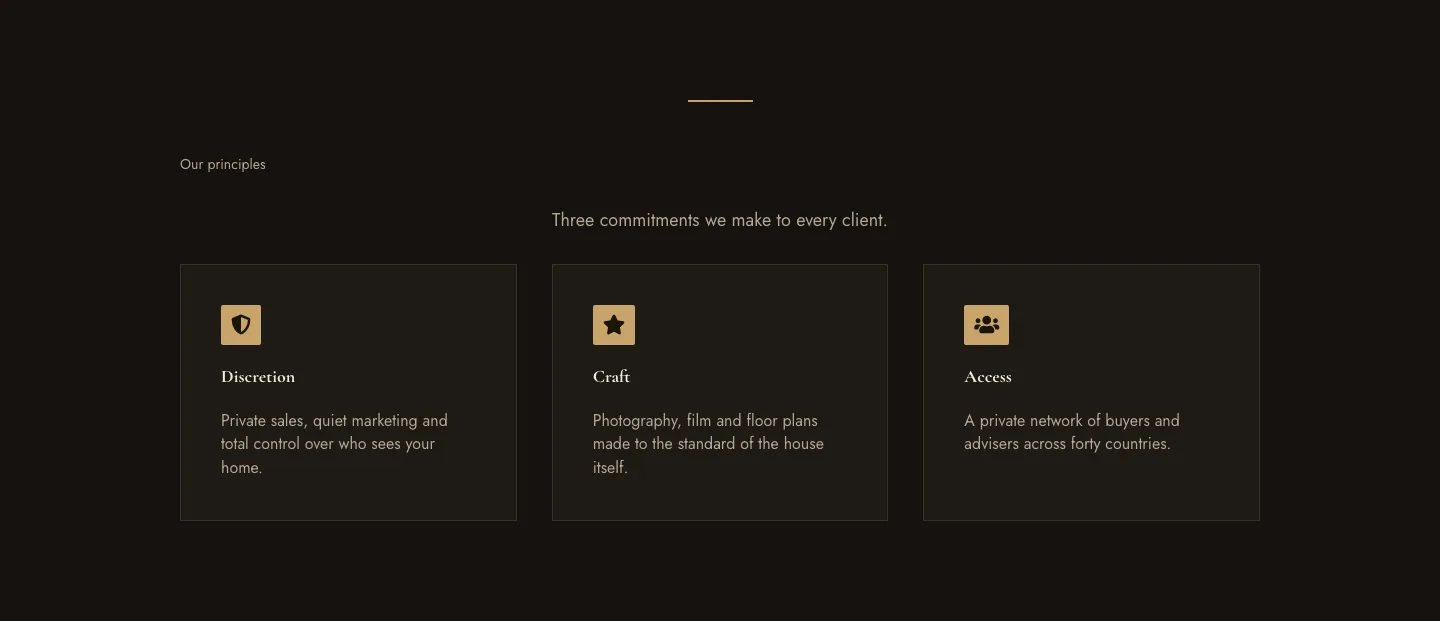
Luxe Private Estates Principles Features Layout for Divi 5: Three Icon Values
features · real_estate · elegant
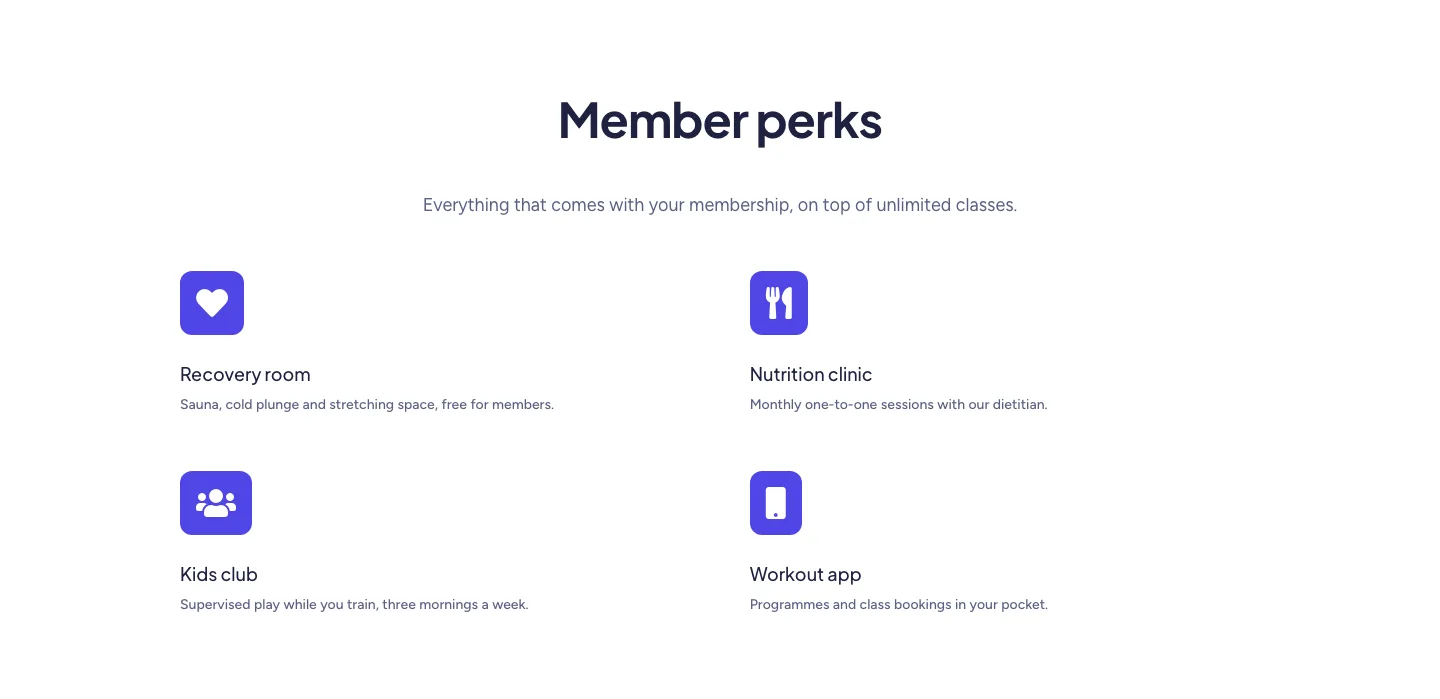
Soft Fitness Member Perks Features Layout for Divi 5: Four Icon Blurbs
features · fitness · minimal
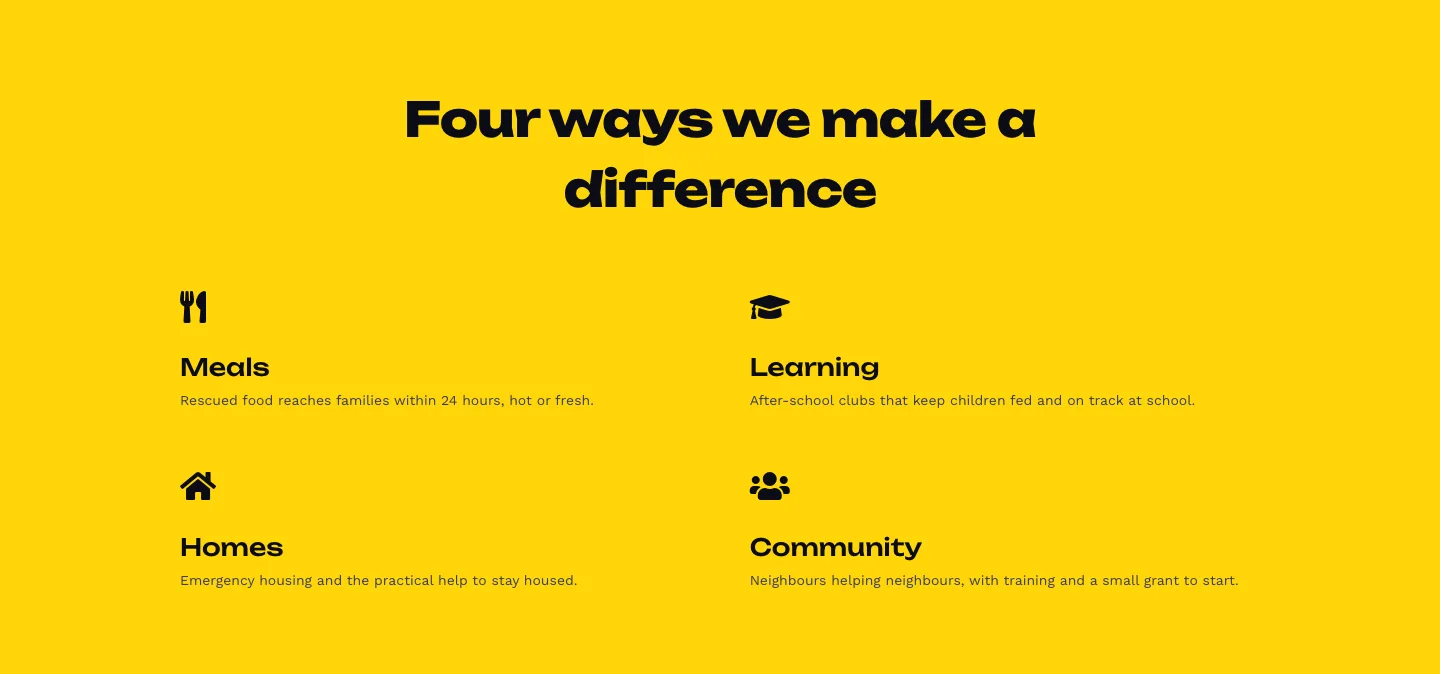
Bold Nonprofit Impact Features Layout for Divi 5: Four Icon Features
features · nonprofit · bold
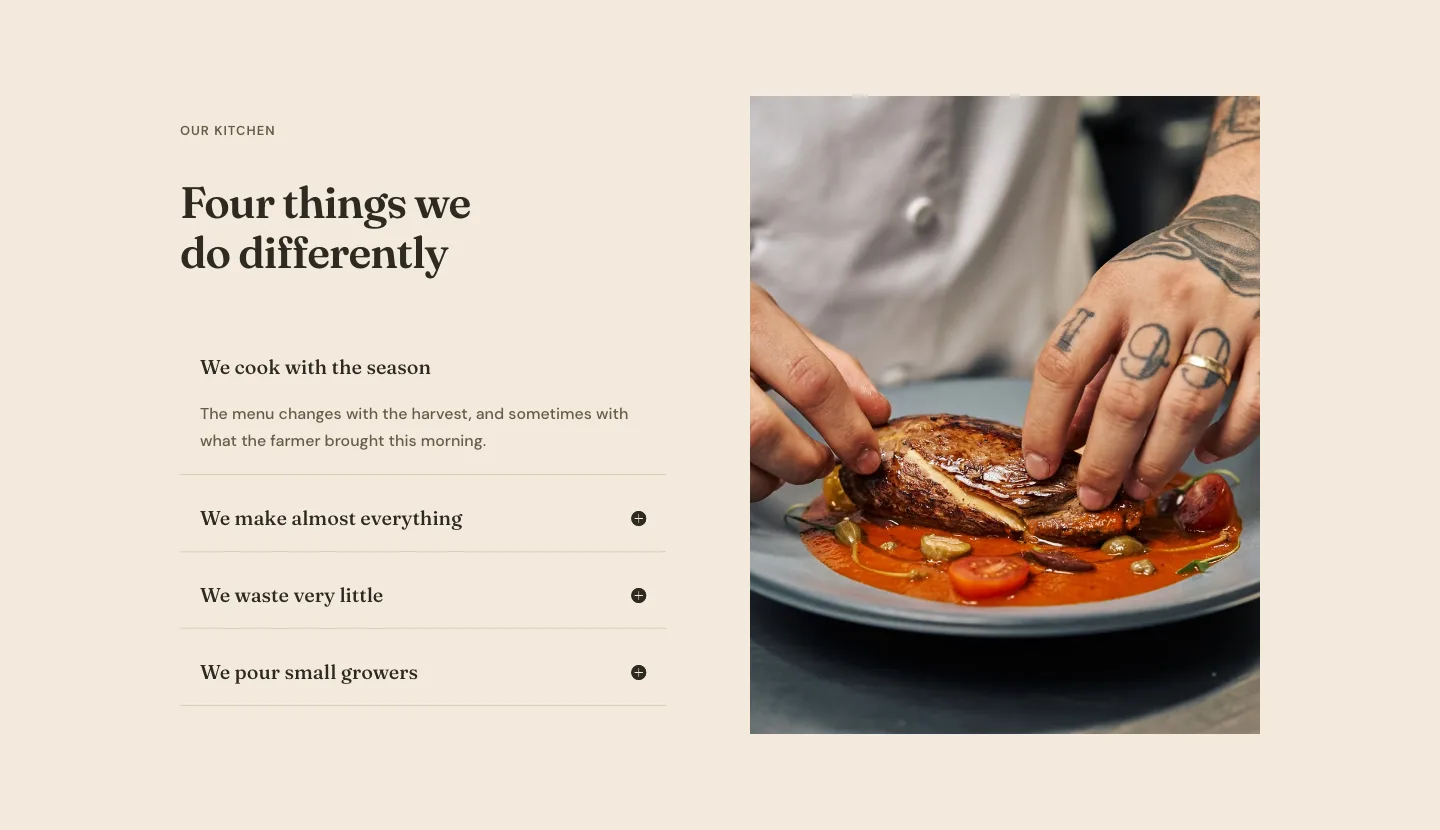
Organic Restaurant Kitchen Values Features Layout for Divi 5: Accordion with Image
features · restaurant · elegant
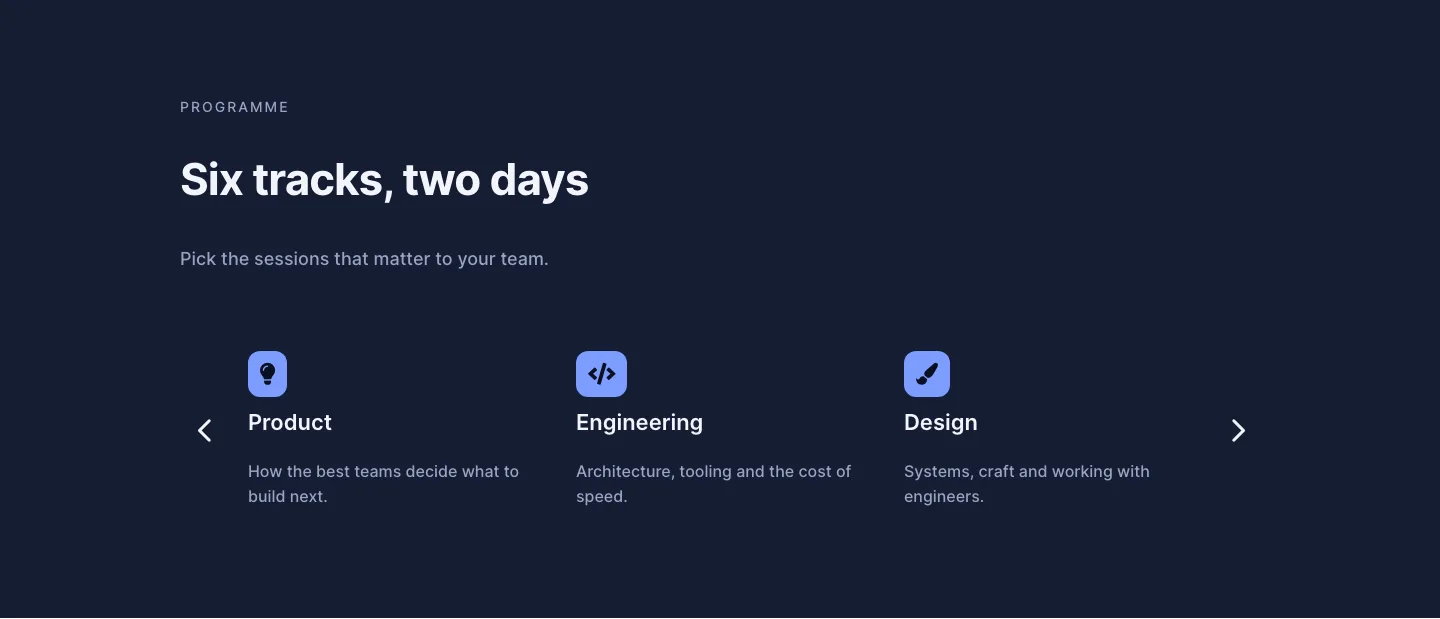
Dark Conference Tracks Features Layout for Divi 5: Carousel Cards
features · events · dark
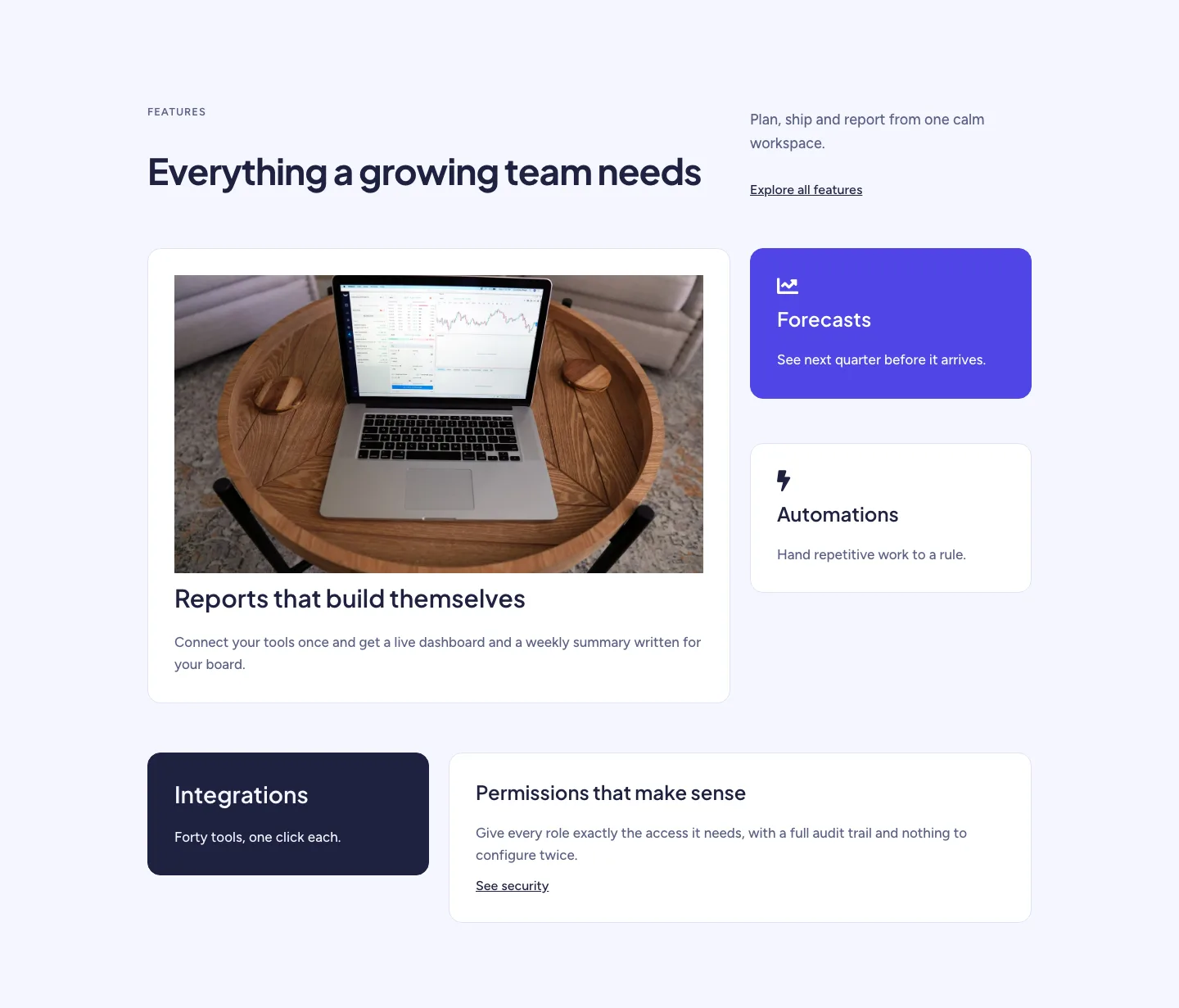
Soft SaaS Workspace Features Layout for Divi 5: Bento Feature Grid
features · saas · minimal