
Bold Nonprofit Impact Features Layout for Divi 5: Four Icon Features
A bold Divi 5 features section for nonprofits showcasing four impact areas with icons, bold Unbounded headings on a vivid yellow background. Free to download.
Rate this element
Download this section, free
- Divi 5 JSON, imports in seconds
- Commercial license included
- No account needed
Click to view the full page
Overview
This features section opens with a single full-width row holding a centered H2 in Unbounded 800-weight at 48px desktop (scaling to 36px on tablet and phone), constrained to a 810px max-width so the headline never stretches uncomfortably on wide screens. The section background is a solid #ffd60a — a saturated amber-yellow that carries the bold, urgent energy common to impact-driven nonprofits — and the entire section carries a CSS ID of features, making it anchor-linkable from any navigation or CTA button on the page.
Below the headline, the four features are distributed across two equal 1/2-column rows, each row carrying 30px top padding to maintain breathing room without over-spacing. Every feature follows the same left-aligned structure: a 32px Font Awesome icon in near-black (#0c0c14), followed immediately by a Text module whose H3 uses Unbounded 24px in the same dark tone, and a short body paragraph in Work Sans rendered in a softer #3d3d52. That typographic pairing — Unbounded for headings, Work Sans for body — is consistent across all four features, giving the section a tight, editorial coherence.
The icon choices are deliberate stand-ins for the four program pillars: a hand holding a heart (meals), a graduation cap (learning), a house (homes), and a group silhouette (community). Each icon is visually minimal at 32px so it reads as a functional label rather than decorative art, keeping the hierarchy firmly on the feature name and the one-sentence description beneath it.
On mobile, both two-column rows collapse to a single column via flexDirection: column, stacking the four features vertically. Phone padding on the section is set to 0px top and bottom to let the yellow fill edge-to-edge, which reinforces the bold, full-bleed character of the section at smaller sizes. The result is a layout that communicates urgency and clarity in equal measure, without relying on photography or illustration.
What’s inside
- One full-width header row with a centered Unbounded H2 (48px desktop, 36px mobile) constrained to 810px max-width
- Two 1/2 + 1/2 column rows housing four icon-plus-text feature pairs, each with 30px top padding
- Four native Divi 5 Icon modules at 32px Font Awesome (solid weight), left-aligned, in #0c0c14
- Four Divi 5 Text modules with H3 subheadings in Unbounded 24px and body copy in Work Sans #3d3d52
- Solid #ffd60a section background with a `features` CSS ID anchor baked in
- Mobile stacking via `flexDirection: column` on both feature rows, with 0px section padding on phone for full-bleed edge-to-edge yellow
Who it’s for
This layout is built for nonprofits, charities, foundations, and social enterprises that need to communicate program impact quickly and with visual conviction. It suits food banks, homeless shelters, community development organizations, after-school programs, and relief charities where donors and volunteers scan the page for concrete proof of what their support enables. It also works for mission-driven small businesses or B-corps wanting to surface their four core commitments without a heavy design budget.
Customization tips
The yellow (#ffd60a) section background is the dominant design decision. To shift the mood, swap it via the Section background color control: deep navy (#0c0c14) with white and light-gray text creates a dramatic night version; white (#ffffff) with the same typography reads as clean and institutional. The Unbounded font is set at the module level on each heading, so a single family change per Text module (H3) and the heading row updates the whole section. Keep H3 copy to 1-3 words and body paragraphs to a single sentence (roughly 60-80 characters) or the two-column grid will shift heights between left and right columns unevenly. The Font Awesome icons can be swapped to any solid-weight FA icon by editing the unicode value in each Icon module. No images are used, so there are no aspect-ratio constraints to manage.
How to install this layout
- Download the layout JSON file from this page.
- Open the target page in the Divi 5 builder.
- Open the portability panel (up/down arrows icon) and choose the Import tab.
- Upload the JSON. Tick “replace existing content” only for full-page imports.
- Check the page at desktop and mobile widths, then swap in your copy and images.
Full walkthrough with troubleshooting: How to Import a Divi 5 Layout.
Questions about Bold Nonprofit Impact Features Layout for Divi 5: Four Icon Features
How do the four features stack on a phone?
Both two-column rows switch to a single-column vertical stack on mobile via a `flexDirection: column` setting on each row. The four features display one after another, in order: Meals, Learning, Homes, Community. Section padding collapses to 0px top and bottom so the yellow background runs edge-to-edge.
Which Divi 5 modules does this layout use?
The layout uses three native Divi 5 module types: Heading (the centered H2), Icon (one per feature, Font Awesome solid), and Text (H3 subheading plus body paragraph per feature). There are no image, video, button, or blurb modules.
Can I add a fifth or sixth feature without breaking the grid?
Yes. Add a third 1/2 + 1/2 row below the existing two and duplicate one of the existing column pairs into it. The 30px top padding is set per row, so the new row will match the rhythm automatically. Avoid adding a lone column to an existing row, as it will break the even two-up alignment.
The yellow is very strong. What's the safest way to tone it down?
Go to the Section settings and change the background color. A warm cream (#fffae6) keeps the warmth while reducing intensity. A mid-gray (#f2f2f2) makes the section feel neutral and corporate. Whatever you choose, verify that the #0c0c14 icon and heading color still passes contrast against the new background.
What icon set is used, and can I replace them with custom SVGs?
The layout uses Font Awesome 5 solid icons (the `fa` type, weight 900). You can swap any icon to another FA solid glyph by editing the unicode value in the Icon module settings. Divi 5 does not natively insert inline SVG via the Icon module, so for fully custom SVGs you would place them as images inside the column instead.
Which Divi version does this layout need?
Divi 5. The layout is generated natively for Divi 5 and validated against its real module structure before publication, so it imports clean into the current builder.
Can I use this layout on client websites?
Yes. Every download includes a commercial license covering unlimited sites you own or build for clients. Only reselling or redistributing the layout file itself is prohibited.
More feature grids
Browse all feature grids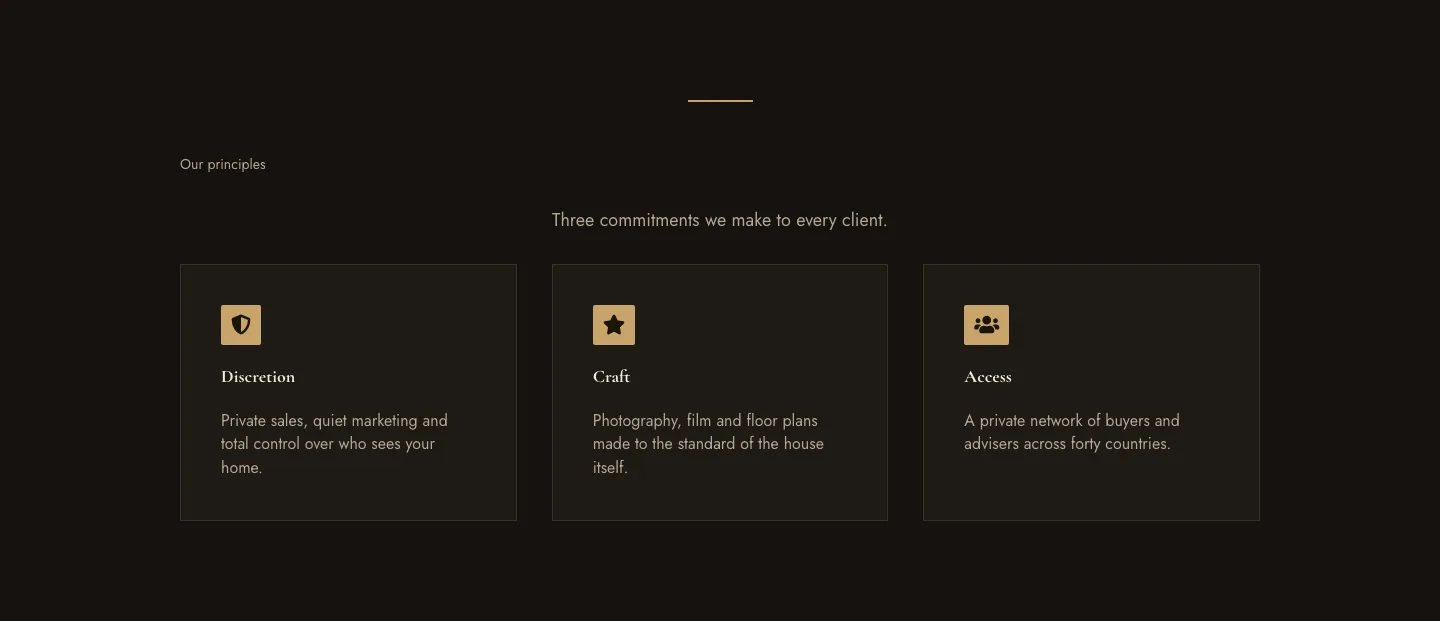
Luxe Private Estates Principles Features Layout for Divi 5: Three Icon Values
features · real_estate · elegant
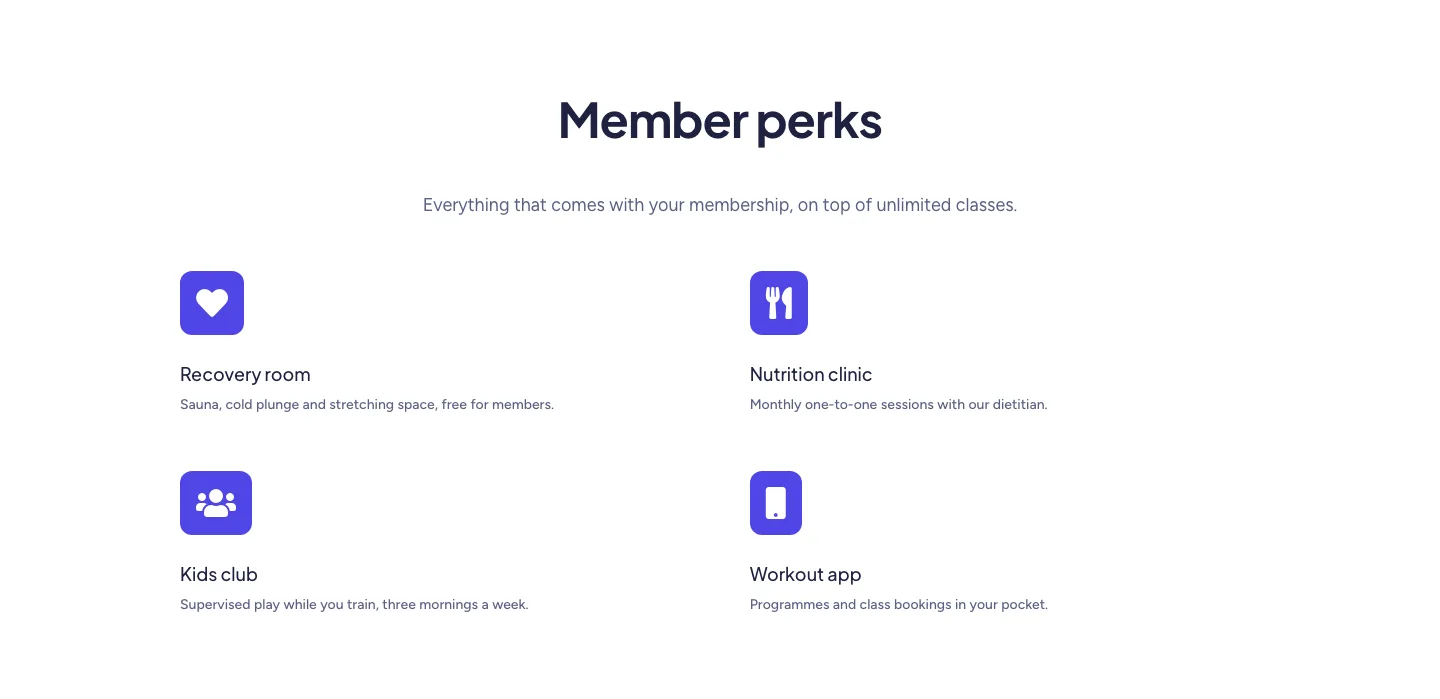
Soft Fitness Member Perks Features Layout for Divi 5: Four Icon Blurbs
features · fitness · minimal
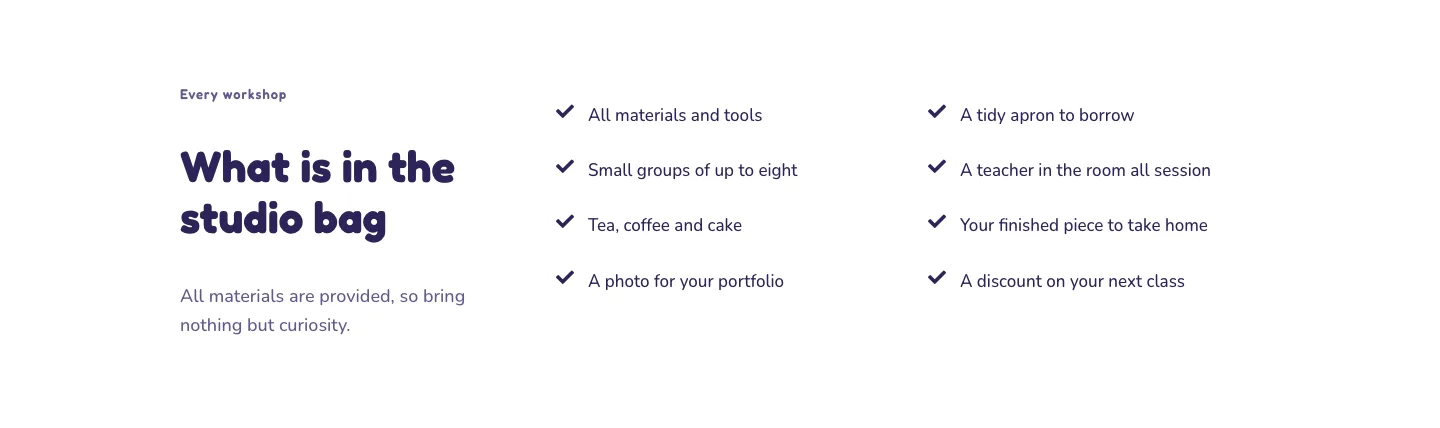
Playful Craft Workshop Features Layout for Divi 5: Two-Column Checklist
features · portfolio · playful
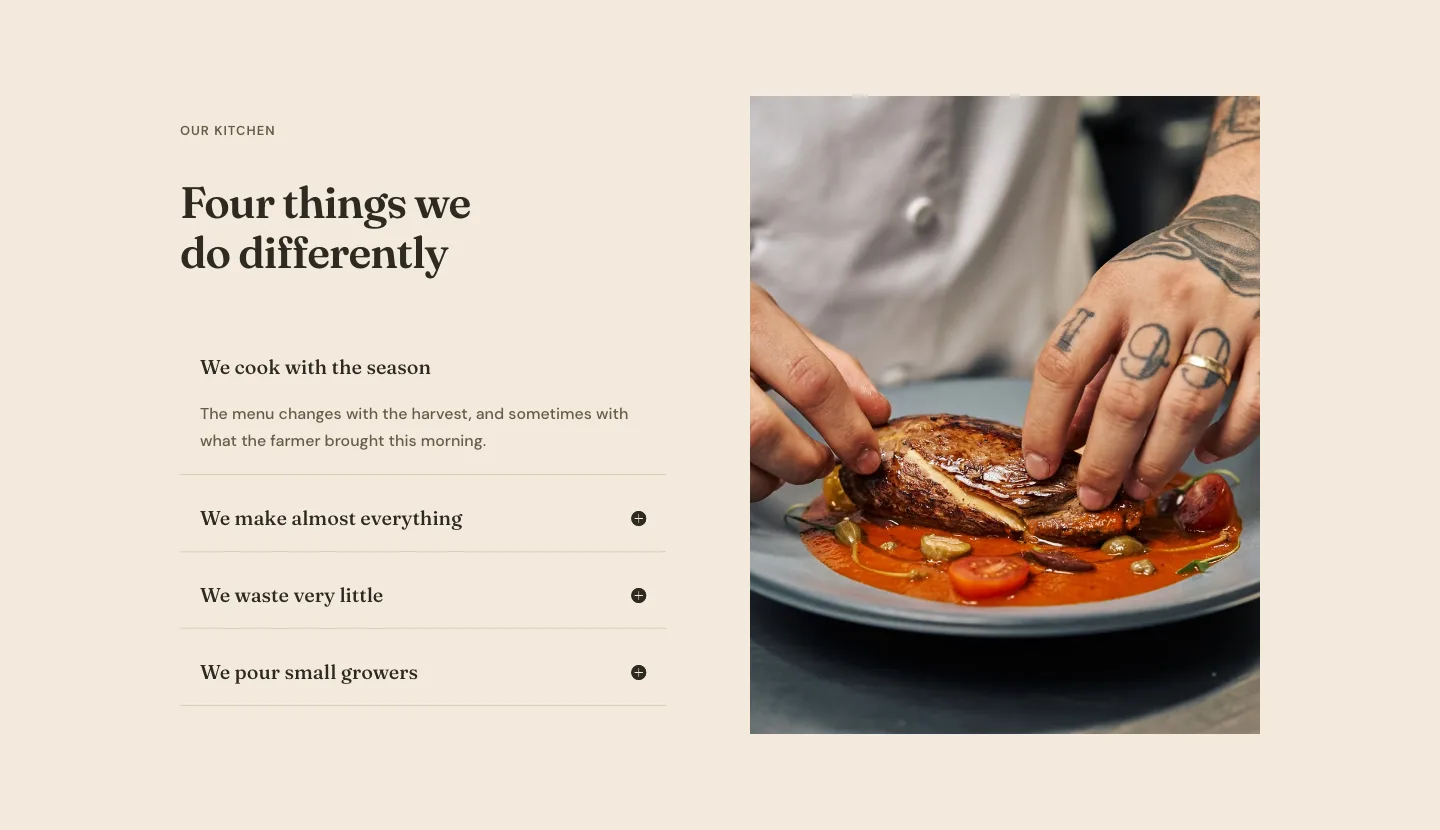
Organic Restaurant Kitchen Values Features Layout for Divi 5: Accordion with Image
features · restaurant · elegant
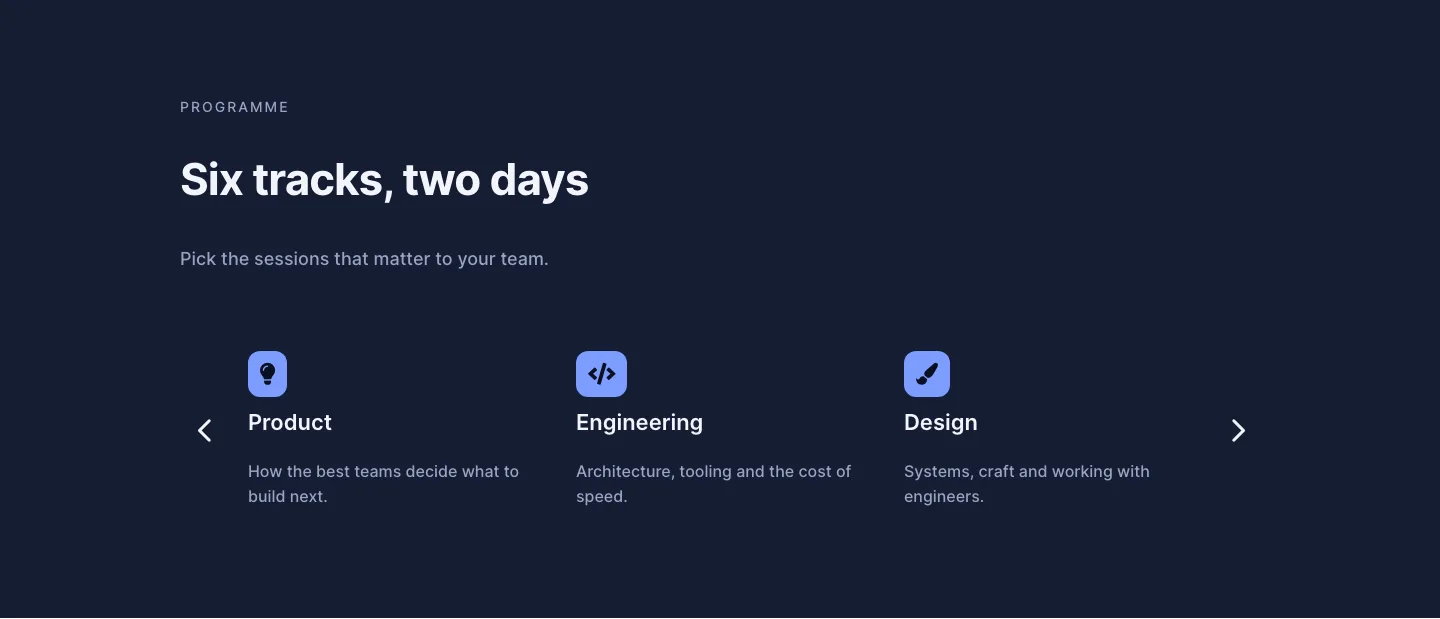
Dark Conference Tracks Features Layout for Divi 5: Carousel Cards
features · events · dark
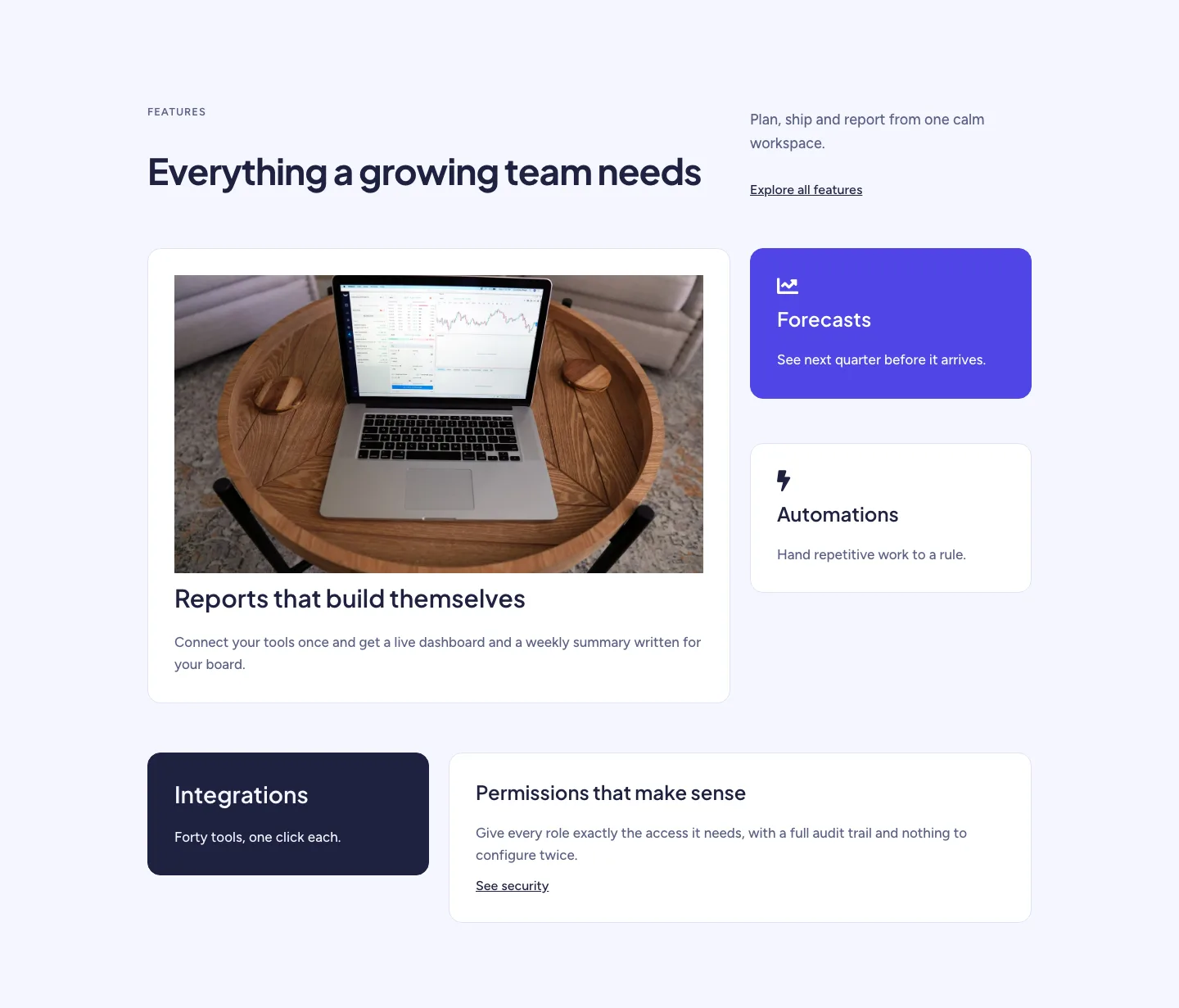
Soft SaaS Workspace Features Layout for Divi 5: Bento Feature Grid
features · saas · minimal