
Minimal Photographer Portfolio Hero Section for Divi 5: Editorial Layout
A minimal, editorial Divi 5 hero section for photographer portfolios. Warm off-white background, Playfair Display headline, and a clean centered layout. Ready to import.
Rate this element
Download this section, free
- Divi 5 JSON, imports in seconds
- Commercial license included
- No account needed
Click to view the full page
Overview
The layout opens with a warm parchment section (#faf7f2) dressed in a barely-there squares pattern (#e3dccf). The pattern is subtle enough to read as texture rather than decoration, giving the background a tactile quality that suits printed-matter aesthetics. Vertical padding is generous and intentional: 152px top and bottom on desktop scale back to 104px on tablet and 72px on phone, so the hero breathes on every screen size without collapsing into a cramped banner.
All content lives in a single centered column (a 4_4 row with one column, aligned via CSS flexbox). The headline is set in Playfair Display at 96px with a tight 1.05em line height and a -1px letter-spacing pull, producing the condensed elegance you see in editorial spreads. The text-wrap: balance property keeps multi-line headlines optically even without manual line breaks. On tablet the type drops to 64px; on phone it settles at 42px, remaining commanding without overwhelming smaller viewports.
Below the headline, a Group module constrains the descriptive text to a 600px maximum width, a deliberate measure that prevents the body copy from stretching into an uncomfortably long measure on wide monitors. The Text module uses Source Sans 3 at 20px with a 1.6em line height in a warm brown-gray (#6b645a), a tone chosen to recede from the headline's near-black (#1c1a17) without losing legibility. The pairing of a serif headline against a humanist sans-serif body is a classic editorial move that signals craft and intentionality to anyone reviewing the page.
The CTA is a Button module set to a terracotta-rust fill (#9a3b1f) with sharp, zero-radius corners and a 2px solid bottom-border accent in near-black. That single underline device, borrowed from typographic tradition, replaces the usual box-border treatment and keeps the button visually light. The button label carries no uppercase transformation, so the voice stays conversational. Because the entire column stack is flex-aligned to center at the module level, swapping out copy or adding a second element below the button requires no manual alignment adjustment.
What’s inside
- Single centered column layout built on a `4_4` row with CSS flexbox column alignment, no sidebar or asymmetric split
- Responsive H1 in Playfair Display with three explicit size steps: 96px desktop, 64px tablet, 42px phone, plus `text-wrap: balance` for optically even line breaks
- Warm parchment section background (`#faf7f2`) with a subtle squares decorative pattern (`#e3dccf`) configurable in the Section's Background settings
- Stepped vertical padding: 152px desktop, 104px tablet, 72px phone, keeping proportional white space at every breakpoint
- Group module acting as a 600px max-width wrapper around the body text to control line measure on wide screens
- Source Sans 3 body text at 20px / 1.6em line height in a warm gray-brown (`#6b645a`) for readable contrast without competing with the headline
- Sharp-cornered Button in terracotta (`#9a3b1f`) with a typographic 2px bottom-border accent in near-black instead of a full border-box treatment
Who it’s for
This hero is the right fit for independent photographers who want a homepage that establishes a serious, unhurried presence before showing a single image. Documentary photographers, editorial photographers, and fine art practitioners will feel most at home because the muted palette and restrained structure match the aesthetic expectations of magazine and agency art directors. It also works for architecture photographers, portrait photographers, and photography educators whose prospective clients respond to craft signals over spectacle. The typographic-first approach makes it equally useful for any visual creative (illustrators, directors of photography, visual artists) whose portfolio needs credibility rather than noise.
Customization tips
The section background and pattern are set as two separate values inside the Section module's Background decoration panel. Swap #faf7f2 for any warm neutral (ivory, pale linen, soft stone) and adjust the pattern color to stay in the same tonal family, or disable the Pattern toggle entirely for a flat field. The terracotta button fill (#9a3b1f) is the layout's only accent color; replacing it with your brand color re-themes the CTA without touching any other module.
The sample headline is three short words. Replacement copy works best under roughly 25 characters to sit comfortably on a single line at 96px. Longer headlines will wrap cleanly because text-wrap: balance is active, but the 1.05em line height is tight, so avoid fonts with extreme ascender or descender depth. The body text block is capped at 600px wide, which makes 2 to 3 short sentences the practical limit before copy feels long. The CTA label should stay under 30 characters to sit proportionally within the 10px / 20px padding footprint.
How to install this layout
- Download the layout JSON file from this page.
- Open the target page in the Divi 5 builder.
- Open the portability panel (up/down arrows icon) and choose the Import tab.
- Upload the JSON. Tick “replace existing content” only for full-page imports.
- Check the page at desktop and mobile widths, then swap in your copy and images.
Full walkthrough with troubleshooting: How to Import a Divi 5 Layout.
Questions about Minimal Photographer Portfolio Hero Section for Divi 5: Editorial Layout
How does the headline size adapt on mobile?
Three explicit breakpoint values are baked into the Heading module itself: 96px on desktop, 64px on tablet, and 42px on phone. No custom CSS is needed; the values live entirely inside the module's font settings and change automatically.
Which Divi 5 modules does this layout use?
Seven native modules in total: one Section, one Row (single-column 4_4 structure), one Column, one Heading, one Group (used as a max-width container), one Text, and one Button. No third-party modules or plugins are required.
Can I remove the background pattern?
Yes. Open the Section module settings, go to the Background tab, and toggle the Pattern option off. The warm parchment base color (`#faf7f2`) stays; only the squares overlay disappears.
This hero has no image. How do I add a background photo?
The layout is a pure typography-and-color composition by design. To add a photograph, open the Section settings and add a second Background layer (Image or Gradient). Stack it below the existing color layer so the parchment tint sits on top, or replace the color entirely with a darkened image and adjust font colors for contrast.
Which Google Fonts are used, and do I need to load them manually?
Playfair Display is used for the heading and Source Sans 3 is used for the body text and button label. Both are Google Fonts. Divi 5 loads and serves Google Fonts automatically when they are selected in the font picker; no manual enqueuing or plugin is required.
What should I edit first after importing?
Start with the Heading text (your name or studio name), then update the Text module with your current availability or positioning line. Finally, swap the button label and link to point at your portfolio gallery or contact page. The palette and typography can stay as-is until you are ready to match your brand colors.
Which Divi version does this layout need?
Divi 5. The layout is generated natively for Divi 5 and validated against its real module structure before publication, so it imports clean into the current builder.
Can I use this layout on client websites?
Yes. Every download includes a commercial license covering unlimited sites you own or build for clients. Only reselling or redistributing the layout file itself is prohibited.
More hero sections
Browse all hero sections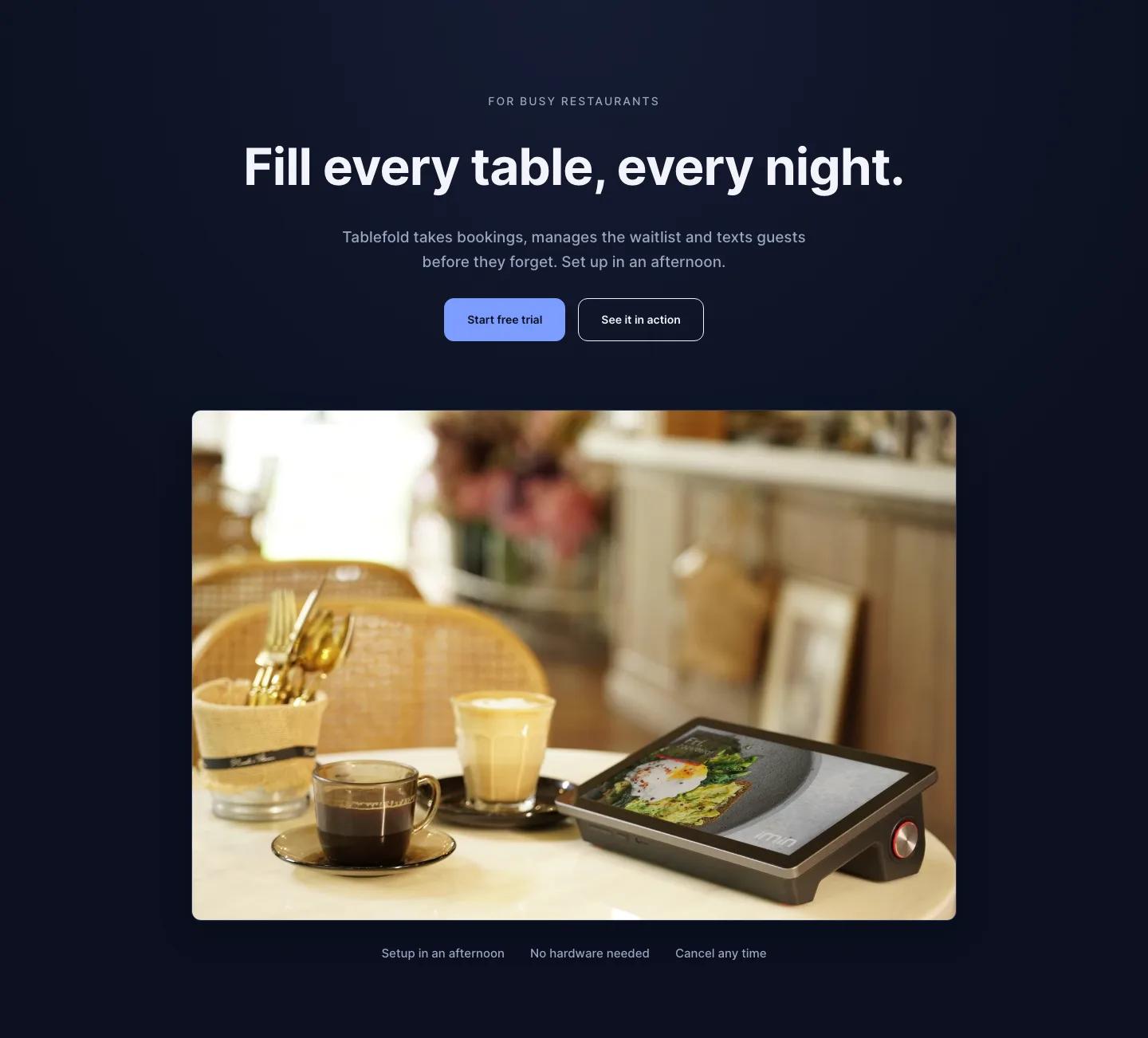
Dark Restaurant Booking Software Hero Section for Divi 5: Product Glow Layout
hero · restaurant · dark
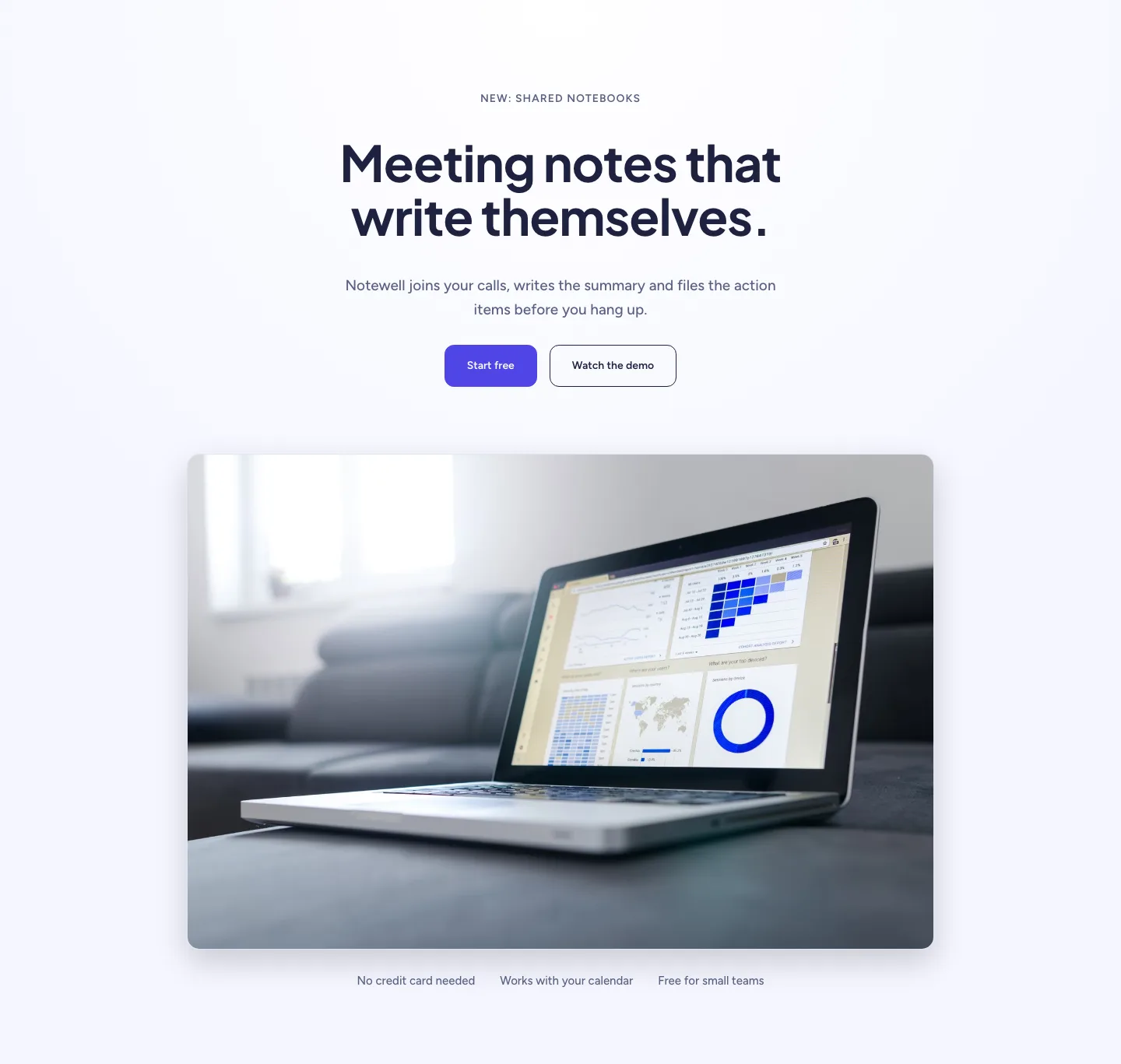
Soft SaaS Meeting Notes Hero Section for Divi 5: Product Glow Layout
hero · saas · minimal
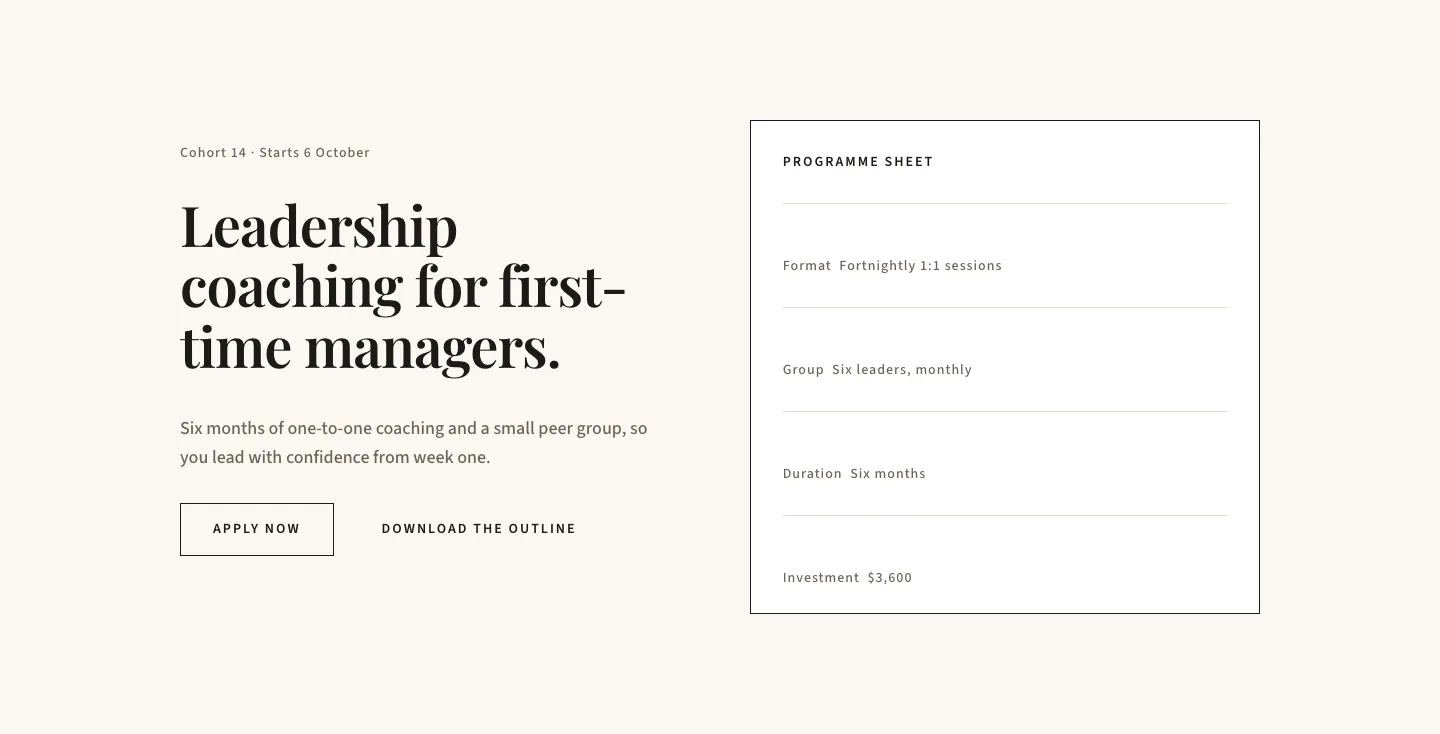
Editorial Executive Coaching Hero Section for Divi 5: Programme Sheet
hero · coaching · minimal
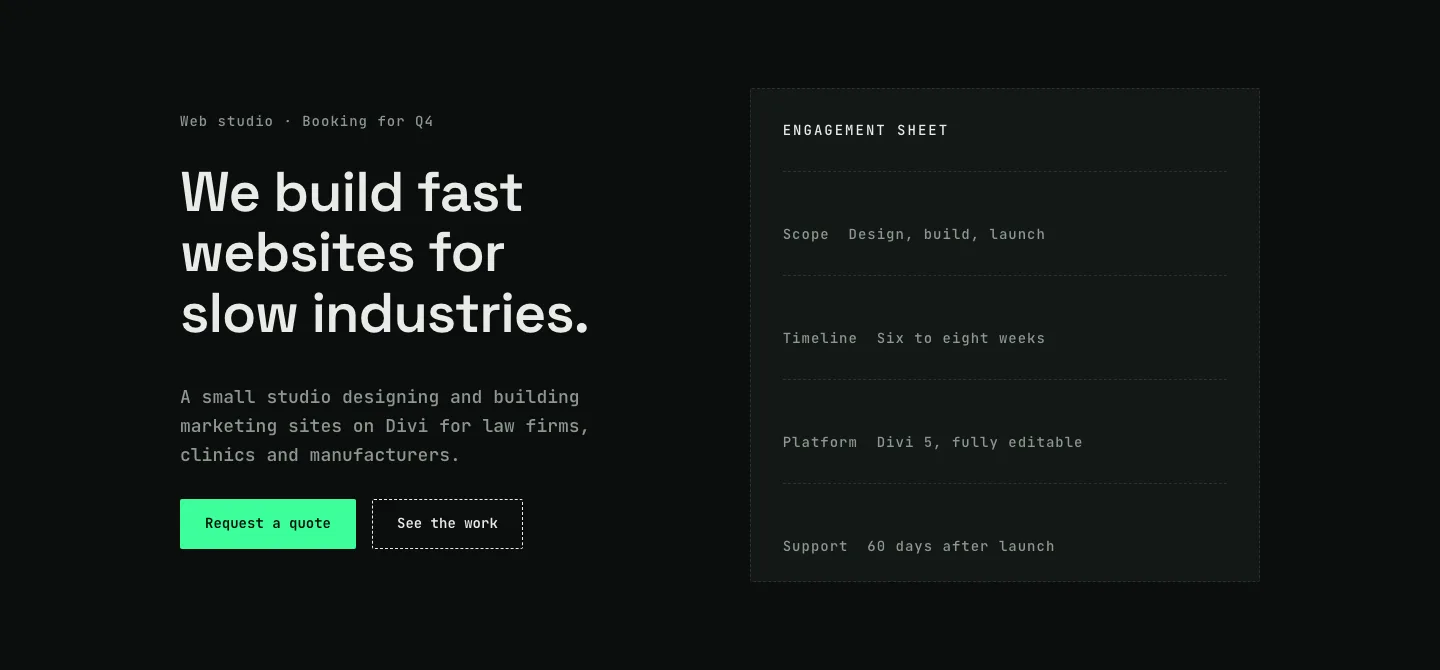
Dark Web Studio Agency Hero Section for Divi 5: Spec Card Layout
hero · agency · dark
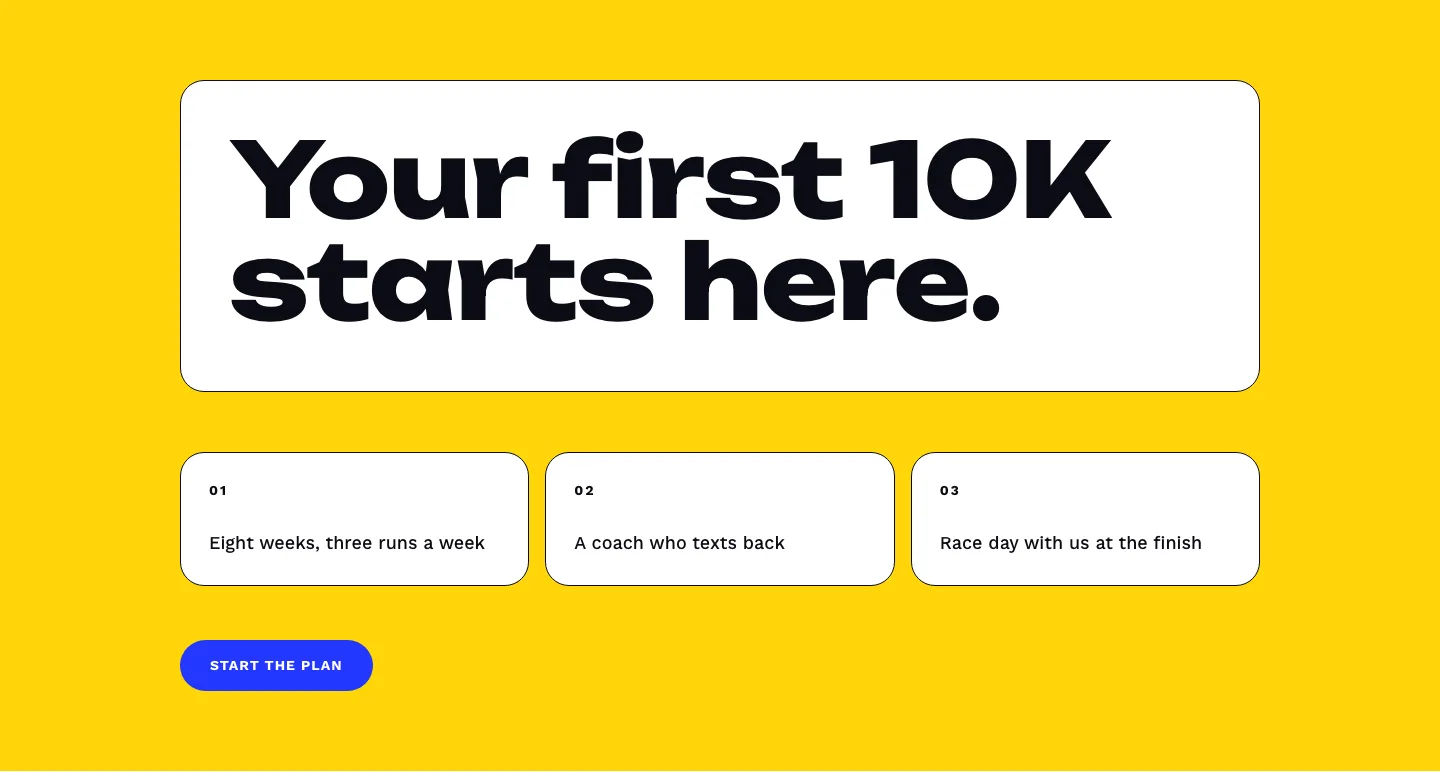
Bold First 10K Running Coach Hero Section for Divi 5: Fitness Bordered Cells
hero · fitness · bold
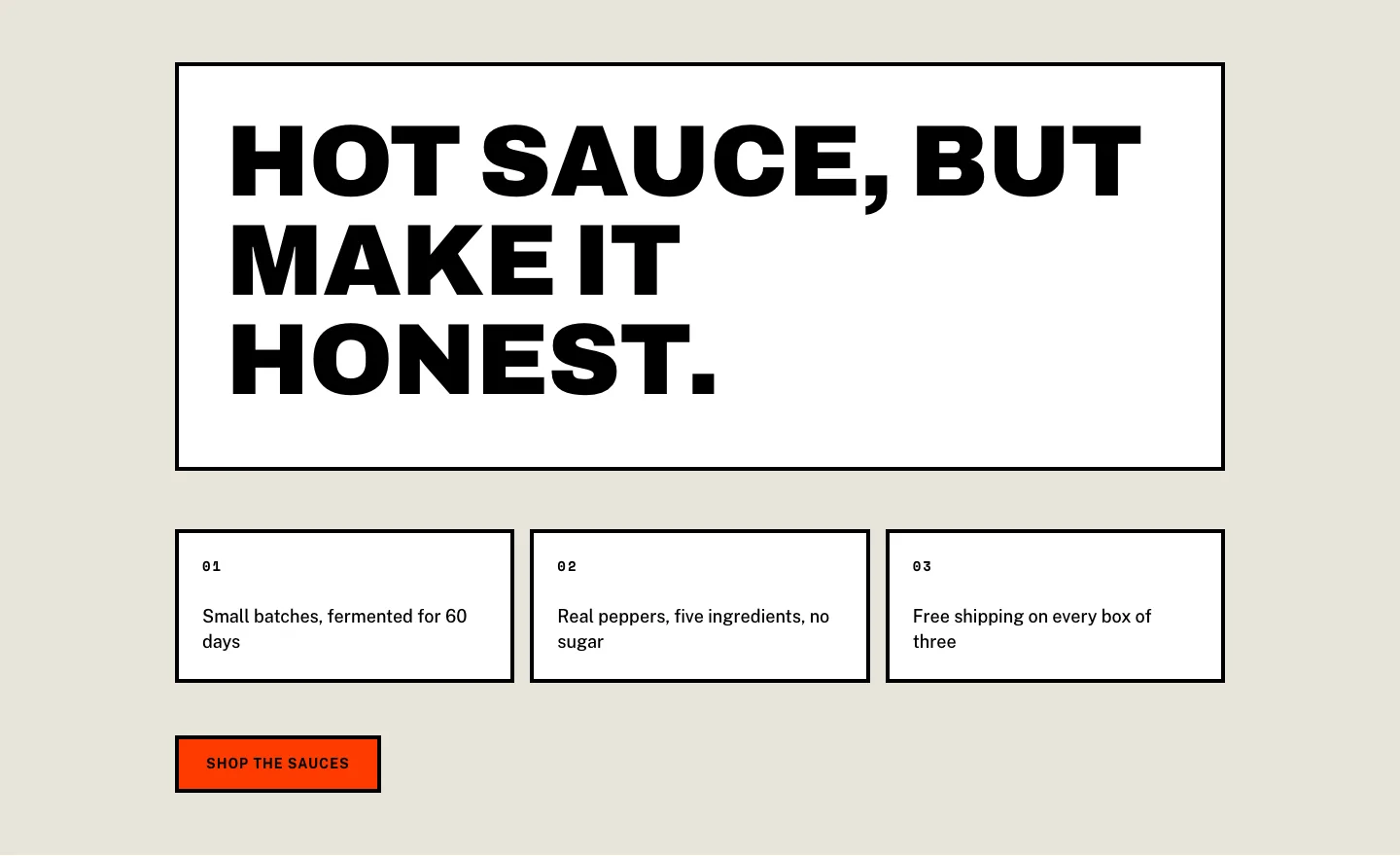
Brutalist Hot Sauce Ecommerce Hero Section for Divi 5: Bordered Cells
hero · ecommerce · bold