
Minimal Architecture Studio Portfolio Hero for Divi 5: Editorial Typography
A clean, editorial Divi 5 hero section for architecture and design studios. Oversized Playfair Display headline, warm off-white background, and a two-column text layout built for portfolio sites.
Rate this element
Download this section, free
- Divi 5 JSON, imports in seconds
- Commercial license included
- No account needed
Click to view the full page
Overview
The layout opens with a full-width Section on a warm linen background (#faf7f2), padded at 180px top and 140px bottom on desktop, giving the headline the kind of room a printed editorial spread would. The first row holds a single full-width column constrained to 920px max-width and left-aligned, containing two Heading modules and a Divider nested inside a Group. The h4 eyebrow runs in Source Sans 3 at 13px, 600 weight, 2px letter-spacing, all-caps, in warm gray (#6b645a), setting studio identity with minimal footprint before the main heading arrives. The h1 runs in Playfair Display at 104px, -1px letter-spacing, and a tight 1.02 line-height: close enough to read as a single typographic mass, open enough for the serif details to register. The text-wrap: balance property distributes line breaks automatically, so the headline never orphans a word regardless of how the copy is edited.
A 1px solid divider in #e3dccf (a parchment tone drawn from the background's own warmth) separates the headline block from the content row below. That second row splits asymmetrically: the left column takes 16 of 24 flex units and holds a Text module constrained to 560px, set in Source Sans 3 at 20px with a 1.7 line-height in the same warm gray as the eyebrow. The right column takes the remaining 8 units and holds a single underlined text link nudged 6px from the top to sit near the paragraph's visual baseline. The columns are set flex-wrap: nowrap on desktop, so they always read side by side.
The palette is deliberately restrained: #faf7f2 background, #1c1a17 near-black for heading and link text, #6b645a warm gray for eyebrow and body copy. Every value belongs to the same natural-material temperature, with no cool grays or pure whites. The result reads like heavy-stock print: high-contrast where hierarchy demands it, quiet everywhere else.
On tablet the h1 drops to 72px; on phone it compresses to 44px, the section padding narrows to 80px top and 64px bottom, and both rows stack into single full-width columns. No images, no background overlays, no decorative modules: the entire hierarchy is carried by type scale, weight contrast, and the warmth of an off-white field.
What’s inside
- Full-width eyebrow-and-heading Group (max-width 920px, left-aligned) with an h4 eyebrow in Source Sans 3 and an h1 in Playfair Display at 104px
- Responsive h1 with three breakpoint sizes (104px desktop / 72px tablet / 44px phone) and `text-wrap: balance` for automatic line-break distribution
- 1px solid parchment divider (#e3dccf) separating the headline block from the two-column content row
- Asymmetric two-column content row (16/24 left + 8/24 right flex units) with a descriptor paragraph and a standalone underlined text link
- Eleven native Divi 5 modules total: Section, Row (x2), Column (x4), Group (x2), Heading (x2), Text (x2), Divider
- Warm linen section background (#faf7f2) with generous editorial padding that compresses gracefully across three breakpoints
- No images required: all visual hierarchy is delivered through type scale, weight contrast, and measured whitespace
Who it’s for
This hero fits architecture firms, interior design studios, landscape architects, and urban planning practices that lead with editorial authority rather than conversion volume. It also suits independent furniture designers, craftspeople, and cultural institutions whose reputation is built on restraint and published work. The purely typographic approach makes it equally at home for photographers, independent publishers, or any creative professional who wants a web presence as considered as their printed materials.
Customization tips
Palette swap: the three core values (#faf7f2 section background, #6b645a eyebrow and body text, #e3dccf divider) share a warm natural temperature. Replace them as a trio and keep any substitutes in the same tonal family to maintain cohesion.
Eyebrow text stays readable up to about 40 characters at 13px with 2px tracking. Much longer and the all-caps rhythm breaks.
The h1 text-wrap: balance handles line distribution automatically but works best between 6 and 14 words. The demo line, "Buildings that make a quiet case for staying," is 9 words and a good target length.
The body descriptor suits 25 to 55 words at the 560px max-width. Beyond that, the contrast with the short link column becomes awkward.
The CTA is a plain Text module, not a Button. Update the href and link label directly in the module's content field.
How to install this layout
- Download the layout JSON file from this page.
- Open the target page in the Divi 5 builder.
- Open the portability panel (up/down arrows icon) and choose the Import tab.
- Upload the JSON. Tick “replace existing content” only for full-page imports.
- Check the page at desktop and mobile widths, then swap in your copy and images.
Full walkthrough with troubleshooting: How to Import a Divi 5 Layout.
Questions about Minimal Architecture Studio Portfolio Hero for Divi 5: Editorial Typography
Are there any images in this layout?
No. The layout is purely typographic: a Section background color, two Rows, Headings, a Divider, and Text modules. There are no Image modules or background images to replace.
Which Divi 5 modules does the layout use?
Section, Row (x2), Column (x4), Group (x2), Heading (x2), Text (x2), and Divider. All are native Divi 5 core modules with no third-party dependencies.
How does the two-column row behave on mobile?
On desktop the columns sit side by side in a 16/24 + 8/24 asymmetric split with `flex-wrap: nowrap`. On phone, `flex-wrap: wrap` and `flex-direction: column` stack them vertically, with both columns expanding to full width. The link appears below the descriptor paragraph.
Can I swap the font families?
Yes. Playfair Display on the h1 and Source Sans 3 on the supporting text are both set inside each module's font decoration fields. Replace them with any Google Font active in your Divi theme. Preserve the existing size, weight, and tracking values since they are tuned to the current scale.
What should I edit first after importing?
Start with the three text fields: the h4 eyebrow (your studio name or tagline), the h1 headline, and the descriptor paragraph. Then update the CTA link href. The visual hierarchy holds through all of those edits because it is built from spacing and scale, not from images or overlays.
Which Divi version does this layout need?
Divi 5. The layout is generated natively for Divi 5 and validated against its real module structure before publication, so it imports clean into the current builder.
Can I use this layout on client websites?
Yes. Every download includes a commercial license covering unlimited sites you own or build for clients. Only reselling or redistributing the layout file itself is prohibited.
More hero sections
Browse all hero sections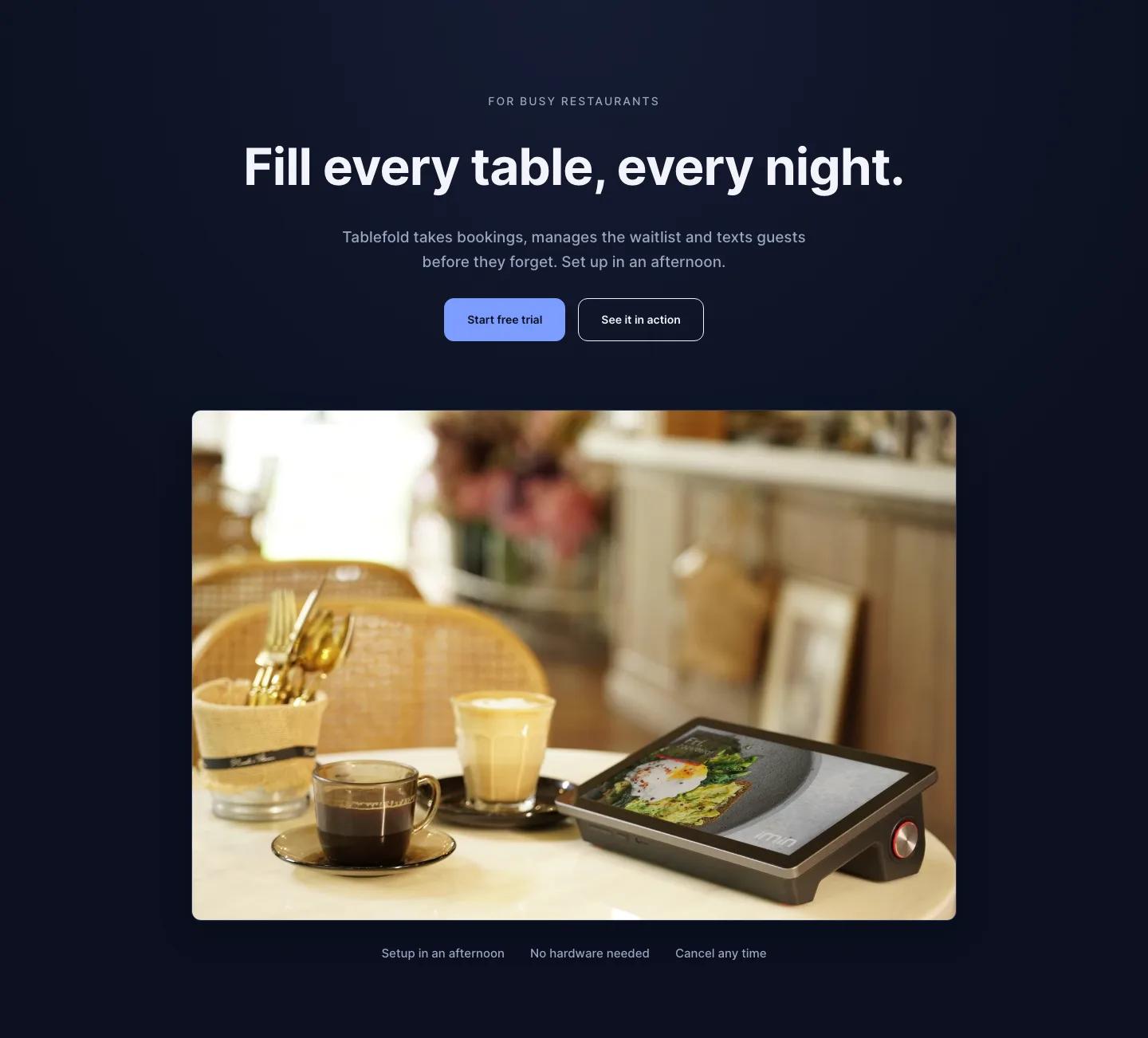
Dark Restaurant Booking Software Hero Section for Divi 5: Product Glow Layout
hero · restaurant · dark
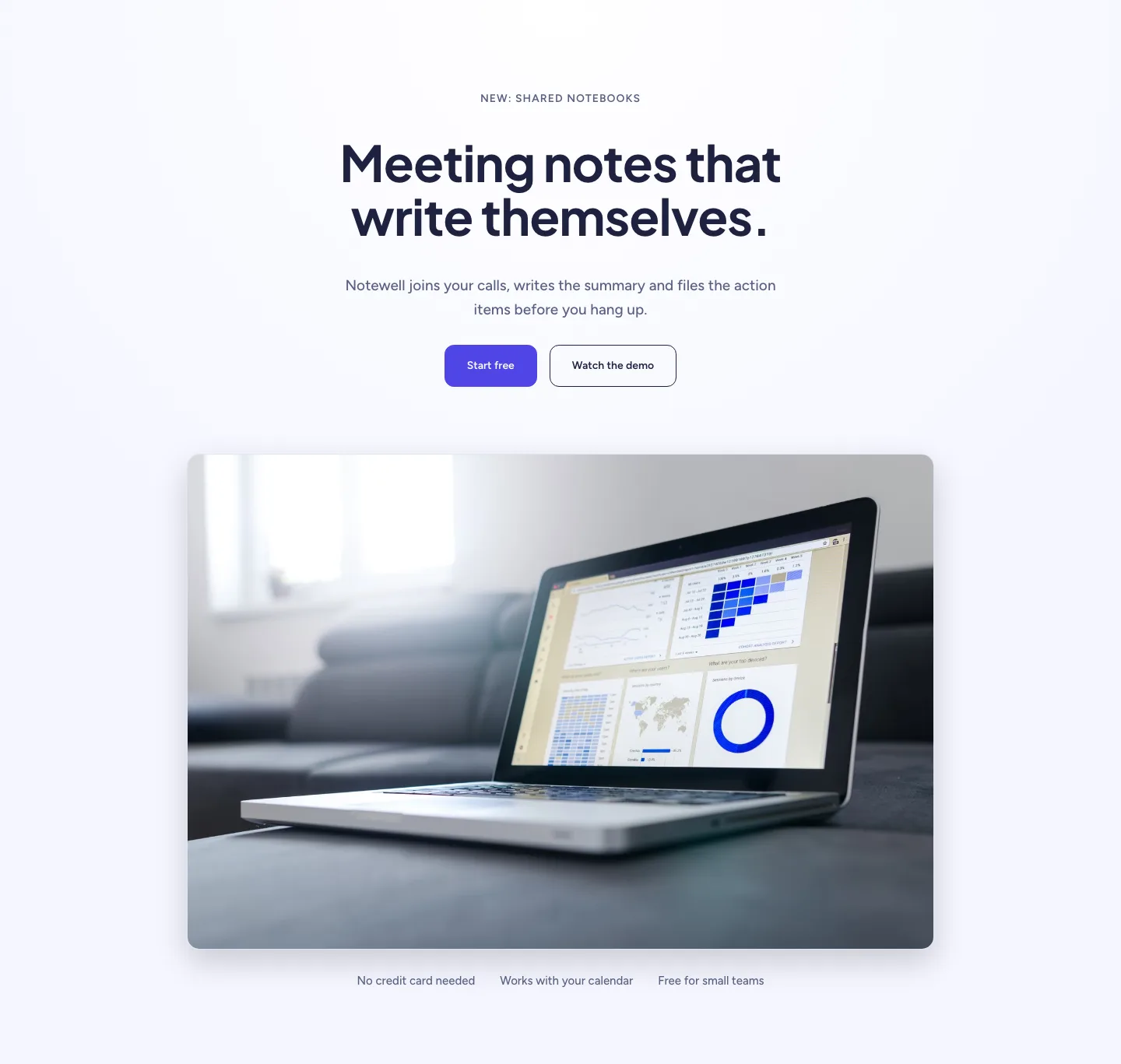
Soft SaaS Meeting Notes Hero Section for Divi 5: Product Glow Layout
hero · saas · minimal
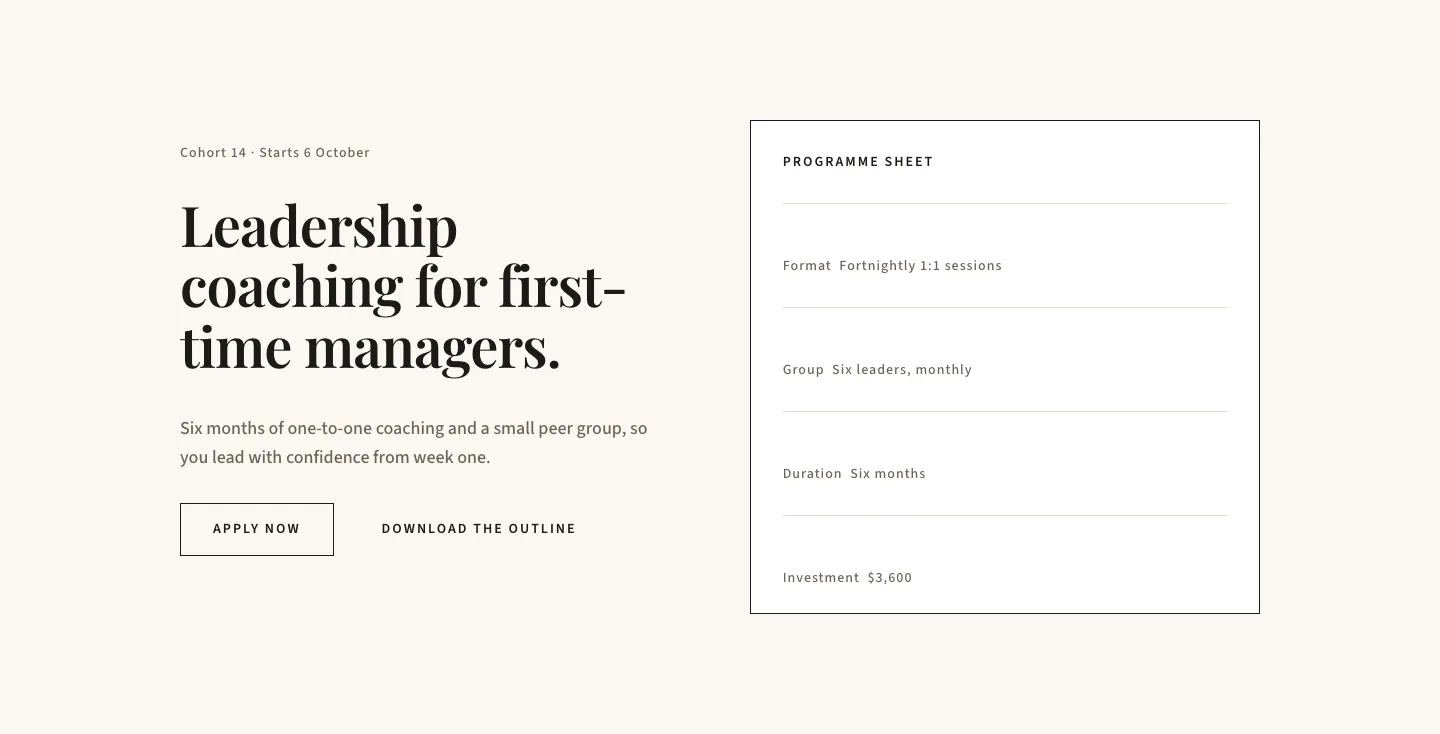
Editorial Executive Coaching Hero Section for Divi 5: Programme Sheet
hero · coaching · minimal
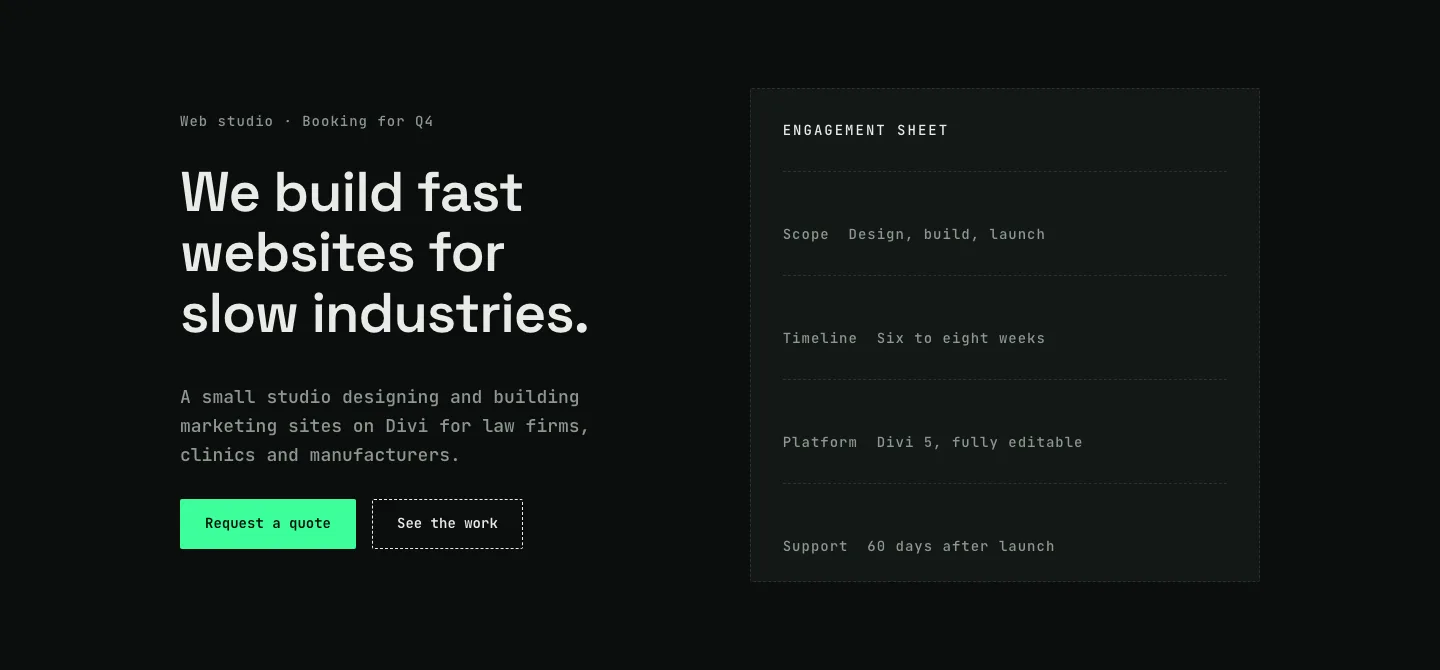
Dark Web Studio Agency Hero Section for Divi 5: Spec Card Layout
hero · agency · dark
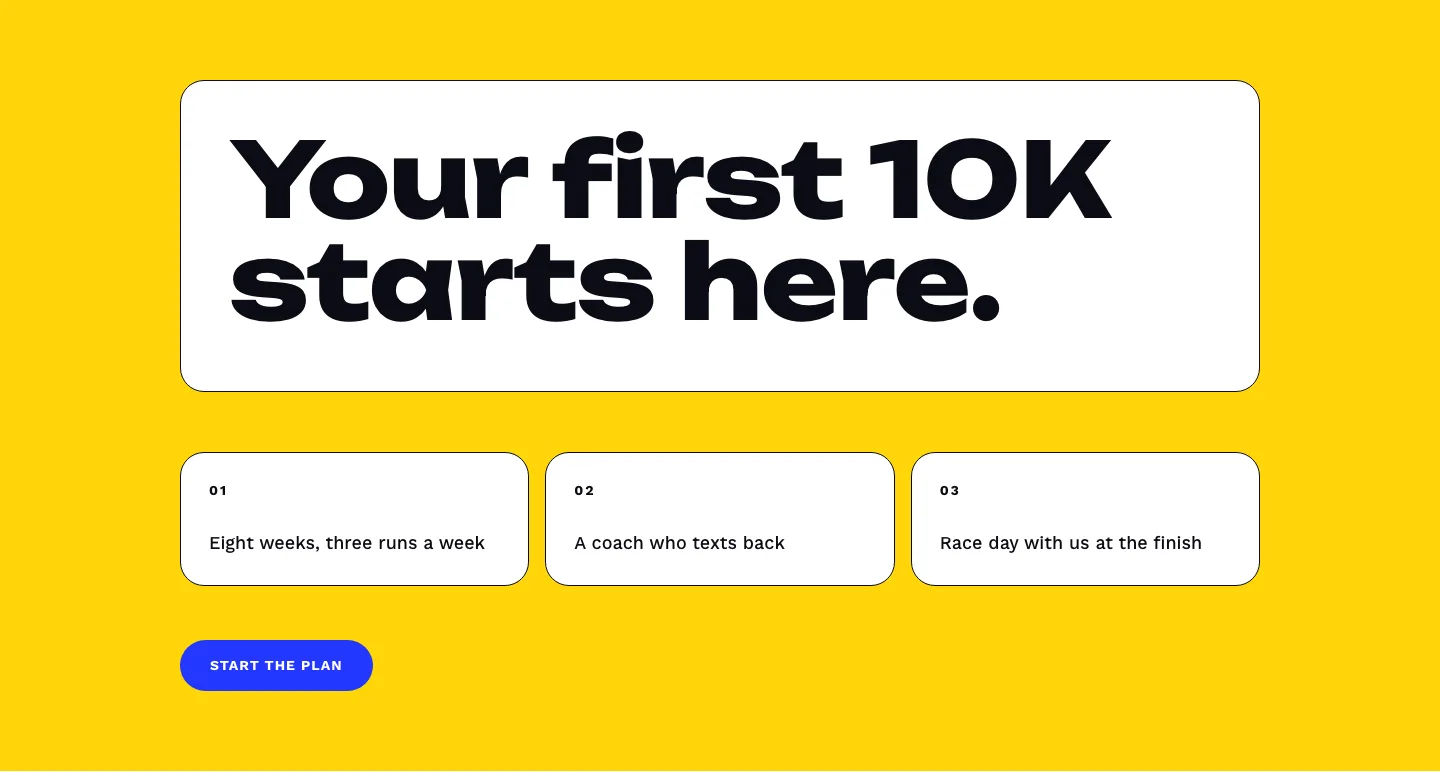
Bold First 10K Running Coach Hero Section for Divi 5: Fitness Bordered Cells
hero · fitness · bold
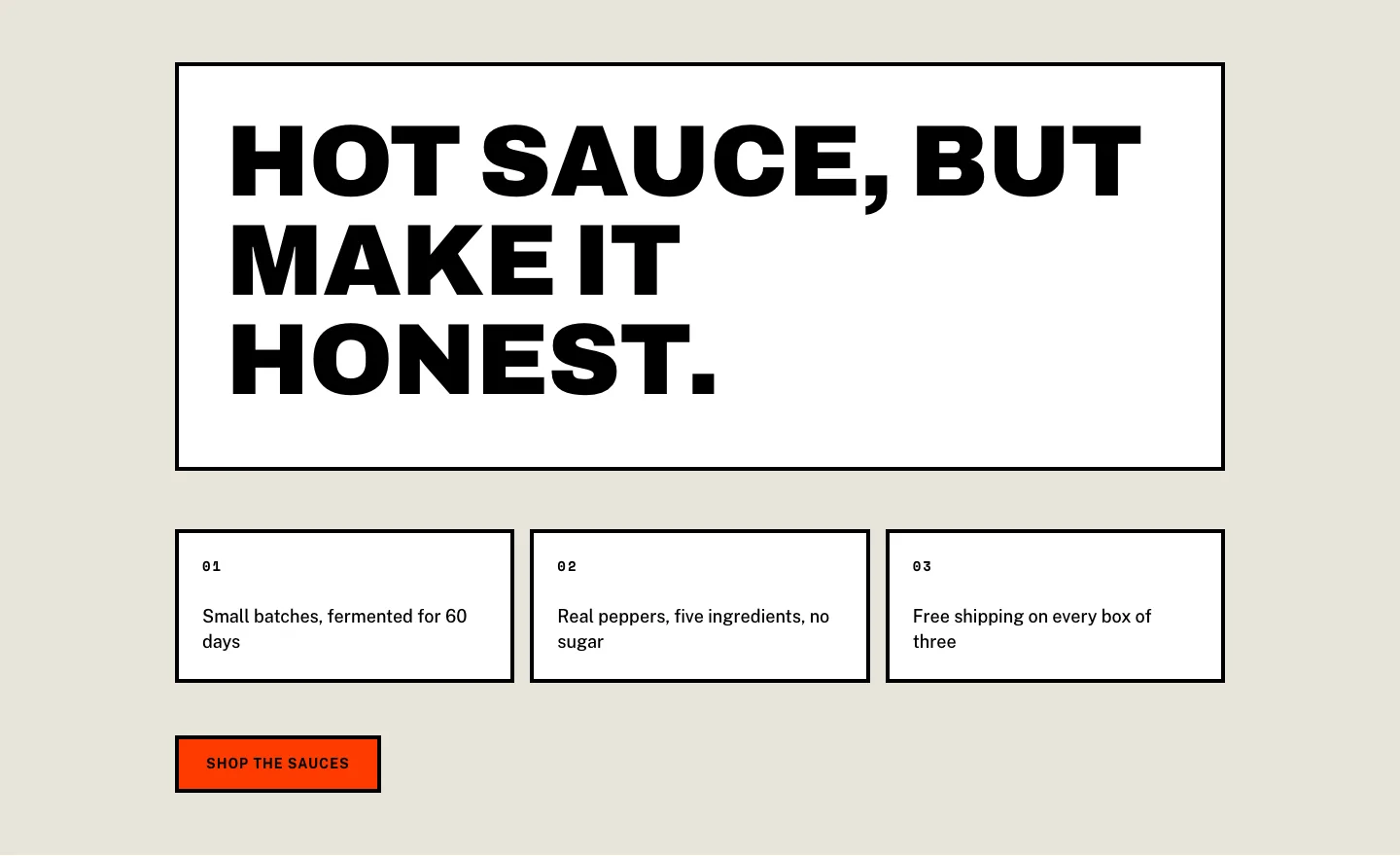
Brutalist Hot Sauce Ecommerce Hero Section for Divi 5: Bordered Cells
hero · ecommerce · bold