
Soft Case Study Cards Layout for Divi 5: Project Grid
Showcase your creative projects with this clean case study cards layout for Divi 5. Soft lavender background, 2-column project grid with category tags — perfect for design agencies and creative portfolios.
Rate this element
Download this section, free
- Divi 5 JSON, imports in seconds
- Commercial license included
- No account needed
Click to view the full page
Overview
The section sits on a #f5f6ff background, a barely-there lavender tint that reads as near-white yet adds just enough coolness to separate the block from a plain white page. Section padding is 104px top and bottom on desktop, stepping down to 72px on tablet and 48px on phone, so the generous breathing room scales proportionally rather than feeling cramped at smaller breakpoints.
The header is a flex row with justify-content: space-between and align-items: flex-end, placing the title stack on the left and a ghost button on the right, both sitting on the same visual baseline. The eyebrow is a 13px Figtree uppercase label in muted indigo-slate (#596083) with 1px letter-spacing, a type signal that frames the section without competing with the h2. The headline uses Plus Jakarta Sans at 44px, 700 weight, and -1px letter-spacing with text-wrap: balance applied, which prevents orphaned words at any viewport width. It steps down to 36px on tablet and 30px on phone. On phone the header row reflows to a column, left-aligned, so the button drops naturally below the headline.
The project grid is a native CSS grid with two columns, 32px column gap, and 40px row gap on desktop. The first card is assigned grid-column-span: 2, making it a full-width featured piece at a 2:1 aspect ratio, wider than the four standard cards beneath it, which all use 4:3. That asymmetry gives the grid a clear visual anchor: one statement project, four supporting pieces. On phone the grid collapses to a single column with a tighter 32px row gap, and the featured card's span resets to 1 automatically. All five images carry 16px corner radii and object-fit: cover, so any photo crops cleanly regardless of its original dimensions.
Below each image, a flex row with justify-content: space-between places the project title on the left and a small pill tag on the right. Titles are h3 at 22px Plus Jakarta Sans (600 weight), scaling to 20px on tablet and 19px on phone. The pill uses a 1px #e0e3f5 border and 12px corner radius, visible but quiet. Tag text is 12px Figtree, uppercase, 1px letter-spacing, in the same #596083 as the eyebrow, creating a consistent secondary-type register that recurs across header and card without feeling repetitive.
What’s inside
- One full-width featured card spanning both grid columns at a 2:1 aspect ratio, plus four standard 4:3 cards in a two-column grid
- Native CSS grid layout (divi/group) with 2-column desktop and 1-column phone breakpoints baked in, no custom CSS required
- Flex header row with eyebrow label (h4), balanced h2 headline, and ghost outline button right-aligned on the same baseline
- Per-card pill tags using a 1px solid `#e0e3f5` border, 12px radius, and uppercase Figtree labels for project category
- Responsive section padding: 104px desktop, 72px tablet, 48px phone, using Divi 5 breakpoint-specific spacing fields
- `text-wrap: balance` on the h2 prevents orphaned words at any viewport width
- 16px corner radius on all five images with `object-fit: cover` for clean, dimension-agnostic cropping
- Two-font system: Plus Jakarta Sans for all headings, Figtree for eyebrow, button, and tag labels
Who it’s for
This layout fits creative studios, branding agencies, packaging designers, and independent visual practitioners who need a structured portfolio section without rebuilding from scratch. The two-font pairing and cool-neutral palette read sophisticated enough for high-end client pitches, yet the layout is agnostic enough to carry photography, illustration, print, or mural work equally well. Web designers building Divi sites for creative-industry clients will find the category tag system easy to adapt, while solo designers can slot in their own project mix and adjust the type colors to match an existing brand in minutes.
Customization tips
The palette has two anchor points: the section background (#f5f6ff) and the primary dark tone (#1e2140). The ghost button border, h2, h3 titles, and section dividers all share that dark value, so swapping it once reskins the whole layout. The muted secondary tone (#596083) drives the eyebrow, tag labels, and tag text; shifting it to a warmer gray or your brand's mid-tone adjusts hierarchy without breaking contrast. Keep project titles to around 20 characters so the h3 sits on one line alongside the tag pill at desktop widths; longer titles will wrap gracefully since the flex container accommodates them. The featured card expects landscape-oriented source images at least 1600px wide (2:1 ratio); the four standard cards use 4:3, and portrait or square originals will center-crop cleanly. To add a sixth project, duplicate any standard card group inside the grid group. The CSS grid is set to two columns, so a new card falls into the next row automatically.
How to install this layout
- Download the layout JSON file from this page.
- Open the target page in the Divi 5 builder.
- Open the portability panel (up/down arrows icon) and choose the Import tab.
- Upload the JSON. Tick “replace existing content” only for full-page imports.
- Check the page at desktop and mobile widths, then swap in your copy and images.
Full walkthrough with troubleshooting: How to Import a Divi 5 Layout.
Questions about Soft Case Study Cards Layout for Divi 5: Project Grid
How does the featured card span the full grid width, and does that break on mobile?
The span is set via `gridColumnSpan: 2` in the desktop sizing options of the Divi Group module, with a phone override of `gridColumnSpan: 1`. Divi 5 applies the breakpoint-specific values automatically, so the card drops into the single-column mobile stack without any extra work on your part.
What aspect ratios do the images use, and does it matter what photos I upload?
The featured card uses a 2:1 ratio; all four standard cards use 4:3. Both have `object-fit: cover` applied, so any photo will fill the frame without distortion. Landscape-oriented images work best in the featured slot to avoid heavy vertical cropping; square or portrait sources will center-crop cleanly in the 4:3 cards.
Which Divi 5 modules make up this section?
The section uses divi/section, divi/row, divi/column, divi/group (for the header flex container, the CSS grid container, and each individual card), divi/image, divi/heading (h4 eyebrow, h2 section title, h3 card titles), divi/text (pill tag labels), and divi/button (the ghost CTA).
What should I edit first when adapting this for my own portfolio?
Start with the h2 headline and the h4 eyebrow, then swap in your project images. The category tags are plain divi/text modules inside pill-styled groups, so editing them is a direct text change. Update the ghost button link last, once you know which archive or projects page it should point to.
Can I add more project cards?
Yes. Duplicate any standard card group inside the CSS grid group. The two-column grid reflows automatically. For visual balance, keep an even number of standard cards alongside the single featured wide card. If you want a second full-width card, set its `gridColumnSpan` to 2 in the desktop sizing options.
The header button is transparent with a border. Can I make it a filled button instead?
Yes. In the button module's Background settings, replace the `rgba(255,255,255,0)` value with any solid color. The border and text color are set independently, so you can keep, remove, or recolor the outline separately from the fill.
Which Divi version does this layout need?
Divi 5. The layout is generated natively for Divi 5 and validated against its real module structure before publication, so it imports clean into the current builder.
Can I use this layout on client websites?
Yes. Every download includes a commercial license covering unlimited sites you own or build for clients. Only reselling or redistributing the layout file itself is prohibited.
More cards
Browse all cards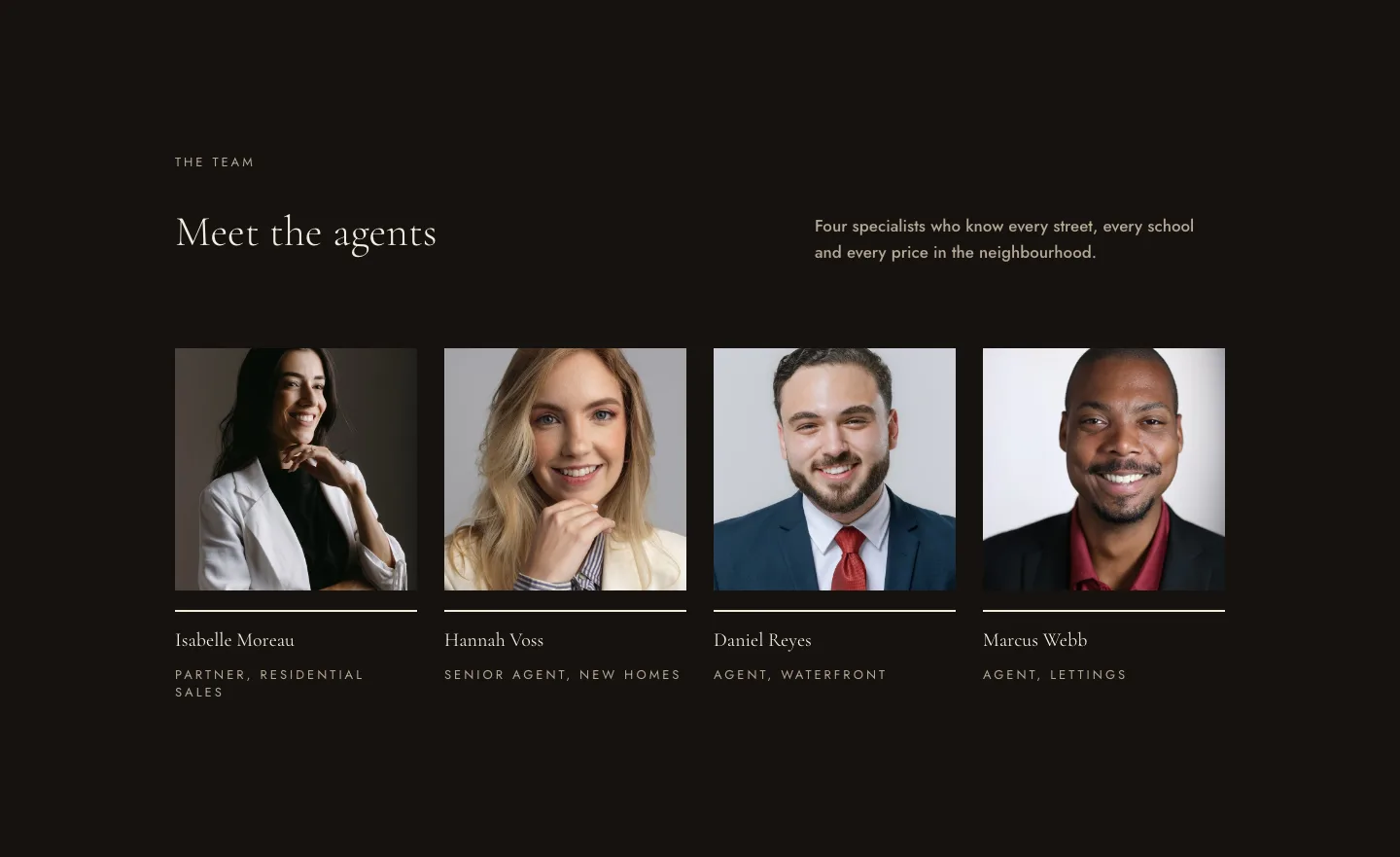
Luxe Real Estate Agent Profile Cards Layout for Divi 5: Team Grid
cards · real_estate · elegant
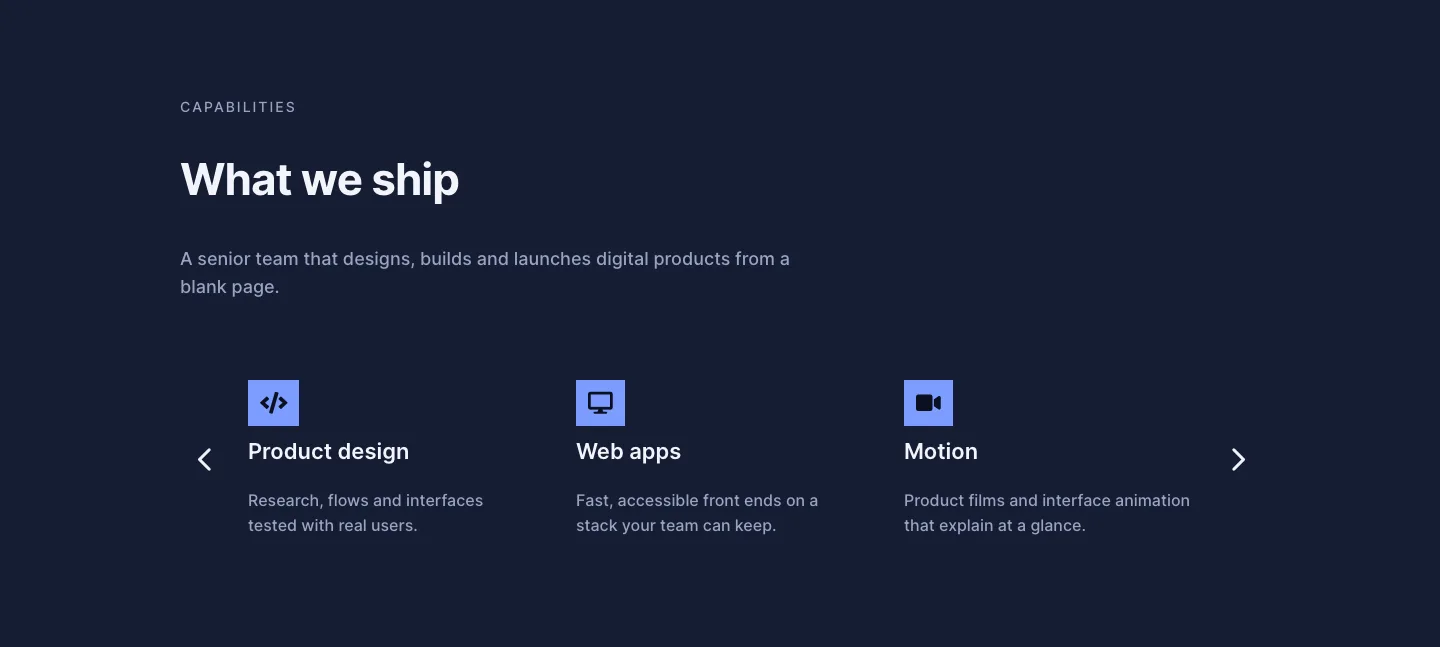
Dark Digital Agency Capabilities Cards Carousel Layout for Divi 5
cards · agency · dark
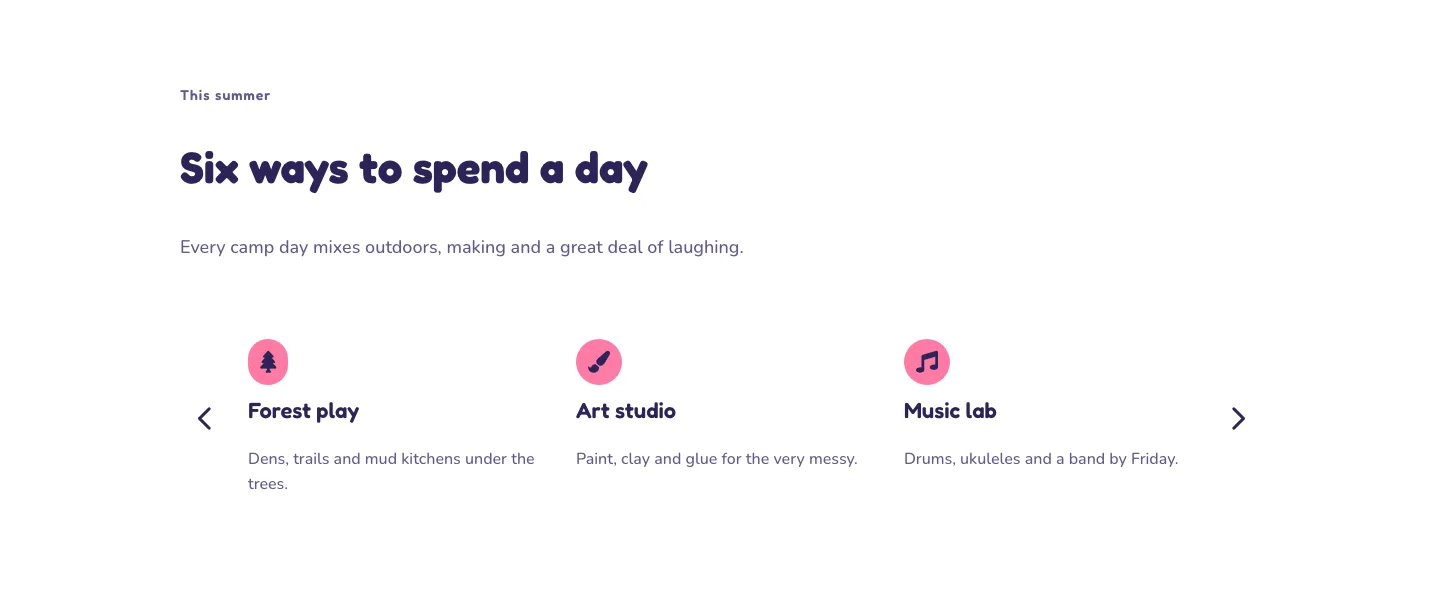
Playful Summer Camp Events Feature Cards Carousel Layout for Divi 5
cards · events · playful
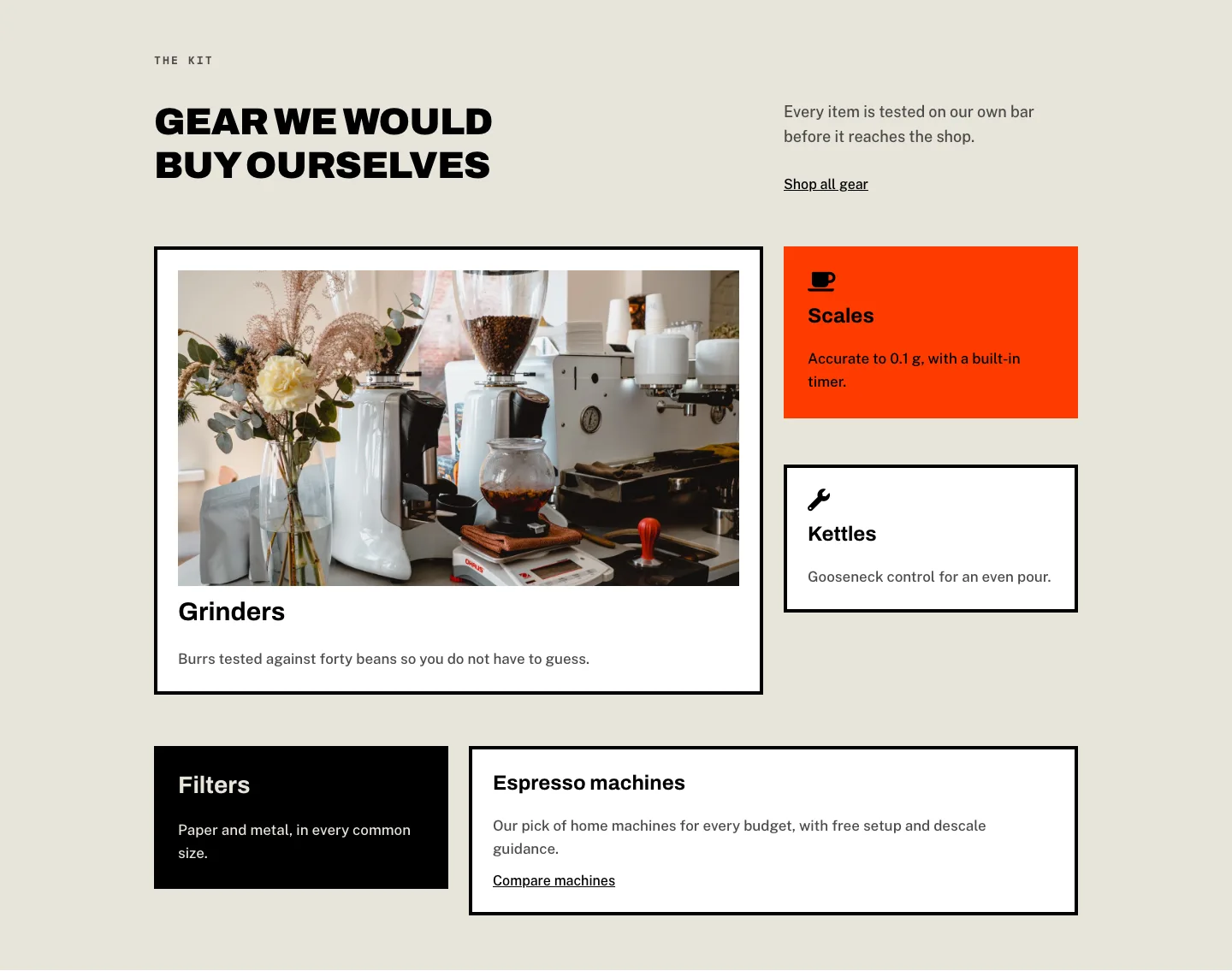
Brutalist Coffee Gear Ecommerce Feature Cards Bento Layout for Divi 5
cards · ecommerce · bold
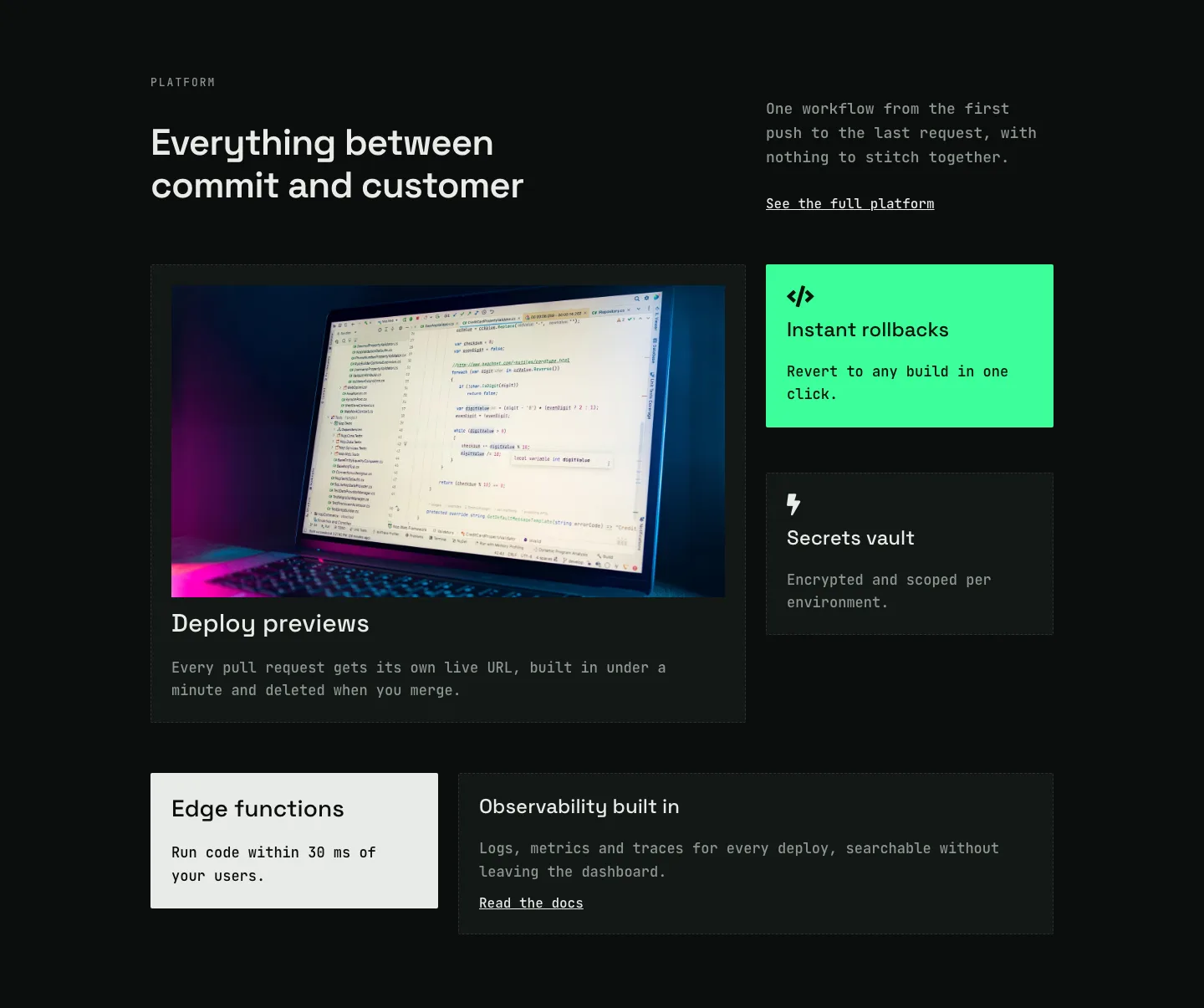
Dark Developer Platform Feature Cards Bento Layout for Divi 5
cards · saas · dark
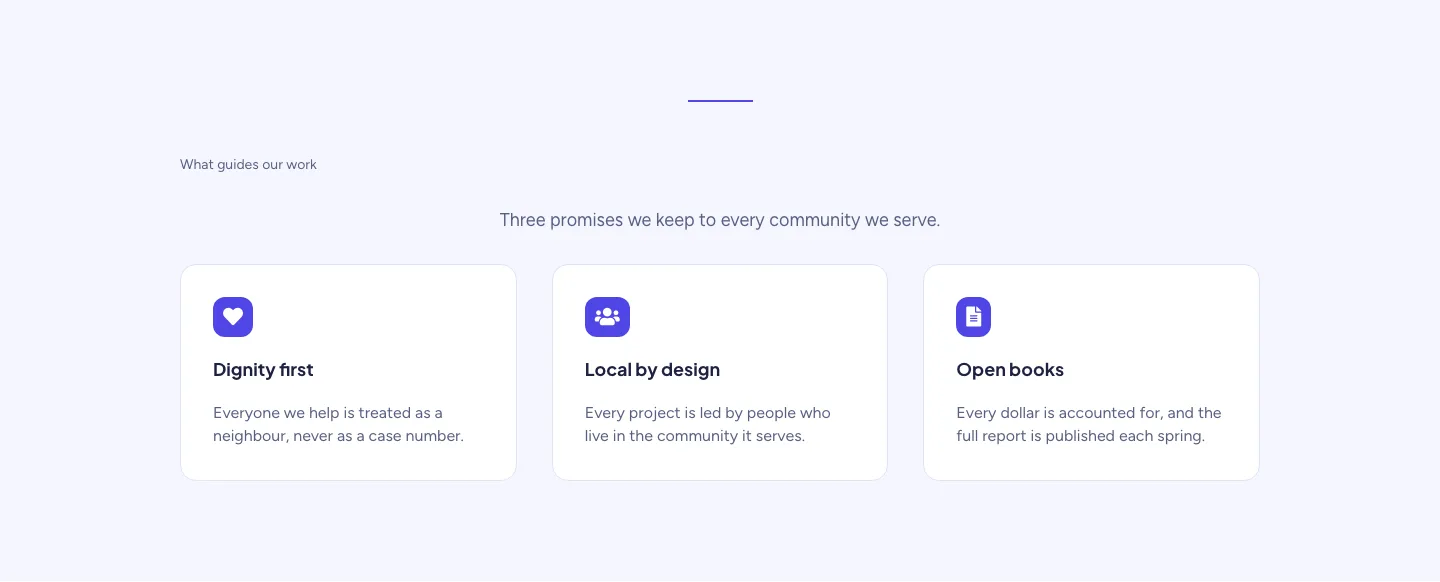
Soft Nonprofit Values Cards Layout for Divi 5: Three Icon Values
cards · nonprofit · minimal